
Heard the news about linking your National Identification Number (NIN) to your prepaid meter? It’s a new “Know Your Customer” (KYC) update that electricity Distribution Companies (DisCos) across Nigeria are rolling out.
Don’t worry, it’s not as complicated as it sounds. This guide provides a clear, step-by-step process to get it done quickly. Essentially, you just need to submit your NIN and meter number, either on your DisCo’s website or by visiting one of their offices. The whole point is to officially connect you to your specific meter.
So, Why Are DisCos Asking for Your NIN?
If you’ve been wondering why your electricity provider is suddenly asking for your NIN, you’re not alone. It’s a big part of their ongoing Know Your Customer (KYC) drive. While there isn’t a hard, nationwide deadline for every single person just yet, it’s quickly becoming a standard requirement.
This isn’t just about data collection. The real goal is to build a more transparent and secure energy system here in Nigeria. When a unique ID like your NIN is tied directly to a meter, it helps the DisCos tackle some long-standing problems.
What’s in It for You and the System?
This simple linkage has some pretty significant benefits that make a real difference:
- Fighting Energy Theft: It becomes much more difficult for people to bypass meters or create illegal connections when every single meter is tied to a verified person.
- Stopping Fraud: This simple step helps prevent ghost accounts or the unauthorised transfer of meters. It ensures the person using the power is the one who’s actually paying for it.
- Keeping Your Account Safe: Ever moved house or misplaced your meter details? Having your NIN linked makes recovering your account or transferring your service a much smoother, less stressful experience.
- Ensuring Accurate Bills: It guarantees your energy usage and bills are always correctly assigned to you. This is a crucial foundation for more reliable service in the long run.
“The core idea is simple: one meter, one verified customer. This linkage helps build a cleaner, more accountable customer database, which is foundational for future service improvements and smarter energy management.”
This whole initiative lines up with what’s happening at a national level. For example, the Federal Government recently approved a massive ₦28 billion for new prepaid meters through the Meter Acquisition Fund, all part of a plan to close the metering gap by 2025. It’s a clear sign of the push towards better billing and customer verification.
At the end of the day, linking your NIN is a small step that helps protect your account and build a more efficient electricity system for everyone. As Nigeria explores better energy solutions, including the long-term inverter, having a solid, verified customer base is non-negotiable. Knowing the ‘why’ makes the process feel less like a chore and more like a necessary upgrade.
Getting Your Ducks in a Row Before You Start
A little prep work now will save you a massive headache later. Before you even touch your phone or computer to link your NIN to your prepaid meter, it’s a good idea to get all your details together. This turns what could be a frustrating back-and-forth into a simple five-minute task.
Think of it like getting all your ingredients out before you start cooking – it just makes the whole process smoother.
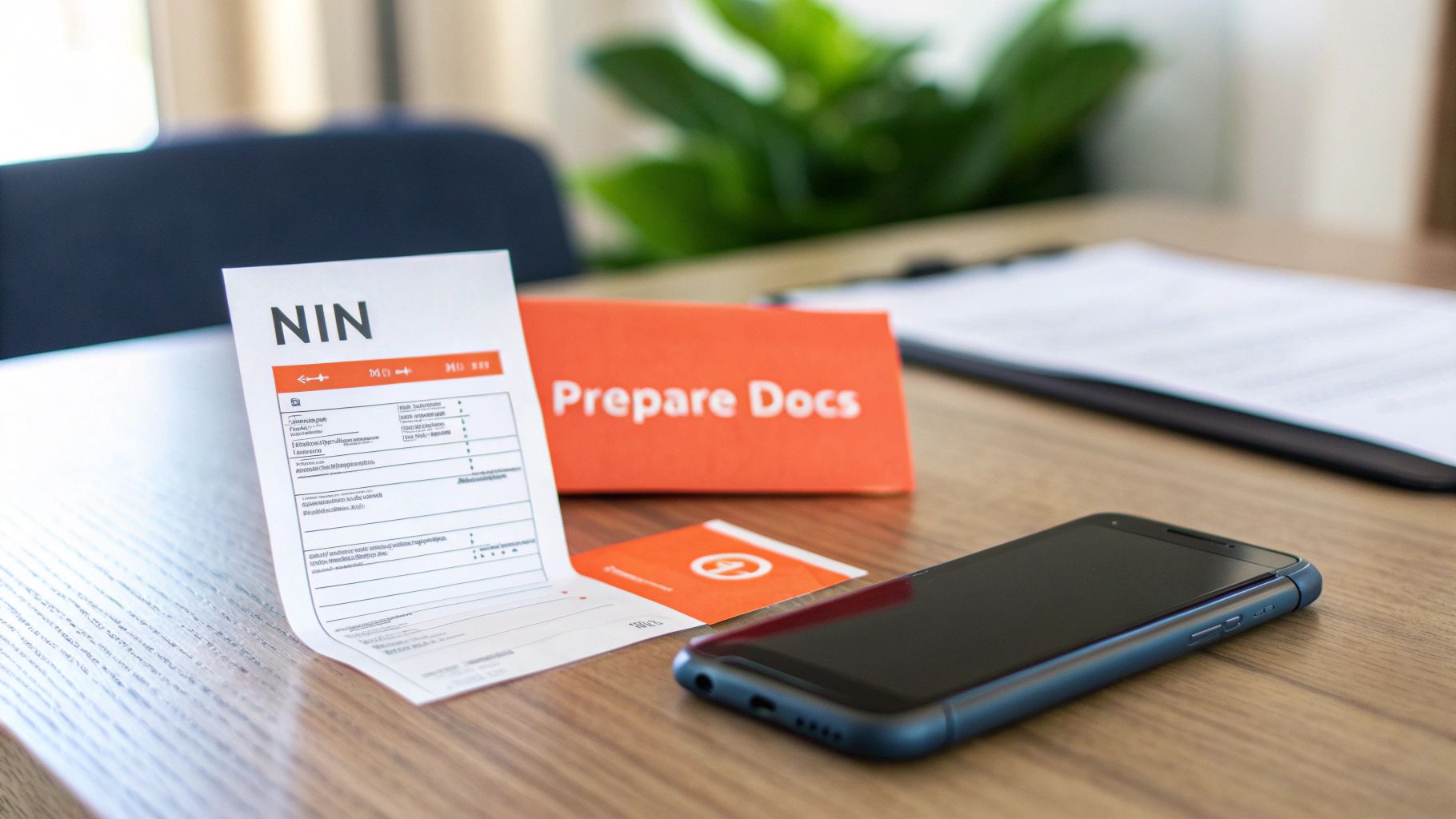
Alt text: A person holding a smartphone and a credit card, preparing to complete an online process.
Your Pre-Linkage Checklist
To make sure this goes off without a hitch, find a comfortable spot and gather these essentials. Having them ready is half the battle won.
| Required Item | Where to Find It | Pro Tip |
|---|---|---|
| Your 11-Digit NIN | Your NIN slip, card, or the NIMC mobile app. | Double-check it! A single wrong digit is the most common reason for failure. |
| Your Prepaid Meter Number | Printed on the front of your meter unit or on any recent token slip/receipt. | This is critical. Do not use your account number by mistake. |
| A Functional Phone Number | The number you use daily. | Your DisCo will send verification codes or other updates here, so it must be active. |
| An Active Email Address | Your primary email account. | You’ll get your confirmation here. If you’re unsure of your login, sort that out first. |
Once you have these laid out, you’re ready for the main event.
A quick heads-up on something I’ve seen trip people up countless times: a name mismatch.
Pro Tip: The single biggest cause of validation errors is when the name on your NIN slip doesn’t perfectly match the name on your electricity bill. If your NIN says “Chinedu Okafor” but your meter is registered to “C. Okafor,” the system will almost certainly reject it.
As DisCos keep pushing for better customer data, getting this right is more important than ever. In the first quarter of 2025 alone, a staggering 187,194 meters were installed, bringing the national metering rate to nearly 47%. You can discover more insights on these installation trends.
Having your documents in order ensures you’re ready for these essential updates. And if you’re struggling to access your email for confirmation, our guide on how to check your password on Gmail can help you get back on track.
How to Link Your NIN on Your DisCo’s Website (Step-by-Step)
This is often the easiest route: using your Distribution Company’s (DisCo) official website. Nearly all DisCos have set up an online portal for these Know Your Customer (KYC) updates. While the button might be labelled slightly differently—look for ‘KYC Update,’ ‘Customer Update,’ or just ‘Link NIN’—the actual process is pretty much the same no matter who your provider is.
First thing’s first, you need to head over to your DisCo’s website. If you’re not sure which one covers your area, this map should clear things up.
Alt text: A map of Nigeria showing the different electricity Distribution Companies and their coverage areas.
Once you’ve found the right portal on their site, you’re ready to get started.
The Online Submission Process: A Step-by-Step Example
Let’s walk through a practical example for linking your NIN on the Ikeja Electric (IE) portal, which is similar to other DisCo websites.
- Navigate to the KYC Portal: Open your web browser and go to the official Ikeja Electric website. Look for a link or banner that says “NIN Update” or “KYC Validation.”
- Enter Your Meter Number: The first field will ask for your prepaid meter number. Let’s say your meter number is
04123456789. Enter it carefully and click “Verify” or “Submit.” - Fill Out the Form: Once your meter is verified, a form will appear. This is where you’ll enter the details you prepared earlier:
- NIN:
12345678910 - Phone Number:
08012345678 - Email Address:
[email protected]
- NIN:
- Double-Check Everything: Before you click the final “Submit” button, review every single digit. Is the NIN correct? Is the meter number right? One wrong number will cause an error.
- Submit and Confirm: Click submit. You should see an immediate on-screen message like, “Your details have been submitted successfully for verification.” An email confirmation will likely follow, and it’s a good idea to keep it safe as proof.
A Quick Tip from Experience: Let’s say your NIN is
12345678910. If you accidentally type12345678901, the system will instantly reject it with a “NIN validation failed” error. It’s a common mistake that causes a lot of unnecessary headaches. A quick review before submitting can save you a world of frustration.
If you want to keep a record of the on-screen message, you can find helpful tips in our guide on how to record on iPhone.
This push for online KYC updates is part of a larger effort by the Nigerian Electricity Regulatory Commission (NERC) to clean up customer data and improve metering nationwide. For context, in May and June 2025 alone, 148,077 customers received meters, pushing the total number of metered customers in the country to over 6.4 million. Some DisCos are way ahead of the curve—Ikeja Electric, for instance, has a metering rate of 84.65%, which is well above the national average of 54.33%.
While the NIN linkage is a DisCo-driven initiative, it perfectly aligns with the national goal of phasing out estimated billing and ensuring customer data is accurate. You can read the full report on metering progress here. Using the online portal is by far the most direct way to get your details updated correctly.
Prefer to Handle Things in Person? Here’s How
If you’re not a fan of online portals or you’ve hit a wall trying to link your NIN digitally, don’t worry. Heading down to your local Distribution Company (DisCo) office is a perfectly good, and often faster, way to get this sorted.
There’s a lot to be said for a face-to-face chat. It allows you to ask questions on the spot and get instant clarification, which can be a real time-saver.
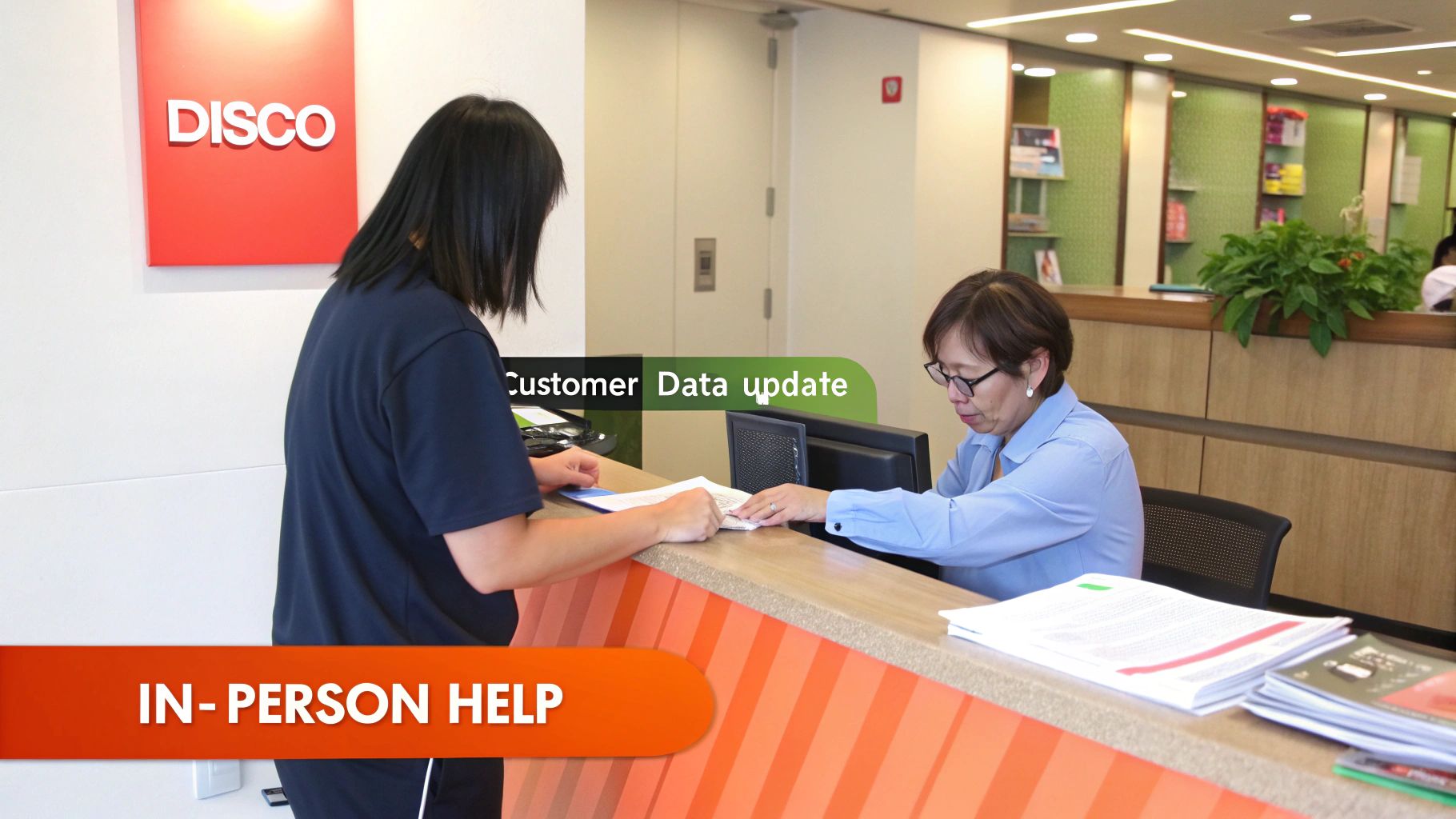
Alt text: A customer service representative assisting a customer at a desk in a well-lit office.
A little bit of prep work before you go will make your visit smooth and successful.
Getting Ready for Your DisCo Visit: A Step-by-Step Guide
To make sure your trip is a one-and-done deal, follow these steps:
- Gather Your Documents: Before leaving the house, collect these essential items:
- Your Original NIN Slip: This is non-negotiable. They’ll need to see the original for verification, so a photocopy won’t cut it.
- A Recent Utility Bill: Grab one from the last three months. This is your proof of address and confirms your meter number.
- Valid Photo ID: Your driver’s licence, international passport, or voter’s card are all perfect for this.
- Photocopies of Your Docs: It’s always a smart move to have photocopies of your ID and utility bill. It saves you from scrambling to find a business centre nearby.
- Locate Your Nearest DisCo Office: Find the closest customer service center for your provider (e.g., Eko Electricity, Abuja Electric).
- Ask for the Right Desk: When you arrive, don’t just say you need to “update your details.” For the fastest service, walk up and ask for the ‘Customer Data Update’ or ‘KYC’ desk. Using the right terminology gets you to the right person, just like using the right software helps you link WhatsApp to a PC for seamless messaging.
- Submit Your Documents: The representative will guide you through filling out a form and will verify your original documents.
- Get Confirmation: Before you walk out that door, ask for some form of acknowledgement. A confirmation slip or at least a reference number is your proof that you’ve done your part and is a lifesaver if you ever need to follow up.
What to Do When Your NIN Won’t Link
So, you’ve tried linking your NIN, and it’s just not working. Don’t worry, you’re not alone. Technology can be stubborn sometimes, but thankfully, most of these linking problems are surprisingly easy to fix.
Let’s walk through the most common headaches and how to solve them.
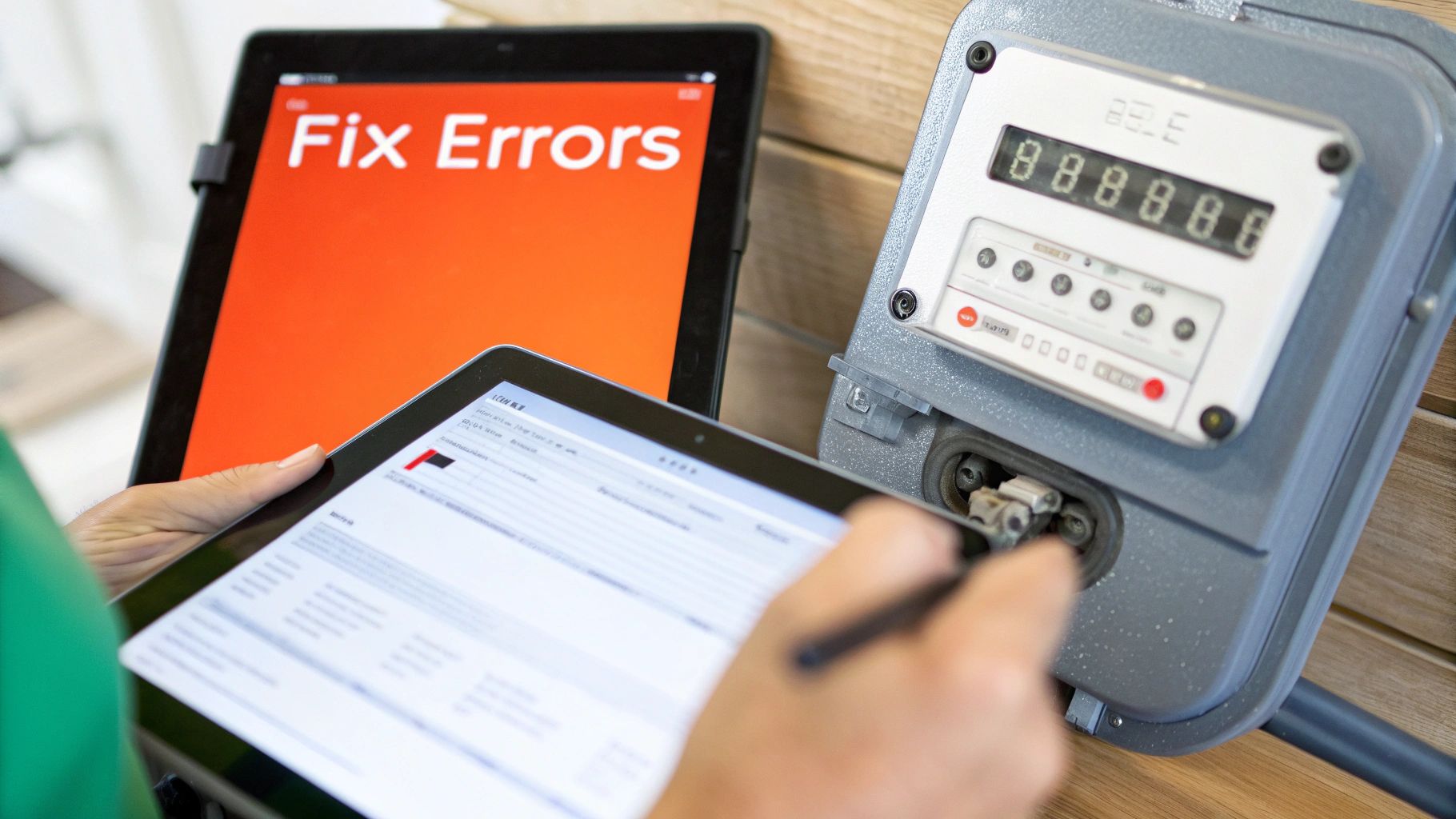
Alt text: A person looking thoughtfully at a laptop screen, troubleshooting a technical issue.
A very frequent error people see is the ‘NIN Mismatch’ alert. Nine times out of ten, this just means the name registered with your NIN doesn’t perfectly match the name on your electricity account.
Practical Example of a Mismatch:
- Name on NIN Slip:
Chukwuemeka John Obi - Name on Electricity Bill:
Emeka Obi - Result: The system sees these as two different people and will return an error. The match must be exact.
Another common stumbling block is the ‘Invalid Meter Number’ error. This one is usually just a simple mix-up. People often type in their shorter customer account number instead of the much longer meter number, which is physically printed on the meter box itself.
Simple Fixes to Get You Linked
Once you know what the problem is, getting it sorted is usually quite straightforward. Here’s what you do:
- To Fix a Name Mismatch: You have two paths. If the name on your electricity bill is the problem, you’ll need to head to your local DisCo office to request a name update (a process called “Change of Name”). Bring proof of identity. If the mistake is on your NIN record, then a visit to a NIMC enrolment centre is required to make the correction.
- To Fix an Invalid Meter Number: This is the easiest fix of all.
- Walk over to your prepaid meter box.
- Locate the long string of numbers printed on the front (it’s often labeled “Meter No.”).
- Carefully enter that exact number into the online portal or provide it at the DisCo office.
The bottom line is that these issues almost always boil down to a simple data mismatch. If you make sure your personal details and meter information are identical in both the NIMC and DisCo systems, you’ll solve over 90% of linkage failures.
Honestly, sorting out these details is often much less of a hassle than dealing with tricky device problems, like when you have to figure out how to remove safe mode on Android. A quick double-check of your information is usually all it takes to get everything linked up smoothly.
Got Questions? We’ve Got Answers
We see the same questions pop up time and again about linking a NIN to a prepaid meter. Let’s tackle some of the most common ones head-on to clear things up.
Is This NIN Linkage Thing Actually Compulsory?
It’s becoming that way, yes. While there isn’t one single, hard deadline for the entire country, your local electricity distribution company (DisCo) is likely making it a mandatory part of their “Know Your Customer” (KYC) process.
The best advice? Just get it done as soon as they ask. It keeps your account compliant and avoids any risk of your service being cut off down the line.
What if the Name on My NIN and Electricity Bill Don’t Match?
This is a deal-breaker. The names have to be an exact match, character for character. This is easily the most common reason people run into trouble with the linkage.
If the error is on your electricity bill (maybe it’s still in your landlord’s name), you’ll have to visit your DisCo’s office to sort out a change of ownership. If the mistake is on your NIN slip, then a trip to a NIMC-accredited centre is in your future. Check this first before you even start the process.
I’m a Tenant. Can I Link My NIN to My Landlord’s Meter?
Absolutely. As the person living there and paying the bills, you are the one who should link your NIN to the meter. This is about associating the current energy user with the property.
When you eventually move out, the new tenant will simply go through the same process to update the records with their own NIN. It’s all about keeping the DisCo’s customer data accurate.
Will Linking My NIN Make My Light Bill Go Up?
Nope. Linking your NIN is purely for identity verification. It has absolutely zero effect on your electricity tariff.
Your tariff is set based on your customer category (like residential or commercial) and the rates approved by the Nigerian Electricity Regulatory Commission (NERC). The NIN link is just admin.
Actionable Takeaways
- Prepare First: Before you start, gather your 11-digit NIN, prepaid meter number, phone number, and email address.
- Check for Name Mismatches: Ensure the full name on your NIN slip is identical to the name on your electricity account. This is the #1 cause of failure.
- Use the Online Portal: The fastest method is your DisCo’s official website. Look for a “KYC” or “NIN Update” link.
- For In-Person Visits: Go to the “Customer Data Update” desk and bring your original NIN slip, a recent utility bill, and a valid photo ID.
- Get a Confirmation: Whether online or in-person, always get a confirmation message, email, or physical slip as proof of submission.
Tools and Resources
- NIMC Mobile App: A handy tool for quickly accessing your digital NIN. Available on Google Play Store and Apple App Store.
- DisCo Websites: Find your specific electricity provider’s website to access their online KYC portal. Examples include Ikeja Electric (IE), Eko Electricity Distribution Company (EKEDC), and Abuja Electricity Distribution Company (AEDC).
Further Reading
- Metering Gap Persists Amid Q1 Installations: discover more insights on these installation trends
- NERC Report on Metering Progress: You can read the full report on metering progress here
Ready to take your content creation to the next level? With RichlyAI, you can generate high-quality text, images, and code in seconds. Save time and boost your productivity by signing up for a free plan today. Visit RichlyAI to learn more.
