
The demand for new content has exploded. Your audience expects a constant stream of high-quality blogs, social posts, videos, emails, and ads, but your team and budget haven’t grown at the same speed. This growing gap is where artificial intelligence is making a transformative impact. Modern AI tools for content creation act as powerful assistants, capable of turning weeks of work into mere hours.
However, navigating the crowded market of AI applications is a challenge. With hundreds of tools available, all promising revolutionary results, it’s difficult to distinguish genuine value from marketing hype. The risk of choosing the wrong platform can lead to wasted time, money, and frustration. This guide cuts through the noise. We break down the best AI tools for content creation in 2026, organized by workflow and content type, with practical advice on choosing the right stack for your needs.
What “AI Content Creation” Means Today
A. Definition
AI content creation is the process of using artificial intelligence to generate or enhance creative assets. This includes:
- Text: Blog posts, emails, ad copy, and scripts.
- Images: Social media graphics, product photos, and artistic visuals.
- Video: Short-form clips, explainer videos, and automated captions.
- Audio: Voiceovers, podcasts, and text-to-speech narration.
- Repurposed Media: Automatically converting one content format into many others (e.g., a blog post into a video script and social media captions).
B. The Human + AI Workflow Model
The most effective approach isn’t about replacing humans but augmenting them. The modern workflow looks like this:
- AI Drafts: Use an AI tool to generate the initial concept, outline, or first draft. This overcomes the “blank page” problem and handles the heavy lifting.
- Human Edits: A human expert refines the draft for accuracy, brand voice, strategic alignment, and emotional nuance. This step is non-negotiable for high-quality output.
- Publish: Distribute the polished content across relevant channels.
- Optimize: Use analytics to measure performance and feed insights back into the AI for future content creation.
C. Why It Matters
Adopting this model gives you a competitive edge through:
- Faster Production: Reduce content creation timelines from days to hours.
- Lower Costs: Produce more assets without increasing headcount.
- Consistent Output: Maintain brand voice and quality at scale.
- Personalization at Scale: Generate tailored content for different audience segments automatically.
AI Tools for Writing & Copywriting
These tools are your go-to assistants for generating any form of written content, from long-form SEO articles and email newsletters to snappy ad copy and product descriptions. They excel at brainstorming, drafting, and refining text.
Recommended Tools
- OpenAI (ChatGPT): The versatile all-rounder. Its strength lies in its conversational ability to handle a wide range of tasks.
- Best for: Brainstorming ideas, writing long-form drafts, and editing/rewriting existing content.
- Jasper AI: A platform built specifically for marketers. It offers structured templates and brand voice controls to ensure consistency.
- Best for: Marketing agencies and teams creating ad copy, social media campaigns, and SEO-optimized blog posts.
- Grammarly: More than a spell-checker, its AI-powered suggestions help fix grammar, improve clarity, and adjust the tone of your writing.
- Best for: The final editing and polishing stage of any written content.
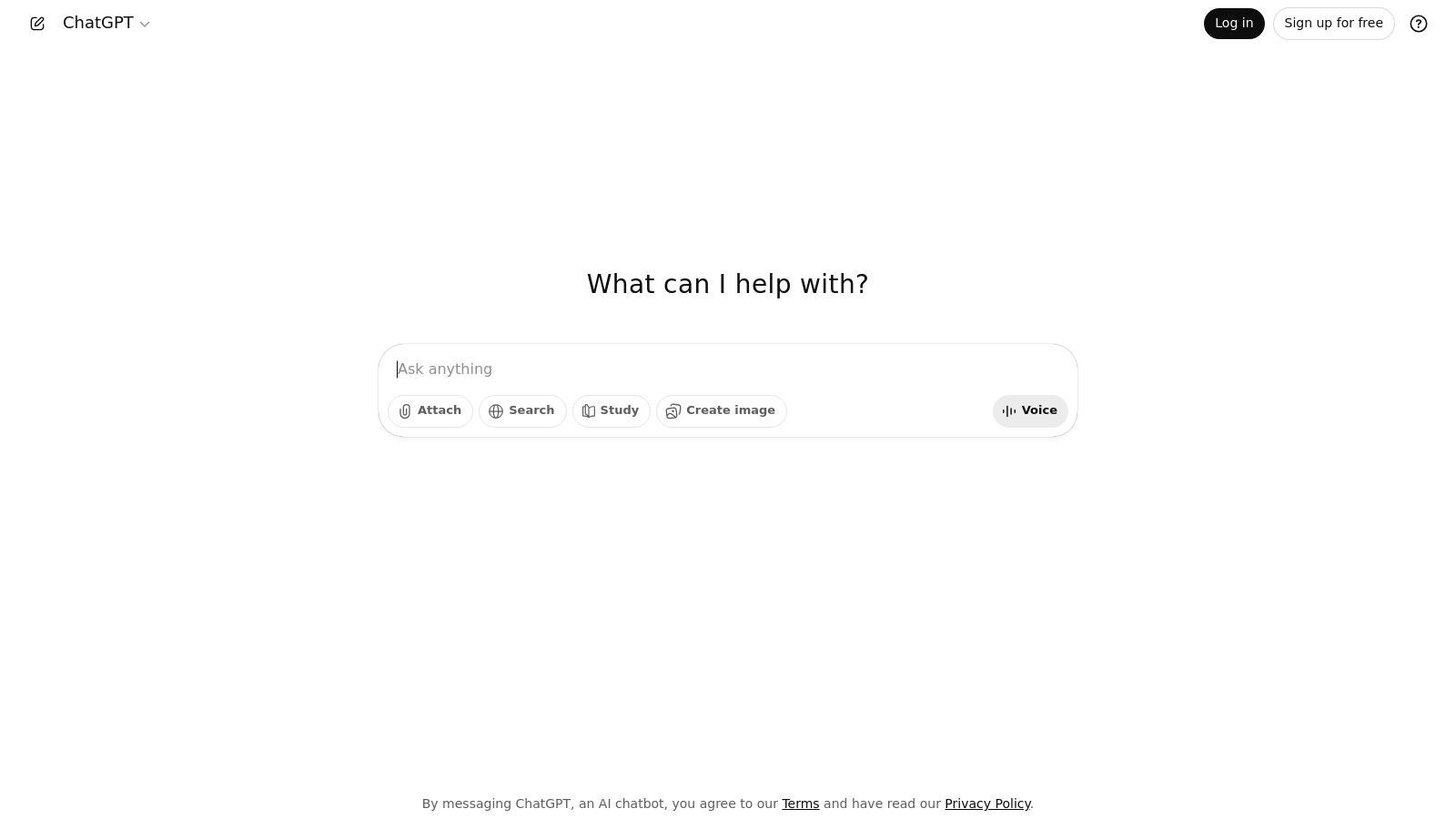
Alt text: A user interacts with the ChatGPT interface, a versatile AI tool for content creation.
Typical Workflow & Practical Example
A powerful writing workflow combines these tools to maximize speed and quality.
Example: Creating an SEO Blog Post
- Outline (ChatGPT): Start with a detailed prompt.
- Actionable Prompt:
Act as an SEO expert. Create a detailed blog post outline for the keyword "ai tools for content creation". Include an H1, H2s, H3s, and bullet points covering key topics like writing, design, and video tools. Include a section on choosing the right tool.
- Actionable Prompt:
- Draft (ChatGPT): Use the generated outline to create the first draft, section by section.
- Actionable Prompt:
Using the outline above, write the "AI Tools for Writing & Copywriting" section. Maintain a professional yet accessible tone. Mention ChatGPT, Jasper, and Grammarly as examples.
- Actionable Prompt:
- Expand & Optimize (Jasper): If you need more marketing-focused language, paste the draft into a tool like Jasper. Use its templates to refine ad copy or product descriptions within the article.
- Human Polish (Grammarly): Paste the complete draft into Grammarly. Accept suggestions for clarity, conciseness, and tone to ensure it’s publish-ready. This final human-led step is crucial for quality.
AI Tools for Graphic Design & Images
These AI tools translate text prompts into compelling visuals, from social media graphics and ad banners to unique infographics and brand assets. They are essential for creators who need to produce high-quality images quickly without deep design expertise.
Recommended Tools
- Canva: The best tool for non-designers. Its “Magic Studio” offers AI-powered templates and text-to-design features that make creating social assets effortless.
- Best for: Social media managers, marketers, and small businesses.
- Adobe Firefly: A professional-grade tool integrated into the Adobe ecosystem. It’s trained on commercially safe assets, making it ideal for brand work.
- Best for: Professional designers and creative teams.
- Midjourney: The leader in high-quality, artistic image generation. It excels at creating unique and visually stunning imagery.
- Best for: Creative campaigns, concept art, and distinctive brand visuals.
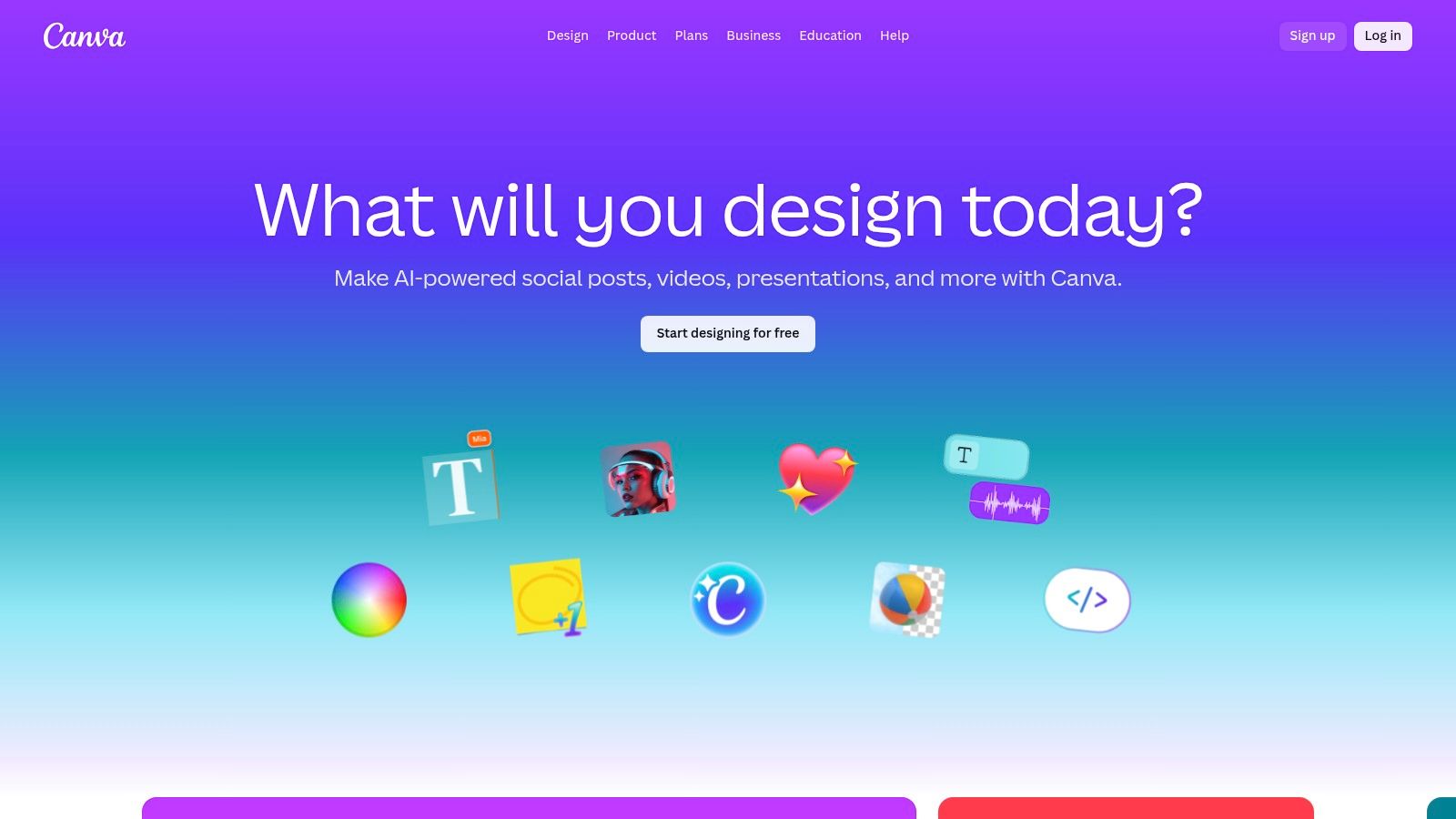
Alt text: A marketer uses Canva’s Magic Studio to instantly generate social media graphics from a text prompt.
Workflow & Practical Example
The process is straightforward and focuses on iterative refinement.
Example: Creating an Instagram Ad Graphic
- Prompt (Midjourney): Start with a descriptive prompt to generate the core visual.
- Actionable Prompt:
a minimalist photo of a person working on a laptop in a bright, modern cafe, with a cup of coffee on the table. overhead shot, soft natural lighting, vibrant colors --ar 1:1
- Actionable Prompt:
- Generate Variations (Midjourney): The AI will produce four initial options. Select the one that best fits your vision and generate variations or upscale it for higher resolution.
- Customize (Canva): Upload the generated image to Canva. Use its editor to add your logo, headline text (e.g., “Supercharge Your Workflow”), and a call-to-action button.
- Export: Export the final design in the required format for your ad platform.
AI Tools for Video Creation
AI video tools are revolutionizing production by automating tedious tasks like captioning, editing, and even converting text into full videos. They are perfect for creating short-form social videos, explainers, and tutorials at scale.
Recommended Tools
- Descript: Edit video like a text document. Its transcript-based editor is a game-changer for content creators.
- Best for: Podcasters and video creators who want to simplify their editing workflow.
- Runway: A suite of advanced AI magic tools, including generative video (text-to-video), background removal, and special effects.
- Best for: Advanced creators and artists exploring the cutting edge of video.
- Pictory: An AI that turns long-form content like blog posts and webinars into short, shareable social videos automatically.
- Best for: Marketers looking to repurpose existing content into video format quickly.
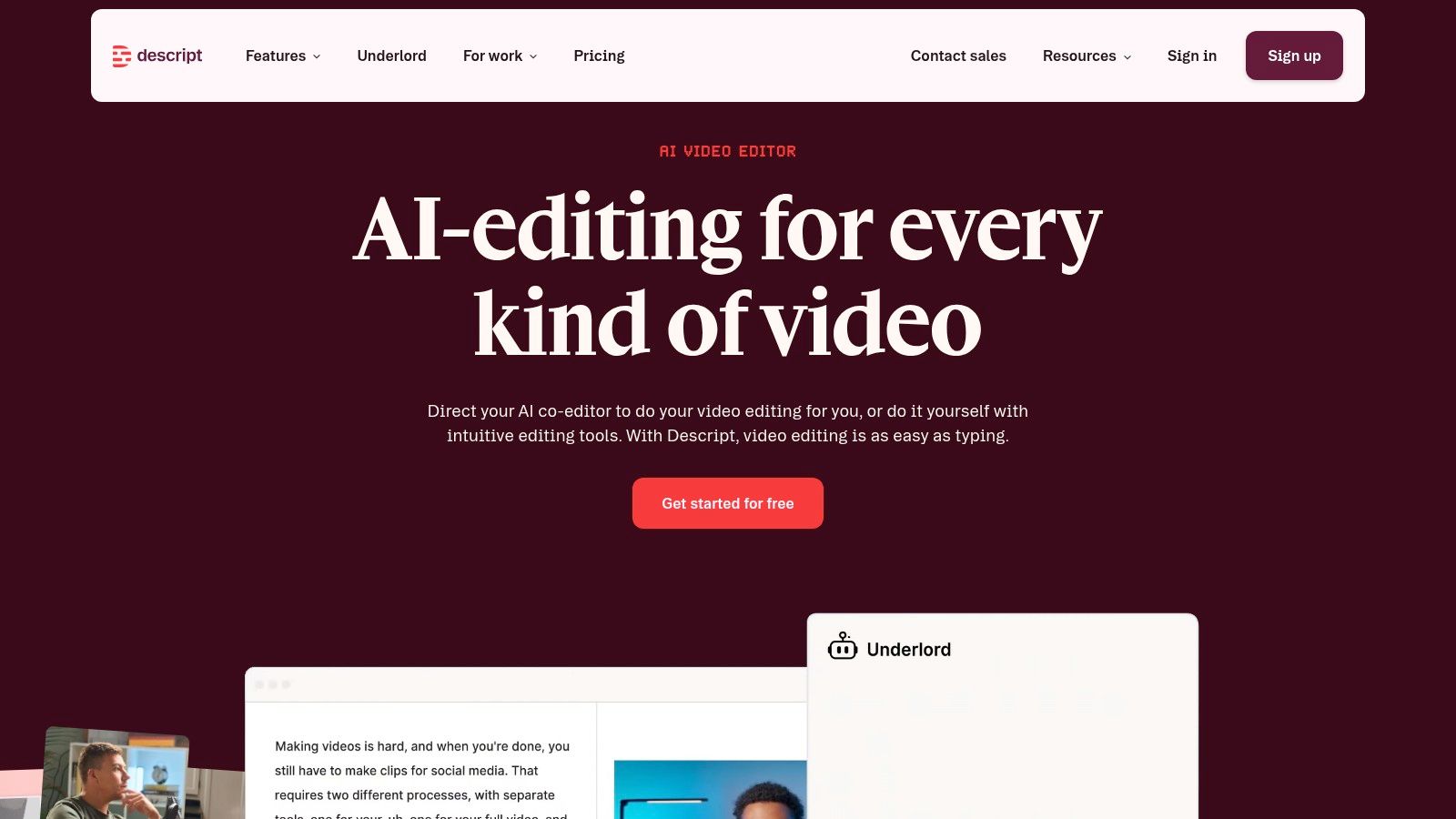
Alt text: A podcaster edits a video in Descript by deleting words from the automatically generated transcript.
Workflow & Practical Example
Example: Turning a Blog Post into a Short Video with Pictory
- Input: Paste the URL of your published blog post into Pictory’s “Article to Video” feature.
- AI Summary: Pictory’s AI reads the article and automatically creates a storyboard, summarizing key sentences for each scene.
- Visual Selection: The AI then selects relevant stock video clips and images from its library to match the text for each scene.
- Customize: Review the AI-generated video. You can easily swap video clips, edit the text, and choose a background music track and an AI voiceover to narrate the script.
- Generate: Click “Generate” to produce the final video, complete with animated captions, ready to be shared on social media.
AI Tools for Audio & Voice
From generating realistic voiceovers to transcribing meetings, AI audio tools save immense time and resources. They are invaluable for podcasts, audiobooks, and creating accessible content.
Recommended Tools
- ElevenLabs: Widely regarded for its highly realistic and emotive AI voices. It can clone voices and offers narration in dozens of languages.
- Best for: High-quality voiceovers for videos, podcasts, and audiobooks.
- Otter.ai: Provides real-time transcription for meetings and interviews. It automatically generates summaries, highlights keywords, and identifies speakers.
- Best for: Productivity, meeting notes, and creating transcripts from audio/video files.
AI Tools for Content Repurposing & Automation
The goal of these tools is to work smarter, not harder. They help you turn one piece of content into many different formats and automate the distribution process, maximizing your reach with minimal effort.
Recommended Tools
- Zapier: An automation tool that connects your apps and services. You can create “Zaps” to build automated workflows without any code.
- Example Workflow: Create a Zap that automatically takes a new YouTube video, transcribes it with Otter.ai, uses ChatGPT to write a summary and social media posts, and then schedules those posts via Buffer.
- Buffer: A social media scheduling tool with a built-in AI assistant to help you write and repurpose posts for different platforms.
- HubSpot: An all-in-one marketing platform with AI features for email personalization, campaign automation, and content strategy.
Sample AI Content Stack (Beginner → Pro)
Your tool stack should match your needs and expertise. Here are three sample stacks:
- Beginner Stack:
- Tools: ChatGPT (for writing) + Canva (for design).
- Focus: A simple, low-cost combination to start creating basic content like blog posts and social media graphics quickly.
- Intermediate Stack:
- Tools: ChatGPT + Jasper (for marketing copy) + Canva + Descript (for video).
- Focus: A more specialized stack for marketers and creators who need higher-quality outputs and want to start repurposing content into video.
- Pro Team Stack:
- Tools: ChatGPT + Jasper + Adobe (for professional design) + Runway (for advanced video) + Zapier + HubSpot (for automation).
- Focus: A comprehensive, integrated stack for professional teams that need to produce high-volume, high-quality content and automate their entire workflow from creation to distribution and analysis.
How to Choose the Right AI Tools
Navigating the sea of options can be overwhelming. Use this framework to make a smart decision.
Consider:
- Content Type: What are you creating most often? (e.g., videos, blog posts, designs). Choose a tool that specializes in that format.
- Budget: Start with tools that offer robust free plans or trials. Only pay for a tool once you’ve proven its value for a specific task.
- Skill Level: Are you a beginner or a professional designer? Choose tools with a user interface that matches your expertise (e.g., Canva for beginners, Adobe Firefly for pros).
- Integrations: Does the tool connect with your existing software (e.g., WordPress, HubSpot, social media platforms)? Good integrations save time.
- Team Size: Do you need collaboration features like shared folders, brand kits, and multi-seat access?
Avoid:
- Tool Overload: Don’t subscribe to five different AI writers. Pick one or two and master them.
- Paying for Overlapping Features: Many all-in-one tools (like Canva) now include AI writing assistants. Check if your existing tools have added the AI features you need before buying a new one.
- Blind Automation: Never publish raw, unedited AI output. Always have a human review for accuracy and brand voice.
Best Practices for High-Quality AI Content
Do:
- ✅ Use AI for Drafts: Let the AI do the heavy lifting for the first 80%, and use your human expertise for the final 20% polish.
- ✅ Edit for Brand Voice: Tweak the AI’s output to match your unique tone, style, and terminology.
- ✅ Fact-Check Outputs: AI models can “hallucinate” or generate incorrect information. Always verify facts, stats, and key claims.
- ✅ Combine Multiple Tools: Use one tool for drafting (ChatGPT), another for image creation (Midjourney), and a third for editing (Grammarly) to create a superior final product.
Don’t:
- ❌ Publish Raw AI Output: It often lacks nuance, can be factually incorrect, and may be flagged by search engines as unhelpful content.
- ❌ Ignore Copyright/Privacy: Be careful about the data you input into AI tools and ensure the images you generate are cleared for commercial use.
- ❌ Replace Strategy with Automation: AI is a tool to execute your strategy more efficiently; it is not a replacement for a well-thought-out content strategy.
Expected Productivity Gains
When implemented correctly, AI tools can deliver massive efficiency boosts:
- Writing: 3× faster (from initial idea to final draft).
- Design: Minutes vs. hours (for social graphics and ads).
- Video: Days → hours (for repurposing content and creating short clips).
- Overall Output: 5–10× more content published without increasing team size.
Conclusion
AI tools are now essential for modern content creation. They are no longer a novelty but a core part of a high-performance creative workflow. Success, however, comes from intelligent workflow design, not just the tools themselves. Teams that master the human-AI partnership will produce more content, faster, and at a lower cost than their competitors.
In 2026, the competitive edge isn’t creativity alone—it’s creativity powered by AI.
Actionable Takeaways
- Start Small: Pick one bottleneck in your current workflow and find a single AI tool to solve it.
- Build a Beginner Stack: Start with ChatGPT for writing and Canva for visuals. Master this simple combination first.
- Create a Prompt Library: Start a shared document for your team with proven, effective prompts for your most common content tasks.
- Focus on the Final 20%: Use AI for the first draft, but always dedicate human time to editing, fact-checking, and adding brand personality.
- Learn to Repurpose: Use tools like Descript or Pictory to turn one long-form piece of content into ten smaller assets.
Tools & Resources
- Writing: ChatGPT, Jasper
- Design: Canva, Adobe Firefly, Midjourney
- Video: Descript, Runway
- Automation: Zapier
