
Finding the right free AI writing assistant can feel overwhelming. With so many options available, each promising to revolutionize your workflow, it’s difficult to know which tool truly fits your specific needs. Are you a student trying to polish an essay, a marketer drafting high-converting copy, or a developer looking to streamline documentation? The best tool for one task might be ineffective for another.
This guide cuts through the noise. We’ve meticulously reviewed and tested the top free AI writing assistants to provide a clear, comparative analysis. Instead of generic descriptions, you’ll find a detailed breakdown of each platform’s strengths, weaknesses, and ideal use cases. We dig into the practical limitations of their free tiers, so you know exactly what you’re getting without hitting a surprise paywall.
Inside, you’ll discover:
- Detailed reviews of 12 leading platforms, including RichlyAI, ChatGPT, Gemini, and more.
- Actionable insights on how to use each tool for specific tasks like content creation, research, and proofreading.
- Honest pros and cons to help you make an informed decision based on your priorities.
- Step-by-step instructions to get you started immediately.
The world of AI is rapidly expanding, with new players like xAI’s Grok AI model also making strides in conversational capabilities. Our focus here, however, is on established tools with robust free offerings designed specifically for writing enhancement. This listicle is your practical roadmap to choosing the perfect free AI writing assistant to elevate your work, increase your productivity, and refine your final output. Let’s find the right tool for you.
1. RichlyAI
RichlyAI positions itself not just as a free ai writing assistant but as a comprehensive, AI-powered content studio. It’s designed for users who need more than just text generation, integrating tools for creating images, audio, video, and even code within a single, unified platform. This all-in-one approach eliminates the need to switch between multiple specialized tools, streamlining the entire creative workflow from initial idea to final publication.
The platform is engineered for rapid iteration. Its interface allows users to select a model, input a prompt, and receive an instant AI response that can be immediately edited, exported, or regenerated. This removes significant friction for creators, marketers, and developers who need to produce high-quality content quickly and efficiently.

Alt text: RichlyAI platform interface showing its various content creation tools.
Key Differentiators and Standout Features
What truly sets RichlyAI apart is its remarkable breadth of functionality. While many platforms focus solely on text, RichlyAI offers a suite of interconnected tools that cater to diverse needs, making it a powerful hub for both content creation and automation.
Core Features:
- Multi-Format Generation: Seamlessly create text, images, audio clips, and video content from simple prompts.
- Real-Time Voice Chat: Engage in natural, spoken conversations with the AI, a feature ideal for brainstorming, practicing presentations, or getting quick answers without typing.
- Customizable Chatbots: Train your own AI chatbot using your specific data. This is a game-changer for businesses wanting to create a knowledge base assistant or a customer service bot trained on their own documents and FAQs.
- Code Generation: Developers can speed up their workflow by generating code snippets in various languages, debugging existing code, or getting help with complex algorithms.
- Social Media Automation: The platform includes built-in tools to schedule and optimize posts for platforms like X, LinkedIn, and Instagram, closing the loop from content creation to distribution.
How to Create a Social Media Campaign (Step-by-Step)
- Step 1: Brainstorm Ideas. Use the Text Generator to brainstorm campaign slogans and post ideas for a new product launch.
- Practical Example: Enter the prompt:
Generate 10 catchy social media captions for a new eco-friendly water bottle.
- Practical Example: Enter the prompt:
- Step 2: Create Visuals. Switch to the Image Generator to create unique, AI-generated visuals that match the campaign’s aesthetic.
- Practical Example: Enter the prompt:
A minimalist product shot of an eco-friendly water bottle on a mossy rock in a forest, soft morning light.
- Practical Example: Enter the prompt:
- Step 3: Schedule Posts. Move to the Social Media Automation tool to schedule the generated text and images across your social channels for the upcoming week.
| Feature | Best For | Free Tier Details |
|---|---|---|
| Unlimited Text Generation | Bloggers, marketers, students | Currently offered on the free plan |
| Custom Chatbot Training | Businesses, researchers, teams | Train with your own data for specific tasks |
| Real-Time Voice Chat | Brainstorming, accessibility | Natural, conversational interaction with AI |
| Code Generation | Developers, programmers | Speeding up development cycles |
Actionable Takeaways
- Build a Custom Knowledge Base: Upload your company’s support documents to create a custom chatbot that can answer customer questions instantly.
- Automate Your Content Calendar: Use the text and image generators to create a week’s worth of social media content in one session, then schedule it all within the platform.
- Use Voice Chat for Quick Brainstorms: When you’re on the go, use the real-time voice chat to capture ideas or get quick answers without needing to type.
- Generate Code Snippets: Ask the AI to write a Python script for data analysis or a CSS snippet for a website element to speed up development.
- Website: https://richlyai.com
2. OpenAI — ChatGPT
As arguably the most recognized name in the AI space, ChatGPT from OpenAI sets a high standard for a versatile, free AI writing assistant. Its conversational interface excels at a wide range of tasks, from drafting emails and brainstorming blog post ideas to generating code snippets and debugging complex problems. The free tier provides robust access to a powerful language model, making it an indispensable tool for students, professionals, and creatives.
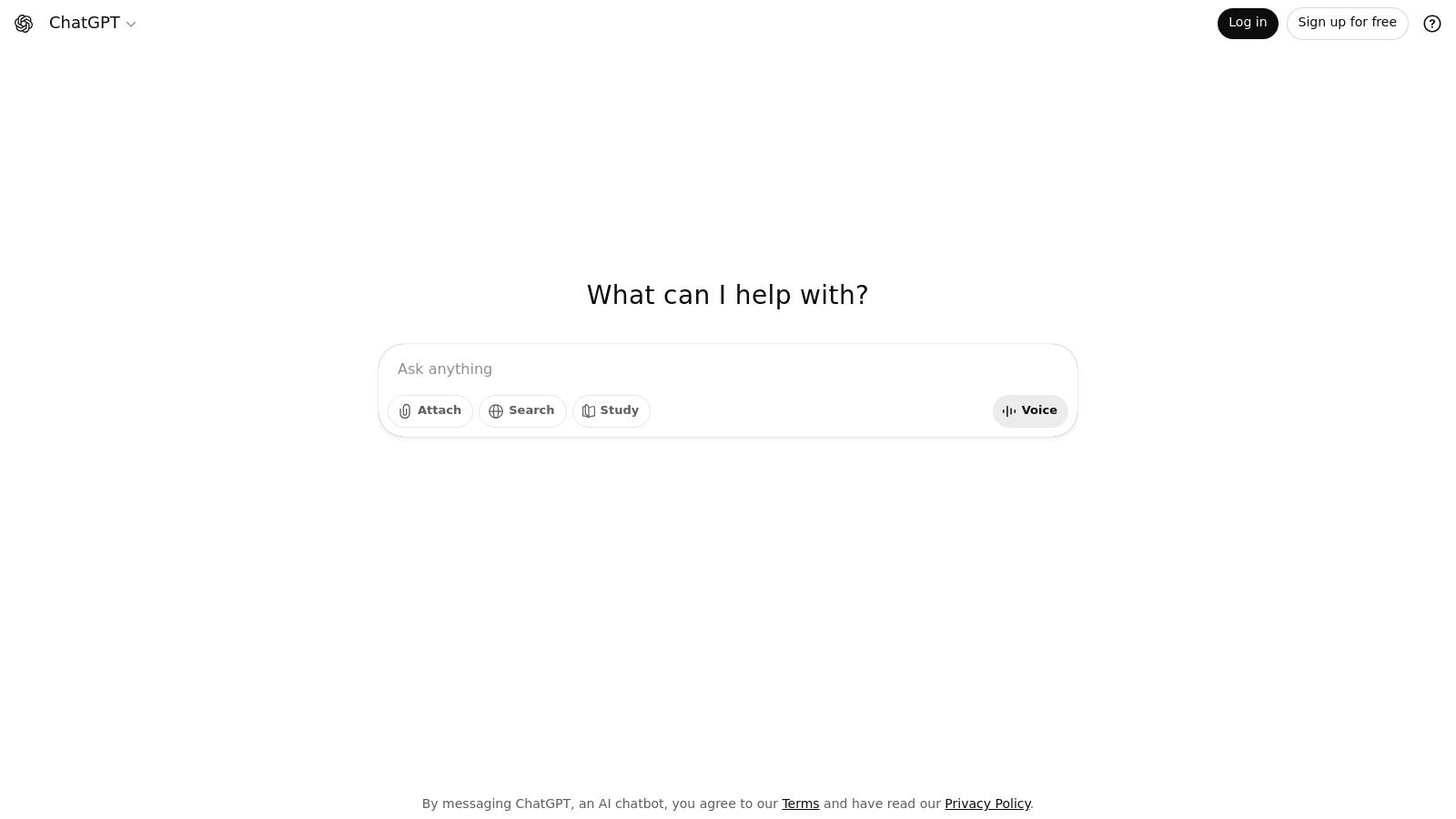
Alt text: A screenshot of the ChatGPT interface, showing a chat conversation with the AI model.
The platform’s strength lies in its generative flexibility and ease of use. You can simply start a conversation, provide context, and guide the AI toward your desired output. This makes it an excellent starting point for anyone new to AI writing tools. For a deeper dive into optimizing your inputs for better results, exploring the fundamentals of prompt engineering is highly recommended.
Key Features and Limitations
ChatGPT’s free offering is generous, granting users access to a highly capable model with web-grounded answers. You can also use multimodal inputs like images and files, which significantly expands its utility. Beyond its basic writing functions, learn more about how to leverage ChatGPT’s capabilities like summarization by checking out this guide on Can ChatGPT Summarize a PDF?. However, the free version has usage caps, and access to more advanced models like GPT-4o and features like Custom GPTs can be limited during peak times.
| Feature | Free Tier | Paid Tier (Plus/Business) |
|---|---|---|
| Model Access | Access to base models, sometimes GPT-4o | Priority access to latest models (GPT-4o) |
| Usage Limits | Capped messages | Higher message limits |
| Custom GPTs | Limited access | Create, use, and share Custom GPTs |
| Data Analysis | Not available | Advanced data analysis, file uploads |
| Best For | Daily writing, brainstorming, personal use | Professionals, developers, power users |
Actionable Takeaways
- Start with a Clear Role: Begin your prompt by assigning a role to the AI to get more focused results.
- Practical Example:
Act as an expert copywriter. Rewrite this product description to be more persuasive: [paste description here]
- Practical Example:
- Iterate and Refine: Don’t expect a perfect first draft. Use follow-up prompts to refine the tone, style, and content.
- Practical Example:
Make the tone more professional and add a call to action at the end.
- Practical Example:
- Use it for Outlining: Ask ChatGPT to create a detailed outline for an article or report to structure your thoughts before you start writing.
- Practical Example:
Create a 5-section blog post outline for the keyword "free ai writing assistant". Include H2 and H3 headings for each section.
- Practical Example:
Tools & Resources
- Website: https://chat.openai.com
3. Google — Gemini
As Google’s direct answer to the AI revolution, Gemini provides a powerful and deeply integrated free AI writing assistant. It excels at tasks requiring real-time information, research, and seamless collaboration within the Google ecosystem. The free version offers robust access to the Gemini model, making it a go-to tool for users who rely on Google Workspace for drafting documents, managing emails, and organizing ideas.
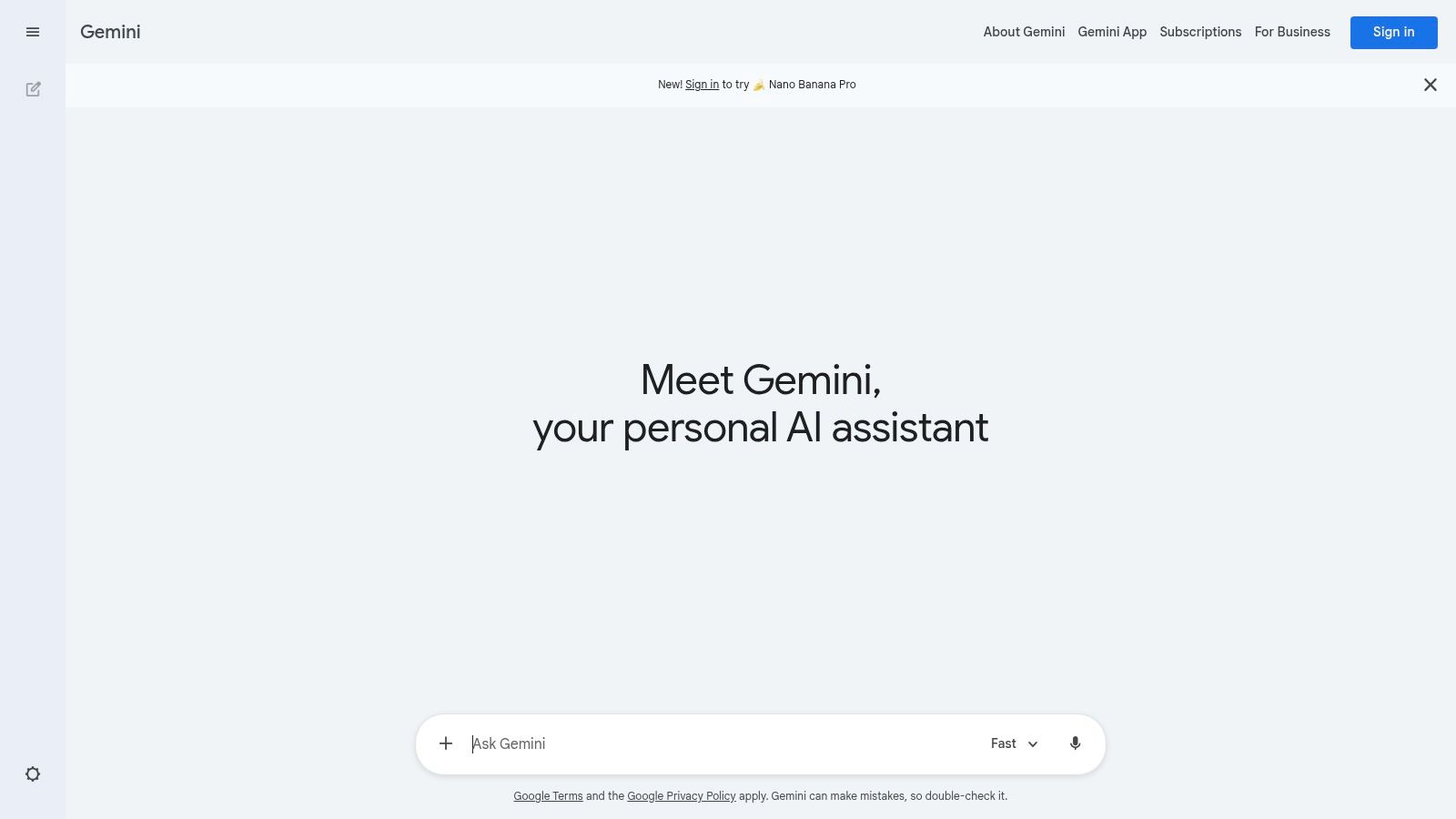
Alt text: A screenshot of the Google Gemini interface, showing a prompt and the AI’s response.
The platform’s key strength is its native integration with services like Docs, Sheets, and Gmail, allowing you to generate and refine content directly within your workflow. This tight coupling makes Gemini an excellent assistant for productivity and research-intensive writing. For users in specific regions, it’s also worth noting the broad accessibility of these tools; you can explore the availability of generative AI tools in Nigeria to understand its global reach.
Key Features and Limitations
Gemini’s free offering is quite generous, providing access to a capable model with direct web connectivity and mobile apps. Its integrations with Chrome and other Google apps streamline tasks like summarizing web pages or drafting emails on the fly. However, access to the most advanced models (like Gemini 1.5 Pro with its massive context window) and enhanced features within Workspace apps requires an upgrade to a Google One AI Premium plan.
| Feature | Free Tier | Paid Tier (Google One AI Premium) |
|---|---|---|
| Model Access | Gemini (Standard) | Priority access to Gemini 1.5 Pro |
| Workspace Integration | Limited in some apps | Deep integration in Docs, Sheets, Gmail |
| Context Window | Standard | 1 million token context window |
| File Uploads | Supported | Enhanced capabilities and larger file sizes |
| Best For | Research, quick drafts, Google ecosystem users | Power users, developers, data analysts |
Actionable Takeaways
- Use Extensions for Real-Time Info: Enable Gemini Extensions to connect with Google Maps, Flights, and your Workspace to pull personalized information into your writing.
- Practical Example:
Find flights from New York to London next Friday and summarize my unread emails from "Project Phoenix" in Gmail.
- Practical Example:
- Leverage the Double-Check Feature: Use the “double-check” feature to verify Gemini’s responses against web search results, which is crucial for fact-based writing. This highlights statements that align with or contradict online sources.
- Draft in NotebookLM: For research-heavy projects, use the connected NotebookLM app. Upload your sources (PDFs, docs) and have Gemini help you synthesize, summarize, and draft content based on your own material.
- Practical Example: Upload a 50-page PDF report and prompt:
Generate a 5-bullet summary of the key findings from the uploaded document.
- Practical Example: Upload a 50-page PDF report and prompt:
Tools & Resources
- Website: https://gemini.google.com
4. Microsoft — Copilot
Microsoft Copilot integrates powerful AI assistance directly into a wide range of products, offering a versatile and free AI writing assistant grounded in real-time web data. Available on the web, Windows, macOS, and mobile, its free version provides robust chat capabilities, content generation, and summarization. It stands out by bringing AI tools into the familiar Microsoft ecosystem, making it a highly accessible option for millions of users.
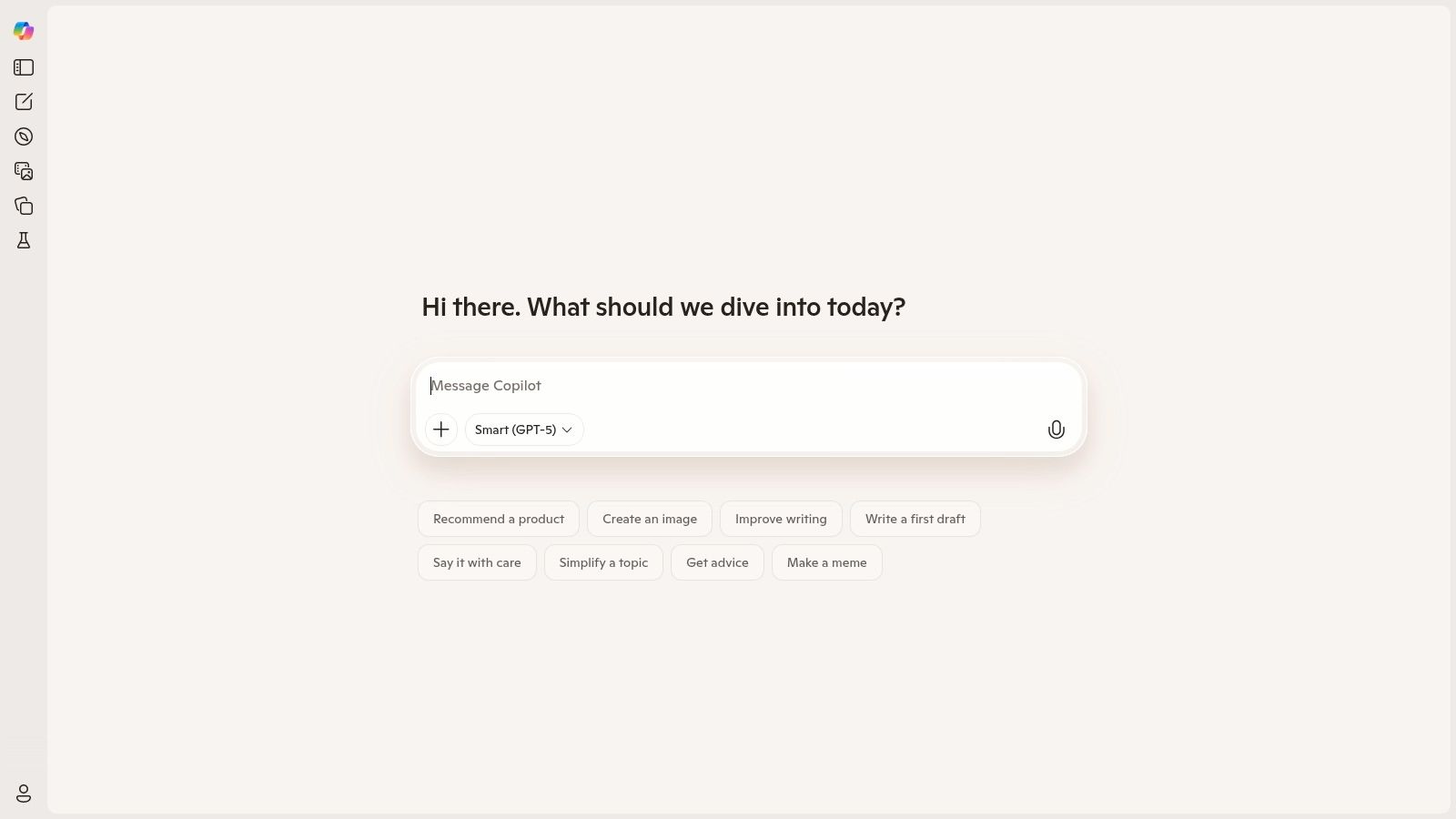
Alt text: A screenshot of the Microsoft Copilot interface, showing a chat with the AI and suggested prompts.
The platform’s strength is its seamless integration and web-grounded responses, ensuring the information is current. The free experience at copilot.microsoft.com is a great entry point for drafting documents, creating images with DALL-E 3, and getting quick answers. For those looking to automate tasks within their workflow, exploring AI workflow automation tools can reveal how Copilot fits into a broader productivity strategy.
Key Features and Limitations
The free version of Copilot is notably generous, offering access to GPT models and web search integration without a subscription. However, its most powerful features, such as deep integration within Word, Excel, and PowerPoint, are reserved for Microsoft 365 subscribers. This positions the free tier as an excellent standalone assistant, while the paid version transforms it into an embedded productivity partner.
| Feature | Free Tier | Paid Tier (Copilot Pro / for Microsoft 365) |
|---|---|---|
| Model Access | Access to powerful models like GPT-4 | Priority access, peak performance |
| Usage Limits | Generous, but with daily limits | Higher limits for conversations & image creation |
| Office Integration | Not available | Full integration in Word, Excel, PowerPoint |
| Image Generation | Standard DALL-E 3 access | Faster generation with more daily boosts |
| Best For | Web-based research, daily writing, quick drafts | Professionals, students in the Microsoft ecosystem |
Actionable Takeaways
- Use the Edge Sidebar: If you use the Microsoft Edge browser, leverage the integrated Copilot sidebar to summarize web pages or draft text without leaving your current tab.
- Practical Example: Open a long news article, click the Copilot icon in the sidebar, and select “Generate page summary.”
- Specify the Format: When generating content, be explicit about the format you need to get structured results.
- Practical Example:
Write a 5-bullet point summary of the pros and cons of remote work.orCreate a three-paragraph professional email declining a job offer.
- Practical Example:
- Leverage Web Grounding: Ask questions about recent events or data-driven topics. Copilot will cite its sources, allowing you to verify information easily.
- Practical Example:
What were the key announcements from the latest Apple event? Provide sources.
- Practical Example:
Tools & Resources
- Website: https://copilot.microsoft.com
5. Anthropic — Claude
Anthropic’s Claude positions itself as a thoughtful and reliable free AI writing assistant, focusing on safety and producing high-quality, natural-sounding text. It excels at nuanced tasks like summarizing dense documents, drafting professional correspondence, and following complex, multi-step instructions. Its constitutional AI approach aims to create a more helpful and harmless assistant, making it a strong choice for users who value coherent, well-reasoned outputs.
Alt text: A screenshot of the Claude AI interface, showing its clean and minimalist chat window.
Claude’s primary strength is its proficiency with long-form content and its ability to maintain context over extended conversations. You can upload documents like research papers or legal contracts and ask for detailed analysis or summaries, making it a powerful tool for professionals and students. The user experience is clean and direct, encouraging focused work without unnecessary distractions.
Key Features and Limitations
The free version of Claude provides generous access to its powerful model, including the ability to analyze images and uploaded files like PDFs and codebases. This makes it an incredibly versatile free AI writing assistant for a wide range of analytical and creative tasks. However, the free tier does have message limits that reset periodically, and heavy users will find they need to upgrade to a Pro plan for uninterrupted access, especially during peak hours.
| Feature | Free Tier | Paid Tier (Pro/Max) |
|---|---|---|
| Model Access | Access to powerful base models | Priority access, newest models |
| Usage Limits | Capped messages (resets periodically) | Significantly higher usage limits |
| File Uploads | Yes (PDF, TXT, DOCX, etc.) | Yes, with higher limits |
| Context Window | Large context window | Very large context window for deeper analysis |
| Best For | In-depth analysis, editing, long-form drafting | Power users, developers, enterprise needs |
Actionable Takeaways
- Provide Detailed Context via File Upload: Upload relevant documents or paste significant amounts of text directly into the chat to give Claude the full background for your task.
- Practical Example: Upload a PDF of a research paper and prompt:
Summarize the methodology and key findings of this study in three paragraphs.
- Practical Example: Upload a PDF of a research paper and prompt:
- Use It for Editing and Feedback: Paste your existing drafts and ask Claude to act as a specific persona for targeted feedback.
- Practical Example:
Act as a professional editor. Review this blog post and suggest improvements for clarity, tone, and grammar. [paste text here]
- Practical Example:
- Follow Multi-Step Instructions: Give Claude a series of commands in a single prompt to streamline your workflow.
- Practical Example:
First, summarize the attached meeting notes. Second, extract all action items and assign them to the correct person. Third, draft a follow-up email with the summary and action items.
- Practical Example:
Tools & Resources
- Website: https://claude.ai
6. Perplexity.ai
Perplexity.ai positions itself as an “answer engine,” making it a powerful free AI writing assistant for tasks grounded in research and factual accuracy. Instead of just generating creative text, it excels at answering complex questions by synthesizing information from the web and providing direct citations for its claims. This makes it an invaluable tool for researchers, students, and content creators who need to produce well-supported articles, reports, and academic papers.
Alt text: A screenshot of the Perplexity.ai interface showing a search bar and a response with cited sources.
The platform’s core strength is its transparency and focus on verifiability. Each response includes a list of sources, allowing you to quickly check the original information and build trust in the output. Its conversational interface allows for follow-up questions, turning a simple query into a deep research session. For writers who prioritize accuracy, Perplexity.ai serves as a perfect starting point for drafting factual content.
Key Features and Limitations
The free tier offers a generous number of standard searches and a handful of daily “Pro Searches,” which use more advanced models like Claude 3 or GPT-4o for deeper analysis. You can also upload files like PDFs and ask questions directly about their content. However, heavy use of the most powerful features and models requires upgrading to a paid plan.
| Feature | Free Tier | Paid Tier (Pro) |
|---|---|---|
| Model Access | Standard models, limited Pro searches | Priority access to GPT-4o, Claude 3, and more |
| Usage Limits | 5 Pro Searches every 4 hours | 600+ Pro Searches per day |
| File Uploads | Up to 3 per day | Unlimited file uploads (PDF, text, code) |
| AI Profile | Not available | Personalize AI with your preferences |
| Best For | Quick research, fact-checking, cited drafts | In-depth research, academic writing, analysis |
Actionable Takeaways
- Use the “Focus” Feature for Targeted Research: Narrow your search to specific domains like Academic, YouTube, or Reddit to get more relevant, targeted answers.
- Practical Example: Select the “Academic” focus and search:
Recent studies on the impact of AI on software development productivity.
- Practical Example: Select the “Academic” focus and search:
- Leverage File Uploads for Document Analysis: Upload a research paper or a report and ask Perplexity to summarize its key findings with citations.
- Practical Example: Upload a PDF and ask:
What is the main argument of this paper and what evidence does it provide?
- Practical Example: Upload a PDF and ask:
- Start with Questions, Not Commands: Frame your prompts as questions to get the best-cited, research-oriented responses.
- Practical Example: Instead of
Write about nuclear energy, askWhat are the primary arguments for and against nuclear energy, with sources for each?
- Practical Example: Instead of
Tools & Resources
- Website: https://www.perplexity.ai
7. Grammarly
Long before the current AI boom, Grammarly established itself as an essential tool for writers, and its evolution into a powerful free AI writing assistant has only solidified its position. It excels at refining existing text by checking for grammar, spelling, clarity, and tone. Its integrations across browsers, desktop apps, and mobile devices make it a nearly invisible, yet indispensable, partner for clean and effective communication.
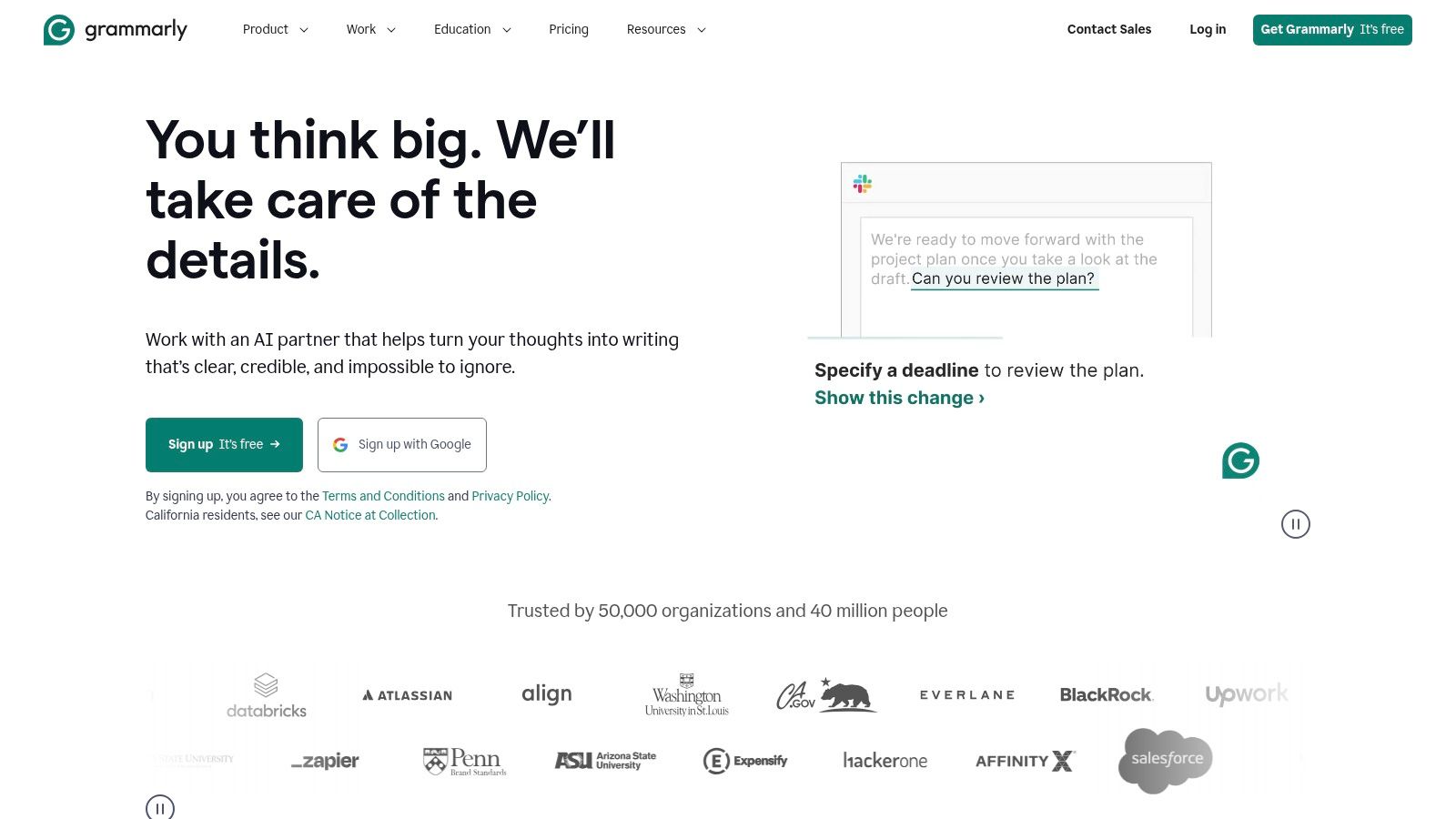
Alt text: A screenshot of the Grammarly editor, showing suggestions for improving a piece of text.
Grammarly’s strength lies in its seamless integration into your daily workflow, offering real-time suggestions wherever you write. The platform’s free tier provides core corrections and basic AI assistance, which is perfect for everyday proofreading. For those looking to elevate their writing, exploring structured techniques can be a game-changer; for more insights, see these tips on how to improve your writing skills.
Key Features and Limitations
The forever-free plan is robust, offering foundational grammar, spelling, and punctuation checks alongside tone detection and some generative AI features. It operates smoothly across most applications where you type. However, advanced capabilities like the plagiarism checker, unlimited AI rewrites, and the ability to set custom style guides are reserved for the Grammarly Premium and Business tiers.
| Feature | Free Tier | Paid Tier (Premium/Business) |
|---|---|---|
| Core Corrections | Grammar, spelling, punctuation | All free features, plus consistency checks |
| Clarity & Style | Basic conciseness & tone suggestions | Advanced rewrites, fluency, word choice |
| Generative AI | Limited AI prompts and rewrites | Unlimited generative AI assistance |
| Plagiarism Checker | Not available | Included |
| Best For | Everyday proofreading, email, and social media | Academics, professionals, content creators |
Actionable Takeaways
- Install the Browser Extension for Real-Time Feedback: The best way to use Grammarly is to let it work in the background. Install the extension for your browser to get instant corrections in Gmail, Google Docs, and social media.
- Use the Tone Detector for Better Communication: Pay attention to the emoji-based tone detector. It helps ensure your message lands with the intended emotion.
- Practical Example: Before sending an important email, check the tone detector to make sure it reads as “Confident” and “Formal” rather than “Unsure.”
- Trust, but Verify Suggestions: While powerful, AI suggestions aren’t always perfect. Always review Grammarly’s recommendations to ensure they align with your intended meaning and personal voice.
Tools & Resources
- Website: https://www.grammarly.com
8. QuillBot
QuillBot is a highly popular free AI writing assistant, renowned for its powerful paraphrasing and summarizing capabilities. It excels at helping users rephrase sentences, shorten lengthy texts, and improve overall clarity, making it a favorite among students and professionals for refining existing content. Its straightforward interface and dedicated tools for specific writing tasks offer a more focused experience than general-purpose chatbots.
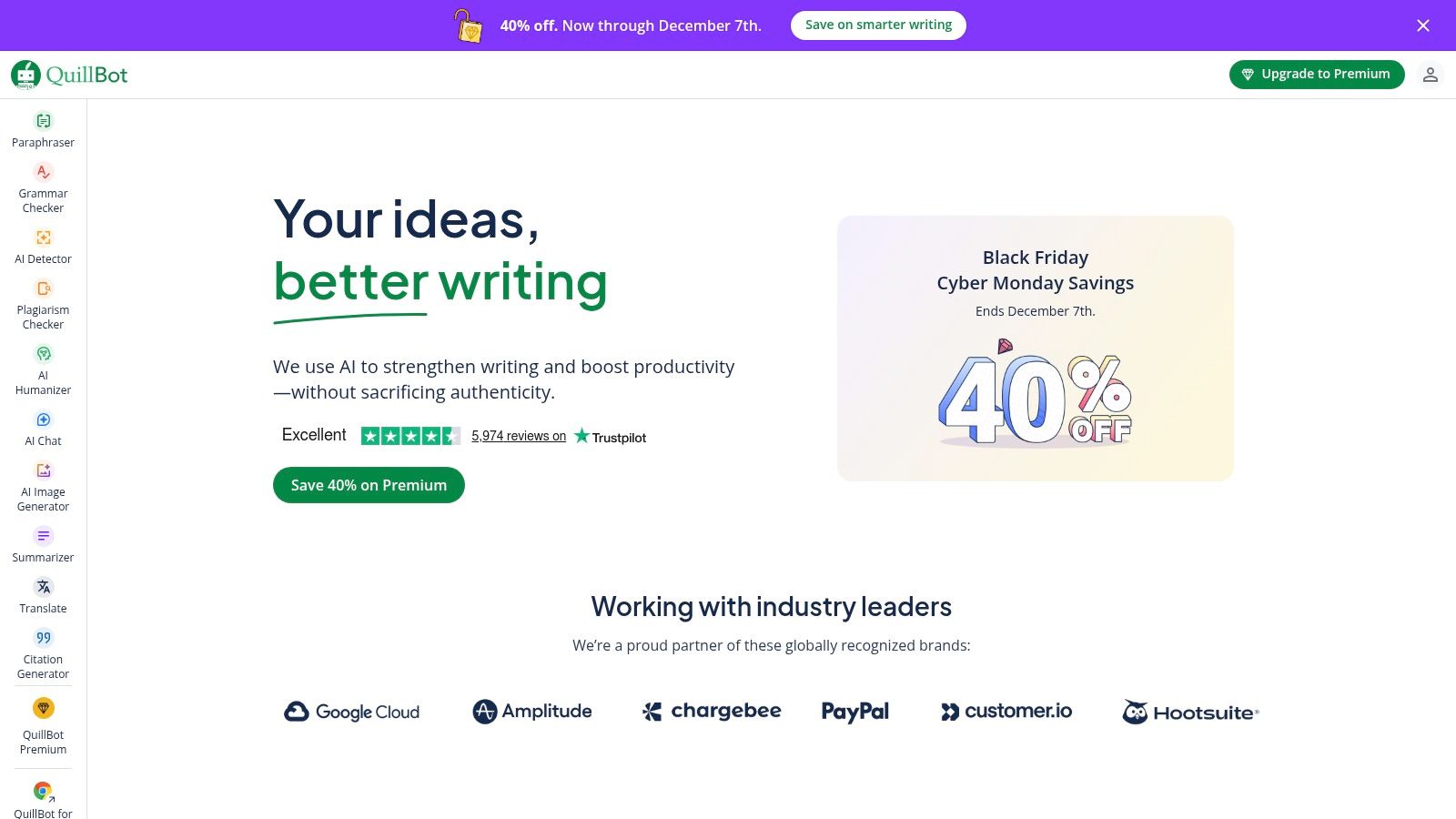
Alt text: A screenshot of the QuillBot interface, showing the paraphraser tool with text input and output fields.
The platform’s core strength is its ability to offer multiple variations of your text instantly, allowing you to choose the tone and style that best fits your needs. While its generative chat functions are more basic, its specialization in text enhancement, translation, and citation generation makes it an indispensable tool for academic writing, proofreading, and avoiding plagiarism.
Key Features and Limitations
QuillBot’s free tier provides a generous entry point, though with noticeable restrictions. You can paraphrase up to 125 words at a time and summarize up to 1,200 words, which is sufficient for quick edits but limiting for longer documents. The platform also offers browser extensions for Chrome and Word, integrating its functionality directly into your writing workflow for enhanced productivity. Upgrading to Premium is necessary for unlimited word counts, advanced writing modes, and the plagiarism checker.
| Feature | Free Tier | Paid Tier (Premium) |
|---|---|---|
| Paraphraser | 125-word limit, 2 writing modes | Unlimited words, 7+ writing modes |
| Summarizer | 1,200-word limit | 6,000-word limit |
| Plagiarism Checker | Not available | Checks 20 pages/month |
| Tone Detection | Available | Available |
| Best For | Quick rephrasing, short summaries | In-depth editing, academic writing |
Actionable Takeaways
- Refine Paragraph by Paragraph: Use the 125-word paraphraser limit to your advantage by focusing on improving one paragraph at a time for better clarity and flow.
- Leverage the Synonym Slider: Adjust the synonym slider to control how much the vocabulary changes. A lower setting keeps the text closer to the original, while a higher setting introduces more creative word choices.
- Integrate the Browser Extension: Install the Chrome or Word extension to use QuillBot’s rewriting and summarizing features directly within your documents or emails, saving you from switching tabs.
- Practical Example: Highlight a sentence in Gmail, right-click, and use the QuillBot extension to instantly rephrase it for better clarity before sending.
Tools & Resources
- Website: https://quillbot.com
9. LanguageTool
For those prioritizing grammatical precision and stylistic polish, LanguageTool serves as a powerful, multilingual free AI writing assistant. It functions less as a content generator and more as a sophisticated proofreader, offering robust grammar, spelling, and style corrections across dozens of languages. Its AI-powered rephrasing tool helps you find alternative ways to express your ideas, making it a stellar companion for refining existing text.
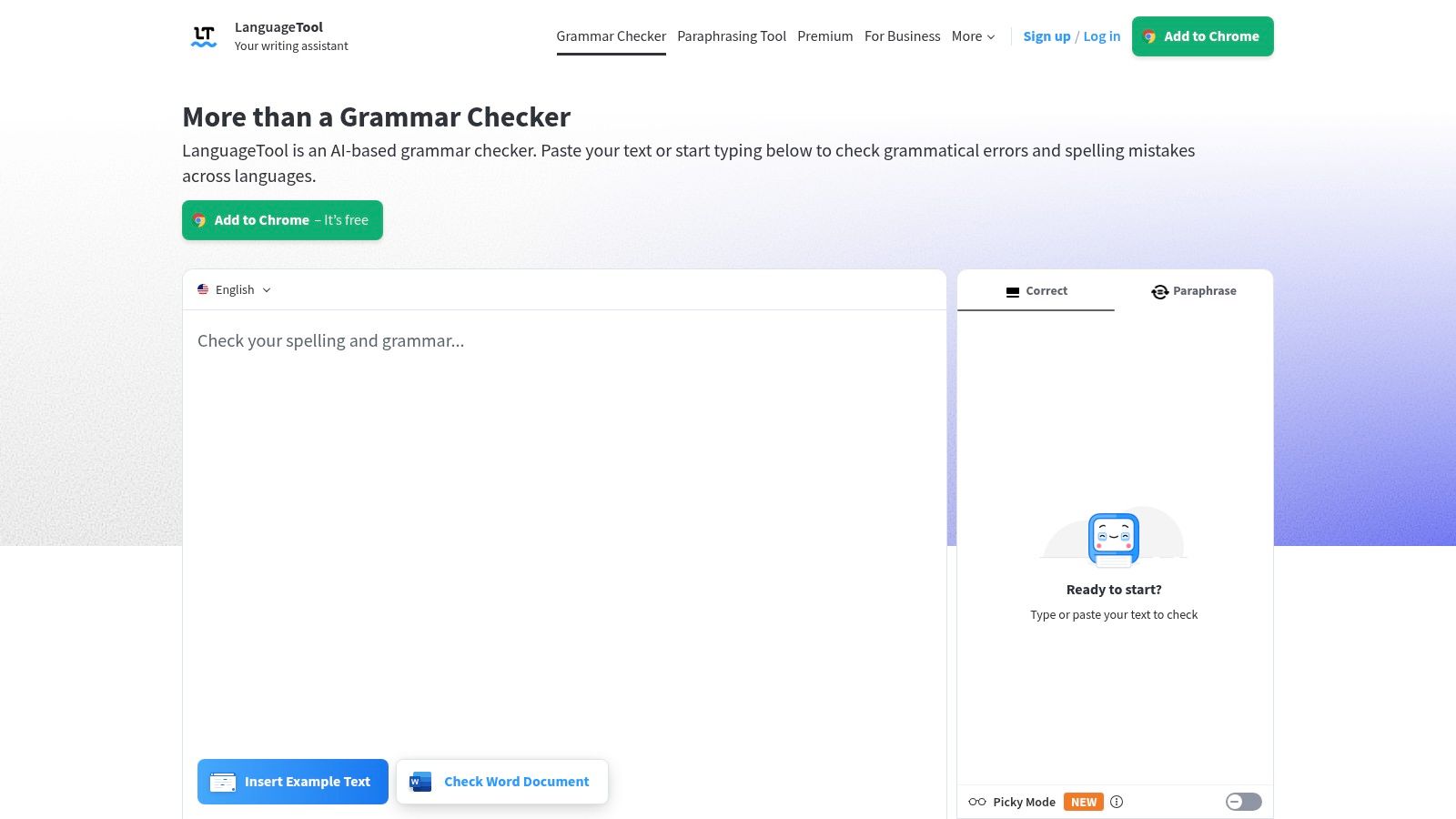
Alt text: The LanguageTool editor showing grammar and style suggestions on a piece of text.
The platform’s strength is its seamless integration into your workflow via browser extensions and desktop applications. Unlike many generative tools, LanguageTool focuses on improving what you have already written, catching nuanced errors that standard spell checkers often miss. This makes it an invaluable asset for non-native English speakers and anyone who needs to produce error-free, professional-grade writing.
Key Features and Limitations
LanguageTool’s free tier provides comprehensive basic grammar, punctuation, and style checks for texts up to 10,000 characters. You also get limited access to its AI-based rephrasing feature. The primary limitations are character counts and the number of rephrasings available per day. Upgrading to the Premium plan unlocks advanced style and tone suggestions, increases character limits significantly, and provides unlimited rephrasing.
| Feature | Free Tier | Premium Tier |
|---|---|---|
| Basic Checks | Grammar, punctuation, and spelling | All basic checks included |
| Advanced Checks | Not available | Style and tone suggestions, picky mode |
| Character Limit | 10,000 per check | 150,000 per check |
| AI Rephrasing | Limited daily usage | Unlimited usage |
| Integrations | Browser extensions (Chrome, Firefox) | Add-ons for Google Docs, Word, & more |
| Best For | Everyday proofreading, non-native speakers | Professional writers, editors, business use |
Actionable Takeaways
- Install the Browser Extension: Get immediate feedback directly within your email client, social media, or content management system. This is the most effective way to use the free tier.
- Use the Rephraser for Variety: When a sentence feels awkward or repetitive, use the rephrasing tool to explore more natural or concise alternatives.
- Practical Example: Highlight the sentence “This product is good because it helps you do things better.” The rephraser might suggest: “This product enhances your efficiency and effectiveness.”
- Check Your Language Dialect: Ensure the tool is set to the correct dialect (e.g., American vs. British English) in the settings to get accurate suggestions for spelling and phrasing.
Tools & Resources
- Website: https://languagetool.org
10. Canva — Magic Write
For creators and marketers already embedded in a design-first workflow, Magic Write by Canva is a seamlessly integrated free AI writing assistant. It lives directly inside the Canva ecosystem, allowing users to generate copy for social media posts, presentation slides, and marketing materials without ever leaving their design canvas. This makes it exceptionally efficient for producing visually-driven content where the text and design must evolve together.
Alt text: An image of the Canva Magic Write feature being used within a Canva design document.
The platform’s primary strength is its convenience. Instead of drafting text in a separate tool and pasting it into a design, you can generate, edit, and rephrase content on the fly. This contextual writing support is perfect for overcoming writer’s block when creating short-form content like ad copy, Instagram captions, or video script outlines directly within your project.
Key Features and Limitations
Canva’s free tier provides a limited number of lifetime credits for Magic Write, which is enough to test its capabilities or for very occasional use. Once those credits are used, you’ll need to upgrade to a Canva Pro or Teams account for monthly credit refreshes. Its functionality is focused on generation and summarization within the design context, so it is not intended to be a full-fledged research or long-form writing tool.
| Feature | Free Tier | Paid Tier (Pro/Teams) |
|---|---|---|
| Magic Write Credits | Limited lifetime uses (50 total) | Monthly credits (500+ per month) |
| Integration | Fully integrated into Canva Docs & designs | Fully integrated into Canva Docs & designs |
| Tone of Voice | Basic tone adjustments | Set a brand voice for consistent outputs |
| Magic Edit/Expand | Not available | Available for AI image editing |
| Best For | Short copy, social media, design mockups | Marketers, social media managers, teams |
Actionable Takeaways
- Generate Captions In-Situ: After creating a social media graphic, add a text box and use the Magic Write button to generate different caption ideas instantly.
- Practical Example: Create an Instagram post design, click “Magic Write,” and prompt:
Generate five engaging captions for a post about a new coffee blend.
- Practical Example: Create an Instagram post design, click “Magic Write,” and prompt:
- Brainstorm Presentation Points: In Canva Presentations, create a text box on a blank slide and ask Magic Write to create a structured outline.
- Practical Example: Prompt:
Outline five key talking points for a pitch on sustainable packaging.
- Practical Example: Prompt:
- Rewrite for Brevity: If your text is too long for a design element, highlight it and use the Magic Write “Summarize” or “Rewrite” function to make it more concise.
Tools & Resources
- Website: https://www.canva.com
11. Rytr
Rytr stands out as a lightweight and highly accessible free AI writing assistant, specifically designed for short-form content creation. Its streamlined interface offers a quick path from idea to output, making it ideal for generating social media posts, product descriptions, and email copy. The platform emphasizes simplicity and speed, offering a generous forever-free plan that provides a solid starting point for those new to AI tools.
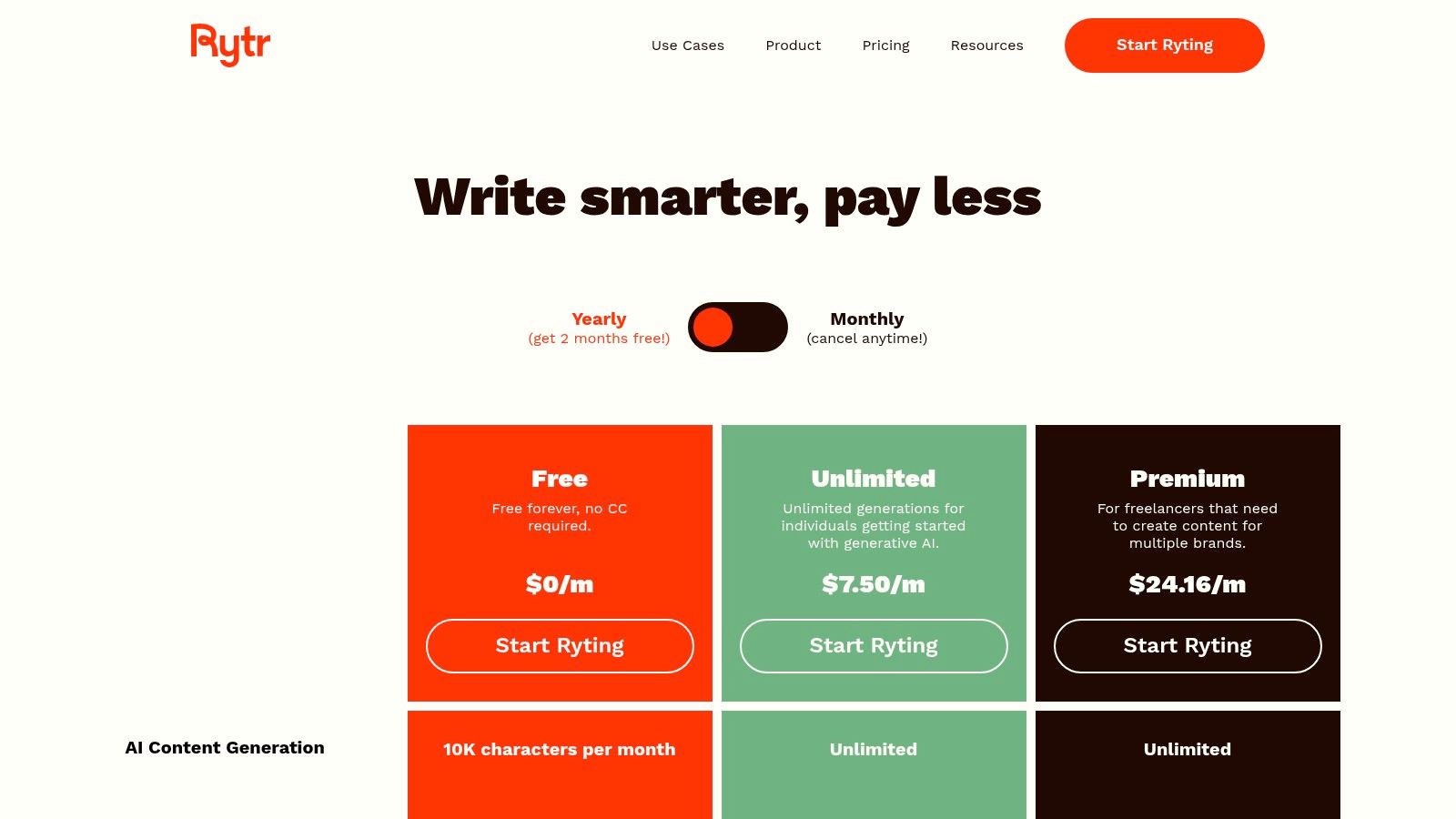
Alt text: A screenshot of the Rytr user interface, showing the various content creation templates and settings.
The platform’s strength is its template-driven approach. Instead of a purely conversational interface, Rytr guides users through specific use cases, like “Blog Idea & Outline” or “Ad Copy,” which helps structure the creative process. This focus on specific outputs is a core element of using AI for content creation effectively, as it streamlines workflow for repetitive tasks.
Key Features and Limitations
Rytr’s free plan is one of the more generous for short-form tasks, offering a monthly character allowance rather than a one-time trial. This makes it a sustainable option for users with modest, ongoing content needs. The primary limitation is the character cap, which makes it less suitable for long-form articles or reports without upgrading to a paid plan.
| Feature | Free Tier | Paid Tier (Saver/Unlimited) |
|---|---|---|
| Generation | 10,000 characters per month | 100k characters/month or Unlimited |
| Use Cases | 40+ use cases and templates | Access to 40+ use cases and custom use cases |
| Tones & Languages | 30+ tones and 30+ languages | 30+ tones and 30+ languages |
| Plagiarism Check | Built-in (500 chars/month) | Up to 100k chars/month |
| Best For | Social media, emails, ad copy, brainstorming | Bloggers, marketers, high-volume users |
Actionable Takeaways
- Leverage Use Cases for Structured Output: Start by selecting a specific use case like “Facebook, Twitter, LinkedIn Ads” to get highly relevant and formatted results.
- Practical Example: Choose the “Product Description” use case, enter your product name and key features, and let Rytr generate several compelling options.
- Experiment with Tones: Use the “Tone” dropdown to instantly change the output from “Formal” to “Humorous” or “Convincing” to match your brand voice.
- Use the “Rephrase” and “Improve” Tools: If a generated sentence isn’t quite right, highlight it and use the built-in editing tools to get instant alternatives or make it more polished.
Tools & Resources
- Website: https://rytr.me/pricing/
12. ProWritingAid
For writers who need more than just generative text, ProWritingAid functions as an in-depth editor and writing mentor. It goes beyond basic grammar correction to provide comprehensive feedback on style, structure, and readability. This free AI writing assistant is designed to help you improve your craft by highlighting issues like overused words, awkward sentence construction, and inconsistent pacing, making it a powerful tool for polishing long-form content.
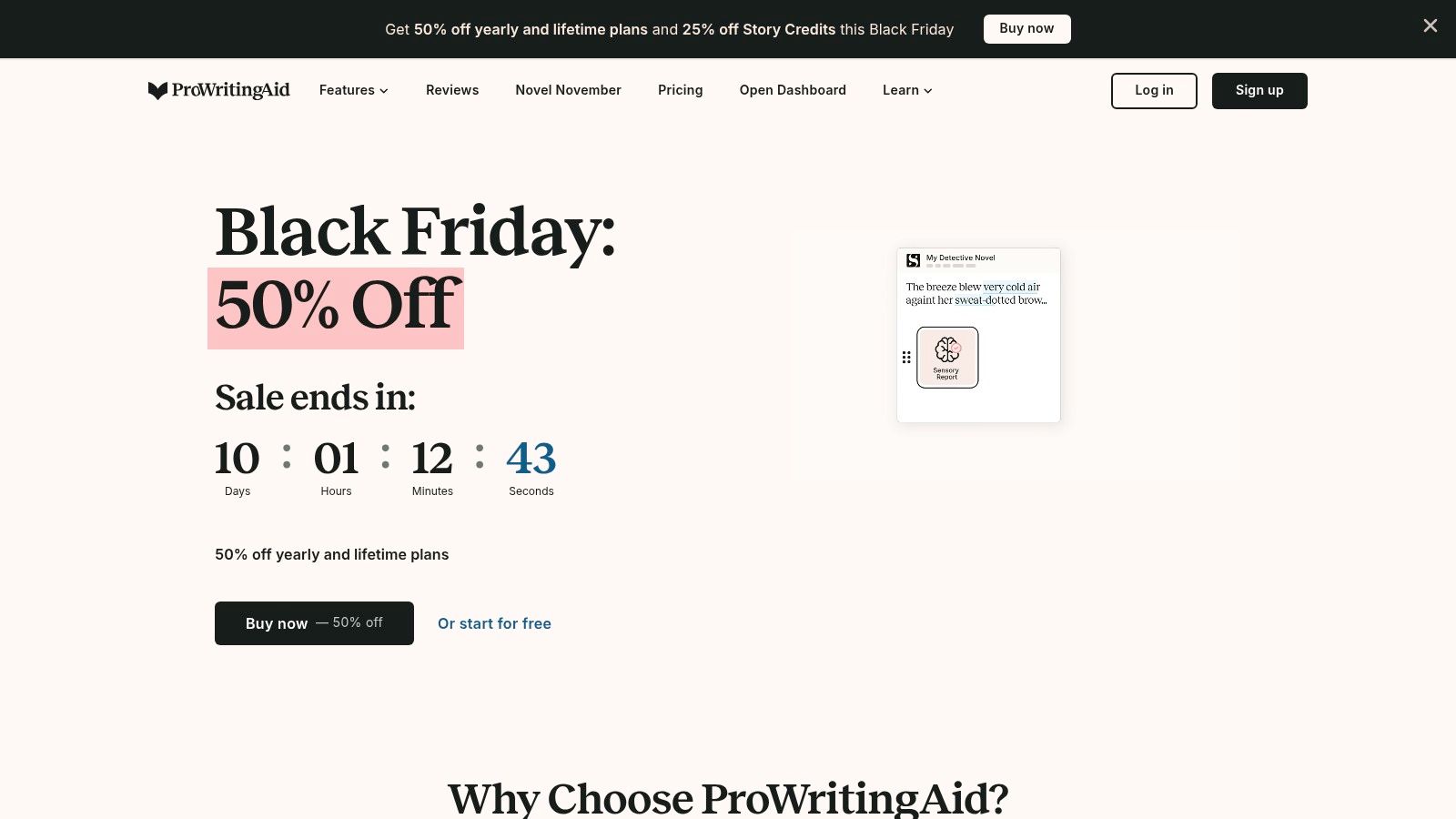
Alt text: A screenshot of the ProWritingAid editor, showing a document with various writing suggestions and reports highlighted.
The platform’s strength is its detailed reporting. Instead of just fixing errors, it explains the “why” behind its suggestions, helping you grow as a writer. The free tier also includes a preview of its AI-powered “Sparks” feature, which can rephrase sentences, expand on ideas, or suggest different wording. While the free version’s word count limit is restrictive, it offers a solid preview of the tool’s deep analytical capabilities.
Key Features and Limitations
ProWritingAid’s free offering is essentially a powerful grammar and style checker with a taste of its AI features. The 500-word limit on the online editor means it’s best for short pieces like emails or social media posts, but the insights it provides are valuable. To unlock its full potential for manuscripts or lengthy articles, an upgrade is necessary. The paid tiers remove word limits, provide more detailed reports, and integrate with tools like Scrivener and Google Docs.
| Feature | Free Tier | Paid Tier (Premium/Premium Pro) |
|---|---|---|
| Editing Limit | Up to 500 words at a time | Unlimited word count |
| AI “Sparks” Credits | Limited daily preview | Generous monthly credits for rephrasing/rewriting |
| Detailed Reports | Basic reports available | Access to all 20+ in-depth writing reports |
| Integrations | Online editor only | Full integrations (Chrome, Word, Scrivener, etc.) |
| Best For | Editing short texts, testing the platform | Authors, editors, academics, professional writers |
Actionable Takeaways
- Analyze in Chunks: Use the free editor by pasting your text in 500-word sections to get feedback on a longer document piece by piece.
- Focus on One Report at a Time: Don’t get overwhelmed. Run the “Style” report first to fix flow and wordiness, then run the “Grammar” report for technical errors.
- Practical Example: Paste a 500-word section of your blog post and run the “Overused Words” report to identify and replace repetitive language.
- Test AI Rephrasing: Use the free “Sparks” credits to rephrase a few key sentences in your text. This can help you see how the AI can improve clarity and impact before you commit to a paid plan.
Tools & Resources
- Website: https://prowritingaid.com
Top 12 Free AI Writing Assistants — Feature Comparison
| Product | Core capabilities | Quality (★) | Pricing / Value (💰) | Unique selling points (✨) | Best for (👥) |
|---|---|---|---|---|---|
| 🏆 RichlyAI | Text, images, audio, video, code, chatbots, live voice | ★★★★★ | 💰 Free plan + promo “Unlimited Text”; enterprise-grade value | ✨ All-in-one hub; real-time voice chat; customizable chatbot training; social automation | 👥 Creators, marketers, developers, teams, students |
| OpenAI — ChatGPT | General-purpose writing, multimodal inputs, custom GPTs | ★★★★★ | 💰 Free tier; Plus/Business/Enterprise paid tiers | ✨ Custom GPTs; strong writing quality; cross-device apps | 👥 Writers, researchers, teams |
| Google — Gemini | Drafting, research, Workspace integrations, long-context | ★★★★☆ | 💰 Free + Google AI Pro upgrades | ✨ Deep Workspace & Chrome integration; NotebookLM | 👥 Google Workspace users, researchers |
| Microsoft — Copilot | Web-grounded chat, Office integrations, image generation | ★★★★ | 💰 Free web experience; richer features in M365 plans | ✨ In-app Office assistance; Edge integration | 👥 Office users, enterprises |
| Anthropic — Claude | Long-form writing, coding, analysis, cross-platform apps | ★★★★☆ | 💰 Free casual access; Pro/Max for heavy users | ✨ Strong instruction-following; long-form focus | 👥 Analysts, writers, developers |
| Perplexity.ai | Research-backed answers with citations, file support | ★★★★ | 💰 Free basic searches; Pro/Max for advanced models | ✨ Source-cited responses; fast research engine | 👥 Researchers, students, analysts |
| Grammarly | Grammar, clarity, tone, rewrites, cross-app editor | ★★★★☆ | 💰 Free forever; Pro adds plagiarism & brand features | ✨ Polished editor UX; brand/style tools | 👥 Professionals, students, editors |
| QuillBot | Paraphrasing, summarizing, translating, quick AI chat | ★★★★ | 💰 Free (strict limits); Premium removes caps | ✨ Fast paraphrase modes; Flow workspace & extensions | 👥 Students, content rewriters |
| LanguageTool | Multilingual grammar, style, AI rephrasing | ★★★★ | 💰 Free basic; Premium for higher limits & integrations | ✨ Strong multilingual support; Docs/Word add-ons | 👥 Multilingual writers, teams |
| Canva — Magic Write | AI writing inside design workflows (Docs, editor) | ★★★★ | 💰 Free credits; Pro/Teams for more credits | ✨ Seamless design+copy workflow; Magic Formulas | 👥 Marketers, designers, social teams |
| Rytr | Short-form copy, templates, multiple tones & languages | ★★★ | 💰 Forever-free (cap) + low-cost paid plans | ✨ Fast, simple interface; generous short-form free cap | 👥 Small businesses, freelancers, students |
| ProWritingAid | Grammar/style reports, Sparks AI rephrases, manuscript tools | ★★★★ | 💰 Free preview (limits); Premium removes caps | ✨ Deep style & structure reports; manuscript tools | 👥 Authors, editors, serious writers |
Final Thoughts
We’ve explored a comprehensive landscape of the best free AI writing assistant tools available today. The journey from powerhouse conversational AIs like ChatGPT and Gemini to specialized grammar and style editors such as Grammarly and ProWritingAid reveals a crucial truth: there is no single “best” tool for everyone. The ideal assistant depends entirely on your specific needs, workflow, and goals.
The key takeaway is that the term free AI writing assistant encompasses a diverse ecosystem. Generalist models like Claude and Copilot excel at brainstorming, drafting, and complex problem-solving, acting as versatile creative partners. In contrast, dedicated tools like QuillBot and LanguageTool offer surgical precision, focusing on refining your existing text for clarity, conciseness, and correctness. Understanding this distinction is the first step toward making a smart choice.
How to Choose Your Perfect AI Writing Partner
Selecting the right free AI writing assistant requires a clear understanding of your primary use case. To simplify your decision, consider which of these user profiles best describes you:
- For Content Creators & Marketers: Your goal is volume, speed, and creativity. A combination approach works best. Use a tool like ChatGPT or RichlyAI for initial idea generation, blog post outlines, and first drafts. Then, refine the output with Grammarly or ProWritingAid to ensure it’s polished and error-free. For quick social media captions and ad copy, Rytr‘s free plan offers an excellent, template-driven starting point.
- For Students & Researchers: Accuracy, citation, and clarity are paramount. Perplexity.ai is an invaluable resource for conducting research, as it provides sources for its claims. For structuring essays and summarizing complex papers, Claude’s larger context window on its free tier is a significant advantage. Finally, run every final draft through QuillBot‘s paraphraser and grammar checker to avoid plagiarism and enhance academic tone.
- For Developers & Technical Writers: You need precision, code generation, and documentation support. Microsoft Copilot (integrated into GitHub) and ChatGPT are industry standards for generating code snippets, explaining complex algorithms, and debugging. For writing clear, concise technical documentation or API guides, these tools can help translate jargon-heavy concepts into easily understandable language.
- For Everyday Business & Personal Use: Efficiency is the name of the game. Grammarly‘s browser extension is a must-have for ensuring all your emails, messages, and documents are professional and error-free. For quick summaries of articles or generating fast replies, Google Gemini offers a user-friendly and powerful experience directly within the Google ecosystem.
Actionable Takeaways: Your Next Steps
Before you commit to a tool, even a free one, follow these steps to ensure it fits your workflow.
- Define Your Top 3 Tasks: What are the three most time-consuming writing tasks you do each week? (e.g., writing email responses, drafting blog posts, proofreading reports).
- Test Two Different Types: Choose one generalist AI (like ChatGPT or Gemini) and one specialist tool (like Grammarly or QuillBot). Spend a week using both for your defined tasks.
- Evaluate the “Friction” Level: How easily does the tool integrate into your existing process? Does it require constant tab-switching? Is the user interface intuitive? The best free AI writing assistant is the one you’ll actually use.
- Understand the Limits: Pay close attention to the free-tier limitations. Will the daily word count or feature restrictions hinder your core tasks? If so, it might not be the right long-term solution.
The power of AI writing tools is not in replacing human creativity but in augmenting it. They are force multipliers, capable of handling the mundane and repetitive aspects of writing, which frees you up to focus on the strategic, creative, and uniquely human elements of your work. The right tool will not just make you a faster writer; it will help you become a clearer thinker and a more effective communicator.
Ready to experience a tool that combines powerful, versatile content generation with a user-friendly interface designed for results? RichlyAI offers a suite of templates and features that make it an exceptional all-in-one free AI writing assistant. Start creating higher-quality content faster by exploring the possibilities at RichlyAI today.
