
The surge in artificial intelligence has unlocked powerful capabilities for creation, problem-solving, and productivity. For Nigerians—from entrepreneurs in Lagos to developers in Abuja and students nationwide—accessing these technologies is key to staying competitive and innovative. However, many premium tools require subscriptions that are difficult to pay for from Nigeria. This guide cuts through the noise, focusing on the best generative AI tools available for free in Nigeria.
This is a practical, no-fluff list to help you find the right platform for your needs, whether you’re a content creator, business owner, developer, or researcher. Each entry provides a clear overview, an actionable use case, and direct access instructions to get you started immediately. We will cover everything from advanced text generation and conversational AI to stunning image creation and data analysis. If your primary need is writing, you can explore other comprehensive lists of free AI writer tools for more specialised options. Let’s explore the tools that can transform your workflow.
1. RichlyAI
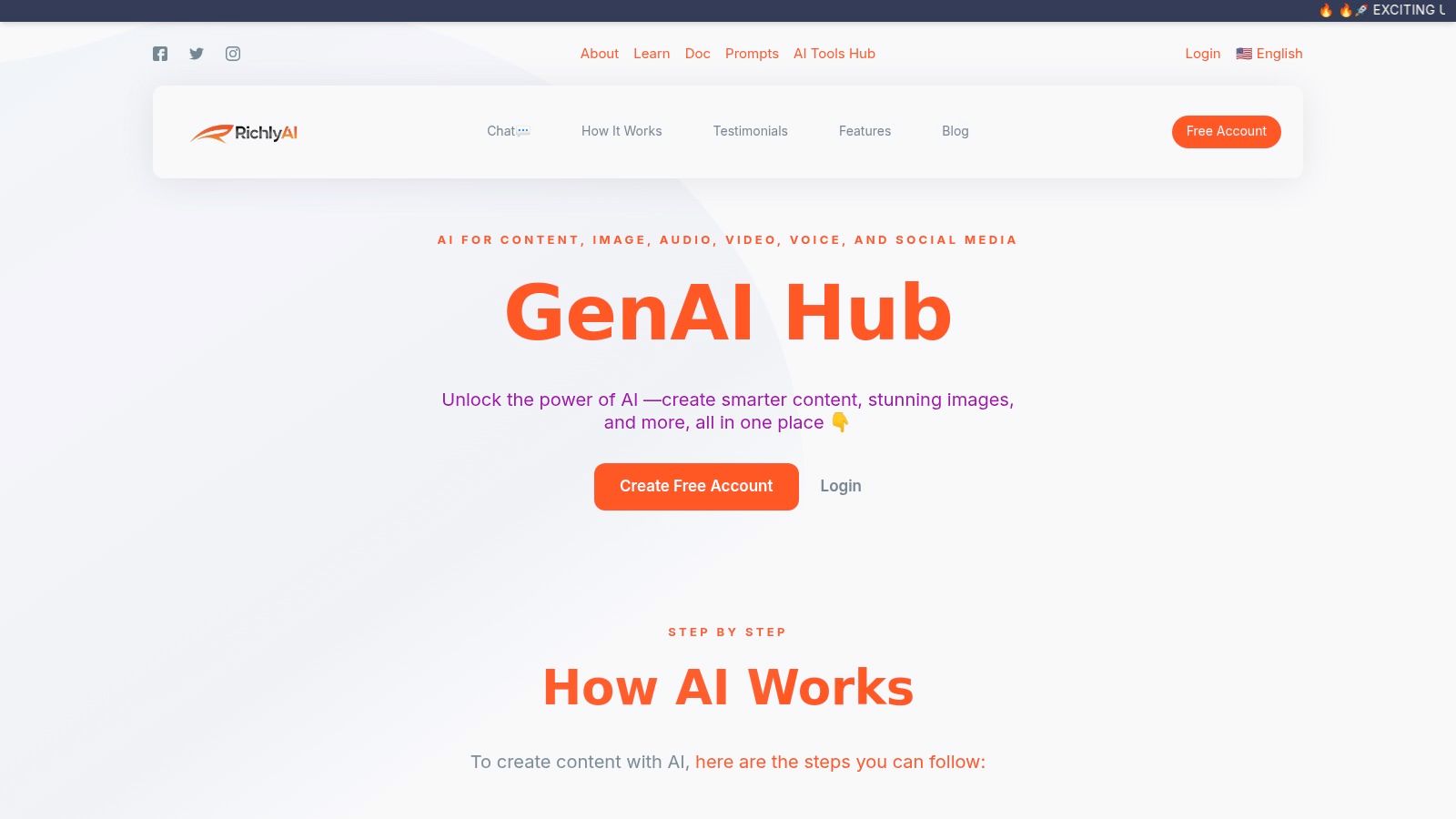
RichlyAI Hub is an all-in-one content studio designed to accelerate the journey from idea to finished digital asset. For users in Nigeria, its free plan is exceptionally compelling, offering unlimited text generation alongside access to models for creating images, audio, video, and code. Its design guides you seamlessly from prompt to output, and its built-in social media automation is a significant advantage for marketers.
Actionable Insight: Automate Your Social Media Campaign
What truly sets RichlyAI apart for the Nigerian context is its multi-language support, which includes Hausa, Igbo, and Yorùbá. This localization makes it uniquely accessible.
Here’s a step-by-step guide for a digital marketer in Lagos to launch a campaign for a new fashion brand:
- Generate Ad Copy: Log into RichlyAI. Navigate to the AI Writer. Use the prompt: “Write 5 engaging Instagram ad captions for a new sustainable fashion brand targeting young professionals in Nigeria. Highlight our use of local ankara prints and include a call to action to shop the new collection.”
- Create Visuals: Go to the AI Image Generator. Use the prompt: “A vibrant lifestyle photo of a young Nigerian woman wearing a modern ankara print dress, walking on a street in Lagos.” Generate several options.
- Schedule Posts: Head to the Social Media Scheduler. Upload your selected ad copy and images. Schedule the posts for peak engagement times (e.g., 7-9 PM on weekdays) for the upcoming week.
Key Strengths and Considerations
Pros:
- Truly All-in-One: A single interface for text, images, audio, video, code, and custom chatbots.
- Generous Free Tier: “Unlimited Text Generation FOREVER” on the free plan is a massive value proposition.
- Localisation: Support for Hausa, Igbo, and Yorùbá makes it highly relevant for the Nigerian market.
- Built-in Automation: The social media scheduler saves time and streamlines marketing workflows.
Cons:
- Pricing Transparency: Full details on paid tiers require you to sign up or contact sales.
- Human Oversight Needed: As with all AI, generated content requires review for brand alignment before publishing.
Website: https://richlyai.com
2. OpenAI – ChatGPT
ChatGPT is an essential, multi-purpose tool for nearly any digital task. It excels at generating human-like text for everything from drafting business emails to writing and debugging code. Its conversational interface makes it incredibly intuitive. Users in Nigeria can sign up with a local phone number and even pay for subscriptions in Nigerian Naira (NGN).
Actionable Insight: Draft a Professional Email in Seconds
Struggling with a difficult email? Use ChatGPT to handle the tone and structure.
- Open ChatGPT.
- Provide Context and Goal: Enter a prompt like: “Draft a professional email to a potential client, Mr. Adebayo, from my marketing agency. I met him at the TechConnect conference in Abuja last week. I want to follow up on our conversation about social media management services and propose a 15-minute discovery call next week. My tone should be friendly but professional.”
- Refine the Output: ChatGPT will generate a complete draft. You can ask for revisions like, “Make it more concise,” or “Add a sentence mentioning his interest in TikTok marketing.”
Access and Limitations
Getting started is straightforward. Simply visit the website and sign up with an email and a Nigerian phone number. The free tier uses GPT-3.5 and has limits during peak times. Upgrading to ChatGPT Plus provides access to the more advanced GPT-4 model. For more tips, check out this guide on how to use ChatGPT effectively.
Website: https://chat.openai.com
3. Google – Gemini
As Google’s answer to generative AI, Gemini is deeply integrated with the web. It excels at providing up-to-date answers grounded in real-time search results, making it excellent for research and planning. Its ability to process text, images, and code makes it a versatile companion. Nigerians can access it directly with a standard Google account.
Actionable Insight: Plan Content with Real-Time Data
Use Gemini’s connection to Google Search to create relevant, timely content.
- Open Gemini.
- Brainstorm with Data: Enter the prompt: “What are the most searched-for topics related to ‘solar energy solutions in Nigeria’ in the last 30 days? Based on that, generate 5 blog post titles and a brief outline for the most promising one.”
- Analyze the Output: Gemini will use current search trends to give you relevant ideas, helping you create content that your audience is actively looking for. To improve your content’s ranking, explore strategies for increasing visibility in Gemini.
Access and Limitations
Getting started is as simple as visiting the Gemini website and signing in with your Google account. The free tier is robust and perfect for daily tasks. Upgrading to a paid plan, where available, unlocks more powerful models and deeper integrations with other Google services.
Website: https://gemini.google.com
4. Microsoft – Copilot
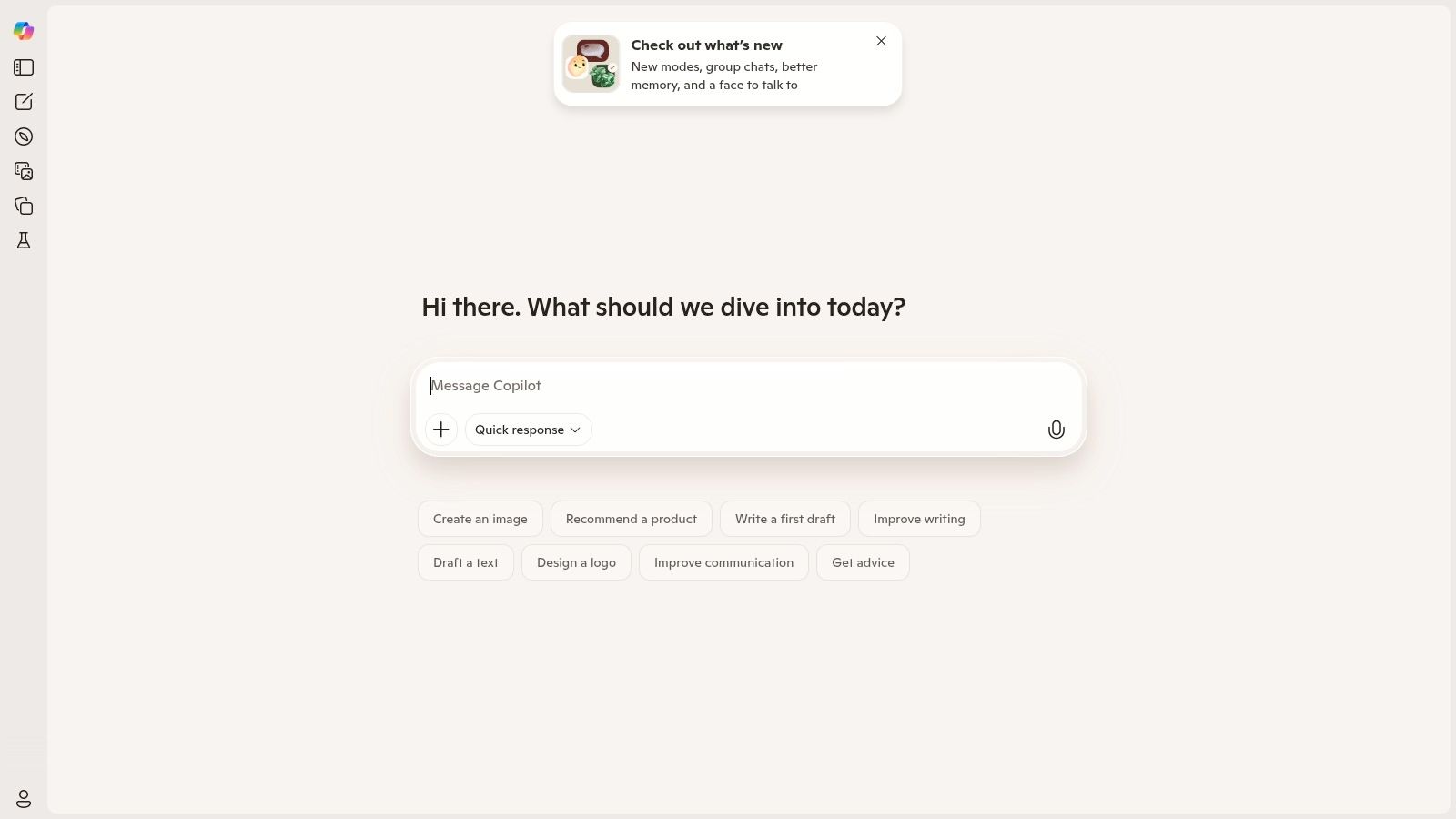
Microsoft Copilot stands out by integrating real-time web search with its generative capabilities, providing grounded, cited answers. It also generates text and images on demand, powered by DALL-E 3. For those in the Microsoft ecosystem, it’s a productivity powerhouse available directly in Nigeria without a VPN.
Actionable Insight: Create a Presentation from a Document
If you have a Microsoft 365 subscription, you can supercharge your productivity.
- Prepare Your Document: Have a Word document ready that outlines your presentation topic (e.g., a business proposal).
- Open Copilot in PowerPoint: In a new PowerPoint presentation, click the Copilot icon in the ribbon.
- Give the Command: Select “Create presentation from file…” and choose your Word document. Copilot will automatically read the document, create slides, generate speaker notes, and even suggest relevant images, saving you hours of work.
Access and Limitations
You can start using the web version of Copilot without signing up. However, signing in with a Microsoft account unlocks longer conversations and more image generation credits. The most advanced integrations are tied to a paid Microsoft 365 or Copilot Pro subscription.
Website: https://copilot.microsoft.com
5. Perplexity AI
Perplexity AI is a conversational answer engine that delivers direct, accurate answers by synthesizing information from the web and providing clear source citations. This makes it an indispensable tool for research and fact-checking, as it helps avoid the “hallucinations” common in other AIs. It’s fully accessible in Nigeria.
Actionable Insight: Conduct Credible Academic Research
For a student working on a research paper, Perplexity is a game-changer.
- Go to Perplexity AI.
- Ask a Specific Research Question: Instead of a simple search query, ask a detailed question like: “What are the primary economic and social impacts of mobile money adoption on small businesses in rural Nigeria?”
- Verify the Sources: Perplexity will provide a synthesized answer with numbered citations. You can click on each number to go directly to the source (e.g., a World Bank report, an academic journal, a news article) to verify the information and gather more details for your paper.
Access and Limitations
You can use Perplexity immediately on its website without signing up. Creating a free account unlocks conversation history. The free plan offers a high volume of standard searches and a limited number of “Pro” searches using advanced models. Upgrading removes these limits.
Website: https://www.perplexity.ai
6. Poe by Quora
Poe acts as a versatile hub, offering access to a diverse range of top AI models (from OpenAI, Anthropic, Google) in a single interface. It allows you to experiment and compare outputs without juggling multiple accounts. For Nigerians, its major advantage is the ability to try premium models like GPT-4 and Claude 3 on a free, metered basis using daily “compute points.”
Actionable Insight: Find the Best AI for a Specific Task
Don’t know which AI is best for your prompt? Compare them side-by-side.
- Sign up for Poe.
- Craft a Creative Prompt: Enter a prompt that requires nuance, like: “Write a short, poetic description of the sunset over the Lekki-Ikoyi Link Bridge.”
- Switch Between Models: Send the same prompt to different bots like
ChatGPT,Claude-Instant, andGemini-Pro. Compare the outputs to see which model best captures the tone and style you want for your project.
Access and Limitations
Sign up with a Google account or email. The free tier offers a daily allocation of points that reset every 24 hours. Messages to advanced models consume points faster. Subscriptions are available for higher limits.
Website: https://poe.com
7. Leonardo AI
Leonardo AI is a powerful image and video generation platform with a perpetual free tier that provides a daily allowance of tokens. This predictable model is ideal for creators who need consistent access for generating visuals for social media, marketing, or personal projects without a subscription.
Actionable Insight: Create Custom Illustrations for Your Blog
Elevate your blog posts with unique, AI-generated images.
- Log into Leonardo AI. In the AI Image Generation tool, select a model like “Leonardo Diffusion XL.”
- Write a Detailed Prompt: Be specific. Instead of “a woman working,” try: “A vibrant digital illustration of a young Nigerian female entrepreneur working on her laptop in a colourful co-working space in Yaba, Lagos. Style: modern, bright, optimistic.”
- Refine and Upscale: Generate a few options. Once you find one you like, use tools like “Alchemy Upscaler” to enhance the detail and resolution before downloading it for your blog. For more options, see this guide on free AI image generators.
Access and Limitations
Sign up with a Google, Apple, or Microsoft account. The free plan provides a daily allotment of tokens. Images created on this tier are public by default. Heavy projects can exhaust your daily tokens quickly.
Website: https://leonardo.ai
8. Canva – Magic Studio
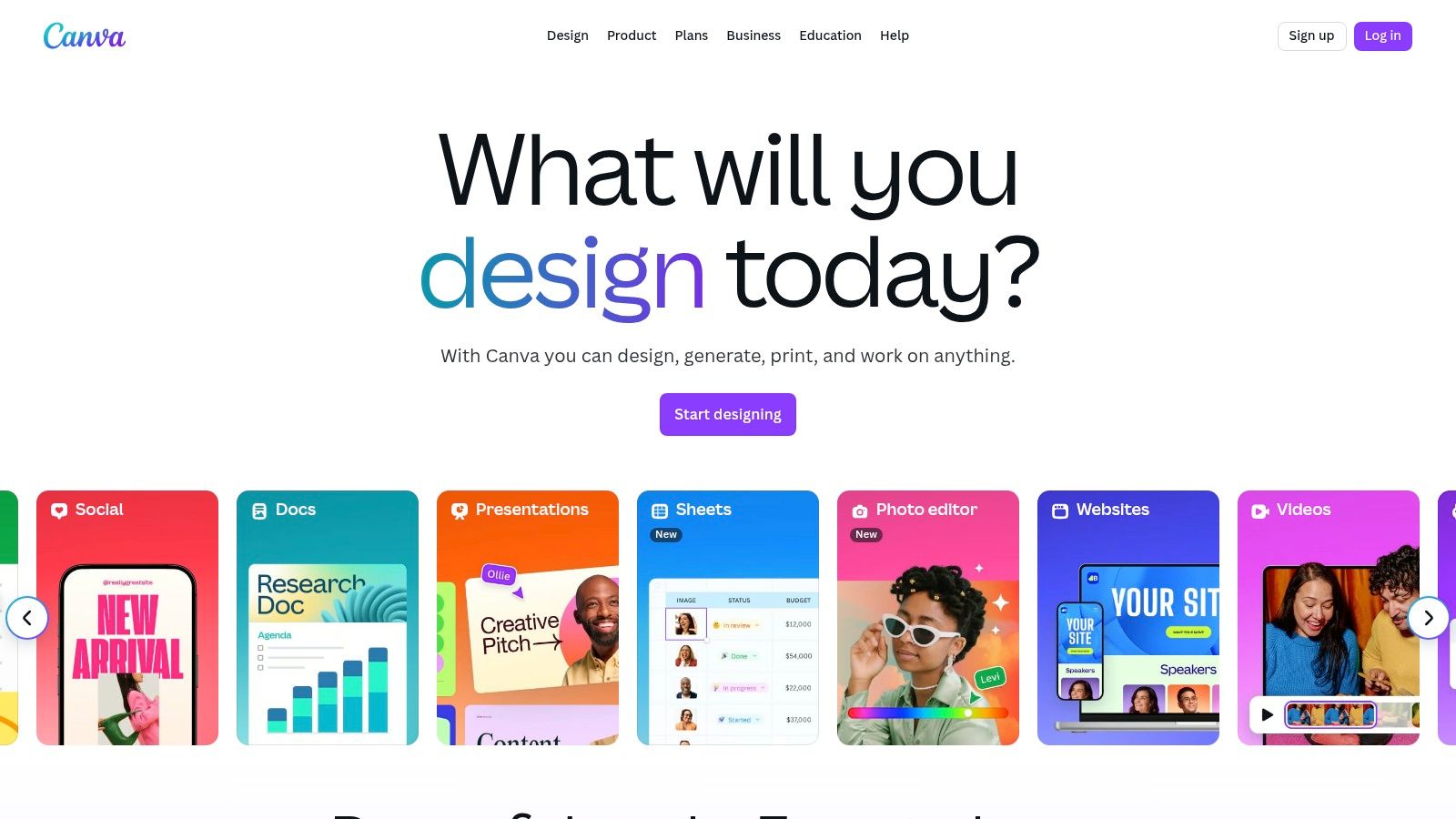
Canva has integrated a powerful suite of generative AI tools called Magic Studio, making it a one-stop shop for creating stunning visuals and written content. It’s perfect for Nigerian marketers and entrepreneurs who need high-quality assets quickly. The free plan offers limited credits for most AI features, allowing you to experiment with Magic Write or Magic Media directly within your designs.
Actionable Insight: Generate a Complete Social Media Post in One Go
Design and write your social media content without leaving Canva.
- Open a New Design: Choose an “Instagram Post” template in Canva.
- Generate a Visual: On the left panel, click “Magic Media,” then type a prompt like: “A flat lay photo of delicious-looking jollof rice on a modern plate.” Add the generated image to your design.
- Generate the Caption: Add a text box. Click the “Magic Write” icon that appears. Enter the prompt: “Write a short, fun Instagram caption about this jollof rice, asking followers what their favourite Nigerian dish is.” Canva will instantly populate the text box.
Access and Limitations
Accessing Canva is as simple as signing up on their website. The free tier provides a starting allocation of credits for Magic Studio features (e.g., 50 lifetime text-to-image uses). Upgrading to Canva Pro is necessary for heavier usage.
Website: https://canva.com
9. Adobe Express (with Firefly features)
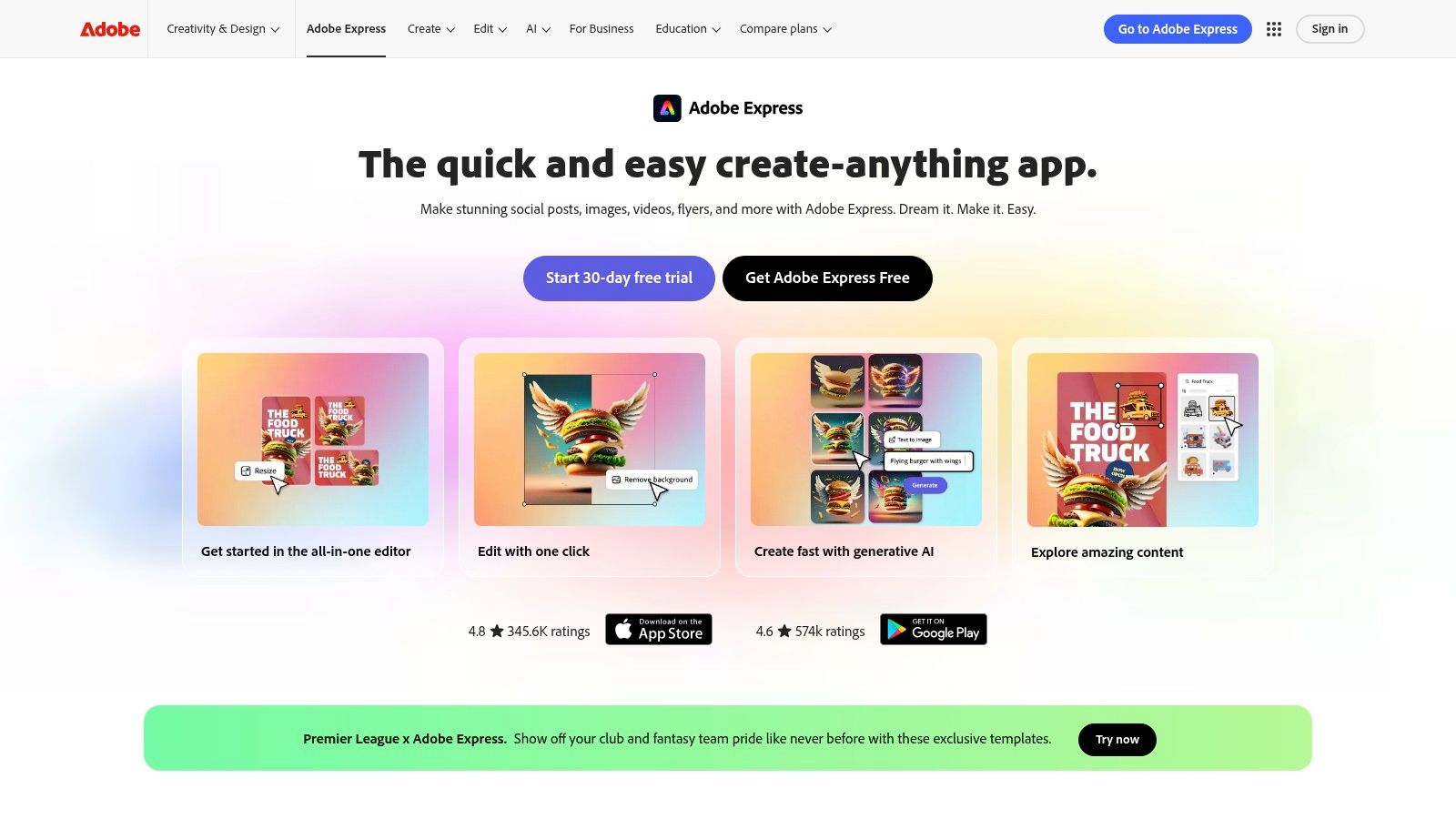
Adobe Express integrates Adobe’s Firefly AI model to help creators generate stunning images, text effects, and templates. It’s an all-in-one solution for social media managers and entrepreneurs. The free plan provides a monthly allotment of “generative credits” to use for AI features.
Actionable Insight: Create Branded Text Effects
Make your headlines pop with unique, AI-generated styles.
- Start a New Project in Adobe Express.
- Add Your Text: Type your brand name or a headline, for example, “LAGOS VIBES.”
- Apply a Text Effect: Select the text, and find the “Text Effects” option. Instead of a standard color, type a descriptive prompt like “Nigerian ankara fabric pattern” or “molten gold.” The AI will apply that texture to your text, creating a unique branding element.
Access and Limitations
Sign up for a free account on the Adobe Express website. The free plan offers access to thousands of templates and a monthly allowance of 25 generative credits. Heavy users will find this limit restrictive.
Website: https://adobe.com/express
10. Microsoft Designer
Microsoft Designer is a free AI-powered design tool that simplifies creating stunning visuals. It leverages DALL-E 3 technology to turn your text prompts into high-quality images and design layouts, making it an excellent alternative for quick, AI-driven graphic creation.
Actionable Insight: Instantly Generate Design Concepts
Stuck on a design? Let the AI give you a starting point.
- Go to Microsoft Designer.
- Describe Your Vision: In the prompt box, describe the entire design you need. For example: “Create an Instagram story to announce a 20% flash sale for my online shoe store. Include an image of stylish sneakers.”
- Choose and Customize: Designer will generate several fully-formed design concepts on the right side of the screen. Click on the one you like best to load it into the main editor, where you can then customize the text, colors, and images to perfectly fit your brand.
Access and Limitations
Access Designer for free by signing in with a Microsoft account. Users are given a set number of “boosts” for faster image generation. While core features are free, some advanced functionalities are tied to a Microsoft 365 subscription.
Website: https://designer.microsoft.com
11. Hugging Face
For developers and AI enthusiasts, Hugging Face is an indispensable community hub. It’s a massive open library for thousands of pre-trained models, datasets, and interactive demos (Spaces). It’s a playground for experimenting with everything from large language models to specialised audio generation tools. Its open-access model and generous free tier lower the barrier to entry for building and testing AI applications.
Actionable Insight: Test a Niche AI Model Instantly
Want to try a specific AI task without writing any code?
- Go to Hugging Face and create a free account.
- Search for a Model: In the search bar, look for a specific task, for example, “Sentiment Analysis.”
- Test in the Browser: Click on a popular model, like
cardiffnlp/twitter-roberta-base-sentiment. On the model’s page, you will see a hosted inference API widget. Type a sentence like “The traffic in Lagos today was terrible,” and click “Compute.” The model will run in your browser and instantly return an analysis (e.g.,negative). This is a fast way to test a model’s capabilities for your project.
Access and Limitations
Sign up for free with an email. The free tier provides monthly credits and quotas for hosting “Spaces” on shared hardware, which can be slow. For production use, paid plans are available. It’s also one of the best resources for AI coding assistants.
Website: https://huggingface.co
12. Kaggle
For those who want to build their own AI tools, Kaggle is an indispensable resource. This Google-owned platform offers free access to powerful cloud-based notebooks, allowing users in Nigeria to run open-source models without needing expensive local hardware. It’s a hands-on learning environment where you can see how others build AI applications and run the code yourself with a single click.
Actionable Insight: Run a Powerful Image Model for Free
Want to experiment with a state-of-the-art model like Stable Diffusion?
- Sign up for Kaggle with your Google account.
- Find a Notebook: Search for “Stable Diffusion” in the “Notebooks” section. You’ll find many publicly shared notebooks that have all the code ready to go.
- Run the Code: Click “Copy & Edit” to create your own version of the notebook. Follow the instructions within the notebook (usually just running the code cells in order) to set up the model. You can then change the text prompts in the code to generate your own images using Kaggle’s free GPU resources. This is a great practical learning exercise, highlighted in our guide on top AI use cases for Nigerian students.
Access and Limitations
Signing up is free. Access to CPU and GPU resources is free but subject to weekly usage quotas, which are generous for learning but may limit large-scale projects. Familiarity with Python is recommended.
Website: https://kaggle.com
12 Free Generative AI Tools in Nigeria — Comparison
| Platform | Core features | UX / Quality (★) | Value & Price (💰) | Target & USP (👥 ✨) |
|---|---|---|---|---|
| RichlyAI 🏆 | Text, images, audio, video, code, live voice chat, customizable chatbots, social automation | ★★★★☆ Intuitive UI, instant outputs | 💰 Free plan with promoted “Unlimited Text”; paid tiers gated — high value | 👥 Marketers, solopreneurs, students, Nigerian/multilingual users ✨ Local language support, all‑in‑one hub |
| OpenAI – ChatGPT | Chat, drafting, coding, vision/image generation | ★★★★☆ Reliable, polished web & mobile | 💰 Free tier w/ limits; NGN billing & upgrades available | 👥 Broad users & developers ✨ High-quality generalist assistant |
| Google – Gemini | Multimodal (text/image/code), Google integrations | ★★★★☆ Clean UI, search-grounded answers | 💰 Free tier + Pro/Ultra upgrades in markets | 👥 Search-heavy users & generalists ✨ Search grounding, Google ecosystem |
| Microsoft – Copilot | Chat, image gen, web-grounded answers, M365 integration | ★★★★☆ Strong app integration, research-friendly | 💰 Free web; advanced features tied to M365/Copilot Pro | 👥 Office users, enterprises ✨ Deep Microsoft 365 integration |
| Perplexity AI | AI search with citations, follow-up threads | ★★★★☆ Fast, research-focused answers | 💰 Free standard use; Pro/Max for advanced models | 👥 Researchers & students ✨ Inline source citations |
| Poe by Quora | Multi-model access, creator bots, API | ★★★★☆ Easy model comparison in one app | 💰 Free w/ limits; paid for heavy use & API | 👥 Experimenters & devs ✨ Compare outputs across top models |
| Leonardo AI | Image & video gen, editing, daily token allowance | ★★★★☆ Strong creative controls & community models | 💰 Daily free tokens; paid tiers for privacy/higher limits | 👥 Visual creators ✨ Predictable free quota, upscaling/edit tools |
| Canva – Magic Studio | Template-driven design + AI text/image/video | ★★★★☆ Easy for non-designers, collaborative | 💰 Free limited AI credits; Pro/Teams for heavy use | 👥 Marketers & social creators ✨ Templates + collaboration |
| Adobe Express (Firefly) | Generative image, text‑to‑video, templates, credits | ★★★★☆ Polished tools, brand safety | 💰 Free small monthly credits; paid raises quotas | 👥 Designers & marketers ✨ Firefly integration, content credentials |
| Microsoft Designer | Text-to-image, edits, monthly credits, Copilot links | ★★★★☆ Simple, quick visuals | 💰 Free with credit limits; expands with M365 | 👥 Casual creators & Microsoft users ✨ Edge/M365 connectivity |
| Hugging Face | Thousands of open models, Spaces, inference credits | ★★★★☆ Powerful for experimentation & deployment | 💰 Free monthly credits + pay-as-you-go/Pro | 👥 Developers & researchers ✨ Huge model library, deployable demos |
| Kaggle | Hosted notebooks, datasets, competitions | ★★★★☆ Hands-on learning; notebook-first UX | 💰 Free to start; GPU/TPU quotas may apply | 👥 Data scientists & learners ✨ Free notebooks, datasets & community |
Your Next Steps: How to Start Using AI Today
We’ve explored powerful, innovative, and free generative AI tools accessible right here in Nigeria. The central takeaway is clear: the barrier to entry for leveraging world-class AI has been significantly lowered. The power is not just in knowing these tools exist, but in integrating them into your workflow to automate research, accelerate content creation, and produce professional-grade designs. The key is to move from passive awareness to active experimentation.
Actionable Takeaways
- Solve One Problem First: Don’t try to learn everything at once. Pick one repetitive task in your work (e.g., writing social media captions) and find a tool from this list that solves it.
- Start with Chat: If you’re new to AI, begin with a conversational tool like ChatGPT or Gemini. They are the easiest to use and can help with a wide range of tasks from writing emails to brainstorming ideas.
- For Visuals, Use an Integrated Tool: If you need graphics, start with Canva or Microsoft Designer. Their AI features are built into a familiar design workflow, making them easy to adopt.
- Bookmark Your Research Assistant: Make Perplexity AI your first stop for any research task. Its focus on cited, accurate answers will save you time and improve the quality of your work.
- Developers, Explore Hugging Face: If you’re a developer, create a Hugging Face account today. Spend 30 minutes exploring “Spaces” to see what others are building—it’s the best way to get inspired.
Tools and Resources
- Chat & Text: RichlyAI, ChatGPT, Gemini, Poe
- Image & Design: Leonardo AI, Canva, Adobe Express
- Research & Learning: Hugging Face, Kaggle
A Final Thought on the AI Revolution in Nigeria
The democratization of generative AI is a profound economic and creative opportunity for Nigeria. These tools act as a great equaliser, providing individuals and small businesses with capabilities once exclusive to large corporations. Pick one tool from this list that addresses a pain point, dedicate an hour to exploring its features, and start creating. Your journey into leveraging generative AI tools available for free in Nigeria begins not with mastering everything, but with taking that single, practical first step today.
Ready to streamline your content creation with an AI platform specifically optimised for Nigerian marketers and business owners? RichlyAI offers tailored templates for local marketing campaigns, social media trends, and business communications. Start creating high-quality, relevant content faster by visiting RichlyAI today.

Build your LinkedIn authority safely—TempEmail creates instant disposable emails to test tools, access gated content, and verify accounts without exposing your professional inbox to spam or data risks.
This is an incredibly helpful resource for anyone in Nigeria looking to leverage generative AI without the burden of subscriptions. The focus on free tools, as highlighted in the introduction, is particularly valuable given the challenges with premium tool payments. I appreciate the practical, no-fluff approach, offering actionable insights for tools like RichlyAI to automate social media campaigns, OpenAI – ChatGPT for drafting professional emails, and Google – Gemini for content planning with real-time data. This guide truly cuts through the noise, providing direct access instructions to get started immediately.