
Navigating the vast ecosystem of AI tools for businesses can feel overwhelming. Finding the right solution often involves sifting through countless platforms, each claiming to revolutionize your workflow. This guide cuts through the noise, providing a curated and comprehensive list of the best marketplaces and directories where you can discover, compare, and implement powerful AI solutions tailored to your specific operational needs.
This resource is designed for practical application. We move beyond generic descriptions to offer actionable insights. For each platform listed, you’ll find a concise summary of its core function, who it’s best suited for, and key considerations. Our goal is to equip you with the information needed to make informed decisions quickly, whether you’re looking to enhance marketing automation, streamline customer service, or optimize data analysis.
We will explore a diverse range of platforms, from major cloud provider marketplaces like AWS and Azure to specialized directories like G2 and Product Hunt. You’ll learn where to find everything from pre-trained machine learning models to lightweight AI add-ons for your existing software stack. This list serves as your central hub for identifying the most effective AI tools for businesses, helping you select and integrate solutions that deliver measurable results.
1. RichlyAI
RichlyAI is an all-in-one operational hub designed to centralize content creation, coding assistance, and workflow automation. Instead of subscribing to multiple specialized services, businesses can use this single platform for a wide range of AI-powered tasks. Its strength lies in unifying diverse capabilities—like text, image, audio, video, and code generation—into a single, intuitive interface, making it one of the most versatile ai tools for businesses looking to consolidate their tech stack.
Alt text: An AI-powered platform interface showing various tools for generating text, images, and code, highlighting its use as one of the top AI tools for businesses.
Actionable Takeaway: How to Use It
RichlyAI excels at creating complete campaigns from a single starting point. A user can input a product description, and the platform can generate marketing copy, social media visuals, a short promotional video script, and even the audio voiceover.
Practical Example: Create a Social Media Campaign
- Navigate to the “Content Generation” hub.
- Enter a detailed prompt, such as: “Generate a social media campaign for our new eco-friendly water bottle. Create three Instagram post captions with relevant hashtags, a script for a 30-second TikTok video, and three high-quality images of people hiking and using the bottle.”
- Review the generated text and images.
- Use the platform’s social media automation to schedule the posts directly to X (Twitter), LinkedIn, and Instagram.
Tools & Resources
- Multi-Modal Content Hub: Generate text, images, video scripts, and audio.
- Developer & Automation Suite: AI-assisted code generation and social media scheduling.
- AI Tools Hub: A built-in discovery directory of over 11,000 other AI solutions for market research.
Pricing & Access
RichlyAI offers a generous free plan, making its advanced features accessible for trial. Promotions like “Unlimited Text Generation FOREVER!” provide significant value. For enterprise-level plans with specific Service Level Agreements (SLAs), you’ll need to contact them directly for detailed pricing. The AI Tools Hub also offers a free listing for vendors, with a one-time fee for a premium upgrade.
Website: https://richlyai.com
2. AWS Marketplace – Machine Learning and Generative AI
For businesses already operating within the Amazon Web Services ecosystem, the AWS Marketplace is an enterprise-grade hub for deploying third-party AI models. It functions like an integrated app store, allowing you to find, subscribe to, and deploy pre-built machine learning algorithms directly into your cloud environment. This streamlined procurement process, which consolidates billing into your existing AWS invoice, makes it one of the most efficient ai tools for businesses looking to scale securely.
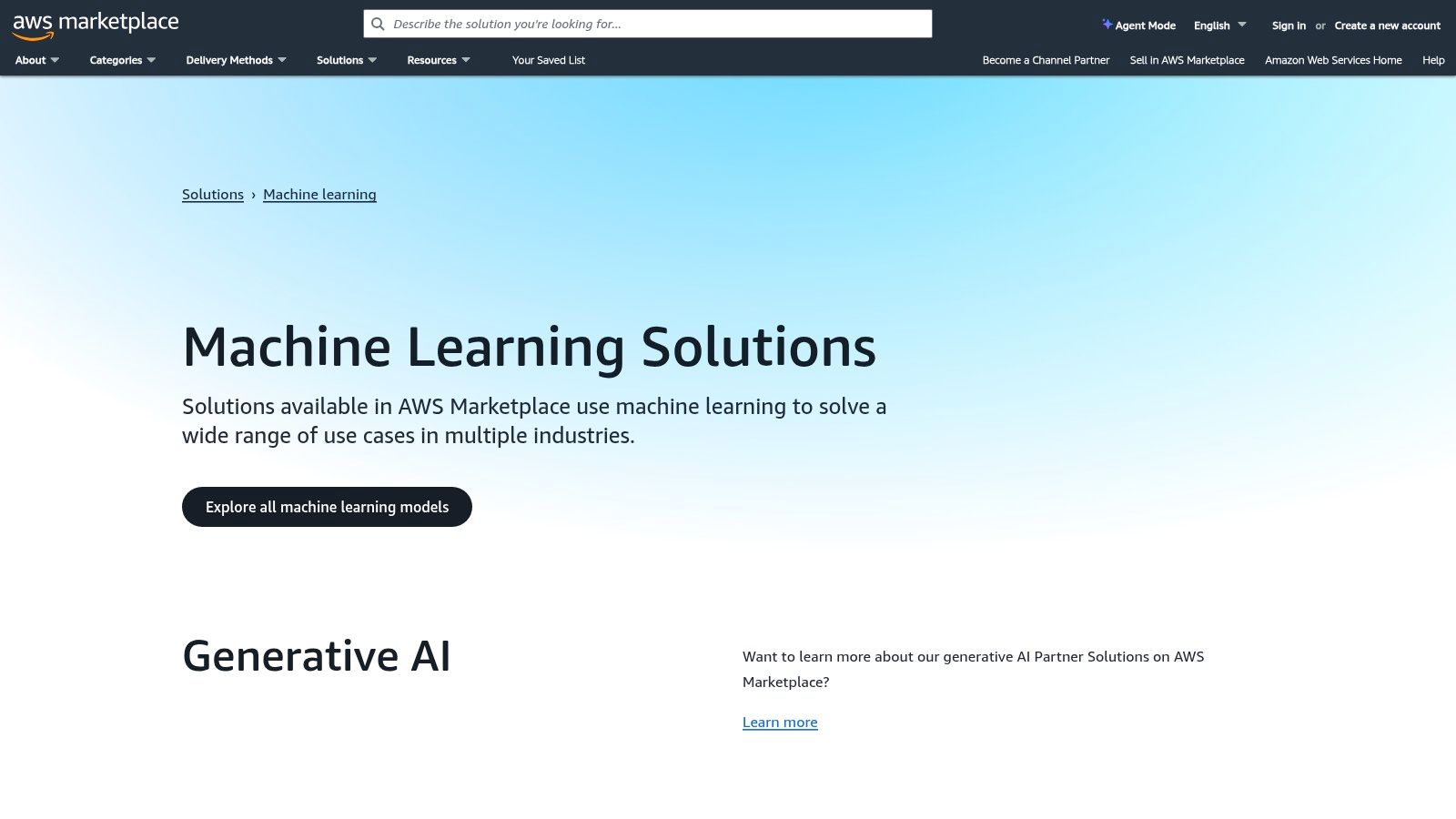
Alt text: A screenshot of the AWS Marketplace website, showing various AI and Machine Learning models available for deployment.
Actionable Takeaway: How to Use It
Use the marketplace to deploy a specialized AI model without building it from scratch. The one-click deployment via Amazon SageMaker drastically shortens the path from discovering a model to creating a managed inference endpoint that your applications can call.
Practical Example: Deploy a Demand Forecasting Model
- Log in to your AWS account and navigate to the AWS Marketplace.
- Search for “Demand Forecasting” in the Machine Learning category.
- Select a suitable model (e.g., from a vendor like NVIDIA or AI21 Labs) and review its pricing and usage instructions.
- Click “Subscribe” and follow the prompts to configure the deployment in Amazon SageMaker.
- Once deployed, you receive an API endpoint. Your application can now send historical sales data to this endpoint and receive back accurate inventory predictions.
Tools & Resources
- Best For: Companies with an existing AWS footprint seeking vetted, secure, and easily deployable AI models.
- Pricing: Varies widely by model. Combines a usage-based or subscription fee with standard AWS costs for compute (SageMaker). Many models offer free trials.
- Further Reading: Learn more about AI-powered business automation.
3. Azure Marketplace – AI + Machine Learning
For organizations invested in the Microsoft ecosystem, the Azure Marketplace is a centralized hub for discovering and deploying thousands of AI applications and models. Similar to its AWS counterpart, it enables businesses to find, trial, and purchase AI solutions that deploy directly into their Azure environment. This deep integration with services like Azure OpenAI and Microsoft 365 makes it one of the most powerful ai tools for businesses looking to enhance existing Microsoft workflows.
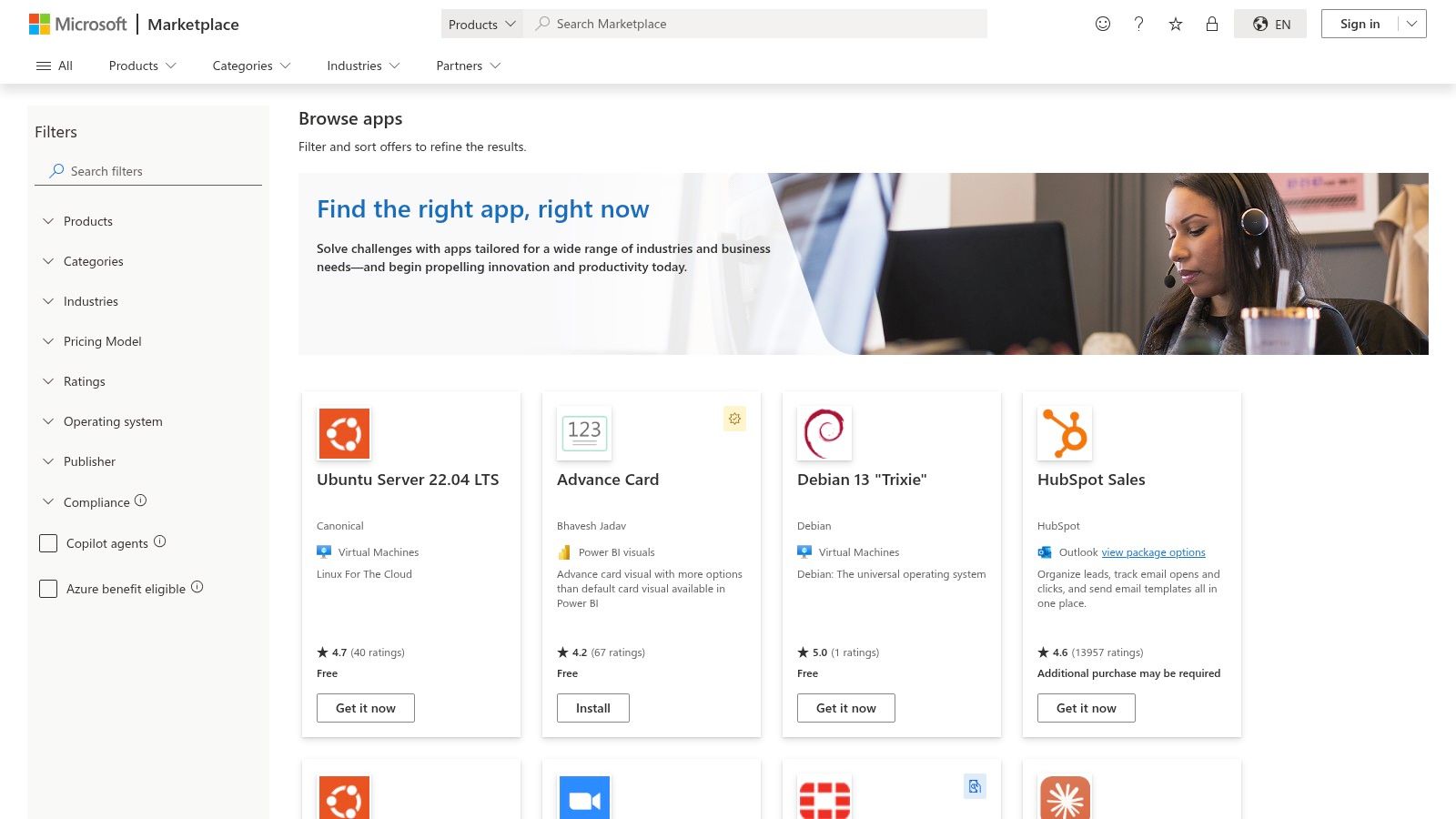
Alt text: A screenshot of the Microsoft Azure Marketplace website, highlighting the AI and Machine Learning category with various partner applications listed.
Actionable Takeaway: How to Use It
Leverage the marketplace to find pre-built solutions that plug directly into your existing business processes, especially those using Microsoft Power Automate or Dynamics 365. The curated “AI Apps and Agents” category simplifies discovery.
Practical Example: Automate Customer Verification
- In the Azure Marketplace, search for a KYC (Know Your Customer) verification app.
- Select an application and deploy it into your Azure environment.
- Open Microsoft Power Automate and create a new workflow.
- Set the trigger to “When a new customer record is created in Dynamics 365.”
- Add an action step that makes an API call to the deployed KYC app, sending the new customer’s data for verification.
- Add a final step to update the customer record in Dynamics 365 based on the verification result.
Tools & Resources
- Best For: Businesses standardized on Azure and Microsoft tooling seeking to rapidly deploy vetted, third-party AI solutions.
- Pricing: Highly variable (free, bring-your-own-license, pay-as-you-go). Costs are a combination of the software license and underlying Azure infrastructure consumption.
4. Google Cloud Marketplace
For organizations invested in the Google Cloud Platform (GCP), the Google Cloud Marketplace is the definitive source for deploying validated AI models and software. It operates as a tightly integrated catalog where you can discover and deploy solutions from Google and third-party vendors directly into your GCP projects. This centralizes procurement and billing into your existing GCP invoice, making it one of the most efficient ai tools for businesses seeking strong governance and cost control.
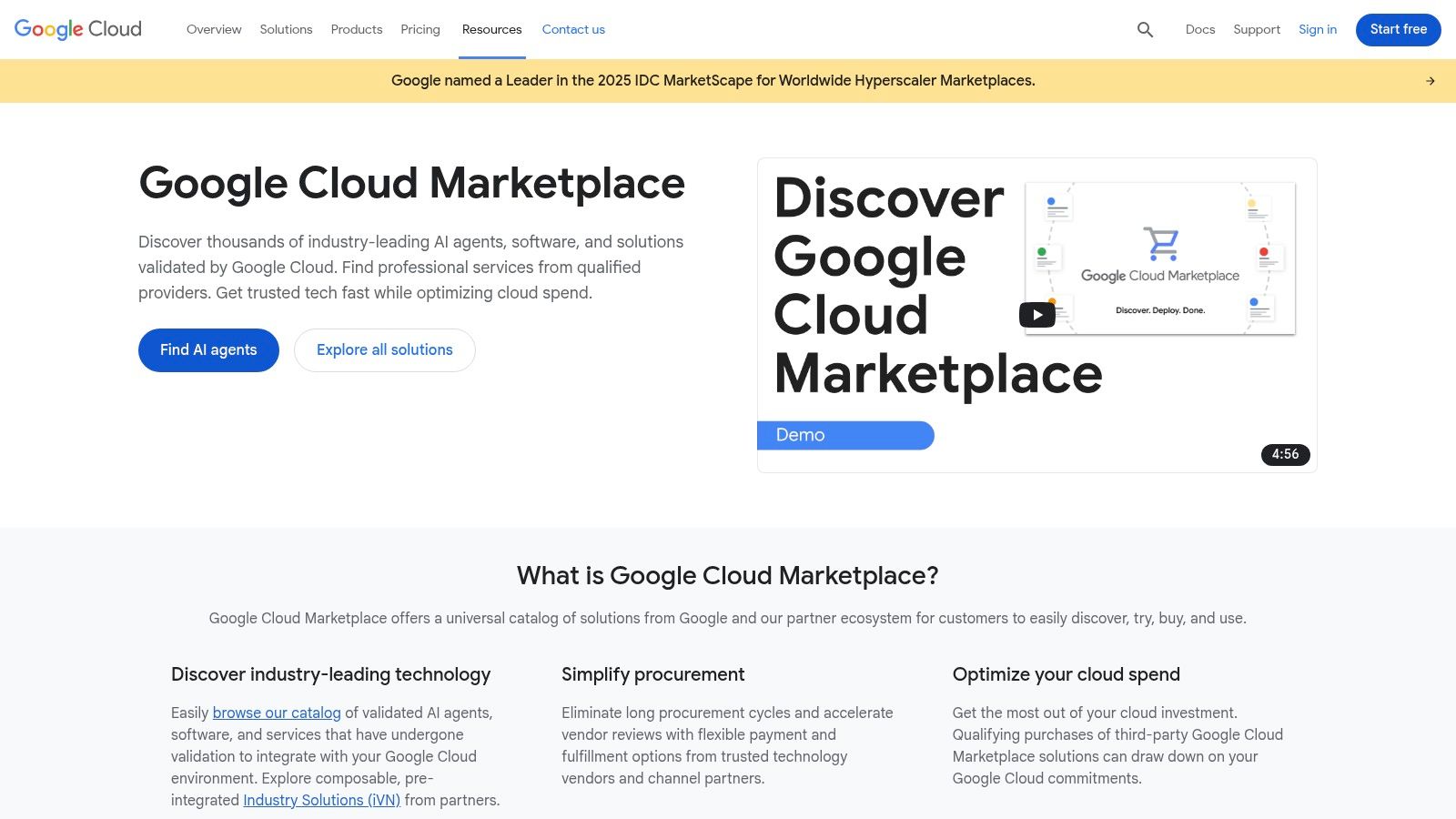
Alt text: A screenshot of the Google Cloud Marketplace, displaying categories for AI & Machine Learning solutions and other cloud services.
Actionable Takeaway: How to Use It
Use the GCP Marketplace to securely deploy AI solutions while maintaining control. Create a Private Marketplace to curate a pre-approved list of tools your teams can use, ensuring compliance with internal policies.
Practical Example: Process Documents with a Pre-Trained AI
- Navigate to the Google Cloud Marketplace within your GCP console.
- Search for a pre-trained “Document Processing AI” model capable of analyzing loan applications.
- Select a model and use the one-click deployment option to launch it as a Vertex AI endpoint.
- Your internal application can now send PDF loan applications to this endpoint via an API call.
- The model processes the document, extracts key information (like name, income, and loan amount), and returns it as structured JSON data for your system to use.
Tools & Resources
- Best For: Businesses already using Google Cloud who need a secure, governed way to procure and deploy third-party AI solutions.
- Pricing: Highly variable (free, BYOL, usage-based). Costs are consolidated into your monthly GCP bill.
5. Salesforce AppExchange – Agentforce/Einstein ecosystem
For businesses built on Salesforce, the Agentforce/Einstein ecosystem is the most direct path to embedding AI into customer-facing workflows. This integrated marketplace offers AI agents and apps designed to leverage your existing CRM data securely. It’s a powerful collection of ai tools for businesses that want to enhance sales, service, and marketing without leaving their primary system of record.
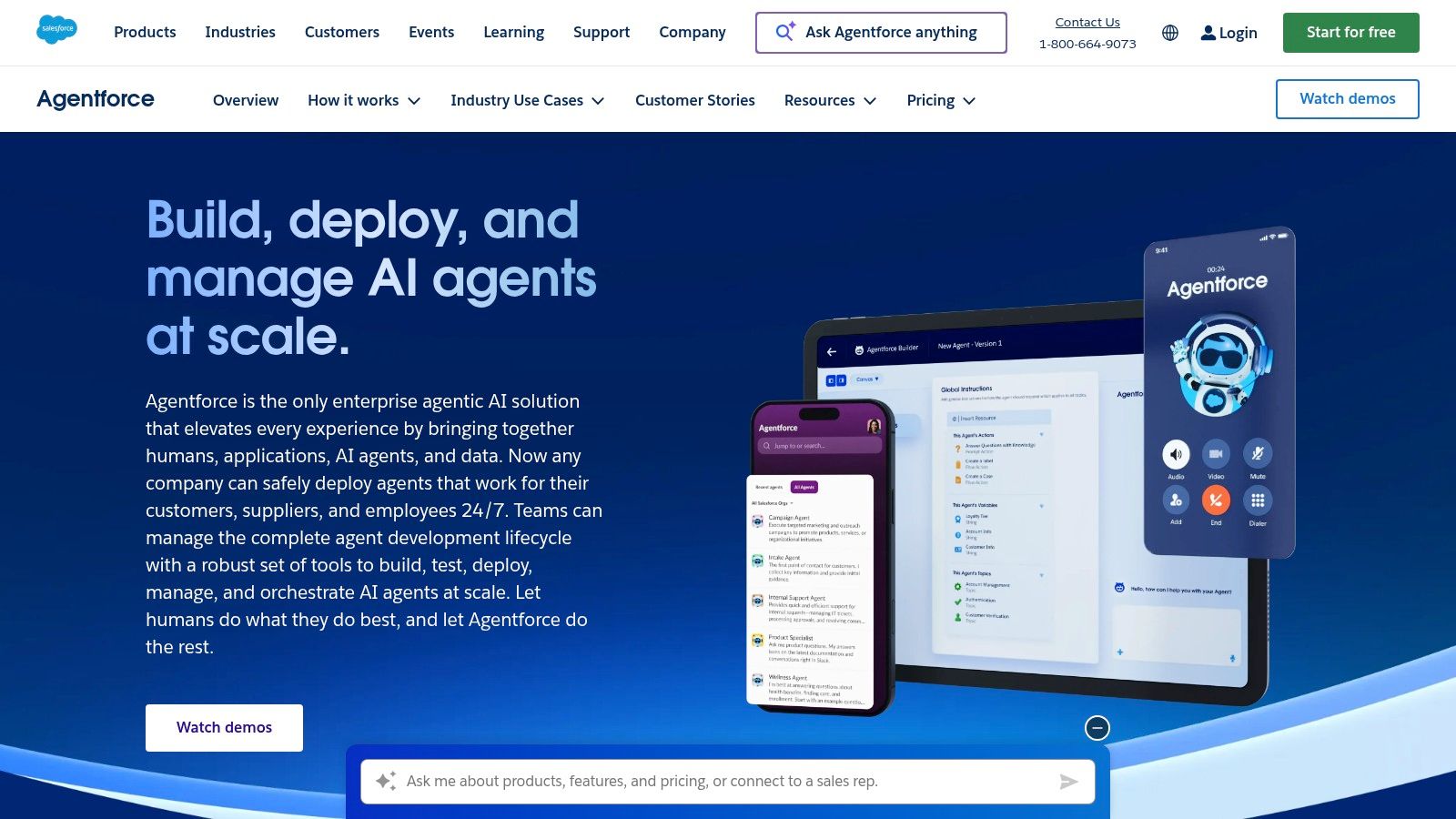
Alt text: A screenshot of the Salesforce Agentforce Agent Builder interface, showing a low-code environment for creating AI agents.
Actionable Takeaway: How to Use It
Use the low-code Agent Builder to create custom AI assistants that perform multi-step actions within Salesforce, such as summarizing account histories or drafting personalized follow-up emails.
Practical Example: Build a Case Resolution Assistant
- Open the Agent Builder within your Salesforce environment.
- Create a new agent named “Case Resolution Assistant.”
- Configure the agent to access your company’s knowledge articles and historical case data as its knowledge source.
- Define a trigger: “When a new support case is created.”
- Set up the agent’s actions:
- Summarize the incoming issue.
- Search the knowledge base for relevant troubleshooting steps.
- Draft a reply for the human agent to review and send.
- Activate the agent. Now, new support tickets will automatically be pre-processed, reducing response times.
Tools & Resources
- Best For: Organizations deeply invested in the Salesforce platform.
- Pricing: Typically tied to Salesforce licenses and often requires specific add-ons (like Einstein 1). Engagement with a sales representative is usually necessary.
- Further Reading: Powerful AI tools for marketing.
6. Google Workspace Marketplace – AI add‑ons for Docs/Sheets/Gmail
For teams integrated into the Google ecosystem, the Google Workspace Marketplace is the most direct path to embedding AI into daily workflows. It operates as an official app store for installing third-party AI add-ons directly into tools like Docs, Sheets, and Gmail. This enhances existing applications rather than forcing users to switch contexts, making it one of the most frictionless ai tools for businesses aiming to boost productivity.
Alt text: A screenshot of the Google Workspace Marketplace, showcasing AI-powered add-ons for Google Sheets and Docs.
Actionable Takeaway: How to Use It
Install specific, single-purpose AI add-ons to solve common problems within the apps your team already uses every day. Admins can vet, approve, and deploy add-ons across the entire organization for consistency.
Practical Example: Analyze Data in Google Sheets with Plain English
- Go to the Google Workspace Marketplace and search for “AI formula generator” or “GPT for Sheets.”
- Choose an add-on with good reviews and install it.
- Open a Google Sheet with your marketing campaign data.
- Instead of writing a complex formula, click on an empty cell and type a plain English command using the add-on’s function, such as:
=AI("List the top 5 performing keywords from column B based on clicks in column D"). - The add-on will process your request and populate the cell with the correct answer.
Tools & Resources
- Best For: Businesses operating within Google Workspace seeking to add specific AI functions directly into their everyday apps.
- Pricing: Most add-ons operate on a freemium model with paid tiers for advanced capabilities or higher usage limits.
- Further Reading: AI for enhanced team productivity.
7. G2 – Artificial Intelligence Software category
When the goal is evaluation and comparison, G2’s Artificial Intelligence Software category is an indispensable research hub. It is a peer-review marketplace where real users provide detailed feedback on business software. This platform provides a critical layer of social proof, making it one of the most practical research ai tools for businesses trying to navigate a crowded market.
Alt text: A screenshot of the G2 website, showcasing the Artificial Intelligence Software category with a list of tools and user ratings.
Actionable Takeaway: How to Use It
Use G2’s powerful filtering and comparison features to build a data-driven shortlist of potential AI tools based on the experiences of companies similar to yours.
Practical Example: Shortlist a Social Media Tool
- Go to G2 and navigate to the “Social Media Management” software category.
- Use the filters on the left to select “AI Features.”
- Select the top 3-4 contenders based on their G2 Grid score and recent reviews.
- Click the “Compare” button to create a side-by-side table.
- Directly contrast user ratings on key capabilities like “Content Creation” and “Analytics.” Read through the reviews to understand common pros and cons, helping you select one or two vendors for a trial.
Tools & Resources
- Best For: Businesses in the evaluation and selection phase, seeking to compare AI solutions based on verified user reviews.
- Pricing: Free to browse and read reviews. G2 is funded by vendors who pay for premium profiles and market reports.
- Further Reading: Explore various AI content creation tools.
8. Capterra – Artificial Intelligence Software Directory
For businesses needing a high-level, comparative view of the AI software market, Capterra offers a comprehensive starting point. As a Gartner-owned directory, it aggregates hundreds of AI solutions, providing filters, verified user reviews, and buyer guides. It is a research platform that simplifies the initial discovery phase, making it one of the most practical ai tools for businesses to navigate a crowded software landscape.
Alt text: Screenshot of the Capterra website’s Artificial Intelligence Software category page, showing a list of tools with ratings and filters.
Actionable Takeaway: How to Use It
Use Capterra’s filters to quickly narrow down options by specific features (e.g., “predictive analytics”), industry, or business size, drastically reducing the time spent on preliminary market research.
Practical Example: Find an Industry-Specific AI Tool
- Go to the Capterra Artificial Intelligence directory.
- Use the filters to select your industry (e.g., “Real Estate”) and company size (“1-10 employees”).
- Further filter by the feature you need, such as “Lead Management.”
- The platform will display a narrowed list of AI-powered CRMs and tools tailored to real estate professionals.
- Sort the results by “Highest Rated” to see which solutions are most popular with peers, then read reviews to create your shortlist.
Tools & Resources
- Best For: SMBs, team leaders, and IT managers in the initial research phase of selecting a new AI software solution.
- Pricing: Free to use for software buyers. Vendors pay for placement and lead generation.
9. Product Hunt – Artificial Intelligence topic
For businesses seeking a first look at the cutting edge, Product Hunt’s Artificial Intelligence topic is a daily launchpad for new and innovative AI applications. It’s a community-driven discovery platform where startups showcase their latest creations. This hub is invaluable for finding niche and trending ai tools for businesses before they gain mainstream attention.
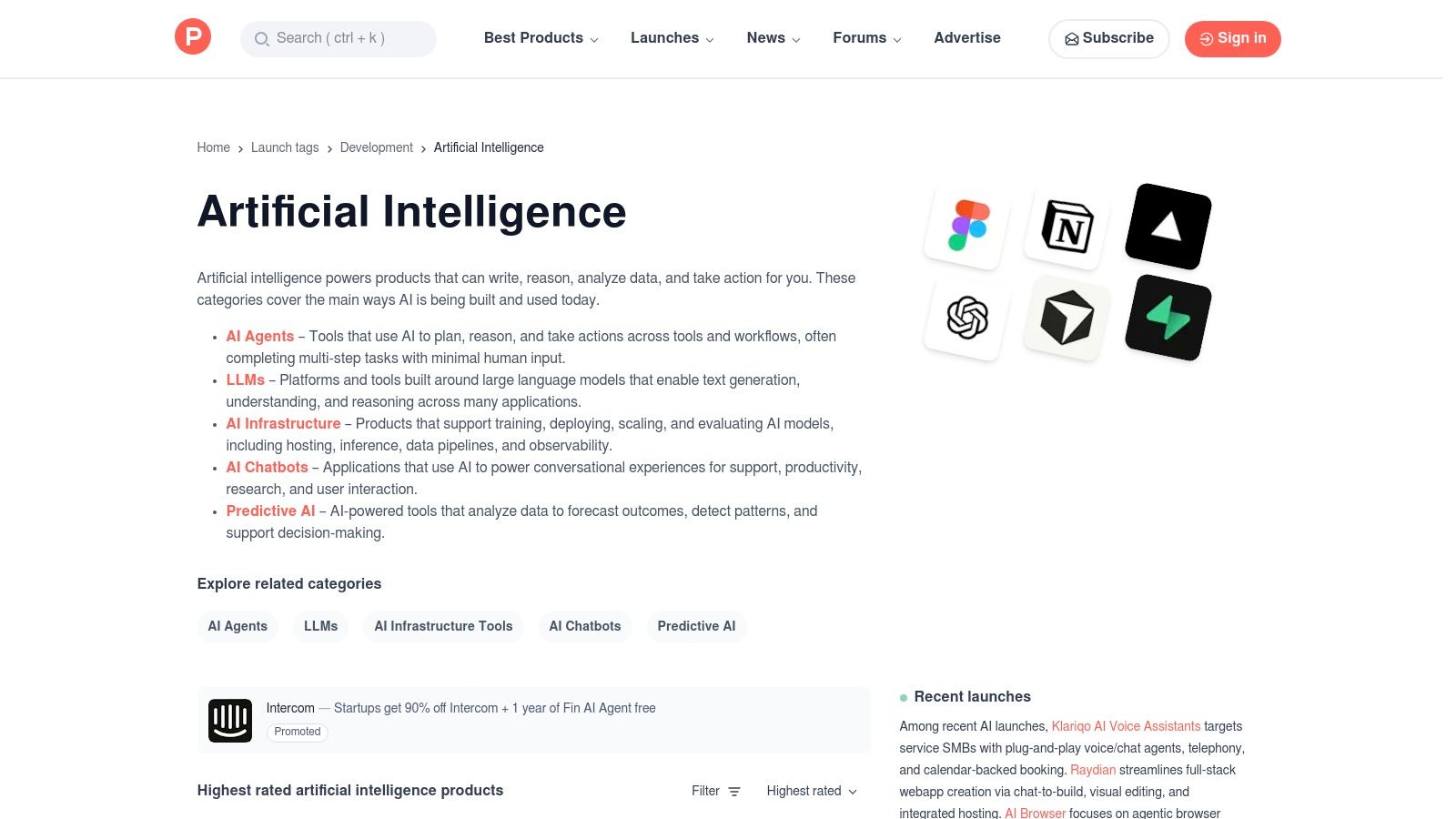
Alt text: A screenshot of the Product Hunt website showing a curated list of new Artificial Intelligence tools with upvotes and descriptions.
Actionable Takeaway: How to Use It
Browse Product Hunt weekly to stay on top of emerging AI trends and discover innovative tools that could give your team a competitive edge. Engage with the makers in the comments to ask specific questions about functionality.
Practical Example: Discover a Niche Content Tool
- Visit the “Artificial Intelligence” topic on Product Hunt.
- Sort by “Most Upvoted” for the week.
- You discover a newly launched tool that automates the creation of branded video shorts from blog post URLs.
- Read the comments to see feedback from other early users and watch the demo video posted by the founder.
- Sign up for the free trial directly from the page to test if this tool can streamline your content repurposing workflow.
Tools & Resources
- Best For: Agile teams, product managers, and R&D departments looking to discover and experiment with emerging AI tools.
- Pricing: Free to browse. Individual tool pricing varies widely, with many offering freemium models or early-adopter discounts.
10. Zapier – AI Tools and Agents directory
Zapier moves AI from a concept to a practical asset by connecting AI outputs to everyday business applications. Its platform allows you to insert AI-powered steps, like summarizing text or classifying leads, directly into automated workflows. By linking these AI actions to over 8,000 apps, Zapier makes it possible to build end-to-end automations that trigger real-world tasks, turning it into one of the most actionable ai tools for businesses.
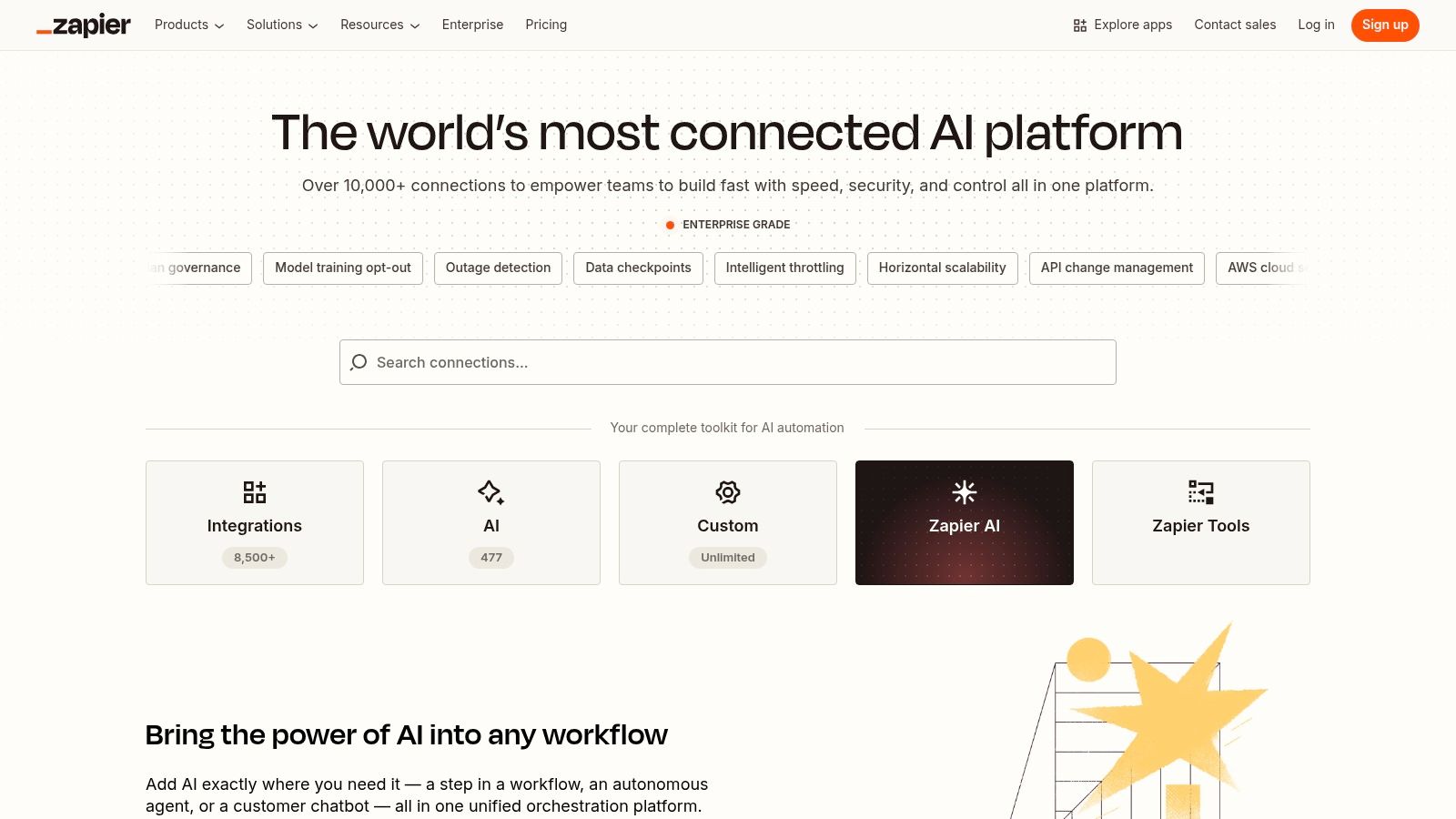
Alt text: A screenshot of the Zapier interface showing how an AI step can be added to an automation workflow connecting different business apps.
Actionable Takeaway: How to Use It
Create “Zaps” that use AI to process information and then trigger actions in your other software tools, effectively operationalizing AI without writing any code.
Practical Example: Automate Sentiment Analysis for Social Media
- In Zapier, create a new Zap.
- Set the trigger: “New Mention” in your brand monitoring tool (e.g., Twitter).
- Add an action step: “Analyze Sentiment with Zapier AI.” Feed the text of the mention into this step.
- Add a “Paths” step to create conditional logic:
- Path A (If sentiment is negative): Create a high-priority ticket in Zendesk and post a notification to the #support-urgent Slack channel.
- Path B (If sentiment is positive): Add the tweet to a Google Sheet of positive testimonials.
- Turn on the Zap to automate your social media monitoring and response workflow.
Tools & Resources
- Best For: Businesses of all sizes looking to embed AI actions into existing workflows without writing code.
- Pricing: Offers a free tier. Paid plans start at $19.99/month (billed annually) for more tasks and premium app integrations.
- Further Reading: AI workflow automation tools.
11. GitHub Marketplace (plus Copilot ecosystem)
For businesses whose operations revolve around software development, the GitHub Marketplace is an integrated app store for tools that embed AI directly into engineering workflows. This ecosystem, including the powerful GitHub Copilot, centralizes procurement and billing within your GitHub account, making it one of the most efficient ai tools for businesses focused on streamlining their development lifecycle.
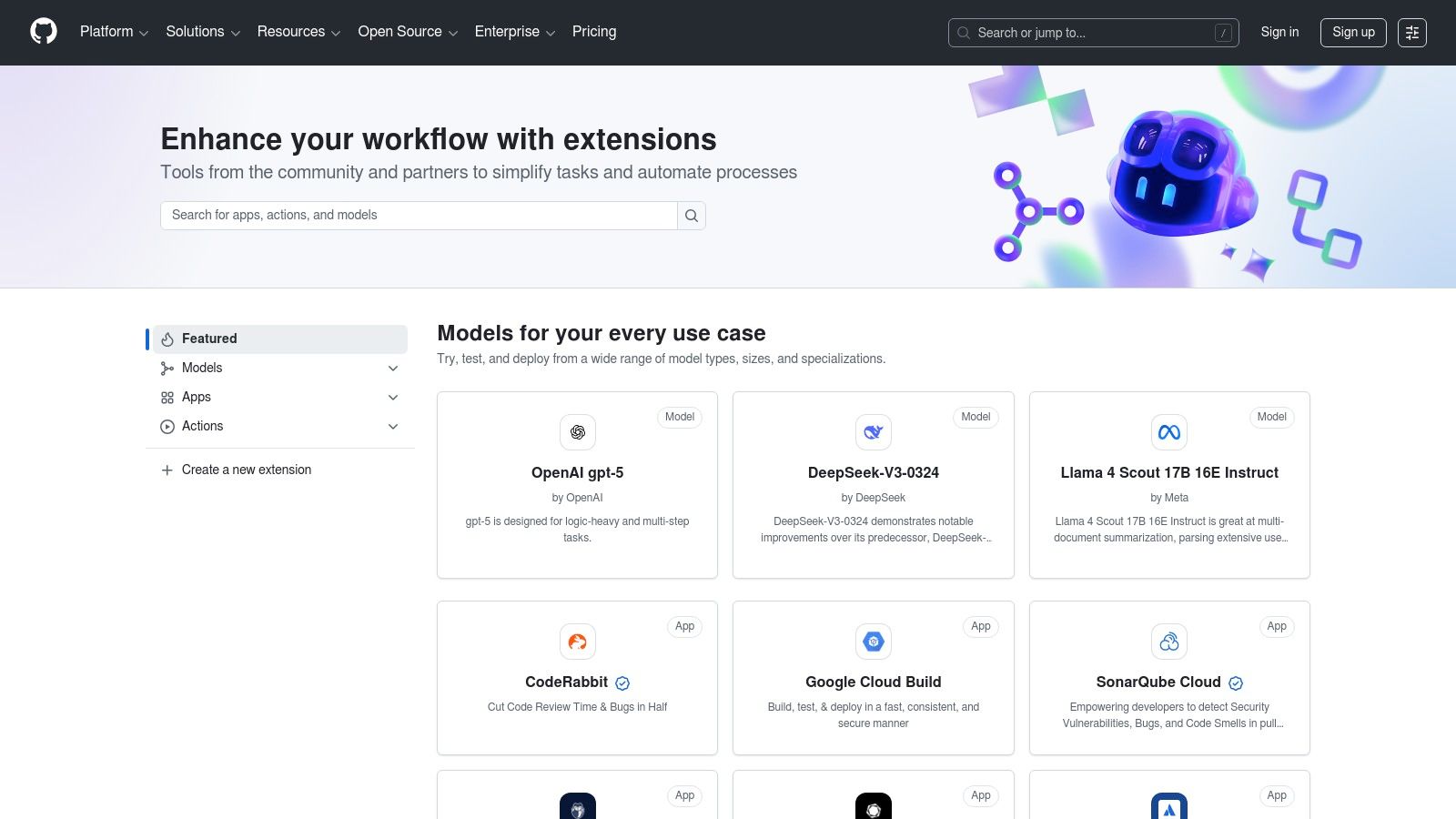
Alt text: A screenshot of the GitHub Marketplace homepage, displaying various developer tools and applications available for integration.
Actionable Takeaway: How to Use It
Install GitHub Apps and Actions to automate tasks like code review, security scanning, and documentation, injecting intelligence at every stage of your CI/CD pipeline.
Practical Example: Automate Code Reviews
- Go to the GitHub Marketplace and search for an AI-powered code review app (e.g., CodeRabbit or Sentry).
- Install the app and grant it access to your organization’s repositories.
- Configure the app’s settings (e.g., specify which types of issues to flag).
- Now, when a developer creates a new pull request, the AI app automatically posts a line-by-line review as a comment, suggesting improvements and catching potential bugs before a human reviewer sees it. This is managed and billed directly through your GitHub organization account.
Tools & Resources
- Best For: Engineering and DevOps teams already using GitHub.
- Pricing: Varies by app; many offer free tiers. GitHub Copilot has its own subscription fee (e.g., Business tier at $19/user/month).
12. Hugging Face – Models, Inference Endpoints, and Enterprise plans
For businesses aiming to leverage open-source AI, Hugging Face serves as the definitive community hub and deployment platform. It provides an extensive repository of models and datasets, but more importantly, it offers a direct path from model discovery to production with its Inference Endpoints. This makes it one of the most versatile ai tools for businesses that want to build on top of community-driven innovation.
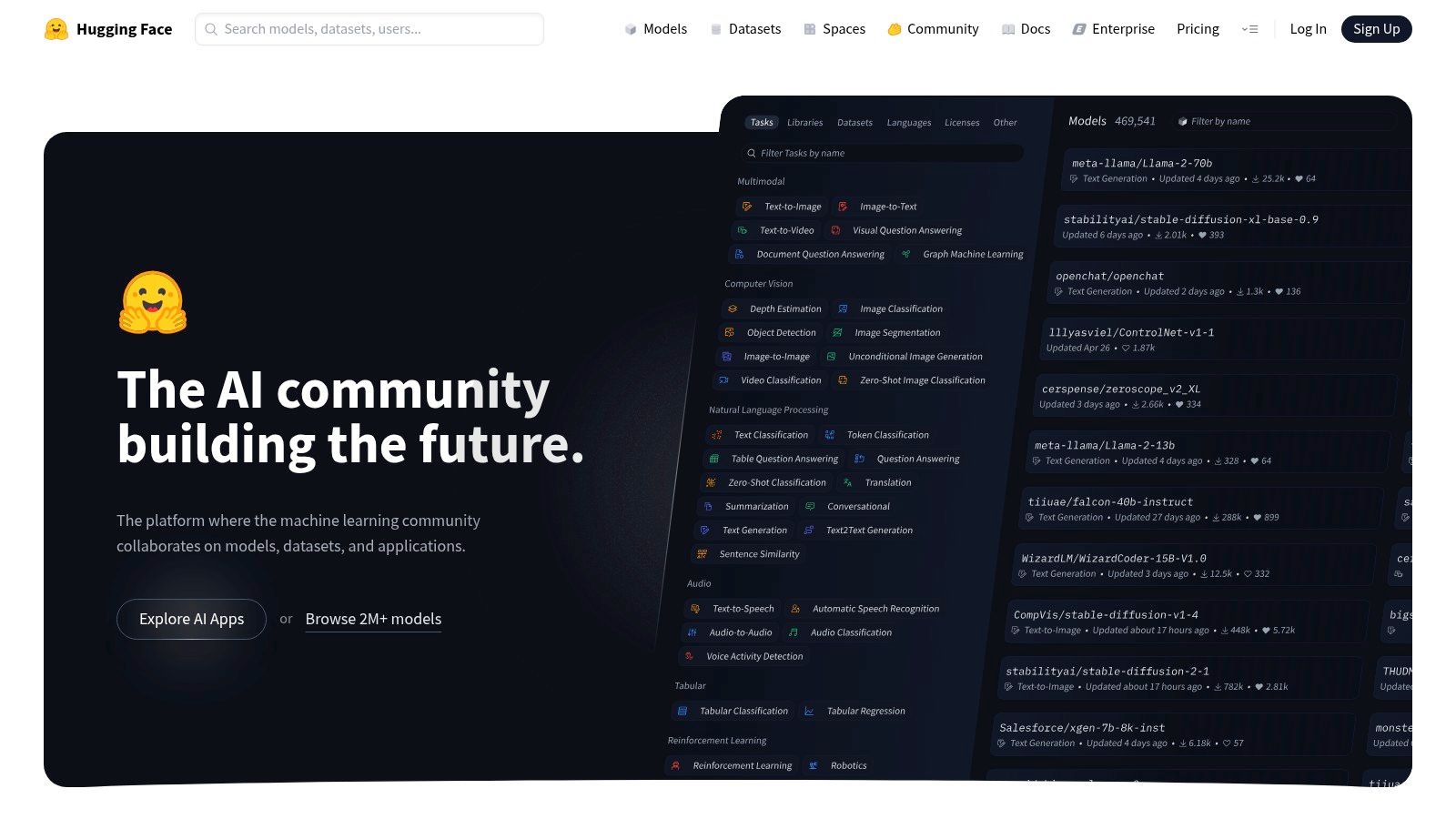
Alt text: A screenshot of the Hugging Face website, displaying a large collection of open-source AI models available for use.
Actionable Takeaway: How to Use It
Use Hugging Face to find a specialized, pre-trained open-source model for a specific task and deploy it as a production-ready API without complex infrastructure setup.
Practical Example: Deploy a Custom Text-Classification API
- Go to the Hugging Face Hub and search for a text-classification model trained for categorizing support tickets.
- Once you find a suitable model, click the “Deploy” button and select “Inference Endpoints.”
- Choose your cloud provider (AWS, Azure, etc.) and select the appropriate compute instance size based on your expected traffic.
- Configure security settings and deploy the endpoint.
- You will receive an API URL. Integrate this API into your help desk software (e.g., Zendesk or Intercom) to automatically categorize incoming tickets as “Billing Issue,” “Technical Glitch,” or “Feature Request.”
Tools & Resources
- Best For: Tech-forward companies wanting to deploy open-source models in a scalable, managed environment.
- Pricing: Community access is free. Inference Endpoints are billed based on compute usage. Team and Enterprise plans add a subscription fee for advanced security and governance.
Top 12 AI Marketplaces & Platforms — Comparison Snapshot
| Platform | Core features | UX / Quality (★) | Value / Pricing (💰) | Target (👥) | Unique selling points (✨) |
|---|---|---|---|---|---|
| RichlyAI 🏆 | Multi‑modal generation (text, images, audio, video, code), realtime voice chat, chatbot training, social automation + AI Tools Hub | ★★★★☆ — intuitive prompt UI, real‑time editing | 💰 Free plan + promos; accessible enterprise features (paid tiers not fully public) | 👥 Creators, marketers, devs, SMBs, enterprises | ✨ All‑in-one creative + discovery hub; 11,000+ tool directory; seamless export/regeneration |
| AWS Marketplace – Machine Learning & Generative AI | Hundreds of 3rd‑party models; one‑click SageMaker deployment; procurement workflows | ★★★★☆ — enterprise reliability, requires AWS know‑how | 💰 Usage‑based; subscription/pay‑as‑you‑go; consolidated billing | 👥 Enterprises, data teams, ML engineers | ✨ Native SageMaker deployment, enterprise procurement & billing |
| Azure Marketplace – AI + Machine Learning | Broad AI catalog; Azure ML/OpenAI integration; private offers | ★★★★☆ — deep Microsoft integration | 💰 Azure billing; pay‑as‑you‑go with enterprise procurement | 👥 Azure/Microsoft‑centric orgs, enterprise IT | ✨ Tight M365 & Power Platform integration; curated AI apps/agents |
| Google Cloud Marketplace | AI agents, datasets, APIs; streamlined GCP deployment & governance | ★★★★☆ — smooth GCP project deployment | 💰 Consolidated GCP billing; credits/incentives available | 👥 GCP teams, data/infra engineers | ✨ Strong procurement toolkit and easy GCP integration |
| Salesforce AppExchange – Agentforce/Einstein | CRM‑native AI agents, low‑code Agent Builder, model builder | ★★★★☆ — native in‑flow UX for Salesforce users | 💰 Add‑ons frequently require sales engagement | 👥 Salesforce customers, sales/service teams | ✨ Direct CRM data access + low‑code agent builder |
| Google Workspace Marketplace – AI add‑ons | Installable AI add‑ons for Docs/Sheets/Gmail with admin controls | ★★★☆☆ — quality varies by add‑on | 💰 Freemium/paid add‑ons; domain deployment control | 👥 Knowledge workers, teams using Workspace | ✨ Low‑friction in‑app AI with admin rollouts |
| G2 – AI Software category | User‑generated reviews, rankings, product comparisons | ★★★★☆ — review‑driven insights | 💰 Free browsing; pricing snapshots (vendor‑provided) | 👥 Buyers shortlisting & comparing products | ✨ Verified reviews, awards & side‑by‑side comparisons |
| Capterra – AI directory | Buyer guides, verified reviews, filters for features/pricing | ★★★☆☆ — SMB‑focused discovery | 💰 Free to browse; vendor listings vary | 👥 SMB buyers, procurement teams | ✨ Buyer guides and pricing range visibility |
| Product Hunt – AI topic | Launches, community voting, maker updates | ★★★☆☆ — great for early signals; uneven maturity | 💰 Free discovery; early access to new tools | 👥 Early adopters, makers, product hunters | ✨ Rapid discovery of emerging/trending tools |
| Zapier – AI Tools & Agents | LLM steps, agents, connects 8,000+ apps for automation | ★★★★☆ — no‑code to developer workflows | 💰 Tiered plans; task‑based costs | 👥 Ops, marketing, SMBs wanting automation | ✨ Operationalizes AI into app actions and workflows |
| GitHub Marketplace (plus Copilot) | Apps/Actions, Copilot ecosystem, CI/CD AI integrations | ★★★★☆ — developer‑centric, integrated billing | 💰 Org billing; some Copilot features paid | 👥 Engineering teams, DevOps | ✨ Embeds AI into dev workflows, code review & CI |
| Hugging Face – Models & Endpoints | OSS model hub, Spaces, managed inference endpoints, enterprise plans | ★★★★☆ — OSS community + enterprise controls | 💰 Transparent infra pricing; enterprise plan options | 👥 ML teams, researchers, enterprises | ✨ Massive OSS model catalog + deployable autoscaling endpoints |
Final Thoughts
The journey through the expansive landscape of AI tools for businesses reveals a fundamental shift: we’ve moved beyond theory and into an era of practical application where AI is a core component of modern operational strategy. This guide navigated vast marketplaces like AWS and Azure, curated directories from G2 and Capterra, and developer-centric ecosystems like GitHub and Hugging Face. The diversity of platforms underscores a critical point: there is no single “best” AI tool, only the tool that is best for your specific challenge.
Successful AI adoption is less about finding a magic bullet and more about strategic implementation. It begins with a clear understanding of the business problem you need to solve. Are you trying to automate customer support, generate marketing content at scale, or streamline your development lifecycle? Your selection process must be rooted in this needs-based assessment.
Actionable Takeaways: Your Next Steps
Moving from knowledge to action is the most crucial step. The most effective AI tools for businesses are those that augment your team’s capabilities, freeing them to focus on high-value, strategic work.
- Audit Your Processes: Identify 1-2 business areas plagued by inefficiency (e.g., customer service response times, content workflows, data entry).
- Form a Pilot Team: Designate a few tech-savvy team members to trial a shortlist of 2-3 relevant tools from this guide.
- Define Success Metrics: Before starting a trial, determine what success looks like. Is it a 20% reduction in support tickets or a 50% increase in content output?
- Prioritize Integration: Ensure any tool you consider can integrate smoothly with your existing software stack (CRM, project management tools).
- Vet Security: Rigorously check security protocols and data privacy policies, especially if you handle sensitive customer information.
- Stay Curious: The AI landscape evolves quickly. Encourage your team to experiment with new platforms and share their findings.
The journey starts not with a massive overhaul, but with a single, well-chosen tool applied to a well-defined problem. Start small, measure your results, and scale what works.
Ready to unify your AI strategy without the complexity of managing dozens of separate tools? RichlyAI integrates the world’s most powerful AI models into a single, intuitive platform designed specifically for business workflows. Explore how you can streamline everything from content creation to data analysis and build your own custom AI agents at RichlyAI.
