
In a competitive business environment, manual, repetitive tasks are more than just a time-sink; they are a direct bottleneck to growth. The relentless cycle of data entry, report generation, and routine customer follow-ups consumes valuable employee hours that could be redirected toward strategic initiatives. This operational drag is precisely the problem that AI tools for business automation are designed to solve. They don’t just speed up processes; they fundamentally transform how work gets done, enabling teams to achieve more with less effort.
This guide is your practical roadmap to reclaiming that lost time and unlocking new efficiencies. We move beyond generic descriptions to provide a comprehensive breakdown of 12 leading automation platforms. You won’t just learn what they are, but how to use them effectively within your own operations.
Here’s what you can expect from this resource:
- Detailed Breakdowns: We’ll explore each tool’s core functionality, key features, and ideal use cases, from workflow automation with Zapier to enterprise-level Robotic Process Automation (RPA) with UiPath.
- Honest Assessments: Every entry includes a clear-eyed look at pros and cons, helping you understand not just a tool’s strengths but also its limitations.
- Actionable Insights: We provide pricing tiers, integration capabilities, and real-world examples to guide your decision-making process. We’ve included direct links and screenshots to give you a clear view of each platform.
- Targeted Recommendations: Find out which solution is best for startups, which scales for the enterprise, and which offers the most value on a tight budget.
Our goal is to equip you with the knowledge to select and implement the right ai tools for business automation for your specific needs, helping you transition from manual overload to intelligent, streamlined operations. Let’s dive in.
1. RichlyAI
RichlyAI positions itself as a powerful, all-in-one AI ecosystem, making it a standout choice for businesses seeking a centralized platform for creative production and tool discovery. It effectively combines a multi-modal content generation suite with a massive directory of AI solutions, providing a unique dual value proposition. This makes it one of the most versatile ai tools for business automation, especially for teams that handle content, marketing, and development simultaneously.
The platform’s core is the RichlyAI Hub, an intuitive workspace where users can generate text, images, code, audio, and video from various AI models. The inclusion of real-time voice chat for conversational AI and built-in social media automation tools for platforms like X and LinkedIn streamlines workflows, allowing teams to move from idea to execution and distribution within a single environment.
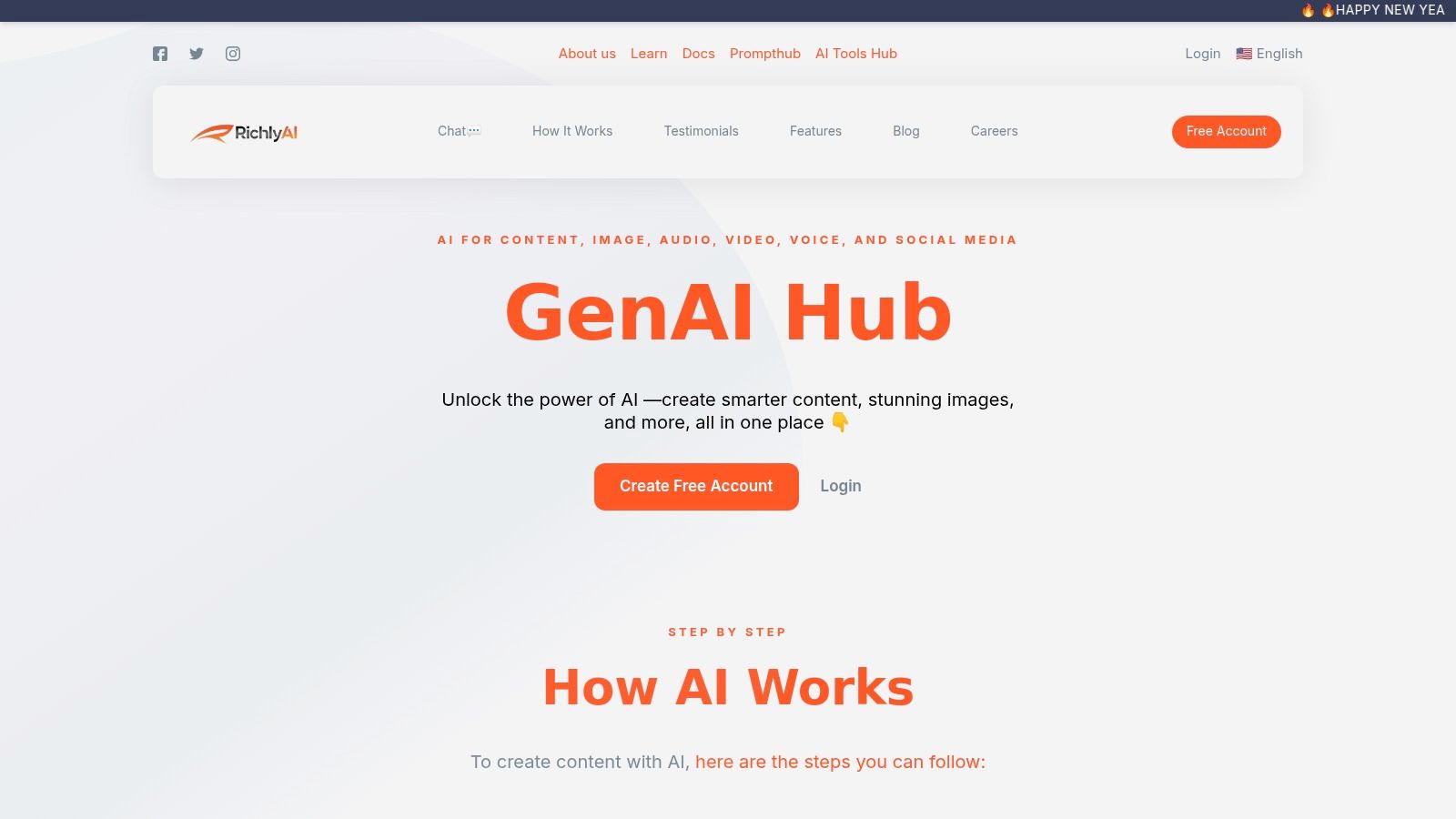
Alt text: An AI tools hub showing a search bar and categorized listings of various AI tools for business automation.
Key Features and Use Cases
- Multi-Modal Content Generation: Create blog posts, social media captions, high-resolution images, code snippets, and even train custom chatbots using your company’s data. This consolidates tools that are often siloed, saving subscription costs and training time.
- AI Tools Hub: A comprehensive directory with over 11,000 tools. Businesses can use this to research, compare, and discover niche AI solutions for specific automation challenges, from document processing to advanced analytics.
- Social Media Automation: Schedule and optimize posts directly from the platform, using AI-generated content to maintain a consistent and engaging online presence.
- Developer-Friendly Tools: Accelerate development cycles with AI-powered code generation and custom chatbot training, which can be used for internal support bots or external customer service agents.
Practical Example: Automated Content Campaign
A marketing team can use RichlyAI to draft a series of high-quality articles for their blog, generate accompanying visuals, and then use the integrated social media scheduler to promote the content across LinkedIn and X, all without leaving the platform. This seamless workflow drastically reduces the time from content creation to publication.
Step-by-step:
- Generate Article: Use the AI text generator to create a 1,500-word blog post on a target keyword.
- Create Visuals: Use the AI image generator to produce three custom illustrations for the article.
- Draft Social Posts: Ask the AI to create five unique social media posts based on the article’s content, tailored for LinkedIn and X.
- Schedule Campaign: Upload the posts and visuals to the social media scheduler and set them to publish over the next week.
Pricing and Access
RichlyAI offers a generous free plan that includes what it promotes as “Unlimited Text Generation FOREVER!” which provides significant value. For businesses and developers wanting to list their own products on the AI Tools Hub, there is a one-time premium upgrade fee to unlock enhanced features like verified badges and SEO benefits. However, specific pricing for this upgrade and any enterprise-level plans is not publicly listed and requires direct contact.
Actionable Takeaways
- Consolidate Your Creative Stack: Use the free plan to test its text and image generation capabilities to see if it can replace multiple single-purpose AI tools.
- Automate Your Social Media: Connect your X and LinkedIn accounts to the social media automation feature to streamline your content calendar.
- Discover Niche Tools: Leverage the AI Tools Hub to find specialized automation software you might not discover through conventional search.
Tools & Further Reading
- Tool: RichlyAI
- Reference: How SMEs in Africa Can Use AI for Growth
2. Zapier
Zapier is a cornerstone of no-code automation, acting as the digital glue that connects over 7,000 different web applications. It allows users to create automated workflows, or “Zaps,” between apps like Gmail, Slack, and Salesforce without writing a single line of code. This platform is an excellent choice for small to medium-sized businesses and non-technical teams looking to implement powerful, cross-app ai tools for business automation quickly and efficiently.
What sets Zapier apart is its deep integration of AI throughout the platform. Users can leverage AI to help build, troubleshoot, and optimize their workflows. The “AI by Zapier” feature allows you to embed GPT-4o-mini powered steps directly into your Zaps, enabling you to summarize text, classify leads, or draft emails automatically as part of any connected process.
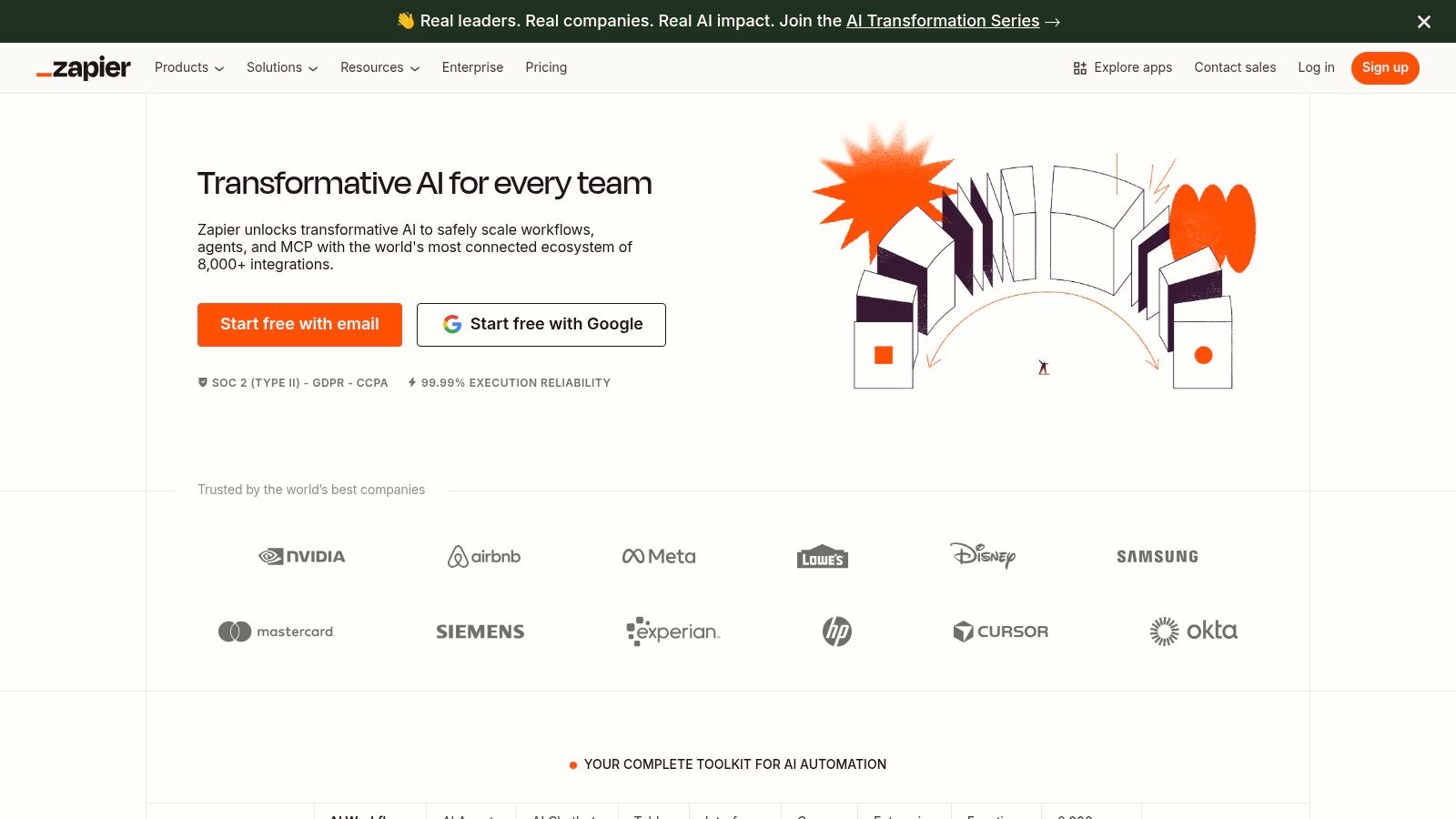
Alt text: A screenshot of the Zapier interface showing an automated workflow being created. The workflow starts with a trigger from a new form submission and then uses AI to summarize the content, followed by an action to send a Slack notification.
Key Features & Use Cases
- AI-Assisted Zap Builder: Get suggestions for your next workflow step or ask the AI to troubleshoot a Zap that isn’t working correctly.
- Hosted AI Chatbots & Agents: Build custom chatbots that can trigger Zaps, allowing you to create AI agents that perform actions across your entire tech stack based on user conversations.
- Extensive App Library: Connect to over 7,000 applications, making it one of the most versatile integration platforms available.
Practical Example: Intelligent Lead Routing
A marketing team can create a Zap that triggers when a new lead fills out a website form. An “AI by Zapier” step then analyzes the lead’s company information to determine their industry and size. Finally, the Zap routes the lead to the appropriate sales representative in Salesforce and sends a personalized notification in Slack, all within seconds.
Step-by-step:
- Trigger: New Form Submission in Typeform.
- Action: Use “AI by Zapier” with a prompt like: “Based on this lead’s info [Company Name, Company Size, Website], classify their industry as ‘Finance’, ‘Tech’, or ‘Other’.”
- Action (Paths): Create different paths based on the AI’s classification.
- Action (Final): For “Tech” leads, create a new Lead in Salesforce assigned to the tech sales team and post a “New Tech Lead” message in the #sales-tech Slack channel.
Pricing & Implementation
Zapier offers a free tier with limited functionality. Paid plans start at $19.99/month (billed annually) and scale based on the number of tasks you run and the complexity of your Zaps. Its task-based billing can become expensive for high-volume automations.
- Pros: Extremely wide app compatibility, user-friendly no-code interface, and powerful embedded AI features.
- Cons: Task-based pricing can be costly at scale, and it is less suited for complex data transformations or enterprise-level robotic process automation (RPA).
Actionable Takeaways
- Identify a simple, two-app process you do daily (e.g., saving Gmail attachments to Google Drive) and build your first Zap.
- Explore the “AI by Zapier” actions to see how you can add intelligence to an existing workflow, like summarizing meeting notes.
- Browse the Zapier template library for pre-built solutions for your most used apps.
Tools & Further Reading
- Tool: https://zapier.com
- Reference: Automating with Zapier and other AI productivity tools
3. Make (formerly Integromat)
Make is a powerful visual automation platform that allows users to design, build, and automate anything from simple tasks to complex workflows. Often seen as a more granular alternative to other platforms, Make excels where intricate logic, conditional branching, and detailed data manipulation are required. Its visual, drag-and-drop interface lets users see exactly how data flows, making it a favorite for power users and businesses that need more control over their ai tools for business automation at a potentially lower cost for high-volume operations.
What distinguishes Make is its visual approach to building “scenarios” and its cost-effective, operation-based pricing model. This allows for more complex automations with multiple paths and error handlers without the same per-task cost constraints of some competitors. The platform also offers robust, built-in AI tools, like an AI Content Extractor, and the ability to connect to custom AI models, giving technical teams deep flexibility.
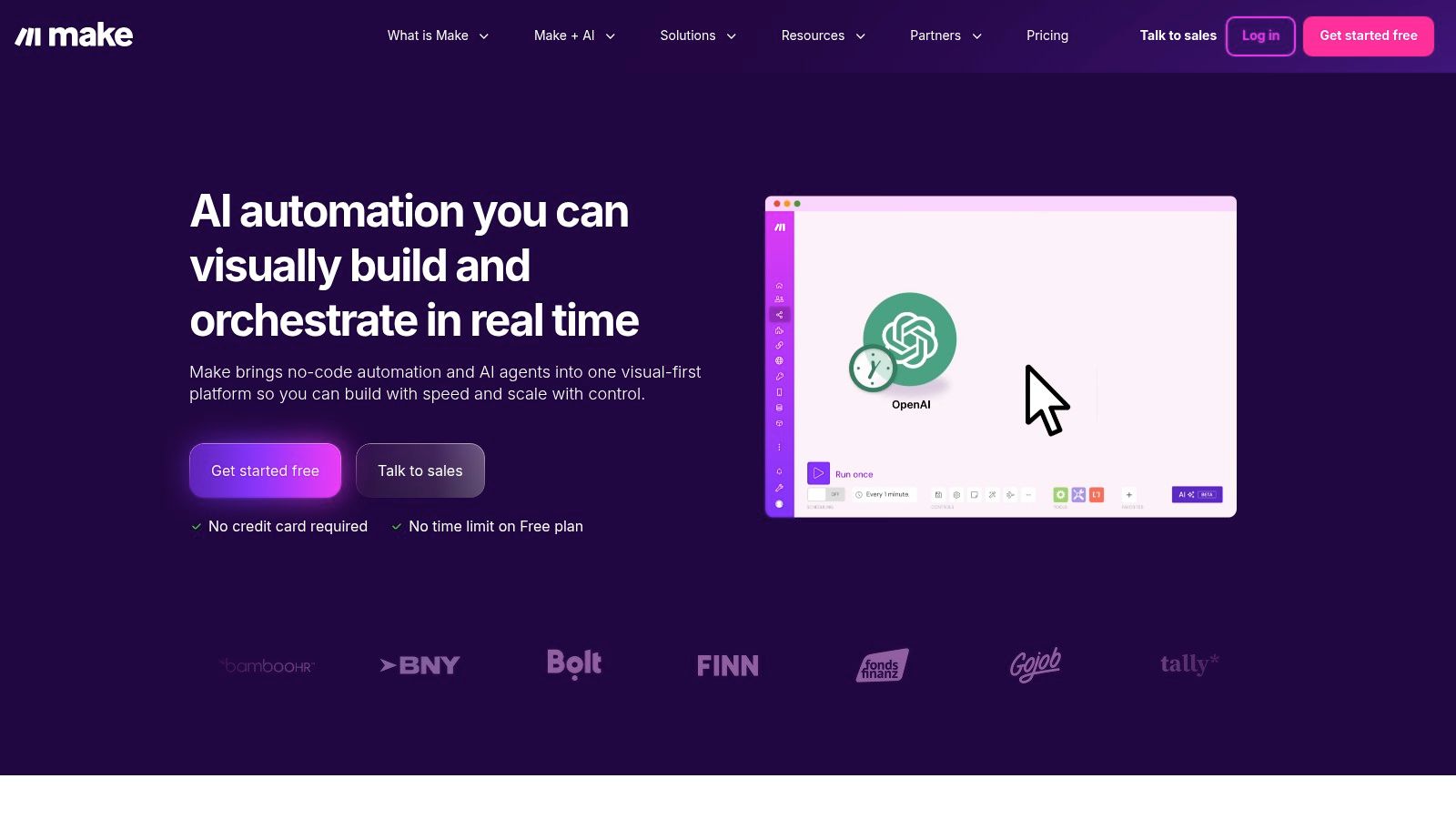
Alt text: A screenshot of the Make.com interface, showing a visual, node-based workflow being built. Multiple paths and application modules are connected, illustrating the platform’s capacity for complex branching.
Key Features & Use Cases
- Visual Workflow Builder: Design complex automations with routers for branching logic, filters, and aggregators in a drag-and-drop environment.
- Built-in AI & Custom Model Integration: Use out-of-the-box AI tools for tasks like content extraction or connect directly to services like OpenAI or custom AI/ML servers.
- Cost-Effective Operations Model: Pay per operation (a single action in a module), which is often more affordable for multi-step workflows than per-task models.
Practical Example: Automated Customer Support Triage
A support team can build a scenario that triggers when a new ticket is created in Zendesk. Make’s AI tools analyze the ticket text to classify it by urgency and topic (e.g., “Billing,” “Technical Issue”). The scenario then uses a router to send high-urgency technical issues to a PagerDuty alert and simultaneously create a detailed bug report card in Jira, while routing billing questions to a specific Slack channel.
Step-by-step:
- Trigger: Watch for new tickets in Zendesk.
- Action: Use the OpenAI module with a prompt: “Classify this support ticket: [Ticket Body] into one of these categories: Billing, Technical, General Inquiry. Determine urgency: High, Medium, Low.”
- Action (Router): Split the flow into three paths based on the classification and urgency.
- Action (Path 1): If “Technical” and “High” urgency, create an alert in PagerDuty.
- Action (Path 2): If “Billing”, post a message in the #support-billing Slack channel.
Pricing & Implementation
Make offers a generous free tier that includes 1,000 operations per month. Paid plans begin at just $9 per month (billed annually), scaling based on the number of operations you consume. The learning curve is steeper than simpler tools due to its power.
- Pros: Highly cost-efficient for high-volume or complex workflows, provides fine-grained control with visual branching, and offers strong error-handling capabilities.
- Cons: Can have a steeper learning curve for non-technical users, and managing the “operations” credit system requires careful monitoring to avoid overages.
Actionable Takeaways
- Map out a complex business process with multiple “if/then” conditions—this is a perfect candidate for Make’s visual router.
- Use the free tier to build a multi-step scenario and see how operations are counted to understand the pricing model.
- Connect to the OpenAI module to add sentiment analysis or text classification to an existing workflow.
Tools & Further Reading
- Tool: https://make.com
4. Microsoft Power Automate
For organizations deeply integrated into the Microsoft ecosystem, Power Automate offers a powerful and native solution for workflow automation and RPA. It bridges the gap between cloud-based applications (like Office 365, Dynamics 365, and Teams) and legacy desktop systems, allowing businesses to create end-to-end automated processes. This platform is a strong contender for enterprises seeking robust governance, security, and scalability for their ai tools for business automation.
What distinguishes Power Automate is its seamless fusion of digital process automation (DPA) with AI-powered robotic process automation (RPA). Users can design “cloud flows” to connect APIs and “desktop flows” to mimic human actions on a computer. The platform also incorporates AI Builder, which allows users to add intelligence to their workflows, such as processing forms, predicting outcomes, or classifying text without requiring data science expertise.
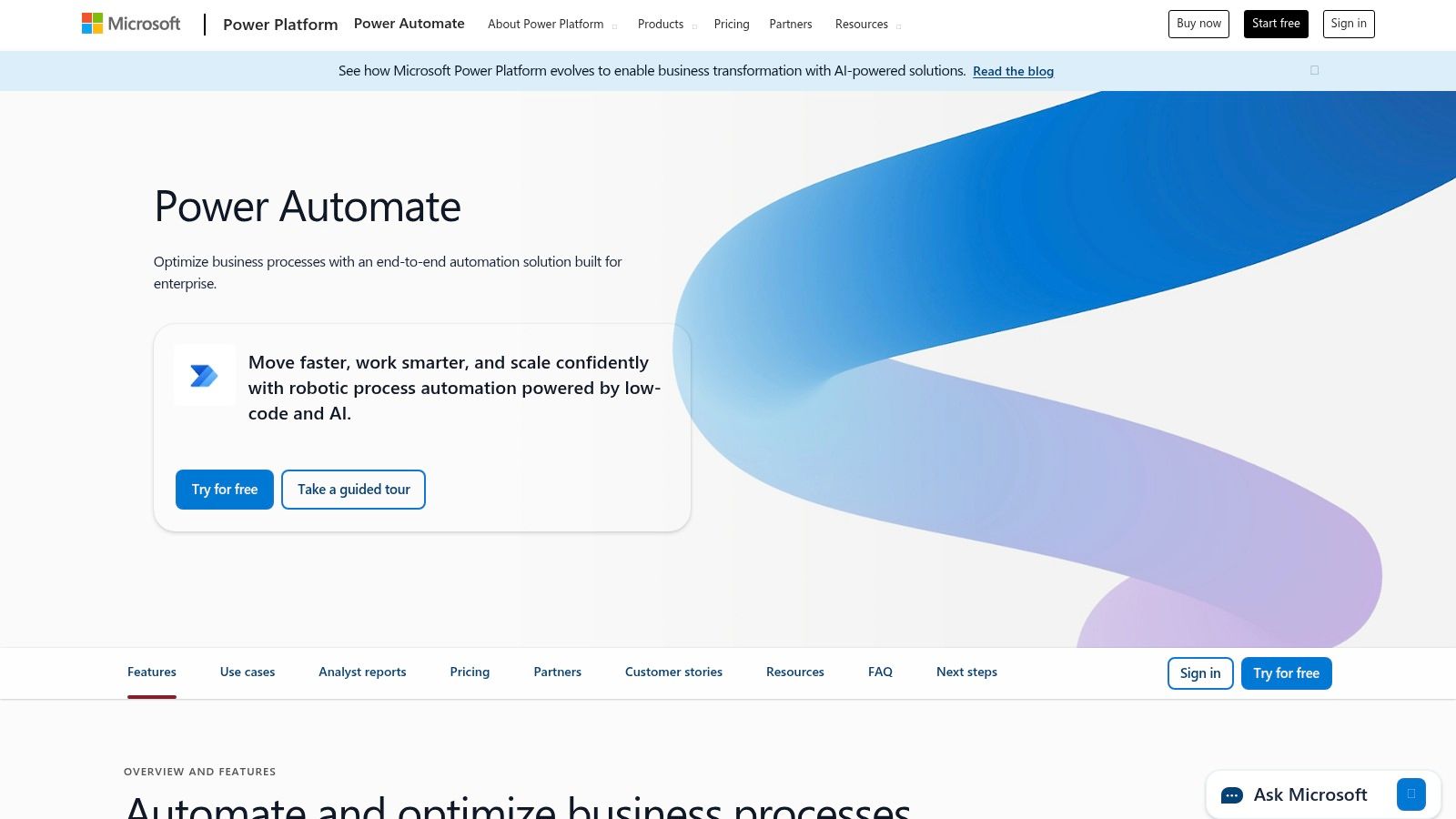
Alt text: A screenshot of the Microsoft Power Automate interface, showing a flow that automates invoice processing. It starts with an email trigger, uses AI Builder to extract data from a PDF attachment, and saves the information to a SharePoint list.
Key Features & Use Cases
- Cloud & Desktop Flows: Build API-based automations for modern web services and use RPA for legacy systems, all within one platform.
- AI Builder & Copilot: Embed pre-built AI models directly into your flows or use natural language to describe the automation you want to build, and Copilot will generate it.
- Deep Microsoft 365 Integration: Natively connect to SharePoint, Teams, Outlook, Dynamics 365, and the entire Power Platform.
Practical Example: Automated Onboarding Process
An HR department can build a flow that triggers when a new employee is added to their system. The flow automatically creates user accounts in Active Directory, assigns the correct Office 365 licenses, adds the new hire to relevant Teams channels, and schedules a series of onboarding meetings in Outlook.
Step-by-step:
- Trigger: When a new row is added to a “New Hires” SharePoint List.
- Action: Use the “Azure AD” connector to create a new user account using data from the SharePoint list.
- Action: Use the “Office 365” connector to assign a specific license (e.g., E3) to the new user.
- Action: Use the “Microsoft Teams” connector to add the user to the “General” and their department-specific team.
- Action: Use the “Outlook” connector to schedule a “Welcome Meeting” with their manager.
Pricing & Implementation
Power Automate licensing can be complex, with options for per-user plans, per-flow plans, and add-ons for features like RPA and AI Builder. Plans start from around $15 per user/month. The best value is realized when a company is already invested in Microsoft’s cloud infrastructure.
- Pros: Unmatched integration with the Microsoft 365 and Azure ecosystem, strong enterprise-grade governance and security features.
- Cons: Licensing can be confusing and costly, and it is less intuitive for automating non-Microsoft applications compared to competitors.
Actionable Takeaways
- Use the Copilot feature to describe a simple task in plain English (e.g., “When I get an email with an invoice, save the attachment to SharePoint”) and see what flow it builds for you.
- Explore the pre-built templates for common Microsoft 365 tasks like approval workflows or notifications.
- If your company uses a legacy desktop app, download Power Automate Desktop (free with Windows 11) and try recording a simple task.
Tools & Further Reading
- Tool: https://powerautomate.microsoft.com
- Reference: How to Implement AI in Business
5. UiPath
UiPath is an enterprise-grade Robotic Process Automation (RPA) platform designed for end-to-end automation at scale. It excels in environments requiring robust desktop automation, complex document processing, and advanced governance. UiPath combines traditional RPA with AI capabilities like computer vision and machine learning, making it one of the most powerful ai tools for business automation for large organizations looking to digitize legacy systems and automate intricate, multi-step processes.
What makes UiPath a leader in the space is its comprehensive, all-in-one approach to automation. The platform covers the entire automation lifecycle from process discovery and building bots to managing and measuring their impact. Its AI-powered document understanding can extract data from invoices, contracts, and forms with high accuracy, while its computer vision capabilities allow bots to “see” and interact with on-screen elements just like a human user would, enabling automation of even the most challenging applications.
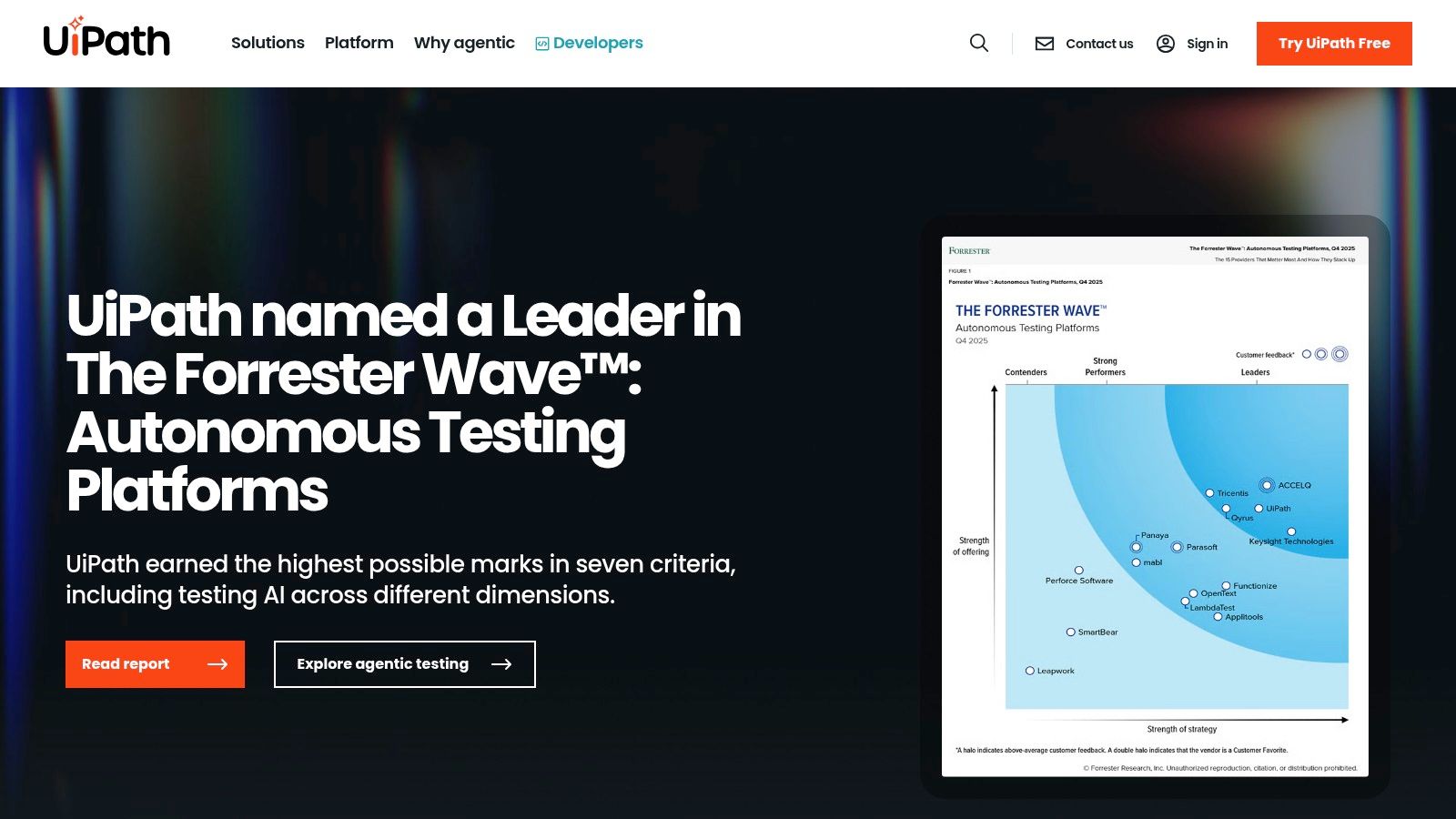
Alt text: A diagram showing UiPath’s position as a leader in The Forrester Wave for Robotic Process Automation.
Key Features & Use Cases
- Attended & Unattended Robots: Deploy bots that work alongside employees (attended) to assist with tasks or run independently in the background (unattended) for high-volume processing.
- AI-Powered Document Understanding: Automate data extraction from structured and unstructured documents, such as processing thousands of invoices or digitizing customer records.
- Process Mining: Analyze system logs to discover and visualize business processes, identifying bottlenecks and opportunities for automation.
Practical Example: Automated Accounts Payable
A finance department can deploy a UiPath robot to handle accounts payable. The robot monitors an email inbox for new invoices, uses AI to extract key data like vendor name and amount due, validates the information against an ERP system like SAP, and schedules the payment for approval, all without human intervention.
Step-by-step:
- Monitor Inbox: The robot continuously checks a designated email folder for new messages with attachments.
- Extract Data: For each PDF invoice, the robot uses “Document Understanding” to extract fields like ‘Invoice Number’, ‘PO Number’, ‘Total Amount’, and ‘Vendor Name’.
- Validate in SAP: The robot logs into the SAP desktop application, navigates to the purchasing module, and validates the extracted PO number and amount against the system’s records.
- Process or Flag: If the data matches, the robot enters the invoice data into SAP for payment processing. If there’s a mismatch, it flags the invoice and sends an email to the AP team for manual review.
Pricing & Implementation
UiPath offers various tiers, including a free Community Edition for individual developers and small businesses. Enterprise pricing is quote-based and tailored to specific needs, often requiring engagement with their sales team.
- Pros: Mature, enterprise-grade RPA capabilities with deep governance and security features. A large ecosystem and marketplace of pre-built automations.
- Cons: The platform’s complexity can present a steep learning curve for non-technical users. Enterprise-level features come with a significant price tag.
Actionable Takeaways
- Download the free UiPath Community Edition to start learning the platform.
- Use the built-in recorder to automate a simple desktop task, like copying data from an Excel sheet into a web form.
- Explore the UiPath Academy for free courses to understand the fundamentals of RPA development.
Tools & Further Reading
- Tool: https://www.uipath.com
6. Automation Anywhere
Automation Anywhere is a leading enterprise-grade platform specializing in Robotic Process Automation (RPA), empowering businesses to automate complex, end-to-end processes across various departments. As a cloud-native solution, it provides a powerful environment for building, deploying, and managing software bots that can mimic human actions on digital systems. This makes it a go-to choice for larger organizations in finance, IT, and service industries looking for scalable ai tools for business automation.
What truly distinguishes Automation Anywhere is its Automation 360 platform, which seamlessly integrates AI capabilities like intelligent document processing and process discovery directly into its RPA core. This fusion allows businesses to move beyond simple task automation to handle unstructured data and discover new automation opportunities. The platform also features a “Bot Store,” a marketplace for pre-built bots that significantly accelerates deployment for common business processes.
Alt text: The Automation Anywhere homepage showcasing its platform for intelligent automation and process discovery.
Key Features & Use Cases
- Automation 360 Platform: A cloud-first RPA solution that includes AI-powered document processing, process discovery, and advanced analytics to optimize workflows.
- Bot Store Marketplace: An extensive marketplace offering a wide range of reusable, pre-built bots and commercial add-ons to speed up the implementation of common automations.
- Generative AI Integration: Embed generative AI directly into bots to summarize documents, draft emails, and handle unstructured data within automated workflows.
Practical Example: Automated Report Generation
A business analytics team can deploy a bot to automate the creation of a weekly performance report. The bot logs into multiple systems (e.g., Salesforce, Google Analytics, internal databases), extracts the latest data, consolidates it into a standardized Excel template, and then emails the final report to stakeholders.
Step-by-step:
- Launch & Login: At a scheduled time, the bot launches and logs into Salesforce and Google Analytics.
- Data Extraction: The bot navigates to specific reports in each application and exports the required data as CSV files.
- Data Consolidation: The bot opens a master Excel template, copies the data from the CSV files into the correct sheets, and refreshes all pivot tables and charts.
- Distribution: The bot saves the updated report with a new filename (e.g., “Weekly_Report_YYYY-MM-DD.xlsx”), composes a new email, attaches the file, and sends it to a predefined distribution list.
Pricing & Implementation
Automation Anywhere offers a robust, free Community Edition for developers, students, and small businesses to learn and build bots. Enterprise pricing is quote-based and tailored to specific organizational needs, which can make it less transparent for initial budgeting.
- Pros: Powerful enterprise-grade capabilities, extensive learning resources and community support, and a free Community Edition for exploration.
- Cons: Enterprise pricing is opaque and can be a significant investment, and leveraging its most advanced AI capabilities often requires a more involved setup and expertise.
Actionable Takeaways
- Sign up for the free Community Edition to access the core platform and development tools.
- Browse the Bot Store to see what pre-built solutions exist for the software your company already uses.
- Complete a “Hello, Bot!” tutorial from Automation Anywhere University to build your first simple automation.
Tools & Further Reading
7. n8n
n8n is a powerful, source-available workflow automation tool designed for users who want more control and flexibility. It distinguishes itself by offering both cloud-hosted and self-hosted options, making it ideal for technical teams concerned with data privacy and scalability. This platform’s “fair-code” model and developer-centric features position it as a strong choice for creating sophisticated ai tools for business automation with fewer limitations than traditional no-code platforms.
What makes n8n particularly compelling is its execution-based pricing and robust AI integration capabilities. Unlike task-based models, you pay for workflow executions, not individual steps, which can be far more cost-effective for complex, multi-step automations. Its AI nodes allow users to seamlessly connect to services like OpenAI, Hugging Face, and others to build AI-powered workflows directly within the visual editor.
Alt text: The n8n visual workflow editor showing a complex automation with multiple branches and nodes, demonstrating its capacity for sophisticated process design.
Key Features & Use Cases
- Self-Hosting & Data Sovereignty: Deploy n8n on your own infrastructure (e.g., via Docker) for complete control over your data, a critical feature for industries with strict compliance requirements.
- Execution-Based Pricing: Pay per workflow run, not per step, offering predictable costs that scale well with complex, high-volume automations.
- Developer-Centric: Easily create custom nodes with JavaScript or TypeScript and connect to any API with the HTTP Request node.
Practical Example: DevOps Alert Triage
A DevOps team can build a workflow that listens for new alerts in a monitoring system like Grafana. An AI node then analyzes the alert’s text to classify its urgency and summarize the issue. Based on the classification, the workflow automatically creates a detailed ticket in Jira, assigns it to the on-call engineer, and posts a summary to a dedicated Slack channel.
Step-by-step:
- Trigger: Use a Webhook node to receive alerts from Grafana.
- Action: Connect to the OpenAI node with a prompt: “Summarize this technical alert: [Alert Payload]. Classify its priority as P1, P2, or P3.”
- Action (IF Node): Check if the priority is P1.
- Action (Path 1): If P1, create a new issue in Jira and post an “@here” message to the #devops-alerts Slack channel.
- Action (Path 2): If not P1, create a Jira issue and post a standard message to the Slack channel.
Pricing & Implementation
n8n offers a generous free self-hosted option. Cloud plans start at €20/month, scaling based on the number of workflow executions needed. All paid plans include unlimited users and workflows. The setup for the self-hosted version requires some technical knowledge (like Docker).
- Pros: Cost-predictable execution-based pricing, self-hosting provides data control and compliance flexibility, and it’s highly extensible for developers.
- Cons: The learning curve is steeper than pure no-code tools, and the connector library is smaller than that of major competitors like Zapier.
Actionable Takeaways
- If you have Docker installed, try setting up the self-hosted version to understand the process and benefits of data control.
- Build a workflow that connects to an API not listed in the standard nodes using the versatile HTTP Request node.
- Explore the workflow templates library on n8n’s website to find a starting point for your first automation.
Tools & Further Reading
- Tool: https://n8n.io
8. AWS Marketplace (AI Agents/Automation)
For organizations deeply integrated into the Amazon Web Services ecosystem, the AWS Marketplace offers a streamlined and secure way to procure and deploy third-party software. It acts as a digital catalog where you can discover, purchase, and launch pre-configured ai tools for business automation directly into your existing AWS environment. This approach is ideal for IT-led teams that prioritize governance, security, and consolidated billing.
The marketplace simplifies the entire procurement process, allowing companies to use existing AWS payment terms and contracts. Its dedicated “AI Agents and Tools” category features a growing portfolio of solutions, from RPA platforms to specialized AI agents, all vetted for compatibility with AWS infrastructure. This central hub eliminates the need for multiple vendor contracts and complex procurement cycles.
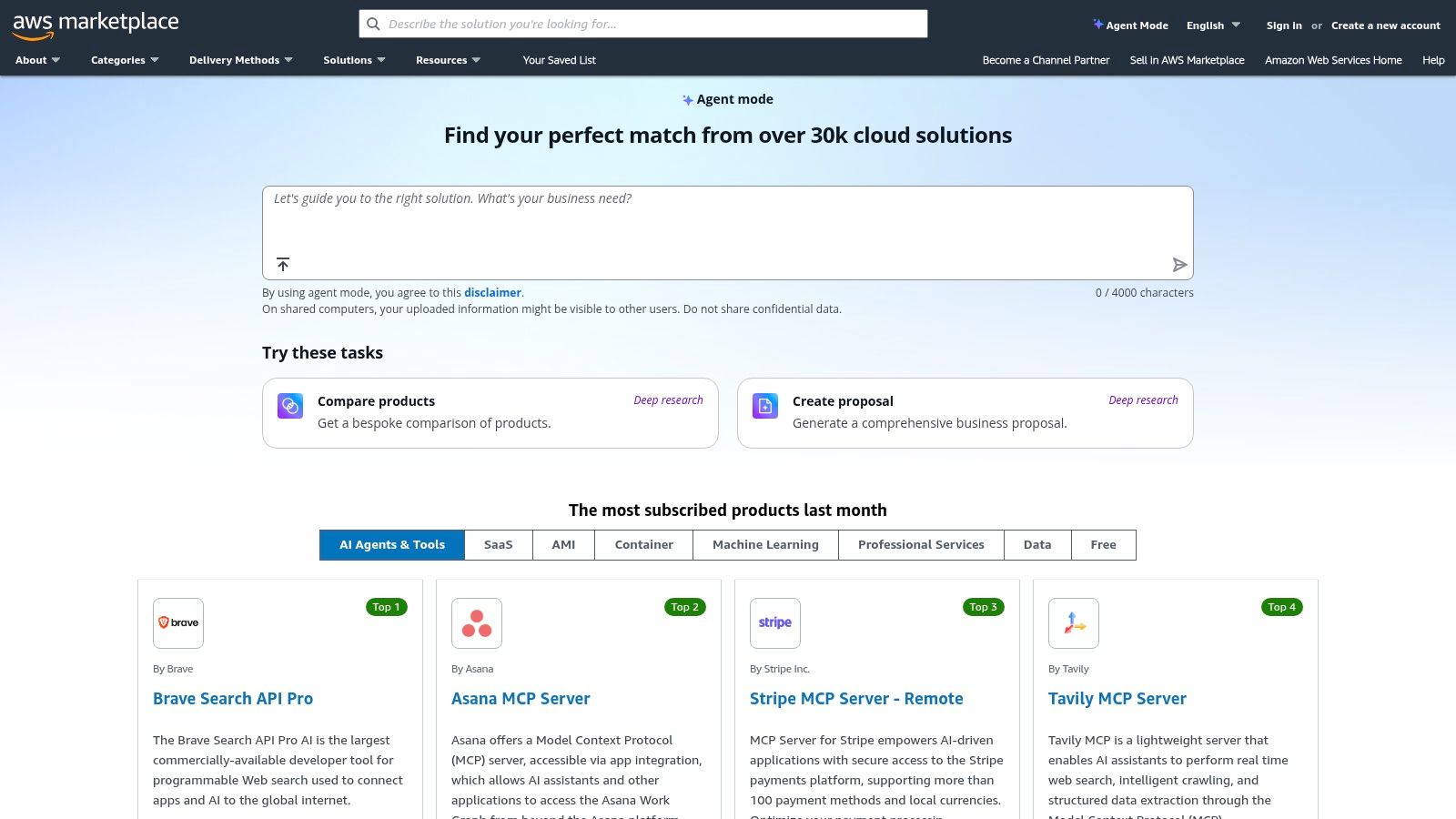
Alt text: A screenshot of the AWS Marketplace homepage showing the search bar and categories, with a focus on AI and machine learning software listings.
Key Features & Use Cases
- Consolidated Billing & Procurement: All software purchases are added to your existing AWS bill, simplifying budget management and vendor relations.
- Flexible Deployment Models: Deploy software directly into your Virtual Private Cloud (VPC), ensuring data security and control.
- Vetted Software Catalog: Discover and deploy a wide range of AI and automation tools from trusted vendors, pre-configured for AWS environments.
Practical Example: Secure Document Processing
A financial services company with strict data residency requirements can use the AWS Marketplace to find and deploy an AI-powered document processing tool. They can launch the tool within their secure VPC, ensuring sensitive customer data never leaves their controlled environment, and pay for it on a usage basis through their consolidated AWS invoice.
Step-by-step:
- Discover: The IT team searches the AWS Marketplace for “document processing AI” and filters for solutions that can be deployed into a VPC.
- Procure: They select a suitable vendor and subscribe to the software using their existing AWS account, avoiding a lengthy new vendor onboarding process.
- Deploy: Using a CloudFormation template provided by the vendor, they deploy the tool’s EC2 instances and related resources directly into their private network.
- Integrate: They configure their internal applications to send documents to the new tool’s API endpoint for processing, with all traffic remaining within their secure AWS environment.
Pricing & Implementation
Pricing is determined by individual vendors and varies widely, with options like pay-as-you-go, annual contracts, and private offers for custom terms. While the marketplace simplifies deployment, you are still responsible for configuring and managing the software you purchase.
- Pros: Streamlined procurement and governance within the AWS environment, flexible commercial terms, and quick deployment options.
- Cons: Primarily beneficial for organizations already using AWS; product discovery can be broad, requiring careful vendor diligence.
Actionable Takeaways
- If your company uses AWS, browse the Marketplace to see if any of your existing SaaS vendors offer listings there for simpler billing.
- Filter the AI/ML category by “Free” or “Free Trial” to discover and test new tools without financial commitment.
- Review the “Usage Information” and “Pricing” tabs on a product listing to understand how different vendors structure their costs.
Tools & Further Reading
9. Salesforce AgentExchange (Agentforce)
For businesses deeply embedded in the Salesforce ecosystem, AgentExchange offers a native marketplace for pre-built AI agents and components. It functions as an internal app store for automation, allowing companies to deploy trusted, verified AI agents that run on the Agentforce 360 platform, all secured by the Einstein Trust Layer. This approach is ideal for Salesforce-centric organizations looking for secure, low-code ai tools for business automation that work seamlessly with their existing CRM data and workflows.
What makes AgentExchange powerful is its deep, native integration. These aren’t third-party tools loosely connected via API; they are solutions built to interact directly with Salesforce data, Flows, and Apex code. This allows for the creation of sophisticated automations that can handle complex, industry-specific tasks right within the environment where customer data lives, ensuring security and governance.
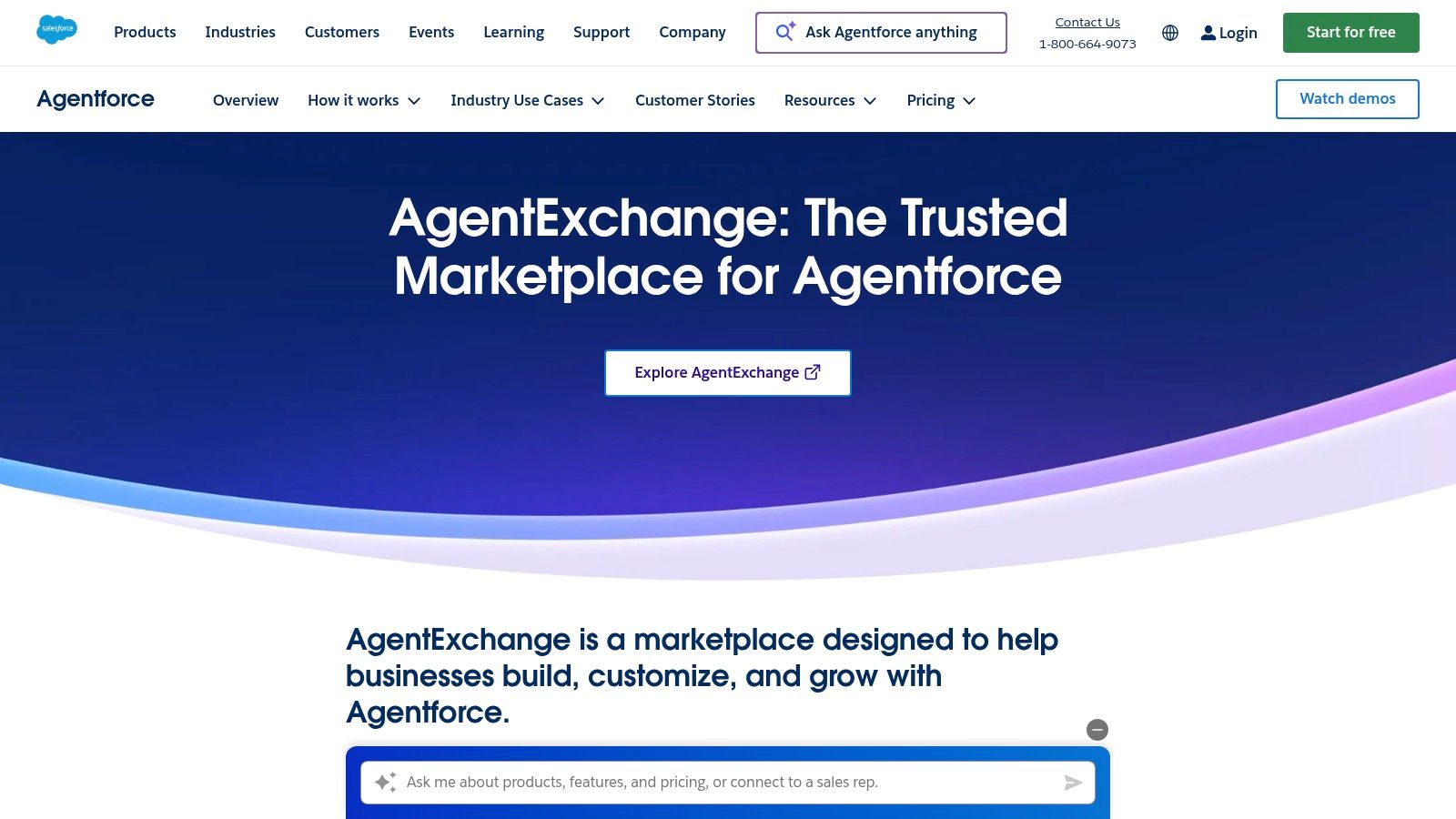
Alt text: A screenshot of the Salesforce AgentExchange marketplace, showing various pre-built AI agents available for deployment. Each agent has a specific function, like “Service Agent” or “Sales Assistant,” highlighting the platform’s focus on business roles.
Key Features & Use Cases
- Verified Agent Marketplace: Discover and deploy curated, industry-specific agents from Salesforce partners, complete with audit trails for all actions.
- Deep Salesforce Integration: Agents natively connect to Salesforce data and can trigger Flows, Apex, and communicate across channels like CRM, Slack, and WhatsApp.
- Einstein Trust Layer: Ensures that all AI interactions are secure and that sensitive customer data is not retained or exposed to public LLMs.
Practical Example: Automated Client Onboarding
A financial services company can deploy a “Client Onboarding Agent” from the exchange. When a new opportunity is created, the agent automatically initiates a workflow, sends the client required documents, uses AI to verify submitted information against CRM records, and creates follow-up tasks for the wealth manager, all without leaving Salesforce.
Step-by-step:
- Trigger: A sales rep changes the “Stage” of an Opportunity to “Closed Won” in Salesforce.
- Action (Agent): The Client Onboarding Agent is automatically invoked.
- Action (Agent): The agent sends a welcome email to the client with links to required onboarding forms.
- Action (Agent): When the forms are submitted, the agent uses AI to check for completeness and consistency with the data in the Salesforce Contact record.
- Action (Agent): The agent creates a series of follow-up Tasks in Salesforce for the assigned wealth manager (e.g., “Schedule Kickoff Call,” “Review Portfolio”).
Pricing & Implementation
Access to AgentExchange requires being a Salesforce customer. Many solutions on the marketplace are offered by third-party partners and have their own pricing models. Salesforce provides a free “Foundations” add-on that includes credits to trial Agentforce for Service.
- Pros: Native to Salesforce, ensuring enterprise-grade security and trust; simplifies deployment of complex AI agents.
- Cons: Primarily benefits existing Salesforce customers; the ecosystem is still growing, so the selection of agents is currently more limited than mature platforms.
Actionable Takeaways
- If you’re a Salesforce admin, check if the free “Foundations” add-on is available in your org to start experimenting.
- Browse the AgentExchange to identify agents that address a specific pain point in your sales or service process.
- Think about how a process currently managed with a Salesforce Flow could be enhanced by an AI agent that can handle unstructured data or complex decision-making.
Tools & Further Reading
10. Google Workspace Marketplace
The Google Workspace Marketplace acts as an app store specifically for Google’s ecosystem, bringing powerful third-party AI capabilities directly into the tools businesses use every day like Gmail, Docs, and Sheets. Instead of being a standalone platform, it enhances existing workflows, allowing teams to install add-ons for content generation, data analysis, translation, and process management. This makes it one of the most accessible sources for ai tools for business automation for companies heavily invested in Google Workspace.
What makes the Marketplace unique is its seamless integration. Users can install an AI-powered add-on and immediately start using it within their familiar Google Docs or Sheets interface, eliminating the need to switch between applications. This in-context approach lowers the barrier to adoption and allows non-technical users to leverage AI with minimal training.
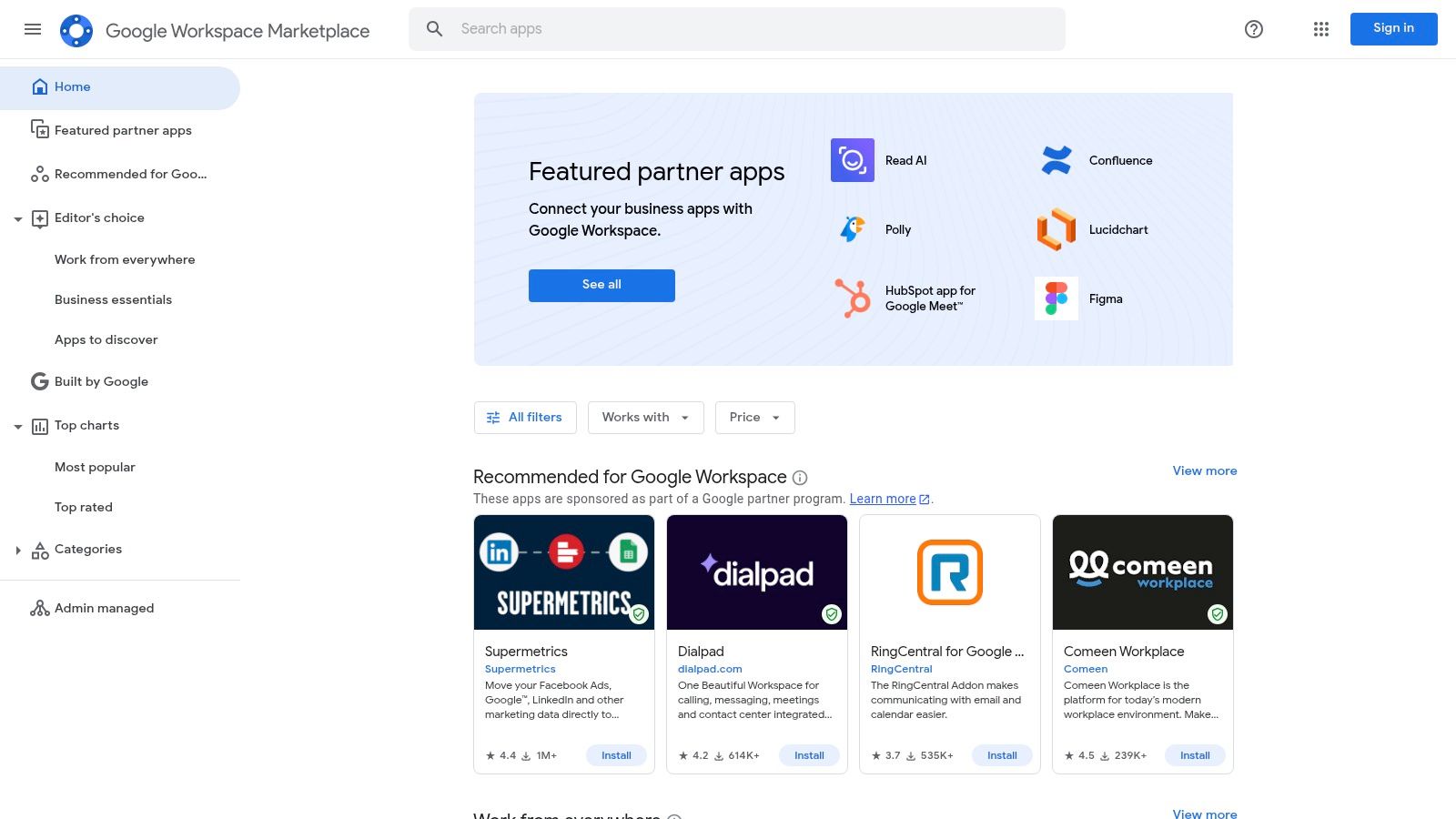
Alt text: A screenshot of the Google Workspace Marketplace interface showing various AI-powered add-ons available for installation in apps like Gmail, Docs, and Sheets.
Key Features & Use Cases
- Installable AI Add-ons: Enhance Docs, Sheets, and Gmail with AI for tasks like writing assistance, data cleansing, or email summarization.
- Admin Controls: IT departments can manage, vet, and deploy specific add-ons across the entire organization for security and consistency.
- Developer Tooling: Provides resources for businesses to build their own custom AI automations and integrations for internal use within Workspace.
Practical Example: AI-Powered Data Analysis in Sheets
A project manager can install a Sheets add-on that uses AI to analyze raw project data. With a simple function call, the AI can automatically categorize tasks by priority, forecast completion dates based on historical data, and generate summary charts, all without ever leaving the spreadsheet.
Step-by-step:
- Install: Find and install an AI-powered data analysis add-on from the Marketplace (e.g., “GPT for Sheets and Docs”).
- Organize Data: Ensure your project data is in a clean table format within a Google Sheet, with columns like ‘Task Name’, ‘Assignee’, ‘Status’, and ‘Due Date’.
- Use AI Function: In an empty cell, use the custom function provided by the add-on, like
=GPT("Categorize this task based on its name: "&A2). - Analyze: Drag the function down the column to automatically categorize all tasks. Use another function to ask for a summary of overdue tasks.
Pricing & Implementation
The Marketplace features a mix of free, freemium, and paid add-ons, with pricing determined by each individual developer. Billing is often handled directly through the add-on’s provider. Implementation is as simple as finding an add-on and clicking “Install.”
- Pros: Seamless in-app experience within Google Workspace, centralized management for IT, and a very low learning curve for users.
- Cons: The quality and security of add-ons can vary significantly, and it is not suited for complex, cross-platform automations that go beyond the Google ecosystem.
Actionable Takeaways
- Open a Google Sheet and go to Extensions > Add-ons > Get add-ons to explore what’s available.
- Search for an add-on that solves a small, annoying problem you have (e.g., removing duplicates, formatting data).
- Install a popular AI writing assistant for Google Docs to see how it can help you draft documents or emails faster.
Tools & Further Reading
11. HubSpot
HubSpot has evolved from an inbound marketing tool into a comprehensive CRM platform that unifies marketing, sales, service, and operations. Its strength lies in providing a single source of truth for all customer data, allowing teams to build powerful automations across the entire go-to-market lifecycle. For businesses seeking an all-in-one solution, HubSpot offers some of the most deeply integrated ai tools for business automation available.
The platform’s native AI assistant, ChatSpot (and the features being integrated as HubSpot AI), is embedded throughout its hubs. This allows users to generate marketing copy, build sales reports, summarize customer conversations, and create workflows using natural language prompts. This tight integration means AI isn’t an add-on; it’s a core component of how you manage customer relationships and automate processes.
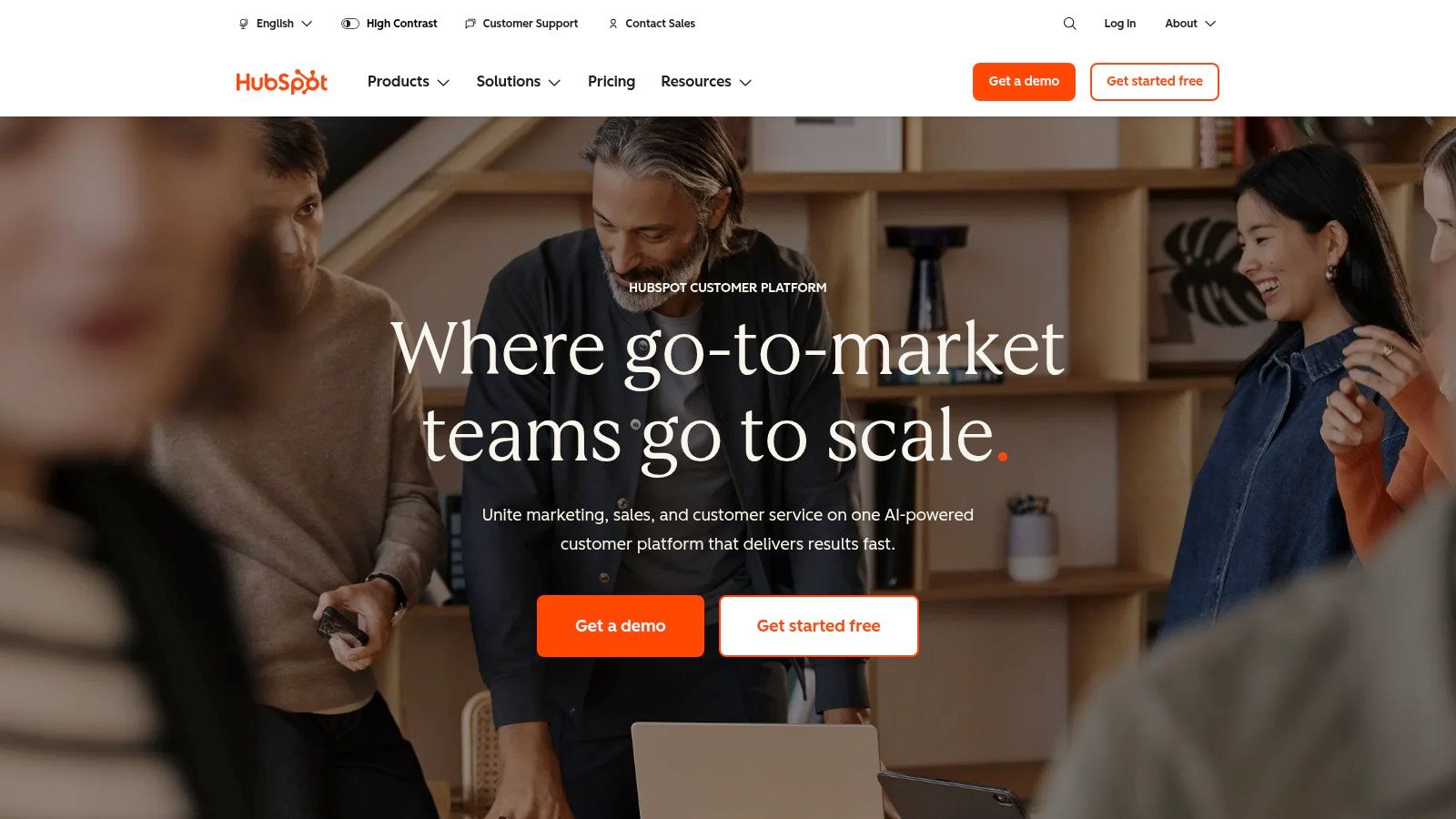
Alt text: A screenshot of the HubSpot workflow builder, showing a visual editor with different steps like triggers, delays, and actions for marketing automation.
Key Features & Use Cases
- Visual Workflow Automation: Create sophisticated, trigger-based workflows across marketing, sales, and service hubs to nurture leads, manage deals, and handle support tickets.
- Embedded HubSpot AI: Use AI to draft marketing emails, generate social media posts, create website content, and get predictive insights on lead scoring and sales forecasting.
- Unified CRM Platform: All automation is built on a single customer data model, ensuring consistency and context across all touchpoints.
Practical Example: Automated Lead Nurturing
A sales team can set up a workflow that automatically enrolls a new MQL (Marketing Qualified Lead) into a personalized email sequence. HubSpot AI can help draft the email copy, and the workflow can then create a task for a sales rep to follow up if the lead engages with the emails, all tracked within the central CRM.
Step-by-step:
- Trigger: Set the workflow to trigger when a contact’s “Lifecycle Stage” becomes “Marketing Qualified Lead.”
- Action: Add a “Send Email” step. Use HubSpot AI to generate a compelling subject line and body text for the first email.
- Action (Delay): Add a 3-day delay.
- Action (IF/THEN Branch): Check if the contact opened or clicked the first email.
- Action (Final): If they engaged, create a “Follow Up” task for the contact’s owner. If not, send a second, different nurture email.
Pricing & Implementation
HubSpot offers a range of free tools, with paid plans for its hubs starting around $18/month (billed annually) and scaling significantly for Professional and Enterprise tiers. Contact-based pricing means you must maintain a clean and organized contact list to control costs.
- Pros: Unified CRM data model provides a single view of the customer, and automation capabilities scale from simple tasks to complex, enterprise-level workflows.
- Cons: Higher-tier plans and onboarding fees can be expensive, and the contact-based pricing model requires diligent list management to avoid unexpected costs.
Actionable Takeaways
- Use HubSpot’s free tools to create a simple workflow, like sending a welcome email when a contact fills out a form.
- If you have a paid plan, try the HubSpot AI content assistant to draft your next marketing email or blog post introduction.
- Map out your customer journey and identify three key touchpoints that could be automated using a workflow (e.g., lead assignment, post-purchase follow-up, re-engagement campaign).
Tools & Further Reading
- Tool: https://www.hubspot.com
- Reference: AI marketing tools
12. Workato
Workato is an enterprise-grade automation and integration platform (iPaaS) designed for complex, mission-critical workflows. It excels at connecting a vast array of applications, from modern SaaS platforms to on-premise systems and data lakes. For large organizations that require robust governance, security, and scalability, Workato provides the powerful framework needed to orchestrate processes, data, and APIs across the entire enterprise.
What makes Workato a leader in this space is its deep integration of AI into its core orchestration engine. The platform features AI Copilots and natural language tools to help build and manage automations, while its “Deep Action” capability allows AI agents to securely interact with enterprise applications. This makes it one of the most powerful ai tools for business automation for companies needing to connect AI models with their existing, complex IT infrastructure.
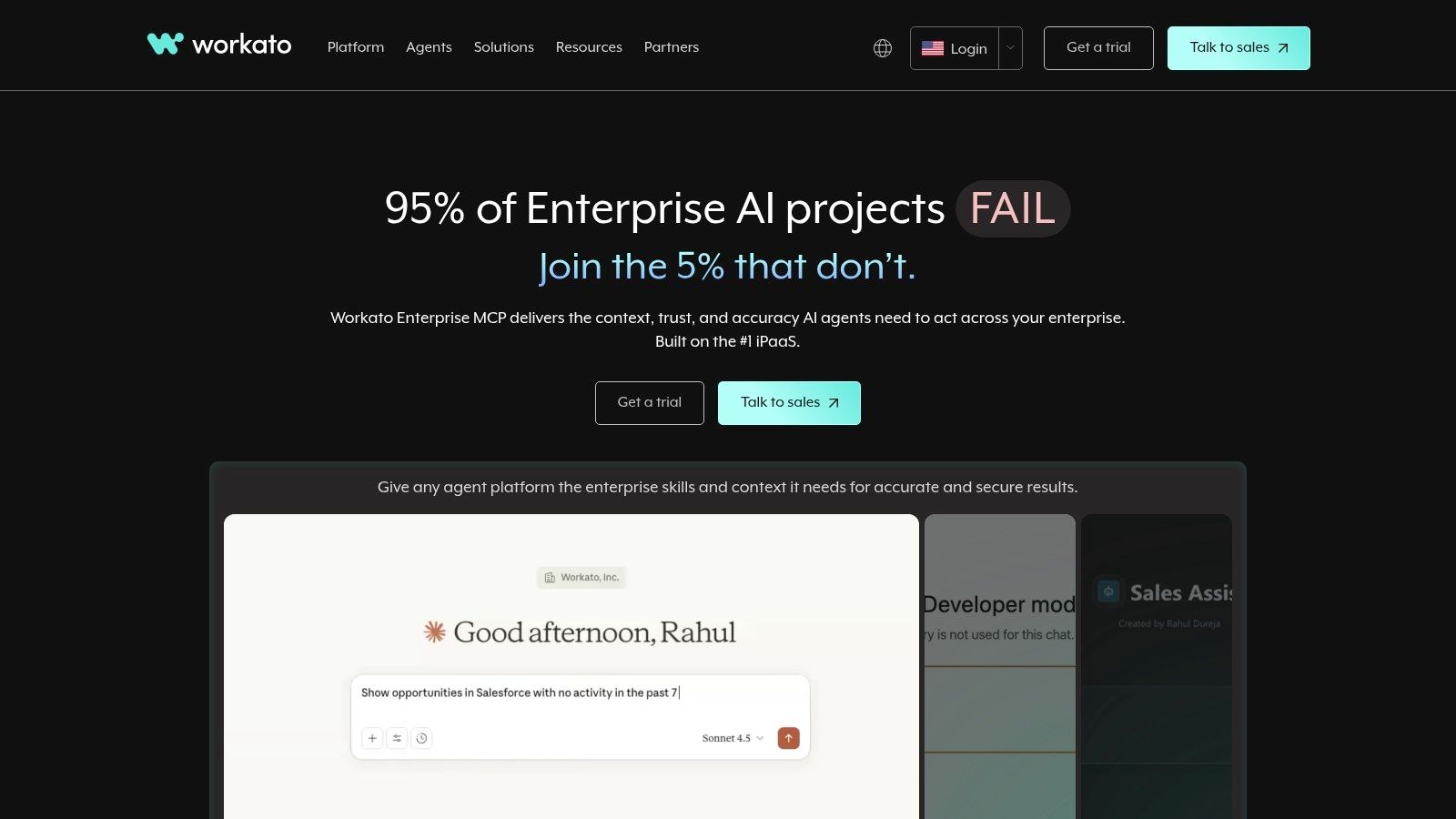
Alt text: A screenshot of the Workato dashboard showing a complex automation recipe that connects multiple enterprise systems like Salesforce and SAP, with an AI step for data analysis.
Key Features & Use Cases
- Workato Orchestrate: Unify process, data, API, application, and AI model orchestration under a single, governed platform.
- AI Copilots & GO Assistants: Utilize natural language to build automations, create enterprise search assistants, and deploy secure AI agents with contextual access across connected apps.
- Enterprise Connectivity: Offers thousands of pre-built connectors and a robust SDK for connecting to SaaS, on-premise apps, databases, and APIs.
Practical Example: Automated Employee Onboarding
An IT department can use Workato to automate employee onboarding. A new hire record in an HR system triggers a workflow that provisions accounts in Active Directory, assigns licenses in Office 365, creates a profile in Salesforce, and uses an AI step to recommend initial training modules based on the employee’s role and department.
Step-by-step:
- Trigger: A new employee record is created in Workday.
- Action: Create a user in Active Directory.
- Action: Assign Office 365 and Salesforce licenses based on the “Department” field from Workday.
- Action: Use the OpenAI connector with a prompt: “Based on this job title [Job Title], recommend three relevant courses from our internal training catalog [Catalog Data].”
- Action: Post a welcome message in a department-specific Slack channel, tagging the manager and including links to the recommended training courses.
Pricing & Implementation
Workato follows an enterprise-oriented pricing model that is not publicly listed and requires engaging with their sales team. The implementation is more involved than SMB-focused tools, often requiring dedicated IT and architecture resources.
- Pros: Strong governance, security, and compliance for mission-critical tasks; broad connectivity across SaaS, on-prem systems, and LLMs.
- Cons: Enterprise pricing and a sales-led procurement process; requires more initial setup and technical expertise than simpler tools.
Actionable Takeaways
- Review Workato’s “Community Library” of recipes to see how other companies are solving similar integration challenges.
- Identify a critical business process at your company that relies on both a cloud application (like Salesforce) and an on-premise system (like an old database)—this is a prime use case for Workato.
- Request a demo to see how the platform’s governance and security features would apply to your specific industry requirements.
Tools & Further Reading
- Tool: https://www.workato.com
- Reference: Workato fits into the broader AI landscape
12 AI Business Automation Tools: Feature Comparison
| Product | Core Features | Quality (★) | Price / Value (💰) | Target (👥) | Standout (✨) |
|---|---|---|---|---|---|
| 🏆 RichlyAI | Multi‑modal hub: text, images, audio, video, code, chatbots + AI Tools Hub (11k+) | ★★★★☆ | 💰 Free tier (Unlimited Text); one‑time listing upgrade (undisclosed) | 👥 Marketers, creators, devs, SMBs | ✨ AI Tools Hub, real‑time voice chat, social automation |
| Zapier | Connector-based automations, AI-assisted builder, templates | ★★★★☆ | 💰 Free tier; task-based billing (can be costly) | 👥 SMBs, cross‑app teams, non‑technical users | ✨ 7,000+ apps, huge template library |
| Make (Integromat) | Visual scenarios, routers/filters, minute scheduling, credits model | ★★★★☆ | 💰 Credit/operation pricing; cost‑efficient at scale | 👥 Power users, ops teams | ✨ Granular branching & fine control |
| Microsoft Power Automate | Cloud flows + desktop RPA, Dataverse, premium connectors | ★★★★☆ | 💰 License-based; complex SKUs | 👥 Enterprises on Microsoft stack | ✨ Native M365/Teams/Dynamics integration & governance |
| UiPath | Enterprise RPA: robots, orchestration, doc understanding, CV | ★★★★☆ | 💰 Enterprise pricing (quote) | 👥 Large enterprises, RPA centers | ✨ Mature RPA, compliance & monitoring |
| Automation Anywhere | Cloud RPA (Automation 360), doc automation, Bot Store, Community ED | ★★★★ | 💰 Quote-based enterprise; free Community Edition | 👥 Finance, service, IT teams | ✨ Bot Store + extensive training resources |
| n8n | Developer-first workflows, self‑hostable, execution pricing | ★★★★ | 💰 Execution-based; self-host for data control | 👥 Developers, privacy-conscious teams | ✨ Self-host option & predictable costs |
| AWS Marketplace (AI Agents) | Curated AI/automation listings, VPC deploy, procurement options | ★★★★ | 💰 Pay-as-you-go/annual/private offers | 👥 AWS-centric IT/procurement teams | ✨ Direct AWS deployment & consolidated billing |
| Salesforce AgentExchange | Prebuilt Salesforce agents, Einstein Trust Layer, audit trails | ★★★★ | 💰 Add-on pricing; trial credits | 👥 Salesforce customers, CRM teams | ✨ Native CRM agents with governance |
| Google Workspace Marketplace | In‑app AI add-ons for Docs/Sheets/Gmail, admin controls | ★★★★ | 💰 Mix of free/paid; in-product billing | 👥 Google Workspace users, teams | ✨ Seamless in‑app AI for productivity |
| HubSpot | CRM + visual workflows, AI agents (Breeze), campaign orchestration | ★★★★☆ | 💰 Free → Pro/Enterprise; contact-based pricing | 👥 GTM teams: marketing, sales, service | ✨ Unified CRM with embedded AI agents |
| Workato | iPaaS orchestration, AI copilots, deep integrations & governance | ★★★★☆ | 💰 Enterprise, sales-led pricing | 👥 IT & enterprise integration teams | ✨ Enterprise-grade governance & deep connectivity |
Your Next Steps to Smarter Business Automation
We’ve journeyed through a comprehensive landscape of AI tools for business automation, from versatile workflow connectors like Zapier and Make to enterprise-grade RPA giants like UiPath and specialized platforms like RichlyAI. The central theme is clear: automation is no longer a futuristic concept reserved for massive corporations. It’s an accessible, scalable strategy that businesses of any size can leverage to reclaim time, reduce errors, and refocus human talent on what truly matters: innovation and growth.
The tools explored, whether no-code, low-code, or developer-focused, all share a common goal: to serve as a force multiplier for your team. They transform tedious, repetitive tasks into streamlined, autonomous processes. From marketing and sales to customer support and document processing, the potential for efficiency gains is immense.
However, the sheer number of options can feel overwhelming. The key takeaway is not to find a single “perfect” tool, but to build a strategic automation “stack” that aligns with your specific operational needs, technical capabilities, and budget. The most successful implementations don’t happen overnight; they are the result of a deliberate, phased approach.
From Information to Implementation: Your Action Plan
Knowing about the tools is one thing; putting them to work is another. The critical next step is to move from passive learning to active implementation. Don’t try to automate everything at once. Instead, adopt a methodical approach to ensure early wins and build momentum for broader adoption.
Here is a practical, step-by-step guide to get started:
- Identify Your “Automation Quick Wins”: Begin by pinpointing a process that is both repetitive and a significant bottleneck. A great candidate is a task that is high-volume, rules-based, and prone to human error. For example, manually transferring lead information from a web form into your CRM.
- Choose Your Pilot Tool: Based on your initial target process, select a tool from this list that fits your needs. If the task involves connecting two cloud-based apps and you have no coding experience, a platform like Zapier or RichlyAI is an excellent starting point. If it involves scraping data from a desktop application, an RPA tool like Microsoft Power Automate might be more suitable.
- Build Your First Workflow: Dedicate a few hours to building your first automated process. Follow the platform’s tutorials and start with the simplest version possible. For the lead-to-CRM example, the workflow would be: Trigger: New Form Submission -> Action: Create/Update Contact in CRM.
- Test, Monitor, and Refine: Run your automation and carefully monitor the results. Check for errors and ensure the data is transferring correctly. As you gain confidence, you can add more complexity, such as sending a notification to a sales representative in Slack or adding the lead to a specific email nurture sequence.
- Expand and Scale: Once you have a successful automation running, use it as a case study to demonstrate value to your team. Identify the next process to automate, gradually tackling more complex challenges and integrating more tools into your ecosystem.
Remember, the goal is progress, not perfection. Your first automation might be simple, but it’s a powerful step toward creating a more efficient, resilient, and intelligent business. The future of work isn’t about replacing people; it’s about empowering them with the right AI tools for business automation to achieve more than ever before.
Ready to take that first simple, powerful step? If you’re looking for a platform that combines ease of use with advanced AI capabilities, explore RichlyAI. It’s designed to help you build sophisticated automations without writing a single line of code, making it the perfect launchpad for your business automation journey. Start building smarter workflows today at RichlyAI.
