
The research process, once a marathon of manual library searches and painstaking citation tracking, is undergoing a profound transformation. The rise of sophisticated AI has created a new class of tools designed to accelerate discovery, streamline literature reviews, and uncover insights that were previously buried in mountains of data. Navigating this new ecosystem, however, can be overwhelming. Which platforms genuinely save time, and which are just novelties? This guide cuts through the noise to provide a practical, hands-on review of the best AI tools for research available today.
We’ve moved beyond simple keyword searches. Modern research demands tools that can understand context, synthesize information from multiple sources, and even generate novel hypotheses. This article provides an in-depth, categorized roundup of solutions that address the entire research lifecycle. From discovering seminal papers with Elicit and visualizing academic networks with Connected Papers, to analyzing complex datasets and managing your citations seamlessly, you’ll find a tool tailored to your specific workflow.
This isn’t just a list; it’s a comprehensive resource built for action. Each entry includes a concise summary, key features, actionable steps, and transparent pros and cons. We provide direct links and screenshots to help you visualize how each platform works in a real-world context. Whether you’re an academic, a corporate analyst, a student, or an independent researcher, our goal is to help you identify the precise tools that will not only enhance your productivity but fundamentally improve the quality and depth of your work. Let’s dive in.
1. RichlyAI
RichlyAI stands out as a formidable all-in-one ecosystem, positioning itself as a central hub for both AI-powered creation and discovery. It effectively combines a broad suite of generative tools with a massive directory, making it one of the best AI tools for research that requires versatility. Instead of juggling multiple specialized applications, researchers and marketers can streamline their entire workflow within a single, integrated platform. The platform is engineered for speed and simplicity, allowing users to move from ideation to production-ready assets with minimal friction.
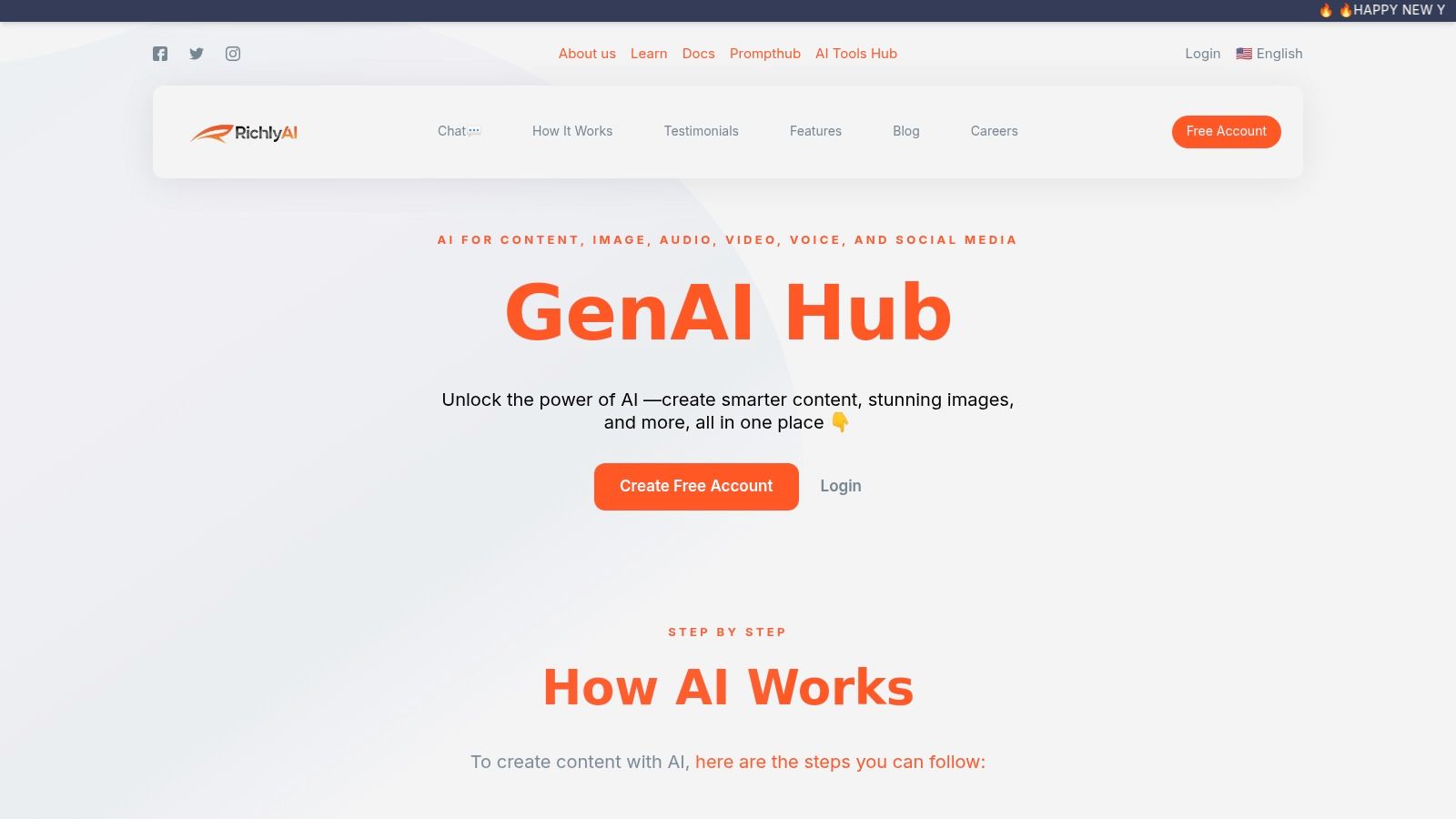
Alt text: A screenshot of the RichlyAI interface, displaying its AI Hub with options for generating text, images, code, and more, highlighting it as one of the best AI tools for research.
Key Features & How to Use Them
RichlyAI’s strength lies in its comprehensive feature set, which supports a wide array of research and content creation tasks. Its multifaceted nature addresses needs from initial brainstorming to final output distribution.
- Integrated Generative Suite: Generate high-quality text, images, code, and audio from a unified workspace. Practical Example: A researcher creating a presentation can use the text generator to draft speaker notes, the image generator to create custom diagrams illustrating their findings, and the audio tool to record a voiceover.
- AI Tools Hub: With over 11,000 tools listed, this directory is a powerful resource for discovering niche AI solutions. Actionable Insight: Use the search filters in the hub to find and compare three different AI-powered data visualization tools for your specific dataset (e.g., CSV files, genomic data).
- Custom Chatbot Training: Users can upload their own data to create tailored AI assistants. Step-by-Step:
- Gather 5-10 core research papers for your project as PDFs.
- Navigate to the custom chatbot creator in RichlyAI.
- Upload the PDFs to create a new knowledge base.
- Ask the trained chatbot specific questions like, “What methodologies were used to measure protein expression across these papers?” to get instant, synthesized answers.
- Social Media Automation: The platform includes tools to schedule and optimize posts for X, LinkedIn, and Instagram. This is a significant time-saver for sharing research findings.
Pricing and Access
RichlyAI offers a compelling entry point with a free forever plan that includes its “Unlimited Text Generation FOREVER” promotion, making it highly accessible. For vendors, the AI Tools Hub provides a free listing tier and a one-time premium upgrade for enhanced visibility. However, detailed pricing for advanced enterprise features is less transparent, so larger teams should contact sales. If you are new to the field, you can learn more about the fundamentals of artificial intelligence on RichlyAI’s blog to get started.
| Feature | Availability | Best For |
|---|---|---|
| Generative AI Suite | Free Plan & Paid Tiers | Content creators, marketers, researchers needing diverse outputs. |
| AI Tools Hub | Free to browse; free & premium listings available | Anyone discovering AI tools; AI vendors seeking exposure. |
| Custom Chatbots | Included in platform plans | Teams building a knowledge base; customer support automation. |
| Social Automation | Included in platform plans | Social media managers, businesses automating content distribution. |
Pros and Cons
| Pros | Cons |
|---|---|
| All-in-one suite combines creation, discovery, and automation, reducing the need for multiple subscriptions. | As a generalist tool, outputs may occasionally lack the precision of highly specialized, niche AI solutions. |
| Generous free plan and one-time fee for premium listings offer excellent value and a low barrier to entry. | Pricing for enterprise-level features and high-volume usage is not transparent, requiring direct inquiry. |
| The massive AI Tools Hub is an invaluable resource for market research and competitive analysis. | Organizations in highly regulated fields must independently verify compliance and data security protocols. |
| Custom chatbot training and real-time voice chat provide powerful, personalized AI interaction capabilities. |
Website: https://richlyai.com
2. Elicit
Elicit is an AI research assistant purpose-built to automate and streamline the literature review process. Instead of simply finding papers based on keywords, Elicit uses language models to understand your research question and directly surface relevant findings, summaries, and key data points from a massive corpus of academic articles. Its core strength lies in its ability to create structured, repeatable workflows, making it one of the best AI tools for research synthesis.
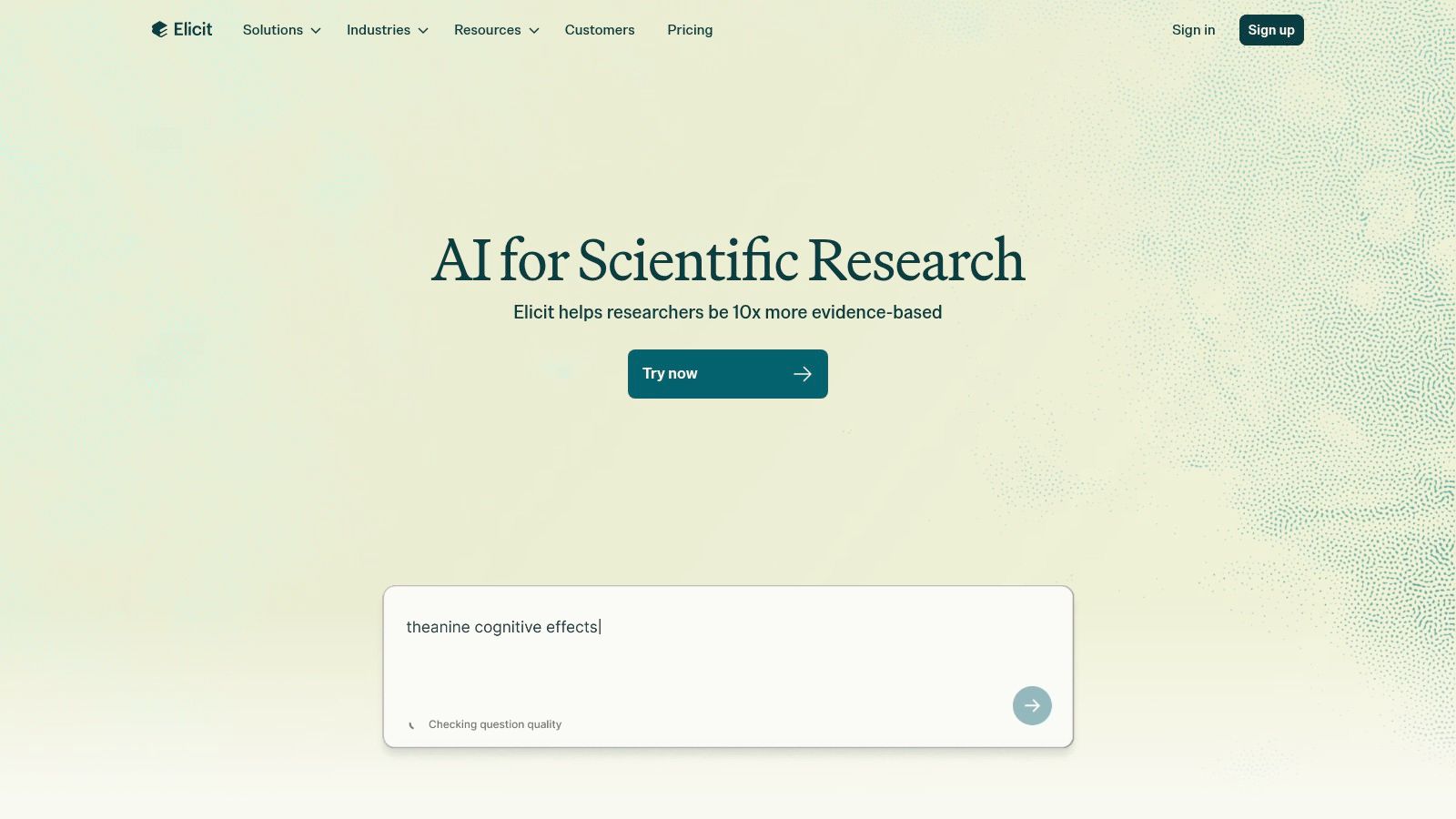
Alt text: A user interface screenshot of the Elicit platform, showcasing its workflow for summarizing research papers.
This platform excels at transforming a daunting pile of literature into an organized table of evidence.
Key Features & How to Use Them
- Workflow Automation: Use the “Find Papers” workflow to quickly identify relevant studies or the “Extract data from PDFs” feature to pull specific information from papers you’ve already collected.
- Structured Data Extraction: Customize columns in your results table to extract specific data points like participant demographics, methodology, or specific outcome measures across dozens of papers simultaneously.
- Transparent Sourcing: Every summary and extracted data point is directly linked back to the source paper, allowing for quick verification.
Practical Example: Finding Interventions
Goal: A public health researcher needs to identify interventions for reducing sugar consumption in adolescents.
- Open Elicit and select the “Find Papers” workflow.
- Enter the Research Question: “What are the most effective interventions to reduce sugar-sweetened beverage consumption among adolescents?”
- Analyze the Initial Table: Elicit generates a table with columns like “Abstract Summary,” “Intervention,” and “Outcomes Measured.”
- Customize Extraction: Click “Add Column” and create a new column called “Study Population Details.” In the prompt box, instruct the AI: “Extract the number of participants, their age range, and the setting (e.g., school, community).”
- Export for Review: Elicit populates the new column for all papers. You can now export this structured table as a CSV to analyze which interventions have been tested on specific populations.
Pricing
Elicit operates on a freemium model with credit-based usage.
- Basic (Free): Offers 10,000 one-time credits, ideal for trial use.
- Plus ($10/month): Provides 12,000 credits monthly, with file uploads and priority support.
- Enterprise: Custom pricing for teams needing advanced collaboration and governance.
Pros & Cons
| Pros | Cons |
|---|---|
| Excellent for systematic reviews and evidence synthesis. | Advanced features like clinical trial search are on paid tiers. |
| Transparently links all AI claims back to source documents. | The credit system and usage caps require monitoring. |
| Highly customizable data extraction columns. | The user interface can have a learning curve for new users. |
Website: https://elicit.com
3. Perplexity
Perplexity is an AI-powered conversational answer engine designed to provide direct, accurate, and citation-backed responses to complex questions. It bridges the gap between traditional search engines and chatbots by synthesizing information from the open web and academic sources into concise, easy-to-digest summaries. Its core strength is its transparency, as every claim is directly linked to its source, making it one of the best AI tools for research that requires rapid, verifiable answers.
Alt text: The user interface of Perplexity AI, showing a search query and a summarized answer with inline source citations.
This platform excels at exploratory research and preparing briefings where speed and source verification are paramount. Understanding how to structure your questions is key, and you can learn more about crafting effective prompts with our guide to prompt engineering.
Key Features & How to Use Them
- Cited Answers: Get direct answers to your questions with inline citations, allowing for immediate fact-checking.
- File Analysis: Upload documents (PDFs, text files) and ask questions directly about their content on Pro plans.
- Advanced Search Focus: Use the “Focus” feature to narrow your search to specific domains like Academic papers, WolframAlpha for computation, or YouTube.
- Team Collaboration: Enterprise plans offer private “Spaces” where teams can securely share searches and threads.
Practical Example: Analyzing a Report
Goal: A market analyst needs to summarize key statistics from a 50-page PDF report on renewable energy trends.
- Subscribe to Perplexity Pro to enable file uploads.
- Start a New Thread and click the “Attach” icon. Upload the PDF report.
- Ask a Specific Question: “Based on the attached document, what are the top 3 countries by solar energy capacity investment in the last fiscal year? Provide the exact figures and page numbers.”
- Refine the Query: Follow up with, “Create a markdown table summarizing the projected growth rates for wind vs. solar for the next five years, as mentioned in the report.”
- Verify Sources: Click the citation numbers in the AI’s response to jump directly to the relevant page in the PDF, confirming the data’s context.
Pricing
Perplexity offers a robust free version with paid tiers for advanced features.
- Free: Limited number of advanced model searches (“Pro” searches) and file uploads.
- Pro ($20/month): Practically unlimited Pro searches, access to advanced AI models (GPT-4, Claude 3), and larger file upload capacity.
- Enterprise ($40/user/month): Includes all Pro features plus SSO, SOC 2 Type II compliance, and advanced administrative controls.
Pros & Cons
| Pros | Cons |
|---|---|
| Rapid answers with inline citations for quick verification. | Some of the most powerful features are behind a paywall. |
| Clear security posture with SOC 2 compliance for enterprise. | Limited free searches with the most advanced AI models. |
| Dedicated research modes (Academic, WolframAlpha, etc.). | Highest enterprise tiers can become expensive for larger teams. |
Website: https://www.perplexity.ai
4. Consensus
Consensus is an AI-powered search engine designed to provide direct, evidence-based answers from scientific research. It searches a vast database of over 200 million peer-reviewed papers to synthesize findings and surface key insights, complete with citations. Unlike traditional keyword search engines that return a list of documents, Consensus directly answers your questions with conclusions drawn from academic literature, making it one of the best AI tools for research that requires quick, verifiable evidence.
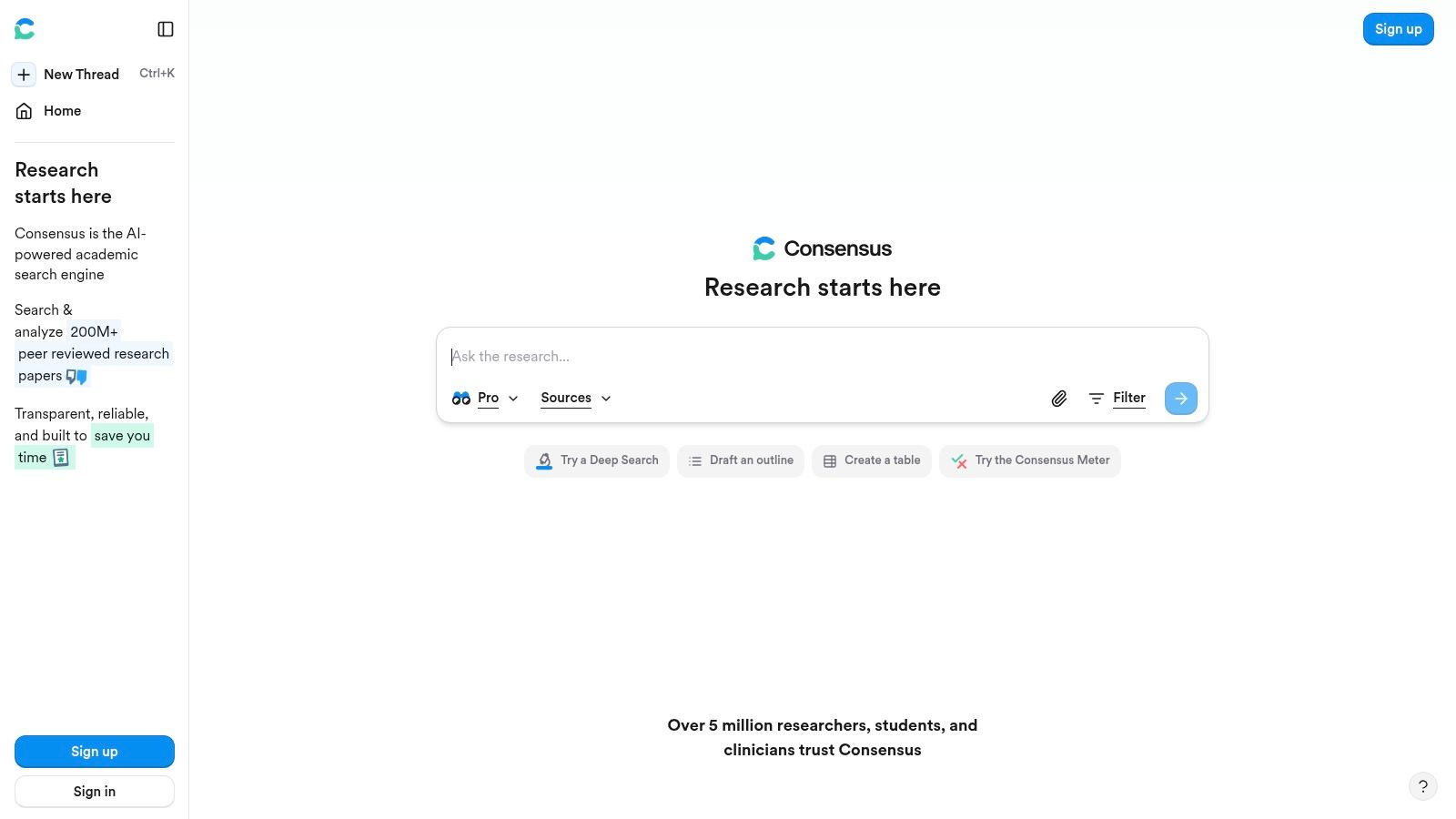
Alt text: A user interface screenshot of the Consensus platform, showcasing its evidence-based answers to a research question.
This platform excels at quickly validating claims or exploring the scientific consensus on a topic. This approach prioritizes transparency and lets users immediately see the evidence behind each claim.
Key Features & How to Use Them
- Synthesized Answers: Get a direct, AI-generated summary that answers your question based on the top 10 most relevant papers.
- Study Quality Indicators: Quickly gauge the credibility of a source with indicators like citation counts, journal prestige, and study design (e.g., Randomized Controlled Trial).
- Deep Search Workflows: Use “Pro” and “Deep” search modes to conduct more systematic literature reviews and analyze study details.
- Developer API: Integrate Consensus’s evidence-finding capabilities directly into your own applications.
Practical Example: Verifying a Health Claim
Goal: A student needs to determine if there is scientific evidence to support the claim that “creatine improves cognitive function.”
- Go to Consensus and type the question directly into the search bar: “Does creatine improve cognitive function?”
- Review the Synthesized Answer: Read the AI-generated summary at the top, which might state, “Most studies suggest a potential benefit, particularly in tasks related to short-term memory, but effects vary.”
- Scan the Study Snapshots: Look at the list of individual papers. Use the filters on the left to show only “Randomized Controlled Trials” or “Meta-Analyses” to focus on higher-quality evidence.
- Examine Key Findings: Click on a promising study snapshot to see the direct conclusion extracted from its abstract, such as “Creatine supplementation was found to significantly improve performance on a number of recall tasks.”
- Cite the Source: Use the provided citation information for your bibliography.
Pricing
Consensus offers a free tier with premium plans for more intensive use.
- Free: Provides 20 search credits for casual use.
- Premium ($11.99/month): Unlimited search credits, advanced features, and 2000 AI credits per month.
- Teams: Custom pricing for collaborative use with shared lists and admin controls.
Pros & Cons
| Pros | Cons |
|---|---|
| Strong focus on transparent, paper-backed answers. | Deep-search quotas on lower plans can limit heavy reviewers. |
| Clear workflow labels (e.g., Pro, Deep) guide users. | Advanced analysis features require a Premium subscription. |
| Excellent for quick evidence validation and topic exploration. | The core focus is on published papers, not pre-prints or reports. |
Website: https://consensus.app
5. scite
scite moves beyond simple citation counts by providing “Smart Citations,” a system that analyzes the context of how a research paper is cited. Instead of just showing that a paper was referenced 100 times, scite’s AI classifies each citation as “supporting,” “mentioning,” or “contrasting” the original findings. This contextual layer, built on a database of over 1.3 billion citation statements, makes it one of the best AI tools for research integrity and critical literature appraisal.
Alt text: A screenshot of the scite user interface showing the Smart Citations feature, with counts for supporting, mentioning, and contrasting citations for a research paper.
This platform helps you build a more nuanced and accurate understanding of the scientific consensus on a topic.
Key Features & How to Use Them
- Smart Citations: See at a glance whether citations support, mention, or dispute a paper’s claims.
- scite Assistant: Ask natural language questions and receive answers synthesized from trustworthy research, complete with direct citations.
- Custom Dashboards & Alerts: Create dashboards to track topics or authors and set up alerts to be notified when new research supports or contradicts a paper you are following.
Practical Example: Assessing a Controversial Paper
Goal: A PhD student needs to evaluate a foundational but controversial paper in their field to understand the academic debate around it.
- Find the Paper on scite: Search for the paper using its title or DOI.
- Analyze the Smart Citation Badge: At the top of the page, look at the scite badge showing the counts for supporting, mentioning, and contrasting citations. A high number of “contrasting” citations is an immediate red flag that the paper’s findings are debated.
- Investigate Contrasting Evidence: Click on the “Contrasting” tab to see a list of all papers that have disputed the original findings. Read the extracted citation snippets to understand the specific points of contention without having to read each paper in full.
- Check for Corrections/Retractions: Look for any editorial notices, such as retractions or expressions of concern, which scite clearly flags.
- Use the Assistant: Ask the scite Assistant, “What are the main criticisms of [Paper Title]?” to get a summarized overview of the debate with citations.
Pricing
scite offers plans for individuals and institutions, though specific individual pricing may require starting a trial.
- For Students: A discounted tier is available, typically around $11.99/month.
- For Researchers: Provides full access to the platform, usually priced at $20/month.
- For Institutions: Custom pricing that includes SSO, admin controls, and API access.
Pros & Cons
| Pros | Cons |
|---|---|
| Surfaces crucial citation context, moving beyond simple citation counts. | Personal plan pricing is not always prominently displayed on the main page. |
| The Assistant provides trustworthy, citation-grounded answers. | Some full-text features depend on your institution’s content access rights. |
| Excellent for reference checking and mapping scholarly conversations. | The focus is primarily on citation analysis rather than broad data extraction. |
Website: https://scite.ai
6. Connected Papers
Connected Papers is a unique visual discovery tool designed to help researchers and scientists navigate the academic landscape. Instead of providing a linear list of articles, it generates a dynamic graph of papers related to a single “origin paper.” This visual approach allows users to quickly identify seminal works, major research clusters, and emerging trends within a specific field, making it one of the best AI tools for research exploration and contextual understanding.
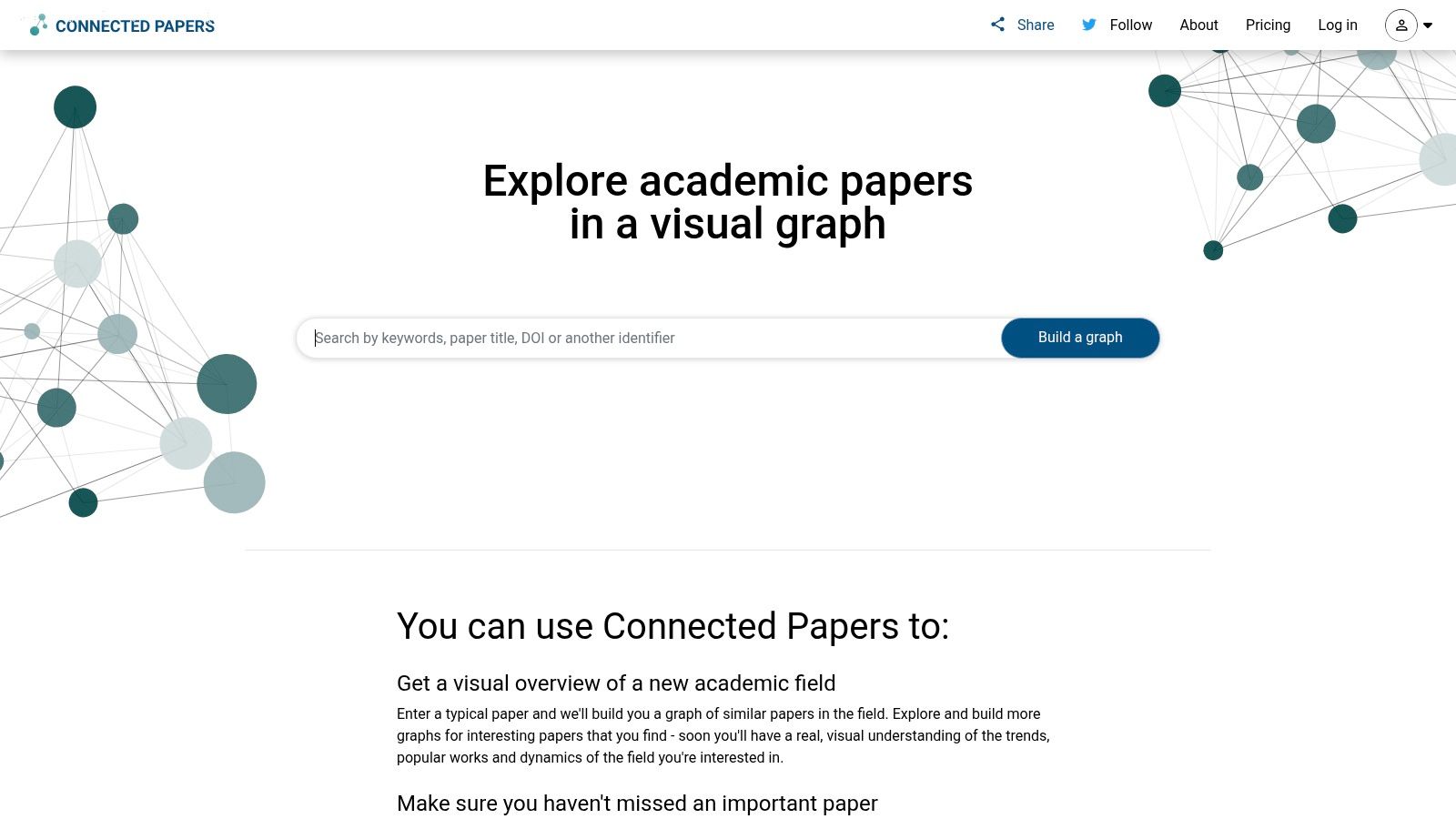
Alt text: A visual graph interface of the Connected Papers platform, showing interconnected research papers as nodes.
This platform excels at providing a bird’s-eye view of a research area, making it simple to spot literature reviews (papers that connect multiple clusters) and trace the intellectual lineage of an idea.
Key Features & How to Use Them
- Visual Graph Exploration: Enter a seed paper to generate an interactive graph showing how it connects to other papers based on citation data.
- Identify Seminal & Survey Papers: Easily spot highly influential papers (larger nodes) and survey articles that bridge different research clusters.
- Prior & Derivative Works: The tool automatically lists papers that were likely influential on your origin paper (Prior Works) and those that built upon it (Derivative Works).
Practical Example: Scoping a Dissertation Topic
Goal: A student starting a dissertation needs to quickly understand the main sub-fields and key papers related to a foundational article.
- Choose an Origin Paper: Find a highly-cited, foundational paper for your topic of interest.
- Generate the Graph: Go to Connected Papers and enter the paper’s title or DOI.
- Explore the Clusters: Observe how the nodes (papers) are clustered. Each cluster typically represents a specific sub-field or line of inquiry stemming from the origin paper. Hover over nodes to read their abstracts.
- Identify Seminal Works: Look for the larger nodes, as their size corresponds to the number of citations. These are often the most important papers to read first.
- Trace the Timeline: Use the color-coding (older papers are lighter, newer papers are darker) to see the evolution of the research topic over time. Click on a recent, dark node to see the most cutting-edge work in that cluster.
- Build a Reading List: Add key papers from different clusters to your reference manager to ensure you have a comprehensive overview of the field.
Pricing
Connected Papers offers a free tier with limitations and paid options for heavy users.
- Free: Build up to 5 graphs per month and access public graphs.
- Academic ($7/month, billed annually): Unlimited graphs, graph history, and collections for personal use.
- Commercial ($15/month, billed annually): For use in a commercial setting, includes all Academic features.
Pros & Cons
| Pros | Cons |
|---|---|
| Excellent for scoping a topic and understanding its structure. | Graph generation depends on the coverage of the Semantic Scholar database. |
| The visual interface is highly intuitive and has a low learning curve. | Premium features require an annual subscription commitment. |
| Free plan is very functional for occasional use and exploration. | Less effective for direct data extraction compared to tools like Elicit. |
Website: https://www.connectedpapers.com
7. Litmaps
Litmaps is an AI-powered literature discovery tool that visualizes the academic landscape, helping you find crucial papers you might have missed. Instead of relying solely on keyword searches, it uses a “seed paper” approach; you provide one or more relevant articles, and Litmaps generates a dynamic, interconnected map of citations and related works. This makes it one of the best AI tools for research when you need to understand a field’s history and uncover seminal or recent high-impact papers.
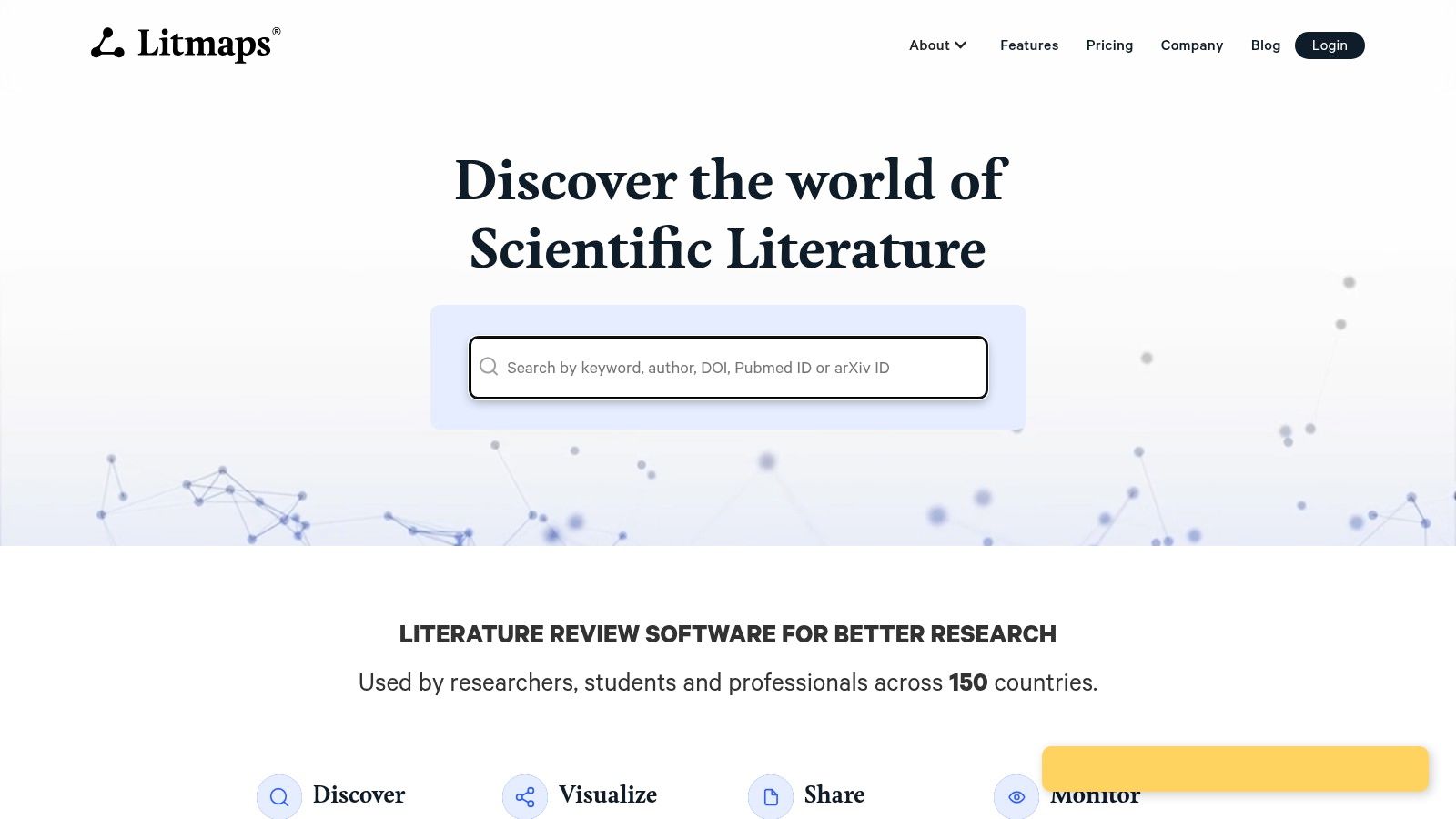
Alt text: A visual map of interconnected research papers generated by the Litmaps platform.
The platform excels at creating living literature reviews. This transforms a static search into an ongoing monitoring system, ensuring you never fall behind in your niche.
Key Features & How to Use Them
- Seed-Based Discovery: Start with a few known papers to uncover a network of thousands of related articles.
- Automated Monitoring: Create “Litmaps” that automatically update with new, relevant publications and receive daily or weekly email alerts.
- Visual Exploration: Navigate research fields visually, identifying the most cited and most recent articles to quickly grasp the state of a topic.
Practical Example: Staying Current in a Fast-Moving Field
Goal: A postdoctoral researcher in machine learning needs to stay up-to-date with the latest developments related to their project.
- Create a New Litmap: In Litmaps, start a new map and name it after your project (e.g., “Federated Learning for Healthcare”).
- Add Seed Articles: Search for and add 5-10 of the most important papers you are already building your work on.
- Explore the Generated Map: Let Litmaps generate a citation network. Look for newly published articles (which can be highlighted) that cite your core seed papers.
- Activate the Monitor: Find the “Create Monitor” or “Enable Alerts” button for your map.
- Configure Alerts: Set the frequency to “weekly.” Litmaps will now email you a digest every week with any new papers that are published and are relevant to your existing map. This automates the process of checking for new research.
Pricing
Litmaps offers several tiers, with significant discounts for educational use.
- Free: Allows for 1 map and 1 monitor with up to 20 seed articles.
- Pro ($10/month): Provides unlimited maps and monitors, daily alerts, and more seed inputs.
- Teams ($20/user/month): Adds collaborative features for labs and research groups.
Pros & Cons
| Pros | Cons |
|---|---|
| Excellent for ongoing monitoring and living reviews. | Free tier is quite limited in scope and best for trial use. |
| Scales well from solo academics to large research teams. | The quality of discovery is highly dependent on the initial seed papers. |
| Affordable Pro tier with generous educational discounts. | Corpus coverage might not be as exhaustive as larger databases. |
Website: https://www.litmaps.com
8. ResearchRabbit
ResearchRabbit approaches literature discovery with a highly visual, network-based model, positioning itself as a “Spotify for papers.” Instead of traditional keyword-based searches, it allows you to start with a few “seed” papers and then visually explore interconnected networks of related articles, authors, and topics. This graphical approach makes it one of the best AI tools for research when you need to understand the landscape of a field rather than just finding specific documents.
Alt text: A screenshot of the ResearchRabbit interface showing a network graph of interconnected research papers.
The platform is designed to make serendipitous discovery easier. This method complements traditional search by revealing connections you might otherwise miss.
Key Features & How to Use Them
- Seed-Based Exploration: Start with a single paper or a collection and let ResearchRabbit build interactive graphs of related literature.
- Author Networks: Discover influential authors in your field and explore their entire body of work and collaborations.
- Curation and Alerts: Organize papers into custom collections, add notes, and set up email alerts to be notified when new, relevant research is published. It also integrates directly with Zotero.
Practical Example: Finding Key Authors
Goal: An early-stage PhD student needs to identify the most influential researchers in their new field.
- Create a Collection: In ResearchRabbit, create a new collection (e.g., “CRISPR Gene Editing”).
- Add Seed Papers: Add 5-10 foundational papers on the topic to this collection.
- Explore the Author Network: In the right-hand panel, click on the “Authors” view. ResearchRabbit will display a network graph of the authors from the papers in your collection.
- Identify Central Figures: Look for the names that appear as central nodes with many connections. These are likely the key figures in the field.
- Investigate an Author: Click on an author’s name. ResearchRabbit will show you their publication timeline, co-authors, and a list of all their papers, allowing you to quickly assess their impact and body of work.
Pricing
ResearchRabbit is committed to being free for researchers. You can sign up and use its core features without a subscription.
Pros & Cons
| Pros | Cons |
|---|---|
| Intuitive, visual exploration is excellent for topic scoping. | As a free service, long-term support and feature development can be less predictable than paid tools. |
| The platform is free for researchers. | The interface, while powerful, can sometimes feel busy for new users. |
| Seamless Zotero integration for easy reference management. | The focus is on discovery, not deep text analysis or summarization. |
Website: https://www.researchrabbit.ai
9. Semantic Scholar
Semantic Scholar is a free, AI-powered academic search engine from the Allen Institute for AI that elevates the standard keyword search into a more intuitive discovery process. Indexing over 200 million papers, it uses natural language processing to understand the context and intent behind a query, surfacing highly relevant papers, influential citations, and even automatically generated “TLDR” summaries. This makes it one of the best AI tools for research discovery and staying current in a fast-moving field.
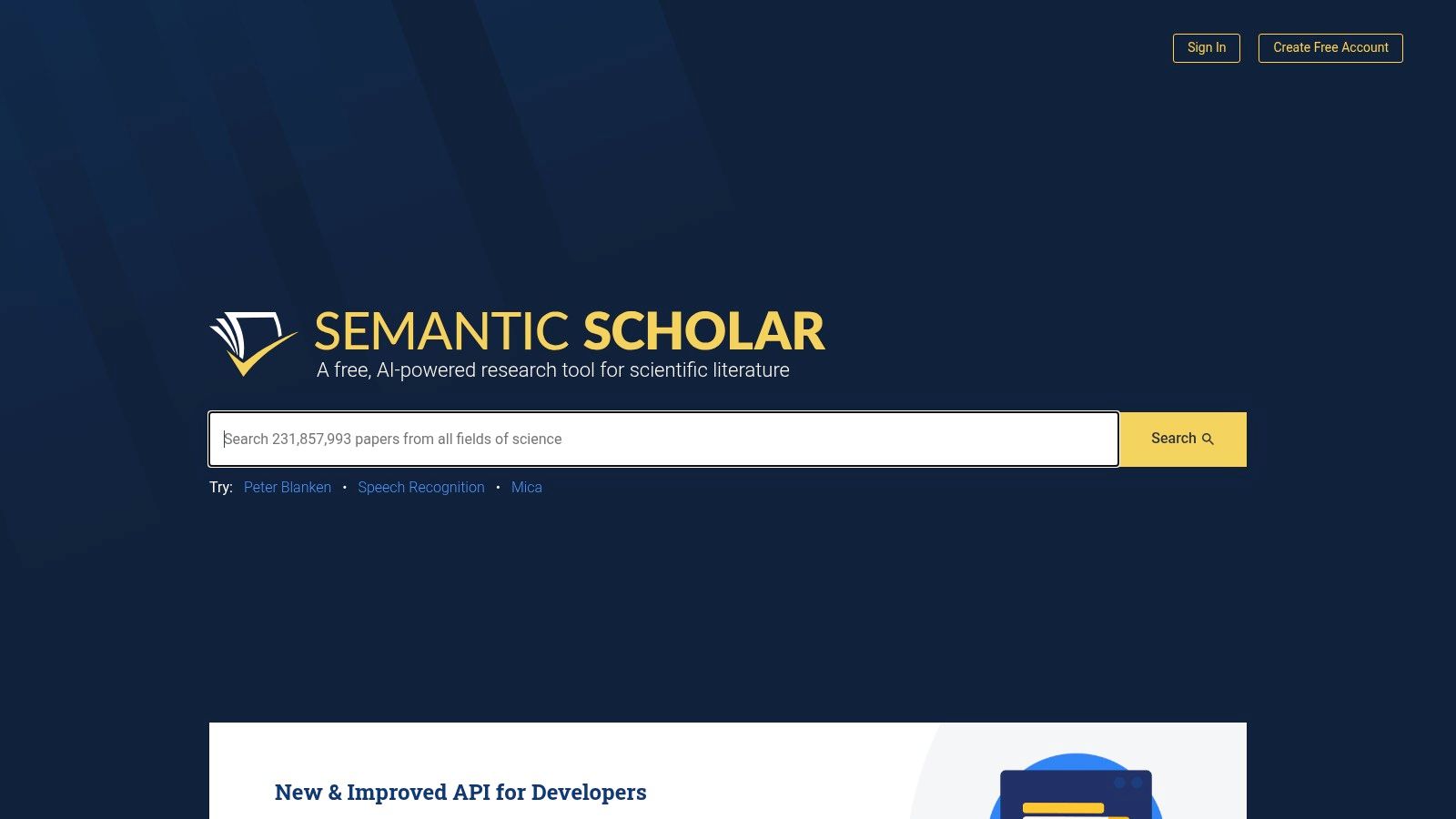
Alt text: A screenshot of the Semantic Scholar user interface showing search results with TLDR summaries and citation metrics.
Its contextual layer moves beyond simple discovery to genuine research comprehension.
Key Features & How to Use Them
- Semantic Search: Go beyond keywords to find papers based on the meaning of your research query.
- TLDR Summaries & Paper Highlights: Quickly assess a paper’s relevance with AI-generated one-sentence summaries.
- Citation Graphs & Influence: Visually explore a paper’s citation network to identify foundational and highly influential works.
- APIs and Open Datasets: Developers and computational researchers can leverage Semantic Scholar’s open data to build their own analytical tools.
Practical Example: Quickly Triaging Search Results
Goal: A researcher has 30 minutes to review 50 papers from a search query and decide which ones are worth reading in full.
- Perform a Search: Enter a query like “natural language processing for sentiment analysis” into Semantic Scholar.
- Scan the TLDRs: Instead of opening each PDF, read the one-sentence, AI-generated “TLDR” summary under each paper’s title in the search results. This immediately tells you the main finding of the paper.
- Check Citation Velocity: Look at the citation graph icon. A chart that is steeply rising indicates a paper is gaining influence rapidly, even if its total citation count isn’t high yet. This helps spot important new work.
- Filter by “Highly Influential”: Use the filters to show only papers with “Highly Influential Citations” to focus on those that have had a significant impact on the field.
- Save to Library: Add the 5-10 most promising papers to your library for a full read later.
Pricing
Semantic Scholar is completely free to use. As a project of the Allen Institute for AI, a non-profit research institute, its mission is to accelerate scientific progress by making scholarly information more accessible.
Pros & Cons
| Pros | Cons |
|---|---|
| Completely free with comprehensive cross-disciplinary coverage. | Full-text availability is dependent on publisher open-access policies. |
| AI-powered features like TLDRs significantly speed up literature triage. | Lacks integrated workflow tools for systematic reviews or note-taking. |
| Provides open data and APIs for computational research. | User interface is focused on search and discovery, not project management. |
Website: https://www.semanticscholar.org
10. Google Scholar
While not a new AI-native platform, Google Scholar remains a foundational and ubiquitous starting point for nearly all academic research. It functions as a massive, cross-disciplinary search engine indexing scholarly literature from articles, theses, books, and court opinions. Its strength lies in its simplicity, immense scope, and powerful citation-tracking features, which leverage Google’s vast indexing capabilities to map the web of academic influence, making it an indispensable tool in the modern research toolkit.
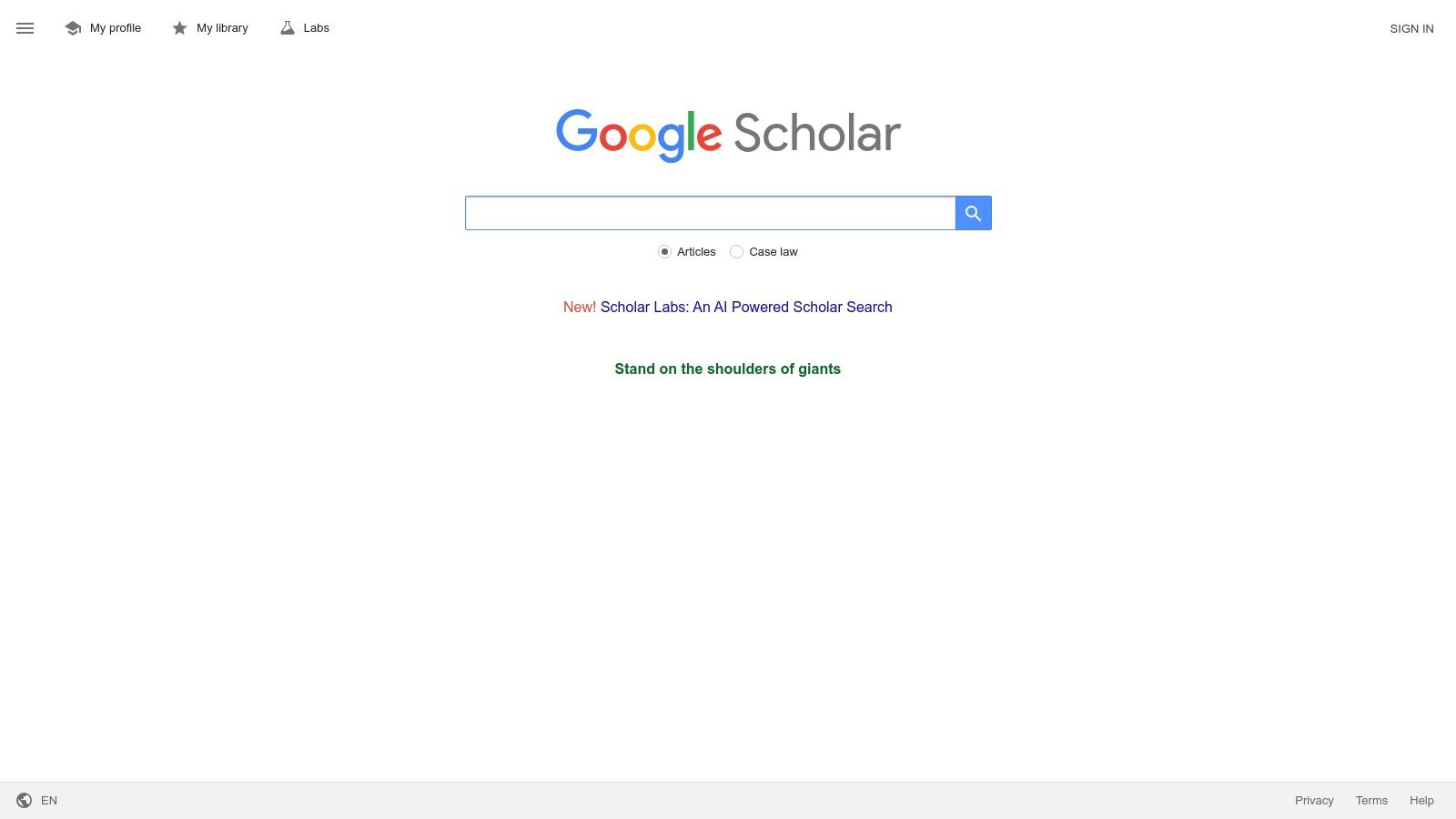
Alt text: The Google Scholar search interface showing results for a research query.
This platform is the go-to for initial topic scoping and “citation chasing.” This network analysis is a powerful, algorithmically-driven way to navigate a field’s evolution.
Key Features & How to Use Them
- Citation Chasing: Use the “Cited by” feature to find newer research that references a known key paper.
- Author Tracking: Set up alerts for specific authors to be notified when they publish new work.
- Broad Literature Scoping: Perform initial keyword searches to quickly gauge the volume and type of research available on a topic.
Practical Example: Tracing a Research Idea Forward
Goal: A student has found a seminal paper from 2010 and wants to find the most recent research that builds upon its ideas.
- Find the Paper: Search for the 2010 paper in Google Scholar.
- Use “Cited by”: Below the search result, find and click the “Cited by [Number]” link. This will take you to a new list of all the papers in Google’s index that have cited the original paper.
- Sort by Date: On the left-hand side of the results page, click “Since [Current Year]” or “Sort by date” to bring the most recent publications to the top.
- Search Within Citing Articles: Check the box that says “Search within citing articles.” You can now add new keywords (e.g., “deep learning”) to find papers that both cite the original work AND discuss a specific new technique.
Pricing
Google Scholar is completely free to use, supported by Google’s broader infrastructure. Access to the full text of articles often depends on your institution’s subscriptions or whether the paper is open-access.
Pros & Cons
| Pros | Cons |
|---|---|
| Ubiquitous coverage and a simple, familiar interface. | Many results provide only abstracts; full text may be paywalled. |
| Excellent for citation chasing and quick topic scoping. | Lacks advanced workflow or management features of dedicated tools. |
| Completely free to use for all search features. | Search algorithm is a “black box” with limited filtering options. |
Website: https://scholar.google.com
11. Zotero
Zotero is a free, open-source reference manager that acts as the foundational organizational layer for any serious research project. While not an “AI” tool in the generative sense, its intelligent data capture and organizational capabilities make it an indispensable partner to other AI-powered platforms. It allows researchers to collect, organize, cite, and share sources, creating a structured library that can then be fed into AI summarizers or analysis tools. Its strength lies in its robustness, broad community support, and seamless integration into the research workflow.
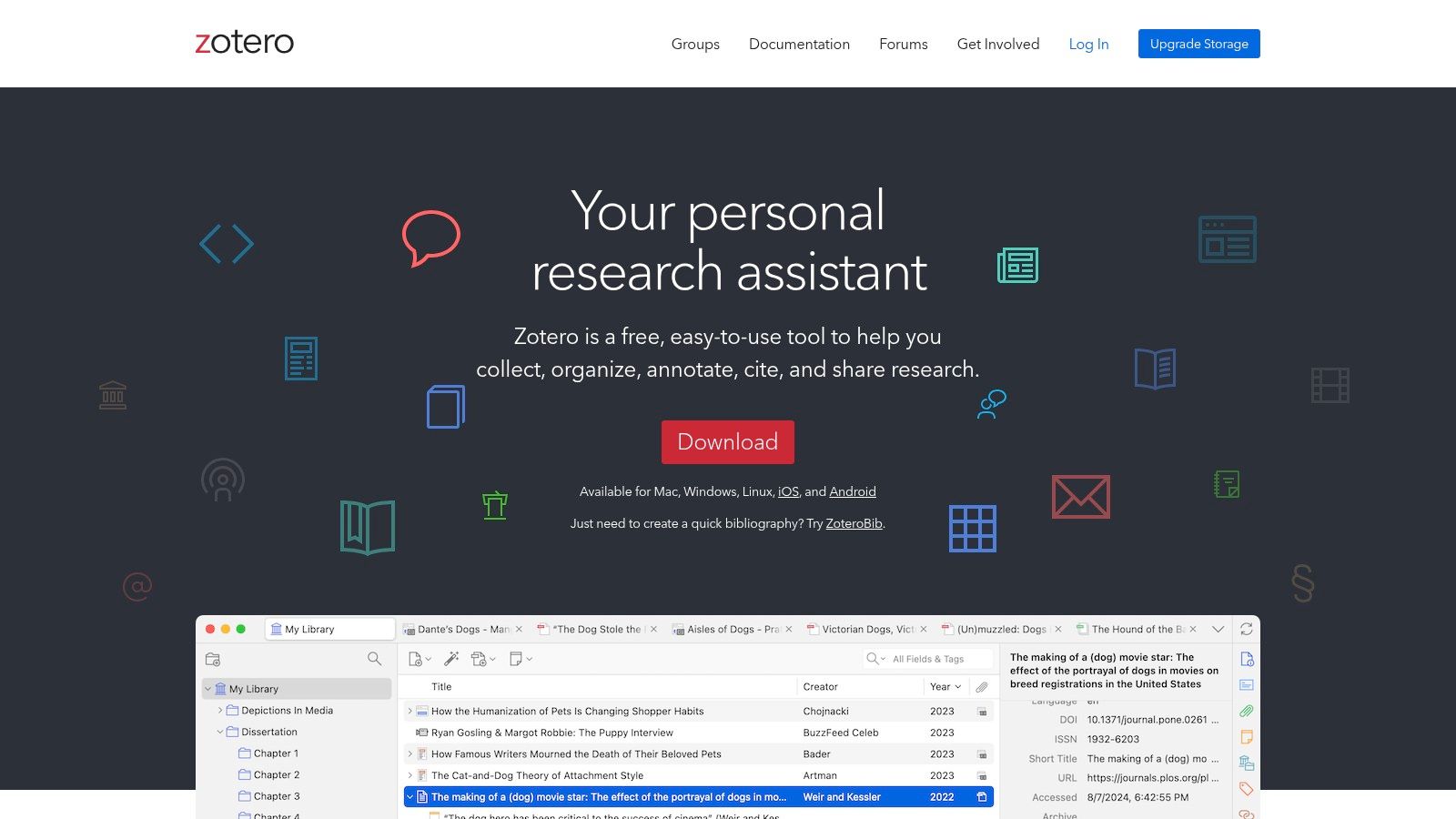
Alt text: A screenshot of the Zotero interface, showing a library of organized research papers and citations.
This simple, automated workflow prevents errors and saves countless hours, making it a critical component in the modern researcher’s toolkit.
Key Features & How to Use Them
- One-Click Web Capture: Use the Zotero Connector extension to instantly save articles and web pages with complete metadata.
- Word Processor Integration: Automatically generate in-text citations, footnotes, and bibliographies in Word, LibreOffice, and Google Docs.
- Shared Group Libraries: Collaborate with colleagues by creating shared libraries where members can collectively add and edit sources.
Practical Example: Writing and Citing Seamlessly
Goal: A student is writing a research paper in Google Docs and needs to add citations and a bibliography without manual formatting.
- Install Zotero: Install the Zotero desktop app and the Zotero Connector for your browser.
- Build Your Library: As you browse for sources, click the Zotero Connector icon in your browser to save articles to your Zotero library. Zotero automatically grabs the PDF, metadata, and a snapshot of the page.
- Connect to Google Docs: In a new Google Doc, you will see a “Zotero” menu. Click
Zotero > Add/edit citation. - Select a Citation Style: The first time, Zotero will ask you to choose a citation style (e.g., APA 7th Edition, MLA 9th Edition).
- Insert a Citation: A search bar will pop up. Type an author or title, select the correct source from your Zotero library, and press Enter. The correctly formatted in-text citation will appear.
- Generate Bibliography: When you are finished writing, click
Zotero > Add/edit bibliography. Zotero will automatically generate a perfectly formatted reference list based on the citations you added.
Pricing
Zotero’s core software is completely free and open-source. Pricing is based on optional cloud storage for syncing files across devices.
- Free: Includes 300 MB of cloud storage for file syncing.
- 2 GB ($20/year): Provides 2 GB of storage.
- 6 GB ($60/year): Offers 6 GB of storage.
- Unlimited ($120/year): Provides unlimited cloud storage.
Pros & Cons
| Pros | Cons |
|---|---|
| Free core software with a strong community and plugin ecosystem. | Free cloud storage is limited (300 MB); larger libraries require paid plans. |
| Works well alongside tools like Elicit for end-to-end workflows. | The user interface can feel more utilitarian than some modern competitors. |
| Widely supported in university guides and recommended by librarians. | Institutional SSO or storage may require separate arrangements. |
Website: https://www.zotero.org
12. ReadCube Papers
ReadCube Papers is a modern reference manager designed for researchers, labs, and institutions that prioritizes a seamless reading and collaboration experience. It merges traditional citation management with enhanced PDF annotation and AI-powered features like a chat-with-your-PDF function. This platform stands out by creating a polished, unified ecosystem for discovering, reading, managing, and citing literature, making it one of the best AI tools for research teams who need shared libraries and a consistent user experience.
Alt text: A screenshot of the ReadCube Papers interface displaying a user’s library of academic articles.
The integration of such tools is becoming essential for students and academics, as highlighted by the growing adoption of AI in academic settings.
Key Features & How to Use Them
- Enhanced PDF Reader: Go beyond basic viewing with advanced annotation, note-taking, and in-line referencing.
- Team Libraries: Create shared folders for lab groups or collaborators, ensuring everyone has access to the same up-to-date literature and notes.
- SmartCite Integration: Seamlessly insert citations and bibliographies into manuscripts using plugins for Microsoft Word and Google Docs.
- AI Assistant: (On premium plans) Use the built-in chat to ask questions, get summaries, and extract key information from your PDFs.
Practical Example: Collaborative Annotation in a Lab
Goal: A research lab needs a central place for team members to read and comment on a set of 20 key papers for a new project.
- Create a Shared Library: In ReadCube Papers, create a “Shared Library” and invite all lab members via email.
- Populate the Library: Import the 20 PDFs into the shared library.
- Assign Reading and Annotate: The principal investigator can assign papers to different members. As each person reads their assigned paper in the Papers app, they can highlight key passages and add notes (e.g., “@LabMember, does this methodology apply to our experiment?”).
- Use the AI Assistant: A member struggling with a dense paper can open the AI Assistant and ask, “Summarize the key findings of this paper in three bullet points” or “Explain the statistical method used in the results section.”
- Review Notes Together: During a lab meeting, the team can open the shared library and view all the highlights and comments from everyone in one place, facilitating discussion.
Pricing
ReadCube Papers offers a 30-day free trial, after which a subscription is required.
- Papers App ($3/month): For individual use, includes the core reference manager and reader.
- Pro ($5/month): Adds unlimited cloud storage and advanced features.
- Site License: Custom pricing for universities and corporations providing campus-wide access.
Pros & Cons
| Pros | Cons |
|---|---|
| Polished reading and annotation experience across all devices. | The most powerful AI features are locked behind higher-tier plans. |
| Excellent for team collaboration with built-in shared libraries. | Full-text PDF access often depends on existing institutional subscriptions. |
| Integrates directly into writing workflows with SmartCite for Word/Docs. | It is a fully paid service after the initial trial period. |
Website: https://www.readcube.com/papers
Top 12 AI Research Tools Comparison
| Product | Core Capabilities | UX / Quality | Unique Features | Target Audience | Price / Value |
|---|---|---|---|---|---|
| RichlyAI 🏆 | Multi‑modal generation (text, images, audio, video, code), chatbots, social automation, AI Tools Hub | ★★★★★ | ✨Real‑time voice chat; 11,000+ tool discovery hub | 👥 Marketers, creators, devs, teams | 💰 Free plan + paid tiers; one‑time premium listing |
| Elicit | Automated literature search, extraction, tables, report drafting | ★★★★★ | ✨Purpose‑built evidence‑review workflows | 👥 Systematic reviewers, academics, researchers | 💰 Freemium; caps → Pro/Team for higher quotas |
| Perplexity | Fast citation‑forward Q&A, Labs, file analysis, team Spaces | ★★★★☆ | ✨Inline citations + advanced models & Labs | 👥 Analysts, researchers, teams | 💰 Pro/Enterprise (paid); education options |
| Consensus | Synthesizes peer‑reviewed studies with citations; API | ★★★★☆ | ✨Paper‑backed syntheses (220M+ papers) | 👥 Clinicians, researchers, product teams | 💰 Freemium; Deep/Team & API pricing |
| scite | Smart Citations, contextual citation reports and alerts | ★★★★☆ | ✨Shows support/contrast context in citations | 👥 Librarians, researchers, institutions | 💰 Freemium/org plans; some gated features |
| Connected Papers | Citation/similarity graphs, multi‑origin exploration | ★★★★☆ | ✨Force‑directed visual graphs for topic scoping | 👥 Researchers, students exploring fields | 💰 Free tier; premium annual plans |
| Litmaps | Evolving literature maps, discovery & configurable alerts | ★★★★☆ | ✨Living maps + daily/weekly alerts | 👥 Researchers tracking niches, labs | 💰 Free limited; Pro/Team with edu discounts |
| ResearchRabbit | Visual graph discovery, collections, alerts, Zotero sync | ★★★★☆ | ✨Curated collections & time‑based visualizations | 👥 Researchers, grad students, librarians | 💰 Free |
| Semantic Scholar | Semantic search, author/topic pages, citation graphs, APIs | ★★★★☆ | ✨Open datasets & developer APIs (S2ORC/S2AG) | 👥 Researchers, developers, nonprofits | 💰 Free |
| Google Scholar | Cross‑disciplinary search, author profiles, “Cited by”, alerts | ★★★★☆ | ✨Ubiquitous coverage & simple interface | 👥 All researchers, students, general public | 💰 Free |
| Zotero | Reference manager, browser capture, notes, plugins, sync | ★★★★☆ | ✨Open‑source with strong plugin ecosystem | 👥 Academics, students, librarians | 💰 Free core; paid cloud storage options |
| ReadCube Papers | Modern PDF reader/annotation, SmartCite, team libraries | ★★★★☆ | ✨Polished UX + AI chat‑with‑PDF on higher tiers | 👥 Labs, research teams, writers | 💰 Paid tiers; team pricing |
Building Your AI Research Workflow: Actionable Takeaways
The landscape of academic and professional research is undergoing a seismic shift, driven by artificial intelligence. We’ve reviewed the best AI tools for research, from AI-native platforms like Elicit that directly answer questions with synthesized evidence, to visual explorers like Connected Papers that turn literature discovery into an intuitive, graphical experience. The key takeaway is no longer about if you should use AI, but how you can strategically integrate it to build a more efficient, insightful, and robust research workflow.
The core challenge has moved from information scarcity to information overload. This is where tools like Perplexity and Semantic Scholar shine, offering advanced search and summarization that cut through the noise. Meanwhile, mainstays like Zotero are evolving, proving that even established workflows can benefit from an intelligent upgrade. These tools are not here to replace the critical thinking of the human researcher. Instead, they act as powerful cognitive extensions, automating tedious tasks, revealing hidden connections, and freeing up your mental energy for deep analysis and breakthrough thinking.
Your Next Steps: Crafting a Personalized AI Toolkit
Moving from knowledge to action is crucial. Simply knowing these tools exist isn’t enough; the goal is to build a system that works for you.
- Identify Your Biggest Bottleneck. Is it finding papers, summarizing them, or managing citations? For literature discovery, start with Connected Papers. For drowning in abstracts, use Elicit. For quick claim validation, turn to scite or Consensus.
- Start with One Tool and Master It. Avoid adopting five new tools at once. Choose one that solves your primary bottleneck and commit to using it for two weeks. Learn its shortcuts, understand its limitations, and integrate it fully before adding another.
- Stack and Integrate for a Compounded Effect. Once you’re comfortable, combine tools. A powerful workflow could be: Perplexity for initial discovery, Elicit to extract data from your findings, and Zotero for final organization and citation.
- Explore Further Reading & Resources. To deepen your understanding, check out guides on prompt engineering and stay updated on the growing adoption of AI in academic settings.
Final Thoughts: The Future is Collaborative Intelligence
Embracing the best AI tools for research is about more than just efficiency; it’s about augmenting your intelligence. The most successful researchers of the next decade will be those who master the art of human-AI collaboration. By thoughtfully selecting and integrating these tools, you are not just optimizing a workflow; you are building a personalized research assistant, ready to help you tackle your next big question.
Ready to discover, evaluate, and choose the perfect AI solutions for your entire workflow? RichlyAI offers a comprehensive AI Tools Hub, providing in-depth reviews, comparisons, and expert guidance to help you navigate the ever-expanding AI landscape. Visit RichlyAI to find the right tools and build your ultimate AI-powered research stack today.
