
In a competitive market, efficiency isn’t just an advantage; it’s a necessity. Small businesses often juggle multiple roles with limited resources, making every minute and dollar count. This is where artificial intelligence stops being a buzzword and becomes a crucial operational partner. The right AI tools for small business can automate repetitive tasks, generate high-quality marketing content, provide deep customer insights, and streamline complex workflows, freeing you to focus on strategic growth and customer relationships.
This comprehensive guide is designed to cut through the noise and deliver a curated list of the most effective AI platforms available today. We’re moving beyond generic feature lists to provide a practical resource you can implement immediately. Forget spending hours on research; we’ve done the heavy lifting for you.
Inside this article, you will find:
- Detailed Breakdowns: A close look at 12 powerful AI tools, from content creation suites like Jasper to automation hubs like Zapier and integrated ecosystems like Microsoft 365 Copilot.
- Actionable Use Cases: We’ll show you exactly how a small business can use each tool to solve real-world problems, such as drafting email campaigns, managing customer support inquiries, or building a professional website in minutes.
- Clear Visuals and Links: Each entry includes screenshots to give you a feel for the user interface and direct links to get you started without delay.
- Honest Assessments: We’ll cover the pros, cons, and pricing brackets for every platform, ensuring you can make an informed decision that fits your budget and specific operational needs.
Our goal is to equip you with the knowledge to select and integrate the best AI tools for your small business, transforming how you operate and positioning you for scalable success. Let’s explore the solutions that will help you work smarter, not harder.
1. RichlyAI
Best For: All-in-one content creation, social media automation, and AI tool discovery.
RichlyAI positions itself as a comprehensive, multimodal AI ecosystem, making it a powerful central hub for small businesses looking to streamline creative and operational workflows. It’s not just another content generator; it’s a suite designed to handle everything from writing marketing copy and generating visuals to automating social media posts and even assisting with code development. This all-in-one approach eliminates the need to subscribe to multiple single-purpose tools, saving both time and money.
The platform’s standout feature is the RichlyAI Hub, an intuitive interface for generating high-quality text, images, video, audio, and code. What makes it particularly compelling for small businesses is its accessibility. RichlyAI offers a generous free plan that unlocks advanced AI models, with a current promotion for “Unlimited Text Generation FOREVER,” providing enterprise-level capabilities without an upfront investment. This makes it an exceptional choice for startups and solopreneurs operating on a tight budget.
Alt Text: A screenshot of the RichlyAI platform dashboard showing various AI tools for content creation, social media, and more.
Key Strengths and Use Cases
- Multimodal Content Generation: Use a single platform to draft blog posts, design social media graphics, create short video clips, generate voiceovers, and even produce code snippets for a website update.
- Social Media Automation: Connect your X (Twitter), LinkedIn, and Instagram accounts to schedule and automate posts directly from the platform, maintaining a consistent online presence with minimal effort.
- AI Tool Discovery: Beyond its native tools, RichlyAI runs the AI Tools Hub, one of the world’s largest directories with over 11,000 AI solutions. This is invaluable for researching and comparing specialized tools as your business needs evolve.
Practical Implementation
A small e-commerce business could use RichlyAI to generate product descriptions (text), create promotional images for a new product line (images), script and produce a short ad (video/audio), and then automate the entire campaign launch across its social media channels. The platform serves as the mission control for the entire marketing workflow. For more insights on how to leverage these tools, you can learn more about AI solutions for businesses on RichlyAI’s blog.
- Pros:
- An all-in-one platform for text, image, video, audio, code, and chatbots.
- Generous free plan makes advanced AI accessible to everyone.
- Integrated social media automation streamlines marketing efforts.
- The massive AI Tools Hub is a premier resource for discovering other solutions.
- Cons:
- Detailed pricing and usage limits for premium tiers are not publicly listed.
- The extensive feature set can have a steeper learning curve for advanced functions like chatbot training.
Website: RichlyAI
2. Microsoft 365 Copilot for Business
For small businesses already embedded in the Microsoft ecosystem, Copilot for Business is a powerhouse upgrade. It integrates generative AI directly into the apps you use daily-Word, Excel, PowerPoint, Outlook, and Teams-transforming routine tasks into streamlined, intelligent workflows. This deep integration is its key differentiator; instead of exporting data to a separate AI tool, you command AI within your documents, spreadsheets, and emails, making it one of the most cohesive AI tools for small business operations.

Alt Text: A user interacting with the Microsoft 365 Copilot for Business AI assistant inside of an application, showcasing its integration.
Use Cases and Actionable Insights
Copilot excels by grounding its responses in your company’s data, including documents, emails, and chats, while maintaining enterprise-grade security. This context allows it to provide highly relevant assistance. For example, you can ask Copilot in Teams to summarize a meeting you missed, complete with action items assigned to team members, directly from the meeting transcript. In Outlook, it can draft email responses that pull information from attached spreadsheets.
Practical Example: To create a sales presentation, open PowerPoint and prompt Copilot with, “Create a 10-slide presentation about our Q3 product launch based on the marketing brief in Word and the sales data in Excel.” Copilot will generate a draft presentation, complete with speaker notes and design, saving hours of manual work.
Implementation and Considerations
- Pros: Seamless integration with Microsoft 365; enterprise-level data security and compliance; learns from your specific business context.
- Cons: Requires a qualifying Microsoft 365 Business Standard/Premium subscription; the value is significantly diminished if your team doesn’t primarily use the Microsoft suite.
- Pricing: Available as an add-on for $30 per user, per month. This requires an underlying Microsoft 365 Business Standard or Business Premium plan.
- Website: Microsoft 365 Copilot for Business
3. Google Workspace with Gemini (Business plans)
For small businesses that run on Google’s suite of applications, the integration of Gemini AI directly into Workspace is a game-changer. Similar to Microsoft’s approach, Google embeds its powerful AI into the tools teams use every day like Gmail, Docs, Sheets, Slides, and Meet. This native integration prevents the workflow disruption of toggling between different apps, making it one of the most efficient AI tools for small business teams that are already invested in the Google ecosystem.
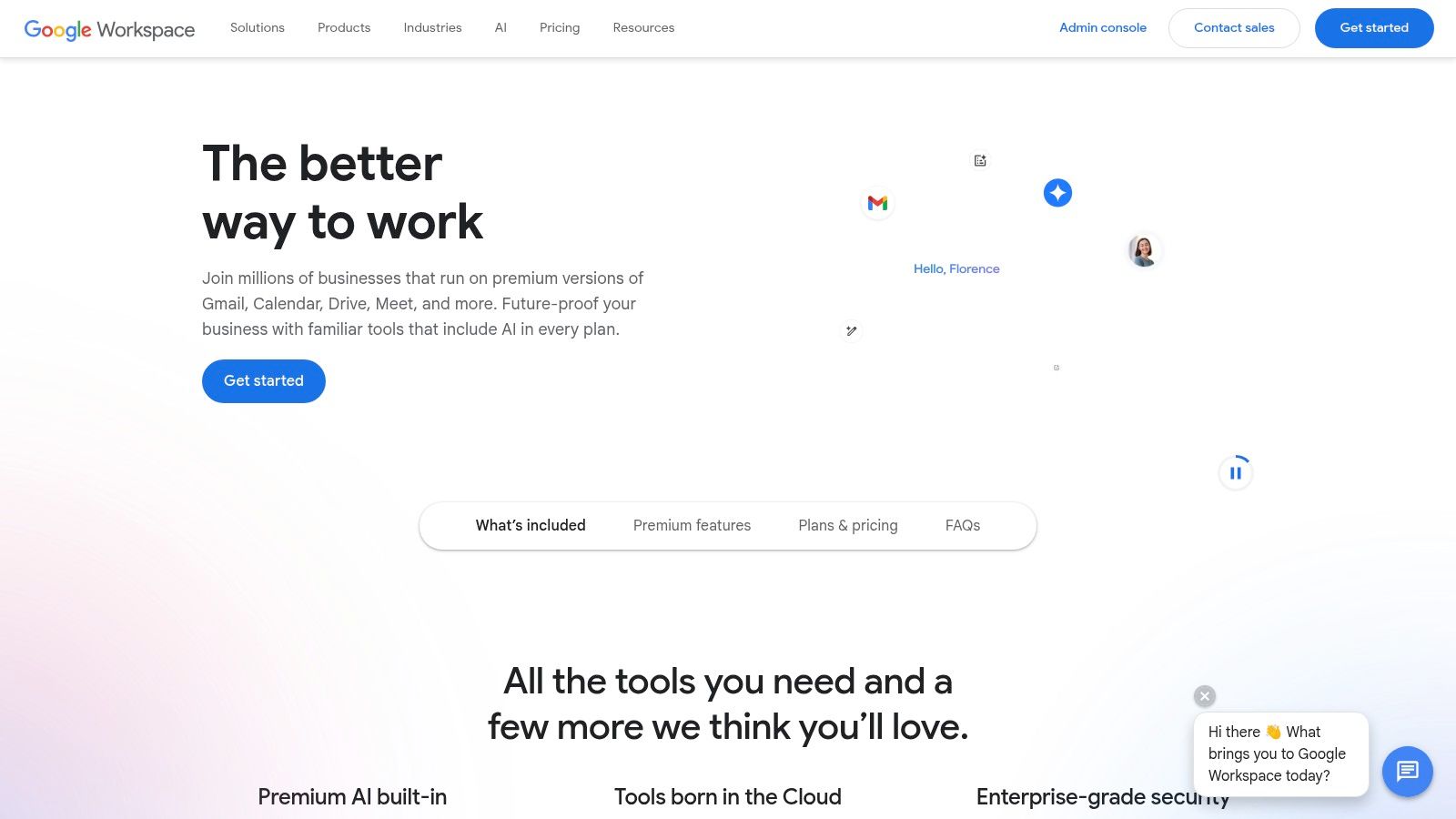
Alt Text: A user drafts an email in Gmail with the help of Google’s Gemini AI, showcasing its integrated functionality.
Use Cases and Actionable Insights
Gemini in Workspace shines by leveraging the context of your existing documents and communications to accelerate tasks. In Gmail, it can summarize long email threads or draft entire replies based on a simple prompt. In Google Docs, you can ask it to generate a blog post outline or refine the tone of a project proposal. The AI respects your existing security settings, with admin controls and broad certifications (like SOC/ISO) ensuring that your business data remains protected while you work.
Practical Example: To prepare for a client meeting, open Google Meet and turn on transcription. After the call, open the automatically generated Google Doc transcript and prompt Gemini with, “Summarize this meeting into three key takeaways and create a list of action items with assigned owners.” Gemini will analyze the entire conversation and produce a concise, actionable summary instantly.
Implementation and Considerations
- Pros: Deeply integrated into the familiar Google Workspace interface; leverages your company’s data for context; AI is bundled into standard business and enterprise plans.
- Cons: Feature availability and specific pricing can be confusing as they differ by plan and rollout timing; plan prices have increased with the addition of AI features.
- Pricing: Gemini features are included in most Google Workspace for Business plans, which start at $6 per user/month, with more advanced AI capabilities available in higher-tier plans.
- Website: Google Workspace
4. OpenAI – ChatGPT Team
For small teams needing a powerful, secure, and shared AI assistant without deep IT integration, ChatGPT Team is an exceptional choice. It provides the advanced capabilities of OpenAI’s models within a dedicated workspace, crucially ensuring that your business conversations and data are not used for training. This makes it a go-to solution for brainstorming, content creation, and data analysis, positioning it as one of the most accessible and versatile AI tools for small business teams.
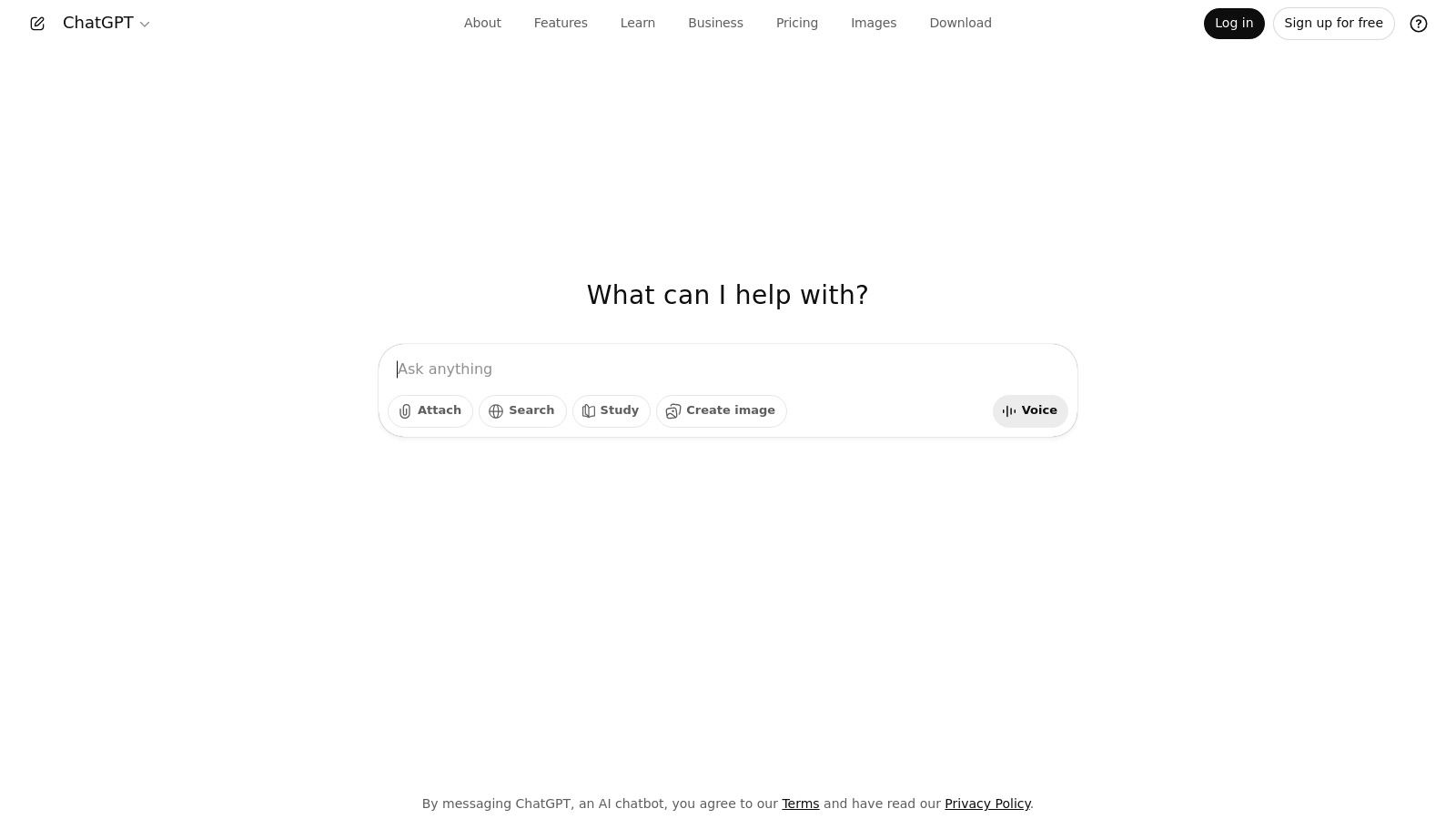
Alt Text: The OpenAI ChatGPT Team interface showing a user interacting with the AI assistant in a collaborative workspace.
Use Cases and Actionable Insights
ChatGPT Team excels at augmenting daily tasks. Marketing teams can use it to generate blog post outlines, social media calendars, and ad copy variations in minutes. For operations, it can analyze customer feedback from a spreadsheet to identify common themes or draft internal policy documents. The key is its conversational interface, which allows for iterative refinement of ideas and outputs. Mastering this conversational approach is key, and understanding the fundamentals of prompt engineering can significantly enhance the quality of results.
Practical Example: A customer support manager can upload a CSV file of recent support tickets and prompt ChatGPT with, “Analyze this data to identify the top 5 customer issues this month and create a summary report with three recommended actions for the product team.” The AI will process the file and generate a structured report, saving hours of manual data sifting.
Implementation and Considerations
- Pros: Quick and easy to deploy with minimal setup; strong data privacy policy (no training on business data); provides access to advanced models like GPT-4 and tools like DALL-E 3.
- Cons: Primarily a conversational tool, lacking direct integration into other business software like a full office suite; may require custom integrations for more complex workflows.
- Pricing: $25 per user, per month when billed annually, or $30 per user, per month when billed monthly. Requires a minimum of two users.
- Website: OpenAI – ChatGPT
- What Is ChatGPT and How Can You Use It Effectively?
5. Zapier
Zapier is the central nervous system for business automation, acting as a no-code bridge between thousands of different applications. It allows small businesses to create automated workflows, or “Zaps,” that trigger actions between apps without needing a developer. With the recent integration of AI, Zapier transforms from a simple automation tool into an intelligent orchestrator, making it one of the most versatile AI tools for small business process improvement.
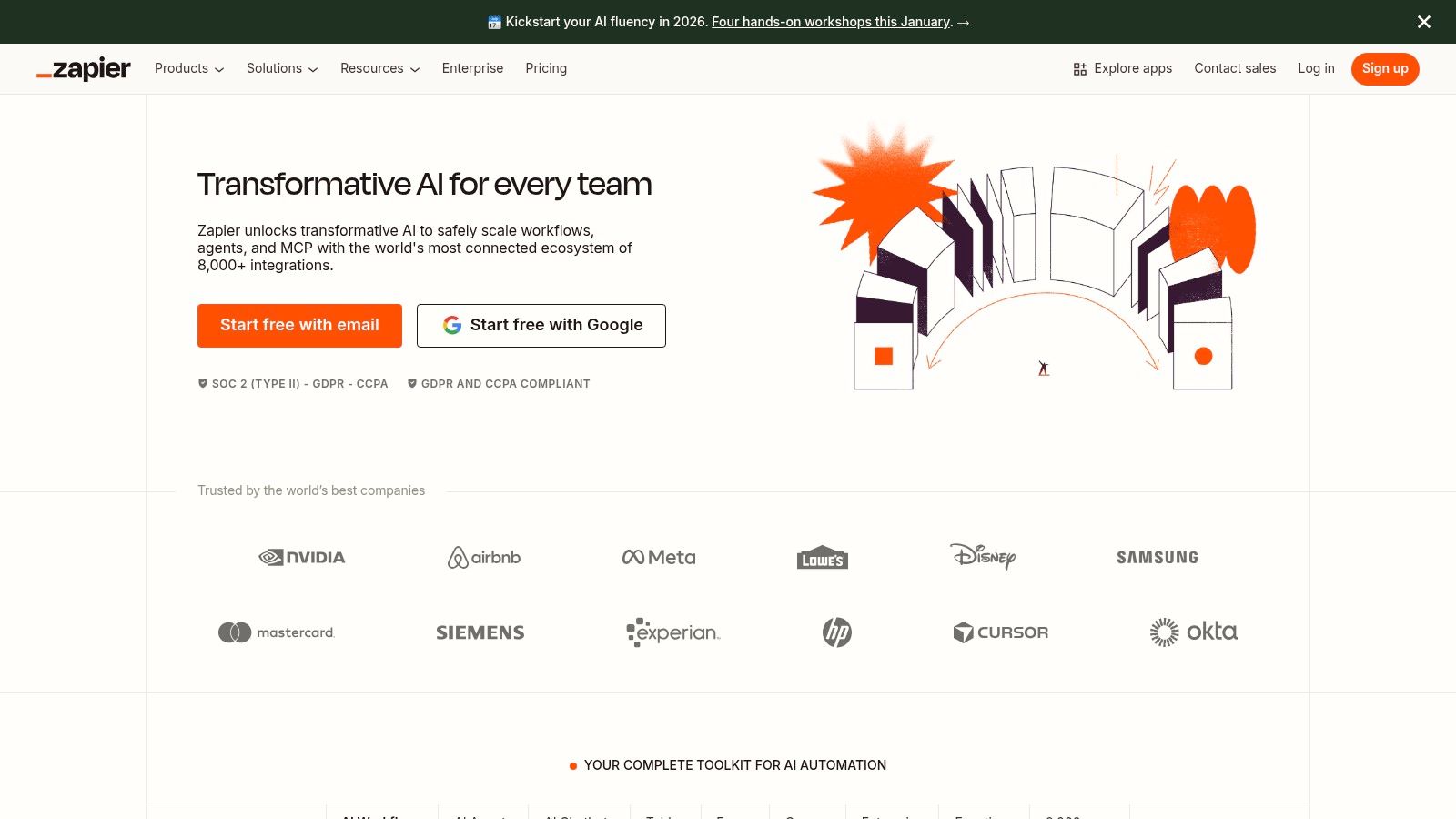
Alt Text: The Zapier interface showing an automated workflow, or “Zap,” being built using its no-code visual editor.
Use Cases and Actionable Insights
Zapier’s strength lies in connecting disparate systems. You can now embed AI steps directly into these workflows. For example, automatically analyze the sentiment of a new customer support ticket in Zendesk using an AI step, then route it to the appropriate team in Slack based on whether the sentiment is positive or negative. Its AI Copilot even lets you describe the automation you want in plain English, and it will build the initial Zap for you. This makes exploring AI workflow automation tools accessible to everyone.
Practical Example: To automate lead follow-up, create a Zap. The trigger is a “New Form Submission” in Typeform. The next action is an AI step: “Draft a personalized follow-up email based on the form answers.” The final action is to “Send Email” via Gmail, inserting the AI-generated draft. This ensures every new lead gets a prompt, personalized response without manual effort.
Implementation and Considerations
- Pros: Enormous library of over 6,000 app integrations; excellent documentation and templates for non-technical users; AI Copilot simplifies workflow creation.
- Cons: Task-based pricing can become expensive as automation volume increases; complex, multi-step Zaps can be challenging to troubleshoot and manage.
- Pricing: Offers a free plan with limited tasks. Paid plans start at $19.99 per month (billed annually) for more tasks and features.
- Website: Zapier
6. Make (formerly Integromat)
For small businesses that need to connect various apps and automate complex workflows, Make provides a powerful visual platform. It goes beyond simple “if this, then that” logic by allowing for intricate branching, routing, and error handling without writing code. Its strength lies in giving you granular control over data flow, making it one of the most flexible AI tools for small business process automation.
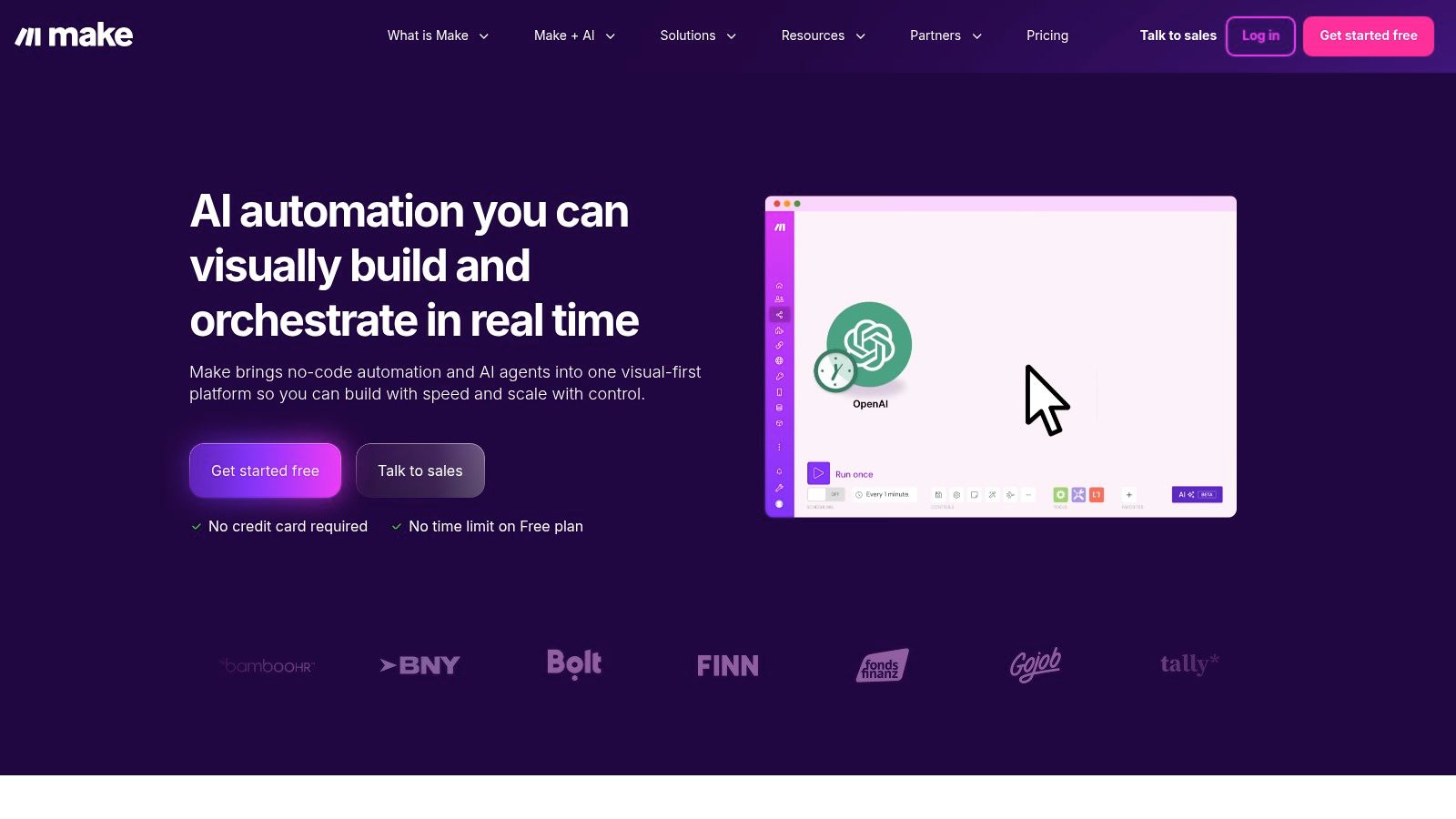
Alt Text: A visual workflow being built in the Make (formerly Integromat) platform, showing connected app modules.
Use Cases and Actionable Insights
Make’s visual drag-and-drop builder allows you to link over 3,000 applications, including many AI services like OpenAI. You can create scenarios that automatically analyze customer feedback from a survey, send it to a sentiment analysis AI, and then route positive reviews to a Slack channel for the marketing team and negative reviews to a Trello board for the support team. The real-time execution logs are incredibly detailed, letting you troubleshoot every step of the automation.
Practical Example: To automate lead enrichment, create a scenario that triggers when a new lead is added to your CRM. The scenario can then take the lead’s email, use an AI tool like Clearbit to find company data, update the CRM record with this new information, and finally send a personalized welcome email sequence via your marketing platform.
Implementation and Considerations
- Pros: Highly flexible visual builder; detailed execution logs for easy debugging; competitive entry pricing with a generous free tier.
- Cons: The credit-based model requires monitoring as workflows scale in complexity and frequency; the learning curve can be steep for advanced multi-step automations.
- Pricing: Offers a Free plan with 1,000 operations/month. Paid plans start at $9 per month, scaling up based on the number of operations needed.
- Website: Make
7. Shopify App Store – AI‑Powered Apps Collection
For small businesses running on Shopify, the platform’s curated AI App Store collection is an indispensable resource. Rather than being a single tool, it’s a dedicated marketplace featuring hundreds of specialized AI applications designed to seamlessly integrate into your ecommerce operations. This allows merchants to easily find, compare, and install powerful AI tools for small business needs, from generating product descriptions and images to deploying intelligent chatbots and personalized product recommendations, all within their existing Shopify dashboard.
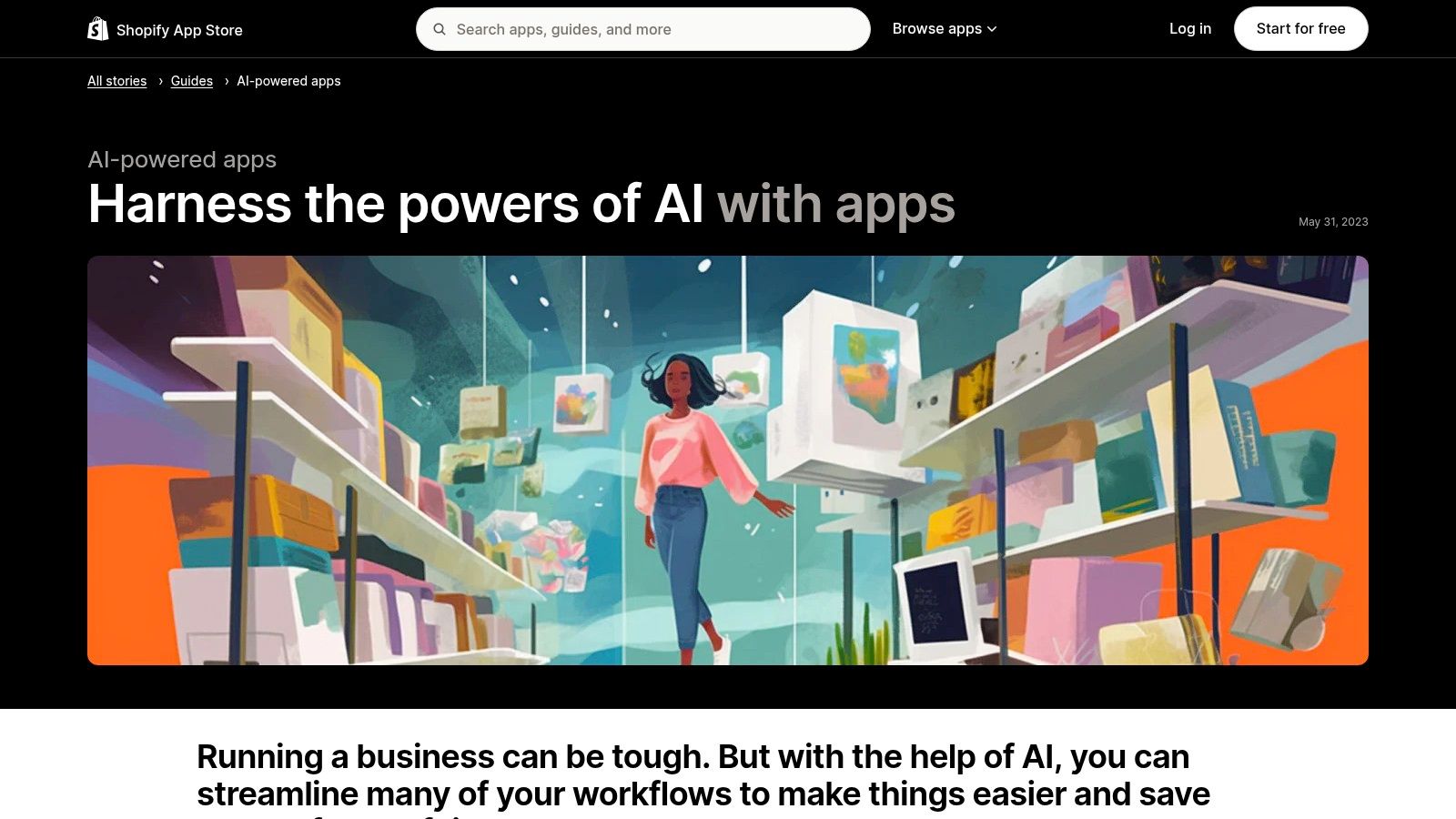
Alt Text: The Shopify App Store page showcasing its curated collection of AI-powered apps for ecommerce.
Use Cases and Actionable Insights
This collection empowers store owners to enhance nearly every aspect of their business. You can install an app to instantly generate professional-quality product photos from a single image, saving on photography costs. Other apps use AI to analyze customer behavior and automate personalized marketing emails or create dynamic product bundles that increase average order value. The key advantage is the one-click integration, which connects these tools directly to your product catalog, customer data, and order history for immediate impact.
Practical Example: A store owner wants to improve customer support without hiring more staff. They browse the AI collection, filter for “chatbots,” and compare the top-rated options based on reviews and pricing. After choosing an app, they install it with one click and use its AI to train the chatbot on their store’s FAQ page. Within an hour, the AI chatbot is live, answering common customer questions about shipping and returns automatically.
Implementation and Considerations
- Pros: Easy one-click installation and unified billing through Shopify; extensive user reviews and ratings help in vetting apps; wide variety of specialized tools for specific ecommerce tasks.
- Cons: App quality can vary significantly, requiring careful research; some newer apps may lack a proven track record or robust support.
- Pricing: Varies by app. Many offer a free plan or a trial period, with paid plans typically ranging from $5 to over $100 per month depending on features and usage.
- Website: Shopify App Store – AI‑Powered Apps Collection
8. Canva
Canva has evolved from a simple design tool into an AI-powered creative suite, making it indispensable for small businesses that need to produce high-quality marketing assets without an in-house design team. Its “Magic Studio” integrates a range of AI features directly into the familiar drag-and-drop editor. This allows users to generate images, write copy, create presentations, and even produce videos from a simple text prompt, solidifying its place as one of the most accessible AI tools for small business marketing needs.
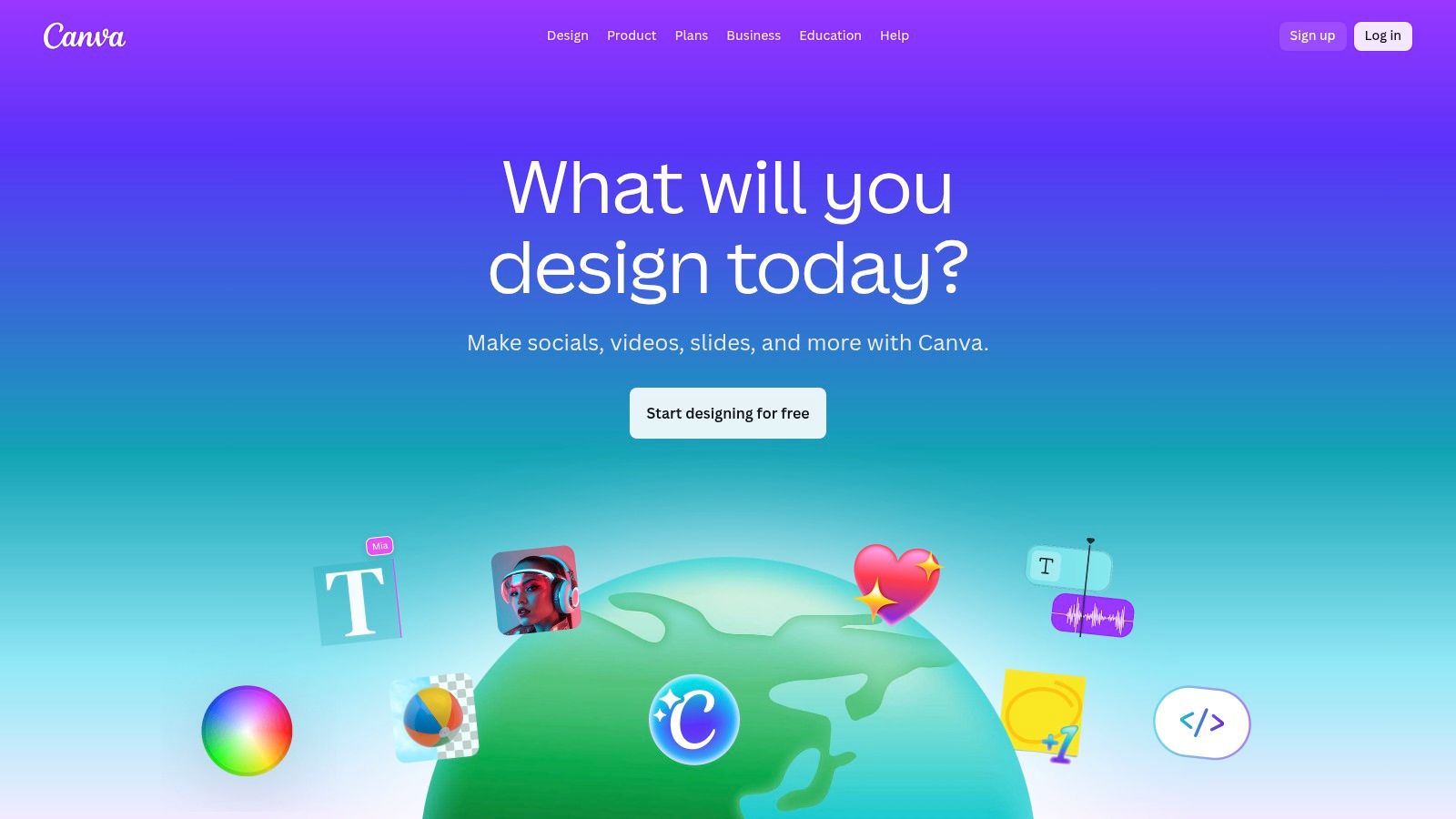
Alt Text: A user utilizing Canva’s AI-powered Magic Design feature to create a marketing graphic.
Use Cases and Actionable Insights
Canva’s AI excels at speed and convenience. For social media managers, Magic Design can generate a complete, on-brand carousel post from a single prompt. Magic Write can instantly draft captions or blog post ideas, which is a key benefit for anyone involved with AI for content creation. The platform’s vast library of templates, combined with AI features like background removal and Magic Switch for resizing, dramatically reduces the time it takes to create a cohesive multi-platform campaign.
Practical Example: To create a social media ad, open Canva and select a template. Use the “Magic Write” tool in the side panel to generate three different headlines for your product. Then, use the “Text to Image” app to create a unique background image based on the prompt, “a minimalist studio product shot of a natural skincare bottle with green leaves.” You can generate a custom, high-quality ad in under ten minutes.
Implementation and Considerations
- Pros: Extremely intuitive for non-designers; massive library of templates and stock media; powerful AI features for fast asset creation and social media scheduling.
- Cons: Team pricing plans have evolved and can be confusing; advanced brand controls and approval workflows are often locked behind more expensive tiers.
- Pricing: Offers a robust free plan. Canva Pro is $14.99 per person/month, while Canva for Teams starts at $29.99/month for the first 5 people.
- Website: Canva
9. HubSpot (Customer Platform with HubSpot AI)
For small businesses seeking an all-in-one solution, HubSpot integrates AI features directly into its comprehensive Customer Relationship Management (CRM) platform. It weaves AI across its Marketing, Sales, and Service Hubs, allowing teams to generate content, automate data entry, and gain insights without leaving their central workspace. This unified approach makes it one of the most powerful AI tools for small business growth, as it grounds AI actions in rich, connected customer data.
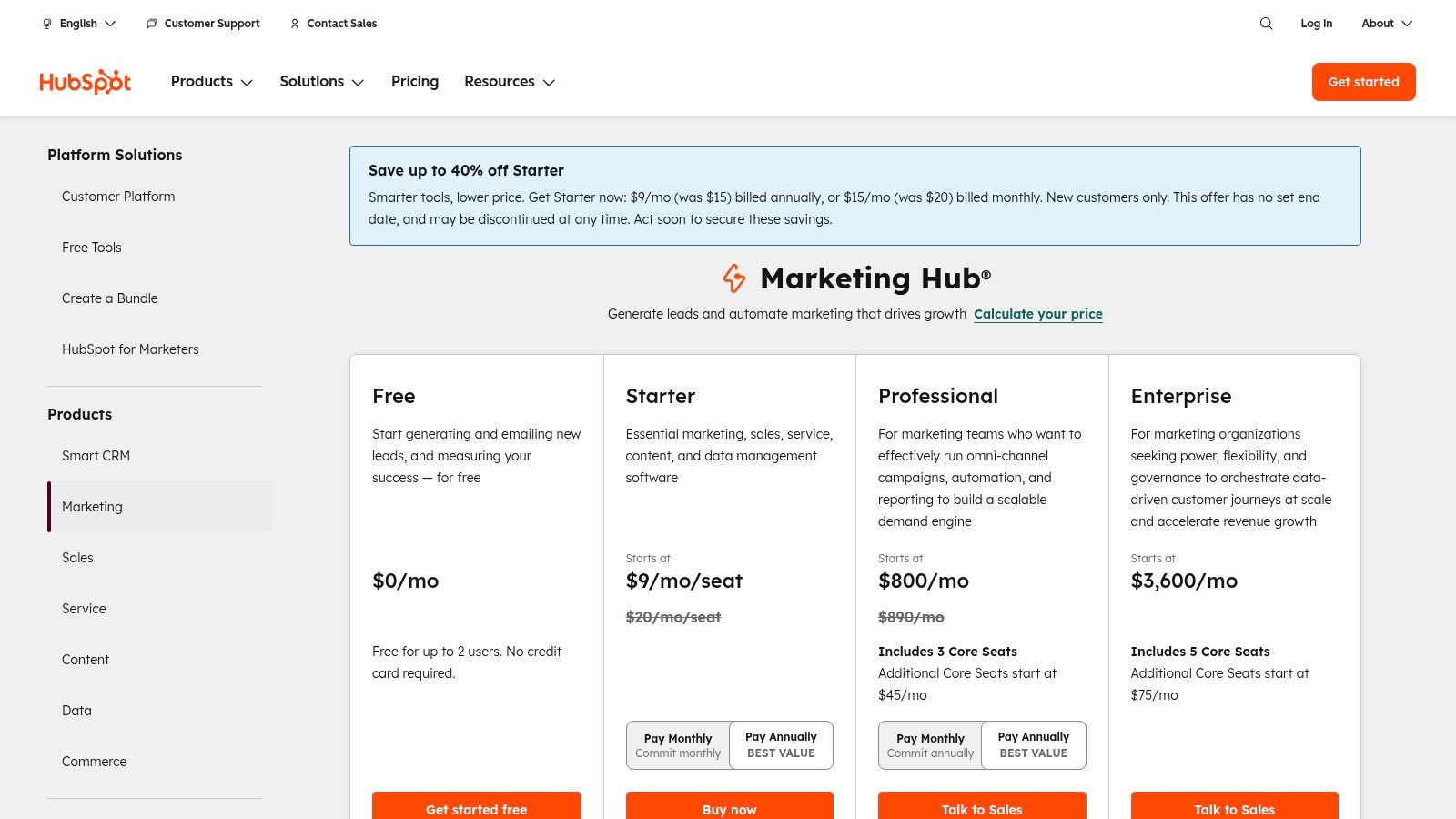
Alt Text: A view of the HubSpot platform, showcasing its clean interface and various hubs for marketing, sales, and service.
Use Cases and Actionable Insights
HubSpot AI excels at making marketing and sales teams more efficient. For instance, its Content Assistant can draft blog posts, social media updates, and marketing emails directly within the editor. In the Sales Hub, AI can summarize call recordings, generate follow-up emails, and even help forecast deal closures based on historical data. This context-aware assistance ensures that every AI-powered action is relevant to a specific customer or marketing campaign, saving time and improving consistency.
Practical Example: A marketer needs to create a landing page for a new ebook. Inside the HubSpot landing page builder, they can use the prompt, “Generate a headline and a 150-word description for a landing page about social media marketing for beginners.” The Content Assistant will provide several options, which can then be refined and published directly to the page, drastically reducing content creation time.
Implementation and Considerations
- Pros: Unified data across marketing, sales, and service provides deep context for AI; scales from generous free tiers to enterprise levels; large app ecosystem for further integration.
- Cons: Costs can escalate quickly as you add more contacts and paid seats; some of the most advanced AI features are locked behind higher-priced professional or enterprise tiers.
- Pricing: HubSpot offers a free tier with basic tools. Paid plans (Starter, Professional, Enterprise) vary by Hub, with bundles available. AI features are included across different tiers.
- Website: HubSpot AI
10. Jasper
For small businesses that need to scale their content marketing without sacrificing brand identity, Jasper stands out as a specialized AI content platform. It moves beyond generic text generation by focusing on creating on-brand copy across all channels. Jasper achieves this through unique features like Brand Voice, which learns your company’s tone from existing content, and Knowledge Base, which grounds its output in your specific product details and audience profiles. This makes it one of the most powerful AI tools for small business marketing teams aiming for consistency and quality.
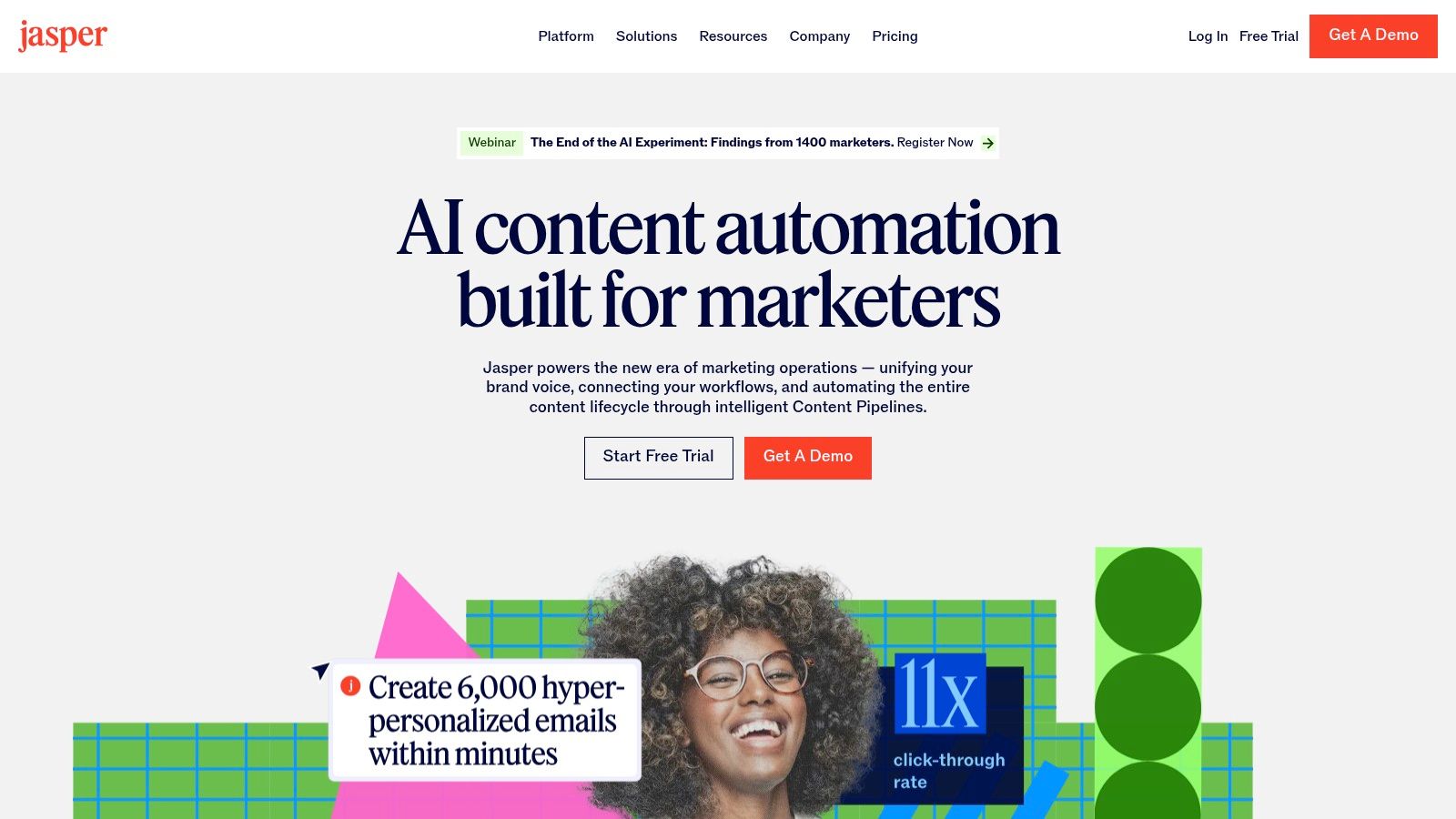
Alt Text: A user interacting with the Jasper AI platform, showing its interface for creating on-brand marketing copy.
Use Cases and Actionable Insights
Jasper is built for marketing teams that need to produce a high volume of content, from social media posts and ad copy to blog articles and email campaigns. Its core strength lies in its governance and team-oriented workflows. You can create style guides and “guardrails” that ensure every piece of generated content adheres to your brand standards, even with multiple team members creating assets. The platform’s Campaign feature allows you to plan and execute an entire marketing initiative, generating all necessary copy from a single brief.
Practical Example: To create a cohesive launch campaign, use Jasper’s Campaign feature. Start by providing a single brief detailing your new product, target audience, and key messages. Jasper will then generate a suite of assets: a series of blog post ideas, social media announcements for LinkedIn and Twitter, ad copy variations for Google Ads, and a follow-up email sequence, all in your brand’s specific tone.
Implementation and Considerations
- Pros: Excellent for maintaining brand consistency across a team; strong governance tools and collaborative workflows; powerful campaign-level content generation.
- Cons: Higher price point than many general-purpose AI writers; its full value is realized primarily by teams producing content frequently and at scale.
- Pricing: Plans start at $39 per user, per month (billed annually) for the Creator plan, with Business plans offering more advanced features and collaboration tools.
- Website: Jasper
11. Grammarly (Grammarly Pro)
For small businesses, maintaining a professional brand voice across all written communication is crucial, and Grammarly Pro serves as an essential AI-powered gatekeeper. It goes beyond basic spell-checking to offer sophisticated suggestions on clarity, tone, and style directly within the applications your team uses every day, from email clients to social media platforms. By ensuring all customer-facing text is polished and error-free, it solidifies your company’s credibility and makes for one of the most practical AI tools for small business marketing and support teams.
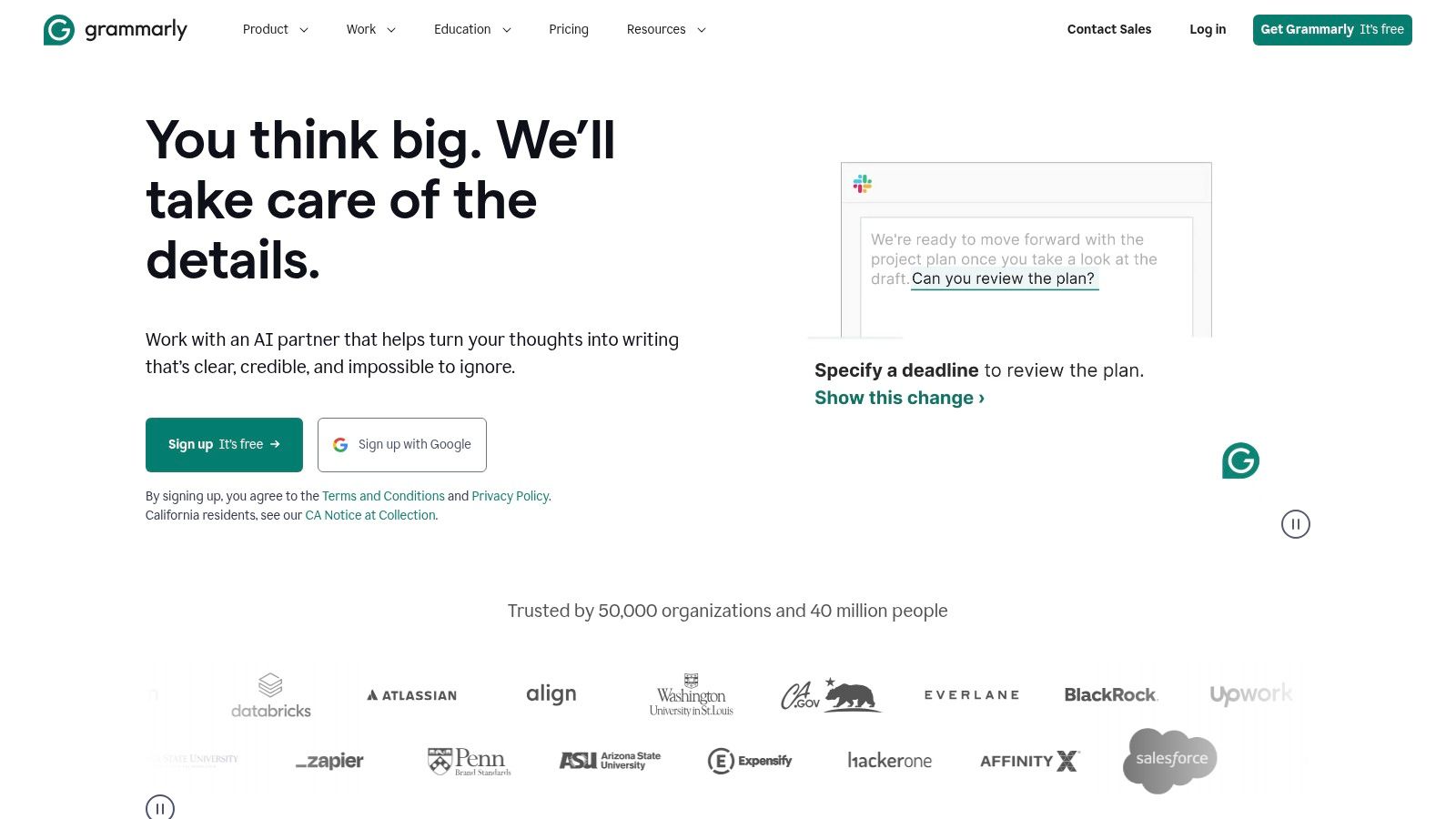
Alt Text: A user interacting with the Grammarly for Business interface, showcasing team management and writing analytics.
Use Cases and Actionable Insights
Grammarly Pro’s true value for a small business lies in its consistency and ease of use. It can be configured with a company style guide, ensuring that all employees use correct branding, terminology, and tone, whether they’re writing a marketing email or a customer support ticket. The tone detector helps team members sound confident and empathetic, preventing miscommunication. For content teams, the plagiarism checker is an indispensable tool for verifying the originality of marketing copy and blog posts before publication.
Practical Example: A customer support agent is drafting a response to an unhappy client. As they type, Grammarly suggests rephrasing a sentence from “You have to reset your password” to a more empathetic “The next step is to reset your password.” This small, AI-driven change in tone can significantly improve the customer’s experience and perception of the company.
Implementation and Considerations
- Pros: Immediate quality improvement for all written communications; very easy for non-technical staff to adopt; team management and style guide features enforce brand consistency.
- Cons: Primarily focused on writing assistance and not broader business process automation; some advanced features might be overkill for very small teams.
- Pricing: Business plans with team features start at $15 per member, per month (billed annually). Free and Premium individual plans are also available.
- Website: Grammarly for Business
12. Wix – AI Website Builder
For small businesses needing to establish an online presence quickly without hiring a developer, the Wix AI Website Builder is a powerful solution. It moves beyond traditional template-based design by using AI to generate a complete, customized website draft based on a series of simple prompts about your business type, name, and goals. This initial AI build includes text, images, and a layout, which can then be refined using Wix’s intuitive drag-and-drop editor, making it one of the most accessible AI tools for small business website creation.
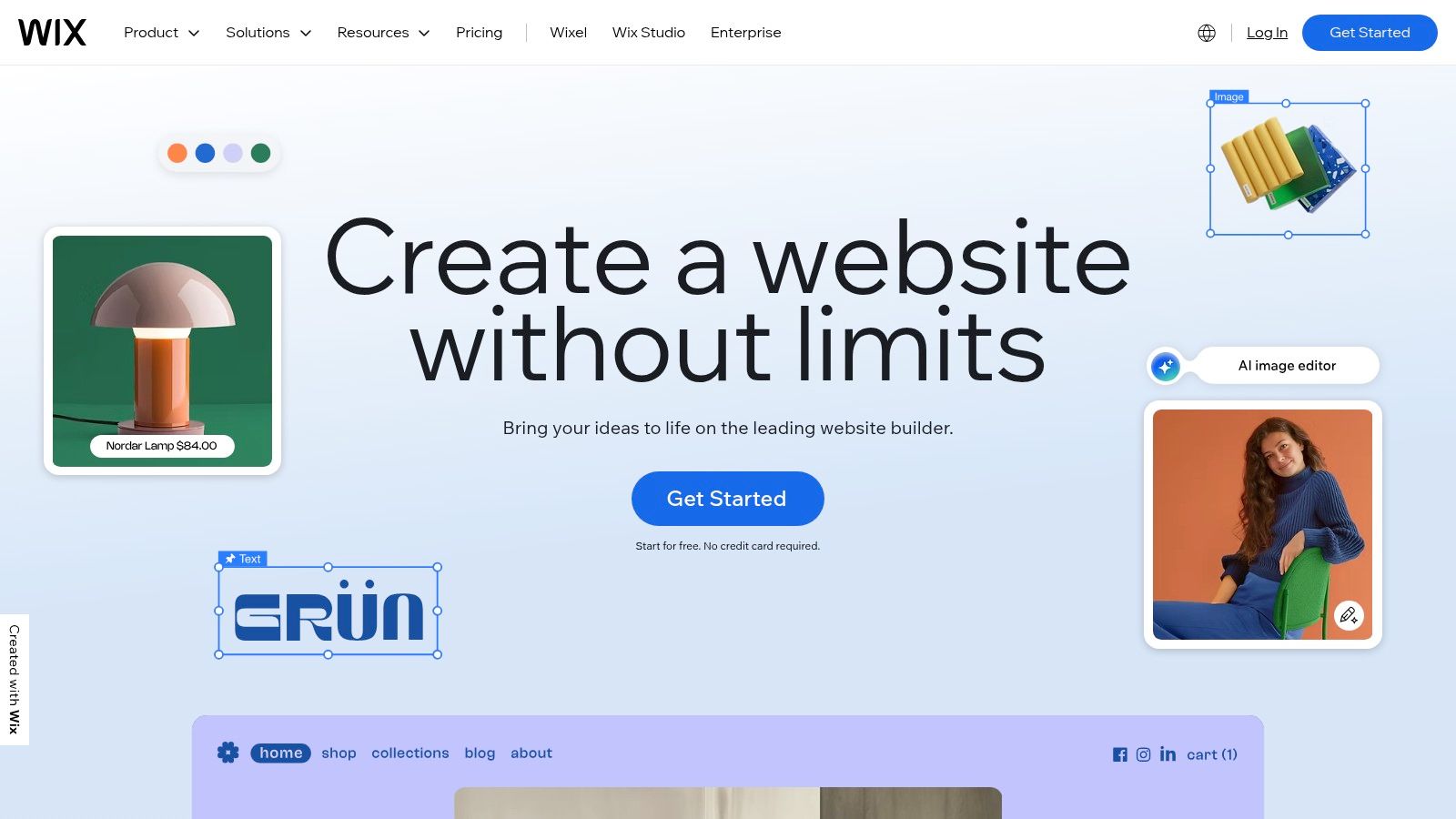
Alt Text: A user interacting with the Wix AI Website Builder interface to create a custom site.
Use Cases and Actionable Insights
Wix’s AI shines by bundling site creation with essential business management tools. You can generate a full website for a local service business, complete with an AI-powered booking system, or an ecommerce store with product pages created in minutes. The platform’s AI text and image generation tools allow you to quickly populate your site with relevant content and visuals, overcoming the common hurdle of content creation. For those comparing website creation platforms, you can find a deeper analysis of similar AI-powered site builders.
Practical Example: A local bakery owner can use Wix AI to get online. They would start by answering prompts: “What is your business type?” (Bakery), “What’s the name of your business?” (The Sweet Spot), and “What are your goals?” (Sell baked goods online, take custom cake orders). The AI then generates a website with a menu, an online ordering system, and a gallery, which the owner can then customize with their own photos and branding.
Implementation and Considerations
- Pros: Very fast time-to-launch for non-developers; integrated business tools like ecommerce and bookings are ideal for service or retail businesses.
- Cons: Total costs can increase with necessary apps and payment processing fees; migrating your site away from the Wix platform can be complex.
- Pricing: Plans start at $17/month for personal use, with business and ecommerce plans ranging from $27 to $159 per month.
- Website: Wix AI Website Builder
Small Business AI Tools — 12-Tool Comparison
| Product | Core features | Quality ★ | Price / Value 💰 | Target 👥 | Unique selling points ✨ |
|---|---|---|---|---|---|
| 🏆 RichlyAI | Multimodal gen (text, images, video, audio, code), chatbots, social automation, AI Tools Hub (11k+) | ★★★★★ | 💰 Free plan (Unlimited Text) + paid tiers | 👥 Marketers, creators, devs, SMBs | ✨ All‑in‑one hub + tool discovery + real‑time voice chat |
| Microsoft 365 Copilot for Business | AI across Word/Excel/PowerPoint/Teams, Copilot Chat, admin controls | ★★★★ | 💰 Included with qualifying M365 plans | 👥 Enterprise IT, Microsoft‑standard teams | ✨ Deep Office integration, enterprise security |
| Google Workspace with Gemini (Business) | AI in Gmail/Docs/Sheets/Slides/Meet, admin & security controls | ★★★★ | 💰 Bundled in Workspace business plans (varies) | 👥 Google‑first organizations, teams | ✨ Gemini embedded across Workspace, broad certifications |
| OpenAI – ChatGPT Team | Team workspace, admin controls, no‑training-on-data policy, advanced models | ★★★★ | 💰 Team plans (per‑seat) | 👥 Small teams needing shared AI assistant | ✨ Fast deploy, clear data handling terms |
| Zapier | 6,000+ integrations, multi‑step Zaps, AI copilot for building automations | ★★★★ | 💰 Tiered, usage/task‑based pricing | 👥 Non‑technical users, ops, SMBs | ✨ Massive app library + templates for fast value |
| Make (formerly Integromat) | Visual drag‑and‑drop scenarios, 3,000+ integrations, credit usage model | ★★★★ | 💰 Credit‑based billing, competitive entry + free tier | 👥 SMBs wanting granular automation control | ✨ Visual branching, detailed execution logs |
| Shopify App Store – AI Apps | Curated AI ecommerce apps, app pages with pricing/reviews, one‑click install | ★★★ | 💰 App‑specific pricing billed via Shopify | 👥 Ecommerce merchants | ✨ Direct store installs, reviews & trials for vetting |
| Canva | Magic Write/Design, AI image & video tools, templates, brand controls | ★★★★ | 💰 Free tier + Pro / Team plans | 👥 Marketing teams, social creators | ✨ Fast non‑designer asset creation + scheduling |
| HubSpot (with HubSpot AI) | CRM + AI across Marketing/Sales/Service, automations, reporting | ★★★★ | 💰 Free → paid hubs & seats (scales with use) | 👥 SMBs scaling go‑to‑market operations | ✨ Unified data + large app ecosystem |
| Jasper | Brand Voices, knowledge/audience profiles, campaign Canvas, governance | ★★★★ | 💰 Paid (business‑focused, premium) | 👥 Marketing teams, content studios | ✨ Strong brand consistency & team workflows |
| Grammarly (Pro / Teams) | Grammar, clarity, tone suggestions, team management, privacy controls | ★★★★ | 💰 Free basic → Pro / Teams paid plans | 👥 Customer‑facing teams, writers | ✨ Immediate writing quality uplift |
| Wix – AI Website Builder | AI site creation, image/content tools, ecommerce, hosting & domains | ★★★ | 💰 Free tier → paid hosting/apps (add‑ons cost) | 👥 Small businesses needing fast websites | ✨ AI‑generated site + integrated hosting & commerce |
Your Next Steps: How to Choose and Implement Your First AI Tool
Navigating the landscape of AI tools for small business can feel like an overwhelming task, but the potential rewards are immense. We’ve explored a powerful lineup, from comprehensive productivity suites like Microsoft 365 Copilot and Google Workspace with Gemini to specialized content creators like Jasper and Canva. We’ve also seen how automation giants like Zapier and Make can connect these disparate systems, creating a seamless, intelligent workflow that saves you time and money.
The core takeaway is this: AI is no longer a futuristic luxury reserved for large corporations. It is an accessible, scalable, and essential asset for any small business aiming to compete and grow. These tools can automate repetitive tasks, generate high-quality marketing content, provide deep customer insights, and streamline operations, freeing you and your team to focus on strategic, high-impact work.
How to Choose the Right AI Tool
Feeling analysis paralysis? Don’t. The best approach is to start small and solve a specific, tangible problem. Use this simple framework to guide your decision-making process.
- Identify Your Biggest Bottleneck: Where does your team spend the most time on low-value, repetitive tasks? Is it drafting social media posts, responding to routine customer inquiries, or manually inputting data between applications? Pinpoint one specific pain point. For example, if your marketing team struggles to produce blog content consistently, a tool like Jasper or ChatGPT Team is a logical starting point.
- Define Your Budget: AI tools range from free plans to thousands per month. Be realistic about what you can afford. Many tools we’ve discussed, like Canva and Grammarly, offer robust free or low-cost tiers. Start there, prove the value, and then consider upgrading as the return on investment becomes clear.
- Assess Integration Needs: Your new tool must play well with your existing software stack. If your entire operation runs on HubSpot, exploring its built-in AI features first is the most efficient path. If you use a variety of disconnected apps, an automation platform like Zapier is critical to creating a unified system.
- Run a Small-Scale Pilot Test: Before rolling out a tool to your entire team, select one or two people to run a pilot project. Task them with using the tool for a specific workflow for two to four weeks. Have them document their experience, including time saved, challenges encountered, and overall impact. This real-world test is far more valuable than any marketing claim.
A Practical Implementation Example
Let’s say you’ve identified customer support as your bottleneck. Your team spends hours answering the same five questions every day via email.
- Step 1 (Tool Selection): You decide to try an AI chatbot builder. You don’t have a large budget, so you look for a tool with a free or affordable starting plan that integrates with your Wix website.
- Step 2 (Initial Setup): You sign up and train the AI with your existing FAQ documentation. You provide it with a list of the top five questions and their corresponding answers.
- Step 3 (Pilot Launch): You embed the chatbot on just your “Contact Us” page, not the entire site. You inform your support team that the bot is live and ask them to monitor the conversations to ensure accuracy.
- Step 4 (Review and Refine): After two weeks, you review the chatbot’s conversation logs. You see it successfully resolved 70% of the inquiries it handled. You identify where its answers were weak and provide the AI with better information to refine its performance.
- Step 5 (Full Rollout): Confident in its ability, you now embed the chatbot across your entire website, freeing up your support team to handle only the most complex customer issues.
This measured, step-by-step approach minimizes risk and ensures you’re adopting technology that provides genuine, measurable value. The era of intelligent automation is here, and by making a strategic first choice, you can position your small business for unprecedented efficiency and growth.
Actionable Takeaways
- Start with One Pain Point: Don’t try to automate everything at once. Identify the single biggest bottleneck in your business and choose a tool that solves that specific problem.
- Leverage Free Tiers: Most AI tools offer free or trial plans. Use these to test functionality and prove ROI before committing to a paid subscription.
- Integrate Your Stack: The true power of AI is unlocked when tools work together. Use platforms like Zapier or Make to connect your AI content generator to your social media scheduler or your CRM.
- Prioritize Team Adoption: A tool is only useful if your team uses it. Choose platforms with intuitive interfaces and provide clear guidance on how to incorporate them into daily workflows.
- Review and Refine: Schedule a quarterly review of your AI tools. Are they still providing value? Are there new features you can leverage? Be ready to adapt your strategy as the technology evolves.
Further Reading & Resources
- AI Tools for Businesses – Explore more in-depth guides and use cases for business AI.
- Prompt Engineering Guide – Learn how to write better prompts to get better results from any AI model.
- The Ultimate Guide to Artificial Intelligence – A comprehensive external resource covering the fundamentals of AI in a business context.
Ready to find an all-in-one solution designed specifically for small business growth? RichlyAI combines powerful content creation, AI-driven marketing automation, and business analytics into a single, affordable platform. Explore how RichlyAI can help you streamline your operations and unlock new opportunities today.
