
Creating an anonymous WhatsApp link is simpler than it sounds. At its core, you’re using a third-party service to generate a special link that doesn’t display your phone number. This lets you share a direct line to your WhatsApp for business inquiries or public listings without exposing your personal digits. It’s a game-changer for privacy, whether you’re managing customer service or just want to keep your number private.
Why an Anonymous WhatsApp Link is a Smart Move
alt text: A smartphone displaying the WhatsApp application interface with a lock icon, symbolizing privacy and security.
Standard wa.me links are quick, but they have a major drawback: your phone number is publicly visible in the URL. This can lead to spam calls, unsolicited messages, and a general loss of personal privacy. An anonymous link acts as a protective layer, forwarding messages to your WhatsApp without revealing your actual number to the person clicking it.
This isn’t just about convenience; it’s a genuine security measure. Imagine you’re selling a product on an online marketplace or fielding inquiries for a small business. An anonymous link helps you draw a clear line between your professional and private communications.
The Practical Benefits of Hiding Your Number
Using a masked link puts you in control of who gets your direct contact information. For business owners, event coordinators, or community managers, this separation is vital for maintaining professionalism and keeping communications organized. It allows you to leverage WhatsApp’s massive user base without sacrificing your personal data.
This is especially true in regions like Nigeria, where WhatsApp is a primary communication tool. With projections showing that by 2025, nearly 45.5% of the Nigerian population will use the platform, the need for privacy is more critical than ever. Knowing how to create an anonymous link on WhatsApp has become an essential digital skill.
The real power of an anonymous link is that it puts you in control. You decide when and how to share your actual number after contact has been made, adding a crucial layer of security to your online interactions.
Let’s take a quick look at how these two types of links stack up.
Standard vs. Anonymous WhatsApp Links
| Feature | Standard WhatsApp Link (wa.me) | Anonymous WhatsApp Link (via third-party tool) |
|---|---|---|
| Phone Number Visibility | Publicly visible in the URL | Hidden from the user |
| Privacy Level | Low | High |
| Best For | Sharing with trusted contacts | Public listings, websites, social media bios |
| Spam Risk | High | Low |
| Professionalism | Can blur personal/professional lines | Maintains a professional boundary |
Ultimately, using an anonymous link helps you filter out noise and ensures that only serious inquiries land in your inbox. This isn’t about being secretive; it’s about communicating smarter.
And if you’re looking to take your communication efficiency even further, you can learn how to automate responses or manage conversations with AI. Combining these tools can help you build a communication system that is both secure and effective.
Choosing the Right Tool for Your Anonymous Link
alt text: A digital illustration showing various tool icons like a wrench and gear, representing the selection of the right tool for a task.
To get an anonymous WhatsApp link, you first need to pick the right tool. Your choice depends on whether you need a quick, simple link or a more private, robust solution for business use.
You have a few options: dedicated WhatsApp link generators, general URL shorteners, and virtual phone number services. Each has its pros and cons, so let’s determine what makes the most sense for you.
Dedicated WhatsApp Link Generators
These are specialized tools like wa.link or Create WhatsApp Links, built specifically for making WhatsApp click-to-chat links. They are typically very easy to use: enter your phone number, add an optional pre-filled message, and the tool generates a clean link that keeps your number hidden.
- Pros: Usually free, incredibly straightforward, and purpose-built for WhatsApp.
- Cons: Free versions may have limited customization, and your link will use the service’s domain name, not your own.
General-Purpose URL Shorteners
Tools like Bitly or TinyURL can shorten a link, but they don’t hide your number. You would first create a standard wa.me link (which includes your full phone number) and then shorten it. The moment someone clicks the shortened link, your number becomes visible in their browser’s address bar before WhatsApp opens. It’s a cosmetic fix, not a privacy solution.
Virtual Number Services
For the highest level of privacy, a virtual number is the best option. This gives you a second phone number that isn’t tied to your SIM card but forwards all calls and messages to your actual phone. You can then set up a new WhatsApp or WhatsApp Business account with this virtual number. This approach is ideal for businesses that want a complete separation between personal and professional communications. You can use various virtual phone number services to set up a new WhatsApp account without ever exposing your real number.
This strategy is popular among small businesses; in Nigeria, for example, over 80% of SMEs rely on WhatsApp Business and use features like this to handle customer chats securely.
Key Takeaway: If true anonymity is your goal, dedicated link generators are the most practical solution for most users. For maximum privacy, especially for business, a virtual number is the superior choice.
How to Create Your Anonymous WhatsApp Link (Step-by-Step)
Let’s walk through creating your own anonymous link using a popular free tool called create.wa.link. The entire process takes less than five minutes.
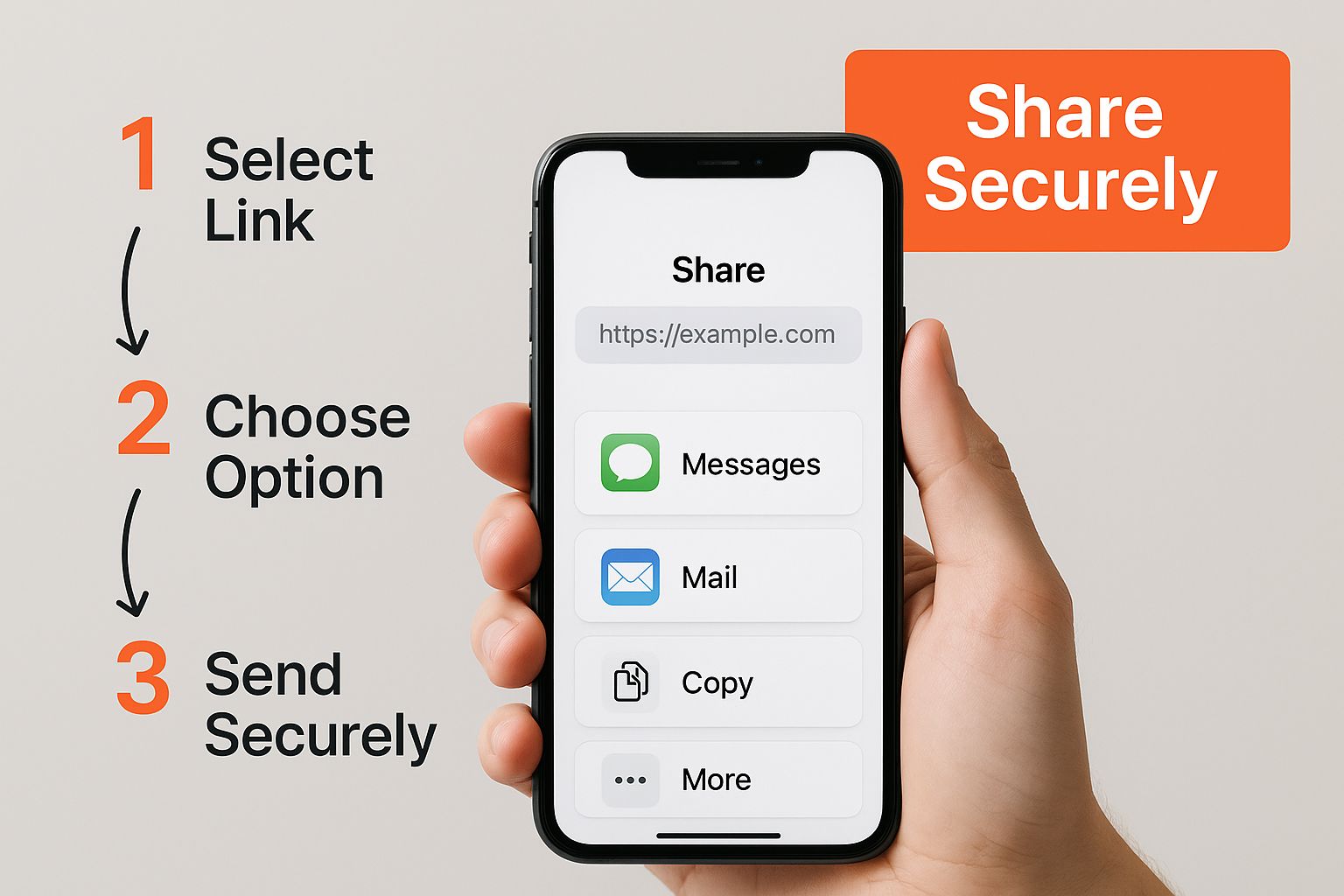
alt text: A person’s hands holding a smartphone, with a finger pointing at the screen, illustrating the process of creating a link.
This simple workflow allows you to protect your privacy without slowing down your communications.
Step 1: Go to the Link Generator Website
Open your web browser and navigate to a generator like create.wa.link. The interface is clean and straightforward, with only the essential fields needed to get the job done.
Step 2: Enter Your Phone Number
You will be prompted to enter your WhatsApp phone number. This is the most important step.
- Select your country from the dropdown menu to automatically add the country code.
- Enter your phone number without the country code or any special characters.
- Practical Example: For a Nigerian number like
08012345678, you would select “Nigeria (+234)” and then type8012345678in the number field.
- Practical Example: For a Nigerian number like
Step 3: Add a Custom Welcome Message
Next, you’ll see a box for a custom message. This is a pre-filled message that automatically appears in the user’s text field when they click your link. It provides context and encourages them to start the conversation.
Here are a few practical examples for pre-filled messages:
- For a business: “Hi! I’m interested in your services. Can you tell me more about your pricing?”
- For an online listing: “Hello, I saw your ad on Facebook Marketplace and I’d like to ask a question about the item.”
- For customer support: “Hello, I need help with my recent order, #12345.”
Crafting a good message saves back-and-forth communication for both you and the person reaching out. For more on the basic mechanics, this guide on creating WhatsApp links is a great resource.
Step 4: Generate and Personalize Your Link
Once your number and message are set, click the “Generate my wa.link” button. The tool will instantly create a short, anonymous link. You can often personalize the URL. Instead of a random string like wa.link/xyz123, you can change it to something memorable, like wa.link/YourBrandName.
This is an excellent touch for branding, especially if you’re learning how to start an online business and want to maintain a professional image.
Step 5: Test Your Link
Crucial Final Step: Always Test Your Link! Before sharing it, copy your new link and open it in a private or incognito browser window. Confirm that it opens a WhatsApp chat with the correct pre-filled message and, most importantly, that it does not display your phone number in the URL.
Sharing Your Anonymous Link Safely and Effectively
Creating the link is the first step; sharing it strategically is next. Where you place your link is just as critical as how you made it. Smart placement can start valuable conversations, while random sharing can attract spam.
The goal is to get your link in front of the right people without undermining the privacy you worked to protect.
Smart Places to Share Your Link
Placing your link in high-visibility, professional spots encourages the right kind of interactions.
- Social Media Bios: Add it to your bio on Instagram, X (formerly Twitter), or LinkedIn. It gives potential clients a direct line to you while keeping your DMs clean.
- Email Signature: This is an underrated tactic. Anyone you email can start a WhatsApp chat with a single click.
- Your Website’s Contact Page: Offer the link as a direct and immediate alternative to a standard contact form.
- Online Marketplaces: Use your anonymous link when selling on sites like Facebook Marketplace. This hides your personal number from casual browsers but lets serious buyers get in touch quickly.
Practical Example: A freelance photographer in Lagos adds their anonymous link to their portfolio website. A potential client clicks it to discuss wedding packages, initiating a professional conversation without the photographer needing to share their personal number upfront. This initial interaction can even be automated, as many Nigerian businesses are discovering how AI chatbots can manage initial customer interactions.
Knowing what not to do is just as important. Avoid posting your link on public forums, blog comment sections, or untrusted websites. These are common places for data-scraping bots, and posting there defeats the purpose of creating a private link.
To take your link offline, convert it into a QR code for business cards, flyers, or product packaging. Just be sure to follow established QR code marketing best practices to ensure it’s effective.
Managing Incoming Conversations
Once messages start arriving, you need a system to manage them. The features in the free WhatsApp Business app are incredibly useful for this, even for personal use.
- Use Labels to Organize Chats: Create labels like “New Lead,” “Needs Reply,” or “Project X” to categorize conversations. This gives you a clear overview of what needs your attention.
- Set Up Quick Replies: If you frequently send the same messages (e.g., your business hours, thank you notes), save them as Quick Replies. You can send a full pre-written message with a simple shortcut like
/thanks.
A crucial point to remember: the link provides anonymity before the chat starts. Once you reply, the other person will see your WhatsApp profile name, picture, and phone number. Be mindful of what personal information you share in the conversation.
Lingering Questions Answered
Here are answers to some of the most common questions about anonymous WhatsApp links.
Do these anonymous links expire?
Generally, no. A link created with a service like wa.link is designed to be permanent. As long as the service provider remains active, your link will continue to work. However, it’s always wise to check the terms and conditions of the tool you use.
Can I see who clicked my link?
For the most part, no. Free link generators do not provide click-tracking analytics. The privacy is mutual: the service hides your number from the user, and it hides their identity from you until they choose to send a message. If you need to track clicks for a marketing campaign, you would need to use a premium URL shortener service that offers detailed analytics.
How anonymous is this method, really?
This method provides a strong first line of defense. It keeps your phone number hidden from public-facing platforms like websites, social media bios, and online listings, preventing it from being scraped by bots.
However, the anonymity applies only to the invitation to chat. Once someone sends you a message and you reply, they will see your WhatsApp profile name, picture, and phone number within the chat itself. The purpose of the link is to control who can initiate a conversation with you, not to make the conversation itself anonymous.
If you want to ensure your follow-up messages are professional, check out our guide on how to improve writing skills.
Actionable Takeaways
- Use a Dedicated Generator: For the best balance of ease and privacy, use a free tool like
wa.linkto create your anonymous link. - Always Pre-fill the Message: Craft a clear, contextual welcome message to make it easy for people to start a conversation.
- Test Your Link: Before sharing, open the link in an incognito browser tab to ensure it works correctly and hides your number.
- Share Strategically: Place your link in professional locations like your social media bio, email signature, or website contact page. Avoid public forums.
- Organize Your Chats: Use the “Labels” feature in WhatsApp or WhatsApp Business to manage incoming conversations efficiently.
Tools and Resources
- Link Generator: Create.wa.link (a free and popular tool for generating anonymous links)
- Virtual Numbers: Quackr.io (for renting virtual numbers to create a separate WhatsApp account)
- WhatsApp for Business: WhatsApp Business App (free app with tools to manage conversations)
Further Reading
- How to Start an Online Business
- How AI Chatbots are Transforming Nigerian Businesses
- QR Code Marketing Best Practices
Ready to streamline more than just your WhatsApp communications? With RichlyAI, you can generate high-quality text, images, and code, or even automate your social media posts. Explore our suite of AI-powered tools and see how much time you can save. Visit Richly AI to get started for free.
