
Managing a consistent social media presence across multiple platforms can feel like a full-time job. Juggling different posting times, optimising content for each network, and engaging with your audience requires significant time and strategic effort. This is precisely the problem social media scheduling tools are designed to solve. They automate the process of publishing content, freeing you up to focus on creating valuable posts and analysing your performance.
This comprehensive guide moves beyond generic feature lists to provide a detailed breakdown of the top platforms available today. We will analyse each tool’s core strengths, potential limitations, and ideal user scenarios. Whether you’re a solopreneur in Lagos managing a single brand, a digital marketer in Abuja handling multiple client accounts, or a content creator building a community across Africa, this resource is organised to help you find the perfect fit for your specific needs. Our goal is to empower you to make an informed decision based on practical, real-world applications rather than just marketing copy.
For each of the 12 tools listed, you will find:
- A concise overview of its standout features.
- Clear screenshots to give you a feel for the user interface.
- An honest assessment of its pros and cons.
- Specific pricing details and a direct link to their website.
We’ve focused on providing actionable insights and implementation considerations to ensure you select a tool that not only saves you time but also enhances your overall social media strategy. While this article focuses specifically on scheduling, the broader category of social media management encompasses much more. For a broader overview of the landscape, check out our guide on the top social media management tools for 2025 to see how scheduling fits into a larger toolkit. Let’s dive in and find the right platform to streamline your workflow.
1. RichlyAI Hub
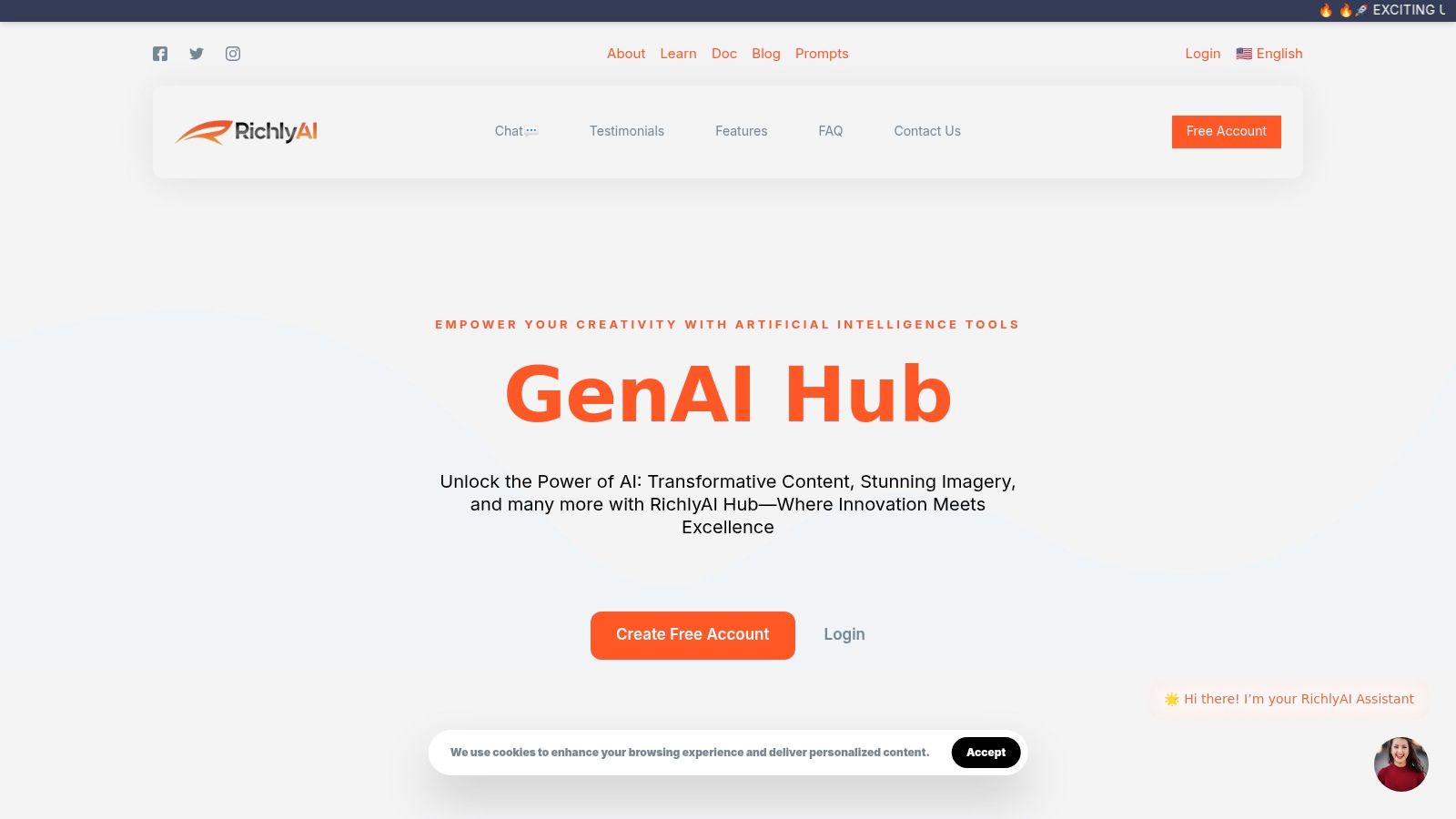
RichlyAI Hub emerges as a formidable, all-in-one solution that fundamentally redefines the scope of social media scheduling tools. It transcends basic post scheduling by integrating a powerful suite of AI-driven content creation features. This positions it not just as a tool for managing your social media calendar, but as a comprehensive partner for ideating, creating, and deploying your entire content strategy from a single, unified platform. Its unique value proposition lies in merging advanced AI generation with practical automation, making it an exceptionally strong choice for teams and individuals aiming to maximise efficiency.
Why It Stands Out
What truly sets RichlyAI Hub apart is its holistic approach. While most competitors focus solely on the scheduling aspect, RichlyAI empowers you to generate the very content you need to schedule. This includes high-quality text, bespoke images, engaging videos, and even custom code, all powered by sophisticated AI models. This seamless workflow is a game-changer for marketers in Nigeria and across Africa, drastically reducing the time spent switching between different creative and management applications.
Key Advantage: RichlyAI Hub eliminates the need for multiple, disparate tools by offering an integrated ecosystem where content is created and scheduled in one place. This creates a highly efficient workflow, saving significant time and subscription costs.
Step-by-Step Guide: Launching a Campaign with RichlyAI
Imagine you are a social media manager for a Nigerian fintech company. Here’s a step-by-step guide to leveraging RichlyAI Hub for a campaign:
- Ideation & Text Generation:
- Action: Open the AI Text Generator. Use a prompt like, “Generate 5 engaging X (Twitter) posts about financial literacy for young professionals in Nigeria. Include relevant hashtags.”
- Result: You get five distinct, ready-to-use posts tailored to your audience.
- Visual Creation:
- Action: Go to the AI Image Generator. Use a prompt like, “Create a vibrant, modern image of a young Nigerian professional using a mobile banking app, with our brand color #00A859 as an accent.”
- Result: A custom, branded image to accompany your post, created in seconds.
- Scheduling & Automation:
- Action: Navigate to the Social Media Automation tool. Upload your text and new image. Select your X and LinkedIn profiles.
- Result: Schedule the post for a future date, optimizing for peak engagement times suggested by the platform.
- Engagement (Optional):
- Action: Use the AI chatbot features to train a bot with answers to common questions about your new financial literacy campaign.
- Result: The bot handles initial queries from your audience, ensuring immediate responses.
Core Features & Benefits
| Feature | Practical Benefit for Social Media Management |
|---|---|
| AI Content Generation | Create post copy, images, videos, and audio directly within the platform, ensuring your content calendar is always full. |
| Social Media Automation | Schedule and publish content across X, LinkedIn, and Instagram, saving time and ensuring consistent posting. |
| User-Friendly Interface | The guided prompts and clean layout make it accessible even for users who are new to AI, reducing the learning curve. |
| Customisable Chatbots | Train an AI chatbot to handle common customer service questions on social media, improving response times. |
This integrated functionality streamlines operations, making it an invaluable asset for marketers, entrepreneurs, and developers. You can explore how to scale your content creation efforts with RichlyAI to understand its full potential.
Pricing and Access
RichlyAI offers a tiered pricing structure that makes its powerful technology highly accessible. A generous free plan is available, which provides a solid entry point for individuals and small businesses to explore its core AI capabilities. For users requiring more advanced features and higher usage limits, there are affordable, scalable paid plans.
- Pros:
- Comprehensive all-in-one platform for content creation and scheduling.
- User-friendly interface simplifies complex AI functionalities.
- Generous free plan makes enterprise-grade AI accessible.
- Saves significant time and costs by consolidating tools.
- Cons:
- New users may face a slight learning curve to master the full suite of AI tools.
- Specific details on the underlying AI models are not extensively publicised.
Website: https://richlyai.com/
2. Hootsuite
Hootsuite is one of the most established and comprehensive social media management platforms available, making it a powerful choice for businesses that need an all-in-one solution. It goes far beyond simple scheduling, offering robust monitoring, analytics, and team collaboration features. Its true strength lies in its ability to centralise virtually every aspect of your social media strategy.
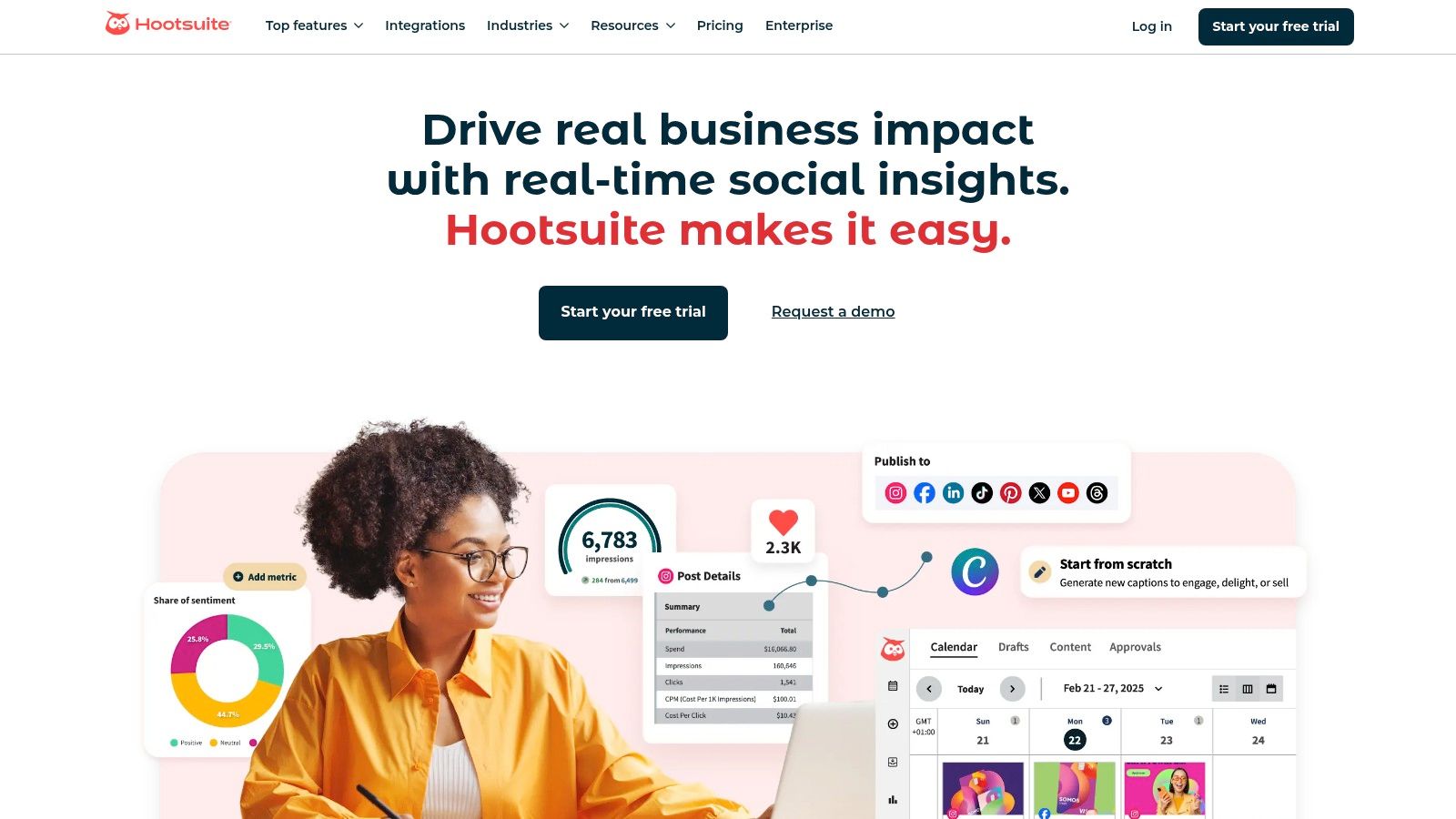
The platform supports scheduling across a wide array of networks, including Facebook, Instagram, Twitter, LinkedIn, TikTok, YouTube, and Pinterest. This makes it one of the most versatile social media scheduling tools for brands with a diverse online presence. The unified social inbox is a standout feature, allowing you to manage comments, mentions, and direct messages from all connected accounts in a single stream, significantly improving response times and engagement management.
Key Features & User Experience
Hootsuite’s interface is organised around customisable “streams,” which can be set up to monitor hashtags, keywords, mentions, or specific account activities. While incredibly powerful, this dashboard can feel overwhelming for beginners. However, once you are familiar with it, it provides an unparalleled overview of your social media landscape.
Actionable Insight: To avoid feeling overwhelmed, start by creating just two essential streams.
- “My Posts & Mentions” Stream: This combines your published content with any @mentions, allowing you to track engagement and respond to your audience in one place.
- “Competitor Keyword” Stream: Set up a stream to monitor a key competitor’s brand name. This gives you real-time insight into their mentions and customer feedback.
The analytics tools are a major draw, offering detailed performance reports that help you measure ROI and refine your content strategy.
Pricing and Suitability
Hootsuite’s pricing is on the higher end, starting with a Professional plan suitable for solopreneurs and small businesses, and scaling up to custom Enterprise solutions for large organisations. A limited free plan is sometimes available, but its features are highly restricted.
| Pros | Cons |
|---|---|
| Extensive feature set for diverse needs | Higher price point compared to many alternatives |
| Powerful analytics and reporting capabilities | The interface can have a steep learning curve |
| Integrates with over 250 third-party apps | The free plan is extremely limited |
Ideal For: Medium to large businesses, marketing agencies, and social media teams that require deep analytics, extensive team collaboration features, and a centralised command centre for all social media activities.
Website: https://hootsuite.com/
3. Buffer
Buffer is renowned for its simplicity and user-friendly design, making it a go-to choice for individuals, creators, and small businesses looking to streamline their social media presence without a steep learning curve. It prioritises a clean, intuitive experience, allowing users to plan, schedule, and publish content efficiently. While it may not have the all-encompassing complexity of enterprise-level platforms, its strength lies in making core scheduling tasks effortless.
The platform supports scheduling for a solid range of networks, including Facebook, Instagram, Twitter, LinkedIn, TikTok, and Pinterest. One of its most accessible features is the straightforward content calendar and queue system. This makes it one of the most approachable social media scheduling tools for those new to content planning or who prefer a minimalist workflow. Its recent addition of an AI Assistant also helps users generate ideas and repurpose content quickly.
Key Features & User Experience
Buffer’s interface is exceptionally clean and uncluttered. You create a publishing schedule for each social account, and then simply add content to your queue, which Buffer automatically publishes at the next available time slot. This “set-it-and-forget-it” approach is perfect for maintaining a consistent posting cadence with minimal daily management.
Practical Example: Let’s say you post to LinkedIn three times a week.
- Set Your Schedule: In Buffer, go to your LinkedIn account settings and set a posting schedule for Monday 9 AM, Wednesday 11 AM, and Friday 1 PM.
- Fill the Queue: Throughout the week, whenever you create or find a piece of content, use the Buffer browser extension or mobile app to add it to your LinkedIn queue.
- Automate: Buffer will automatically publish the first item in your queue on Monday at 9 AM, the next on Wednesday at 11 AM, and so on. You don’t need to assign a specific date to each post.
The platform also provides clear, easy-to-digest analytics on post performance, helping you understand what content resonates with your audience.
Pricing and Suitability
Buffer offers a very generous free plan that allows one user to connect up to three social accounts, making it ideal for those just starting. Paid plans are affordable and scale reasonably, with tiers for “Essentials” and “Team” that unlock more accounts, deeper analytics, and collaboration features.
| Pros | Cons |
|---|---|
| Extremely intuitive and easy-to-use interface | Analytics on lower-tier plans are quite basic |
| Affordable pricing with an excellent free plan | Lacks the deep monitoring features of competitors |
| Simple and effective content queue system | Limited team management features on cheaper plans |
Ideal For: Solopreneurs, content creators, and small business owners who need a straightforward, reliable, and affordable tool for scheduling social media content and analysing basic performance metrics.
Website: https://buffer.com/
4. Sprout Social
Sprout Social positions itself as a premium, all-in-one social media management platform designed for businesses that demand sophisticated analytics, seamless collaboration, and powerful engagement tools. It excels in unifying complex social media operations into a single, intuitive interface, making it a top-tier choice for established brands and marketing agencies.
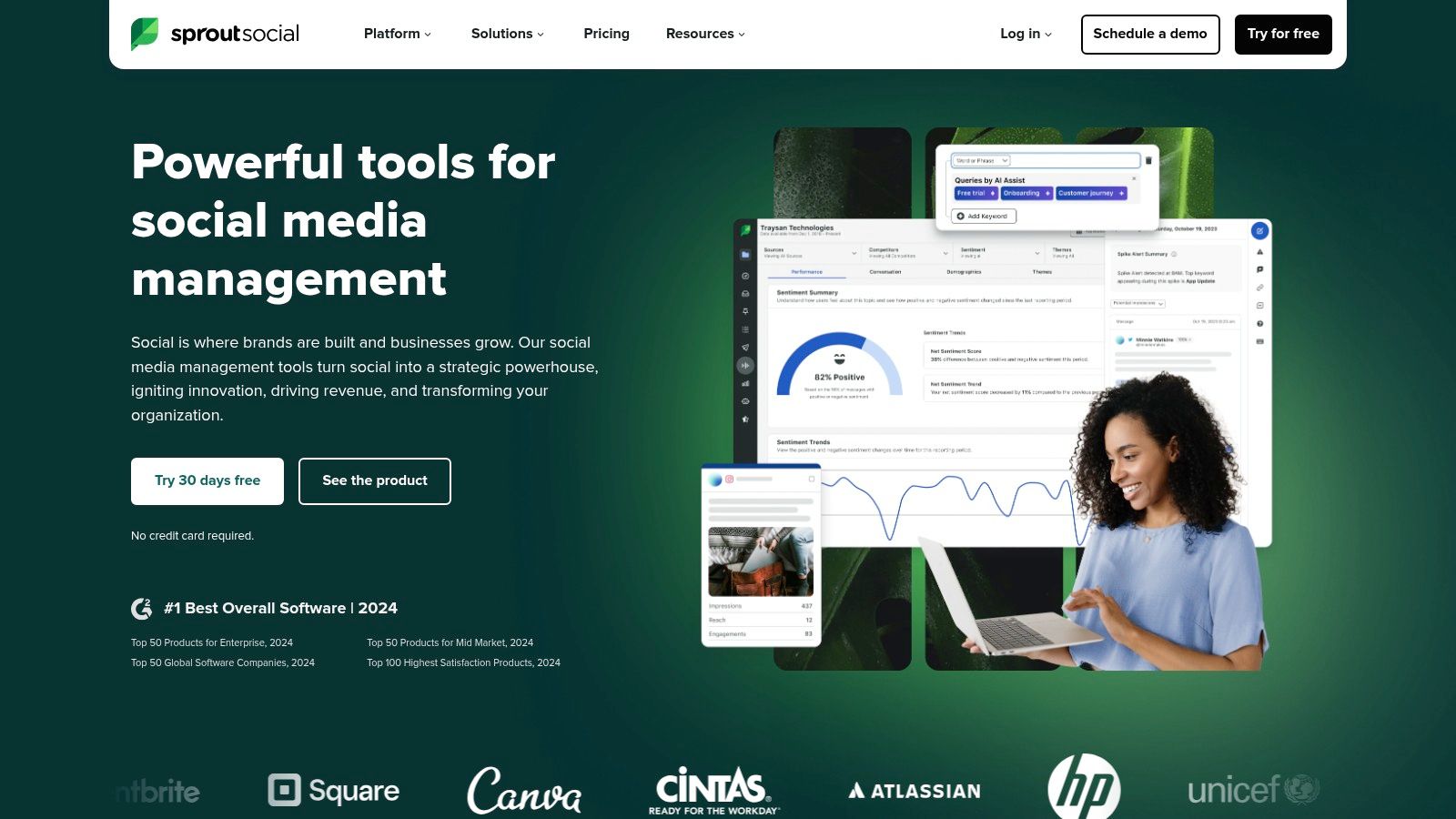
The platform supports scheduling for a comprehensive list of networks, including Facebook, Instagram, Twitter, LinkedIn, Pinterest, TikTok, and YouTube. A key differentiator is its powerful Smart Inbox, which centralises all incoming messages and mentions, streamlining engagement and helping teams manage customer interactions effectively. This focus on engagement makes it one of the more powerful social media scheduling tools for brands prioritising customer relationships and a unified brand voice.
Key Features & User Experience
Sprout Social’s user interface is clean, modern, and widely praised for its usability, despite the platform’s extensive capabilities. The collaborative content calendar provides a clear overview of all scheduled posts across different networks, making it easy for teams to plan and approve content. Its social listening and analytics features are particularly robust, offering deep insights into trends, audience sentiment, and campaign performance.
Actionable Insight: Use the “ViralPost” feature to automatically publish your content at the optimal time. Instead of guessing, ViralPost analyzes your specific audience’s activity patterns and schedules your posts for when they are most likely to be online and engaged. To use it, simply select the “ViralPost” option instead of a specific time when scheduling. This small action can significantly boost your content’s initial reach.
The platform’s reporting tools allow for the creation of beautiful, presentation-ready reports, a significant advantage for agencies reporting to clients. The focus on team-based workflows helps improve internal communication and boosts customer satisfaction by ensuring timely responses.
Pricing and Suitability
Sprout Social is a premium solution with pricing that reflects its advanced feature set. Plans start at a higher price point than many competitors, making it less accessible for solopreneurs or very small businesses. There is no free plan, but a 30-day free trial is available to test the platform.
| Pros | Cons |
|---|---|
| Comprehensive feature set for in-depth social management | Higher pricing may be prohibitive for smaller businesses |
| Robust analytics and beautiful reporting tools | Steeper learning curve due to the sheer number of features |
| Strong collaboration features designed for teams | No free plan is available, only a limited-time trial |
Ideal For: Medium to enterprise-level businesses, marketing agencies, and corporate teams that need advanced analytics, social listening, and robust collaboration tools to manage their social media presence at scale.
Website: https://sproutsocial.com/
5. Later
Later began its life as the first-to-market scheduler for Instagram, and its DNA remains firmly rooted in visual content planning. This makes it an exceptional choice for brands and creators where aesthetics are paramount, particularly on platforms like Instagram and Pinterest. Its core strength lies in its visual-first approach, allowing you to see exactly how your content grid will look before you publish.
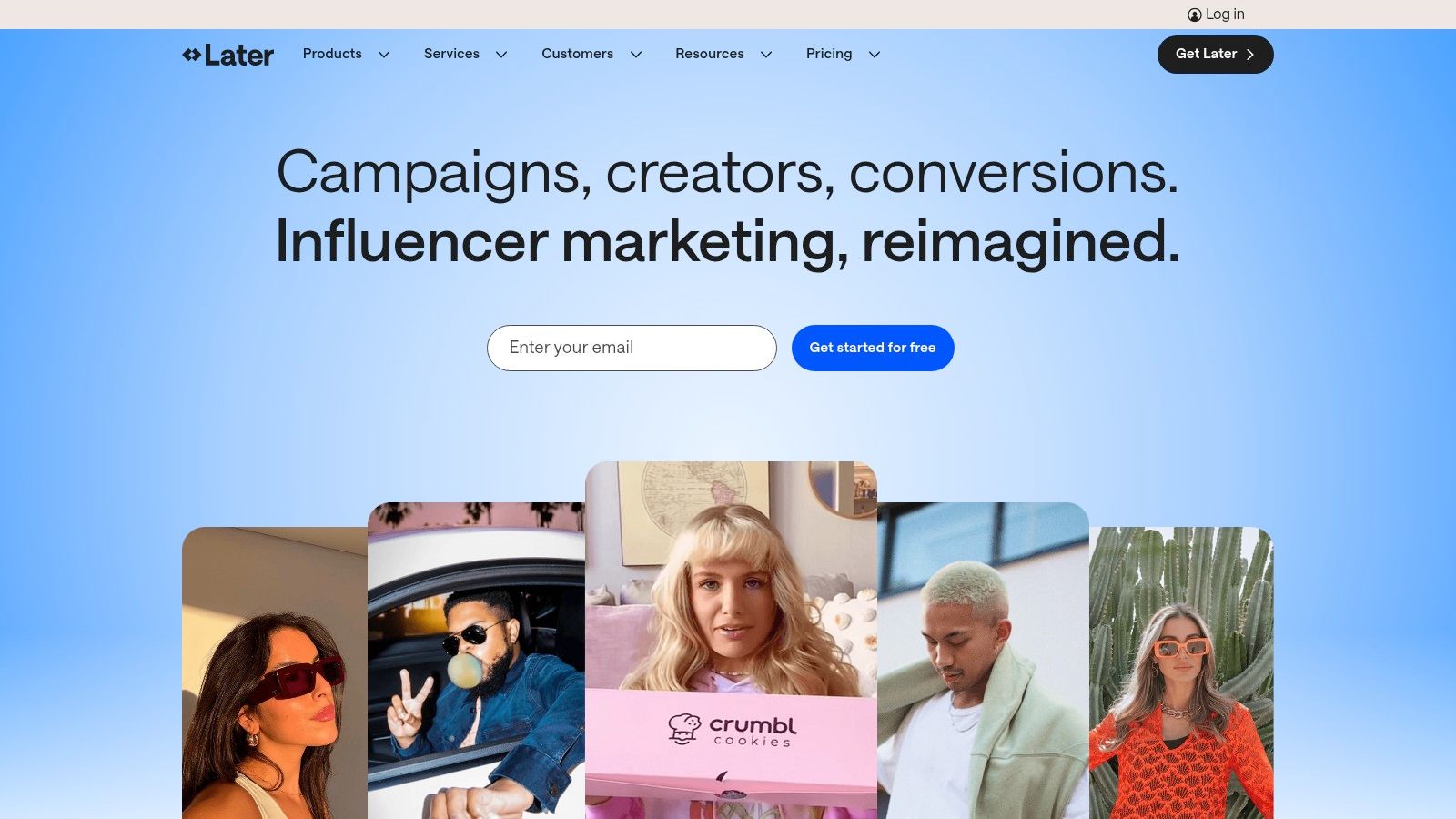
While it has expanded to support Facebook, Twitter, TikTok, and LinkedIn, its standout features are built around Instagram. The platform offers one of the most intuitive drag-and-drop visual content calendars available, making it a highly effective social media scheduling tool for visual storytelling. The Linkin.bio feature is another major draw, creating a clickable, shoppable landing page from your Instagram profile link.
Key Features & User Experience
Later’s interface is clean, modern, and incredibly user-friendly, making it accessible even for complete beginners. You upload your media to a library and then simply drag it onto the calendar to schedule it. The visual planner for Instagram is the star, showing a preview of your feed so you can maintain a consistent and appealing grid aesthetic.
Actionable Insight: Use the “Saved Captions” feature to create and store hashtag groups. Don’t just save one large group. Instead, create specific sets for different content pillars (e.g., #ProductLaunch, #BehindTheScenes, #UserTestimonial). When scheduling, you can add a relevant, pre-made group with a single click instead of typing them out, saving time and improving hashtag strategy.
The platform also provides basic analytics and hashtag suggestions to help you optimise your content’s reach and engagement.
Pricing and Suitability
Later offers a generous free plan that includes one social set (one of each platform) and up to 10 posts per profile per month, making it perfect for individuals and small creators just starting out. Paid plans are affordably priced, scaling up to offer more posts, users, and advanced features like in-depth analytics.
| Pros | Cons |
|---|---|
| Excellent for visual content planning | Analytics on lower-tier plans are quite limited |
| Very user-friendly and intuitive interface | Fewer features for text-heavy platforms like Twitter |
| Affordable pricing with a useful free plan | Does not support some smaller niche networks |
Ideal For: Instagram-focused brands, e-commerce businesses, influencers, and solopreneurs who prioritise visual aesthetics and need an easy-to-use, affordable scheduling solution.
Website: https://later.com/
6. SocialBee
SocialBee is a standout platform designed around content categorisation and evergreen recycling. It’s built for entrepreneurs, bloggers, and small businesses who need to maintain an active social media presence without a constant, manual effort. Its core strength is helping you organise your content into different pillars and automatically republishing it over time, ensuring your best posts get maximum visibility.
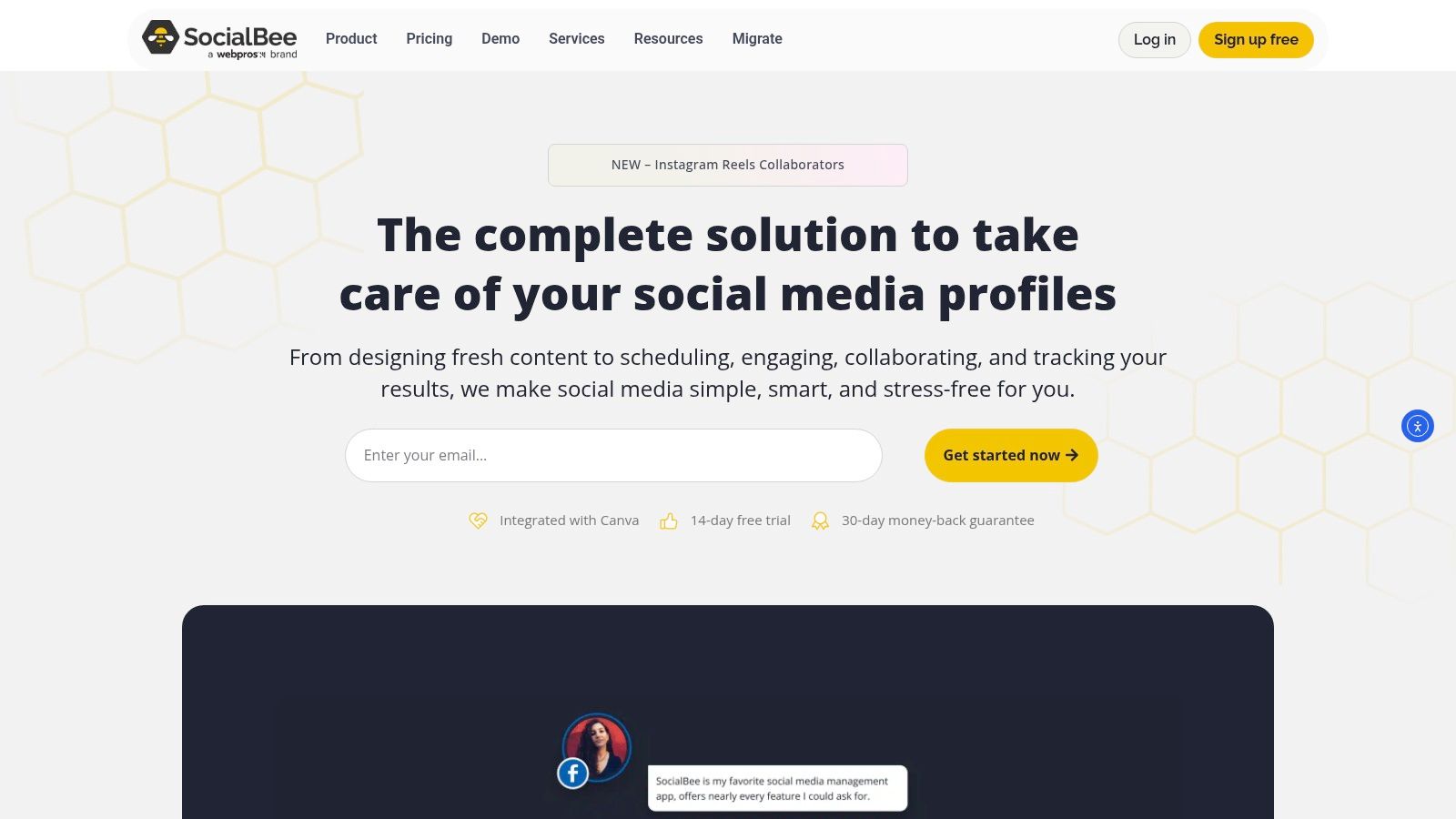
The platform supports scheduling for Facebook, Twitter, Instagram, LinkedIn, Pinterest, TikTok, and YouTube. What makes it one of the most efficient social media scheduling tools is its focus on automation. You create categories (like “Blog Posts,” “Promotional,” “Curated Content”), fill them with posts, and set a schedule for when each category should publish. SocialBee then handles the rest, cycling through your content library indefinitely.
Key Features & User Experience
The interface is clean and user-friendly, guiding you through the process of setting up your content categories and schedule. The ability to create post variations for evergreen content is a powerful feature, preventing your feed from looking repetitive. It also integrates with tools like Canva and Giphy, streamlining the content creation process. The recent addition of AI tools further helps in generating post ideas and captions; you can even use tailored prompts for digital marketers to get started.
Actionable Insight: When setting up evergreen content, create at least three caption variations for each post. For example, for a blog post link, Variation 1 could be a question, Variation 2 could be a surprising statistic from the article, and Variation 3 could be a direct quote. This allows SocialBee to rotate them, making your recycled content feel fresh and avoiding audience fatigue every time it’s posted.
The analytics are functional but less comprehensive than on enterprise-level platforms, focusing primarily on post-performance and follower growth.
Pricing and Suitability
SocialBee offers highly competitive pricing, with plans clearly aimed at solopreneurs, coaches, and small businesses. Its tiered structure provides significant value, making robust scheduling features accessible without a large budget.
| Pros | Cons |
|---|---|
| Excellent content categorisation and recycling | Analytics on lower plans are quite basic |
| Affordable pricing suitable for small businesses | Lacks social listening or inbox management tools |
| Integrations with Canva, Giphy, and an AI writer | Interface can feel slow during peak times |
Ideal For: Bloggers, solopreneurs, and small to medium-sized businesses who want a “set it and forget it” approach to scheduling, with a strong focus on maximising the lifespan of their evergreen content.
Website: https://socialbee.io/
7. Sendible
Sendible is a social media management platform specifically built with marketing agencies and businesses managing multiple clients in mind. It strikes an excellent balance between a comprehensive feature set and an affordable price point, making it a go-to solution for those who need robust collaboration and reporting tools without the enterprise-level cost. Its core strength lies in its streamlined workflows for managing numerous brands from a single dashboard.
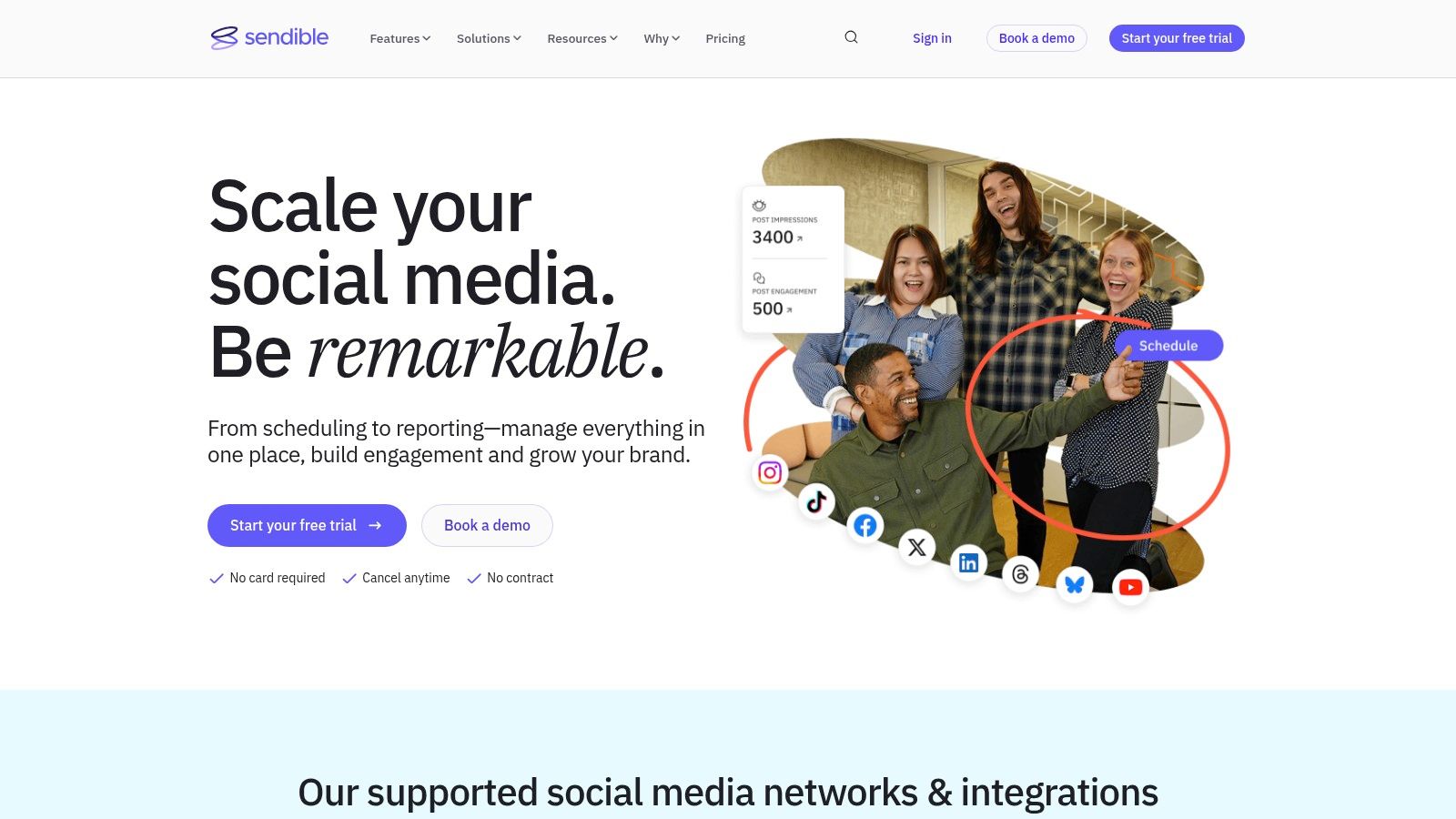
The platform supports scheduling for a wide range of networks, including Facebook, Twitter, Instagram, LinkedIn, Google Business Profile, and YouTube. What makes Sendible stand out among other social media scheduling tools is its focus on agency-centric features. The unified ‘Priority Inbox’ allows you to manage all messages and mentions efficiently, while client-specific dashboards keep everything organised and secure, preventing any accidental cross-posting.
Key Features & User Experience
Sendible’s interface is clean and generally considered more user-friendly than some of its more complex competitors. Key features include content suggestion tools that pull in relevant articles, a built-in image editor, and RSS feed automation to keep your content queues full. The team collaboration tools are particularly well-developed, with clear approval workflows that allow clients or senior team members to review and sign off on posts before they go live.
Actionable Insight for Agencies: Use the “Client Connect” widget to simplify your client onboarding process. Instead of asking for passwords, you can send clients a secure link. They click it, log into their social accounts directly, and grant Sendible access. This is faster, more professional, and enhances security, building trust from day one.
While powerful, its native analytics are functional but may not be as deep as those offered by higher-priced platforms.
Pricing and Suitability
Sendible is positioned as an affordable option, especially for the value it provides to agencies. Pricing tiers are based on the number of users and “services” (a service is a connection to a social profile or feature like an RSS feed). While there is no free-forever plan, it offers a free trial to test the platform.
| Pros | Cons |
|---|---|
| Affordable pricing for agencies and teams | Analytics are not as in-depth as some rivals |
| Strong multi-client management features | No permanent free plan is available |
| User-friendly and intuitive interface | The “services” pricing model can be confusing |
Ideal For: Freelance social media managers, digital marketing agencies, and small to medium-sized businesses that need to manage multiple social media profiles or clients with structured approval processes.
Website: https://www.sendible.com/
8. Zoho Social
Zoho Social is a powerful contender in the social media management space, particularly for businesses already embedded in the Zoho ecosystem. It offers a well-rounded suite of tools that balances functionality with ease of use, making it an accessible yet robust platform. Its core strength is the seamless integration with Zoho CRM, which transforms social media interactions into actionable business leads.
The platform supports scheduling for a comprehensive range of networks, including Facebook, Instagram, Twitter, LinkedIn, Pinterest, TikTok, and YouTube. One of its standout features is the SmartQ function, which automatically schedules posts for times when your audience is most likely to be active, taking the guesswork out of optimising engagement. This makes it one of the more intelligent social media scheduling tools available.
Key Features & User Experience
Zoho Social’s interface is clean, intuitive, and easy to navigate, even for beginners. It features a publishing calendar that provides a clear visual overview of your scheduled content, making it simple to spot gaps in your strategy. The social listening dashboard allows you to monitor keywords, mentions, and hashtags, helping you stay on top of conversations relevant to your brand.
Actionable Insight for Sales Teams: Leverage the Zoho CRM integration to turn social media monitoring into a lead-generation machine. Create a custom workflow rule: “IF a new tweet mentions my brand AND the user has >1,000 followers, THEN automatically create a new lead in Zoho CRM and assign it to a sales rep.” This automates prospecting from social media.
The platform also includes team collaboration tools, allowing you to assign roles and create approval workflows for content.
Pricing and Suitability
Zoho Social is known for its affordable and transparent pricing, which starts with a Standard plan suitable for small businesses and scales up to agency-level plans. While there is no permanently free plan, a 15-day free trial is available for all tiers, allowing you to fully test the features.
| Pros | Cons |
|---|---|
| Excellent value with affordable pricing plans | Fewer advanced features than some top-tier rivals |
| Seamless integration with Zoho CRM and suite | Analytics can be less in-depth than competitors |
| User-friendly and intuitive interface | Reporting customisation could be more flexible |
Ideal For: Small to medium-sized businesses, especially those already using other Zoho products. It is perfect for teams that need a straightforward, effective scheduling tool with strong CRM capabilities to align social media efforts with sales goals.
Website: https://www.zoho.com/social/
9. CoSchedule
CoSchedule transcends the typical definition of a social media scheduler by positioning itself as an all-encompassing marketing calendar. It is designed for teams that need to orchestrate complex marketing campaigns involving blog posts, email newsletters, and social media promotions in one unified space. Its core strength lies in its ability to provide a panoramic view of your entire content strategy, ensuring every piece works in harmony.
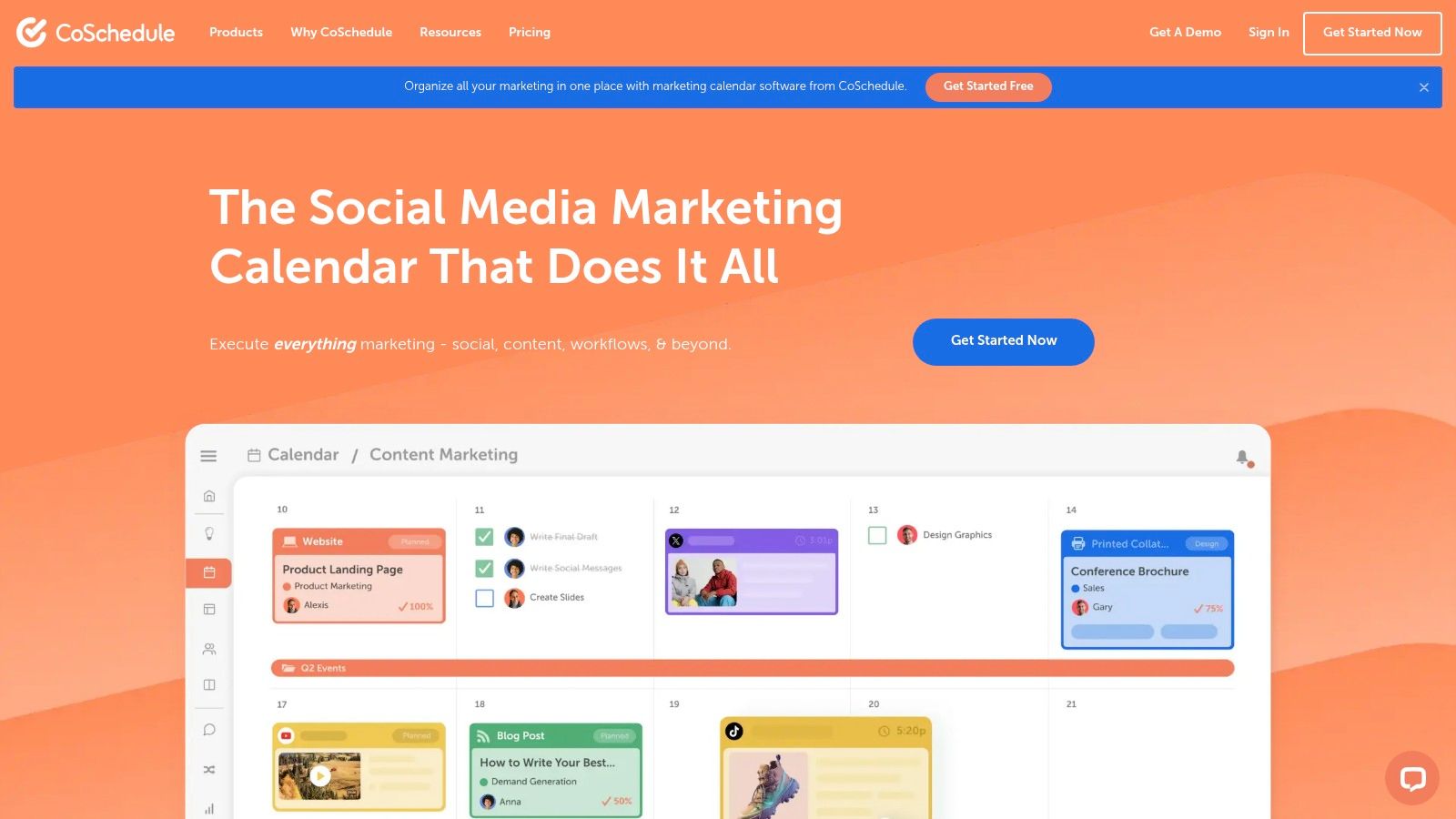
The platform supports scheduling for Facebook, Instagram, Twitter, LinkedIn, and Pinterest, integrating them directly into its master calendar. This makes it one of the most organised social media scheduling tools for content-heavy businesses. Its collaborative features allow team members to draft, comment on, and approve social campaigns before they go live, streamlining the entire content creation workflow and helping to drive engagement and brand awareness.
Key Features & User Experience
CoSchedule’s interface is centred around its Marketing Calendar, which provides a drag-and-drop environment to plan and reschedule content. While this holistic view is incredibly powerful for strategic planning, the sheer volume of features can present a steep learning curve for new users, especially those accustomed to simpler tools.
Practical Example of Workflow:
- Plan: Add a new “Blog Post” project to the calendar for next Tuesday.
- Attach Tasks: Within that project, add social media messages for Facebook, Twitter, and LinkedIn to promote the post on the day it goes live.
- Automate: When you drag the blog post project to a new date (e.g., Wednesday), all the attached social media messages automatically move with it, keeping your entire campaign perfectly synchronized without manual rescheduling.
The platform’s analytics focus on overall campaign effectiveness, helping you understand how your social efforts contribute to broader marketing goals.
Pricing and Suitability
CoSchedule’s pricing structure is geared towards professional marketing teams. It offers a free plan with basic scheduling and calendar features, but its more powerful collaboration and automation tools are reserved for its paid tiers. These premium plans can be a significant investment, making them less accessible for solopreneurs or very small businesses.
| Pros | Cons |
|---|---|
| Comprehensive marketing calendar for planning | Higher pricing may be prohibitive for small businesses |
| Strong content collaboration features | Steeper learning curve due to extensive features |
| Integrates well with other marketing tools | Free plan is quite limited in functionality |
Ideal For: Marketing teams, content managers, and agencies that need to manage and align multiple marketing channels (social, blog, email) within a single, collaborative calendar.
Website: https://coschedule.com/
10. Agorapulse
Agorapulse positions itself as a robust social media management suite that excels in simplicity and user experience, making it a strong contender for businesses and agencies that value efficiency. It provides a comprehensive set of tools for scheduling, engagement, monitoring, and reporting, all within a clean and intuitive interface. Its standout feature is the unified social inbox, which is widely praised for its effectiveness in managing community interactions.
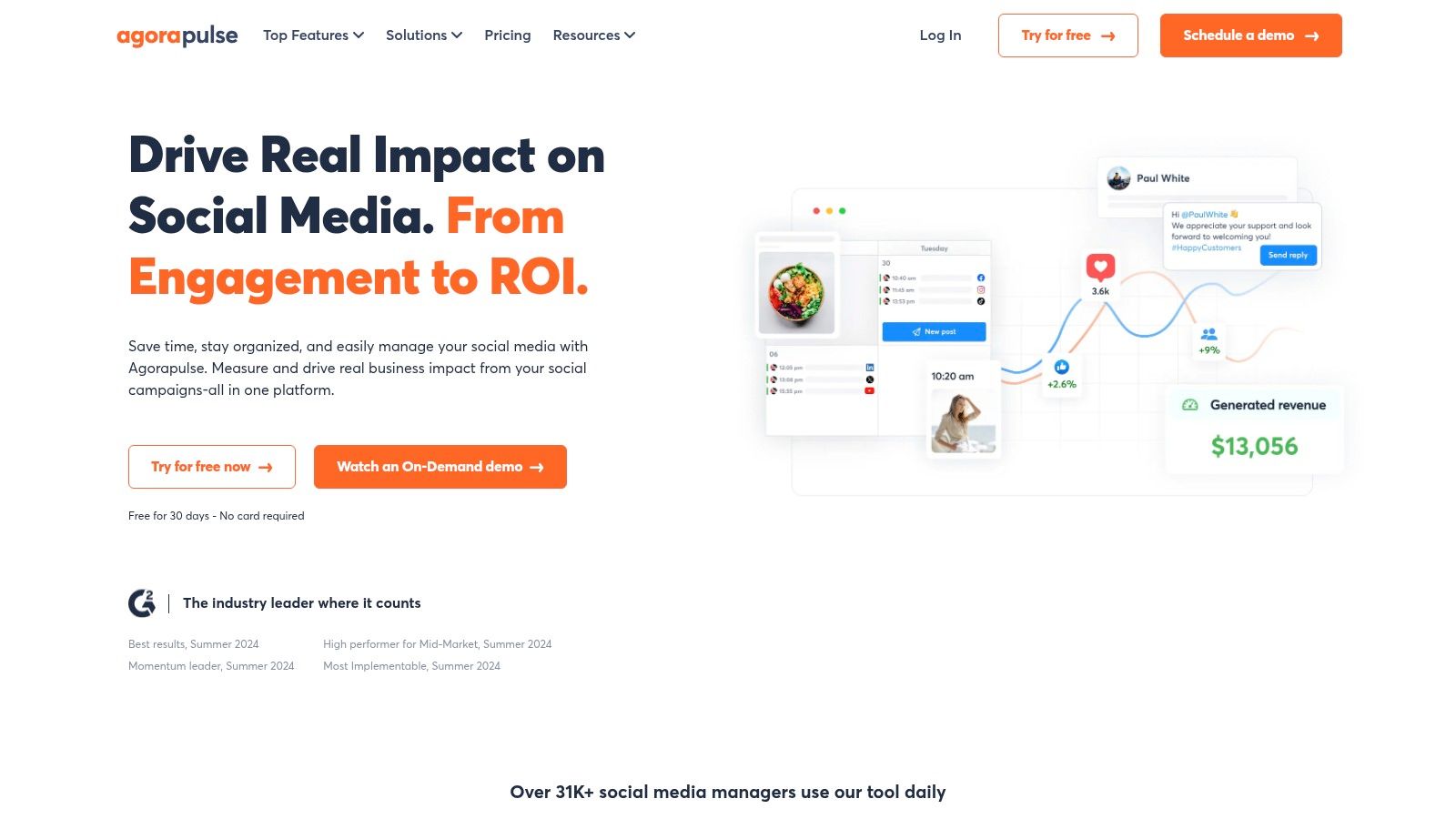
The platform supports major networks like Facebook, Instagram, Twitter, LinkedIn, YouTube, and TikTok, ensuring broad coverage for most marketing campaigns. Agorapulse is one of the more user-friendly social media scheduling tools available, offering a smoother onboarding experience than some of its more complex competitors. This focus on usability, combined with powerful backend features, makes it an attractive all-in-one solution.
Key Features & User Experience
The Agorapulse dashboard is celebrated for its clarity. The unified inbox organises all incoming comments, ad comments, mentions, and direct messages into one manageable stream, with powerful filtering and moderation rules. This system prevents important user interactions from being missed and simplifies team collaboration on responses. The scheduling and publishing tools are equally straightforward, featuring a shared calendar and content queues.
Actionable Insight: Use the “Inbox Assistant” to automate your community management. Create a rule to automatically handle common interactions. For example: “IF a Facebook comment contains the word ‘price’, THEN assign it to the sales team member.” This ensures the right person sees the query instantly, improving response time and potential sales conversions.
The platform’s analytics provide clear, presentation-ready reports that effectively demonstrate social media ROI.
Pricing and Suitability
Agorapulse offers several pricing tiers, starting from a free plan for very small businesses, and scaling up to custom plans for large teams and agencies. While its paid plans are more expensive than some entry-level tools, the price reflects its comprehensive feature set and exceptional customer support.
| Pros | Cons |
|---|---|
| Extremely user-friendly interface and workflow | Higher price point than many competitors |
| Excellent unified social inbox for engagement | Limited integrations with third-party apps |
| Strong reporting and analytics capabilities | The free plan is quite basic in its features |
Ideal For: Small to medium-sized businesses and marketing agencies that prioritise a clean user experience, robust community management, and detailed reporting without an overwhelming interface.
Website: https://agorapulse.com/
11. Loomly
Loomly is designed as a brand success platform that goes beyond simple posting, focusing heavily on team collaboration and the content creation lifecycle. It positions itself as an intuitive and accessible tool for marketing teams who need to streamline their entire content planning, approval, and publishing process, making it one of the more collaboration-focused social media scheduling tools available.
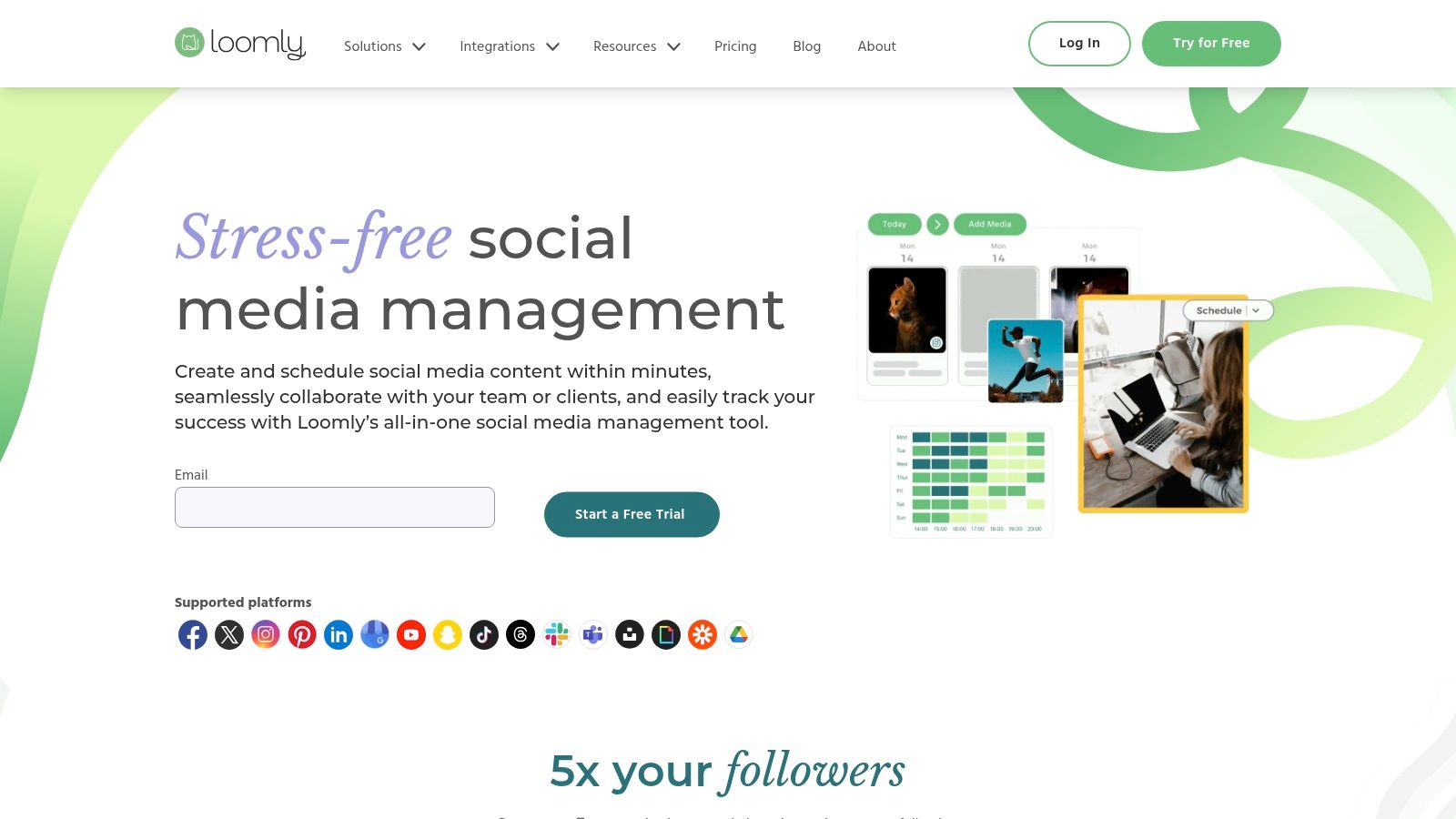
The platform supports scheduling for Facebook, Instagram, Twitter, Pinterest, LinkedIn, and Google Business Profile. What sets Loomly apart is its structured workflow, guiding users from post ideas and mock-ups to team approvals and final scheduling. This organised approach helps prevent errors and ensures brand messaging remains consistent across all channels.
Key Features & User Experience
Loomly’s user interface is clean, colourful, and built around a central content calendar. It provides automated post ideas based on trending topics, holidays, and social media best practices, which is incredibly helpful for teams struggling with content ideation. The step-by-step post builder includes optimisation tips, such as ideal character counts and time-of-day suggestions, as you create your content.
Actionable Insight: Actively use the “Post Ideas” feature when you’re facing a creative block. Don’t just wait for inspiration. Go to the Post Ideas tab, connect the RSS feed from a top industry blog (like HubSpot for marketing), and Loomly will automatically pull in a stream of relevant articles. You can then create a curated post based on an article with just a few clicks, filling a gap in your calendar in minutes.
The analytics are straightforward, providing clear insights into post-performance and audience growth without overwhelming users with excessive data.
Pricing and Suitability
Loomly’s pricing is tiered and generally considered more affordable than some of the larger, all-in-one platforms. It starts with a Base plan for small teams and scales up to a Premium plan for larger organisations, with all plans including core features like the content calendar and analytics. While there is no free-forever plan, it offers a 15-day free trial.
| Pros | Cons |
|---|---|
| Very user-friendly and intuitive interface | Lacks a permanent free plan |
| Excellent team collaboration and approval flows | Limited integrations with third-party tools |
| Provides helpful post ideas and optimisation tips | Advanced analytics may be basic for data-heavy users |
Ideal For: Small to medium-sized businesses, marketing agencies, and teams that prioritise a structured content creation and approval process. It is particularly well-suited for those who value guidance and content ideation support.
Website: https://www.loomly.com/
12. MeetEdgar
MeetEdgar is a social media scheduling tool built around a unique philosophy: content automation and recycling. It’s designed for busy marketers and creators who want to ensure their social media feeds remain consistently active without constant manual effort. Its core strength is its ability to build a library of evergreen content and automatically re-publish it over time, maximising the reach and lifespan of every post.
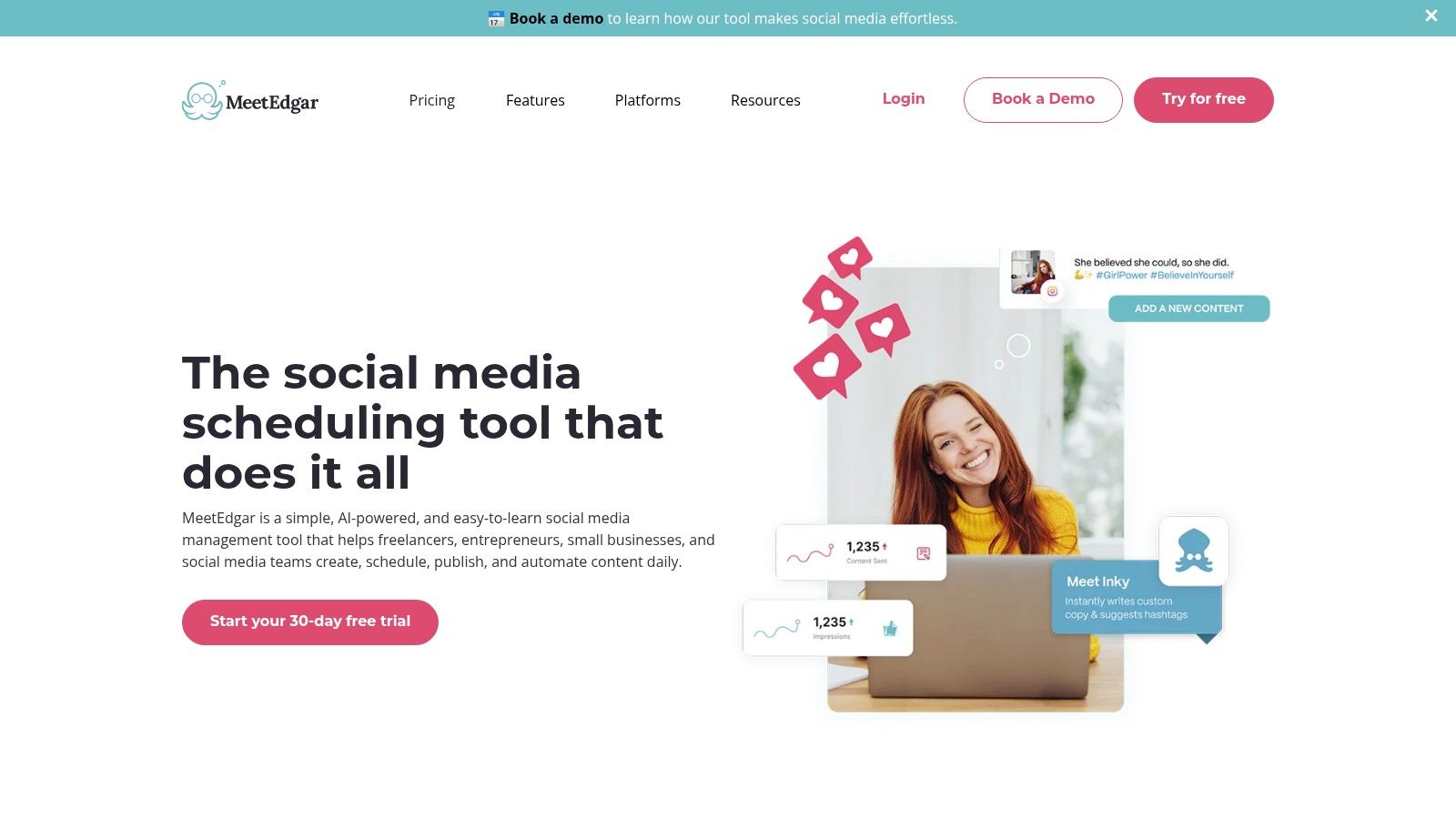
The platform supports scheduling for Facebook, Instagram, Twitter, LinkedIn, and Pinterest. Instead of just scheduling individual posts, you categorise your content (e.g., “Blog Posts,” “Tips,” “Promotions”). MeetEdgar then pulls from these categories based on a schedule you set, ensuring a balanced mix of content. This “set-it-and-forget-it” approach makes it one of the most efficient social media scheduling tools for an evergreen content strategy.
Key Features & User Experience
MeetEdgar’s user interface is clean, colourful, and remarkably easy to navigate. The central concept is the “Library,” where you add and organise all your content. The setup process is straightforward, guiding you to connect accounts, create categories, and establish a posting schedule. The browser extension is also a handy feature for quickly adding articles and links you find online directly to your content library.
Step-by-Step Guide to Automation:
- Create Categories: In your Library, create at least four distinct categories: ‘My Blog Posts,’ ‘Helpful Tips,’ ‘Promotions,’ and ‘Curated Articles.’
- Populate Library: Add 5-10 pieces of content to each category.
- Set Schedule: Go to the Schedule tab. Set ‘My Blog Posts’ to publish on Monday mornings, ‘Helpful Tips’ on Wednesday afternoons, and ‘Curated Articles’ on Friday mornings.
- Activate: Edgar will now automatically cycle through the content in each category at the designated times, ensuring your feed is always active and varied.
While its automation is powerful, its analytics features are more basic compared to enterprise-level platforms.
Pricing and Suitability
MeetEdgar offers two main pricing tiers, “Eddie” for solopreneurs and “Edgar” for small businesses, making it an affordable option. There is no free plan, but it offers a trial period for new users to test the platform. Its pricing is transparent and based on the number of social accounts and features needed.
| Pros | Cons |
|---|---|
| Excellent automation and content recycling | Analytics and reporting features are limited |
| Very user-friendly and intuitive interface | No free plan is available |
| Affordable pricing for individuals and teams | Less suitable for deep, real-time engagement |
Ideal For: Solopreneurs, bloggers, and small businesses with a strong library of evergreen content who want to automate their posting schedule and keep their social media profiles consistently active with minimal daily effort.
Website: https://meetedgar.com/
Top 12 Social Media Scheduling Tools Comparison
| Platform | Core Features / AI Capabilities | User Experience / Quality ★★★★☆ | Value & Pricing 💰 | Target Audience 👥 | Unique Selling Points ✨ |
|---|---|---|---|---|---|
| 🏆 RichlyAI Hub | Text, images, video, audio, code generation; real-time voice chat; chatbot training; social media automation | Intuitive, guided prompts, seamless editing | Free plan with advanced AI; scalable plans | Marketers, developers, students, managers | All-in-one AI content & code platform; enterprise-grade yet affordable |
| Hootsuite | Multi-platform scheduling; social inbox; advanced analytics | Robust, but complex for new users | Premium pricing | Businesses of all sizes | 250+ app integrations; powerful analytics |
| Buffer | Scheduling across platforms; AI content assistant; analytics | User-friendly, beginner-friendly | Affordable; free plan available | Individuals, small teams | Simple UI; AI-assisted content creation |
| Sprout Social | Scheduling; social listening; team collaboration; analytics | Comprehensive but steeper learning curve | Higher pricing | Agencies, medium-large businesses | In-depth analytics and social listening |
| Later | Visual calendar; Instagram-focused tools; media library | Easy-to-use, visually oriented | Affordable | Instagram, Pinterest users | Drag-and-drop visual planner; hashtag suggestions |
| SocialBee | Content categorization; evergreen recycling; AI tools | Organized scheduling, moderate analytics | Affordable | Small businesses, entrepreneurs | Content recycling; Canva & Giphy integration |
| Sendible | Multi-client scheduling; collaborative workflows; content suggestions | User-friendly | Affordable; no free plan | Agencies, small businesses | Client management and approval workflows |
| Zoho Social | Scheduling; social listening; team collaboration | Simple and integrated | Affordable | Zoho CRM users, small to medium businesses | Seamless Zoho ecosystem integration |
| CoSchedule | Marketing calendar; content collaboration; analytics | Feature-rich but complex | Higher pricing | Marketing teams, businesses | Unified marketing & social media calendar |
| Agorapulse | Scheduling; social inbox; social listening; strong support | User-friendly | Higher pricing | Businesses, agencies | Excellent customer support |
| Loomly | Scheduling; post ideas & optimization tips; collaboration | Easy to use | Affordable; no free plan | Small to medium businesses | Post optimization suggestions |
| MeetEdgar | Content recycling automation; categorization; browser extension | Simple, user-friendly | Affordable; no free plan | Small businesses, solopreneurs | Automated content recycling |
Final Thoughts
Navigating the expansive landscape of social media scheduling tools can feel overwhelming, but the right platform is a powerful ally in your digital marketing arsenal. Throughout this guide, we have explored a dozen leading contenders, from comprehensive, enterprise-level solutions like Sprout Social and Agorapulse to more specialised, user-friendly options like Buffer and Later. Each tool offers a unique combination of features, pricing, and ideal use cases, reinforcing the critical idea that there is no single “best” platform for everyone.
The journey to finding your perfect fit begins with a clear understanding of your own needs. A solopreneur or a small business in Lagos might find the straightforward scheduling and affordability of Zoho Social or SocialBee to be the perfect starting point. Conversely, a large marketing agency in Abuja managing multiple high-profile clients will likely gravitate towards the robust analytics, team collaboration features, and advanced approval workflows offered by tools like Hootsuite or Sendible. The key is to map your specific requirements against the capabilities of each tool we’ve discussed.
Making the Right Choice. A Practical Framework
Selecting the ideal tool isn’t just about picking the one with the most features. It’s about strategic alignment. To help you finalise your decision, consider these critical factors:
-
Define Your Core Needs: Before you even look at a pricing page, list your non-negotiables. Do you need advanced analytics and reporting? Is a visual content calendar essential for your Instagram strategy? Do you require sophisticated team collaboration and content approval workflows? Answering these questions first will immediately narrow down your options.
-
Evaluate Your Budget Realistically: Your budget is a primary filter. While powerful platforms like Sprout Social offer incredible value, their price point may not be feasible for a startup. Be honest about what you can afford monthly or annually, and focus on the social media scheduling tools that deliver the best return on that specific investment. Remember, many platforms offer free tiers or extended trials, allowing you to test their value before committing.
-
Assess Your Team’s Size and Skill Level: A tool is only effective if your team can use it proficiently. A complex platform might be counterproductive for a small team with limited technical expertise. Consider the learning curve. Platforms like Buffer and Loomly are celebrated for their intuitive interfaces, making them excellent choices for teams that need to get up and running quickly.
-
Consider Your Key Social Networks: Not all schedulers are created equal across all platforms. Later, for example, was built with Instagram at its core and excels in visual planning. If LinkedIn is your primary channel for B2B engagement, you’ll want a tool with strong LinkedIn-specific features, such as tailored audience targeting or advanced company page analytics.
-
Plan for Future Growth: The tool that works for you today might not be sufficient a year from now. Think about your business’s growth trajectory. Will you be adding more team members? Expanding to new social networks? Requiring more in-depth analytics? Choose a platform that has scalable pricing tiers and features that can grow alongside your business. For further exploration of various platforms and their features, you can also review other articles on the Top Social Media Scheduling Tools for 2025.
Implementation and Beyond
Once you’ve made your choice, the real work begins. Proper implementation is crucial for maximising your return on investment. Take full advantage of the free trial period to connect your accounts, experiment with different post types, and test out the analytics dashboards. Involve your team in this trial phase to gather feedback and ensure everyone is comfortable with the new workflow.
Ultimately, the goal of using social media scheduling tools is not just to automate posting; it’s to free up your valuable time and mental energy. This allows you to focus on the things that truly matter: creating high-quality content, engaging authentically with your audience, and building a strong, vibrant online community. The right tool empowers you to be more strategic, consistent, and effective in your social media efforts, turning what can be a daily chore into a streamlined, impactful part of your marketing strategy.
Ready to supercharge the content that fuels your scheduling tools? While the platforms in this list handle the “when” and “where” of posting, RichlyAI perfects the “what” by helping you create high-quality, engaging social media content in minutes. Stop staring at a blank screen and start generating brilliant posts, captions, and ideas with the power of AI. Discover how at RichlyAI.
