
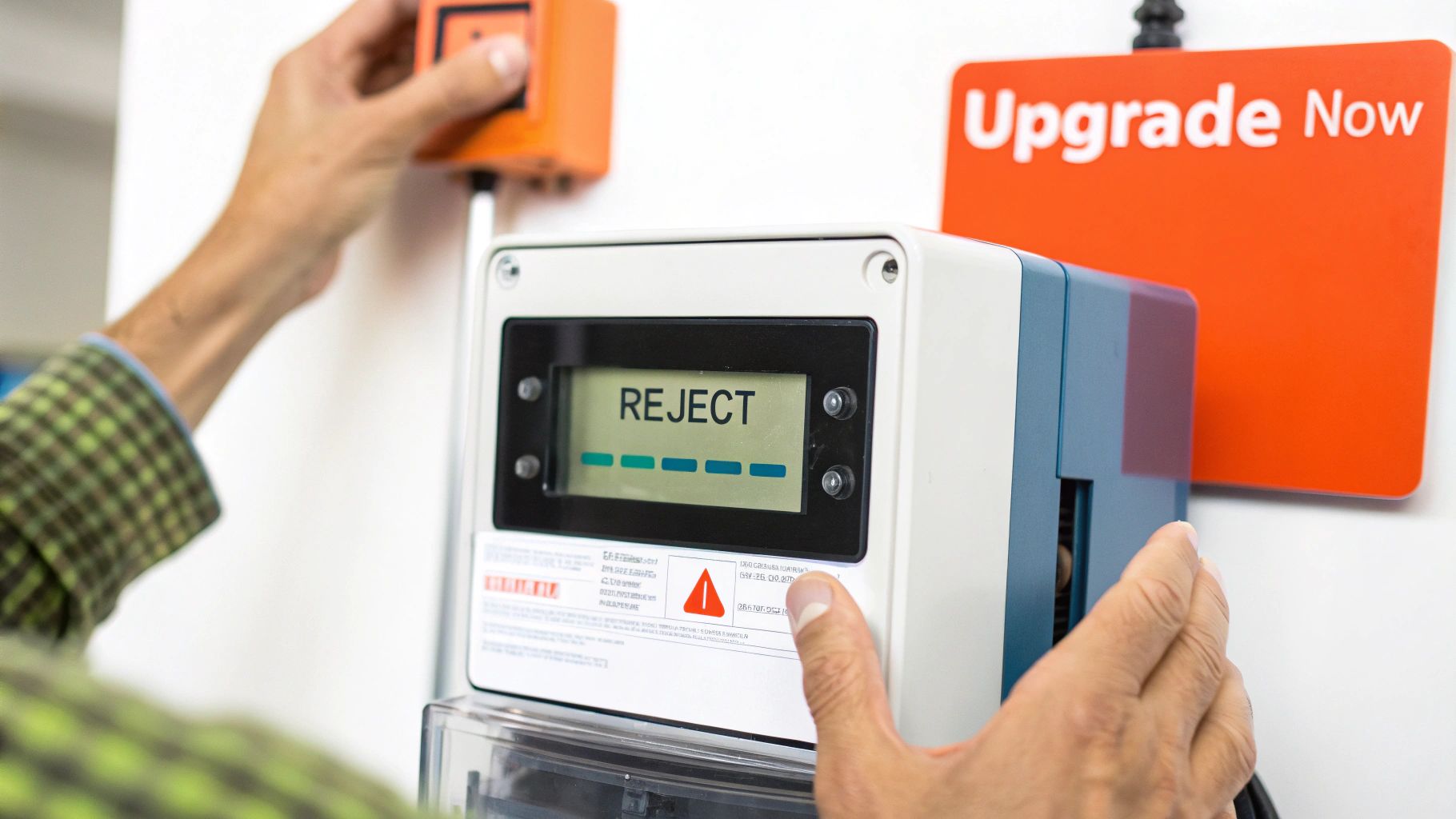
There’s nothing worse than punching in a new token only to be met with that dreaded ‘REJECT’ error on your meter. It’s a frustrating situation, but thankfully, one you can completely avoid. The fix is a mandatory—and free—online upgrade to get your meter ready for the global TID (Token Identifier) Rollover. It’s a simple process that guarantees your meter will keep accepting tokens without a hitch.
Why You Can’t Afford to Ignore This Prepaid Meter Upgrade
If you’ve been swiping away those SMS reminders from your DisCo about a meter upgrade, it’s time to pay attention. This isn’t just another software update; it’s a crucial change affecting every prepaid meter across the globe.
Think of it as the Y2K bug, but for your electricity meter. After a specific date, your meter’s internal software will no longer be able to recognise new tokens you buy. It just won’t work.
Alt text: A close-up of a modern prepaid electricity meter mounted on a wall, showing the digital display and keypad.
A Real-World Lesson in Delay
I remember a story about a family in Lagos who kept ignoring the notifications. Their power went out on a long public holiday weekend. They quickly bought a new token online, but the meter just kept flashing ‘REJECT’.
Because they hadn’t done the simple upgrade, their meter was essentially locked. They ended up spending two full days in the dark, waiting for customer service to reopen. All that frustration was completely avoidable.
The upgrade itself is handled by your electricity distribution company (DisCo) and is surprisingly straightforward and costs nothing. You’ll get a special code, called a Key Change Token (KCT), to update your meter for the TID rollover and keep it working.
It’s also a good reminder that our home systems need attention. This meter update is a small part of a bigger picture. For a deeper dive into why modernising your home’s electrical system is so important, you might find it useful to read about upgrading your overall electrical service.
Putting this off isn’t a risk—it’s a guarantee you’ll be left in the dark later. The question isn’t if your meter will stop accepting tokens, but when. Taking a few minutes to do it now means you stay in control of your power supply.
Getting Your Ducks in a Row for the Upgrade
Before you even think about starting the upgrade process, you need to get a few things ready. Spending five minutes preparing now can save you hours of headaches later. Think of it like gathering your ingredients before you start cooking – it just makes everything go smoother.
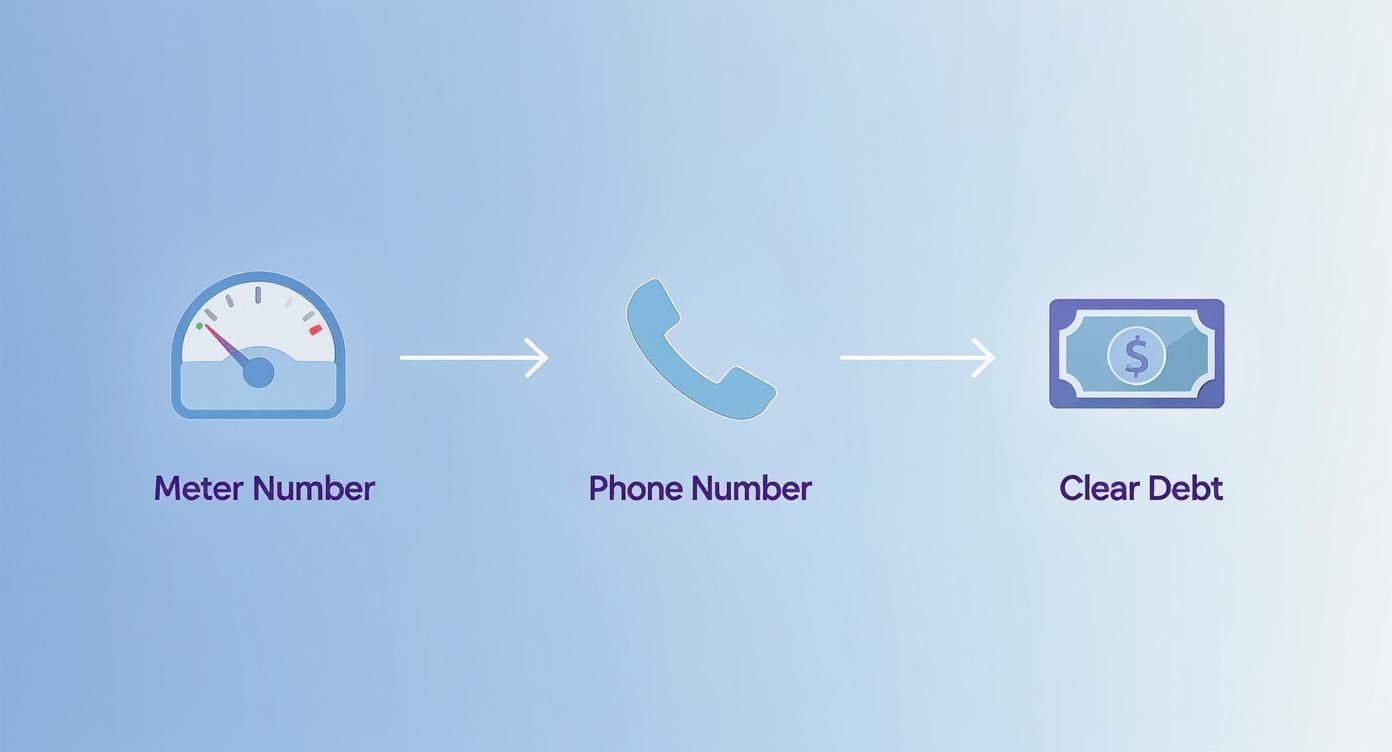
First things first, you’ll need your meter number. This is the unique 11-digit number you’ll find printed right on the front of your prepaid meter. Grab a pen and paper or snap a quick photo of it.
Next, you need the exact phone number and email address you used when you first registered for the meter. This is absolutely critical because this is where your electricity distribution company (your DisCo) will send the special upgrade tokens. If that info is outdated, you’re in for a rough time.
Also, make sure you have zero outstanding debt on your account. An existing balance is a common showstopper that will prevent the system from giving you the new tokens. It’s a good idea to have your most recent electricity purchase receipt nearby, just in case they ask for it as part of the verification.
Here’s a pro-tip that catches a lot of people out: double-check that your contact details are current with your DisCo. If you’ve changed your phone number since the meter was installed, you must update it with them first. If you don’t, your all-important upgrade tokens will be sent to an old number you can’t access.
What Your Specific DisCo Needs
While the basics are pretty much the same everywhere, each DisCo has its own little quirks. Knowing what yours requires can make a world of difference. For instance, some may now ask for your National Identification Number (NIN). If you haven’t linked it yet, our guide on how to link NIN to your prepaid meter will get you sorted.
All this is part of a much bigger push to modernise Nigeria’s power sector. The Nigerian Electricity Regulatory Commission (NERC) is investing heavily in getting more prepaid meters out there to finally put an end to the guesswork of estimated billing.
To help you out, I’ve put together a quick checklist comparing what the major DisCos typically ask for before you can start the upgrade.
Pre-Upgrade Checklist for Major Discos
| Requirement | Ikeja Electric (IE) | Eko Electric (EKEDC) | Abuja Electric (AEDC) |
|---|---|---|---|
| Meter Number | Mandatory | Mandatory | Mandatory |
| Registered Phone | Mandatory | Mandatory | Mandatory |
| Zero Debt | Strongly Recommended | Mandatory | Mandatory |
| NIN Linked | Often Required | Increasingly Required | Recommended |
| Last Token | Sometimes required | Not usually required | Not usually required |
As you can see, the core requirements are consistent, but small differences exist. Always best to have everything on hand just in case.
Your Step-by-Step Guide to the Online Upgrade
Alright, let’s get down to the practical side of things. Upgrading your prepaid meter online isn’t some complicated technical chore. Follow these steps carefully to get it done right the first time.
Step 1: Find Your DisCo’s Upgrade Portal
First, you’ll need to head over to your electricity distribution company’s (DisCo) official website. Most DisCos have a prominent banner or menu item labelled “TID Rollover,” “Meter Upgrade,” or something similar.
Alt text: Screenshot of the Ikeja Electric homepage, showing a clean layout with customer navigation options for billing and services.
Once you click through to the dedicated upgrade page, the system will ask for your 11-digit meter number. Have it ready.
Step 2: Request and Receive Your KCTs
After you’ve entered your meter number and submitted the request, the system will generate two unique, 20-digit codes. These are called Key Change Tokens (KCTs), and they are the keys to your meter’s software update.
These tokens will be sent directly to the phone number or email address registered with your DisCo account. This is why having up-to-date contact information and a zero debt balance is critical.
Step 3: Enter the KCTs into Your Meter
This is the most important part. You must enter the codes correctly.
Practical Example: Let’s say your name is Funke and you receive an SMS from Eko Electric with your two KCTs:
- KCT 1:
1234 5678 9012 3456 7890 - KCT 2:
0987 6543 2109 8765 4321
Here is what you must do:
- Go to your prepaid meter keypad.
- Carefully punch in the first 20-digit KCT (
1234...). - Press the enter button (it’s usually blue, green, or has a ‘↵’ symbol). The meter’s screen should display ‘ACCEPT’ or ‘SUCCESS’.
- Immediately punch in the second 20-digit KCT (
0987...). - Press the enter button again. The screen should show ‘ACCEPT’ or ‘SUCCESS’ one more time.
A Quick Word of Warning: The order here is non-negotiable. If you enter the second token before the first, the process will fail. You’ll then have the headache of contacting customer support to get things reset. Always double-check you’re entering KCT 1 first, then KCT 2.
Step 4: Finalize the Upgrade with a New Token
Once both KCTs have been accepted, your meter is technically upgraded. To complete the process, you need to buy a small amount of electricity—even just ₦1,000 worth will do.
When you enter this new, standard token, it acts as a final handshake, confirming to the system that the upgrade was successful and your meter is now on the new TID platform. If the meter accepts this new electricity token, congratulations! You’ve successfully upgraded your prepaid meter.
Buying Electricity Online After Your Upgrade
Now that your meter is upgraded, topping up your electricity is a breeze. Your newly compliant meter is fully integrated with modern online payment systems, putting you back in control of your power, right from your phone or computer.
Platforms like VTpass and official DisCo payment portals make it simple to recharge without ever leaving your house or dealing with long queues.
A Quick Walkthrough of Topping Up Online
Here’s a step-by-step example of how to buy ₦5,000 worth of electricity for an Ikeja Electric meter using a typical online service:
- Select Your Provider: Navigate to the electricity payment section and choose your DisCo from the dropdown list (e.g., “Ikeja Electric – Prepaid”).
- Enter Your Details: Input your 11-digit meter number, the purchase amount (e.g., ₦5,000), and your phone number. Double-check the meter number for accuracy.
- Complete the Payment: Choose your preferred payment method—card, bank transfer, or USSD—and authorize the transaction.
- Receive and Enter Your Token: Almost instantly, a 20-digit electricity token will be sent to your SMS and email. Punch this code into your meter and press enter. You’re all set.
The process is designed to be completely straightforward. Most online platforms have a clean, simple layout that guides you from start to finish without any guesswork.
Pro Tip: After topping up, keeping an eye on how you use that credit is the next step. For some great advice on this, check out our guide on mastering your home’s energy usage monitoring—it’s packed with practical tips to help you reduce waste and save money.
Hitting a Snag? How to Solve Common Meter Upgrade Problems
Even when you follow all the steps perfectly, technology can be tricky. If you’ve tried to upgrade your prepaid meter online and hit a roadblock, don’t worry. Most issues are common and easy to fix.
Alt text: A person looking at their prepaid meter with a concerned expression, illustrating a troubleshooting scenario.
Let’s walk through the usual suspects. One of the biggest complaints is not receiving the Key Change Tokens (KCTs) after requesting them. Another major headache is the dreaded ‘REJECT’ error popping up on your meter’s screen.
Actionable Fixes for Your Meter Glitches
Problem: My KCTs haven’t arrived.
- Action: Wait at least 30 minutes. System delays are common during peak times. Also, check your email’s spam or junk folder, as the message might have been filtered by mistake. If nothing arrives after an hour, re-submit your request, carefully checking your meter number for typos.
Problem: My meter shows ‘REJECT’ after entering a KCT.
- Action 1 (Check the Order): The sequence is crucial. You must enter KCT 1 first, then KCT 2. Mixing them up guarantees failure.
- Action 2 (Check the Digits): Those 20-digit codes are long. Re-enter the token slowly, double-checking every single number as you type it. A single typo will cause a rejection.
A Pro Tip: If you’ve tried these fixes twice and the upgrade is still failing, it’s time to call in the professionals. Don’t keep trying, as you might end up locking the meter. Your best bet is to contact your DisCo’s customer support line.
To make that call as quick and painless as possible, have this information handy before you dial:
- Your 11-digit meter number
- The exact error code you see (like ‘REJECT’ or ‘Loct-oUT’)
- The date and time of your last attempt
- The phone number and email you registered with the account
Got Questions About Your Prepaid Meter Upgrade? We’ve Got Answers
Even with the best instructions, a few questions always come up. Let’s tackle some of the most common ones we hear about the online prepaid meter upgrade so you can finish the process with total confidence.
So, Is This Upgrade Actually Free?
Yes, it is 100% free. Your electricity distribution company (DisCo) provides the two Key Change Tokens (KCTs) needed for the TID rollover at absolutely no cost to you.
You should never pay anyone for these tokens. The only money you’ll spend is on the small electricity unit you buy right after entering the KCTs, which is just to confirm that everything is working perfectly.
What if I Forget or Don’t Bother to Upgrade?
This is one you don’t want to ignore. If you miss the deadline, your prepaid meter will stop accepting any new electricity tokens you buy. Simple as that.
You’ll get an error message every time you try to load a new purchase, meaning you can’t recharge your power.
Think of it this way: failing to upgrade is like changing the locks on your own front door and forgetting to keep a key. You’ll be locked out of your own electricity supply until you complete the update. It’s a mandatory step to keep your service running.
Help! I Put in the KCTs, but My Meter Still Rejects New Tokens
Okay, don’t panic. The most common culprit here is entering the tokens in the wrong order. Before you do anything else, double-check that you entered the two KCTs exactly as they were sent to you—first one first, second one second.
If you’re positive you did it right and it’s still not working, stop. Don’t try entering them again. It’s time to call your DisCo’s customer service. Make sure you have your meter number handy and note down any error code you see on the meter’s screen. This will help them sort it out much faster.
How Long Does It Take for the Key Change Tokens to Arrive?
Usually, it’s pretty quick. The Key Change Tokens should land in your registered phone’s SMS inbox or email within a few minutes of your online request.
However, if everyone is trying to upgrade at once, things can slow down a bit. It might take up to an hour during these peak times. If an hour goes by and you still have nothing, carefully check the meter number you submitted for any typos and try submitting the request one more time.
Actionable Takeaways
- Prepare Now: Gather your 11-digit meter number and confirm your registered phone number before you start.
- Clear Your Debts: Ensure you have a zero balance with your DisCo to avoid any upgrade blocks.
- Follow the KCT Order: Always enter KCT 1 first, then KCT 2. Reversing them will cause the upgrade to fail.
- Test with a New Token: After the upgrade, buy a small amount of electricity (e.g., ₦1,000) to confirm everything works.
- Don’t Panic, Then Call: If you face an error, try basic troubleshooting once. If it persists, stop and call your DisCo’s support with your meter details ready.
Tools & Resources
- Ikeja Electric (IE) Portal: https://www.ikejaelectric.com/ (Look for TID Rollover or Meter Upgrade links)
- Eko Electric (EKEDC) Portal: https://ekedp.com/
- Abuja Electric (AEDC) Portal: https://www.aedc.com/
- Online Payment Platform: VTpass (https://www.vtpass.com/electricity-bill)
Further Reading
- Learn how to link NIN to your prepaid meter for compliance.
- Discover tips for mastering your home’s energy usage monitoring.
- Understand the bigger picture of upgrading your overall electrical service.
At RichlyAI, we believe in making complex processes simple. Our AI tools can help you generate clear, step-by-step guides, compelling copy, and much more, saving you time and effort. Discover how you can streamline your content creation at RichlyAI Hub.
