
Between looming deadlines, complex research papers, and endless homework, being a student can feel overwhelming. What if you had a smart assistant to help you brainstorm ideas, proofread your essays, solve tough math problems, and even organize your notes? Welcome to the new era of education, powered by artificial intelligence. Today’s AI tools for students are more than just fancy calculators or grammar checkers; they are powerful partners designed to help you learn smarter, not harder.
This guide cuts through the noise to bring you the 12 most effective AI tools that can give you an academic edge. We move beyond simple descriptions to provide a comprehensive resource tailored for your specific needs. You’ll find a detailed analysis of each platform, helping you understand not just what it does, but how it can be applied to your coursework.
Inside this listicle, you will discover:
- Practical Use Cases: Real-world scenarios showing how to apply each tool to subjects from literature to calculus.
- Step-by-Step Guidance: Actionable instructions and example prompts to get you started immediately.
- Honest Assessments: A clear breakdown of core features, pricing tiers (including free options), and potential limitations.
- Student-Specific Recommendations: Insights on which tools are best suited for different student types, whether you’re a high schooler, an undergraduate researcher, or a graduate student.
We have included direct links and screenshots for every tool, making it easy for you to explore and implement the best solutions for your academic workflow. Let’s dive in and explore how you can leverage these platforms to master your coursework and achieve your goals.
1. RichlyAI: Your All-in-One Content Creation and Discovery Hub
RichlyAI establishes itself as a premier AI toolkit for students by integrating a powerful content creation suite with an extensive tool discovery engine. It’s designed as a central hub, eliminating the need to constantly switch between different applications for writing, coding, or creating visuals. This unified approach is its core strength, making it an indispensable resource for academic productivity.
For instance, a student can draft a research paper outline, generate Python code for a data analysis project, and create custom images for their final presentation, all within the same user-friendly interface. This seamless workflow is a significant advantage for managing complex, multi-faceted assignments.
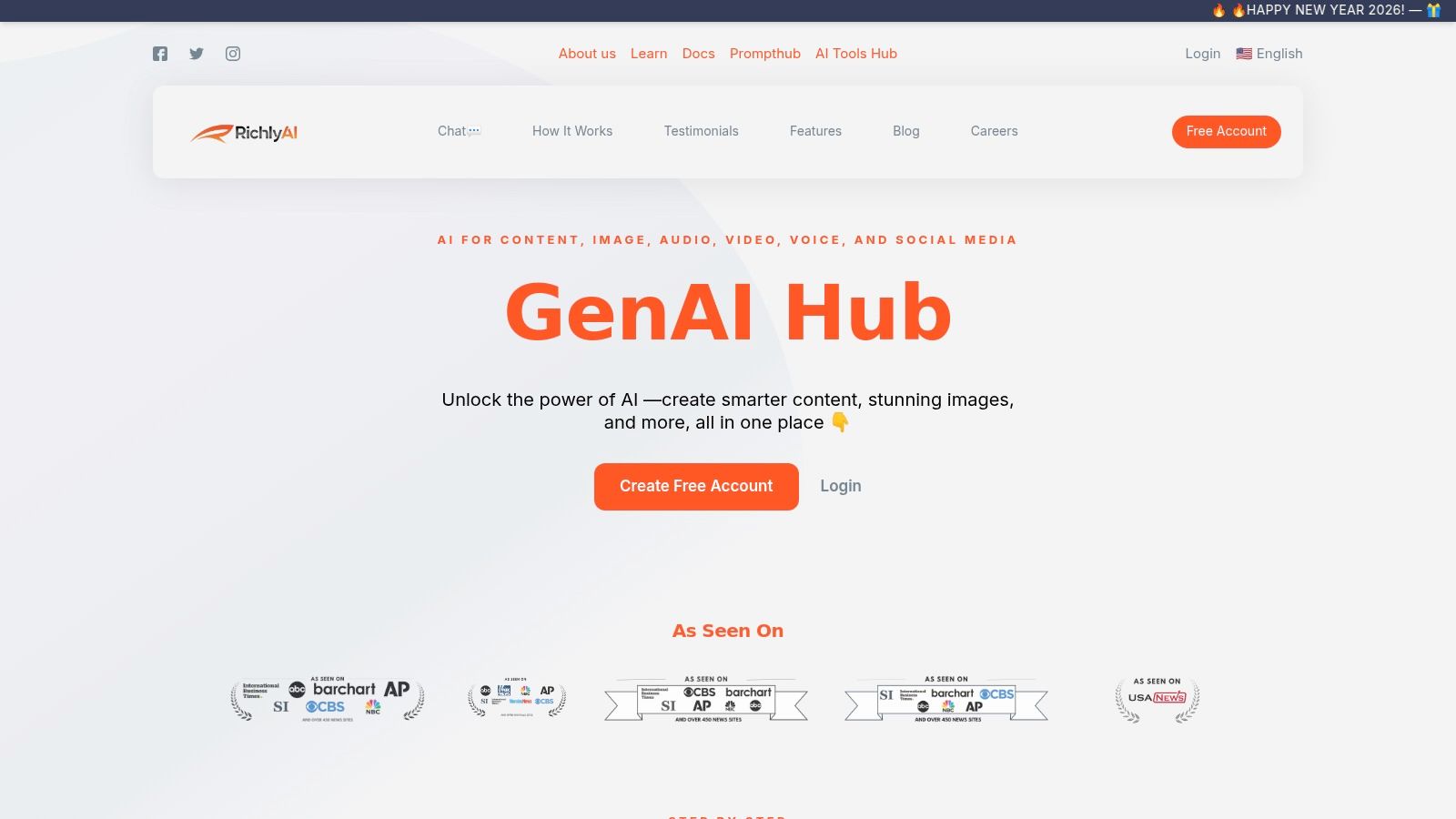
The platform’s standout feature is its dual ecosystem. While RichlyAI provides the core creation tools, its companion, AI Tools Hub, offers a searchable directory of over 11,000 specialized AI applications. This unique combination ensures that if a task requires a niche tool not available in the main suite, students can quickly find and vet the perfect solution without endless searching.
Core Features for Students
- Integrated Content Generation: Create high-quality text, images, video scripts, and code from a single dashboard.
- AI Tools Hub Access: Discover and explore a massive, curated library of specialized AI tools for any subject or need.
- Developer & STEM Tools: Includes robust code generation and debugging capabilities, ideal for computer science and engineering students.
- Real-Time Voice Chat: Practice presentations or brainstorm complex ideas by having a conversation with an AI assistant.
Practical Use Case: Building a History Presentation
Here’s a step-by-step workflow showing how to leverage RichlyAI for a typical assignment:
- Brainstorm & Outline: Use the text generator to brainstorm key themes for a presentation on the Roman Empire.
- Prompt:
Generate a detailed five-section outline for a 15-minute presentation on the rise and fall of the Roman Empire, focusing on political, economic, and social factors.
- Prompt:
- Create Visual Assets: Use the image generator to create custom visuals for your slides.
- Prompt:
Create a photorealistic image of the Roman Colosseum at sunset, with a dramatic sky.
- Prompt:
- Find Niche Tools: Access the AI Tools Hub to find a specialized tool for creating an interactive timeline.
- Search Query:
AI timeline generator
- Search Query:
- Practice Delivery: Use the voice chat feature to rehearse your presentation script and get feedback on pacing and clarity.
Pricing and Access
RichlyAI operates on a freemium model. The free plan is remarkably generous, offering unlimited text generation, which is a massive benefit for students who need to draft numerous essays and assignments. Advanced features, such as higher-tier image generation or specialized chatbot creation, are part of paid plans, though specific pricing requires a direct inquiry on their site.
Key Takeaway: RichlyAI’s true value lies in its combination of a versatile creation suite and a comprehensive discovery engine. It empowers students not only to create what they need but also to find any specialized tool required for their academic journey.
| Feature Comparison | RichlyAI | Standard AI Writing Tool |
|---|---|---|
| Content Types | Text, Images, Code, Chatbots | Primarily Text |
| Tool Discovery | Integrated via AI Tools Hub (11,000+ tools) | None |
| Free Tier | Unlimited text generation, basic access | Often limited by word count or daily usage |
| Best For | Students needing a multi-purpose tool for diverse project requirements | Students focused solely on essay writing and editing |
While it may not have the deep, singular focus of a tool like Wolfram|Alpha for advanced mathematics, its breadth makes it one of the most versatile and valuable AI tools for students available today. To see how it’s being applied in different educational contexts, explore these top AI use cases for Nigerian students.
Website: https://richlyai.com
2. Khanmigo (Khan Academy)
Khanmigo is not just another homework helper; it’s a sophisticated AI-powered tutor and teaching assistant from the trusted educational non-profit, Khan Academy. Its standout feature is its pedagogical approach. Instead of providing direct answers, Khanmigo engages students in a Socratic dialogue, asking guiding questions to help them arrive at the solution on their own. This makes it one of the best ai tools for students focused on genuine learning and critical thinking, not just task completion.
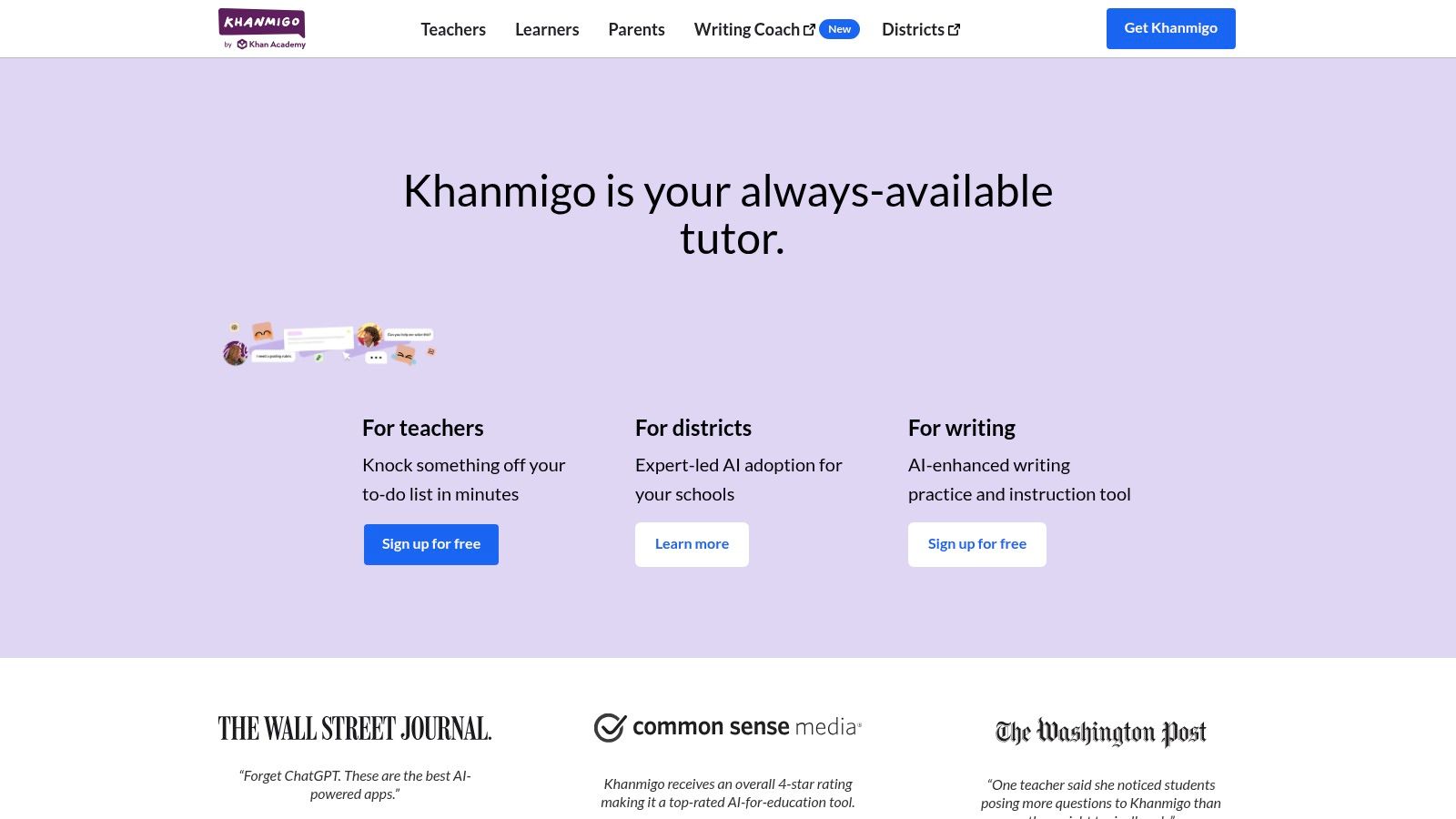
Deeply integrated with Khan Academy’s extensive, standards-aligned curriculum, it provides step-by-step guidance in math, science, and humanities. The platform also offers structured activities like practicing for a debate or getting real-time feedback on an essay draft.
Best For & Pricing
- Best For: K-12 and early college students who need guided help in core academic subjects and prefer learning by discovery. It’s especially powerful for learners already using the Khan Academy platform.
- Pricing: Access is available through a donation of $4 per month or $44 per year for individuals in the US. Many schools and districts provide free access to their students and teachers.
Practical Example: Getting Help with a History Essay
A student writing an essay about the causes of the American Revolution can use Khanmigo’s “Write an essay” activity. Here’s how it works:
- Student Prompt: “Help me outline an essay arguing that taxation without representation was the primary cause of the American Revolution.”
- Khanmigo’s Response: Instead of writing an outline, it asks, “That’s a strong thesis! To build a compelling argument, what are some specific taxes the British imposed that the colonists protested? Can you think of one to start with for your first body paragraph?”
- Actionable Outcome: This interaction forces the student to recall specific facts (like the Stamp Act) and structure their own argument, fostering deeper comprehension.
Khanmigo excels by acting as a true tutor. It guides your thinking process rather than replacing it, ensuring you actually learn the material for your exams.
Website: https://www.khanmigo.ai/
3. Quizlet
Quizlet has long been a staple for digital flashcards, but its recent integration of AI elevates it into a dynamic study partner. The platform now uses AI to generate entire flashcard decks, practice tests, and study guides directly from a student’s notes, textbook PDFs, or even a simple prompt. This transforms passive study material into an interactive and adaptive learning experience, making it one of the most versatile ai tools for students for exam preparation.
Beyond simple generation, Quizlet’s AI features include “Magic Notes,” which can summarize dense reading materials into outlines and key points. It also offers millions of expert-written, step-by-step solutions for common textbook problems, a massive advantage for students in STEM fields looking for detailed explanations. Its strong mobile apps and gamified study modes make learning engaging and accessible anywhere.
Best For & Pricing
- Best For: High school and college students who need to memorize large amounts of information for exams and want to quickly convert existing notes or PDFs into interactive study materials.
- Pricing: A basic version is free with ads. Quizlet Plus, which unlocks most AI features and removes ads, costs $35.99 per year.
Practical Example: Creating a Study Set from Lecture Notes
A college student has a PDF of their professor’s lecture slides on the Krebs cycle and wants to create a study set for their biology midterm. Here is the step-by-step process:
- Upload: The student uploads the lecture PDF to Quizlet’s “Magic Notes” feature.
- Generate: The AI scans the document and automatically generates a complete set of flashcards with key terms (e.g., “Citric Acid,” “ATP synthase”) and their definitions.
- Test: It also creates a practice test with multiple-choice and true/false questions based on the lecture’s content, allowing the student to immediately test their knowledge.
- Actionable Outcome: This workflow saves hours of manual data entry, turning static notes into a powerful, active-recall study tool in seconds.
Quizlet’s strength is its speed and convenience. It automates the most tedious part of studying—creating materials—so you can spend more time actually learning and practicing.
Website: https://quizlet.com/
4. Grammarly
Grammarly has evolved far beyond a simple spell-checker into an essential AI writing partner. It offers comprehensive feedback on everything from grammar and punctuation to clarity, conciseness, and tone. This makes it one of the most versatile ai tools for students, seamlessly improving the quality of essays, lab reports, emails to professors, and even scholarship applications. Its key strength is its ubiquity, integrating directly where students write.
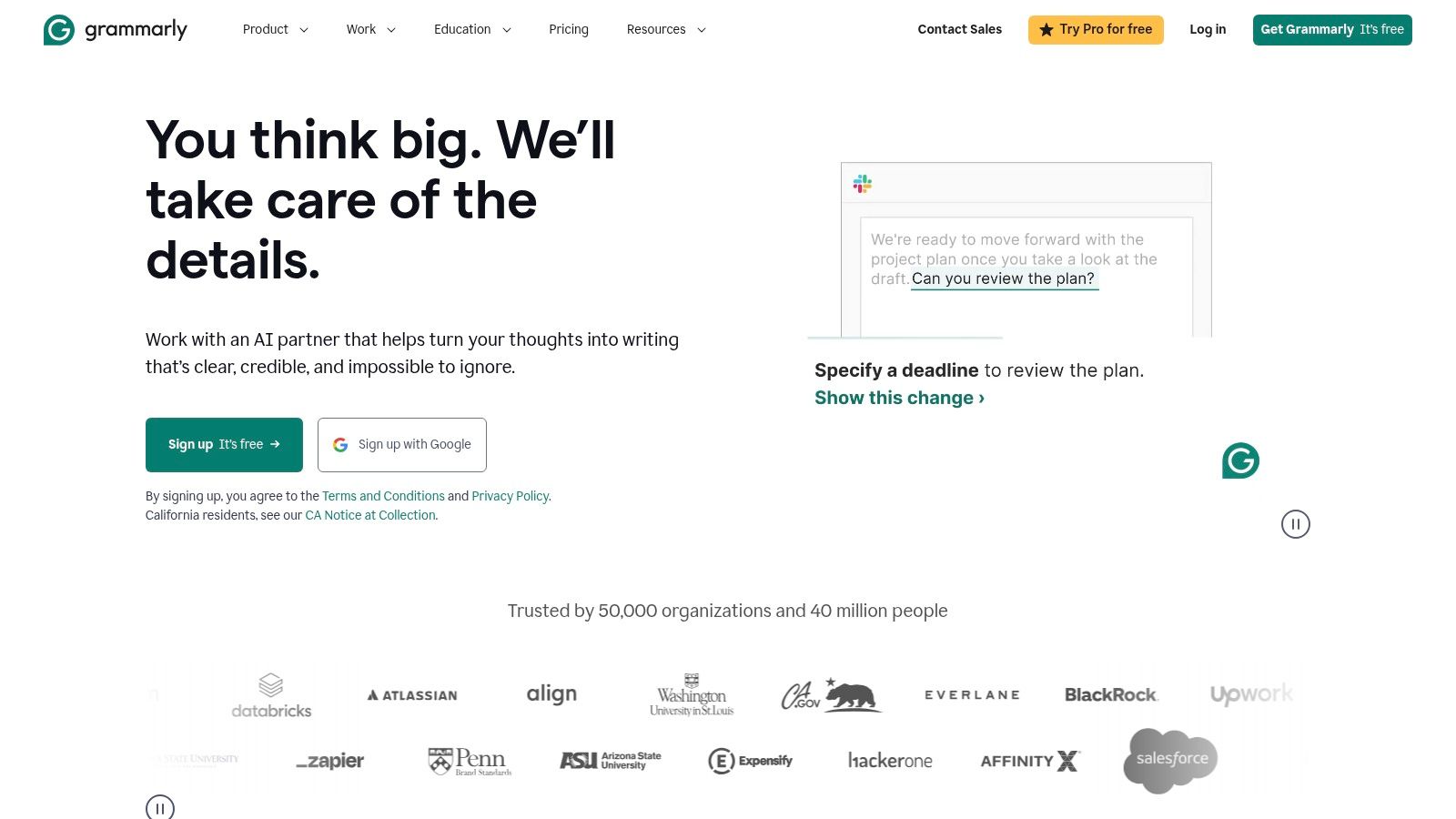
The platform now includes generative AI features that can help rephrase awkward sentences, adjust tone for a specific audience (like making an email more formal), and even brainstorm ideas. With a built-in plagiarism checker and citation assistance, it provides a powerful all-in-one toolkit for academic integrity and polish. As a powerful free AI writing assistant, its core features are accessible to everyone.
Best For & Pricing
- Best For: All students, from high school to graduate level, who want to improve their writing clarity, correctness, and professionalism across all digital platforms.
- Pricing: A robust free version covers basic grammar and spelling. Premium plans (starting around $12/month) unlock advanced style suggestions, plagiarism detection, and generative AI features.
Practical Example: Refining a Research Paper Abstract
A student has a functional but clunky draft of an abstract for their sociology paper. Here’s how they use Grammarly to improve it:
- Original Sentence: “This paper will endeavor to make an argument that the proliferation of social media has had a discernible effect on the political polarization of young adults.”
- Review Suggestions: Grammarly flags several areas for improvement.
- Conciseness: It suggests replacing “endeavor to make an argument that” with “argues that.”
- Clarity: It might suggest changing “discernible effect on” to a stronger, more active phrase like “intensified” or “contributed to.”
- Generate Alternatives: The student uses the generative AI feature to ask for five alternative phrasings of the entire sentence, helping them find the most impactful option.
- Actionable Outcome: This process elevates the writing from passable to professional, ensuring the student’s ideas are communicated effectively.
Grammarly acts as a persistent writing coach, building good habits by providing instant, contextual feedback that helps you become a stronger writer over time.
Website: https://www.grammarly.com/
5. Notion
Notion has evolved from a powerful note-taking app into an all-in-one workspace, making it one of the most versatile ai tools for students for organizing academic life. Its strength lies in its incredible flexibility; you can create anything from simple to-do lists to complex relational databases for tracking research sources, class notes, and project timelines. With the integration of Notion AI, this organizational power is supercharged.
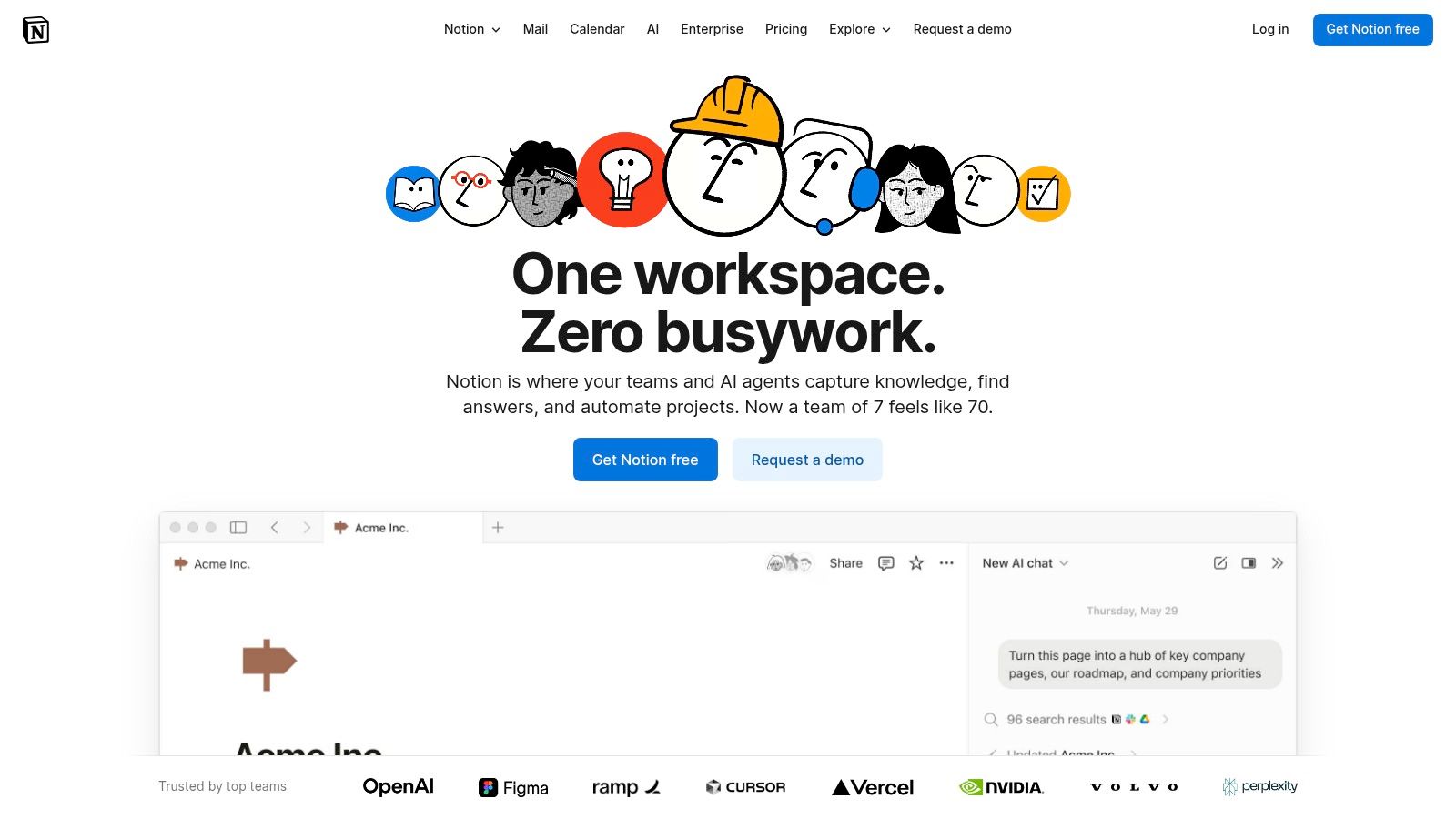
Notion AI is embedded directly into your pages, allowing you to summarize lengthy lecture notes, brainstorm ideas for a paper, or even translate research material without leaving your workflow. Its “database autofill” feature can automatically extract key information from your notes and populate tables, saving countless hours of manual data entry when preparing for exams.
Best For & Pricing
- Best For: Higher education students who need a single, powerful system to manage all aspects of their academic and personal lives, from note-taking and project management to habit tracking.
- Pricing: Students and educators can get the Plus Plan for free via the Education Plan. The Notion AI add-on costs $8 per member per month (billed annually). A limited number of free AI responses are available on all plans.
Practical Example: Creating a Study Guide from Lecture Notes
A student has a long page of notes from a biology lecture and wants to create a concise study guide. Here is their step-by-step process in Notion:
- Highlight Text: The student highlights all the lecture notes on the Notion page.
- Select AI Action: They click the “Ask AI” button that appears and select “Summarize” from the menu.
- Refine with a Custom Prompt: To take it further, the student types a custom prompt like, “Create a list of key vocabulary terms and their definitions from this text.”
- Actionable Outcome: The AI generates a bulleted summary of the most critical points directly below the highlighted text. For the second prompt, it produces a neat two-column table with terms and definitions, creating an instant, targeted study resource.
Notion is the ultimate digital binder. Its AI features turn your messy collection of notes into an organized, searchable, and intelligent knowledge base that works for you.
Website: https://www.notion.so/
6. Microsoft Copilot (Microsoft 365)
For students already living in the Microsoft ecosystem, Copilot is a game-changer that embeds powerful AI directly into the apps they use daily. Instead of switching contexts, Copilot brings generative AI into Word, PowerPoint, and Excel, turning simple prompts into document drafts, presentation outlines, and data analyses. This native integration makes it one of the most seamless ai tools for students for boosting productivity on assignments and projects.
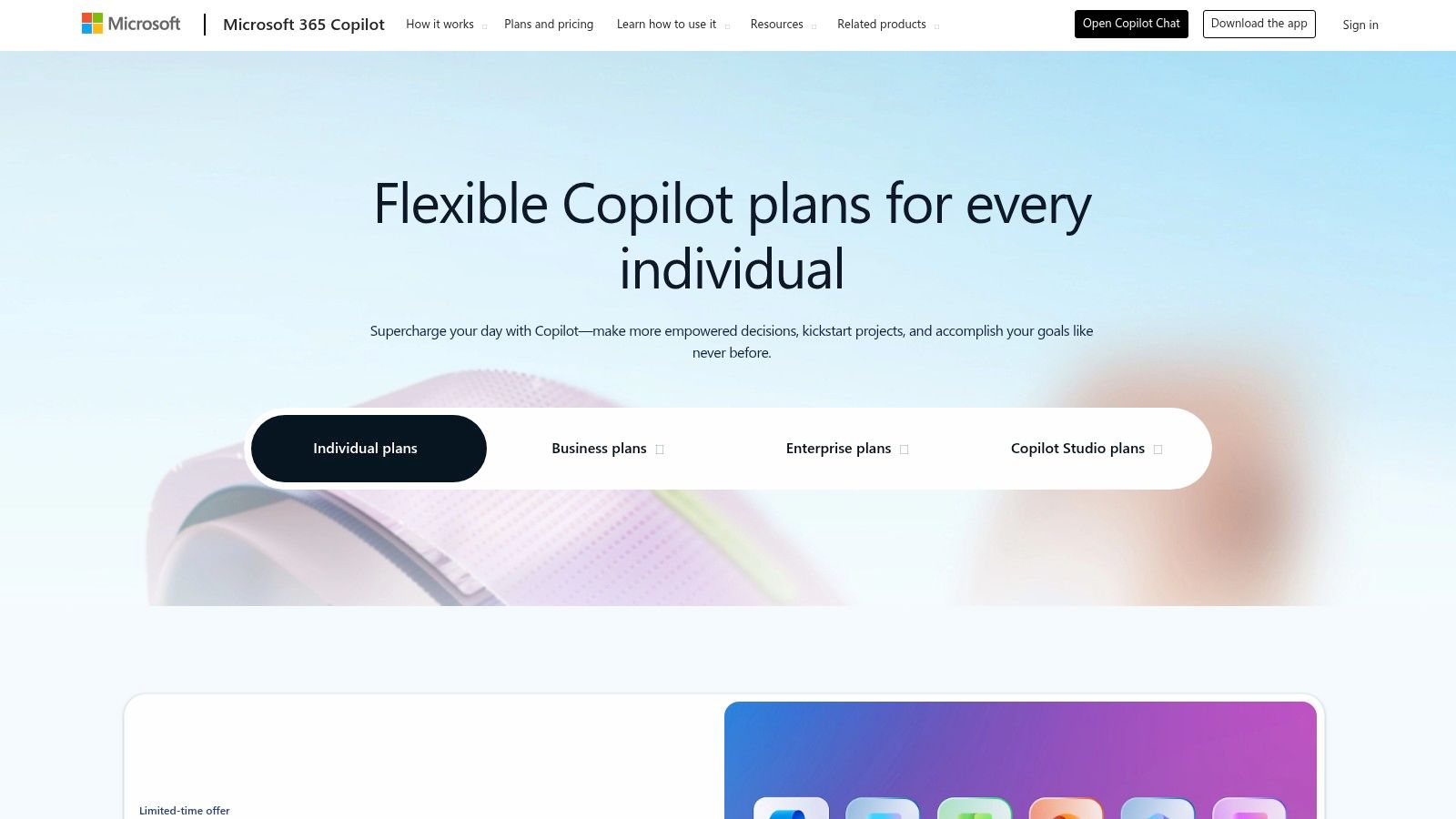
Its strength lies in transforming your raw ideas and data into polished first drafts. Whether you’re summarizing a lengthy research paper in Word, generating a slide deck from an outline, or asking for formula suggestions in Excel, Copilot acts as an intelligent assistant that handles the heavy lifting of formatting and initial content creation, letting you focus on refining the final product.
Best For & Pricing
- Best For: High school and college students who heavily rely on Microsoft 365 (Word, PowerPoint, Excel) for their coursework and want to streamline their workflow without leaving their applications.
- Pricing: A basic version of Copilot is available for free. Full integration with Office apps requires a Microsoft 365 Personal or Family subscription, plus the Copilot Pro add-on for $20/month per user.
Practical Example: Creating a Presentation from a Document
A student needs to create a PowerPoint presentation based on their 10-page Word essay on renewable energy sources. This is how they do it in minutes:
- Open PowerPoint: With a Copilot Pro subscription, the student opens a new presentation.
- Use the Copilot Prompt: They open the Copilot feature in PowerPoint and type, “Create a presentation from C:UsersStudentDocumentsRenewableEnergyEssay.docx”.
- Review the Output: Copilot analyzes the Word document, identifies key headings and points, and generates a multi-slide presentation. It creates a title slide, an agenda, and separate slides for each major section (e.g., Solar Power, Wind Power, Hydropower) complete with speaker notes.
- Actionable Outcome: This process saves hours of manual work, providing a strong first draft of the presentation that the student can then customize.
Copilot’s true value is its deep integration. It reduces friction by bringing AI assistance directly into the documents you’re already working on, making it a powerful productivity multiplier.
Website: https://www.microsoft.com/en-us/microsoft-365-copilot/pricing/individuals
7. Google Gemini / Google AI Pro (Google One AI Premium)
For students deeply embedded in the Google ecosystem, upgrading to a Google One AI Premium plan transforms familiar tools like Docs, Gmail, and Drive into powerful AI assistants. This integration is its key advantage; instead of juggling separate apps, Gemini Advanced works directly within the platforms students use daily for writing, research, and collaboration. It is one of the most practical ai tools for students who want to streamline their existing workflow.
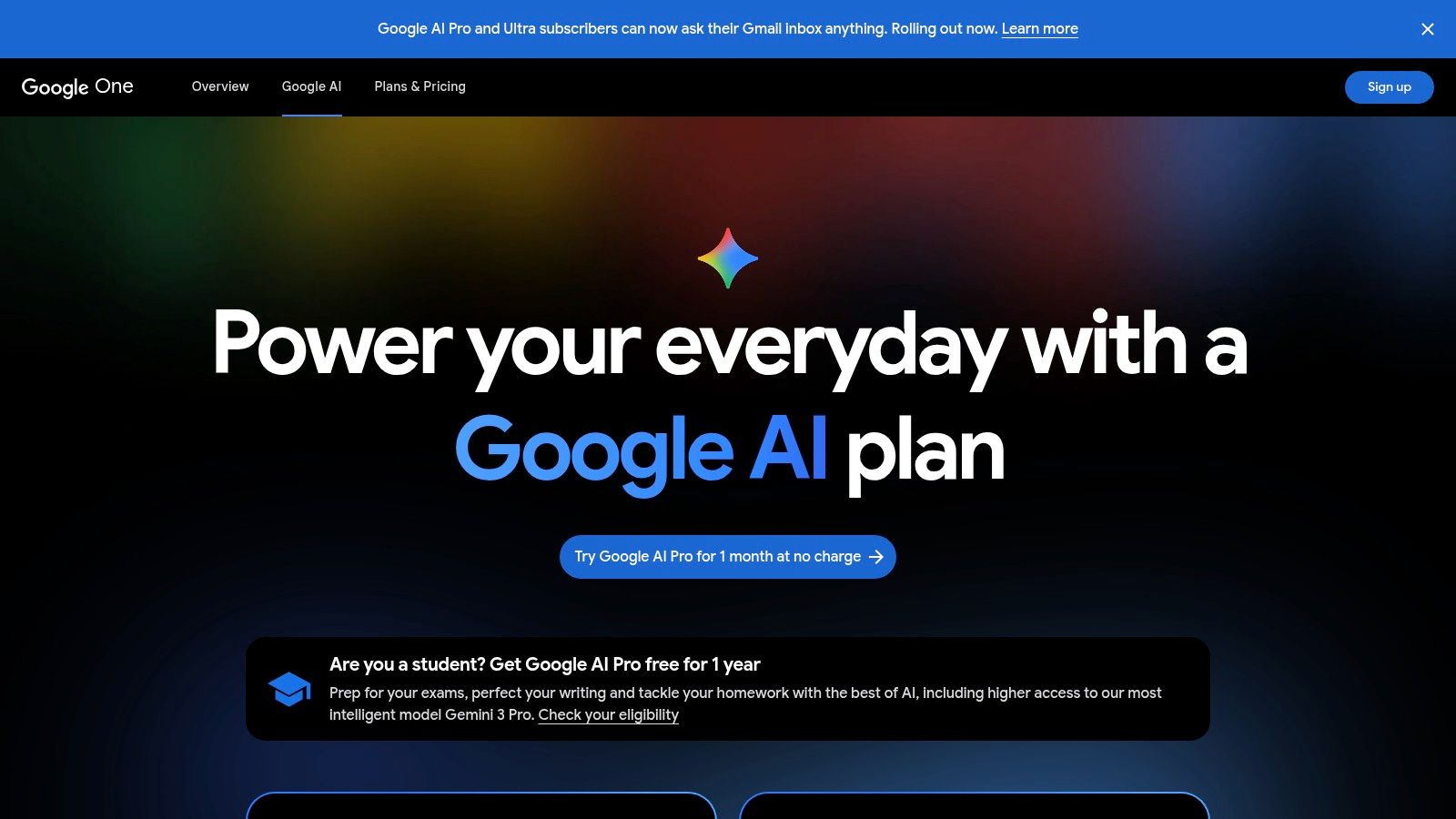
The plan bundles access to Gemini Advanced, Google’s most capable model, with a massive 2 TB of cloud storage, solving two common student problems at once: the need for advanced AI help and more space for projects and backups. Features like “Help me write” in Docs and email summarization in Gmail can significantly accelerate tasks, while enhanced capabilities in the research-focused NotebookLM make it a formidable study partner.
Best For & Pricing
- Best For: High school and university students who heavily rely on Google Workspace (Docs, Sheets, Gmail) and need both a powerful AI assistant and substantial cloud storage.
- Pricing: The Google One AI Premium plan, which includes Gemini Advanced and 2 TB of storage, is priced at $19.99 per month.
Practical Example: Drafting an Email to a Professor
A student needs to email their professor to ask for an extension on a paper. They can use Gemini directly within Gmail to ensure the tone is professional. Here’s how:
- Initiate Gemini: In Gmail, the student clicks the “Help me write” button.
- Enter Prompt: They type: “Draft an email to my professor, Dr. Anya Sharma, asking for a 2-day extension on my history paper. I have been sick with the flu.”
- Refine and Send: Gemini generates a polite, well-structured draft, including a proper salutation, a concise reason for the request, a proposed new deadline, and a professional closing. The student can then refine the draft with a click, making it more formal or concise before sending.
- Actionable Outcome: This saves time and reduces the anxiety of composing important academic communications, ensuring the student’s message is clear and respectful.
The real power of Google AI Pro is its seamless integration. Having your AI assistant and all your documents in one place is a massive productivity boost.
Website: https://one.google.com/about/ai-premium/
8. OpenAI ChatGPT
As the model that brought generative AI into the mainstream, ChatGPT remains one of the most versatile and powerful ai tools for students. It functions as an all-purpose conversational assistant, capable of everything from explaining complex scientific theories and debugging code to brainstorming essay topics and drafting emails. Its strength lies in its broad knowledge base and conversational flexibility, making it a go-to resource for quick questions and in-depth exploration alike.
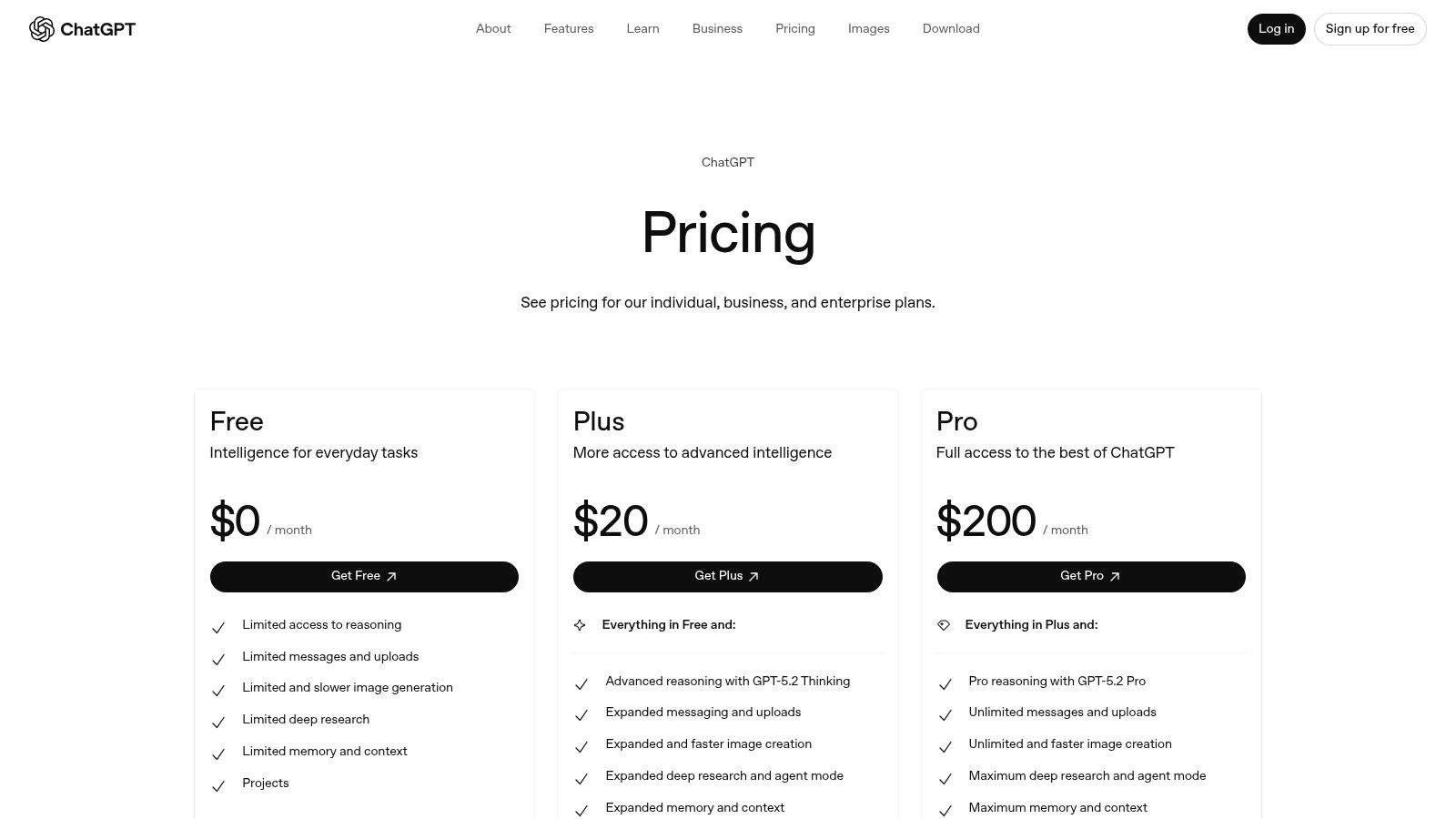
Unlike specialized tutors, ChatGPT’s utility spans nearly every subject. The paid tiers enhance this by providing access to more advanced models (like GPT-4), file and image analysis, voice tools, and the ability to create custom GPTs tailored to specific courses or tasks. With official desktop and mobile apps, it’s an accessible study partner wherever you are.
Best For & Pricing
- Best For: University students, high schoolers, and coders needing a flexible tool for a wide range of academic tasks, from writing and research to STEM problem-solving.
- Pricing: A capable free tier is available with usage limits. Paid plans start with ChatGPT Plus for individuals (typically $20/month) which offers higher limits and access to advanced models, and Team/Enterprise plans for groups and organizations.
Practical Example: Summarizing a Research Paper
A college student needs to quickly understand the key findings of a dense academic journal article for their literature review. Here is a step-by-step guide to doing this with ChatGPT:
- Upload the File: Using a ChatGPT Plus account, the student uploads the PDF of the research paper.
- Provide a Clear Prompt: They ask, “Summarize the abstract, methodology, key findings, and conclusion of this paper in under 250 words. Focus on the practical implications of the research.”
- Actionable Outcome: The AI processes the document and provides a concise, structured summary hitting all the requested points. This saves the student hours of reading time and provides a clear overview for their notes. To get the most out of it, check out these AI prompt examples to learn how to structure your requests effectively.
ChatGPT is the ultimate academic multitool. It’s like having a research assistant, a writing partner, and a study group expert rolled into one, available 24/7.
Website: https://openai.com/chatgpt/pricing/
9. Perplexity
Perplexity AI positions itself as a “conversational answer engine” rather than a traditional search engine or chatbot. Its primary strength lies in synthesizing information from multiple online sources and providing a direct, comprehensive answer complete with inline citations. This makes it one of the most powerful ai tools for students for conducting initial research, building reading lists, and getting a quick, source-backed overview of any topic.
Unlike chatbots that may hallucinate facts, Perplexity’s core feature is transparency; every claim is linked directly to its source, allowing students to verify information and dive deeper into the primary documents. It can also analyze uploaded files like PDFs and images, making it a versatile research assistant. As one of the best AI tools for research, it helps streamline the often tedious process of gathering and vetting sources.
Best For & Pricing
- Best For: University and high school students who need to quickly gather, synthesize, and cite sources for research papers, literature reviews, and assignments.
- Pricing: A generous free tier is available. Perplexity Pro, which offers unlimited file uploads and access to advanced AI models like GPT-4 and Claude 3, costs $20 per month or $200 per year, with discounts often available for students.
Practical Example: Starting a Research Paper
A college student needs to write a paper on the impact of quantum computing on modern cryptography. Here is how they can start their research with Perplexity:
- Ask a Research Question: They type the prompt: “Explain the threat quantum computing poses to current RSA encryption standards and list the main types of post-quantum cryptography being developed.”
- Analyze the Cited Answer: Perplexity generates a concise summary explaining Shor’s algorithm and how it can break RSA. It follows this with a categorized list of post-quantum cryptographic approaches (e.g., lattice-based, code-based).
- Explore Sources: Each point is linked to academic papers, tech articles, and NIST reports, creating a curated list of credible sources.
- Actionable Outcome: This process drastically accelerates the initial research phase, giving the student a foundational understanding and a pre-vetted reading list in seconds.
Perplexity is your research starting line. It cuts through the noise of standard search engines to deliver cited, synthesized answers, letting you focus on analysis instead of just information gathering.
Website: https://www.perplexity.ai/
10. Wolfram|Alpha
Wolfram|Alpha is not a conversational AI but a powerful computational knowledge engine, making it an indispensable tool for students in STEM fields. It excels at solving complex mathematical equations, scientific queries, and data analysis tasks by computing answers from a vast, curated knowledge base. Unlike general-purpose chatbots, its strength lies in providing precise, factual, and structured answers, especially for quantitative subjects. It’s one of the most reliable ai tools for students who need definitive, accurate calculations.
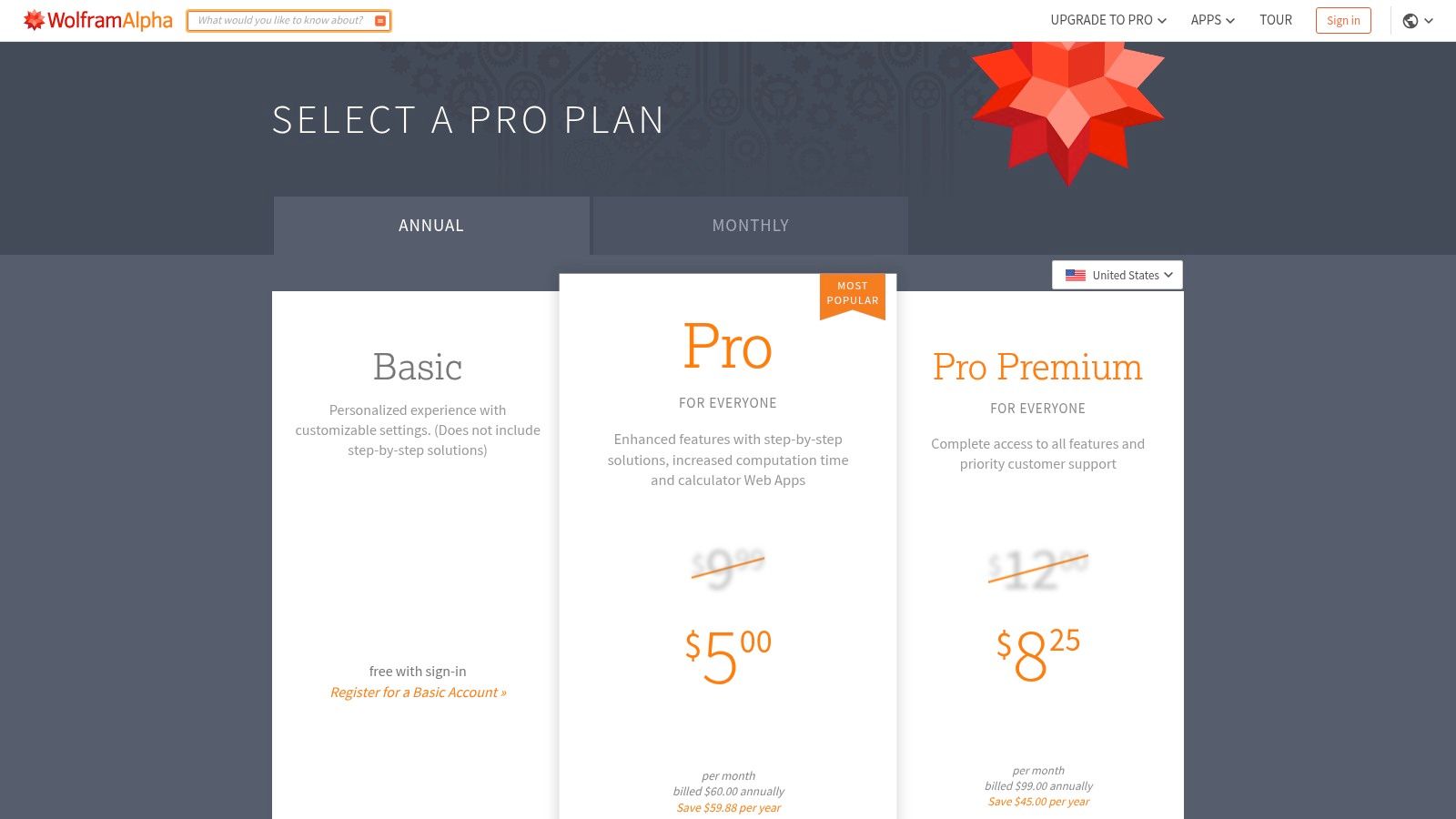
The Pro version is a significant upgrade, offering step-by-step solutions that show the methodology behind an answer, which is crucial for learning. It also provides practice problems, guided calculators, and the ability to upload data files for analysis. For students needing to understand the how and why behind a math problem, not just the final answer, Wolfram|Alpha Pro is an exceptional academic resource.
Best For & Pricing
- Best For: High school and university students specializing in mathematics, physics, chemistry, engineering, and data science. It’s a lifesaver for checking homework and understanding complex problem-solving steps.
- Pricing: A free version is available with basic computations. Pro plans for students are highly affordable, starting around $5 per month, with discounted annual options available. Pro unlocks step-by-step solutions and advanced features.
Practical Example: Solving a Calculus Problem
A calculus student needs to find the derivative of a complex function and understand the process. Here’s how they can use Wolfram|Alpha Pro to learn, not just get the answer:
- Enter the Problem: The student types the function, for example,
derivative of x^2 * sin(x)into the Wolfram|Alpha search bar. - Get the Answer: The free version provides the correct answer:
x*(2sin(x) + xcos(x)). - Reveal the Steps: With a Pro account, they click the “Step-by-step solution” button. This reveals the entire process, showing the application of the product rule, breaking down each step, and explaining the derivatives of
x^2andsin(x)individually. - Actionable Outcome: This feature transforms the tool from a simple answer-checker into an interactive learning guide.
For any quantitative subject, Wolfram|Alpha provides unparalleled accuracy and structure. Its step-by-step solutions are like having a personal math tutor available 24/7.
Website: https://www.wolframalpha.com/pro/pricing
11. Photomath
Photomath transforms a smartphone camera into a powerful math-solving tool, offering instant help for everything from basic arithmetic to advanced calculus. Its standout feature is its ability to not only solve problems but to show you how. By scanning a handwritten or printed equation, the app breaks down the solution into animated, easy-to-follow steps, making it an excellent resource for visual learners who need to understand the why behind the answer. This makes it one of the most accessible ai tools for students for on-the-go homework help.
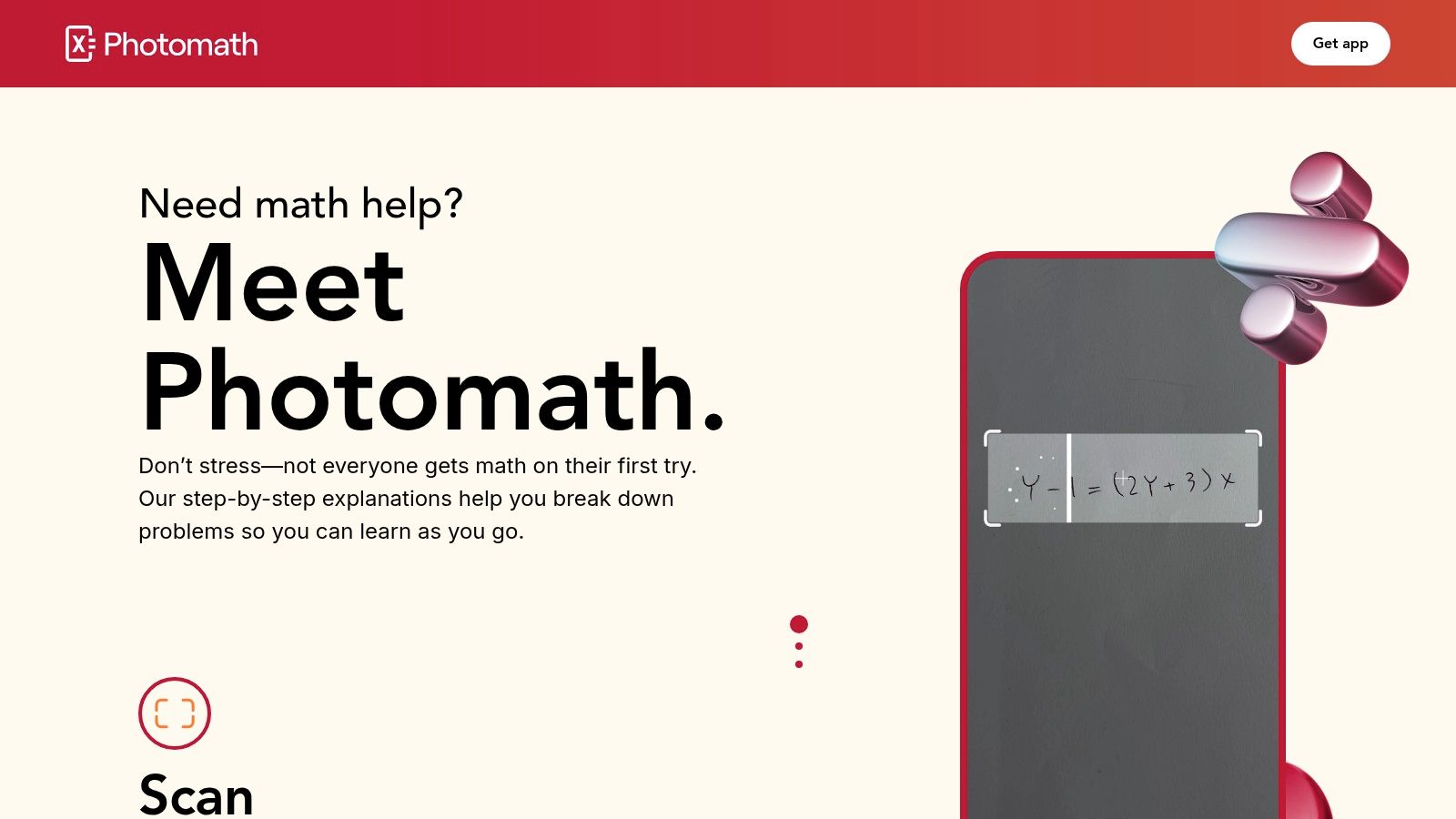
The app goes beyond simple equation solving by offering multiple solution methods, interactive graphs to visualize functions, and support for complex word problems. Its combination of speed, detailed explanations, and broad subject coverage makes it a nearly indispensable tool for any student tackling math, acting as a virtual tutor that fits in your pocket. As AI continues to evolve in education, tools like this show its potential to support various learning styles. You can learn more about AI math tutors on RichlyAI.
Best For & Pricing
- Best For: High school and college students needing immediate, visual, and step-by-step explanations for a wide range of math problems, especially when studying late at night.
- Pricing: The core features (scanning and step-by-step solutions) are free. Photomath Plus, which unlocks deeper explanations, animated tutorials, and textbook solutions, is available for a subscription fee (around $9.99/month or $59.99/year).
Practical Example: Solving a Quadratic Equation
A student is stuck on the quadratic equation 2x² + 5x - 3 = 0 in their homework. Here’s how Photomath helps them learn the solution:
- Scan the Problem: The student opens the Photomath app and uses their phone’s camera to frame the equation. The app instantly recognizes and digitizes it.
- Review the Solution: Photomath immediately displays the answers (x=0.5 and x=-3). The student then taps “Show solving steps.”
- Learn the Process: The app displays the problem solved using the quadratic formula, with each step of the calculation explained and animated.
- Actionable Outcome: This process provides an immediate correct answer for homework completion while also offering the necessary instruction to learn the method for an upcoming test.
Photomath is the ultimate safety net for tricky math homework. It doesn’t just give you the answer; it teaches you the process so you can solve the next problem on your own.
Website: https://photomath.com/
12. Paperpal
Paperpal is a specialized AI writing assistant designed specifically for academic writing, making it a powerful ally for students working on essays, lab reports, and research papers. Unlike general-purpose grammar checkers, Paperpal’s suggestions are tailored to the formal and technical language required in academia. It provides real-time feedback on sentence structure, word choice, and academic tone, ensuring your writing is both clear and professional. This focus makes it one of the most effective ai tools for students aiming for high-quality, publishable work.
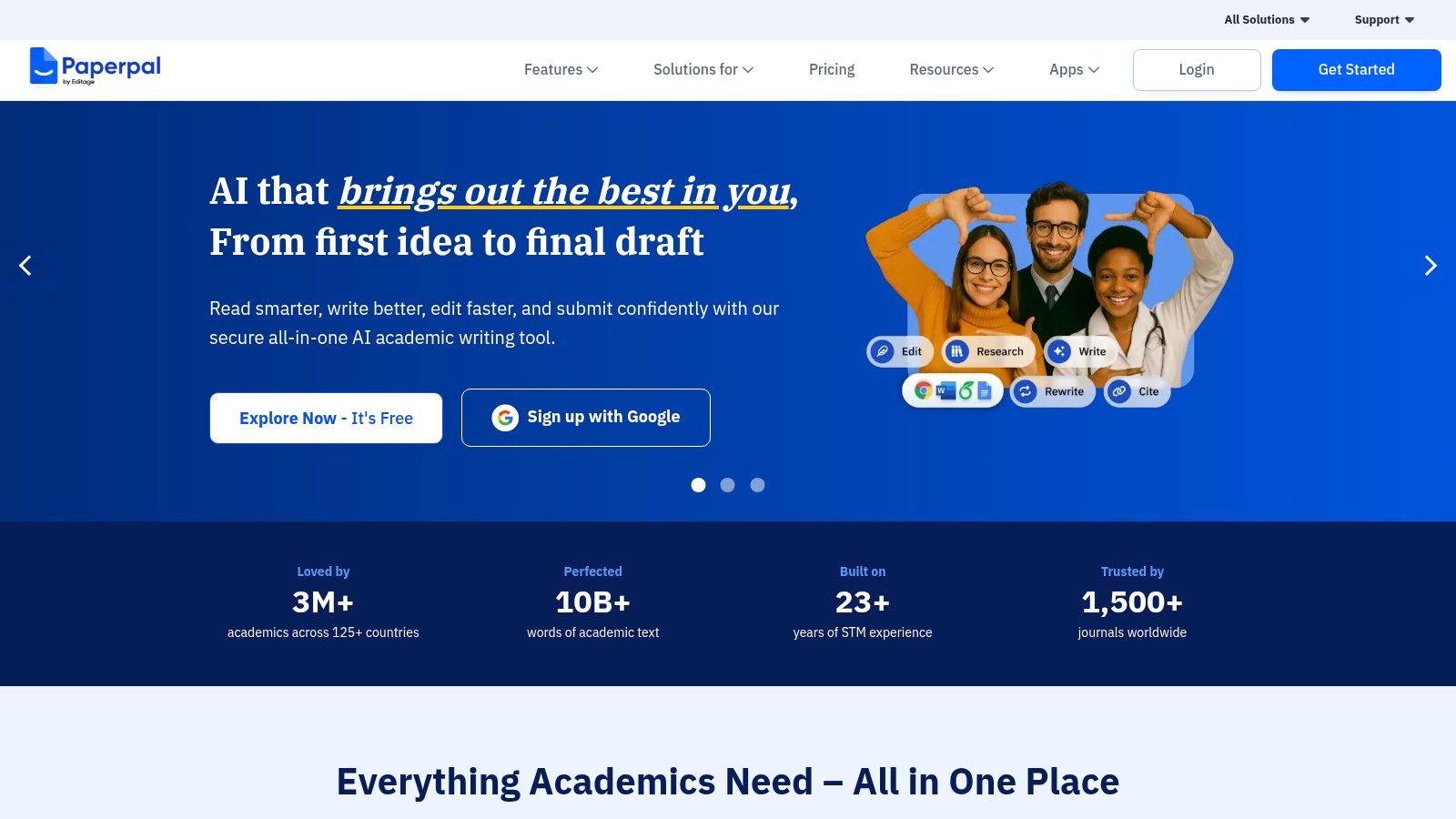
The platform goes beyond simple language checks with features like a plagiarism checker, academic translation, and pre-submission checks that scan for common manuscript errors. Its ability to integrate with Word, Google Docs, and Overleaf means it fits seamlessly into existing student workflows, whether you’re writing a humanities essay or a LaTeX-based technical paper.
Best For & Pricing
- Best For: University students, researchers, and anyone engaged in serious academic writing who needs precise, context-aware language and formatting assistance.
- Pricing: Offers a free basic plan with essential language suggestions. The Prime plan (from $8.25/month) unlocks advanced features like plagiarism checks, rewriting tools, and consistency checks.
Practical Example: Polishing a Lab Report
A biology student has finished the first draft of their lab report but is unsure if the language is formal enough. Here is their step-by-step editing process with Paperpal:
- Integrate: The student uploads their document to Paperpal or uses the Word add-in.
- Analyze Suggestions: The AI highlights a sentence like, “We did this experiment to see if the cells would grow faster.” It suggests a more academic alternative, such as, “This experiment was conducted to determine whether the cells exhibited an accelerated growth rate.”
- Accept & Learn: The student accepts the change and notes the improvement. Paperpal also flags inconsistent terminology and checks the structure against standard scientific report formats.
- Actionable Outcome: This process transforms a casual draft into a polished, professional document ready for submission, teaching the student academic writing conventions along the way.
Paperpal is like having a seasoned academic editor looking over your shoulder. It refines your language so your research and ideas can shine through clearly and professionally.
Website: https://paperpal.com/
Top 12 AI Tools for Students — Feature Comparison
| Product | Core features | UX / Quality | Price & Value | Target audience | Unique selling points |
|---|---|---|---|---|---|
| RichlyAI 🏆 | Text, images, audio, video, code, chatbots, real-time voice, social automation; AI Tools Hub (11k+ tools) | ★★★★☆ — fast, intuitive, real‑time editing | 💰 Free plan (Unlimited text FOREVER) + paid upgrades; one‑time listing upgrade | 👥 Marketers, creators, developers, students, businesses | ✨ All‑in‑one Hub + massive AI directory; vendor SEO, verified listings |
| Khanmigo (Khan Academy) | Socratic tutor aligned to curriculum; writing, coding help; moderation tools | ★★★★☆ — curriculum‑aligned, safe | 💰 Very low cost for learners; free for teachers/districts | 👥 K‑12 students & teachers | ✨ Curriculum‑aligned tutoring; teacher workflows & safeguards |
| Quizlet | AI flashcards, practice tests, PDF summarizer, study games | ★★★☆☆ — strong mobile UX; huge library | 💰 Affordable annual Plus; advanced AI features behind paywall | 👥 High school & college students | ✨ Massive content library; mobile apps & study games |
| Grammarly | Grammar/style checks, rewriting, tone, plagiarism checks | ★★★★☆ — real‑time cross‑platform suggestions | 💰 Freemium; Pro and team plans for advanced features | 👥 Students, writers, professionals | ✨ Browser/Docs integrations; strong clarity & plagiarism tools |
| Notion | Notes, databases, AI blocks, templates, project hubs | ★★★☆☆ — powerful but steeper learning curve | 💰 Free education plan (eligible students); AI often paid | 👥 Students, researchers, project teams | ✨ Flexible all‑in‑one workspace; rich templates & databases |
| Microsoft Copilot (M365) | AI in Word, Excel, PowerPoint, Outlook, OneNote | ★★★★☆ — native Office integration, reliable | 💰 Bundled with Microsoft 365 subscriptions | 👥 Schools, enterprises, Office users | ✨ Deep app integration; strong for docs, slides & Excel |
| Google Gemini / AI Pro | Gemini in Gmail/Docs/Search, NotebookLM, Drive integration | ★★★★☆ — seamless for Google Workspace users | 💰 Google One AI Premium bundles AI + Drive storage | 👥 Google Workspace users, students | ✨ Integrated Search + Drive storage; NotebookLM boosts |
| OpenAI ChatGPT | Conversational AI, file/image/voice tools, custom GPTs | ★★★★☆ — versatile, frequently updated | 💰 Freemium; paid tiers for advanced models & limits | 👥 Students, developers, teams | ✨ Custom GPTs; broad ecosystem & frequent feature updates |
| Perplexity | Answer‑first search with citations; file & image analysis; Labs | ★★★★☆ — clean, research‑focused interface | 💰 Freemium; Pro for extended/removal of limits | 👥 Researchers, students, analysts | ✨ Cited answers and research workflows |
| Wolfram | Alpha | Computational engine, step‑by‑step solutions, calculators | ★★★★☆ — reliable for STEM computation | 💰 Affordable student Pro plans | 👥 STEM students, educators, scientists |
| Photomath | Camera‑based problem solver, animated steps, graphs | ★★★★☆ — mobile‑first, highly rated | 💰 Free + Plus for tutorials/textbook solutions | 👥 K‑12 & calculus students | ✨ Camera scan + animated explanations & multiple methods |
| Paperpal | Academic drafting, citation checks, PDF chat, plagiarism tools | ★★★☆☆ — academic‑grade feedback | 💰 Freemium; Paperpal Prime for advanced checks | 👥 Academics, researchers, grad students | ✨ Journal‑style pre‑submission checks; Overleaf/Word integrations |
How to Build Your Ultimate Student AI Toolkit
Navigating the expansive landscape of AI tools for students can feel overwhelming, but the goal isn’t to master every single platform. The true power lies in strategically assembling a personalized toolkit tailored to your unique academic needs, learning style, and budget. Throughout this guide, we’ve explored a dozen powerful options, from comprehensive research assistants like Perplexity to specialized problem-solvers like Photomath and Wolfram|Alpha. The central takeaway is clear: the most effective approach is to build a synergistic system rather than relying on a single, do-it-all solution.
Think of it like building a study group. You need a generalist who is great at brainstorming and drafting (like ChatGPT or RichlyAI), a detail-oriented editor (Grammarly), a meticulous fact-checker (Perplexity), and perhaps a quantitative genius for your STEM courses (Wolfram|Alpha). By combining a versatile, free core tool with one or two paid, specialized platforms that address your biggest academic hurdles, you create a powerful, cost-effective support system that enhances your learning without replacing your critical thinking.
Actionable Takeaways
- Start with a Generalist: Choose one versatile, free tool like RichlyAI’s text generator or ChatGPT’s free tier to handle brainstorming, outlining, and general questions.
- Identify Your Biggest Pain Point: Are you struggling with math, writing, or research? Invest in one specialized tool (like Wolfram|Alpha, Grammarly, or Perplexity Pro) that directly solves that problem.
- Integrate, Don’t Duplicate: Pick tools that fit your existing workflow. If you use Microsoft Word, a tool with a Word plugin like Paperpal is more effective than a separate app.
- Test Before You Buy: Always use the free trial or free version of a tool for at least one full assignment before committing to a paid plan.
- Create a “Prompt Cheat Sheet”: Keep a document with your most effective prompts for summarizing articles, generating outlines, or explaining concepts. This saves time and improves your results.
- Review Your Toolkit Each Semester: Your course load changes. The tool that was essential for calculus may not be useful for your literature class. Re-evaluate your subscriptions and active tools regularly.
Tools & Resources
- RichlyAI’s AI Tools Hub: A directory to find specialized tools for any niche academic need: https://richlyai.com/ai-tools
- Khan Academy: A foundational resource for core curriculum support: https://www.khanacademy.org/
- Google Scholar: The best starting point for finding credible academic papers and sources: https://scholar.google.com/
Further Reading
- Learn how to write effective requests with our guide to AI prompt examples.
- Explore the best AI tools for research to streamline your projects.
- Find the right writing partner with this review of free AI writing assistants.
Ultimately, the journey of integrating AI into your studies is one of empowerment. These tools are designed to augment your intelligence, not substitute it. They can handle the tedious, time-consuming tasks, freeing you up to focus on what truly matters: deep thinking, creative problem-solving, and genuine learning. Start small, be intentional with your choices, and build a toolkit that not only helps you get better grades but also makes you a more efficient, capable, and knowledgeable student.
Ready to find the perfect foundation for your academic AI toolkit? RichlyAI is your ultimate starting point, acting as a central hub to discover, compare, and leverage the best AI tools for students. Instead of jumping between dozens of sites, start your journey with us to build a smarter, more effective study system today. Explore your options at RichlyAI.
