
The demand for high-quality audio has never been greater. From podcasts and video narration to IVR systems and accessibility tools, producing clear, engaging voice content is essential. However, traditional voiceover production is often expensive, time-consuming, and difficult to scale.
AI voice generators offer a powerful solution, transforming written text into lifelike speech in minutes, not days. These platforms have moved far beyond robotic, monotone outputs, now delivering nuanced, emotionally-rich audio that can be nearly indistinguishable from a human speaker.
This guide is designed to help you navigate the crowded market and find the best AI voice generators for your specific needs. We’ll cut through the marketing hype to provide a practical, hands-on comparison of the top tools available today.
Whether you’re a content creator needing a consistent voice for your YouTube channel, a developer integrating voice capabilities into an application via API, or a business looking to create scalable training materials, this article has you covered. We’ve tested and analyzed each platform, focusing on real-world performance.
In this comprehensive listicle, you will find:
- A ranked list of the leading AI voice generators like ElevenLabs, Murf AI, and WellSaid Labs.
- Detailed breakdowns of standout features, voice cloning capabilities, and API access.
- Honest pros and cons for each tool based on practical usage.
- Clear pricing information and ideal use cases for every budget and project.
Each review includes screenshots and direct links to help you evaluate the platforms efficiently. Our goal is to equip you with the information needed to select the right tool and start producing professional-grade audio immediately.
1. ElevenLabs
ElevenLabs has set the industry standard for realistic and emotive AI-generated audio, making it one of the best AI voice generators for professional applications. It excels in producing human-like text-to-speech (TTS) voices that capture subtle nuances, intonations, and emotional inflections. The platform is built for creators, developers, and businesses who require high-fidelity audio for everything from narration and audiobooks to real-time conversational agents.
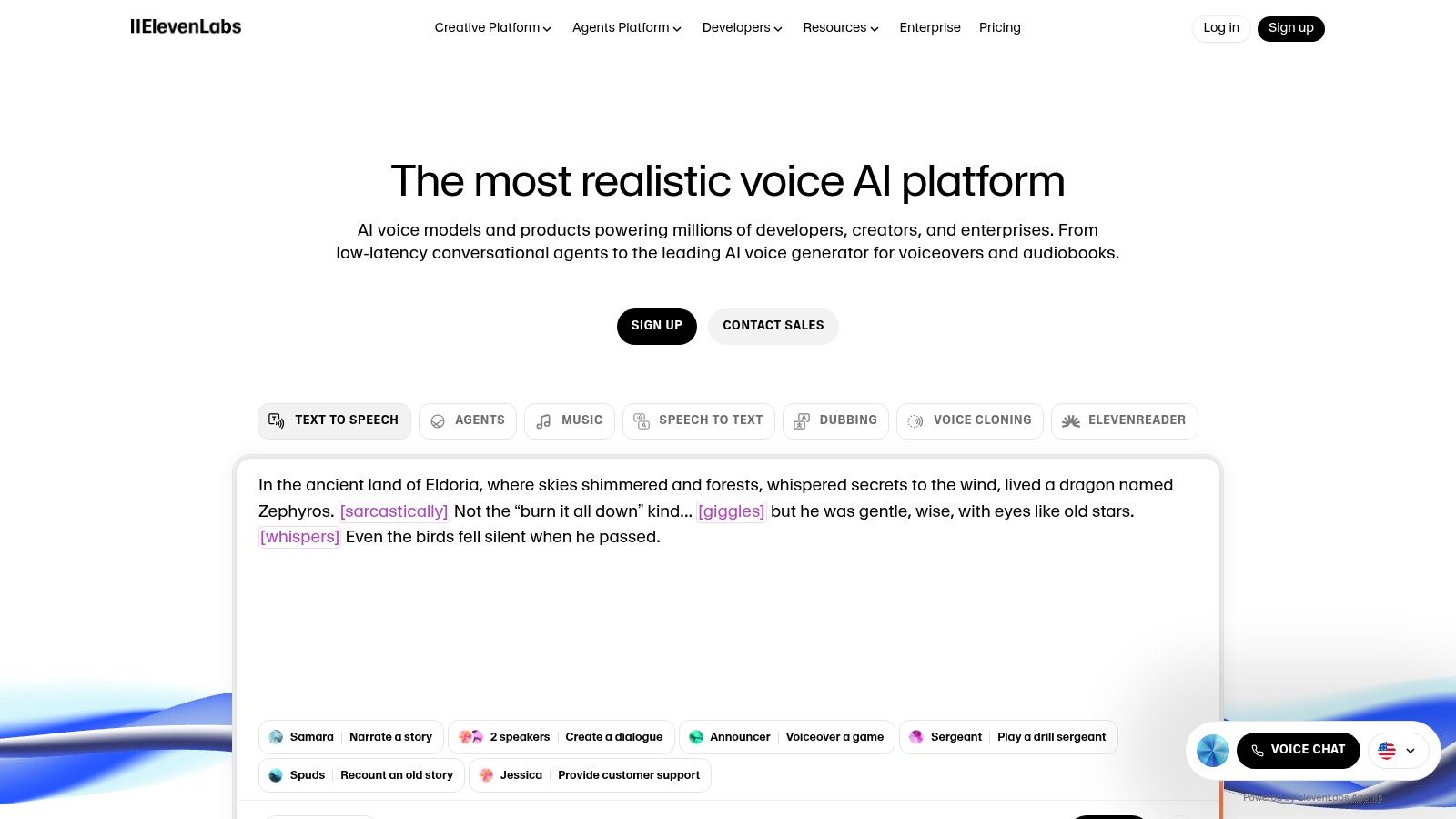
What truly distinguishes ElevenLabs is its powerful suite of tools. The Voice Cloning feature allows users to create a digital replica of a specific voice from just a short audio sample. For developers, the robust API provides access to multiple models, including low-latency options ideal for building responsive voice agents.
Key Features & How to Use Them
- Projects for Dubbing & Audiobooks: Use this for long-form content.
- Create a new “Project” in the dashboard.
- Upload your entire script or a
.txt/.htmlfile. - The tool automatically splits the text into manageable segments.
- Assign a different speaker to each character’s dialogue.
- Generate the audio for the entire chapter in one go, ensuring voice consistency.
- Real-time Conversational AI: Leverage the low-latency API to power interactive agents. For example, in a video game, you can send NPC dialogue text to the API and stream the audio back in real-time, creating dynamic character interactions.
- Voice Cloning for Branding: Create a unique brand voice by uploading clean audio samples of a designated speaker. Use this cloned voice for all corporate videos and marketing materials to build a consistent, recognizable audio identity.
Pricing and Access
ElevenLabs operates on a freemium model. A free tier provides up to 10,000 characters per month for experimentation. Paid plans start at just $5/month for the “Starter” tier and scale up to custom enterprise solutions, offering more characters, commercial licenses, and access to advanced features like Professional Voice Cloning.
Actionable Takeaways
- Test Voice Stability: Experiment with the “Stability” and “Clarity + Similarity Enhancement” sliders. Lower stability can produce more varied, emotive results, while higher stability ensures consistency for formal narration.
- Use the API for Dynamic Content: If you’re building a news app, integrate the API to read daily headlines aloud with a consistent, branded voice.
- Start with Instant Voice Cloning: Before committing to the professional cloning service, use “Instant Voice Cloning” with a clean, one-minute audio sample (with no background noise) to quickly test how well the AI can replicate a target voice.
Tools & Resources
- Website: https://elevenlabs.io
- Further Reading: Synthetic Mixed Training: Boosting Language Models Beyond RAG
2. Descript (Overdub)
Descript offers a unique approach by integrating its AI voice generator, Overdub, directly into a full-featured audio and video editor. This makes it one of the best AI voice generators for creators who need to make quick corrections or add narration without leaving their primary editing software. Its strength lies in its “text-based editing” workflow, where correcting a misspoken word in your recording is as simple as correcting a typo in a document.
What sets Descript apart is this seamless integration. You can record your podcast, and Descript transcribes it automatically. If you find a mistake, you highlight the incorrect word, type the correction, and Overdub generates the audio in your own cloned voice, patching it in flawlessly. This eliminates the need for re-recording entire sections, saving podcasters and YouTubers immense amounts of time. It’s a powerful tool within a broader suite of AI tools for video editing.
Key Features & How to Use Them
- Audio & Video Correction: Fix errors in existing recordings without re-recording.
- Import your audio or video file into a new Descript project.
- Once transcribed, find the incorrect word in the text script.
- Highlight the word and select “Overdub.”
- Type the correct word or phrase.
- Descript generates the audio in your cloned voice and replaces the mistake.
- Full Voiceover Generation: Type out entire scripts and generate complete voiceovers using your cloned voice or one of Descript’s high-quality stock voices, all within the multitrack editor.
- Integrated Production Suite: Beyond voice generation, Descript includes features like automatic filler word removal (“um,” “uh”), Studio Sound for audio enhancement, and screen recording.
Pricing and Access
Descript provides a free plan with limited transcription and one Overdub vocabulary. Paid plans start with the “Creator” tier at $15/month. The “Pro” plan at $30/month is required to create your own AI voice clone and unlock unlimited Overdub usage.
Actionable Takeaways
- Train Your Voice Properly: To create your custom voice clone, you’ll need to submit a voice training script. Record this in a quiet environment with a quality microphone for the most realistic results.
- Use for “Pickups” First: Start by using Overdub for small corrections (one or two words) in your existing recordings. This is its most powerful application.
- Combine with Studio Sound: After generating or correcting audio with Overdub, apply the “Studio Sound” effect. This will help blend the AI-generated audio with your original recording for a more professional finish.
Tools & Resources
- Website: https://www.descript.com
- Further Reading: AI Video Creation Software (2026 Guide): The Best Tools to Create Videos Faster Without a Studio
3. WellSaid Labs
WellSaid Labs is a premier AI voice generator designed for enterprise and corporate use cases, positioning itself as a source for studio-grade, broadcast-ready audio. It excels in delivering exceptionally clear, consistent, and professional-sounding narration, making it a top choice for corporate training modules, product tutorials, and public announcements where clarity is paramount. The platform is built around a curated library of “Voice Avatars.”
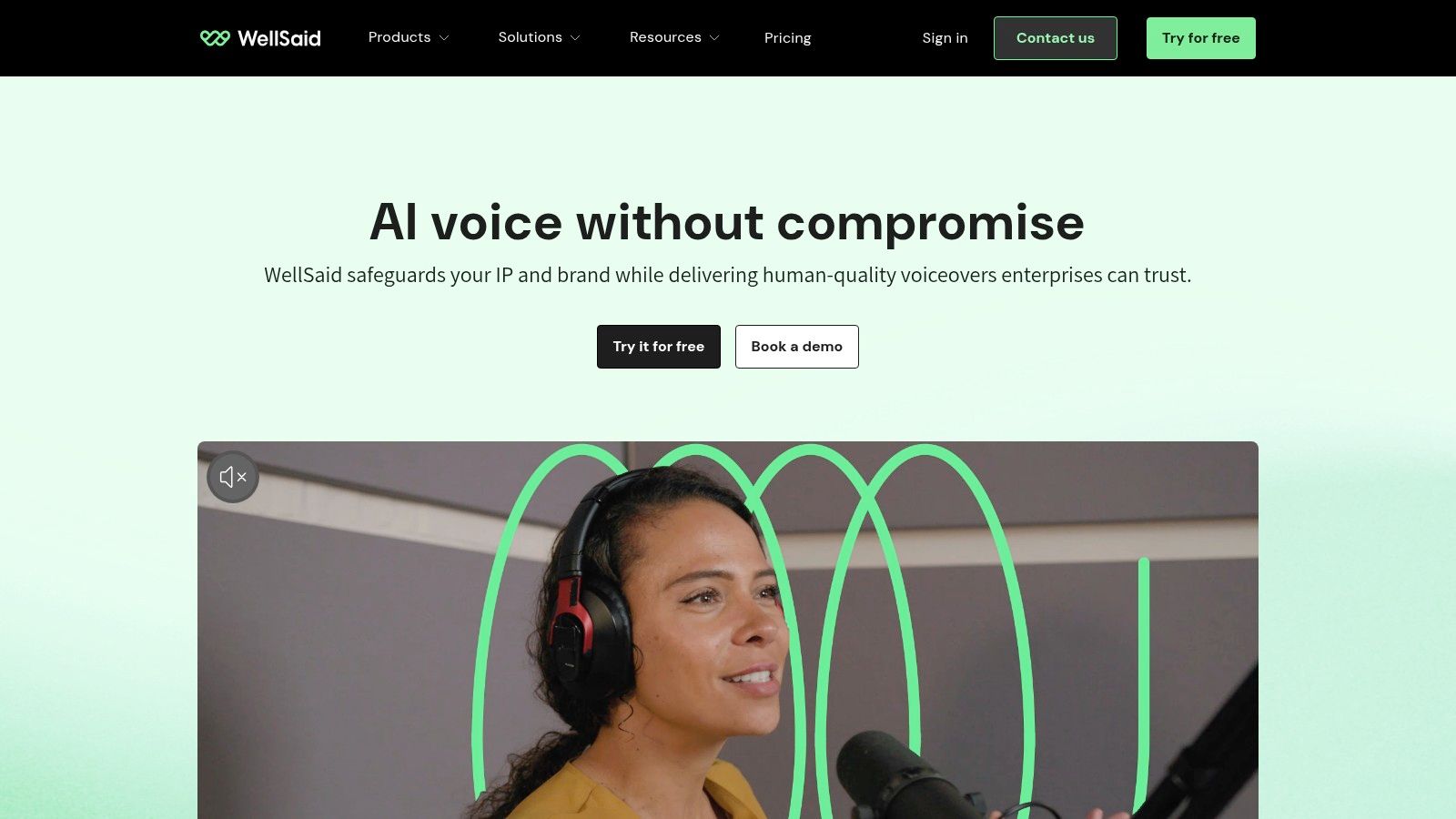
What distinguishes WellSaid Labs is its unwavering focus on the business user. The platform provides a streamlined workflow for teams, with features for collaboration and script management. While it offers less creative freedom in terms of voice cloning, it compensates with reliability and high-fidelity audio output that requires minimal post-production.
Key Features & How to Use Them
- Corporate L&D and E-Learning: Produce consistent training materials.
- Log in and create a new project named “Q3 Onboarding Module.”
- Select your company’s designated brand Voice Avatar.
- Paste the script for the first section into the Studio.
- Use the “Pronunciation” library to teach the AI your company’s specific acronyms (e.g., “QBR” should be pronounced “Q-B-R”).
- Generate and download the audio clip for your video editor.
- IVR and Telephony Systems: Produces clean audio ideal for professional interactive voice response (IVR) systems.
- Advertising and Marketing Content: Create professional voiceovers for video advertisements and product explainers with full commercial rights.
Pricing and Access
WellSaid Labs follows a subscription-based model. A free trial is available. Paid plans start with the “Maker” tier at $49/month, scaling to a “Business” plan with collaboration features and API access. Custom enterprise plans offer bespoke voice avatars and advanced support.
Actionable Takeaways
- Use the Pronunciation Library: For industry-specific jargon or branded terms, utilize the “Pronunciation” feature to ensure the AI pronounces it correctly every time.
- Combine Clips for Long-Form Content: Work on scripts in manageable chunks. Generate audio for each paragraph as a separate clip, then merge them in the timeline to create a cohesive audio file.
- Audition Multiple Voice Avatars: Before settling on a voice, generate the same short script with 3-5 different Voice Avatars to find the perfect fit for your brand’s tone.
Tools & Resources
- Website: https://www.wellsaidlabs.com
- Further Reading: AI Generated Content Examples: What AI Can Create in 2026 (With Real-World Use Cases)
4. Murf AI
Murf AI has established itself as one of the best AI voice generators for creators who need a versatile, all-in-one studio for voiceover production. It simplifies creating high-quality audio for videos and presentations by integrating a powerful text-to-speech engine with a user-friendly, timeline-based editor. This approach allows users to sync voiceovers with visuals, add background music, and adjust timing, all within a single platform.
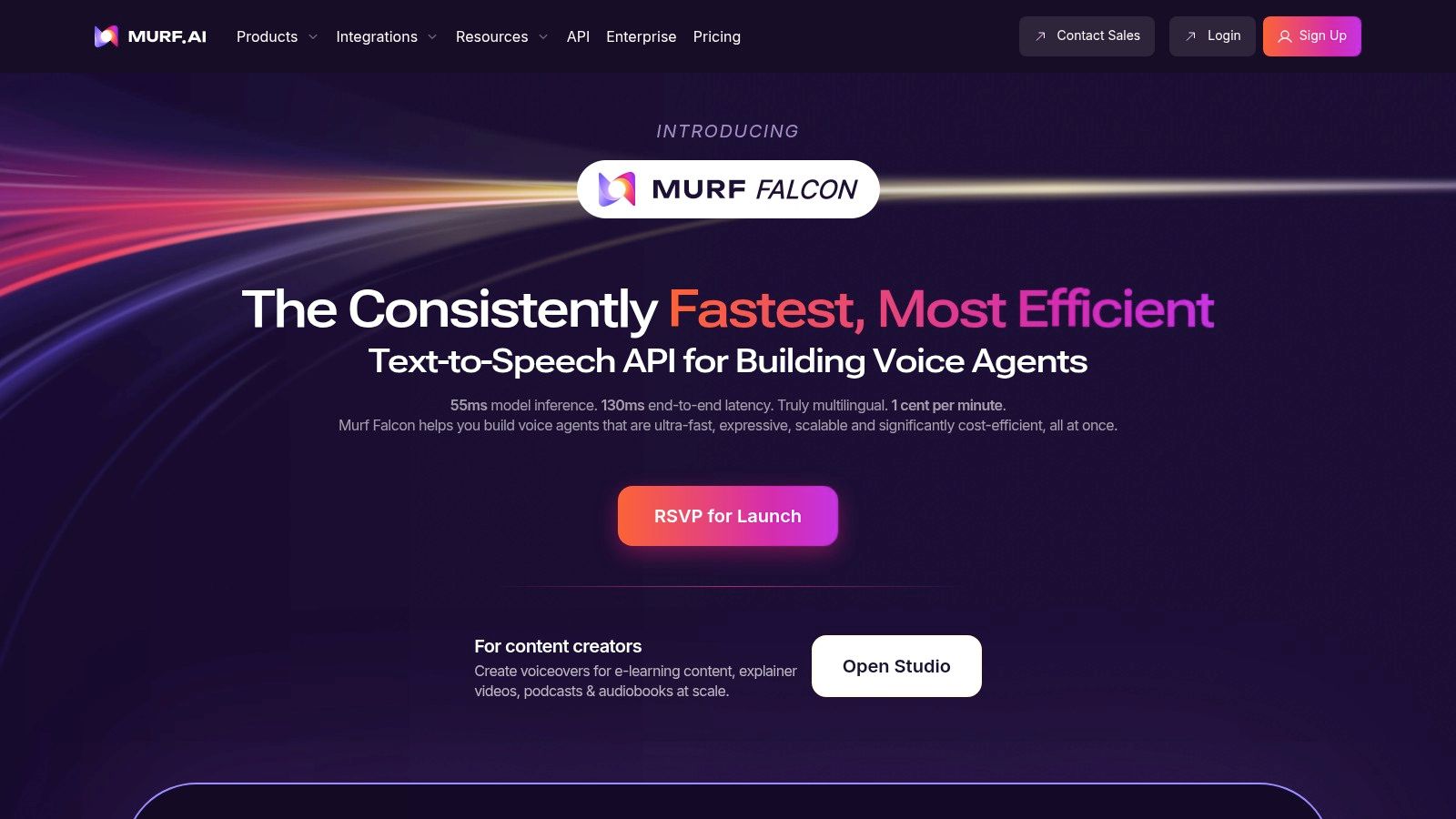
What makes Murf AI stand out is its focus on the complete production workflow. With over 200 voices across more than 20 languages, it provides a broad palette for various applications. It’s an excellent choice for corporate trainers, marketers, and educators looking for an efficient way to produce polished audio-visual content.
Key Features & How to Use Them
- Video & Presentation Voiceovers: Murf’s Studio is purpose-built for syncing audio to visuals.
- Start a new project and upload your video file.
- The editor will display your video on a timeline.
- Create a text block for your first sentence and select a voice.
- Click “Generate Audio” and drag the resulting audio clip on the timeline to align it with the correct visual cue.
- Add background music from the library and adjust its volume to sit underneath the narration.
- AI Voice Changer & Cloning: The AI Voice Changer can transform your recorded audio into a professional AI voice. Voice cloning is also available.
- Translation & Dubbing: Use built-in translation features to take a script in one language and generate its voiceover in another.
Pricing and Access
Murf AI provides a free plan to experiment with all voices and generate up to 10 minutes of audio. Paid plans start with the “Creator” tier at $29/month, offering more generation time and commercial usage rights. Higher-tier plans unlock team collaboration and API access.
Actionable Takeaways
- Use the Canva Integration: Connect your Murf account to directly import your Canva designs and add voiceovers without leaving the platform.
- Fine-Tune with Pauses and Emphasis: Manually add pauses of varying lengths within your script to create a more natural speaking rhythm. Use the “Emphasis” feature to stress key words.
- Test Voices by Use Case: Murf categorizes its voices by use cases like “E-Learning” or “Explainer Video.” Start by sampling voices from the category that matches your project for faster results.
Tools & Resources
- Website: https://murf.ai
- Further Reading: Top AI Video Tools for Creators in 2026: From Prompts to Production at Scale
5. Resemble AI
Resemble AI positions itself as a complete generative voice platform, offering a sophisticated toolset that goes beyond simple text-to-speech. It is one of the best AI voice generators for teams needing end-to-end control, from rapid voice cloning and real-time speech-to-speech conversion to enterprise-grade security features. The platform is engineered for developers and creative agencies that require deep customization and deployment flexibility.
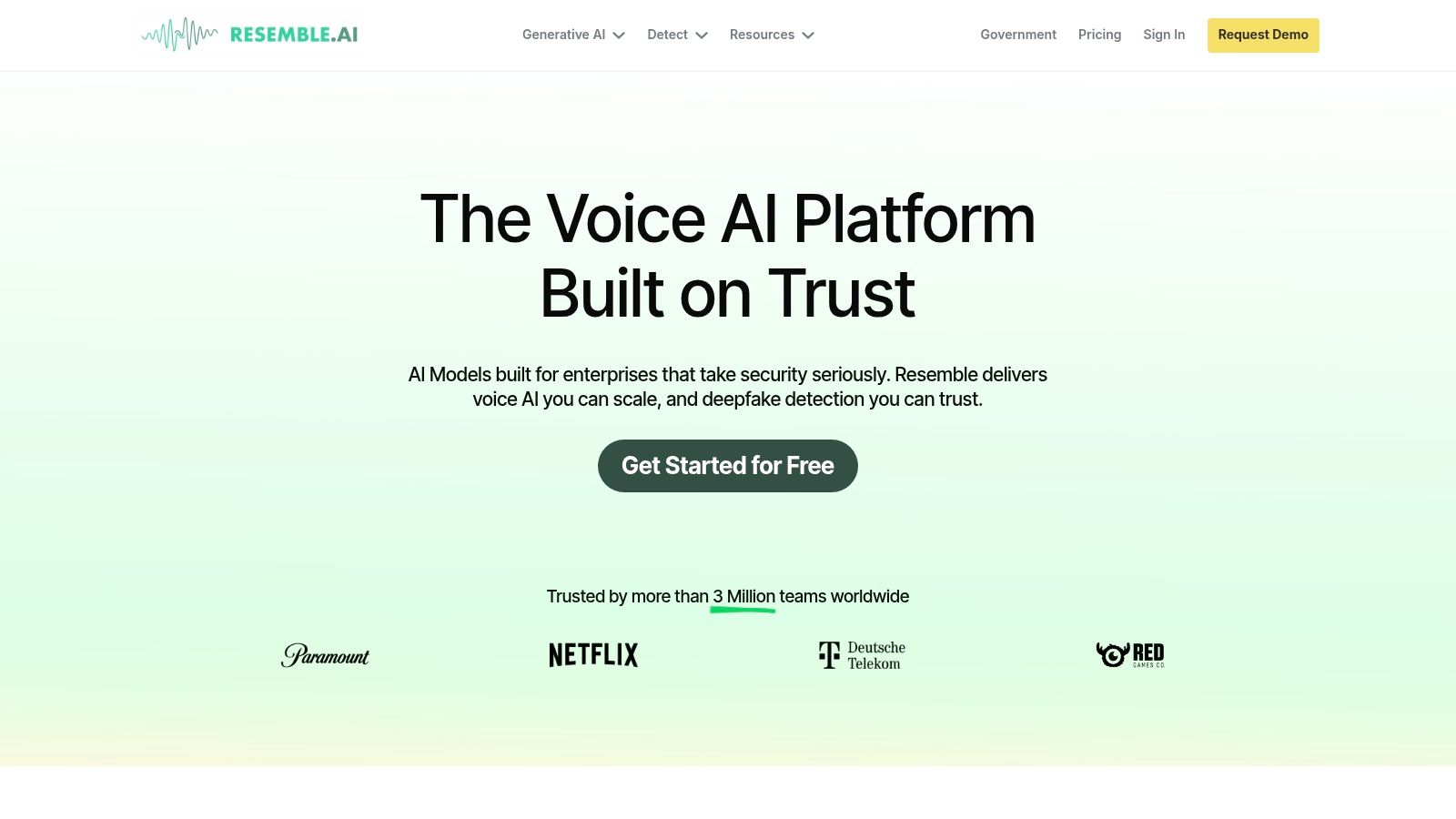
What makes Resemble AI stand out is its comprehensive API and its focus on real-time applications. Features like the live speech-to-speech voice changer open up new possibilities for interactive entertainment and virtual agents. Furthermore, its option for on-premise deployment addresses the data security concerns of large enterprises.
Key Features & How to Use Them
- Real-Time Voice Conversion: Ideal for call centers or interactive characters. For example, a virtual escape room game could use the real-time API to transform a live game master’s voice into that of a character in the story, enhancing immersion.
- Rapid Voice Cloning: Clone a voice with as little as three minutes of audio.
- Go to the “Voices” section and select “Create a Voice.”
- Choose “Voice Clone” and upload a clean 3-minute MP3 or WAV file.
- The platform processes the audio and creates a digital clone.
- You can then use this new voice in the text-to-speech editor.
- Enterprise-Grade Deployment: For organizations with strict data privacy requirements, Resemble AI offers on-premise or private cloud deployment.
Pricing and Access
Resemble AI offers a tiered pricing model. The “Basic” plan provides pay-as-you-go access for custom voices, while the “Pro” plan is designed for high-volume users and unlocks advanced features. Custom enterprise plans are available for teams needing on-premise solutions.
Actionable Takeaways
- Test the Real-Time API: If your use case involves interactive voice, start by testing the real-time speech-to-speech API, as it is the platform’s most distinctive feature.
- Use the ‘Fill’ Feature for Edits: When editing generated audio, use the “Fill” tool to seamlessly blend new words into existing sentences without losing the original performance.
- Start with a High-Quality Clone Sample: For the best cloning results, provide a clean audio sample recorded with a good microphone in a quiet room. Input quality directly impacts output quality.
Tools & Resources
- Website: https://www.resemble.ai
- Further Reading: The 12 Best AI Content Creation Tools to Master in 2026
6. LOVO AI (Genny)
LOVO AI, through its powerful Genny platform, positions itself as an all-in-one content creation suite, making it one of the best AI voice generators for marketers and video producers. It goes beyond simple text-to-speech by integrating voice generation with video editing tools, subtitle creation, and an AI writer, streamlining the entire production workflow.
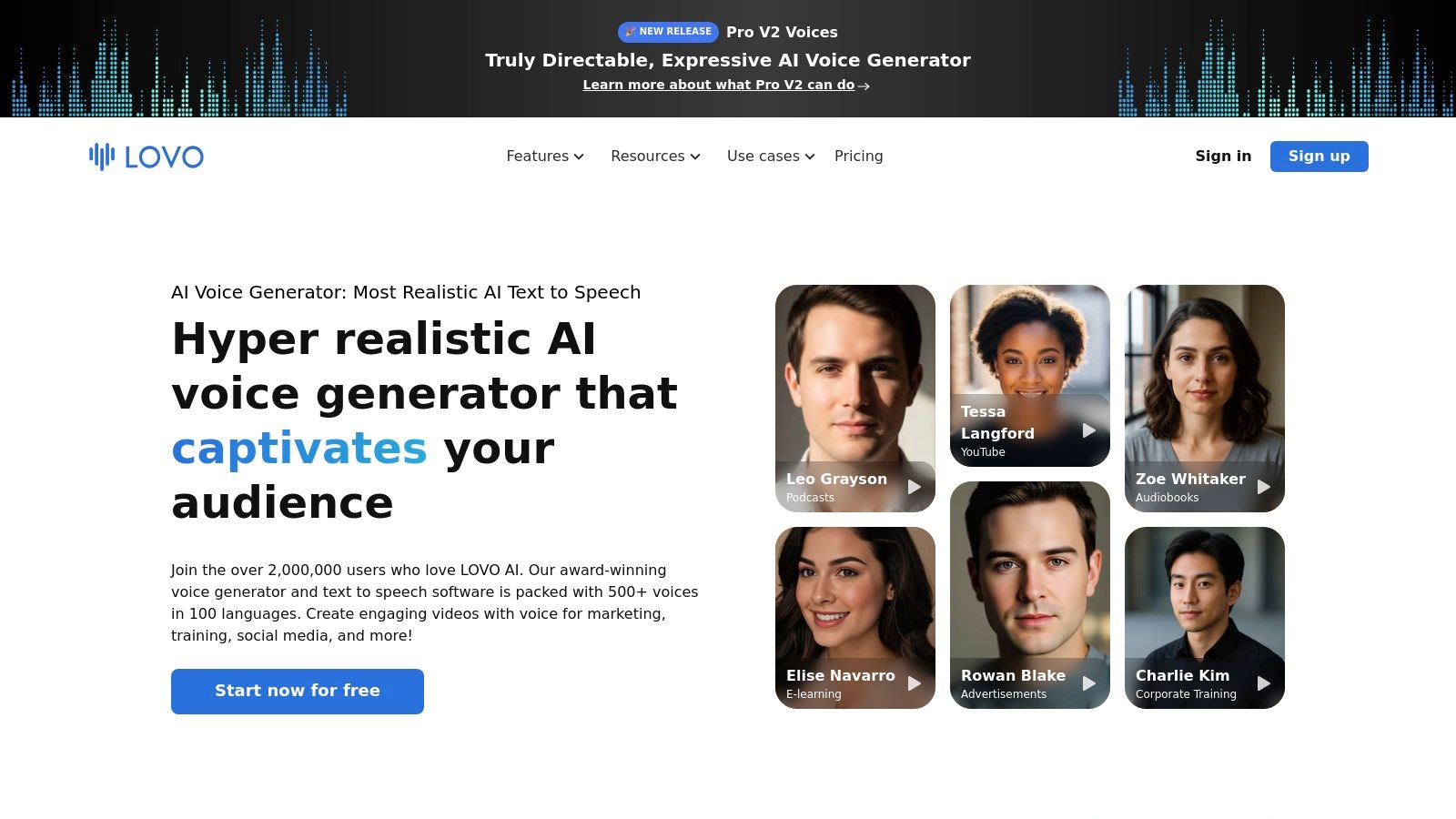
Genny stands out with its creator-friendly interface and a vast library of over 500 voices in more than 100 languages. Its Pro V2 voices offer impressive emotional range and directability, allowing users to fine-tune pitch, emphasis, and pacing to match their content’s tone perfectly. This makes it a strong choice for producing high-quality marketing ads, e-learning modules, and corporate training videos. For more on this, you can learn about the best AI video generators.
Key Features & How to Use Them
- Integrated Video and Subtitle Tools: Create a complete video project in one place.
- In Genny, create a new project and upload your video clips.
- Select a Pro voice and paste your script into the text editor.
- Generate the voiceover and align it with your video on the timeline.
- Click the “Subtitles” button to automatically generate and sync captions.
- Export the final video with voiceover and subtitles included.
- Directable Pro Voices: For projects requiring specific emotional delivery, users can adjust emphasis on individual words, add pauses, and control intonation to create engaging advertisements or character dialogue.
- Team Collaboration: Higher-tier plans offer collaboration features, allowing multiple team members to work on a project and maintain a consistent brand voice.
Pricing and Access
LOVO offers a free plan with 20 minutes of voice generation. Paid plans start with the “Basic” tier at $29/month, offering 2 hours of generation and commercial rights. The “Pro” plan provides unlimited voice cloning and more generation time.
Actionable Takeaways
- Use the AI Writer for Scripts: Before generating a voice, use Genny’s built-in AI writer to draft or refine your script to keep your entire workflow inside one platform.
- Master Emphasis Control: For important lines, click on a word in the text editor and use the “Emphasis” feature. Adding a slight emphasis can make the delivery sound significantly more human.
- Clone a Voice for Brand Consistency: On the Pro plan, use the unlimited voice cloning to create a dedicated voice for your brand to use across all video marketing materials.
Tools & Resources
- Website: https://lovo.ai
- Further Reading: The 12 Best AI Content Generators for 2026: An In-Depth Review
7. Speechify Studio (Voice Over & Dubbing)
Speechify Studio extends beyond simple text-to-speech, offering an all-in-one content creation suite for creators who need high-quality voice overs with accompanying visuals. It’s one of the best AI voice generators for projects that require a quick turnaround on video narration, social media content, and educational materials. The platform integrates over 1,000 realistic voices with a video and dubbing editor, simplifying the production workflow.
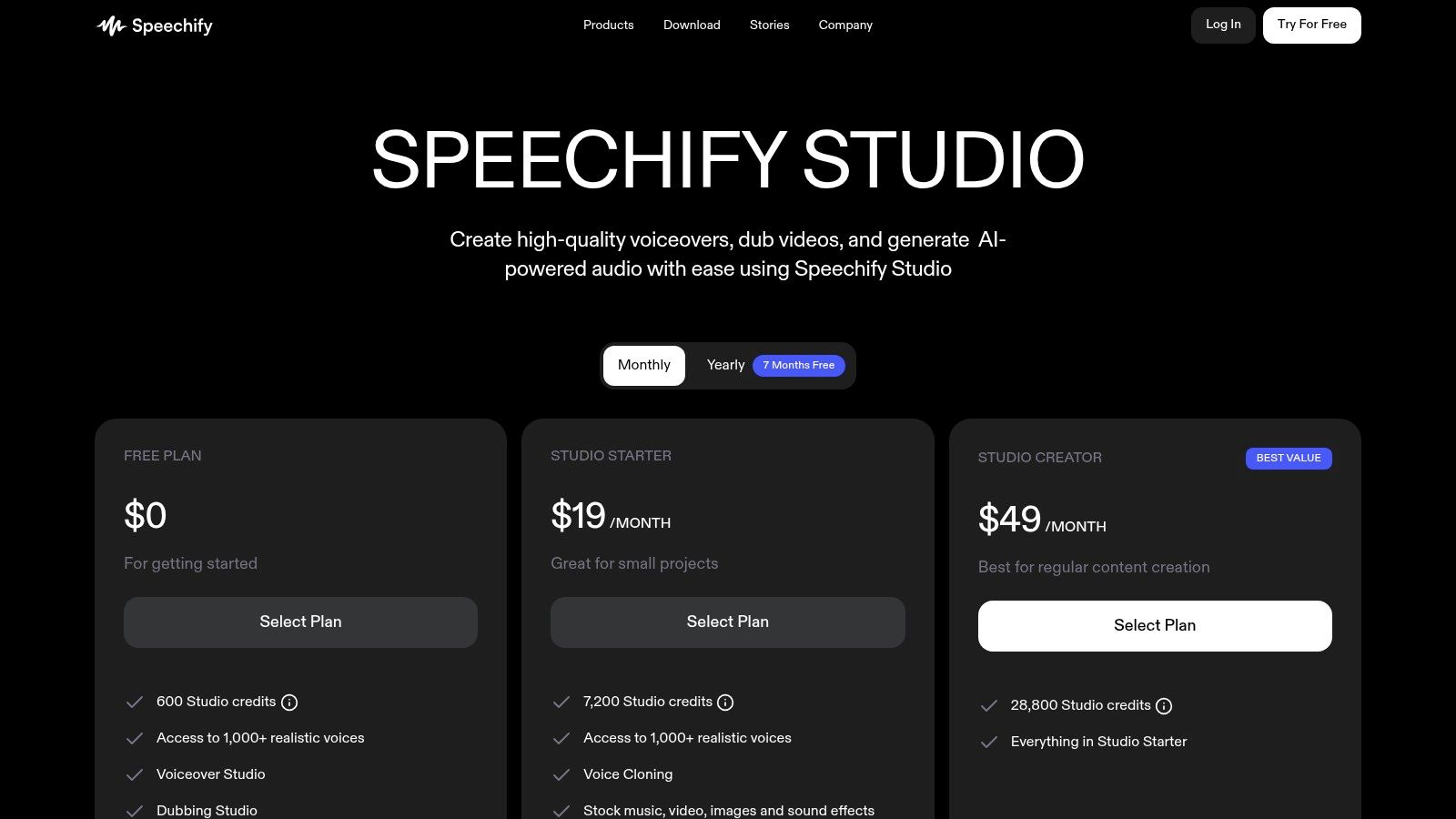
What makes Speechify Studio unique is its focus on the complete creator experience. Instead of just delivering an audio file, it allows you to sync your generated voice over to video clips or images directly within the platform. It even includes access to a library of stock music and sound effects, making it a powerful tool for producing polished video content.
Key Features & How to Use Them
- All-in-One Video & Voice Over: Perfect for YouTubers and marketers.
- Create a new project and type or paste your script.
- Choose a voice from the extensive library.
- In the media library, search for stock video clips related to your topic (e.g., “office meeting”).
- Drag the stock clips onto your timeline to match the narration.
- Add a background music track and export the finished video.
- Voice Cloning & Dubbing: The platform provides voice cloning to maintain brand consistency and a dedicated dubbing studio to translate video content into multiple languages.
- Educational Content Creation: With its accessible interface, Speechify is an excellent tool for producing e-learning modules and audio-based study guides. You can explore more about some of the best AI tools for education.
Pricing and Access
Speechify Studio uses a freemium model with a credit-based system for paid tiers. The free plan offers limited access. Paid plans scale from “Basic” to “Professional,” providing more voice generation hours, commercial rights, voice cloning, and access to the full suite of stock media.
Actionable Takeaways
- Utilize the Stock Media Library: When creating a quick social media video, browse the integrated stock video and music library to save time and money.
- Plan Your Credit Usage: Finalize your script before generating audio to avoid wasting credits on multiple revisions of long-form content.
- Test Voices in Context: Use the free plan to generate short samples of different voices with a snippet of your actual script to see if the tone and pacing fit your project.
Tools & Resources
- Website: https://speechify.com/pricing-studio/
- Further Reading: The 12 Best AI Powered Creative Tools for 2026: A Practical Guide
8. Amazon Polly (AWS)
Amazon Polly is the enterprise-grade text-to-speech (TTS) engine from Amazon Web Services (AWS), making it one of the best AI voice generators for developers building scalable applications. It is not a creator-focused studio but a powerful cloud service designed for high-volume, programmatic audio generation. The platform provides a massive library of voices across dozens of languages, with different tiers of quality, including Standard, Neural, and Generative voices.
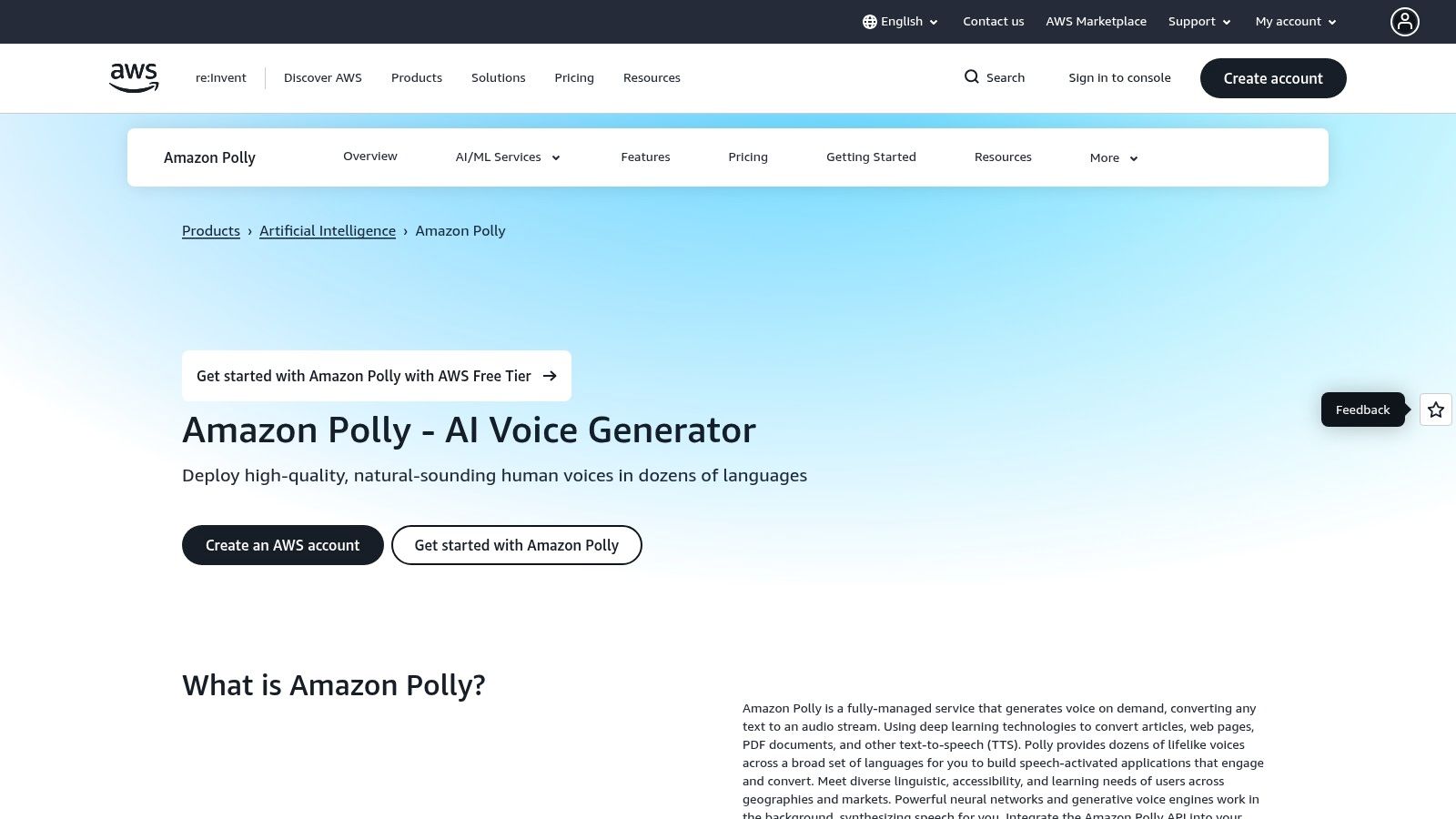
What distinguishes Polly is its deep integration into the AWS ecosystem and its developer-first approach. It offers robust SDKs for popular programming languages (Python, Java, Node.js), meticulous documentation, and granular control over audio output. Its reliability, scalability, and predictable pricing are unmatched for business-critical applications.
Key Features & How to Use Them
- Scalable Content Narration: Publishers can use Polly to automatically convert articles into audio. For example, a Python script could fetch new articles from an RSS feed, send the text to the Polly API, and store the returned MP3 file in an S3 bucket for playback on a website.
- Contact Center and IVR Systems: Polly integrates with services like Amazon Connect to power natural-sounding automated customer service agents.
- Accessibility Applications: Developers can build tools for visually impaired users, such as screen readers, leveraging Polly’s extensive language support.
Pricing and Access
Amazon Polly uses a pay-as-you-go pricing model, charging per one million characters processed. It includes a generous AWS Free Tier, which provides millions of characters per month for the first 12 months, allowing developers to build and test applications thoroughly.
Actionable Takeaways
- Use Speech Marks for Animation: For creating talking avatars or syncing subtitles, use Polly’s Speech Marks feature. It generates metadata that identifies the exact timing of words and sounds in the audio stream.
- Leverage SSML for Control: Use Speech Synthesis Markup Language (SSML) tags to control aspects like pronunciation, volume, and speech rate. For example:
<speak>I will speak <prosody rate="x-slow">very slowly.</prosody></speak>. - Start with the AWS Free Tier: Utilize the free tier to experiment with different voices, languages, and the API to understand its capabilities and estimate future costs.
Tools & Resources
- Website: https://aws.amazon.com/polly
- Further Reading: How AI Is Transforming Online Shopping: Buy Buttons in Search And What It Means
9. Microsoft Azure AI Speech
Microsoft Azure AI Speech is an enterprise-grade platform offering a comprehensive suite of tools for developers. As one of the best AI voice generators for scalable applications, it provides robust text-to-speech, speech-to-text, and translation services. Its primary strength lies in its integration with the broader Azure ecosystem, offering enterprise-level security, compliance, and flexible deployment options.
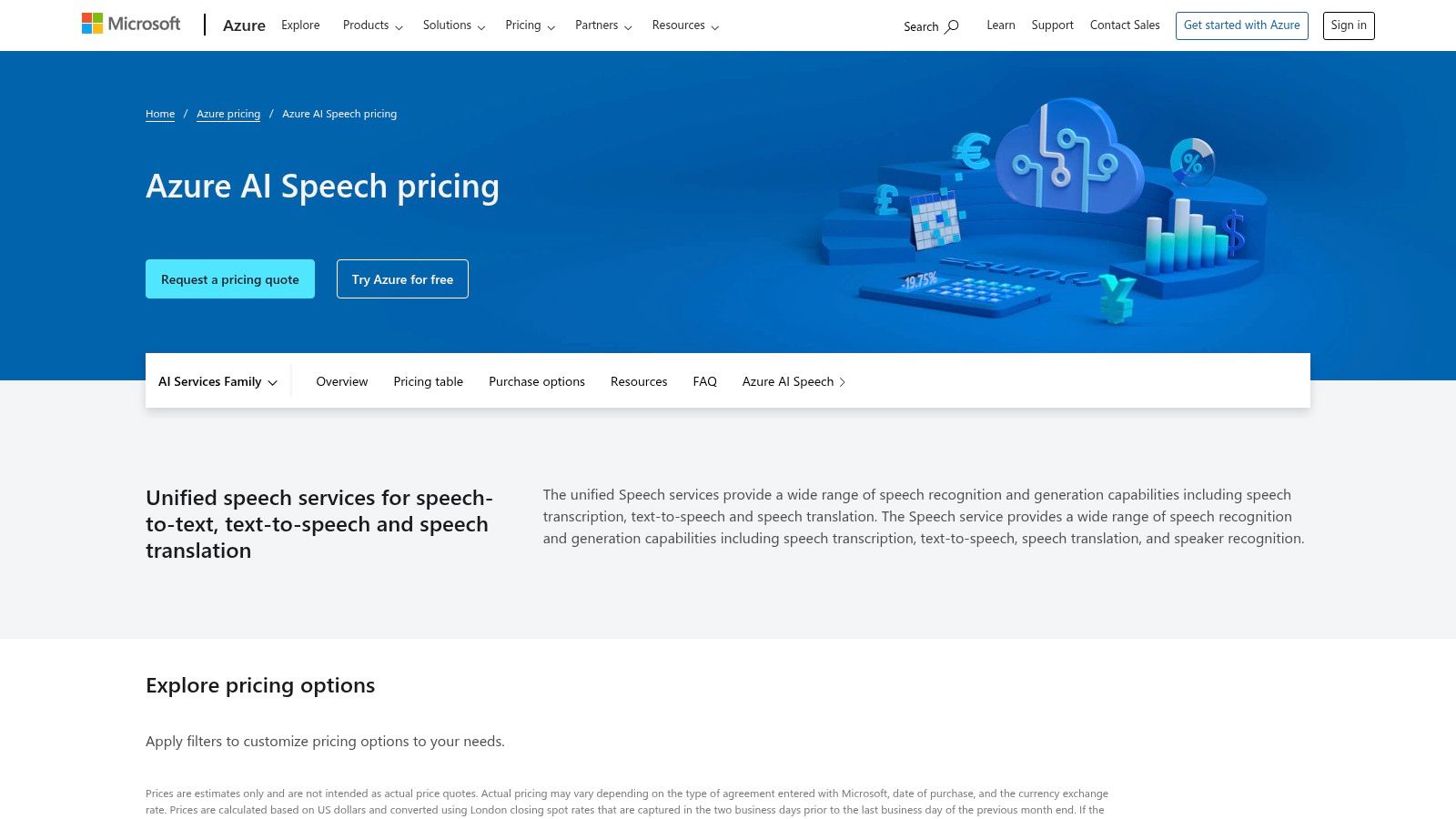
What sets Azure apart is its deployment flexibility. Developers can choose between cloud-based APIs for real-time synthesis or deploy the service in containers for on-premises or edge computing scenarios, ensuring data privacy. The platform supports a vast library of high-quality Neural and Neural HD voices, with fine-grained control available through SSML.
Key Features & How to Use Them
- Enterprise IVR & Voicebots: With its reliability and security, Azure is ideal for building sophisticated customer service voicebots and IVR systems.
- Custom Neural Voice: Organizations can create a unique, brand-specific voice by working with Microsoft to train a custom model, providing an unparalleled level of brand consistency.
- Containerized Deployment: Run the speech service in a Docker container for applications with strict data residency or offline requirements.
- Request access to run the containers from Microsoft.
- Install Docker on your on-premise server.
- Use the
docker pullcommand to download the text-to-speech container image. - Run the container with your specific API keys and billing endpoint. Your application now makes local API calls for speech synthesis.
Pricing and Access
Azure AI Speech offers a pay-as-you-go model with a perpetual free tier that includes 0.5 million characters of Neural TTS per month. Beyond the free allowance, pricing is tiered based on usage and voice type.
Actionable Takeaways
- Leverage the Free Tier for Prototypes: Use the 500,000 free monthly characters of Neural TTS to build and test proof-of-concept applications without any initial investment.
- Explore SSML for Expressive Control: Dive into the SSML documentation to use the
<mstts:express-as>tag to inject specific emotions like “cheerful” or “empathetic” into the voice. - Evaluate Container Needs Early: If your project involves sensitive data or requires offline functionality, investigate the requirements for containerized deployment early in your planning process.
Tools & Resources
- Website: https://azure.microsoft.com/pricing/details/cognitive-services/speech-services/
- Further Reading: AudioRole Dataset for Audio Role-Playing in LLMs
10. Google Cloud Text-to-Speech
Google Cloud Text-to-Speech is a powerful, developer-centric API that provides access to Google’s cutting-edge speech synthesis technology. As one of the best AI voice generators for scalable applications, it offers an extensive library of high-quality WaveNet and standard voices. The platform is designed for developers who need to integrate reliable, lifelike speech into their products and services, from IVR systems to content accessibility tools.
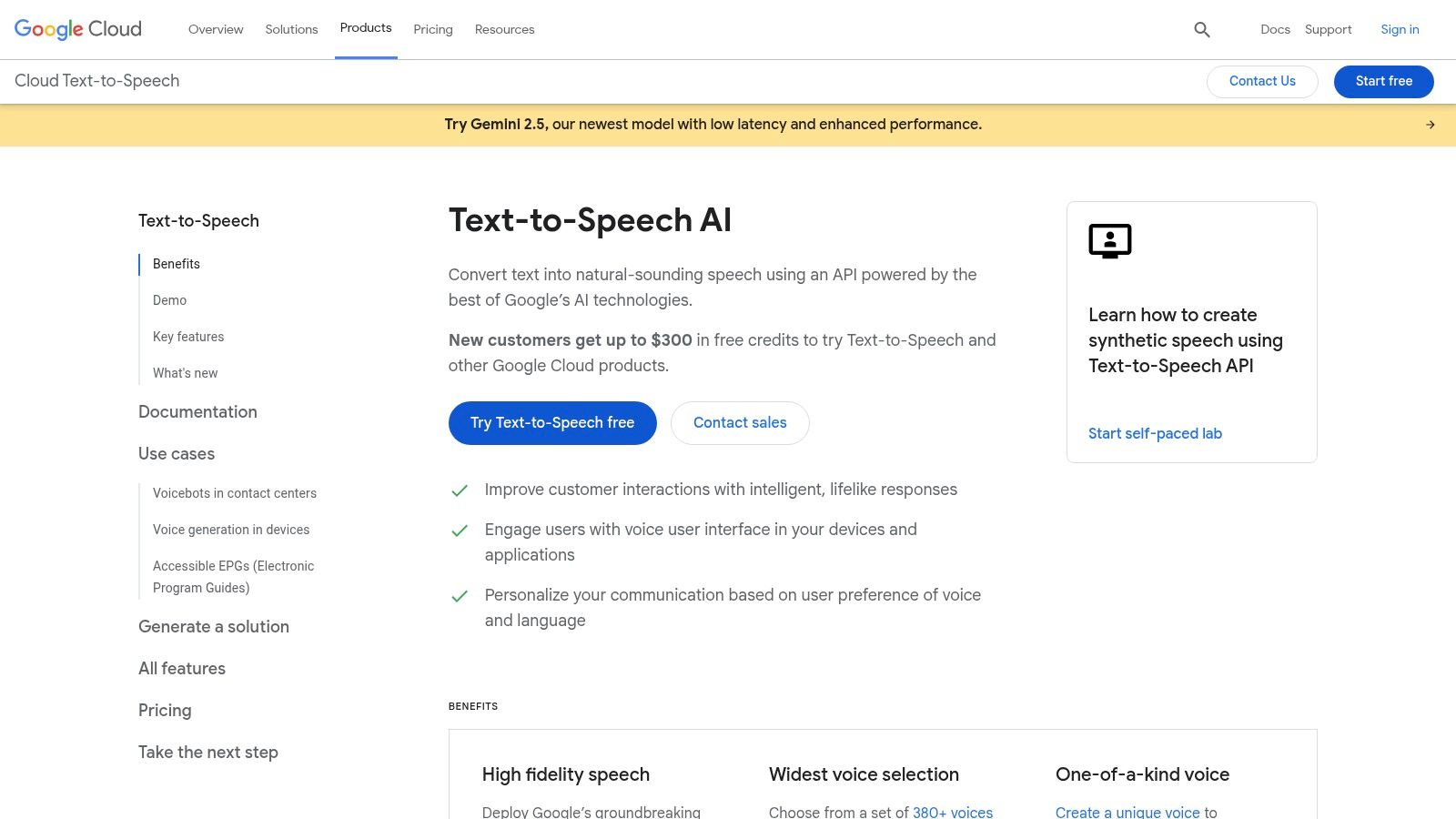
Unlike user-facing studio platforms, Google Cloud TTS is all about robust backend integration. It excels in providing a vast selection of voices and languages, making it a go-to solution for global applications. Its support for Speech Synthesis Markup Language (SSML) allows for granular control over pronunciation, pitch, and speed.
Key Features & How to Use Them
- Massive Voice & Language Library: With over 380 voices across more than 75 languages, it’s ideal for creating applications for a global audience.
- IVR & Contact Center Agents: The reliability of Google’s voices makes them perfect for powering automated call centers. A developer could build a system that queries a database for an order status, then uses Google Cloud TTS to read the status back to the customer in a natural-sounding voice.
- Content Accessibility: Use the API to build read-aloud features into websites and apps. For example, a news website can add a “Listen to this article” button that sends the article’s text to the API and plays the resulting audio.
Pricing and Access
Google Cloud offers a free tier that includes up to 4 million characters per month for standard voices and 1 million for WaveNet voices. Beyond that, pricing is pay-as-you-go. A Google Cloud account with billing enabled is required to use the API.
Actionable Takeaways
- Use SSML for Fine-Tuning: Don’t just send plain text. Use SSML tags like
<say-as interpret-as="cardinal_number">123</say-as>to ensure numbers are read out correctly (“one hundred twenty-three”). - Leverage WaveNet Voices for Quality: For customer-facing audio, always opt for the premium WaveNet voices. They produce significantly more human-like audio than the standard options.
- Cache Your Audio: To reduce costs and improve performance, implement a caching system. Store the generated MP3 files and serve them from your cache instead of calling the API every time.
Tools & Resources
- Website: https://cloud.google.com/text-to-speech
- Further Reading: 7 Essential Steps to Master Language Model Deployment
11. Uberduck
Uberduck carves out a unique niche in the AI voice space, positioning itself as one of the best AI voice generators for creative, entertainment, and musical applications. Instead of focusing solely on pristine narration, it provides a vibrant playground for generating character voices, singing, and even full AI-generated rap verses. This makes it an invaluable tool for meme creators, musicians, and game developers.
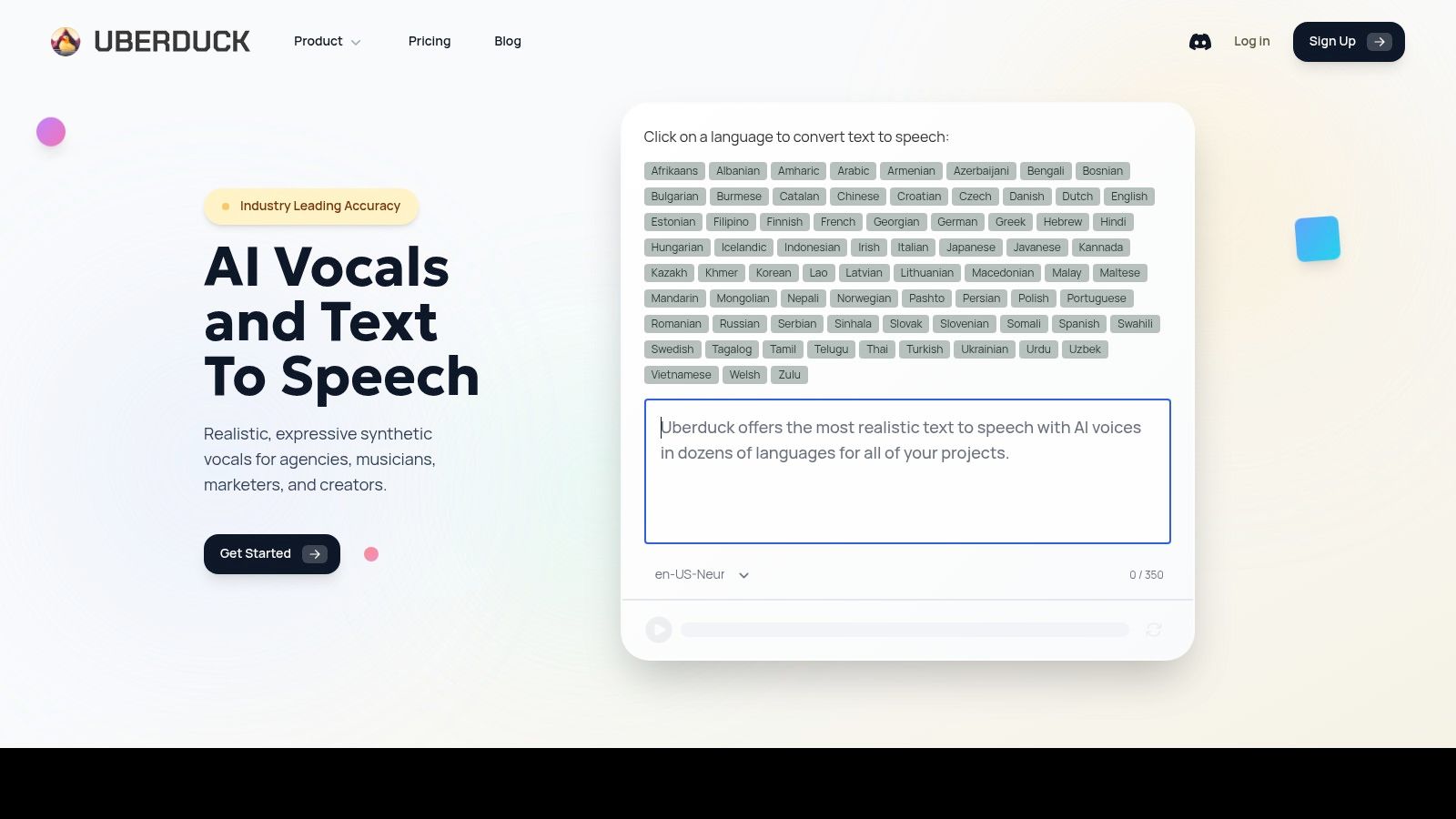
The platform is built around a massive, community-contributed library of voices, ranging from famous characters to unique vocal styles. While this makes it less suitable for corporate work, it provides an unparalleled palette for creative projects that require personality. Its API is also highly accessible, allowing developers to integrate these unique voice capabilities into their applications.
Key Features & How to Use Them
- AI-Generated Rap & Singing: Uberduck’s standout feature is its ability to create music.
- Navigate to the “Generate Raps” feature.
- Select a beat from the provided library or upload your own.
- Choose a voice from the dropdown menu.
- Type your lyrics into the text box.
- Click “Synthesize” to generate a full rap track with your lyrics over the beat.
- Massive Character Voice Library: The platform is famous for its extensive collection of character voices, making it a go-to for creating parody content, animations, or video game mods.
- API for Creative Apps: Developers can use the Uberduck API to build applications that need stylized voices on demand, such as chatbots with distinct personalities.
Pricing and Access
Uberduck uses a credit-based freemium model. The free tier offers basic access, while paid plans like “Creator” (starting at $9.99/month) provide more credits, commercial usage rights, and access to features like custom voice cloning.
Actionable Takeaways
- Experiment with Different Pacing: When generating rap, use hyphens (-) or vary punctuation to control the rhythm and flow of the lyrics. Small tweaks can dramatically change the delivery.
- Clone a Voice for Unique Projects: Use the voice cloning feature to create a consistent voice for an animated character or a unique vocal instrument for your music production.
- Explore Community Voices: Spend time browsing the public voice library. You can often find the perfect niche voice for a project without needing to create your own.
Tools & Resources
- Website: https://www.uberduck.ai
- Further Reading: Descript AI for Scalable Multilingual Video Dubbing
12. Voicemod
Voicemod carves out a unique niche by focusing on real-time voice changing rather than text-to-speech. It’s the go-to tool for gamers, streamers, and anyone looking to transform their voice live during online calls. Instead of creating audio from text, Voicemod uses AI to modulate a user’s actual voice, offering a massive library of effects ranging from subtle pitch shifts to full-on character transformations.
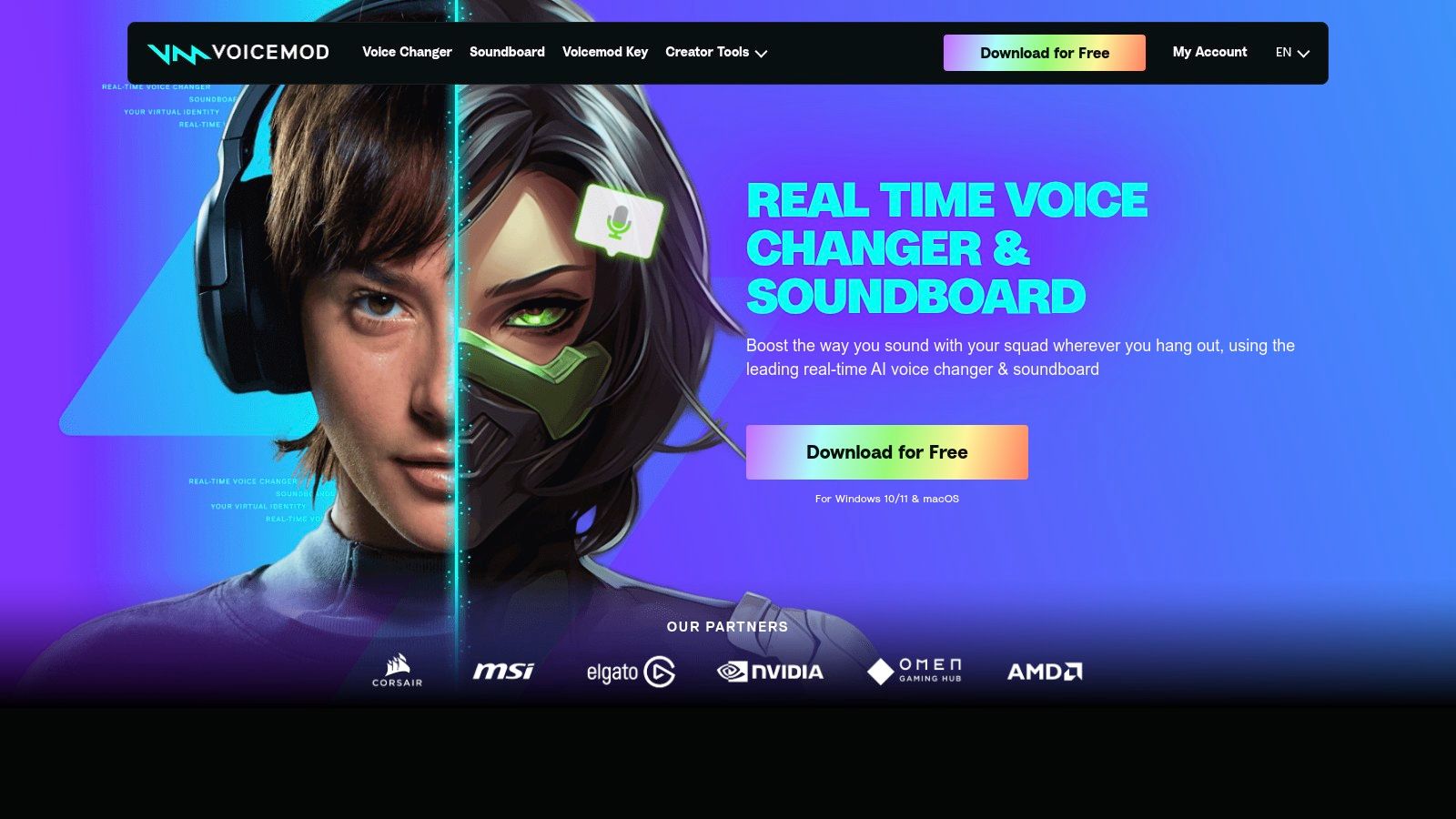
What makes Voicemod powerful is its seamless integration with virtually any desktop communication app, including Discord, Zoom, and OBS. The Voicemod Soundboard further enhances the experience, allowing users to trigger pre-loaded sound effects on the fly, making it an essential tool for creating engaging live content.
Key Features & How to Use Them
- Live Voice Changing for Streaming: Gamers can instantly switch between voices to entertain their audience or create role-playing scenarios.
- Custom Voice Creation with VoiceLab: Build your own unique voice effects by stacking and adjusting a chain of audio processors like pitch shifters and vocoders.
- Soundboard for Live Interactions: Enhance live streams or meetings by triggering sound clips and memes directly from the app.
- Open Voicemod and navigate to the “Soundboard” tab.
- Create a new soundboard profile (e.g., “Meeting Sounds”).
- Click the “+” to add an MP3 sound from your computer (like a drumroll or applause).
- Assign a keybind to the sound (e.g., CTRL+1).
- Now, during a Zoom call, pressing CTRL+1 will play the sound for all participants.
Pricing and Access
Voicemod is available as a free download, which provides a rotating selection of voices. To unlock the full library of over 200 voices and access the VoiceLab, users must upgrade to Voicemod PRO, which is available through various subscription plans.
Actionable Takeaways
- Set Up Your Virtual Audio Device: After installation, ensure you select “Voicemod Virtual Audio Device” as your microphone input in the settings of your target application (e.g., Discord, OBS).
- Experiment with VoiceLab: Start with a simple effect chain in VoiceLab, such as a “Pitch” and “Reverb” effect, to understand how they interact before building more complex filters.
- Organize Your Soundboard: For frequent live use, create different soundboard profiles for specific games or scenarios. This helps you quickly find the right sound effect. Learn more about how it compares to a voice training app.
Tools & Resources
- Website: https://www.voicemod.net
- Further Reading: 12 Best Voice Training App Options for Singers in 2026
Top 12 AI Voice Generators — Feature Comparison
| Tool | Key features ✨ | Quality ★ / Highlights 🏆 | Value & Pricing 💰 | Target Audience 👥 |
|---|---|---|---|---|
| ElevenLabs | Studio TTS & dubbing, pro voice cloning, real‑time voice agents, robust API | ★★★★★ 🏆 Ultra‑realistic audio, very low latency | 💰 Usage‑based billing, commercial licensing, credit tiers | 👥 Creators, studios, developers, enterprises |
| Descript (Overdub) | Text‑based multitrack editor, Overdub cloning, Studio Sound, 4K export | ★★★★☆ Seamless edit+TTS workflow | 💰 Creator plans with credit/hour limits | 👥 Podcasters, YouTubers, small teams |
| WellSaid Labs | Curated voice avatars, team/enterprise features, API & custom voices | ★★★★☆ 🏆 Broadcast‑ready, consistent output | 💰 Higher entry price, predictable commercial licensing | 👥 E‑learning, corporate training, enterprises |
| Murf AI | 200+ voices, studio for voiceovers & dubbing, translation workflows, API | ★★★★☆ Good balance of quality & features | 💰 Mid‑priced; edu/NGO/startup discounts | 👥 Marketers, educators, SMBs |
| Resemble AI | Rapid & pro voice cloning, real‑time speech‑to‑speech, marketplace, on‑prem | ★★★★☆ 🏆 High‑fidelity cloning, enterprise controls | 💰 Enterprise plans / credit packs; self‑host option | 👥 Security‑sensitive teams, enterprises, devs |
| LOVO AI (Genny) | 500+ voices, Pro V2 directable voices, cloning, subtitle tools | ★★★★☆ Creator‑friendly, easy UI | 💰 Strong value for solo/SMB; hour caps on plans | 👥 Marketers, small teams, creators |
| Speechify Studio | 1,000+ voices, cloning, dubbing studio, stock media included | ★★★☆☆ Accessible, consumer‑oriented | 💰 Free start + credit model; SOC2 on paid tiers | 👥 Students, creators, small projects |
| Amazon Polly (AWS) | Standard/Neural/Generative voices, Speech Marks, SDKs, pay‑per‑character | ★★★★☆ Reliable at scale, predictable SLAs | 💰 Pay‑as‑you‑go, free tier, deep AWS integration | 👥 Developers, enterprises, large apps |
| Microsoft Azure AI Speech | Neural/Neural HD voices, custom voices, avatars, container deployment | ★★★★☆ Enterprise security & flexible deployment | 💰 Complex pricing; generous free Neural TTS quota | 👥 Enterprises, regulated apps, dev teams |
| Google Cloud Text‑to‑Speech | WaveNet & Neural voices, SSML, long‑audio synthesis, many formats | ★★★★☆ Very wide language & voice selection | 💰 Clear pricing, free monthly chars; pay as you scale | 👥 Globalized apps, developers |
| Uberduck | Stylized/character voices, singing & rap generation, API access | ★★★☆☆ Great for creative/stylized output | 💰 Very low entry price; credit tiers | 👥 Creators, musicians, entertainment projects |
| Voicemod | Real‑time voice changer, Soundboard, VoiceLab, broad app compatibility | ★★★☆☆ Excellent live transformation | 💰 Freemium; PRO unlocks full library | 👥 Streamers, gamers, live callers |
Your Next Steps in AI Voice Generation
The world of AI voice generation is a powerful, accessible technology transforming content creation. We’ve explored twelve of the best AI voice generators, from the realism of ElevenLabs to the seamless workflow of Descript.
We saw how platforms like WellSaid Labs cater to corporate environments, while tools like Uberduck serve creative projects. For developers, APIs from Amazon Polly, Microsoft Azure, and Google Cloud offer foundational technology for custom solutions.
The core takeaway is that the “best” tool is entirely dependent on your specific context. The key is to move from understanding to action.
How to Choose Your AI Voice Generator: A Practical Framework
- Define Your Primary Use Case: Be specific. Are you creating a one-off YouTube video narration or building a scalable IVR system? The scale and context are the most important filters.
- Assess Your Technical Comfort Level: Do you need a user-friendly web interface or a powerful API? Creators should lean towards Murf AI or LOVO, while developers should evaluate the APIs from ElevenLabs, AWS, Azure, and Google Cloud.
- Conduct a “Voice Test” with a Real Script: Nearly every tool offers a free trial. Take a short script from your project and generate it across your top choices. Listen to the output on good headphones. This hands-on test will reveal more than any feature list.
The line between human and generated speech is blurring, creating incredible opportunities. By aligning a tool’s strengths with your project’s demands, you can harness this technology to achieve your goals faster and more effectively than ever before.
Actionable Takeaways
- Start with a Free Trial: Before committing, use a free plan to generate a sample of your actual script on 2-3 platforms.
- Prioritize Input Quality: For voice cloning, always use a high-quality microphone in a quiet room. The better the input, the better the AI output.
- Learn Basic SSML: For API-based tools, learning a few SSML tags (like those for pauses or pronunciation) will dramatically improve the naturalness of your audio.
- Check Commercial Licensing: If your project is for business use, confirm that your subscription plan includes the necessary commercial rights.
- Cache API-Generated Audio: For developer-focused tools, cache frequently requested audio files to reduce costs and improve application performance.
Finding the right AI tool is the first step. To discover, compare, and stay updated on hundreds of other cutting-edge AI solutions for marketing, productivity, and development, explore the AI Tools Hub. Our curated directory helps you filter and find the perfect AI tool for any task, ensuring you always have the best technology at your fingertips. Find your next favorite tool at AI Tools Hub.