
What should you actually look for when choosing a logo maker for a professional business? A good-looking logo is a start, but you also need enough control to customize it, files that work across formats, and tools to keep your branding consistent.
Design.com, Canva, and Looka all make it possible to create a logo using a logo maker and not starting with a blank canvas. However, they are built around different types of design workflows. We tested all three with the same fictional business, Unlimited Seafood Restaurant, to compare their logo creation and customization experiences.
Design.com vs Canva vs Looka: Quick Comparison
All three platforms can take a business idea and turn it into a logo, but their focus is different. Design.com puts logo creation and business branding at the center, Canva combines logo design with a much larger visual design platform, while Looka focuses heavily on logos and brand identity.
Refer to the comparison table below:
| Feature | Design.com | Canva | Looka |
|---|---|---|---|
| Primary focus | Logo and business branding | General visual design | Logo and brand identity |
| Logo creation | AI-powered logo generator | AI logo generator and templates | AI-powered logo maker |
| Customization | Manual editing and AI-assisted editing | Drag-and-drop editor | Logo editor |
| Branding tools | 50+ design tools | Broad visual design ecosystem | Brand Kit with 300+ branded assets |
| Logo library | 500,000+ designs | 1M+ professionally designed templates across the platform | AI-generated logo concepts |
| Vector files | SVG, EPS, PDF | Depends on plan and design | SVG, EPS, PDF with Premium Logo Package |
| Free option | Yes | Yes | Yes, for creating and saving logos |
| Paid pricing | From $3/month annually | Pro from $15/month or $120/year | Logo-only packages and annual Brand Kit plans |
| Best suited for | Businesses building a logo and brand | Businesses creating lots of visual content | Businesses building a logo and brand identity |
The important differences become clearer once you move beyond the first generated logo. For a professional logo, you’ll want to consider how easily you can refine the design, what files you can receive, and what happens after the logo is finished.
Design.com
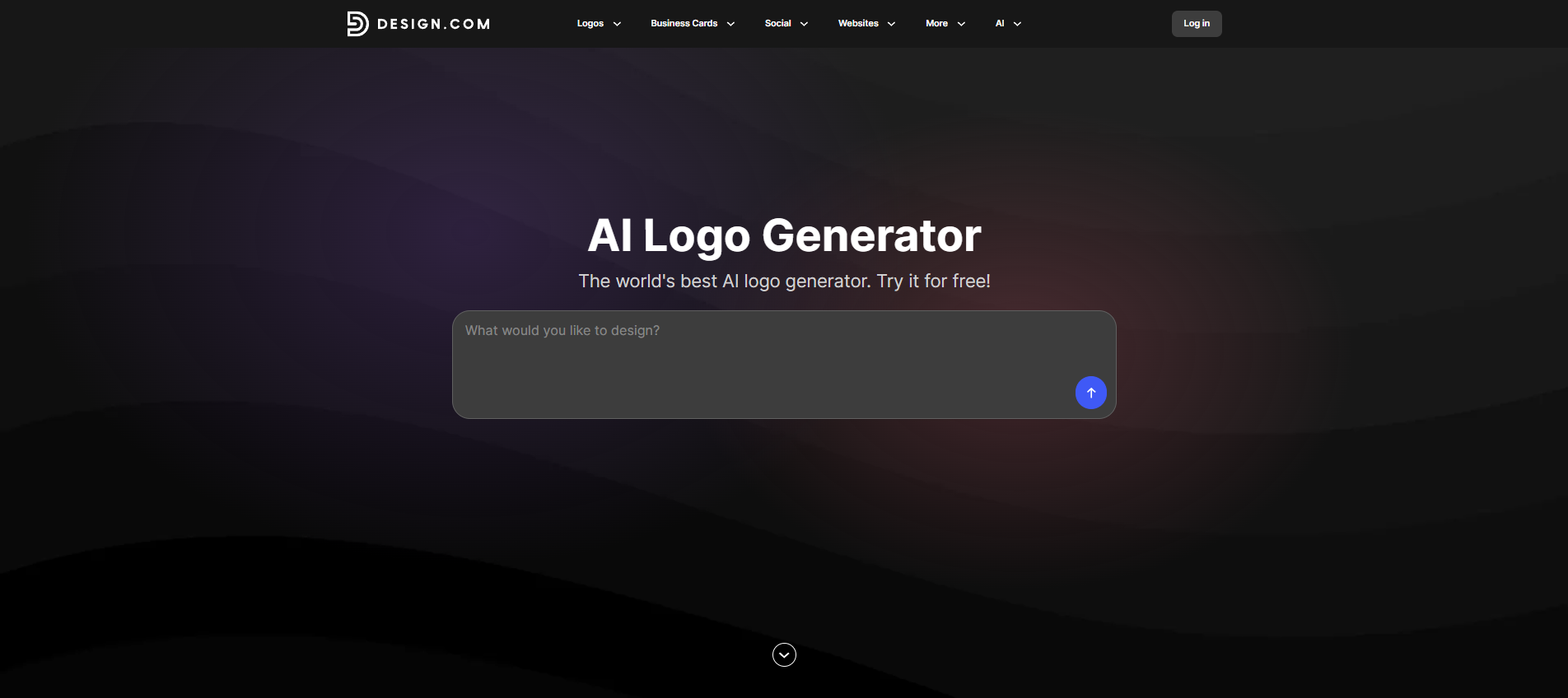
Design.com is built around logo creation and business branding, so the logo serves as the starting point for a broader design system. Its AI logo generator uses your business name and optional keywords to generate logo concepts, while its library contains 500,000+ logo designs, and its wider platform offers more than 50 design tools.
For our test, we entered the fictional business, Unlimited Seafood Restaurant, and used the same design direction we used in Canva and Looka.
You can enter this prompt:
Create a fresh, modern logo for Unlimited Seafood Restaurant, a casual seafood restaurant specializing in fresh fish, shellfish, and coastal dishes. Use a clean but inviting style, ocean-inspired blue and teal colors, a simple seafood or wave icon, readable typography, and a design that works on restaurant signage, menus, packaging, and social media.
Or you could just simply type in the business name: Unlimited Seafood Restaurant.
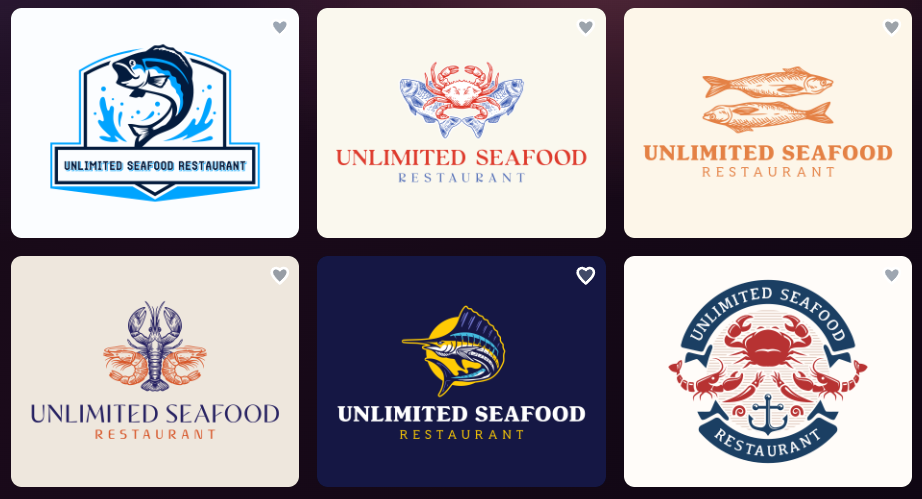
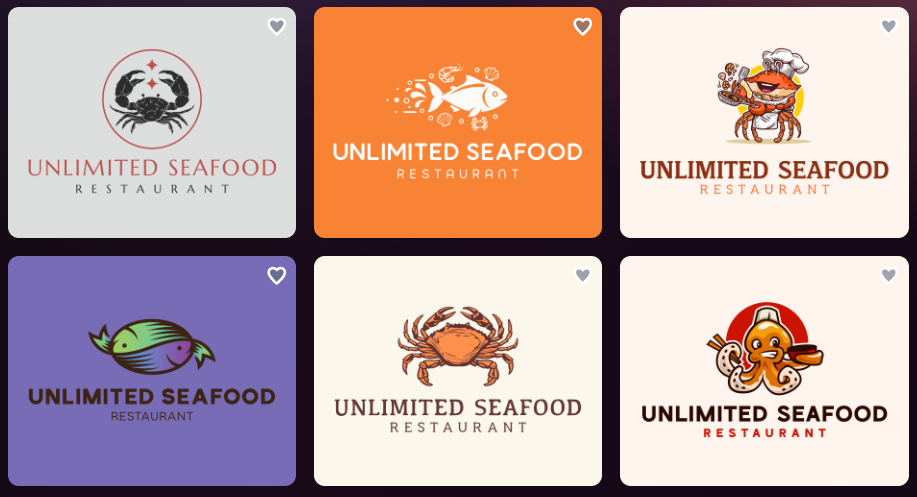
Either way, we got amazing results from Design.com. See below:
And more:
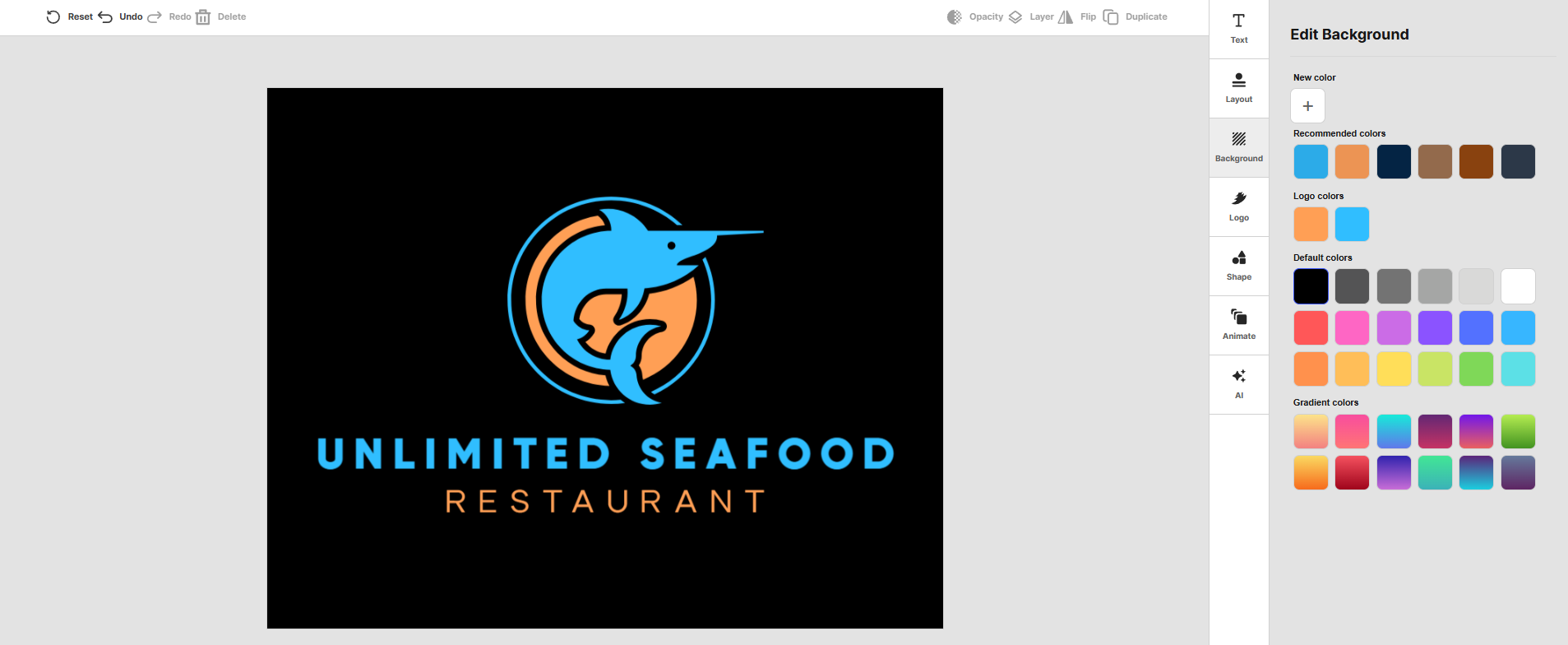
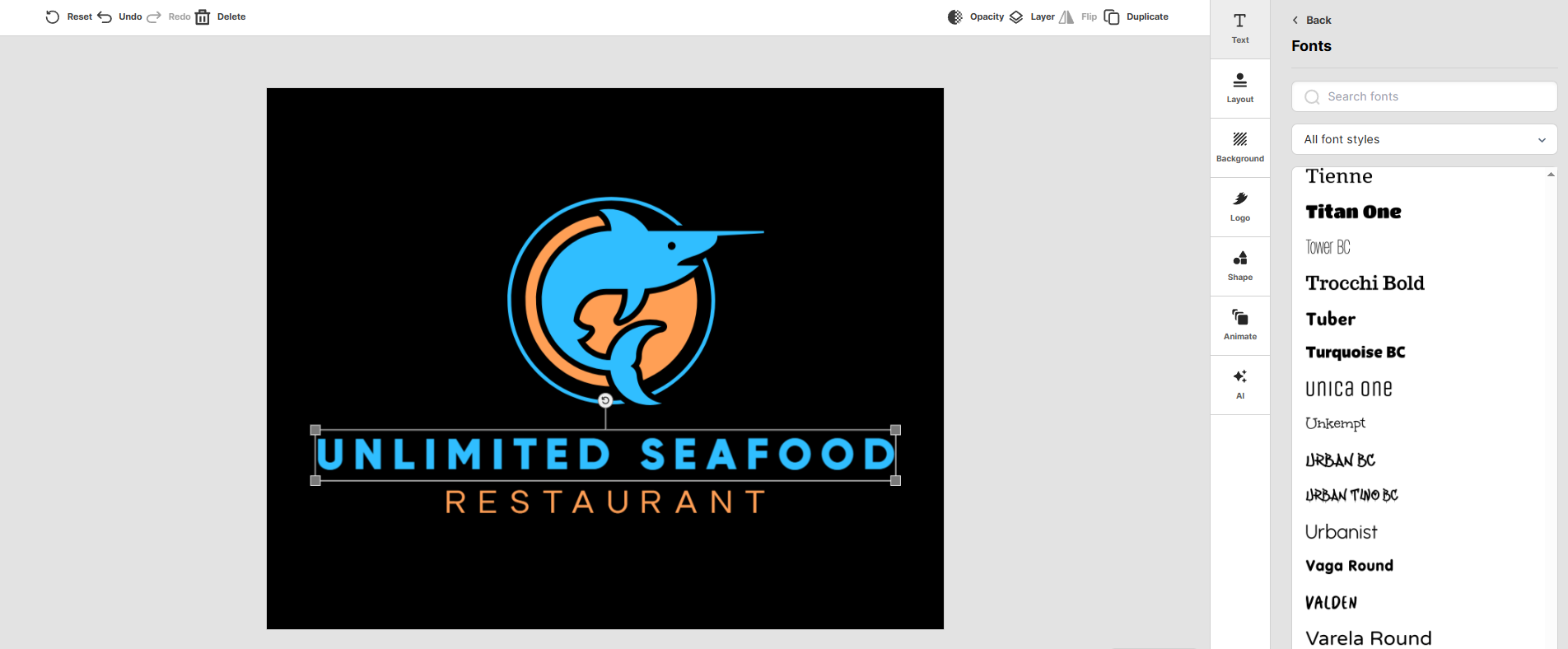
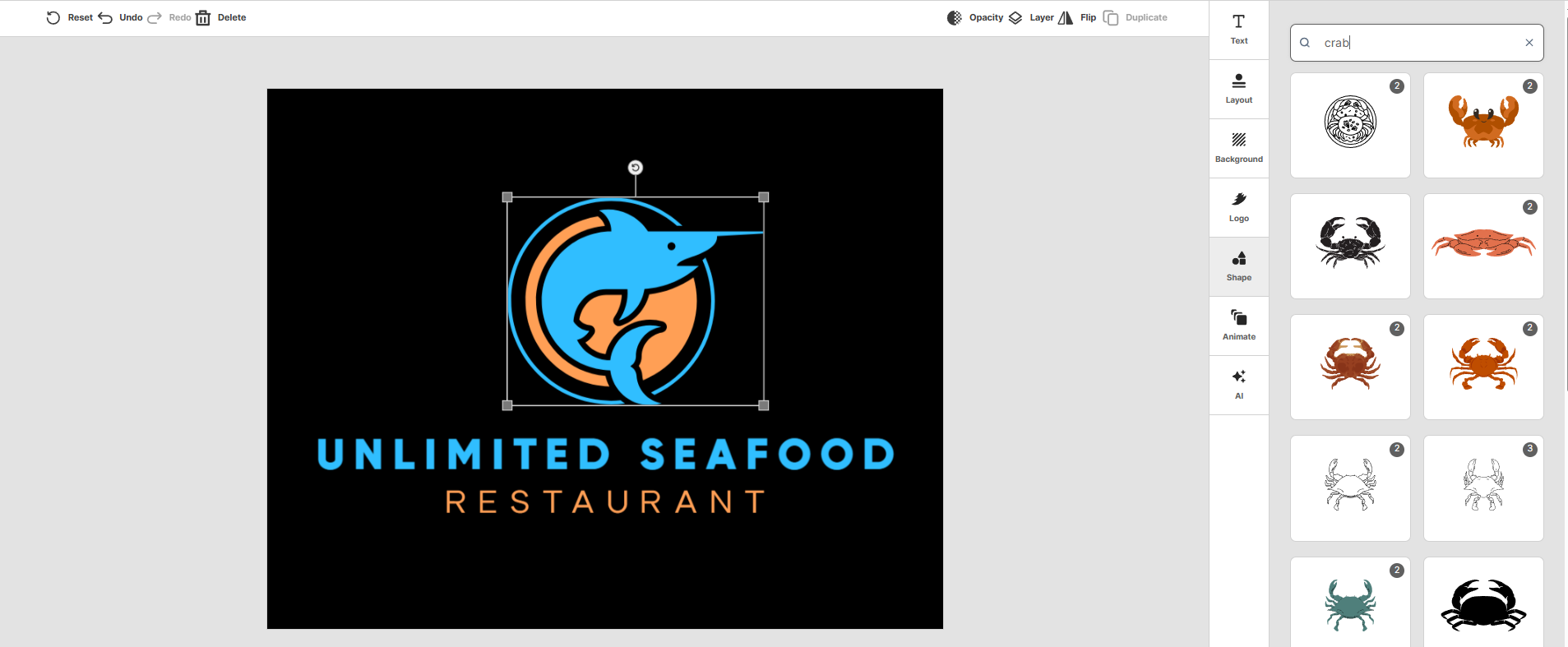
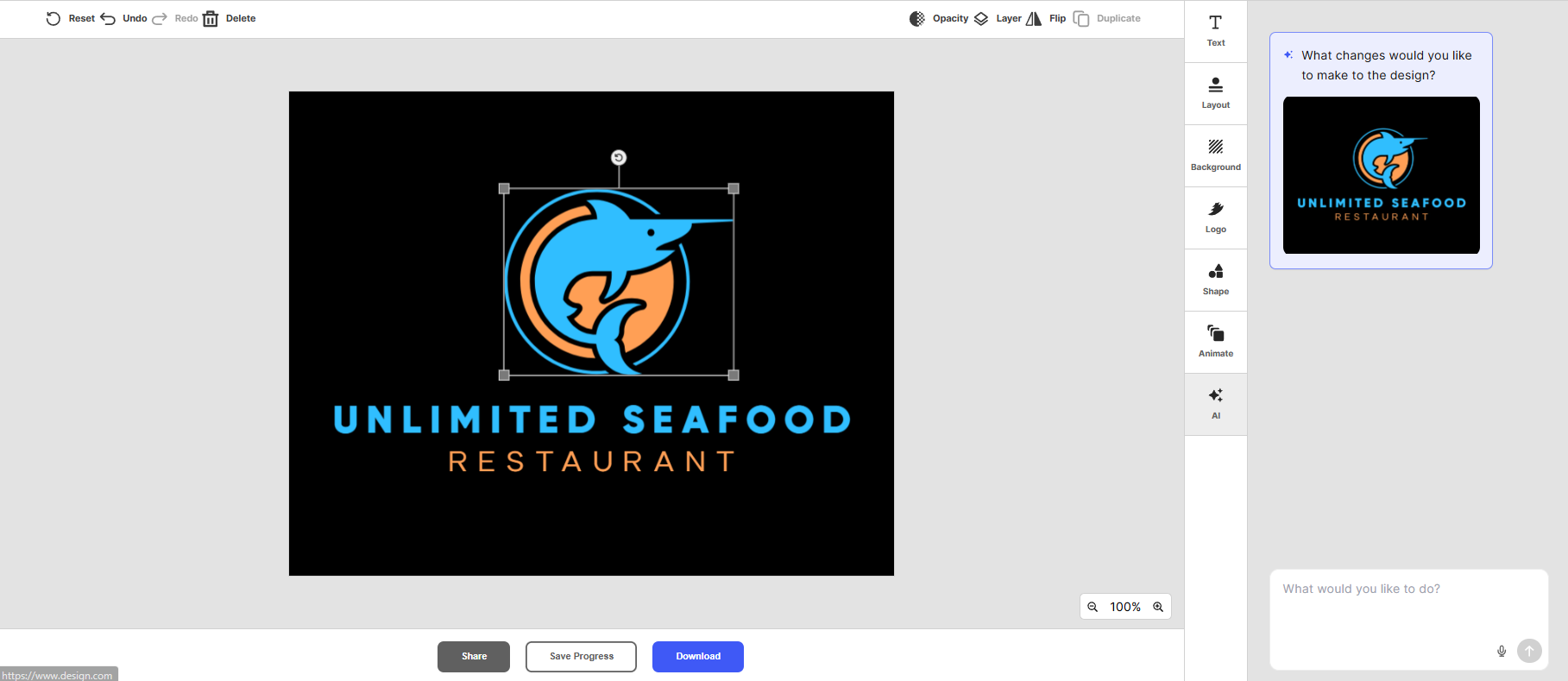
We then selected a direction and moved into the customization experience. Design.com lets you manually adjust the logo while also offering AI-assisted editing for changes to fonts, colors, shapes, and layouts.
See it in action below:
Key Features
AI logo generation
Design.com lets you start with your business name, a short description, or keywords. Its AI logo maker can generate thousands of logo concepts based on the information you provide, giving you multiple visual directions before you settle on one.
The workflow is particularly useful when you have a business idea but aren’t yet sure what the logo should look like. You can also refine the results with additional keywords and shortlist the designs you want to explore further.
500K+ logo designs
Design.com’s library contains 500,000+ logo designs, covering a wide range of industries and styles.
That gives businesses plenty of visual directions to explore before committing to a particular style. The wider platform also includes more than 1 million design templates for materials beyond the logo itself.
Professional logo files
Design.com supports PNG and JPG files, as well as vector formats such as SVG, EPS, and PDF.
That matters when the same logo needs to work in different places. A restaurant might use a transparent PNG for its social profile, an SVG or EPS file for signage, and a PDF for print materials.
Real-world mockups
Design.com lets you preview your logo in applications such as business cards, signage, and websites.
This gives you a chance to see how the design works outside the editor. A logo that looks good on a white background may require different proportions, colors, or variations when used on a storefront or a printed menu.
Broader branding tools
The logo can also become the starting point for other business designs. Design.com offers more than 50 design tools for websites, business cards, flyers, presentations, social content, and other branded materials.
This means you can continue developing the visual identity without having to start from scratch each time. The platform can carry the logo’s branding into other designs.
Pros
- 500,000+ logo designs
- AI logo generation and AI-assisted editing
- SVG, EPS, PDF, PNG, and JPG support
- Real-world logo mockups
- 50+ additional design tools
- Free logos are available
- Logo branding can carry into other business materials
Cons
We did not find any drawbacks during our testing with Design.com.
Pricing
Design.com currently offers:
- Free: $0
- Starter: $3/month billed annually or $9/month billed monthly
- Value: $4/month billed annually or $14/month billed monthly
- Premium: $5/month billed annually or $19/month billed monthly
The paid plans add features such as high-resolution and vector files, unlimited logo edits, business cards, social posts, email signatures, and letterheads. Value adds a website builder, while Premium also adds a link-in-bio tool and digital business cards.
Canva
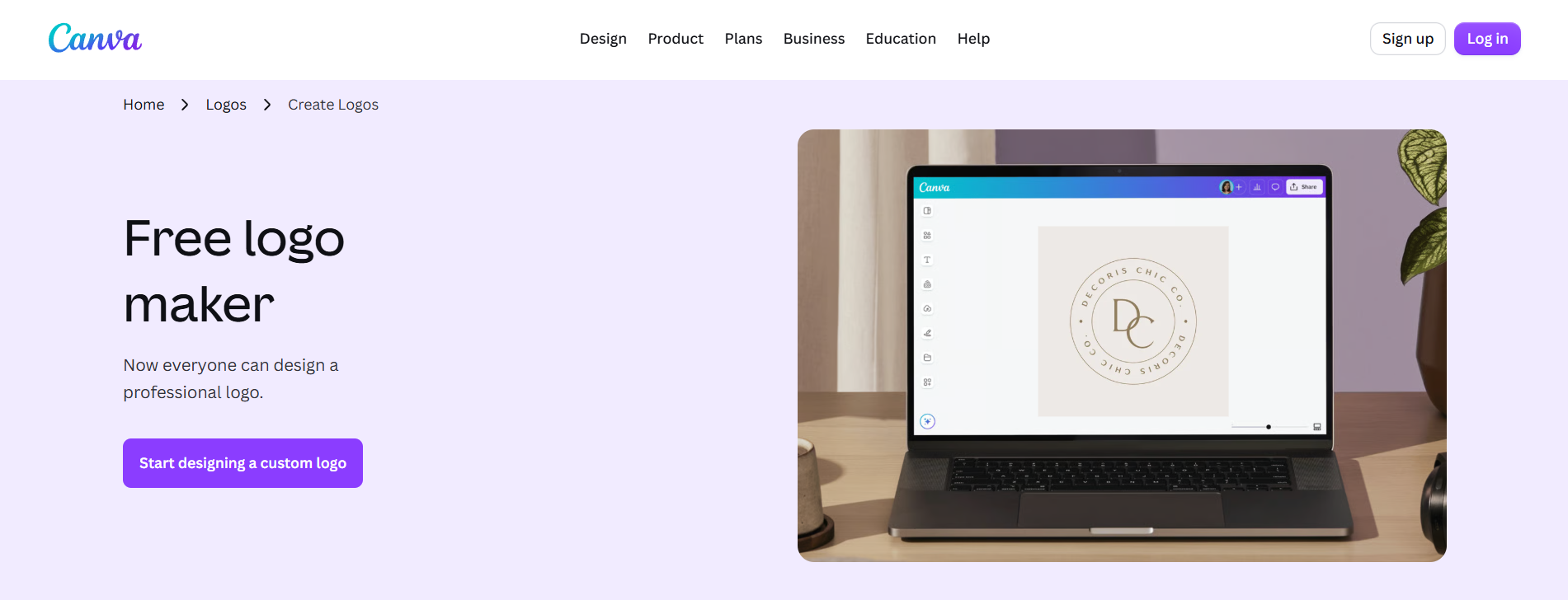
Canva takes a broader approach to logo design. Its logo maker is part of an all-purpose visual design platform that also covers social media graphics, presentations, websites, videos, marketing materials, and other content. Canva’s logo tools combine AI generation with a drag-and-drop editor and a large library of design assets.
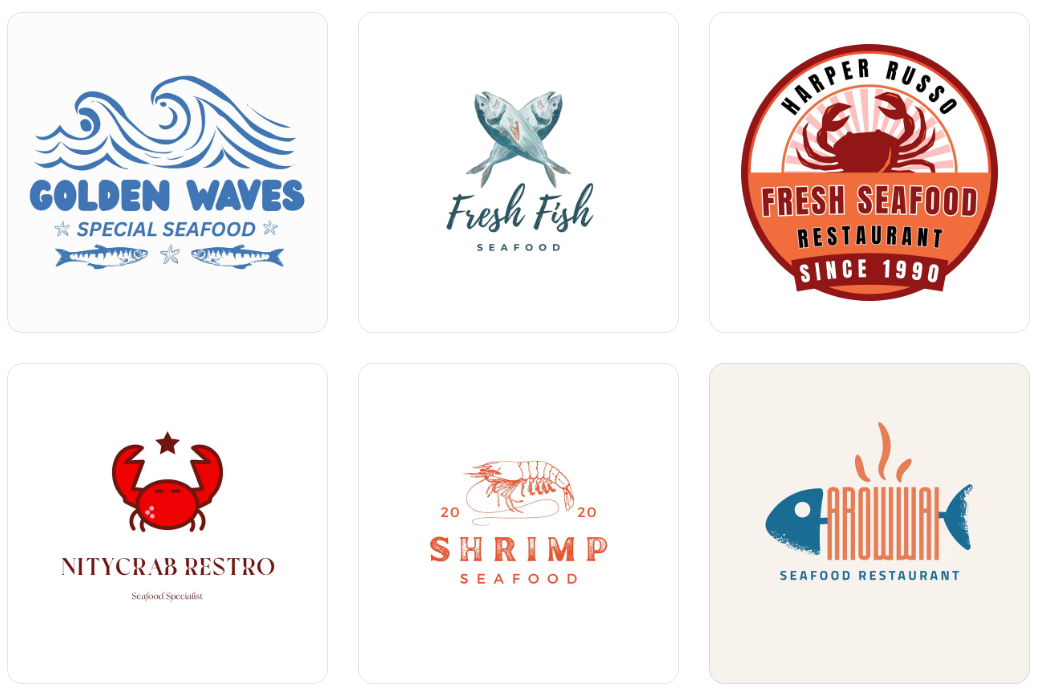
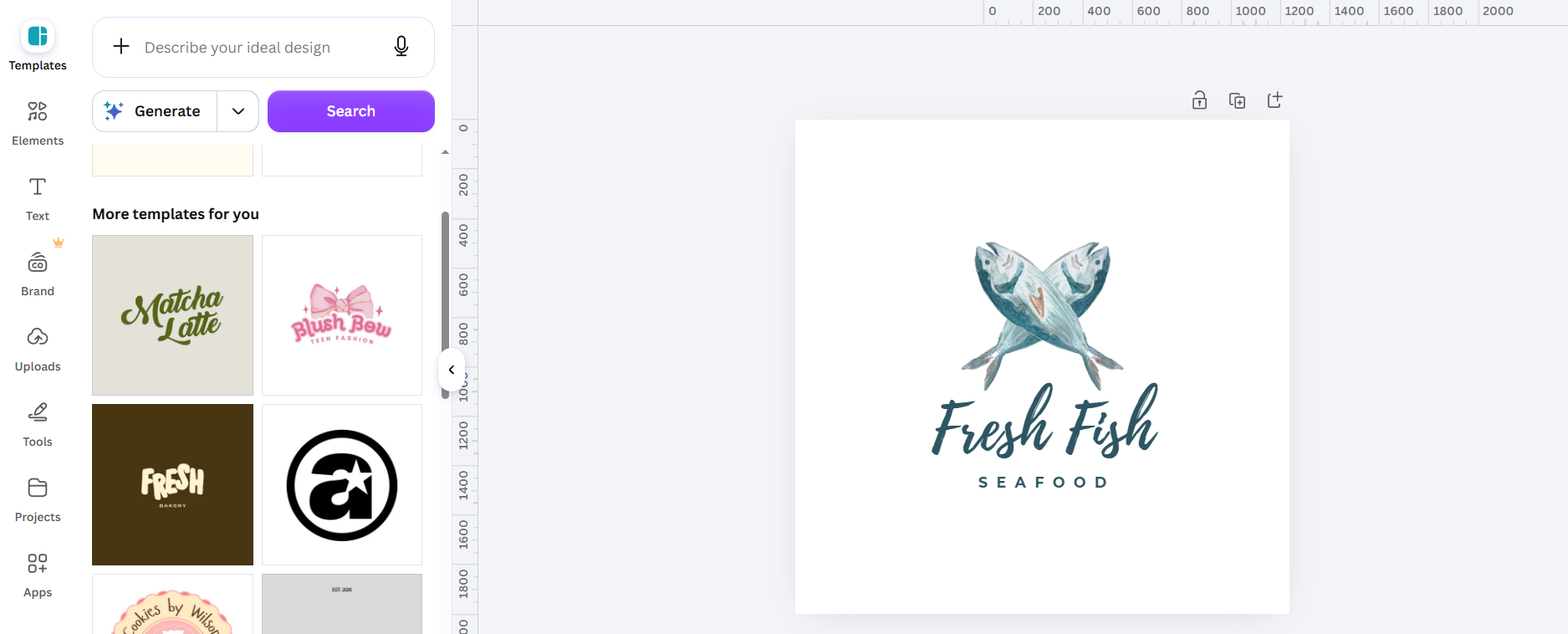
For our test, we entered the same prompt for the seafood restaurant. Canva doesn’t automatically use the business name you entered, but instead gives you logo results that you can customize later on.
Here’s what we got:
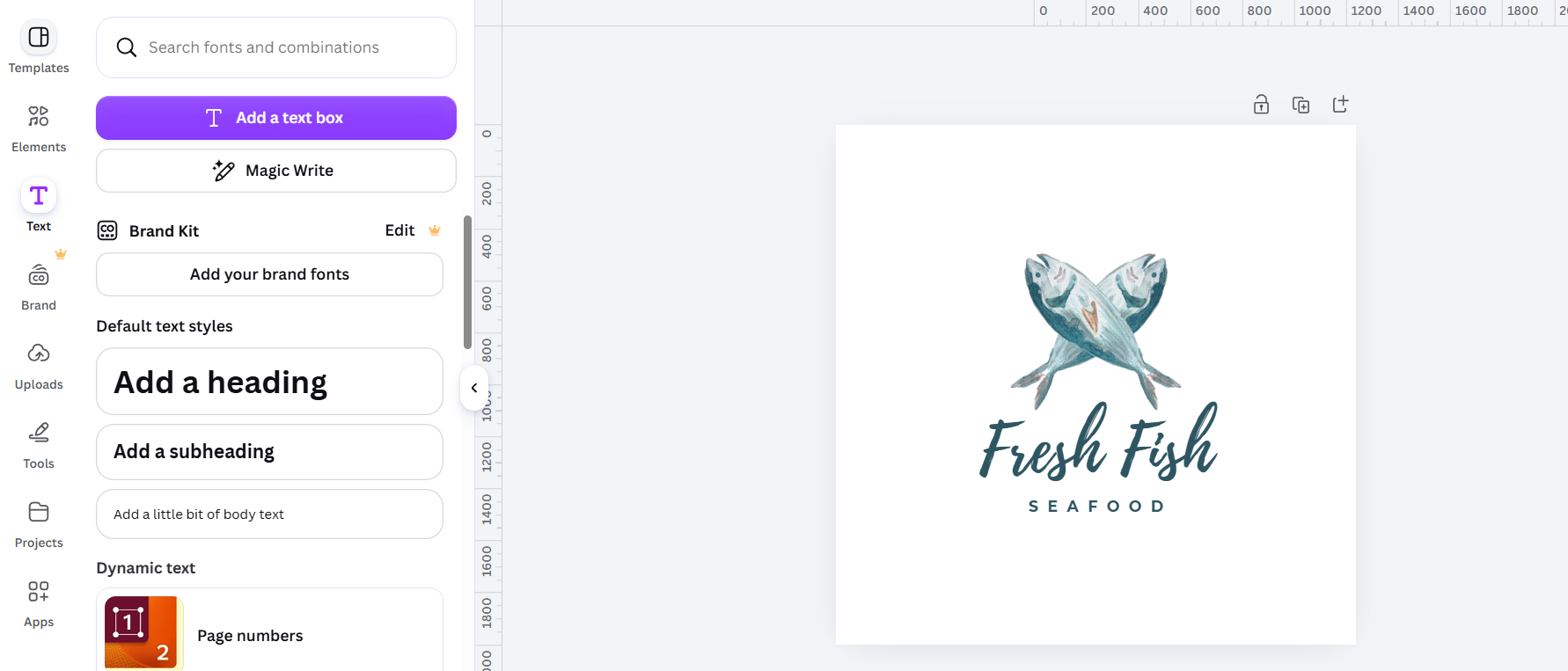
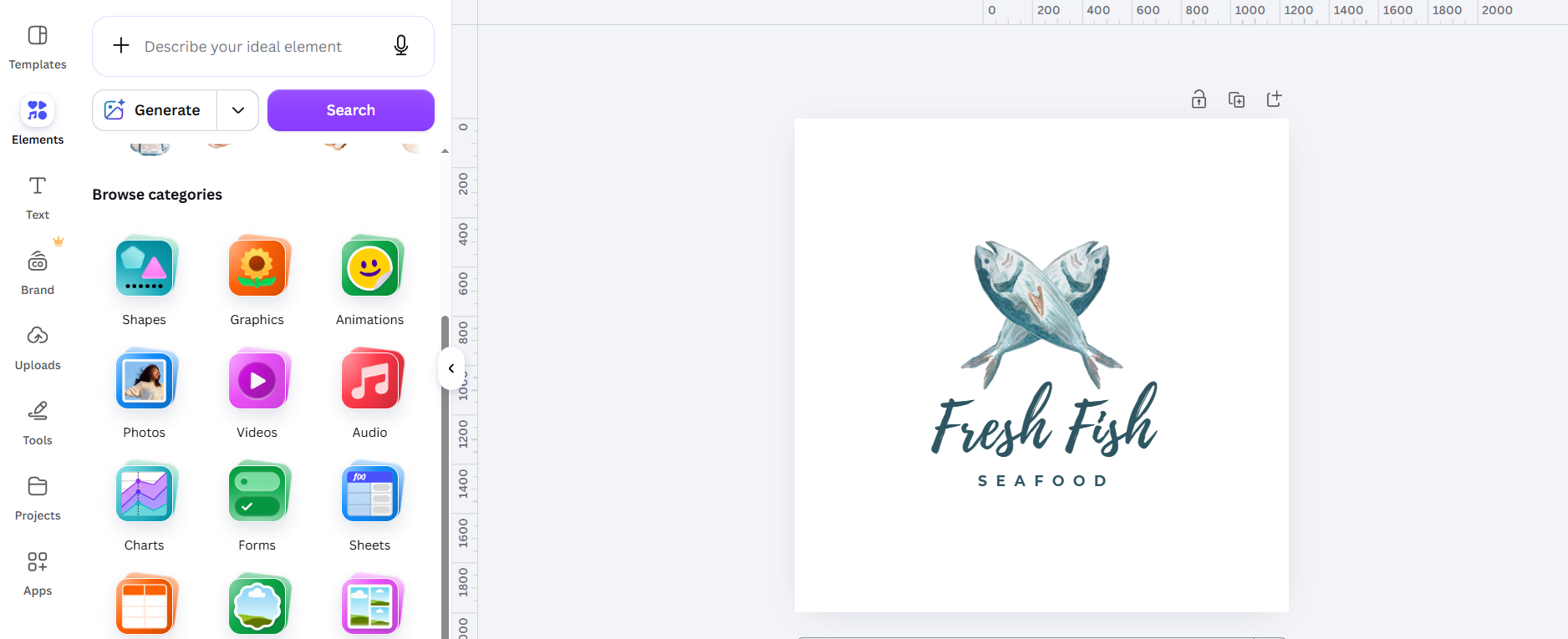
After selecting a design, we opened it in the Canva editor to see how much control we had over the generated result.
See it in action below:
Key Features
AI logo generation
Canva’s AI Logo Generator lets you describe the logo you want with a text prompt and generate designs from that description. It also lets you regenerate designs with revised prompts when you want to explore another direction.
This makes Canva useful when you want to start with an idea rather than manually search through templates. You can experiment with different styles and descriptions before choosing a direction.
Drag-and-drop editing
After generating a logo, you can continue editing it within Canva’s familiar design workspace. Fonts, colors, graphics, shapes, and other elements can be adjusted directly.
The editor is also useful for combining your logo with other design elements. Canva’s logo maker is designed for users without advanced design experience and uses a drag-and-drop workflow.
Large design library
Canva says its platform contains 1M+ professionally designed templates, along with a large library of graphics and other design assets.
For logo work, that means you can move beyond the initial concept and create supporting materials in the same workspace. You can also browse existing logo templates if you prefer a more traditional starting point.
Pros
- Easy drag-and-drop editor
- AI logo generation
- Large template and asset library
- Broad range of content creation tools
- Useful for teams and collaborative design
- The logo can be used across a wider Canva workflow
Cons
- Logo creation is one part of a much larger platform
- Some useful features and assets require a paid plan
- Users may need to do more manual design work to develop a complete logo system
Pricing
- Free: $0
- Pro: $15/month or $120/year per person
Canva’s free logo maker includes its drag-and-drop editing tools and AI features, while Pro adds access to premium content and additional design capabilities. Canva’s pricing can vary by location and plan.
Related: Read this if you want a closer look at Design.com vs. Canva.
Looka
Looka is more specifically focused on logos and brand identity than Canva. Its logo maker asks for your company name and industry, then uses your selected styles, colors, and symbols to generate logo concepts that you can customize.
For our test, we entered Unlimited Seafood Restaurant and used the same brief as for the other platforms.
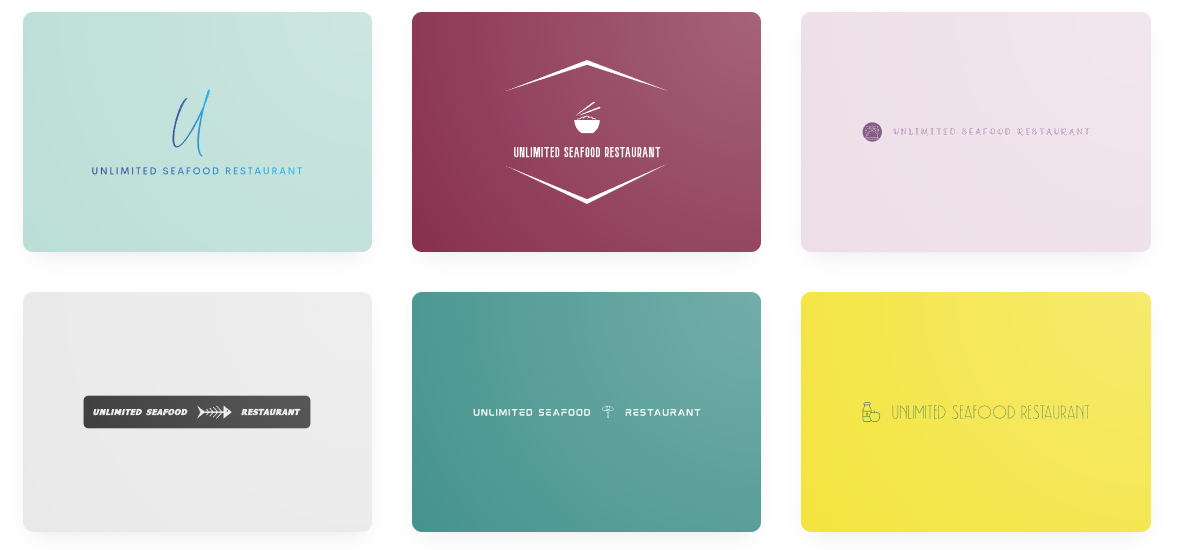
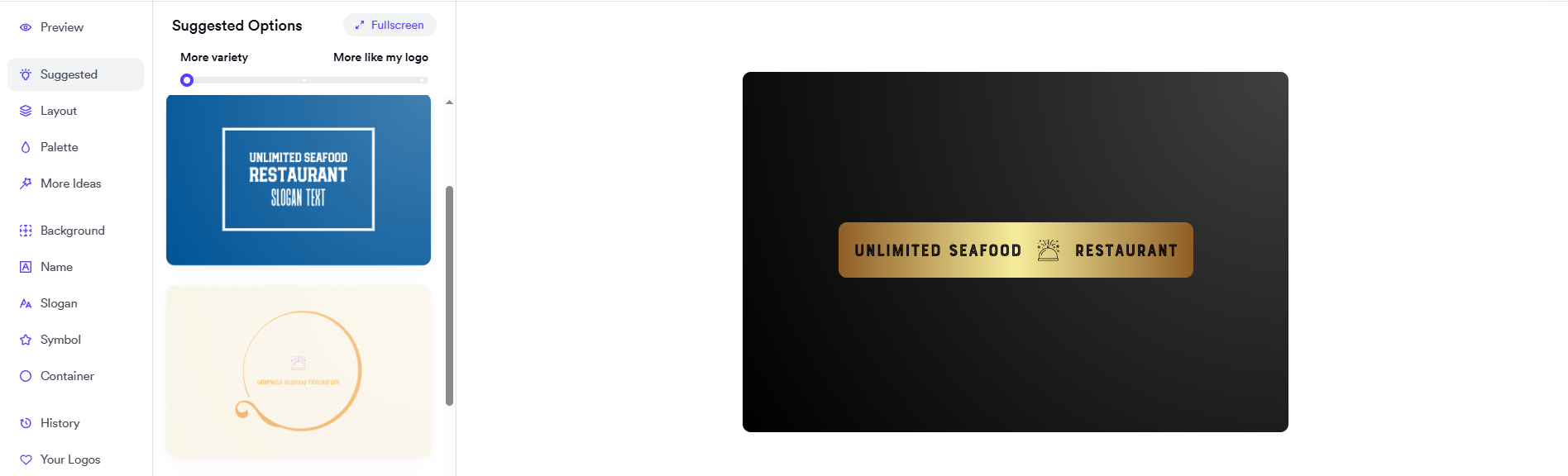
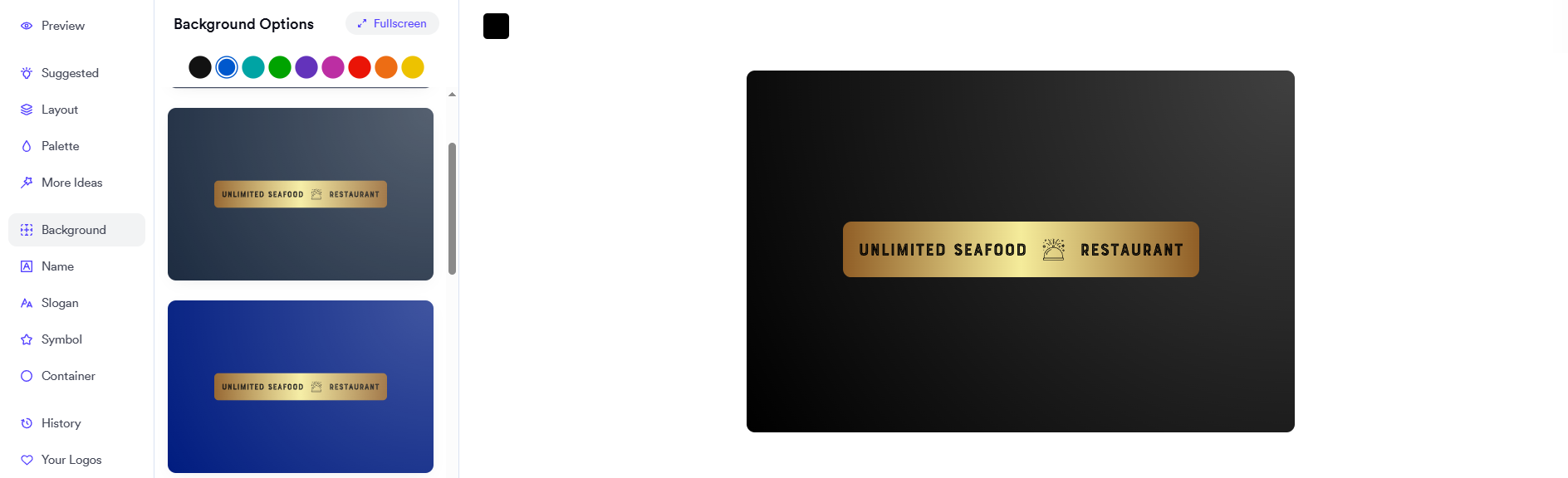
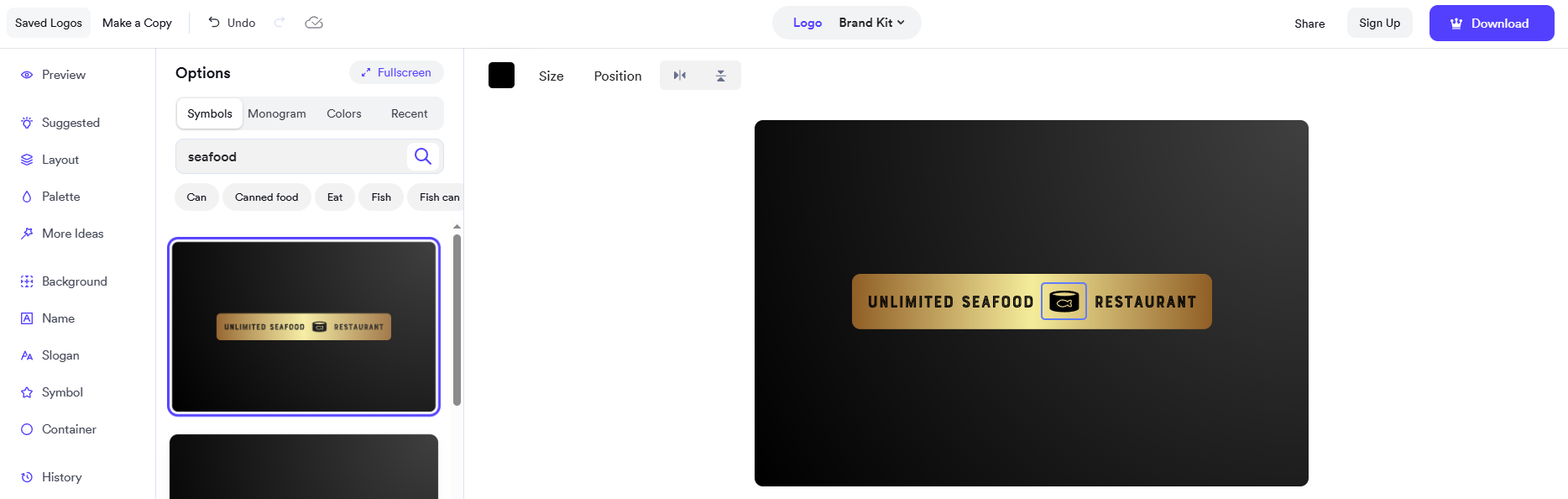
We then selected one of the concepts and moved into Looka’s editor to explore the available customization controls.
Key Features
AI-powered logo creation
Looka starts with your company name and industry, then asks you to select visual preferences such as styles, colors, and symbols. It uses those inputs to generate custom logo concepts.
The approach gives you more direction during the initial creation process. Rather than relying only on a written prompt, you help define the visual ingredients before browsing the results.
Logo customization
Once you find a concept, Looka lets you modify elements such as colors, fonts, layouts, and symbols. This lets you refine the generated design rather than simply accept the first result.
Looka also allows post-purchase changes, so users who have purchased a logo can continue updating their design in the editor.
Brand Kit
Looka’s Brand Kit applies the logo and visual identity to other branded materials. The platform says the Brand Kit includes 300+ branded assets, including social posts, business cards, email signatures, letterheads, invoices, brand guidelines, and more.
This makes the platform relevant to businesses that want help maintaining a consistent identity after the logo is finished. Instead of designing every branded asset from a blank page, the Brand Kit provides templates built around the logo’s colors and fonts.
Pros
- Logo-focused creation process
- Guided visual preferences
- Logo customization tools
- 300+ branded Brand Kit assets
- High-resolution and vector logo options
- One-time logo packages are available
- Website option available through Brand Kit Web
Cons
- Logo downloads require a paid package
- Brand Kit features require a subscription
- The full range of assets can be more than you need if you only want a standalone logo
Pricing
Looka separates its pricing into logo-only packages and Brand Kit subscriptions. The current pricing page lists a Basic Logo Package with one PNG file and a Premium Logo Package with high-resolution PNG, EPS, SVG, and PDF files, color variations, unlimited post-purchase changes, and full ownership.
What Should You Look For in a Professional Logo Maker?
The first logo you generate isn’t necessarily the finished logo. When comparing these platforms, several practical factors can make a bigger difference than the initial preview.
Control over the final design
Look for tools that let you change typography, colors, symbols, spacing, and layout. A useful logo maker should give you room to develop a concept rather than forcing you to accept a preset design.
Professional file formats
Check which formats are included with the plan you intend to purchase. PNG and JPG are useful for many digital applications, while SVG, EPS, and PDF can be important when you need scalable or print-ready artwork.
Brand consistency
Your logo will eventually appear alongside other visual elements. Tools that carry your colors, fonts, and logo into business cards, social graphics, websites, and other materials can make it easier to keep the brand consistent.
Real-world applications
A logo needs to work beyond the logo editor. Consider how it will look on restaurant signage, menus, packaging, websites, social profiles, and other materials before settling on a design.
Total cost
The cheapest starting price isn’t necessarily the final cost. Check whether the plan includes the file formats you need, unlimited edits, brand assets, and other tools you’ll actually use.
For businesses that want a broader identity system, Looka’s help center lists the Brand Kit at $96/year and Brand Kit Web at $129/year, both billed annually. The Web plan adds website functionality.
Which Logo Maker Should You Choose?
The three platforms make sense for different types of logo projects.
- Choose Design.com if you want a logo-first workflow that can expand into broader business branding. Its large logo library, AI-assisted editing, professional file formats, mockups, and additional design tools keep the logo at the center of the process.
- Choose Canva if you want an all-purpose visual design platform. Its AI logo tools sit alongside a much larger ecosystem for social content, presentations, websites, videos, and marketing materials.
- Choose Looka if you want your logo and brand identity to be developed together. Its Brand Kit extends the logo across hundreds of branded assets, while its logo-only packages let you purchase the logo without committing to the broader subscription.
For businesses that want to go from logo creation to a broader set of branded materials on a single platform, Design.com offers a particularly direct workflow, with its logo maker integrated with 50+ additional design tools.
Conclusion
Professional logo design involves more than generating an attractive symbol and downloading an image. You need to consider how much control you have over the design, whether you can get the right file formats, and how easily the logo can be used across the rest of your brand.
If you’re ready to create a logo and start building the rest of your brand around it, start designing with Design.com today.