

The AI landscape is exploding, with thousands of tools promising to revolutionize every corner of your business. But simply adopting the latest trend isn’t a strategy. The real advantage comes from choosing the right platforms that integrate into your existing workflows, solve specific problems, and deliver measurable return on investment.
This isn’t just about finding a single “best” tool; it’s about building a cohesive technology stack that empowers your teams and streamlines operations.
This guide moves beyond generic lists to provide a strategic overview of the 12 most important marketplaces and platforms where you can discover, vet, and deploy the top AI tools for business. Instead of just listing features, we focus on actionable insights to help you build a powerful, role-specific AI stack. Whether you’re in marketing, operations, or development, you’ll find practical examples you can implement today.
We’ll dissect each platform, showing you exactly how to find tools that fit your specific needs. For businesses looking to enhance productivity and creativity, understanding how to leverage tools for specific tasks, like creating presentations with AI, is a key component of a robust AI strategy.
Each entry in our list includes screenshots and direct links, so you can immediately explore the resources that matter most. Consider this your definitive map for navigating the complex but rewarding world of business AI, helping you move from simply collecting tools to building a true competitive advantage.
1. G2 — AI Software Category
Before committing to any new software, savvy business leaders turn to peer reviews to validate their choices. G2 serves as the definitive B2B software marketplace for this purpose, offering a comprehensive and actively updated directory of AI solutions. It’s an indispensable first step for building a shortlist of the top AI tools for business by leveraging real-world user feedback.
G2’s platform allows you to move beyond marketing claims and see how tools perform in actual business environments. Its signature Grid reports, which plot tools based on user satisfaction and market presence, provide an immediate visual benchmark of category leaders versus niche innovators. This data-driven approach helps de-risk your investment significantly.
How to Find Your Tool on G2 (Step-by-Step)
Use this process to move from broad discovery to a specific shortlist.
- Navigate to the AI Category: Start at G2’s main AI software category.
- Filter by Your Needs: On the left sidebar, apply specific filters. For example, if you’re a small business looking for a customer support chatbot, you might filter by:
- Category: AI Chatbots
- Company Size: Small-Business (1-50 employees)
- Features: Live Chat, Proactive Chatting
- Analyze the G2 Grid®: Look at the resulting grid to see which tools are leaders (high market presence, high satisfaction) and which are high performers (high satisfaction). This gives you an instant market overview.
- Read Verified Reviews: Click on the top 3-4 contenders and read reviews from users in a similar industry. Pay attention to comments on ease of implementation and customer support quality.
- Create a Comparison: Use G2’s “Compare” feature to see a side-by-side breakdown of features and ratings for your top choices, making the final decision easier.
A practical approach is to start broad within a category like “AI Chatbots,” then use filters to narrow down to vendors that serve SMBs in the e-commerce sector. From there, create a comparison list of the top three contenders to present to your team. Understanding this process is a key part of a successful rollout, as detailed in our guide on how to implement AI in your business.
| Pros | Cons |
|---|---|
| Massive volume of fresh, verified user reviews. | Sponsored placements can occupy top search results. |
| Powerful comparison tools speed up the evaluation cycle. | AI subcategories can change, requiring re-familiarization. |
Website: https://www.g2.com/categories/artificial-intelligence
2. Capterra — Artificial Intelligence Software Directory
For small and mid-sized businesses (SMBs), finding AI software with transparent pricing and deployment models is a major hurdle. Capterra, a Gartner Digital Markets site, addresses this by offering a directory focused on the needs of SMB buyers. It curates over a thousand AI solutions, making it an essential resource for finding practical, budget-friendly, and easy-to-implement top AI tools for business.
Capterra excels at cutting through complexity. The platform clearly displays pricing tiers, deployment options (cloud-based vs. on-premise), and available support, which are critical decision factors for smaller teams without large IT departments. This direct approach helps businesses quickly identify tools that fit their financial and operational constraints, streamlining the procurement process significantly.
How to Find Your Tool on Capterra (Step-by-Step)
Follow these steps to find budget-friendly AI tools for your team.
- Start in the AI Directory: Go to the Artificial Intelligence Software page.
- Apply Budget-Friendly Filters: Use the filters to find tools that fit an SMB budget. A common approach is to select:
- Pricing Options: Free Trial
- Deployment: Cloud, SaaS, Web-Based
- Sort for Quality: Change the “Sort By” option from “Sponsored” to “Highest Rated” to see which tools are most loved by other users, regardless of ad spend.
- Evaluate Top Contenders: Click on the top-rated tools. Capterra provides a detailed view with screenshots, key features, pricing details, and alternatives. This helps you quickly assess if a tool meets your core requirements.
A practical workflow is to start by filtering for tools offering a “Free Trial” to test functionality without commitment. Then, use the “Highest Rated” sort to see what other SMBs are successfully using. Compare your top two choices based on their feature checklists and pricing to make a final, informed decision for your team.
| Pros | Cons |
|---|---|
| Broad coverage of SMB-friendly AI tools. | Sponsored listings can crowd above-the-fold results. |
| Clear pricing callouts and deployment details. | Reviews may skew heavily toward SMB use cases. |
Website: https://www.capterra.com/artificial-intelligence-software/
3. Product Hunt — Artificial Intelligence Topic
For businesses aiming to stay ahead of the innovation curve, Product Hunt is the daily destination for discovering what’s new and next. Its dedicated Artificial Intelligence topic feed acts as a launchpad for emerging AI applications, offering a real-time glimpse into the tools that are generating buzz today. It’s an essential resource for finding niche solutions and early-stage startups before they become mainstream.
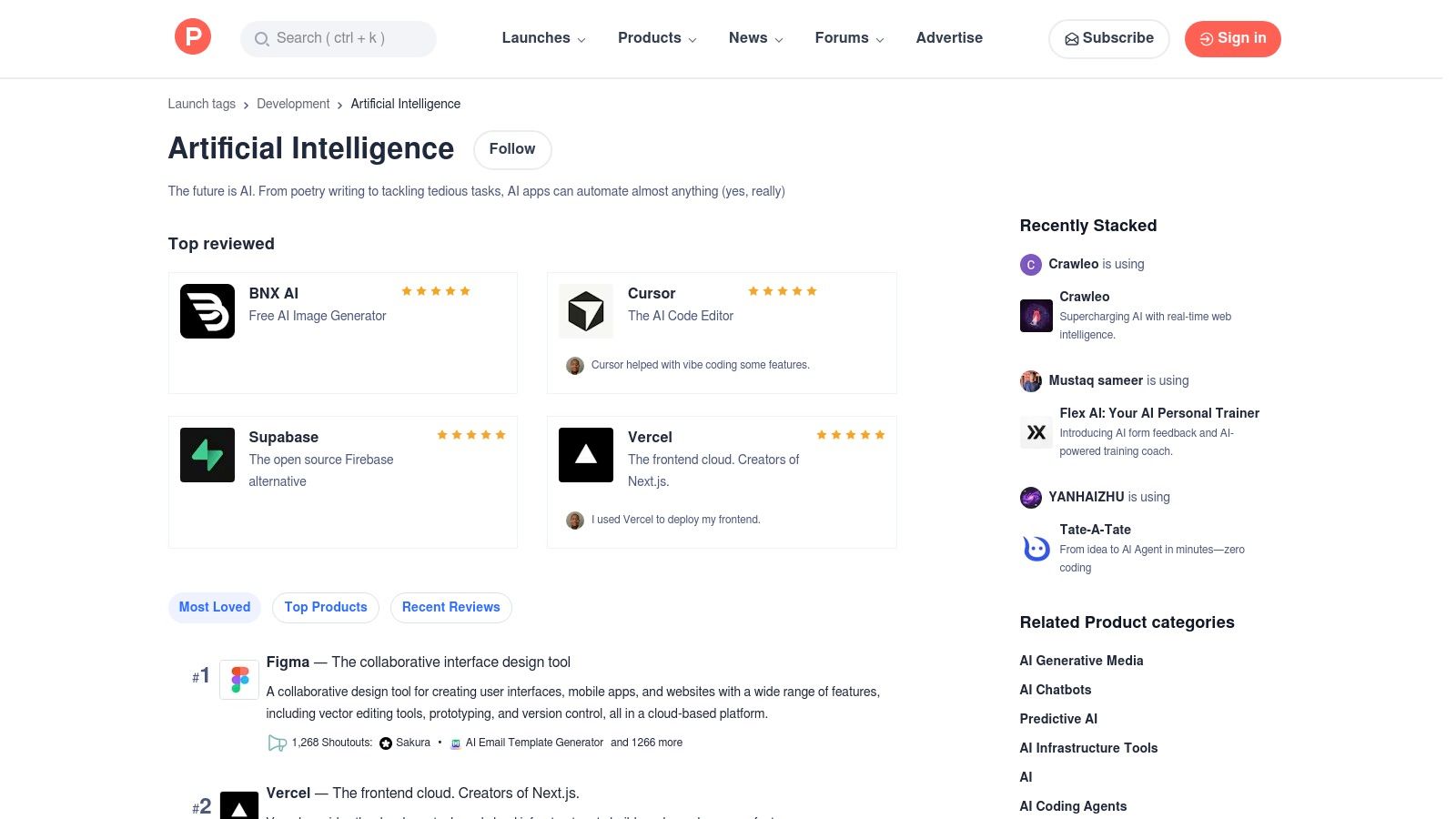
Unlike established marketplaces, Product Hunt thrives on community curation. The daily rankings, driven by user upvotes and comments, provide a raw, unfiltered signal of a tool’s potential and immediate appeal. This makes it one of the top AI tools for business discovery, especially for teams that value agility and want to experiment with cutting-edge technology to find a competitive advantage.
How to Leverage Product Hunt
Here’s how to turn daily discovery into a business advantage.
- Subscribe to the AI Topic: Visit the “Artificial Intelligence” topic page and subscribe to its daily digest. This puts the top new tools directly in your inbox.
- Scan the Daily Top 5: Each morning, review the top 5 products. Read their one-line pitches to quickly understand their value proposition.
- Dig into the Comments: For any tool that seems promising, click through and scroll down to the comments section. This is where you’ll find unfiltered user questions, feedback, and, most importantly, replies from the founders. You can learn about the tool’s roadmap, limitations, and intended use case directly from the source.
- Look for Launch Day Deals: Makers often post special discounts or lifetime deals (LTDs) in the comments on launch day. This is a low-cost way to test a new tool before committing to a full subscription.
A practical way to leverage the platform is to subscribe to the AI topic or a relevant newsletter. When a promising tool appears, check its launch page for the maker’s comments. Often, they offer early-adopter discounts or lifetime deals, providing a low-cost way to test innovative software. This direct line to the creators is invaluable for early feedback.
| Pros | Cons |
|---|---|
| Fastest way to see cutting-edge or niche AI tools. | Signal-to-noise can vary; many early-stage tools. |
| Community Q&A exposes real, immediate user feedback. | Less enterprise-level vetting than dedicated B2B marketplaces. |
Website: https://www.producthunt.com/topics/artificial-intelligence
4. AWS Marketplace — Machine Learning and AI Solutions
For businesses already operating within the Amazon Web Services ecosystem, the AWS Marketplace is the most direct and secure route to procuring enterprise-grade AI and machine learning solutions. It functions as a specialized digital catalog where organizations can find, test, and deploy pre-trained models, algorithms, and complete AI services from a vast network of vetted partners. This makes it one of the top AI tools for business, not for building from scratch, but for securely integrating powerful, third-party AI capabilities.
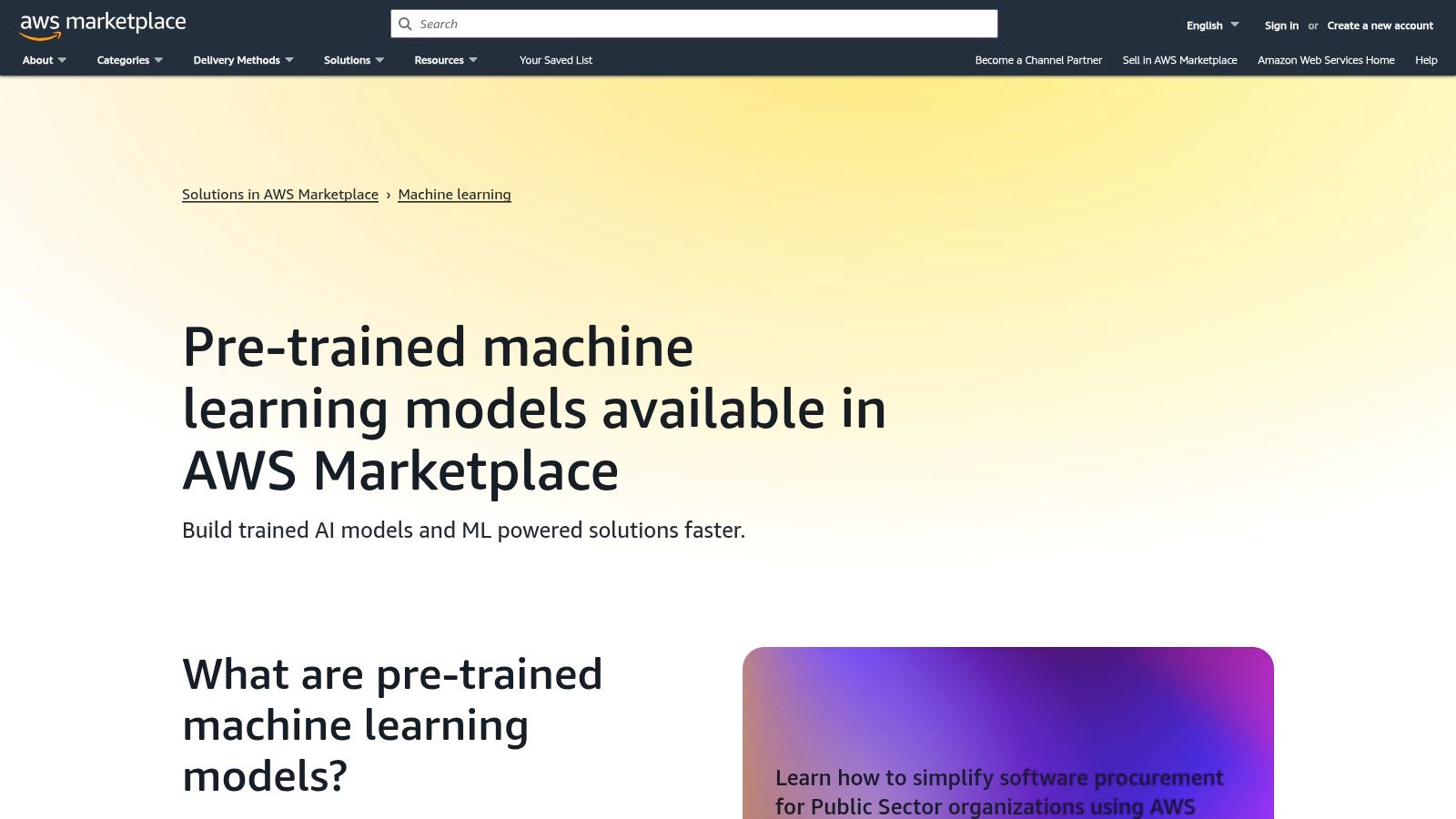
alt text: Screenshot of the AWS Marketplace interface, showing categories for machine learning and AI solutions.
The key advantage of the AWS Marketplace is its seamless integration with your existing AWS infrastructure and procurement workflows. Solutions can be deployed directly into Amazon SageMaker, and all billing is consolidated into your standard AWS invoice, simplifying vendor management. This streamlined approach allows technical teams to rapidly experiment with and deploy AI functionalities while adhering to corporate governance and security protocols.
How to Deploy a Model from AWS Marketplace (Step-by-Step)
Here’s a practical workflow for a technical team.
- Identify a Business Need: For example, you need to automatically transcribe customer support calls for analysis.
- Search the Marketplace: Navigate to the ML section and search for “speech-to-text” models.
- Filter and Select: Filter results by vendor (e.g., Anthropic, Cohere) and review the usage pricing and documentation for the top models.
- Subscribe to the Model: Once you’ve chosen a model, click “Continue to Subscribe” and accept the terms. This makes the model available in your AWS account.
- Deploy to a SageMaker Endpoint: In your AWS console, navigate to Amazon SageMaker. You can now create a new endpoint and select the model you just subscribed to from the marketplace. Configure the instance type (e.g.,
ml.g4dn.xlarge) and deploy. - Test the Endpoint: The model is now available via a secure API endpoint. Your developers can send audio data to this endpoint and receive a text transcription, which can be fed into your analytics pipeline.
A practical workflow is to identify a business need, such as automated customer support transcription. You would search the marketplace for “speech-to-text” models, filter by providers with strong reviews and transparent pricing, and then deploy the chosen model to a SageMaker instance for testing with a small data sample before a full-scale rollout.
| Pros | Cons |
|---|---|
| Direct deployment to AWS with enterprise procurement controls. | Best fit if you already run on AWS; high lock-in. |
| Wide partner ecosystem and rigorously vetted listings. | Pricing can be usage-based and complex to estimate. |
Website: https://aws.amazon.com/marketplace/solutions/machine-learning/pre-trained-models
5. Microsoft Marketplace — Unified AppSource + Azure Marketplace
For businesses deeply integrated into the Microsoft ecosystem, the unified Marketplace serves as a critical procurement hub. It consolidates AppSource and the Azure Marketplace into a single storefront, offering a vast catalog of AI applications, agents, and cloud solutions specifically designed to work with Microsoft 365, Dynamics, and Azure. This makes it an essential resource for finding vetted top AI tools for business that adhere to enterprise-level governance and security standards.
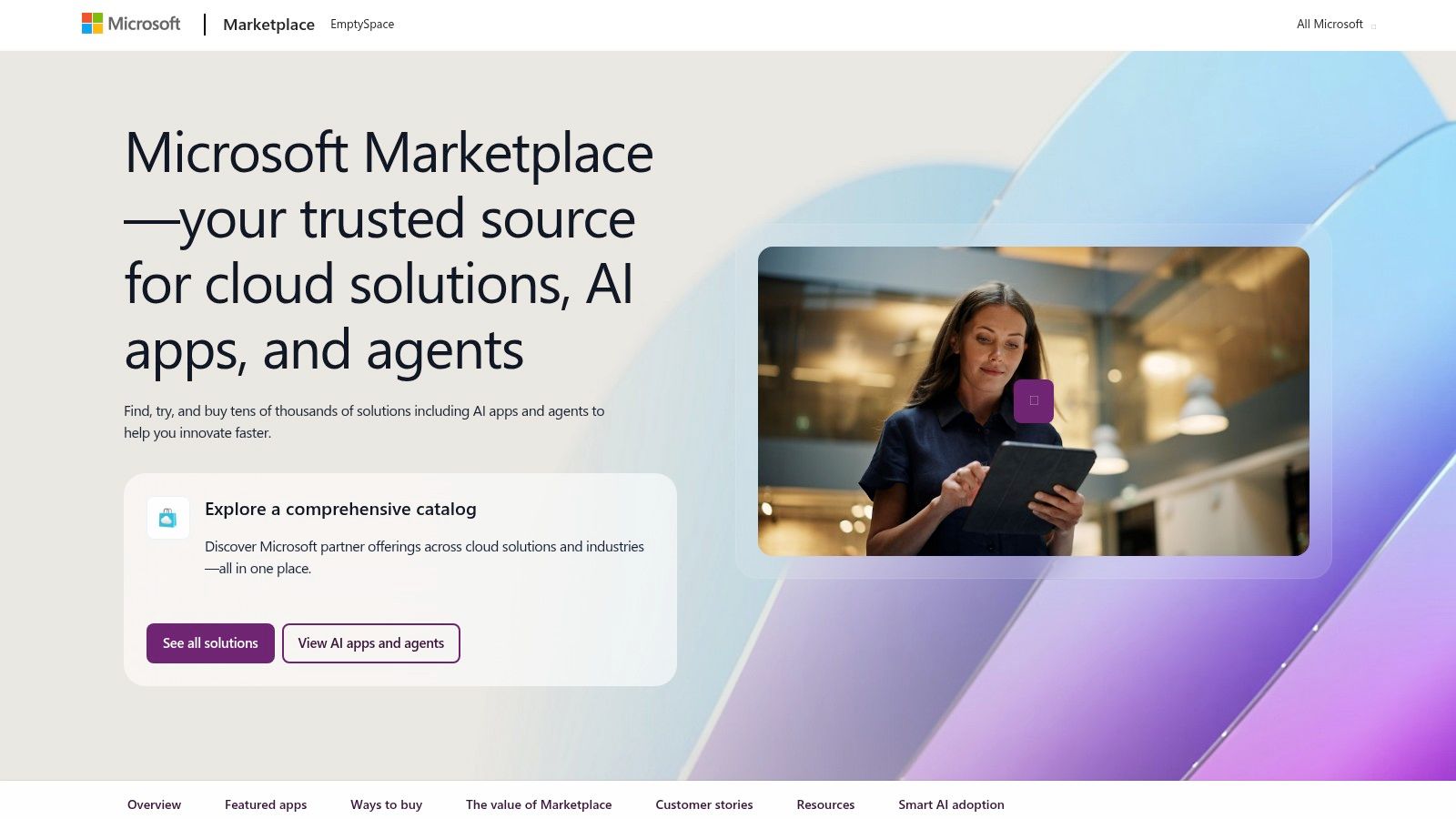
The platform streamlines the often-complex process of corporate software acquisition by centralizing billing, compliance reviews, and partner procurement. Instead of navigating separate vendor contracts, IT and procurement teams can leverage their existing Microsoft agreements, simplifying budget management and accelerating deployment. Its strength lies in providing a secure, governed environment to discover and deploy tools that extend the functionality of the software your teams already use daily.
How to Find and Deploy an App
Here’s how an IT manager might find a tool for their team.
- Define the Use Case: The legal team needs an AI tool to review contracts stored in SharePoint for specific clauses.
- Search the Marketplace: Go to the Microsoft Marketplace and search for “contract analysis AI.”
- Filter for Integration: Filter the results to show only apps that integrate with “Microsoft 365” and “SharePoint.”
- Review and Select: Evaluate the top options, paying attention to reviews, security certifications, and pricing.
- Purchase and Assign: Purchase the app using the company’s existing Azure subscription. From the Microsoft 365 admin center, assign licenses for the new app to members of the legal team. The app will now appear in their SharePoint or Teams interface, ready to use.
A practical approach for a CTO is to search the Marketplace for an “AI-powered contract analysis” tool. You can filter for solutions that integrate directly with Microsoft 365 and use your Azure credits for purchase. From there, you can deploy the solution to a specific user group for a pilot, all managed within your existing Microsoft admin center.
| Pros | Cons |
|---|---|
| Consolidated buying and enterprise-grade governance. | Most valuable if you are already a Microsoft shop. |
| Strong integration with Microsoft products and billing. | Rollout is staged and region expansion may be ongoing. |
Website: https://www.microsoft.com/en-us/marketplace
6. Google Cloud Marketplace — AI Agents, Generative AI, and Vertex AI Integrations
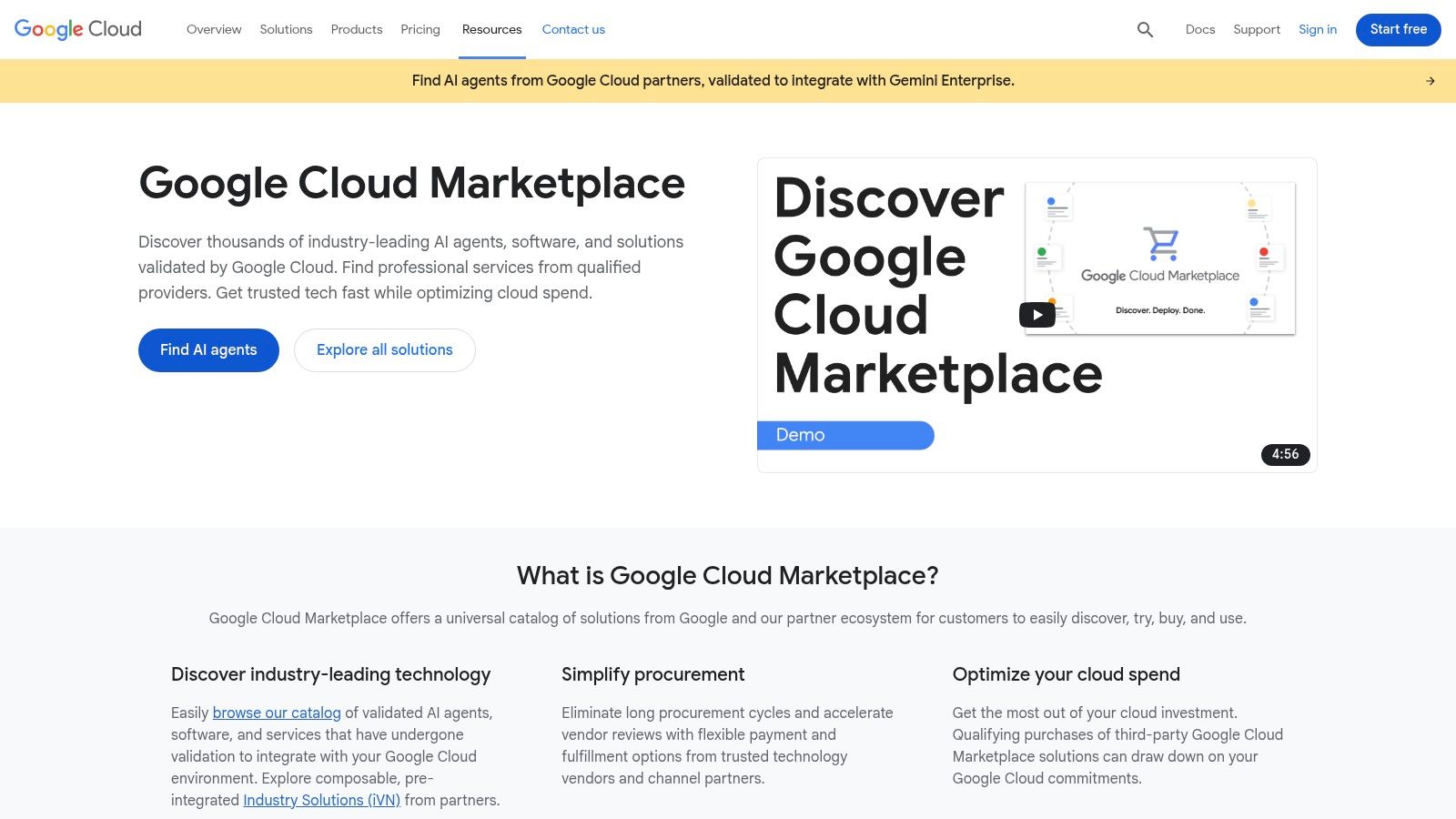
For businesses deeply integrated into the Google Cloud ecosystem, the Google Cloud Marketplace is the go-to resource for discovering and deploying vetted AI solutions. This platform is not just a software directory; it’s a launchpad for AI agents, APIs, and generative models designed to work seamlessly with Google’s powerful infrastructure, including Vertex AI and Google Kubernetes Engine (GKE). It simplifies procurement and governance, making it a crucial stop for any team standardizing on Google Cloud.
The marketplace’s primary advantage is its tight integration. It allows teams to move from discovery to deployment with confidence, knowing the solutions are optimized for their existing cloud environment. This reduces technical friction and accelerates the time-to-value for new AI initiatives, solidifying its place among the top AI tools for business for enterprise-level operations.
How to Use the Marketplace
Here’s how a team lead can use the platform to find a solution.
- Identify the Gap: The data science team needs a specialized API for sentiment analysis that is more accurate for their industry than a generic model.
- Search the Marketplace: Navigate to the AI & Machine Learning category on the Google Cloud Marketplace.
- Filter by Integration: Filter for solutions that deploy on “Vertex AI” to ensure seamless integration with the team’s existing MLOps pipelines.
- Review Technical Docs: For promising solutions, review the technical documentation and API reference provided on the product page. Check the pricing model (e.g., per-API call).
- Deploy for Testing: Use the one-click deployment option to launch the solution in your Google Cloud project. This allows the team to immediately test the API’s performance with their own data before committing to a long-term subscription.
A practical workflow is to use the marketplace to find a specialized document processing AI. For instance, a marketing team could search for a tool that integrates with Vertex AI to analyze customer feedback from PDFs. This approach ensures the chosen tool not only fits the specific use case but also aligns with the company’s established cloud strategy. For a deeper dive into tools specifically designed for marketing, explore these 12 Best Generative AI Tools for Marketing.
| Pros | Cons |
|---|---|
| Strong choice for teams standardizing on Google Cloud. | Best suited for Google Cloud environments (lock-in considerations). |
| Governance and deployment guidance streamline time-to-value. | Some offers may require cloud credits or specific commit terms. |
Website: https://cloud.google.com/marketplace/
7. Salesforce AppExchange — AI, Agents, and Einstein Automations
For businesses already operating within the Salesforce ecosystem, the AppExchange is the most direct and secure path to integrating powerful AI capabilities. It functions as an enterprise marketplace specifically for AI-powered applications that plug directly into your existing CRM workflows. This makes it an essential resource for finding and deploying some of the top AI tools for business without ever leaving your core platform.
The AppExchange moves beyond generic AI solutions by offering applications deeply integrated with Sales, Service, and Marketing clouds. Every app undergoes a security and compliance review, ensuring that any tool you add meets Salesforce’s stringent enterprise standards. This curated, native approach significantly reduces implementation friction and maximizes the value of your existing Salesforce investment.
How to Find a Tool on AppExchange (Step-by-Step)
Here’s how a sales manager can enhance their team’s workflow.
- Identify a CRM Pain Point: The sales team spends too much time manually logging notes and updating opportunities after client calls.
- Search AppExchange: Go to the AppExchange and search for “AI meeting assistant” or “call summarization.”
- Filter for Your Cloud: On the left sidebar, filter by “Sales Cloud” to ensure the app works natively with your team’s primary interface.
- Check for Key Features: Look for apps that mention features like “automated note-taking,” “opportunity updates,” and “action item creation.”
- Install a Trial: Many apps offer a free trial. The Salesforce Admin can install the app into a “sandbox” (a test environment) for the sales manager and a few reps to test for a week. If successful, it can be rolled out to the entire team.
A practical use case is a marketing team looking to automate lead scoring. They can navigate to the AppExchange, filter for Marketing Cloud compatible AI apps, and find a solution that automatically analyzes lead behavior within their CRM. This direct integration is a core strength, as highlighted in our guide on the best AI tools for marketers.
| Pros | Cons |
|---|---|
| Direct fit for Salesforce orgs with a robust ecosystem. | Requires existing Salesforce licenses to be useful. |
| Many vertical solutions for healthcare, finance, etc. | App pricing can add significant recurring costs. |
Website: https://appexchange.salesforce.com/
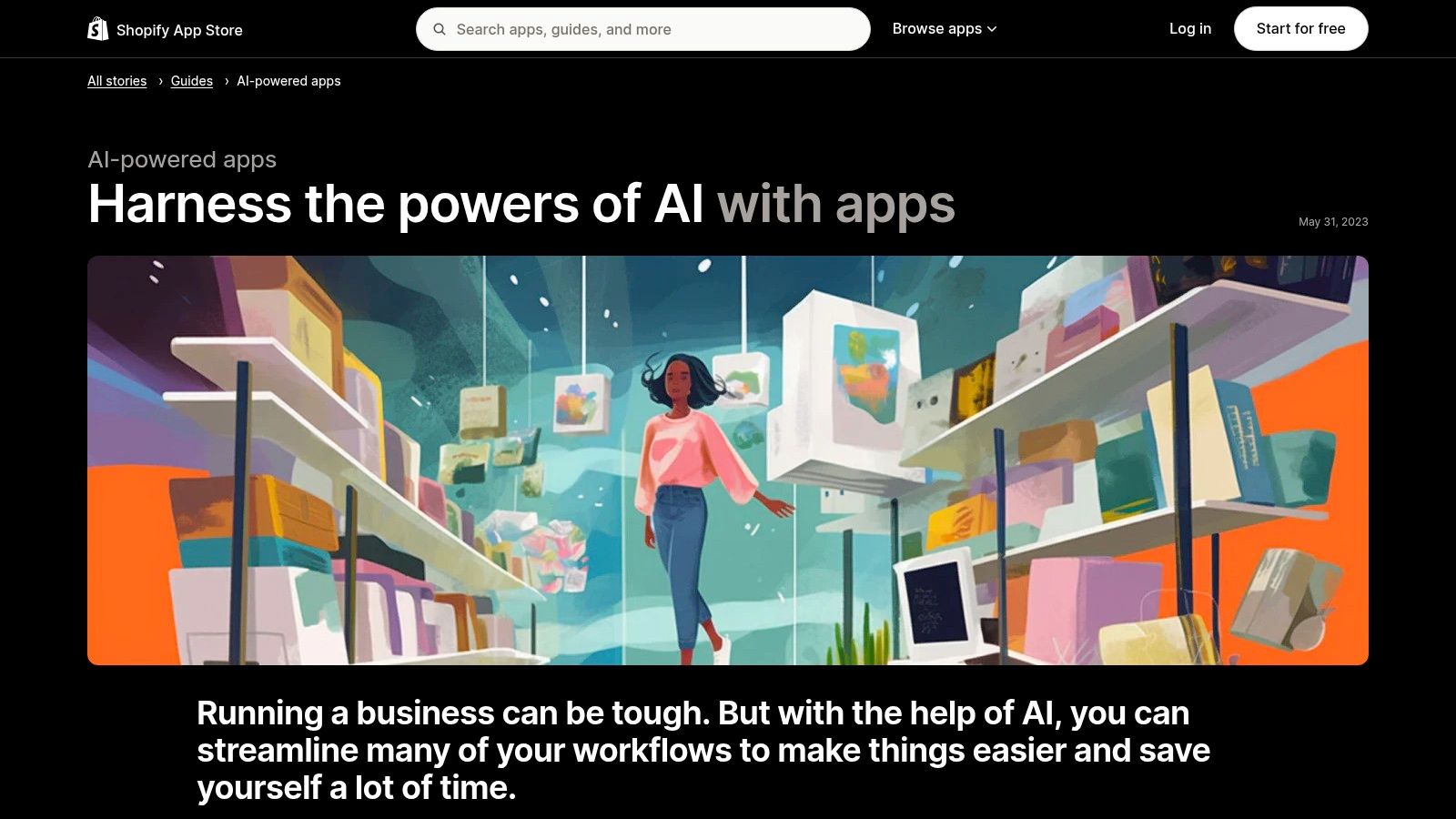
8. Shopify App Store — AI-Powered Commerce Apps
For e-commerce businesses running on Shopify, the most direct path to leveraging AI is through its dedicated App Store. This marketplace isn’t just a list of add-ons; it’s a curated ecosystem of tools designed to seamlessly integrate with a Shopify storefront, offering solutions for everything from customer support to marketing automation. It’s a vital resource for merchants looking to implement the top AI tools for business without complex custom integrations.
The platform excels by providing a one-click installation process and transparent user reviews from other merchants. This allows business owners to quickly assess an app’s value and potential ROI based on real-world feedback from peers. By focusing exclusively on e-commerce, the apps listed are highly specialized for increasing sales, improving operational efficiency, and enhancing the customer experience.
How to Find an App on Shopify (Step-by-Step)
Here’s how a store owner can improve their product descriptions.
- Identify the Task: Manually writing unique, SEO-friendly product descriptions for hundreds of items is taking too long.
- Search the App Store: Go to the Shopify App Store and search for “AI product description generator.”
- Filter by Rating and Price: Sort the results by “Highest rated” and check the pricing models. Look for apps with a free plan or a free trial to test the quality of the generated text.
- Read Recent Reviews: Focus on reviews from the last 3-6 months. Are other merchants happy with the output? Do they mention any bugs or issues with the latest version?
- Install and Test: Use the one-click install to add the app to your store. Use it to generate descriptions for 5-10 products and review them for quality, accuracy, and brand voice before using it across your entire catalog.
A practical workflow is to identify a key pain point, such as abandoned carts. Search the App Store for “AI personalization” or “AI product recommendations” to find tools that can create dynamic offers. Before installing, carefully review the pricing tiers and recent reviews to ensure it aligns with your budget and has a strong track record. Exploring these specialized solutions is one of the key strategies for growth highlighted in our guide to the best AI tools for small business.
| Pros | Cons |
|---|---|
| Direct install to Shopify with clear merchant reviews. | Quality and support can vary significantly between app developers. |
| Strong selection of revenue-impacting AI apps for commerce. | Exclusively for Shopify, not a marketplace for general AI needs. |
Website: https://apps.shopify.com/stories/guide-ai-powered-apps
9. Hugging Face — Models, Spaces, and Inference Endpoints
For businesses moving beyond off-the-shelf AI and into custom model deployment, Hugging Face is the essential community hub and platform. It acts as a central repository for thousands of pre-trained models, datasets, and interactive demos (Spaces), creating a direct pipeline from research to real-world application. It’s where your technical team can find, test, and deploy state-of-the-art AI.
Hugging Face demystifies the MLOps lifecycle by providing the infrastructure to not only discover models but to also deploy them as production-ready APIs. Instead of building complex infrastructure from scratch, teams can launch secure, autoscaling inference endpoints with transparent, usage-based pricing. This focus on accessibility makes it one of the top AI tools for business looking to operationalize machine learning without a massive upfront investment.
How to Deploy a Model with Hugging Face (Step-by-Step)
Here’s a workflow for a machine learning engineer.
- Find a Model on the Hub: Your team needs a model that can classify images of products. Search the Hugging Face Hub for “image classification” and filter by popular models like
google/vit-base-patch16-224. - Test it in a Space: Many models have a “Space” linked to them, which is a live, interactive demo. Upload a few sample product images to test the model’s accuracy directly in the browser without writing any code.
- Deploy as an Inference Endpoint: Once satisfied, click the “Deploy” button on the model’s page and select “Inference Endpoints.”
- Configure the Endpoint: Choose your cloud provider (AWS, Azure, GCP), select an appropriate instance size (e.g., GPU-enabled), and set the security level to “Protected” or “Private.”
- Integrate the API: Hugging Face provides you with a secure API URL and an authentication token. Your developers can now integrate this API into your internal inventory management application.
A practical workflow is to have your development team identify a suitable text generation model from the Hub, test its performance in a free Space, and then deploy it as a private Inference Endpoint. This endpoint can then power an internal content creation tool, a process similar to how many of the best AI coding assistants are developed and integrated.
| Pros | Cons |
|---|---|
| Fast path from prototype to production endpoints. | Requires ML familiarity for best results. |
| Transparent pricing and multi-cloud deployment flexibility. | Endpoint costs can scale significantly with traffic. |
Website: https://huggingface.co/
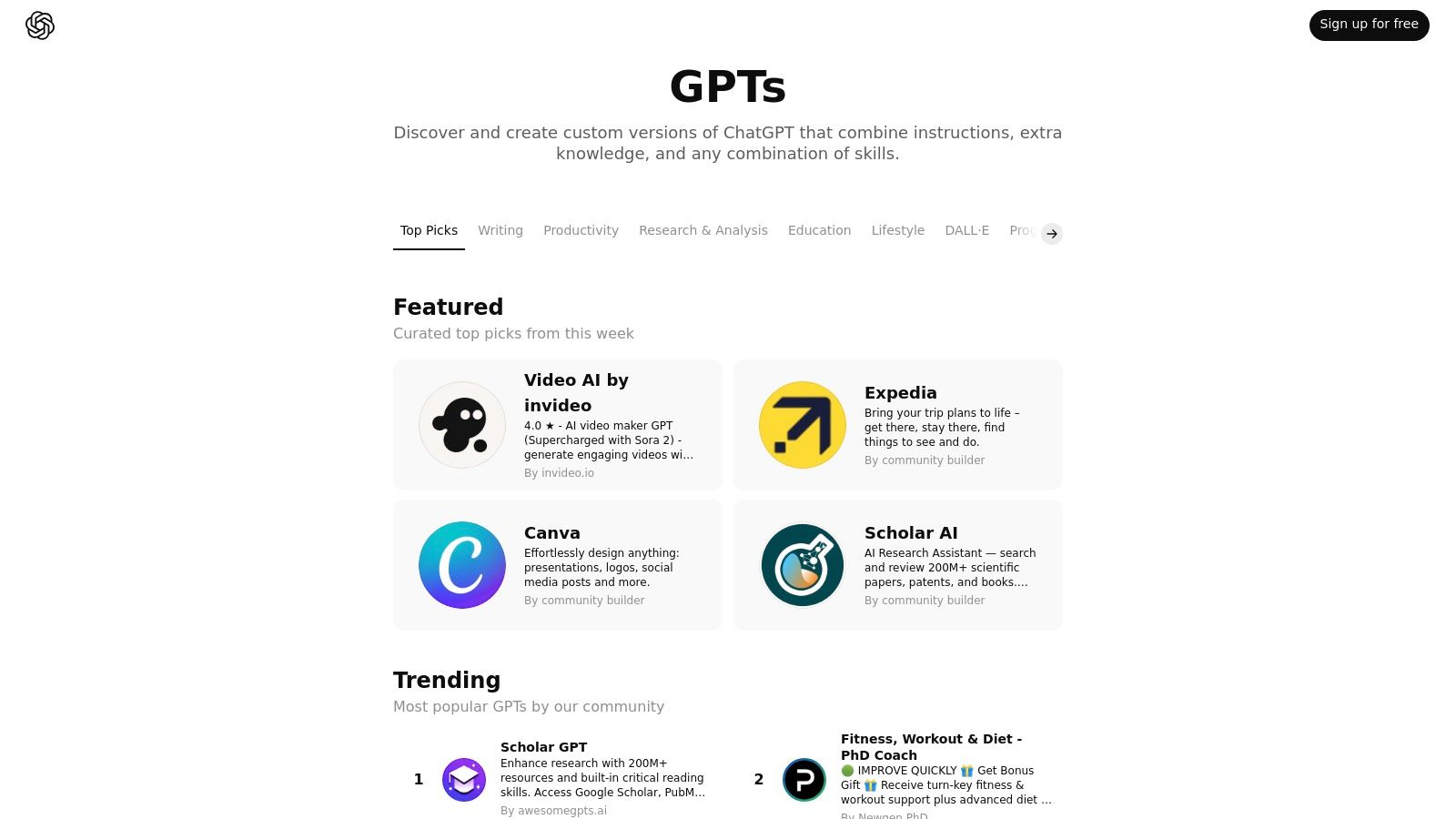
10. OpenAI GPT Store — Curated GPTs for Work
Instead of building a custom AI assistant from scratch, businesses can now tap into a marketplace of pre-built solutions. The OpenAI GPT Store is an app store-like platform where you can find thousands of custom-built GPTs designed for specific tasks like data analysis, content creation, and project management. This makes it one of the top AI tools for business when you need a specialized assistant without the development overhead.
The store allows teams to instantly deploy highly targeted AI agents, moving beyond the general capabilities of ChatGPT. By leveraging community and developer-created GPTs, you can find a bot fine-tuned for your exact industry or workflow, significantly speeding up adoption and increasing productivity for niche requirements.
How to Use the GPT Store for Your Team
Here’s how a project manager can leverage a custom GPT.
- Identify a Repetitive Task: The PM frequently has to convert messy meeting notes into structured project updates with action items and deadlines.
- Search the GPT Store: Open the GPT Store inside ChatGPT and search for “meeting summarizer” or “project update generator.”
- Test a Few GPTs: Try the top 2-3 results. Paste in a sample of your meeting notes and compare the outputs. Look for the GPT that produces the most accurate and well-formatted summary.
- Save and Share: Once you find a GPT that works well, you can save it to your sidebar for quick access. If you are on a ChatGPT Team plan, you can share the link to that GPT with your entire team in your project’s Slack channel.
For a practical application, a marketing team could search for a “Social Media Content Calendar GPT.” After finding a well-rated option, they can immediately start using it to generate post ideas, draft captions, and schedule content. The team lead can then save this GPT for the entire department to ensure consistent output.
| Pros | Cons |
|---|---|
| Rapidly adopt targeted AI assistants without heavy setup. | Requires ChatGPT Plus, Team, or Enterprise subscription. |
| Enterprise controls provide visibility and manage access. | Quality varies by builder; the platform’s vetting is evolving. |
Website: https://chat.openai.com/gpts
11. Zapier — AI Automation Directory and “AI by Zapier”
Zapier is the essential bridge between the apps you use every day, and its AI capabilities make it a powerhouse for operationalizing intelligence. Instead of keeping AI locked within a single application, Zapier allows you to embed AI actions directly into your existing workflows. This no-code platform connects over 8,000 applications, making it one of the fastest ways to automate tasks like data extraction, text summarization, and intelligent routing without writing a single line of code.
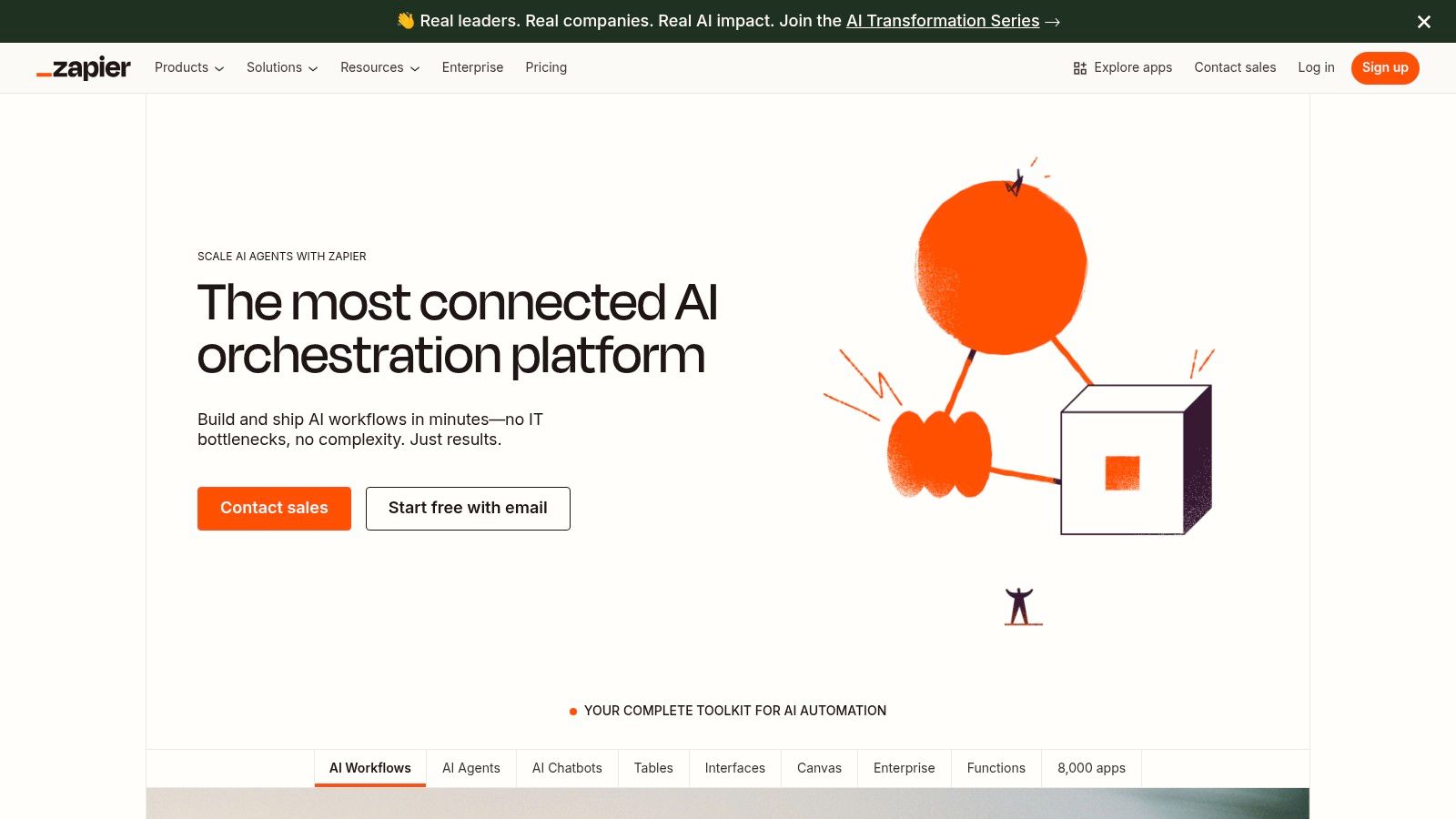
The platform’s core strength is its ability to democratize automation, letting non-technical team members build sophisticated, AI-driven processes. With “AI by Zapier,” you can create Zaps (automated workflows) that classify incoming support tickets, summarize customer feedback from survey forms, or even draft email responses. This turns AI from a standalone tool into an integrated component of your daily operations, making it one of the top AI tools for business process improvement.
How to Build an AI-Powered Zap (Step-by-Step)
Here is a realistic example of automating lead qualification.
- Set the Trigger: Create a new Zap. The trigger is “New Form Submission” in HubSpot (or your CRM of choice).
- Add an AI Action: For the second step, choose “AI by Zapier.” Select the action “Classify Text.” In the prompt, instruct the AI: “Based on the following lead’s message, classify them as ‘High Intent’, ‘Medium Intent’, or ‘Low Intent’. The message is: [Insert the ‘message’ field from the HubSpot form].”
- Create Logic Paths: Add a “Paths” step.
- Path A: If the AI classification from Step 2 contains “High Intent,” then the action is to “Create a Deal in HubSpot” and “Send a Channel Message in Slack” to the sales team.
- Path B: If the classification contains “Medium Intent,” the action is to “Add the contact to a nurturing sequence in Mailchimp.”
- Path C: If the classification is “Low Intent,” no further action is taken.
- Test and Turn On: Test the Zap with a few sample form submissions to ensure the logic works, then turn it on.
For example, you could create a Zap that triggers whenever a new response is submitted to a Typeform survey. An “AI by Zapier” step can then analyze the sentiment of the open-ended feedback. If the sentiment is negative, the Zap automatically creates a high-priority ticket in Zendesk and sends a notification to a specific Slack channel. Exploring these possibilities is central to creating smart systems, as discussed in our guide to AI workflow automation tools.
| Pros | Cons |
|---|---|
| Fastest way to operationalize AI across popular SaaS tools. | Complex automations may require expert help. |
| Deep ecosystem and templates reduce engineering effort. | User support quality can vary. |
Website: https://zapier.com/
12. Futurepedia — AI Tools Directory for Business Use
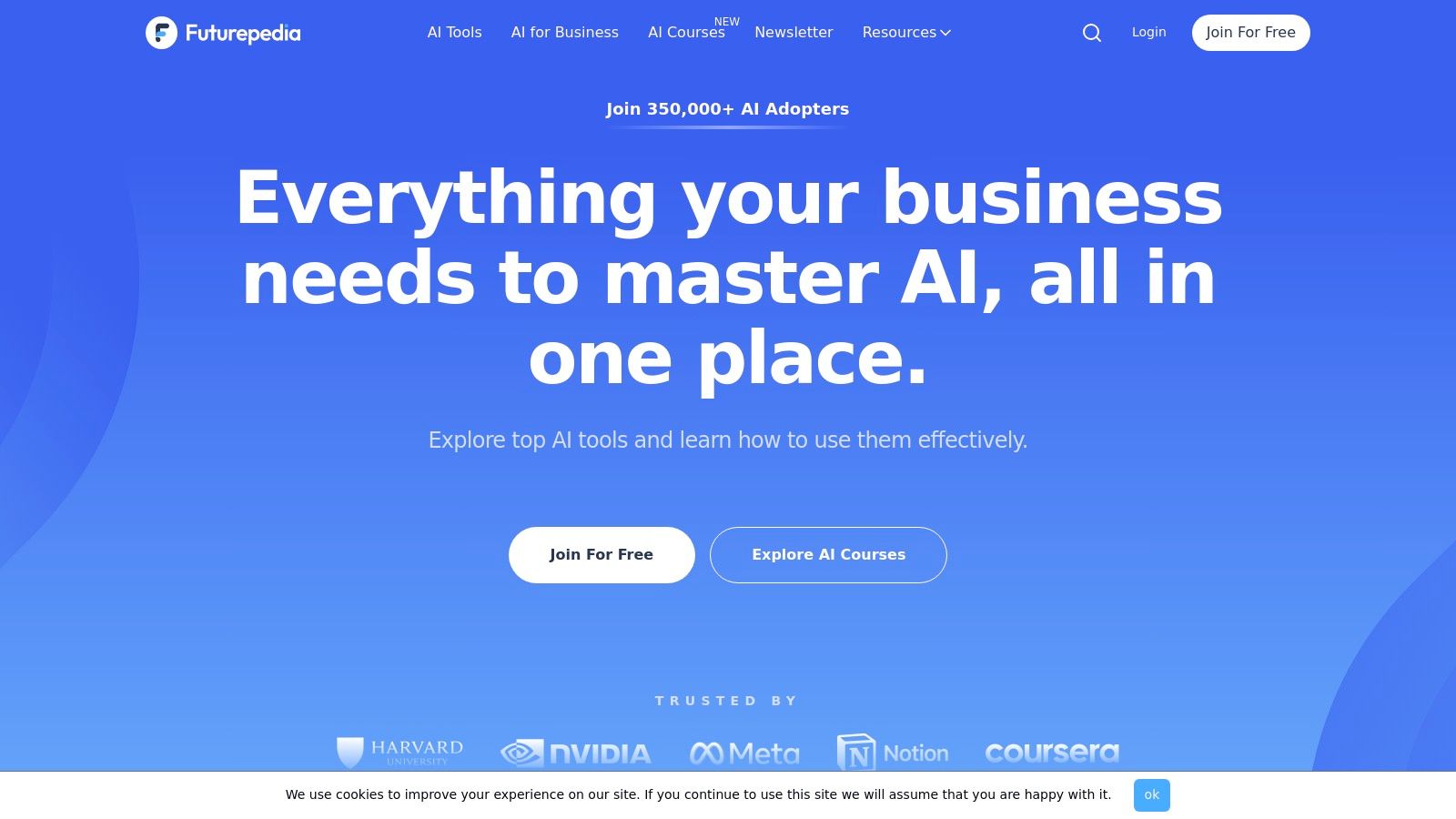
When the AI landscape seems to expand daily, staying current can feel like a full-time job. Futurepedia acts as a dynamic and comprehensive directory, indexing thousands of AI tools across dozens of business-focused categories. It is an excellent starting point for non-technical teams looking to discover what’s possible and find the top AI tools for business without getting lost in jargon.
Futurepedia’s value lies in its breadth and accessibility, offering a bird’s-eye view of the market. Its clear categorization and editorial guides help demystify complex technologies, making it easier for marketing, operations, and creative teams to find relevant solutions. The platform excels at surfacing niche and newly launched tools you might otherwise miss.
How to Use Futurepedia for Discovery
Here’s how to efficiently find a new tool for a specific task.
- Start with a Category: Don’t use the search bar at first. Instead, click on a broad category that matches your need, such as “Marketing” or “Productivity.”
- Apply Smart Filters: On the category page, use the filters on the left. This is the most powerful feature. A good combination is:
- Pricing: Freemium (to find tools you can test for free)
- Features: Verified (to see tools the Futurepedia team has confirmed)
- Sort by Popularity: Change the sorting dropdown to “Popular” or “Verified” to bring the most trusted and used tools to the top.
- Build a Quick Shortlist: Open the top 3-5 tools in new tabs. For each one, quickly scan their one-sentence description, pricing, and features. This allows you to build a shortlist for deeper evaluation in under 10 minutes.
A practical workflow is to select a primary category like “Productivity” and then apply the “Freemium” filter to identify low-risk tools to test. Review the editor’s picks to see validated options, then check their listed alternatives to build a shortlist of three to five tools for your team to trial.
| Pros | Cons |
|---|---|
| Broad discovery across hundreds of niche categories. | Directory depth relies on user due diligence. |
| Extremely helpful for non-technical teams and beginners. | Some tool entries can lag behind recent vendor updates. |
Website: https://www.futurepedia.io/
Top 12 AI Business Tools — Side-by-Side Feature Comparison
| Marketplace | Core Focus ✨ | Target Audience 👥 | Key Strengths 🏆 | Price & Quality 💰★ |
|---|---|---|---|---|
| G2 — AI Software Category | B2B reviews, buyer guides, live rankings | Enterprise & procurement teams | Massive verified reviews, comparison views, leader badges | 💰Free browse; sponsored spots; ★★★★☆ |
| Capterra — AI Directory | SMB-focused listings, side-by-side compares | SMB buyers & evaluators | Clear pricing/deploy info, strong filters | 💰Free listing/sponsored; ★★★★☆ |
| Product Hunt — AI Topic | Daily launches, community voting & feedback | Early adopters, builders | Fast discovery of new/niche tools | 💰Free; signal-to-noise varies; ★★★☆☆ |
| AWS Marketplace — ML/AI | SageMaker-ready models, enterprise billing | AWS-centric enterprises & teams | Direct deploy, procurement & security controls | 💰Usage-based/enterprise; ★★★★☆ |
| Microsoft Marketplace | AppSource + Azure integrations, in-product apps | Microsoft-centric organizations | Tight MS integrations, compliance & billing | 💰Private offers/paid; ★★★★☆ |
| Google Cloud Marketplace | Vertex/GenAI-ready agents, curated offers | Google Cloud teams & SREs | Deployment guidance, private marketplace | 💰Paid/credits; cloud-tied; ★★★★☆ |
| Salesforce AppExchange | CRM-native AI apps & Einstein automations | Salesforce customers, sales/service teams | Deep CRM integration, vertical solutions | 💰Paid (requires SF licenses); ★★★★☆ |
| Shopify App Store — AI Apps | Commerce AI (chatbots, SEO, personalization) | Merchants & e‑commerce SMBs | One-click installs, merchant reviews, revenue focus | 💰Paid/tiers; quality varies; ★★★★☆ |
| Hugging Face — Models & Spaces | Model hub, hosted demos, inference endpoints | ML engineers, researchers, developers | Rapid prototype→prod, multi-cloud endpoints | 💰Free + paid endpoints; transparent pricing; ★★★★☆ |
| OpenAI GPT Store — Curated GPTs | ChatGPT-native GPT marketplace & org controls | Teams using ChatGPT (Plus/Enterprise) | Ready-to-use assistants, builder program | 💰Requires ChatGPT subscription; ★★★★☆ |
| Zapier — AI Automation Directory | No-code AI actions + 8k integrations | Non-technical teams, ops & automation leads | Fast operationalization, templates & connectors | 💰Free+paid; complex zaps may need experts; ★★★★☆ |
| Futurepedia — AI Tools Directory | Large indexed directory, editor picks & guides | Explorers, non-technical business users | Broad niche discovery, editorial explainers | 💰Free; entries may lag; ★★★☆☆ |
From Discovery to Deployment: Your Next Steps with AI
We’ve journeyed through the most influential marketplaces and directories, from massive enterprise platforms like AWS and Salesforce AppExchange to specialized hubs like Hugging Face and the OpenAI GPT Store. You’ve seen where to find, compare, and acquire the top AI tools for business, but discovery is only the first step. The true challenge, and the greatest opportunity, lies in moving from a long list of possibilities to a short list of tangible, value-driving implementations.
The sheer volume of options can feel overwhelming. However, the core takeaway is simple: the AI revolution is not a single, monolithic event but a series of targeted, incremental improvements. Your goal isn’t to “adopt AI” in a vague sense; it’s to solve specific business problems using the most effective technology available. The platforms we’ve explored are your strategic arsenal, providing a curated selection of weapons to tackle precise operational challenges.
How to Select the Right AI Tool: A Practical Framework
Navigating this new landscape requires a clear strategy. Instead of getting distracted by the latest viral AI model, ground your search in your business’s foundational needs. Use this simple, three-step framework to guide your decision-making process.
- Isolate a High-Impact Problem: Begin by identifying a single, well-defined pain point. Don’t start with the tool; start with the problem. Is your marketing team spending 10 hours a week manually writing social media captions? Is your development team bogged down by repetitive code reviews? Is customer support overwhelmed with basic, repetitive inquiries?
- Match the Problem to a Tool Category: Once you have your problem, map it to a specific category of AI solution. For instance, the social media caption problem points toward AI content generators. The code review bottleneck suggests an AI coding assistant. The customer support issue calls for an AI chatbot or helpdesk automation tool. This immediately narrows your search from thousands of tools to a manageable few.
- Run a Controlled Pilot Program: Select one or two promising tools and launch a small-scale pilot. Do not roll out a new tool company-wide from day one. Assign it to a single team or a small group of power users for a defined period (e.g., 30 days).
- Example in Action: Let’s say you’re a product manager aiming to improve customer feedback analysis. Your problem is the manual effort of reading and categorizing hundreds of feedback tickets. You identify “AI Data Analysis” as your category. Using a marketplace like G2, you find two top-rated tools. You run a pilot by giving your associate PM access to both, tasking them with analyzing last month’s feedback tickets. You measure success by comparing the time taken and the quality of insights generated versus the old manual process.
Actionable Takeaways
- Start with the Problem, Not the Tool: Before browsing any marketplace, write down the specific business problem you’re trying to solve (e.g., “reduce time spent on meeting summaries”).
- Use Filters Aggressively: Your first action on any platform should be to use its filters (by company size, pricing, integration) to cut through the noise.
- Run a 2-Week Pilot: Choose one tool and test it with a small, enthusiastic team. Define a clear success metric beforehand (e.g., “reduce report generation time by 20%”).
- Prioritize Integration: A tool’s value multiplies when it connects to your core systems (CRM, Slack, etc.). Check for native integrations or Zapier support before you commit.
- Read the 3-Star Reviews: 5-star reviews are often generic, and 1-star reviews can be outliers. The 3-star reviews provide the most balanced feedback on a tool’s real-world pros and cons.
Tools & Resources
- Tool Directories: G2, Capterra, Futurepedia
- Emerging Tech: Product Hunt (AI Topic)
- Developer Platforms: Hugging Face, AWS AI Marketplace
- Automation: Zapier
Further Reading
- How to Implement AI in Your Business
- 12 Best Generative AI Tools for Marketing
- Best AI Tools for Small Business
- AI Content Creation Tools
The journey to leveraging the top AI tools for business is a marathon, not a sprint. By adopting a methodical, problem-focused approach, you can cut through the hype and build a powerful, intelligent technology stack that delivers measurable results and a sustainable competitive advantage. Start small, prove the value, and scale your success.
Ready to find the perfect AI solution without endlessly browsing dozens of marketplaces? The AI Tools Hub offers a single, comprehensive directory of over 11,000 AI tools, meticulously categorized for every business need. Use our advanced filters to pinpoint the exact tool for your specific use case, saving you hours of research. Start your search on the AI Tools Hub today.