

As a small business owner, you’re juggling a dozen roles at once. What if you could clone yourself? While that’s still science fiction, the right AI tools are the next best thing. They can automate tedious tasks, generate marketing ideas, manage your finances, and even handle customer service, freeing you up to focus on what truly matters: growing your business.
This isn’t about buzzwords or complicated tech; it’s about practical, powerful solutions that save you time and money. Think of these platforms as your tireless virtual assistants, ready to streamline your operations and spark creativity. They solve the core problem of limited resources by automating repetitive work, providing data-driven insights, and enhancing customer interactions. For instance, an AI tool can draft a week’s worth of social media posts in minutes, freeing you up to engage directly with customers.
This guide cuts through the noise to show you the 12 best AI tools for small business that you can start using today to get real results. We’ve focused on platforms that are not only powerful but also accessible and easy to implement. For each tool, we provide a detailed analysis including:
- Real-world use cases to show you exactly how it can be applied.
- Honest pros and cons for a balanced perspective.
- Direct links and screenshots so you can see the tool in action.
- Actionable implementation tips to get you started quickly.
While this article covers tools for all aspects of your company, from operations to finance, many businesses find their first big win with AI in marketing. To gain a broader understanding of how AI can transform your online presence, explore the best AI tools for digital marketing. Let’s dive in and find the perfect AI-powered partner to help supercharge your growth.
1. Microsoft 365 with Copilot for Business
For small businesses already embedded in the Microsoft ecosystem, Copilot for Business is a powerhouse upgrade. It’s not a standalone app but an AI assistant integrated directly into the tools you use daily: Word, Excel, PowerPoint, Outlook, and Teams. This deep integration is its key differentiator; it leverages your company’s own data, meetings, and documents (via Microsoft Graph) to provide context-aware assistance, making it one of the best AI tools for small business productivity.
Imagine asking Copilot in Teams to “summarize the key action items from the Q3 planning meeting and list any unresolved questions.” It can do this because it has access to the meeting transcript. Similarly, you can ask it to draft a proposal in Word based on data from an Excel spreadsheet and notes from an Outlook email chain. This cross-app functionality saves significant time on routine administrative and creative tasks.
The user experience is seamless, with Copilot appearing as a sidebar or prompt within each application. While it requires a qualifying Microsoft 365 Business Standard or Business Premium plan, the add-on cost of $30 per user/month can be justified by productivity gains, especially for roles heavy on communication and document creation.
Practical Example: Creating a Sales Proposal in Minutes
A sales manager needs to create a customized proposal for a new client. Instead of manually compiling information, they use Copilot.
- Open Microsoft Word and activate Copilot.
- Enter a prompt: “Create a 5-page sales proposal for Client XYZ. Use the pricing data from ‘Q4_Pricing.xlsx’ and incorporate the key benefits discussed in my email thread with ‘[email protected]‘ from last week. Structure it with an introduction, solution overview, pricing table, and next steps. Use a professional and confident tone.”
- Review and Refine: Copilot generates the document, pulling the correct data from Excel and summarizing the email discussion. The manager spends 10 minutes refining the text instead of two hours building it from scratch.
Actionable Takeaways
- Automate Meeting Follow-ups: Use Copilot in Teams to instantly generate meeting summaries and action items, then share them with attendees.
- Analyze Sales Data: In Excel, ask Copilot to “identify the top 5 selling products this quarter and create a bar chart to visualize the trend.”
- Manage Your Inbox: Use Copilot in Outlook to summarize long email threads and draft professional replies based on the conversation’s context.
Website: https://www.microsoft.com/microsoft-365/copilot/business
2. Google Workspace
For small businesses built on Google’s suite of tools, the recent integration of AI provides a massive efficiency boost without requiring a separate subscription. Unlike add-on models, Google has embedded powerful generative AI features directly into Gmail, Docs, Sheets, and Meet for many of its Workspace Business plans. This makes it one of the best AI tools for small business owners who value simplicity and want to enhance existing workflows.
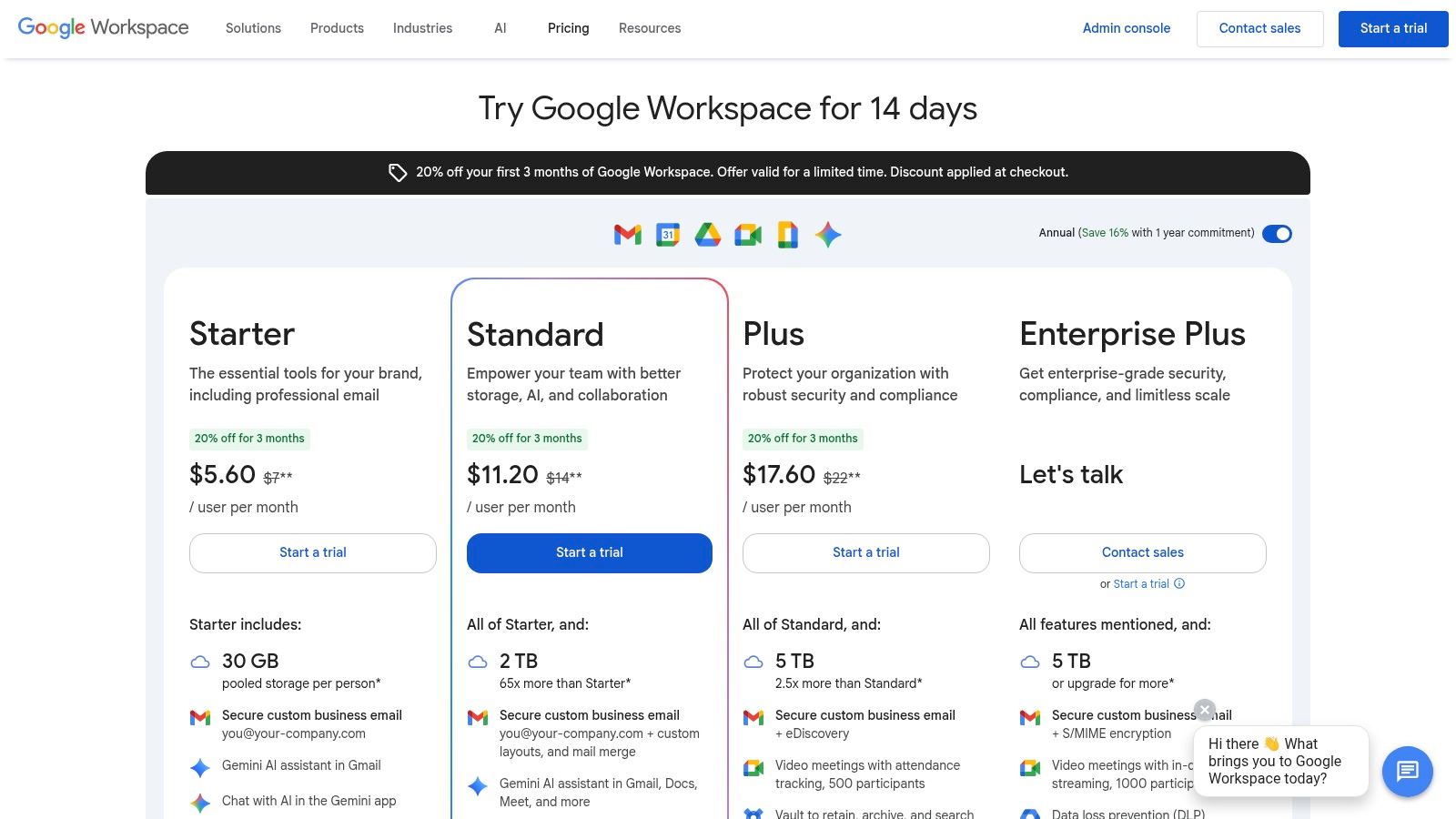
Alt text: A user interacting with Google Workspace’s Gemini AI assistant in a sidebar next to a Google Doc.
The strength of Google’s approach lies in its familiar, collaborative environment. You can now use AI to draft an entire marketing email in Gmail from a few bullet points, create project plans in Sheets from a simple description, or generate custom images for a presentation directly within Slides. Because the AI is part of the existing ecosystem, procurement is simplified and user adoption is often faster, as employees are working within tools they already know.
Access to features varies by subscription level, with more advanced capabilities available on higher-tier plans like Business Standard and Plus. However, even the entry-level plans are receiving AI enhancements, making it a cost-effective way to introduce artificial intelligence into daily operations. The user experience is intuitive, with Gemini appearing as a side panel or “Help me write” prompt.
Practical Example: Drafting a Blog Post from a Brainstorm
A content creator has a list of rough ideas for a blog post in Google Docs. They need to turn it into a structured draft.
- Open Google Docs and list the brainstormed points.
- Highlight the text and click the “Help me write” (or Gemini) icon.
- Enter a prompt: “Turn these bullet points into a 700-word blog post titled ‘5 Ways Small Businesses Can Improve Customer Loyalty’. Use a friendly and helpful tone. Include an introduction, a numbered list for each of the 5 points with a short paragraph, and a concluding summary.”
- Edit the Output: Gemini generates a complete draft. The creator then spends their time editing and adding their unique brand voice, cutting the writing time in half.
Actionable Takeaways
- Draft Emails Faster: In Gmail, use the “Help me write” feature to turn bullet points like “follow up on invoice 123, due last week, offer 5% discount if paid today” into a polite and professional reminder email.
- Organize Project Data: In Google Sheets, type “Create a project plan to launch our new website by August 1st, with columns for task, owner, due date, and status” and let the AI build the template for you.
- Enhance Presentations: In Slides, use the image generation tool to create custom illustrations for your presentation instead of searching for stock photos.
Website: https://workspace.google.com/pricing
3. Shopify (Shopify Magic / Sidekick AI)
For small businesses entering the e-commerce space, Shopify has evolved beyond a simple storefront builder into an AI-powered commerce platform. Its native AI toolset, branded as Shopify Magic, is designed to reduce the friction of getting a store online and managing it effectively. This isn’t just about a single feature; AI is woven into the entire user journey, from generating compelling product descriptions to answering business performance questions, making it one of the best AI tools for small business retail.
Shopify’s core strength is its all-in-one nature. Instead of piecing together disparate tools, a business gets an AI-assisted store builder, a powerful product management system, and integrated payment and shipping solutions from day one. For instance, using Shopify Magic, you can upload a product image and have it generate a detailed, SEO-friendly description and title automatically. Its new AI assistant, Sidekick, acts as an e-commerce advisor, allowing you to ask questions like, “Which products had the highest cart abandonment rate last month?” and get instant, data-driven answers.
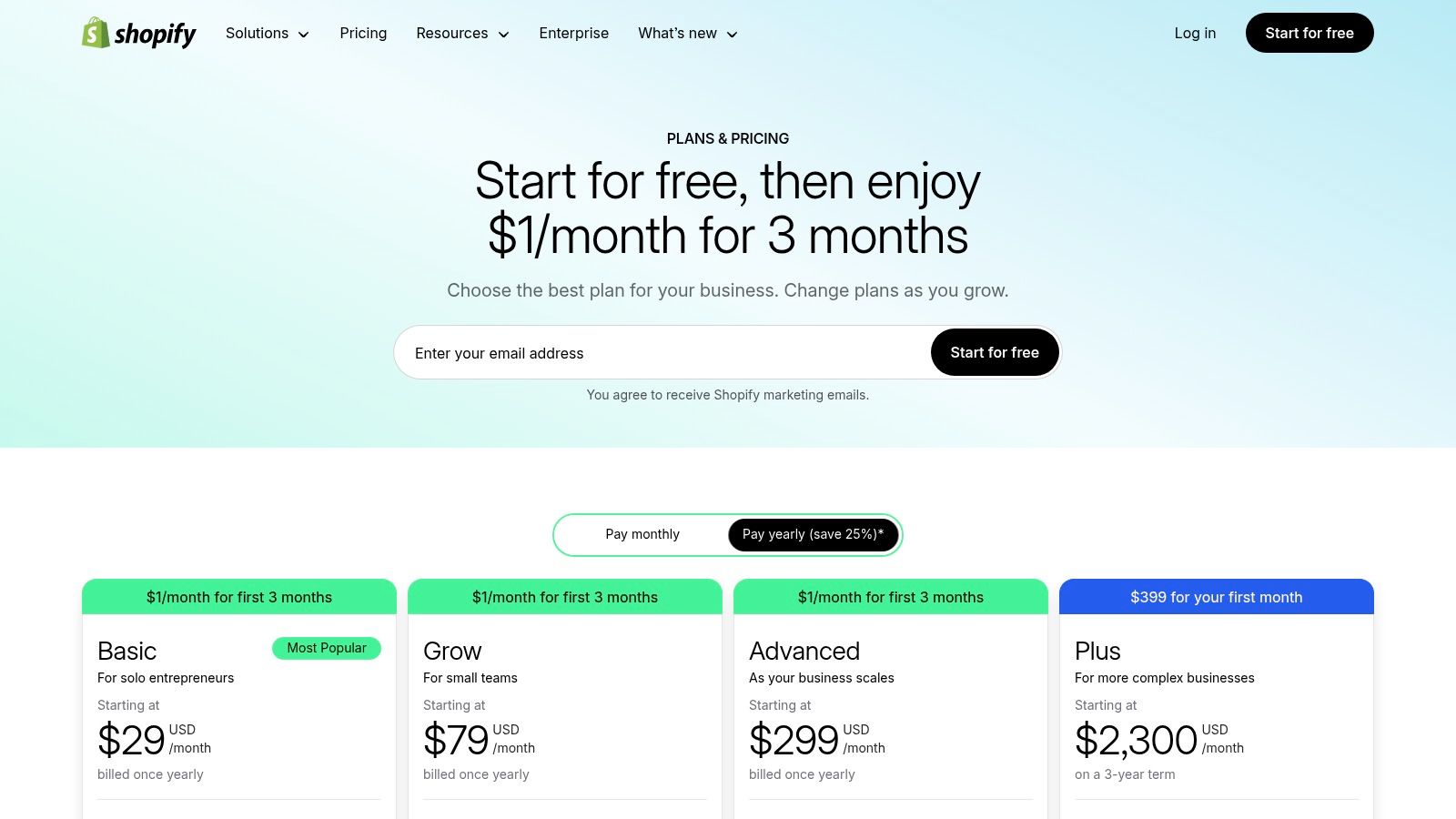
This integrated approach helps new entrepreneurs make smarter decisions faster, without needing a dedicated data analyst. While the platform has subscription tiers and transaction fees, the built-in AI capabilities included in standard plans provide immense value, helping level the playing field for small businesses competing against larger online retailers.
Practical Example: Writing a High-Converting Product Description
An online store owner is adding a new “Handcrafted Leather Wallet” to their shop. They need a compelling description quickly.
- Navigate to the product page in the Shopify admin panel.
- Click on the “Generate text” button (Shopify Magic) in the description field.
- Enter keywords and features: “men’s wallet, full-grain leather, minimalist design, holds 8 cards, RFID blocking.”
- Select a tone: Choose from options like “Expert,” “Playful,” or “Persuasive.”
- Generate and Edit: Shopify Magic produces three description options. The owner picks the best one, makes minor tweaks to match their brand voice, and publishes the product in under five minutes.
Actionable Takeaways
- Optimize Product Pages: Use Shopify Magic to generate SEO-friendly product titles and descriptions for all your new items.
- Get Business Insights: Ask Sidekick questions like, “Show me my best-selling products in the UK last month” to inform your international marketing strategy.
- Automate Customer Service: Use the AI-powered FAQ generator to create a comprehensive help page that reduces support tickets.
Website: https://www.shopify.com/pricing
4. Square (Block)
For small businesses in retail, food service, or appointments, Square offers a comprehensive commerce platform that now includes embedded AI features. It’s not just a payment processor; it’s an ecosystem combining point-of-sale, online stores, invoices, and marketing. This integration is Square’s biggest strength, allowing its AI to pull from a unified set of your business data-sales trends, customer behavior, and inventory-to provide practical, growth-oriented assistance.
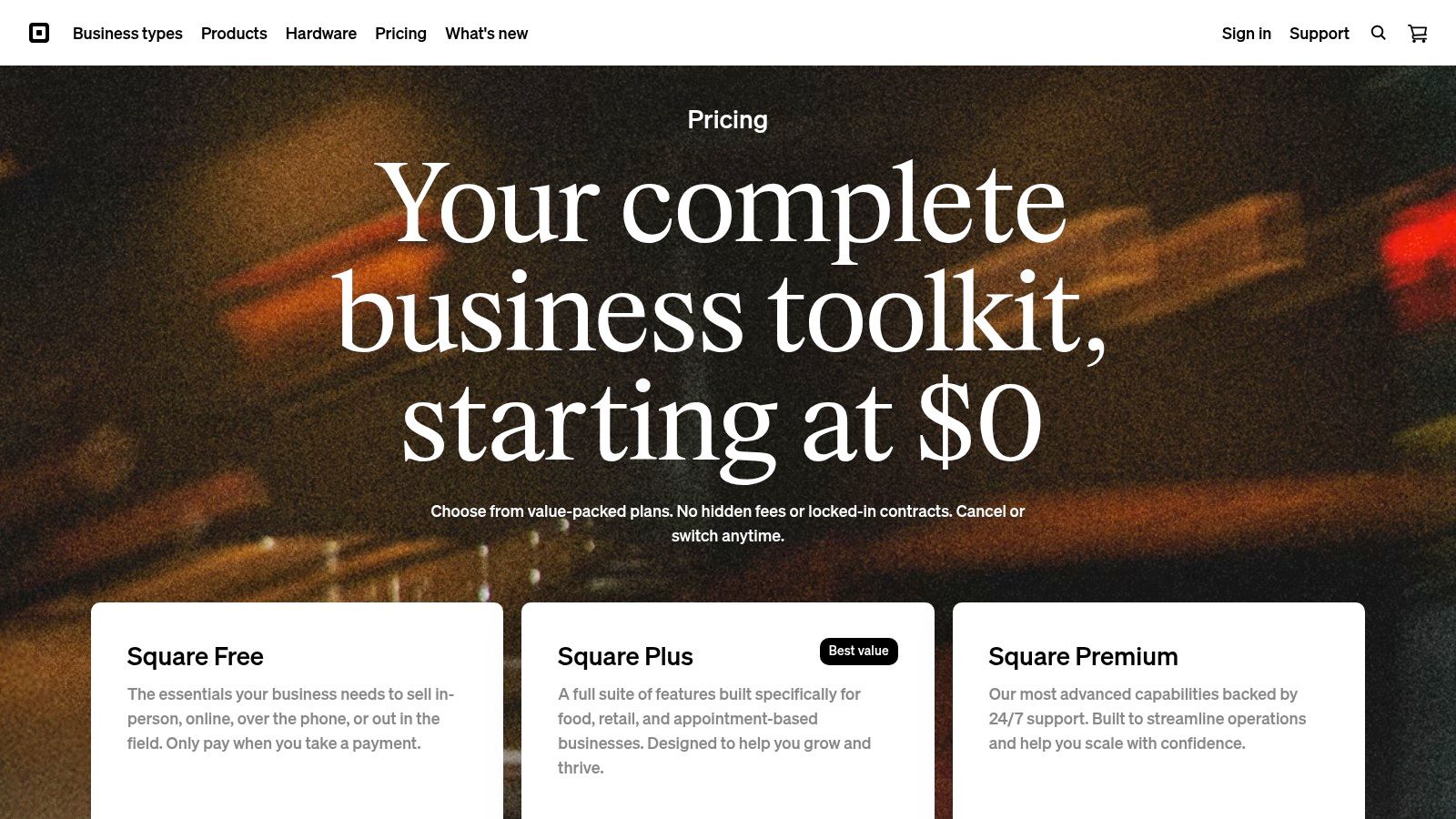
Alt text: A screenshot of the Square online dashboard showing sales analytics and business insights.
Square’s AI shines in its marketing and communication tools. For instance, when creating an email campaign, its AI assistant can generate subject lines, body copy, and even suggest customer segments to target based on past purchasing habits. This makes sophisticated marketing accessible without needing a dedicated team. It’s one of the best AI tools for small business owners who manage their own marketing and customer engagement.
The platform’s modular design is another key benefit. You can start with a free POS system and online store, only paying payment processing fees. As your business grows, you can add paid tools like Square Marketing or Loyalty. While processing fees can be higher than negotiated rates from traditional merchant services, the value lies in the all-in-one, AI-enhanced platform that simplifies operations.
Practical Example: Launching a Targeted Email Campaign
A local coffee shop wants to announce a new seasonal drink and encourage repeat visits.
- Open Square Marketing in the dashboard.
- Choose an email campaign template.
- Use the AI assistant: When prompted for copy, enter “Announce our new Pumpkin Spice Latte. Offer a 10% discount to customers who haven’t visited in over 30 days. Make the tone warm and inviting.”
- Generate and Segment: The AI writes the subject line and body copy. Square’s system automatically creates a customer segment of “lapsed customers” based on sales data.
- Schedule the Send: The owner reviews the email, adds a photo, and schedules it to send, all within 15 minutes.
Actionable Takeaways
- Create Professional Photos: Use the Square Photo Studio app to instantly remove the background from your product photos for a clean, consistent look on your online store.
- Automate Appointment Reminders: Set up the AI-powered reminder system in Square Appointments to reduce no-shows.
- Write E-commerce Descriptions: When adding items to your Square Online store, use the built-in AI to generate compelling descriptions based on the item’s name and category.
Website: https://squareup.com/us/en/pricing
5. Intuit QuickBooks Online with Intuit Assist
For countless small businesses, QuickBooks Online is the central nervous system for their finances. The integration of Intuit Assist transforms this familiar accounting software into a proactive financial partner. Instead of just being a passive ledger, the platform now uses AI to automate tedious bookkeeping tasks, analyze cash flow, and offer predictive insights, making it one of the best AI tools for small business financial management.
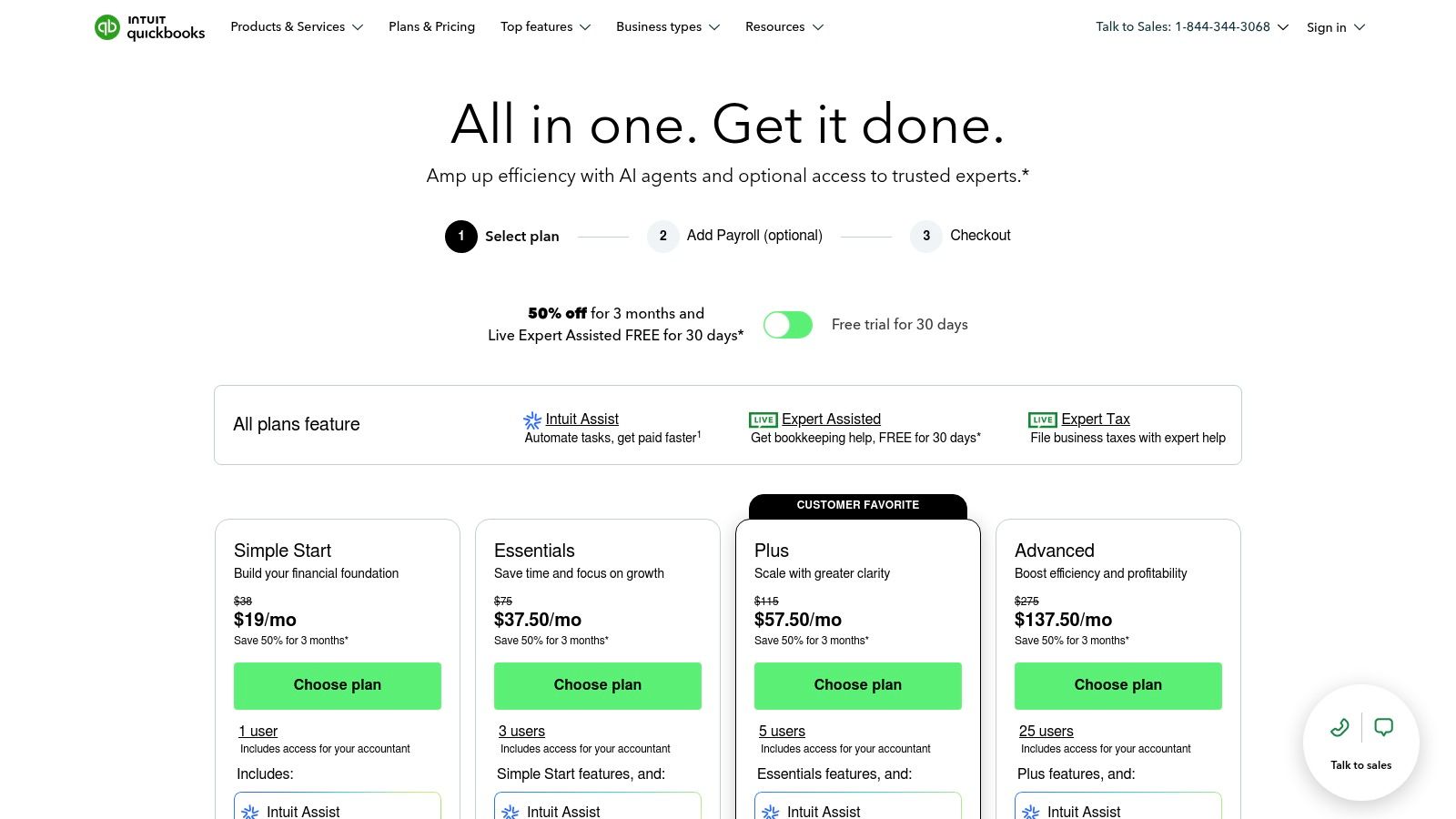
Intuit Assist’s strength lies in its deep integration with your real-time financial data. You can ask it to draft invoice reminders for overdue payments, and it will pull the customer’s name, amount, and due date automatically. It also helps categorize transactions with greater accuracy, learning from your past classifications to reduce manual data entry. For more information on how AI is revolutionizing business operations, you can explore how AI can help your small business.
The user experience places the AI helper directly within the existing QuickBooks workflow, making it intuitive for long-time users. While pricing can climb with necessary add-ons like Payroll or Payments, the core AI features included in the standard plans offer a tangible reduction in administrative overhead. This allows business owners to spend less time on bookkeeping and more time on strategic financial planning.
Practical Example: Understanding Cash Flow Projections
A business owner is considering a large equipment purchase and needs to know if they can afford it.
- Open the Intuit Assist panel in the QuickBooks dashboard.
- Ask a natural language question: “What is my projected cash flow for the next 90 days?”
- Get an Instant Analysis: Intuit Assist analyzes historical income, recurring expenses, and upcoming invoices to provide a visual forecast.
- Drill Down: The owner can then ask follow-up questions like, “If I have a new expense of $5,000 next month, how does that affect my projection?” to make an informed decision without building a complex spreadsheet.
Actionable Takeaways
- Streamline Invoicing: Use Intuit Assist to draft polite but firm reminder emails for all outstanding invoices over 30 days old.
- Improve Expense Tracking: When QuickBooks suggests a category for a new expense, take a moment to confirm or correct it. This “trains” the AI to become more accurate over time.
- Get Quick Financial Summaries: Instead of running a full P&L report, ask Intuit Assist, “What was my profit margin last month?” for a quick health check.
Website: https://quickbooks.intuit.com/pricing/
6. HubSpot Starter Customer Platform
For small businesses needing an all-in-one solution, HubSpot’s Starter Customer Platform is a powerful entry point. It integrates a core CRM with AI-powered marketing, sales, and service tools, preventing the need to stitch together multiple disconnected apps. This platform is one of the best AI tools for small business owners who want to unify their customer-facing operations without a significant initial investment or technical overhead. Its primary advantage is embedding AI content assistants directly into the workflow for creating emails, social posts, and even blog ideas.
Imagine you need to launch a quick email campaign. Instead of starting from scratch, you can use HubSpot’s AI assistant to generate a compelling subject line and body copy based on a simple prompt. This content is created within the same platform where you manage your customer contacts, send the email, and track its performance. This tight integration means the AI tools work with your existing CRM data, providing a more cohesive go-to-market strategy from a single dashboard.
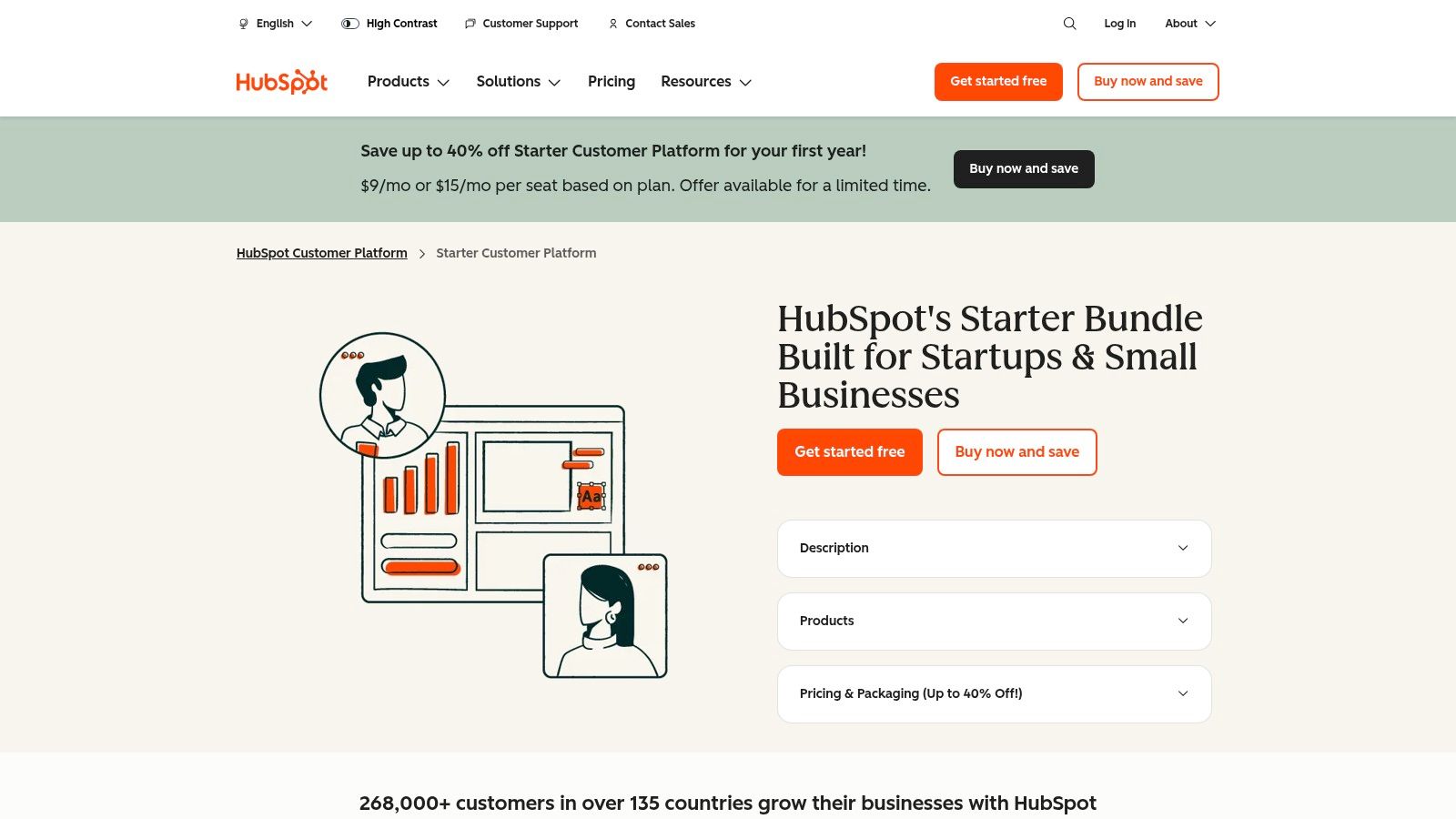
Alt text: Screenshot of the HubSpot platform interface showing its AI content assistant and CRM features.
The platform operates on a seats-based model, which can scale as your team grows. While advanced automation is reserved for higher tiers, the Starter plan’s combination of a robust CRM, AI content tools, and basic automation makes it a formidable tool for growth-focused SMBs. You can explore more about how it fits into a modern GTM strategy in our guide on the best AI tools for marketing.
Practical Example: Creating a Social Media Campaign
A B2B service company wants to promote a new case study on LinkedIn to generate leads.
- Open the HubSpot Marketing Hub and navigate to the social media scheduler.
- Click to create a new post and open the AI Assistant.
- Enter a prompt: “Create three LinkedIn post variations to promote our new case study about improving manufacturing efficiency by 30%. Include a hook, a key statistic, and a call-to-action to download the full study. Use a professional tone and include relevant hashtags.”
- Schedule the Posts: The AI generates three distinct posts. The manager schedules them to post over the next week and uses HubSpot’s tracking to see which variation performs best.
Actionable Takeaways
- Generate Blog Ideas: Use the AI assistant to brainstorm five blog post titles based on your core service offering.
- Build a Lead Nurture Sequence: Draft a three-part email follow-up sequence for new leads, using AI to write the initial drafts.
- Set Up a Simple Chatbot: Use the chatbot builder to create a bot for your website that asks visitors, “What brought you here today?” and qualifies leads automatically.
Website: https://www.hubspot.com/products/crm/starter
7. Zapier
Zapier is the essential nervous system for business automation, connecting over 6,000 different web applications to create streamlined workflows without writing a single line of code. Its power lies in its simplicity and breadth; if a small business uses multiple cloud-based tools (like Slack, Google Sheets, and Mailchimp), Zapier can make them talk to each other automatically. This makes it one of the best AI tools for small business owners looking to reclaim time spent on repetitive manual data entry and task management.
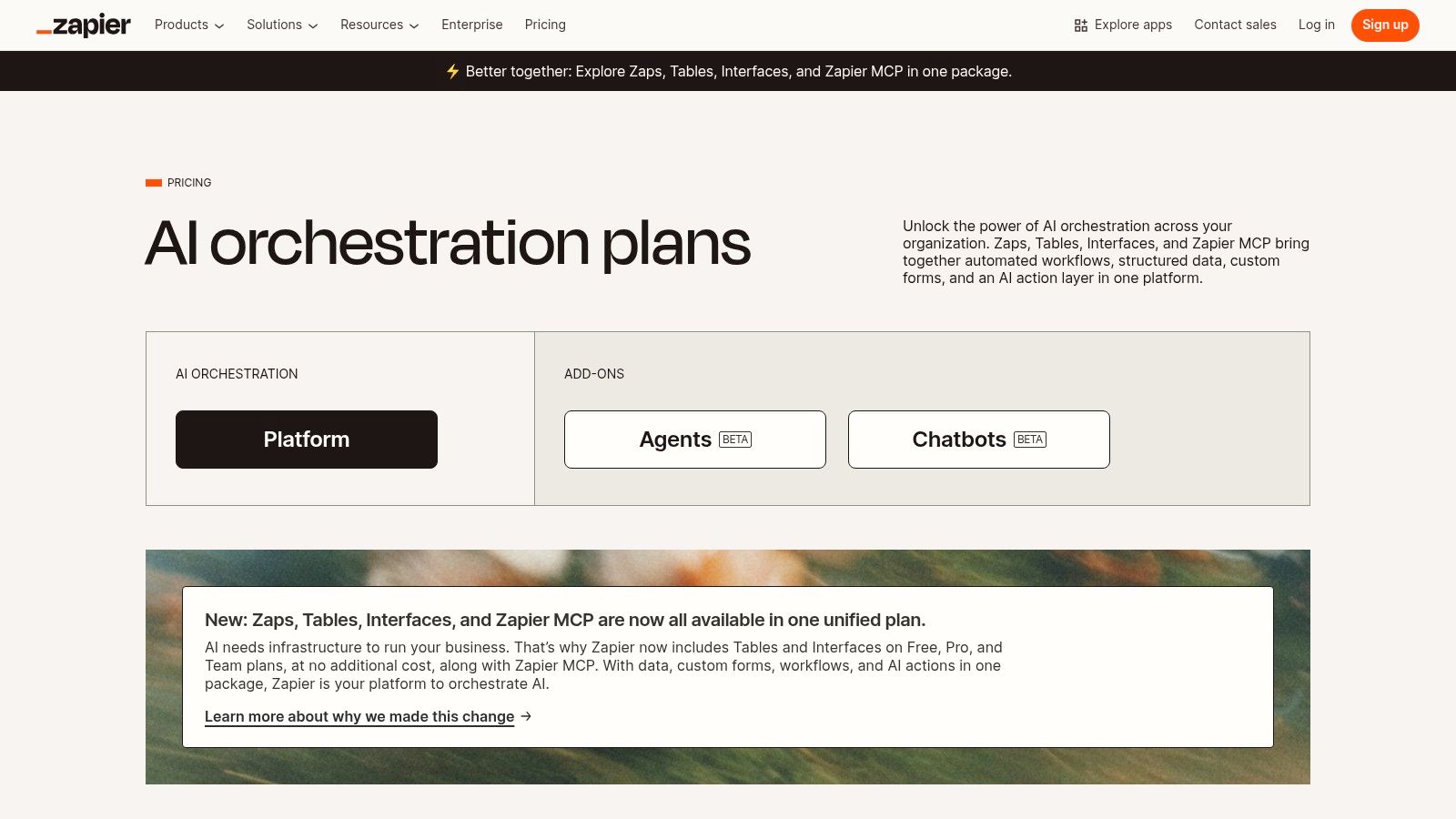
Alt text: A screenshot of the Zapier interface showing how to create an AI-powered automated workflow, or “Zap.”
Recently, Zapier has integrated AI capabilities directly into its platform, allowing users to build “AI Agents” that can perform complex, multi-step tasks. For example, you can create an agent to monitor customer support emails, automatically generate a thoughtful reply based on your knowledge base, create a ticket in your project management tool, and notify the support channel in Slack. This transforms Zapier from a simple automation tool into a platform for building custom AI “teammates” that handle routine operational duties.
While pricing is based on task usage and can scale up with complex workflows, Zapier offers a free tier for basic needs. The user interface is intuitive, making it accessible even for non-technical founders. For those looking to integrate custom scripts, Zapier can even connect with AI coding assistants to expand its functionality further.
Practical Example: Automating Lead Management
A business gets new leads from a contact form on its website. Manually copying this info into a CRM and notifying the sales team is slow.
- Set the Trigger: In Zapier, create a new “Zap.” The trigger is “New Form Submission” from your website form tool (e.g., Typeform, Gravity Forms).
- Add an AI Action: Add a step using “Formatter by Zapier.” Use the AI feature to automatically format the lead’s name into a standard capitalization (e.g., “john smith” becomes “John Smith”).
- Add the Final Actions:
- Action 1: “Create Contact” in your CRM (e.g., HubSpot), mapping the form fields to the contact properties.
- Action 2: “Send Channel Message” in Slack to the #sales channel, notifying the team of the new lead with their name and email.
- Turn it On: Activate the Zap. Now, every new lead is processed and assigned instantly, 24/7, with no manual effort.
Actionable Takeaways
- Auto-Share Content: Create a Zap that triggers whenever you publish a new blog post, automatically sharing it on your LinkedIn, Twitter, and Facebook pages.
- Organize Invoices: Set up a Zap to save all new email attachments from your inbox that contain the word “invoice” into a specific Dropbox or Google Drive folder.
- Triage Support Requests: Build a Zap that takes new emails sent to [email protected], uses an AI step to categorize the request (e.g., “Billing,” “Technical Issue”), and then creates a ticket in a project management tool like Trello.
Website: https://zapier.com/pricing
8. Canva (Pro/Teams with Magic Studio)
For small businesses needing to produce professional marketing materials without a dedicated designer, Canva is an indispensable asset. Its AI-powered Magic Studio, integrated into the Pro and Teams plans, transforms the platform from a simple design tool into a powerful content creation engine. It democratizes design by allowing anyone to generate on-brand visuals, videos, and presentations from a simple text prompt, making it one of the best AI tools for small business marketing departments.
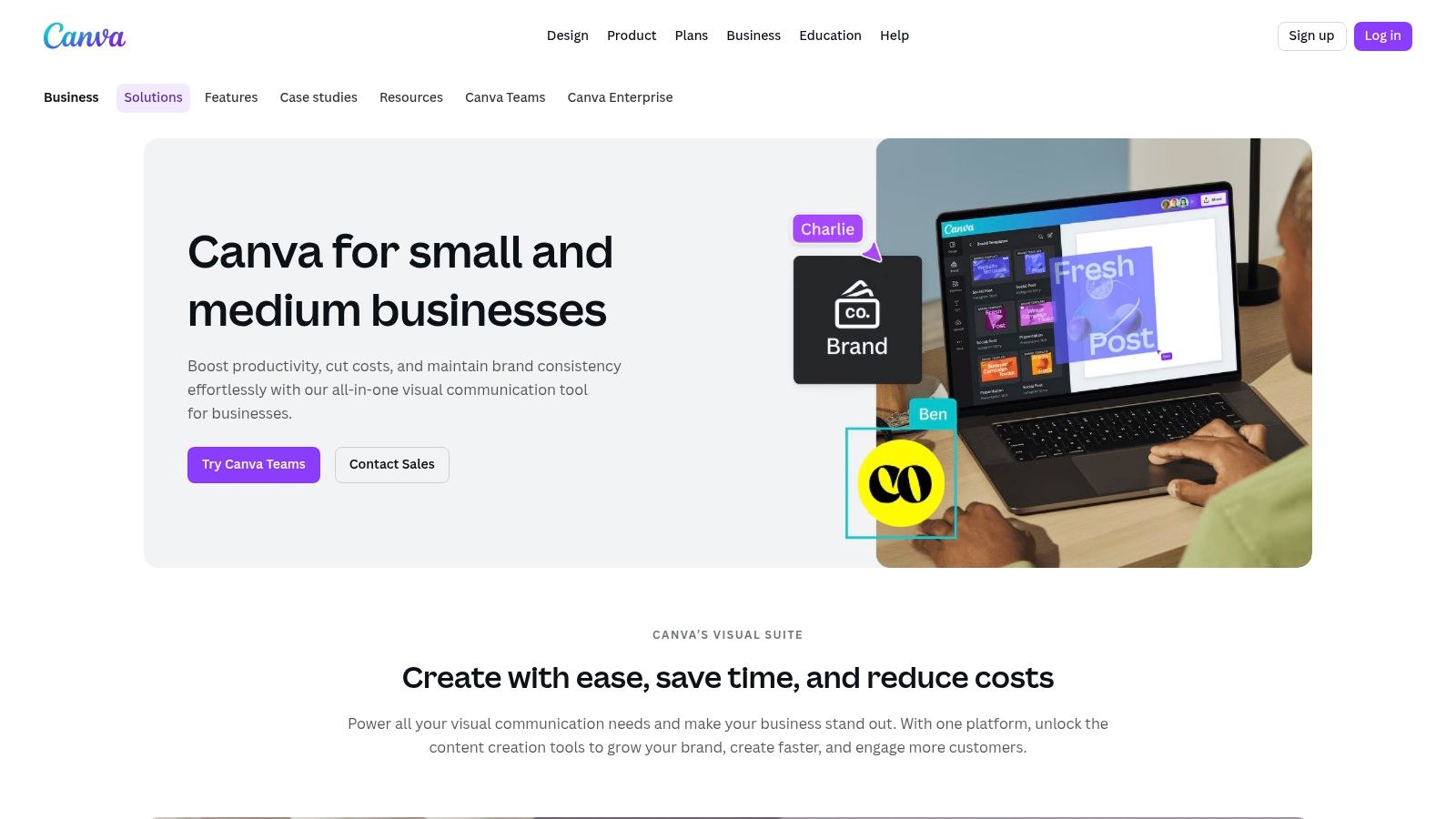
Alt text: A user interface within Canva’s Magic Studio showing AI-powered design and text generation features.
The user experience is famously intuitive. You can use Magic Write to instantly draft social media captions, blog post outlines, or ad copy directly within your design. Magic Design can take an uploaded image and generate a complete, customized template around it. This streamlined workflow, combined with a vast library of assets and templates, significantly reduces the time and cost associated with producing high-quality marketing collateral.
The Teams plan adds crucial collaboration features like shared brand kits, approval workflows, and flexible seat billing, which is ideal for growing teams or working with freelancers. While advanced brand governance is reserved for higher tiers, the core AI features in the Pro and Teams plans offer a massive leap in efficiency for most small businesses.
Practical Example: Creating a Social Media Ad
A local bakery wants to create an Instagram ad for a new line of cupcakes.
- Open Canva and go to Magic Studio.
- Use Magic Design: Type the prompt, “Create an Instagram ad for a new line of gourmet cupcakes. Use a playful and delicious theme with our brand colors.” Upload a photo of the cupcakes.
- Select a Template: Canva generates several fully designed ad templates incorporating the photo and brand colors. The bakery owner chooses their favorite.
- Refine with Magic Write: They click on the headline text and use Magic Write with the prompt “Write three catchy headlines for a cupcake ad.” They select the best one. The entire ad is ready in under 10 minutes.
Actionable Takeaways
- Set Up Your Brand Kit: Before you start, upload your logo, brand colors, and fonts. This ensures any AI-generated design is instantly on-brand.
- Repurpose Content: Use Magic Switch to instantly convert a presentation into a blog post or a whitepaper into an email newsletter.
- Quickly Edit Photos: Use Magic Edit to remove unwanted objects from a photo or change the color of a product without needing Photoshop.
Website: https://www.canva.com/solutions/small-business/
9. Grammarly
For small businesses aiming to professionalize every piece of written communication, Grammarly is an essential AI-powered writing assistant. More than just a spell checker, it helps refine tone, clarity, and conciseness across emails, proposals, social media posts, and support responses. Its key advantage is its ubiquitous integration, working seamlessly as a browser extension, desktop app, and mobile keyboard, ensuring brand consistency everywhere your team writes.
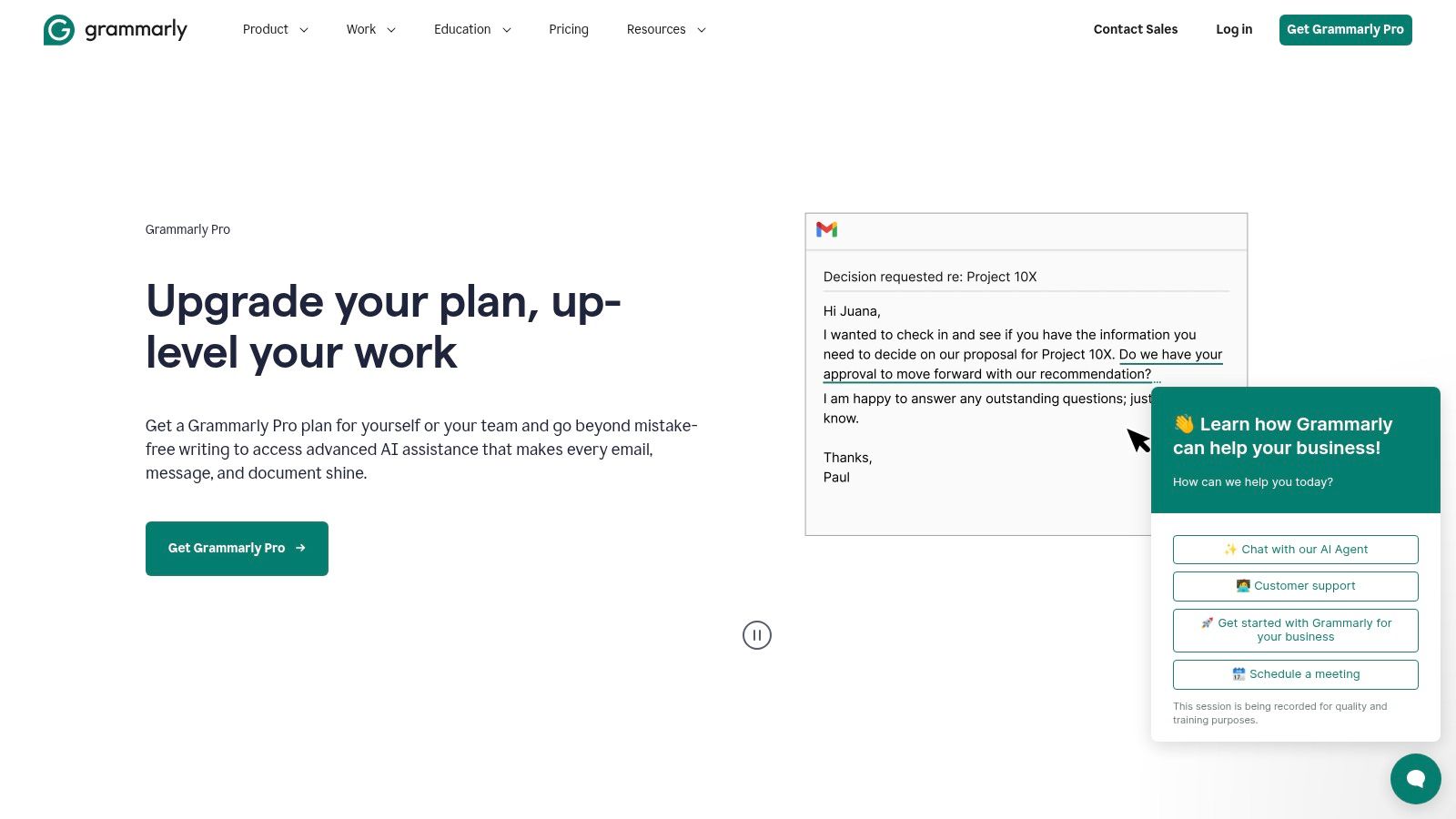
Alt text: A person using Grammarly’s AI writing features on a laptop.
Grammarly for Business elevates this by allowing you to create a company-wide style guide. You can set brand tones (e.g., “confident,” “empathetic”), define company-specific terminology, and build a library of reusable snippets for common phrases or email templates. This ensures that a customer support agent and a sales executive sound like they work for the same company, reinforcing your brand identity in every interaction.
The platform offers a free version for basic grammar and spelling, with Business plans starting at $15 per member/month. The paid tier unlocks advanced features like style guides, tone detection, and administrative analytics to monitor team usage and writing improvements. For any small business where clear and professional writing is critical to its reputation, Grammarly is one of the best AI tools for small business communication.
Practical Example: Ensuring Brand Voice in Customer Support
A software company wants all its support agents to sound helpful and professional, not robotic.
- Set Up the Style Guide: In the Grammarly Business admin panel, the manager sets the primary brand tone to “Confident & Empathetic.” They add company-specific terms like “user dashboard” (instead of “portal”) to the dictionary.
- Create Snippets: They create a snippet for handling a common bug report. The snippet is a pre-written, perfectly worded template that an agent can insert with a keyboard shortcut.
- Live Correction: A support agent is writing an email to a frustrated customer. Grammarly flags a sentence as sounding “blaming” and suggests a more neutral alternative. It also corrects a typo and suggests using a snippet for the closing, ensuring the response is on-brand, empathetic, and fast.
Actionable Takeaways
- Define Your Brand Tone: In the business settings, select 2-3 tones that represent your brand (e.g., “Professional,” “Friendly,” “Direct”). Grammarly will then guide all team writing toward that voice.
- Build a Snippet Library: Identify your top 5 most frequently written emails or phrases and save them as snippets for one-click insertion.
- Check Before You Send: Encourage your team to use the “Tone Detector” in their email client to review crucial emails (like sales proposals or client apologies) before hitting send.
Website: https://www.grammarly.com/business
10. Hootsuite
Hootsuite has long been a staple in the social media manager’s toolkit, and its integration of AI features solidifies its place as one of the best AI tools for small business marketing teams. It centralizes social media scheduling, engagement, and analytics across multiple networks into a single dashboard. Its key differentiator is combining this mature, robust platform with an AI assistant that streamlines content creation, making social media management more efficient than ever.
The platform’s OwlyWriter AI is designed to overcome creative blocks and save time. You can ask it to generate post captions from a simple prompt, repurpose content from a URL, or create post ideas based on a specific topic. This allows a small business owner or a lean marketing team to maintain a consistent, high-quality social media presence without spending hours on content creation. This frees up valuable time to focus on strategy and community engagement.
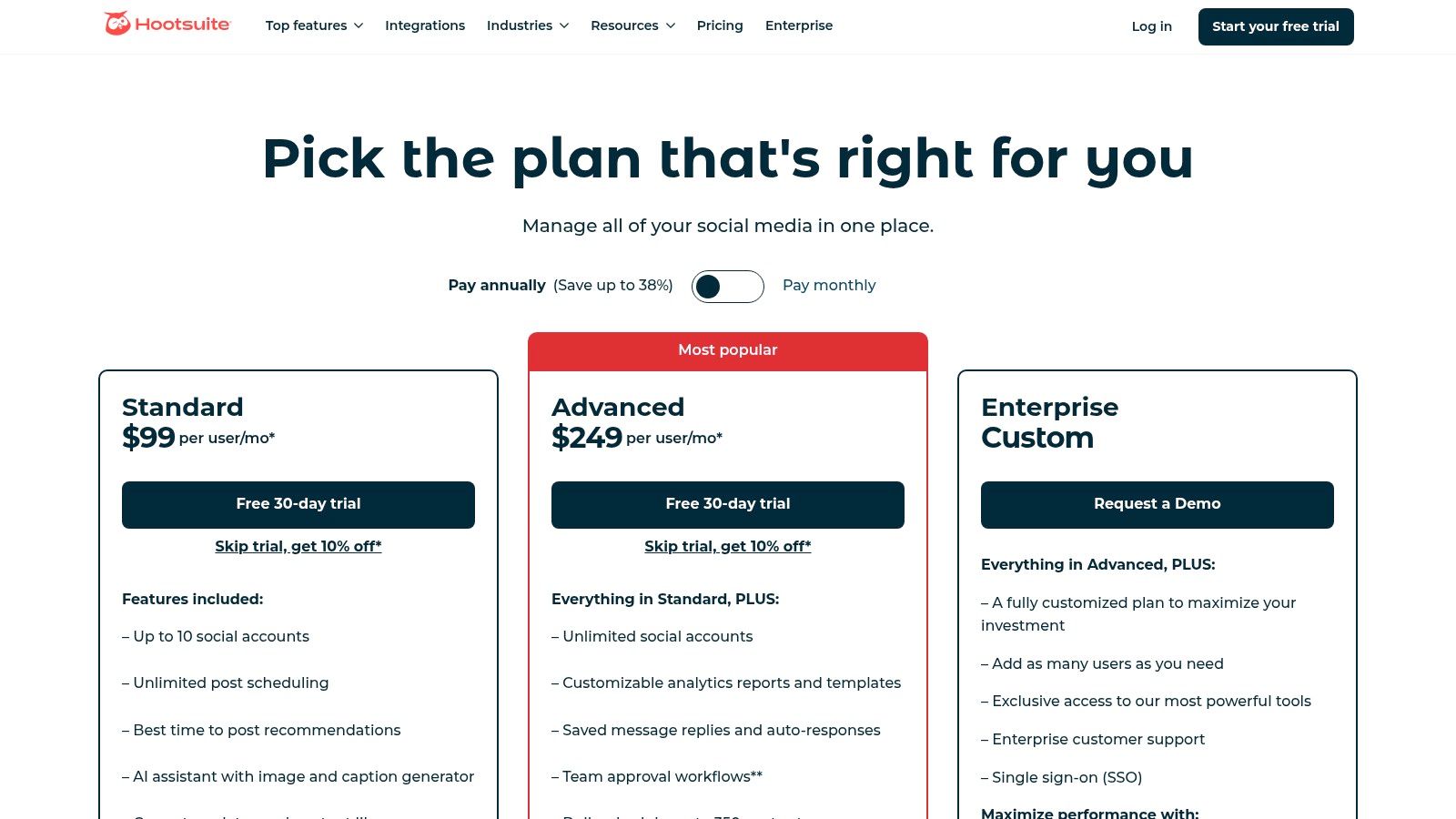
Alt text: A user interacting with Hootsuite’s OwlyWriter AI to generate social media post ideas.
The user experience is built around a comprehensive dashboard view, which can be customized with streams for different networks and activities. While pricing can feel steep for very small teams compared to simpler tools, its all-in-one nature and powerful analytics often justify the cost. Plans start at $99 per month, with discounts available for non-profits.
Practical Example: Planning a Week of Social Media Content
A marketing manager needs to fill their content calendar for the upcoming week.
- Open Hootsuite Composer and click on OwlyWriter AI.
- Choose a Goal: Select the “Start from scratch” option and type the prompt: “Generate 5 Instagram post ideas for a sustainable fashion brand. Focus on our new fall collection made from recycled materials.”
- Generate Captions: OwlyWriter produces five distinct ideas, including hooks, body text, and relevant hashtags. The manager selects three of them.
- Schedule in Bulk: They use the Hootsuite planner to drag and drop the AI-generated posts into the calendar, scheduling them for the optimal times suggested by the platform. An entire week’s content is planned in 20 minutes.
Actionable Takeaways
- Repurpose Your Blog: Paste the URL of your latest blog post into OwlyWriter and have it instantly generate three different social media posts to promote it.
- Use the “Best Time to Publish” Feature: Let Hootsuite analyze your audience engagement and automatically schedule your posts for when they are most likely to be seen.
- Monitor Keywords: Set up a “stream” in your dashboard to monitor mentions of your brand name or key industry terms, allowing you to engage in relevant conversations.
Website: https://www.hootsuite.com/plans
11. AppSumo
For small businesses wanting to experiment with a wide range of AI tools without committing to expensive monthly subscriptions, AppSumo is an essential resource. It’s a digital marketplace that specializes in lifetime and heavily discounted deals on software, including a constantly rotating selection of the best AI tools for small business needs. Instead of buying a single tool, you get access to a curated collection of emerging AI solutions for content creation, SEO, chatbots, analytics, and more.
The core value proposition for a small business is risk reduction. You can acquire a new AI writing assistant or a social media scheduler for a one-time fee, often less than the cost of two months of a standard subscription. This model allows for cost-effective experimentation, letting you test how different AI applications fit into your workflow before you invest more heavily. The platform features user reviews and Q&As with the founders, providing a layer of social proof and direct communication.
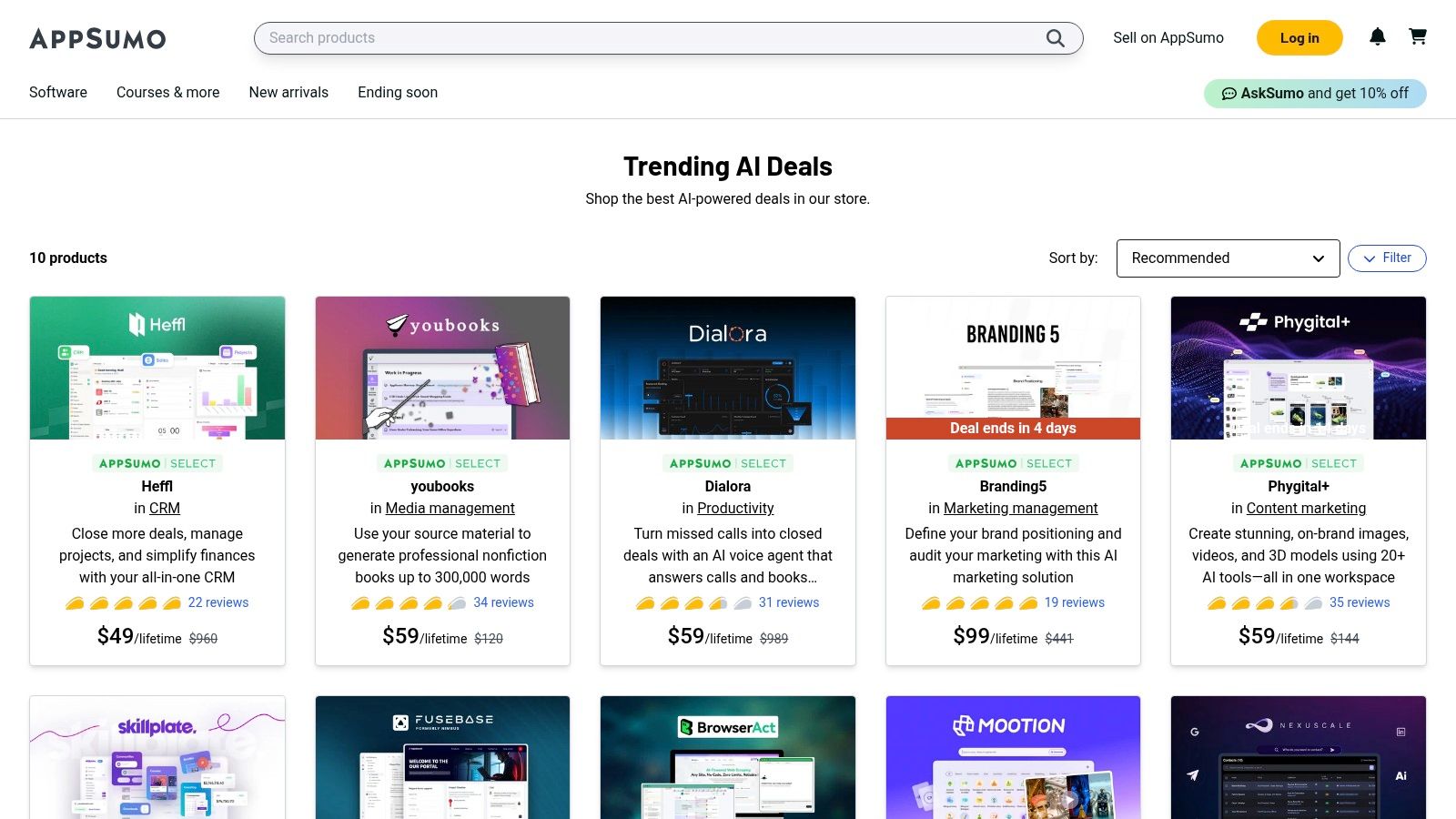
Alt text: A screenshot of the AppSumo website showcasing its trending AI tools collection, with various software deals displayed.
While the quality can vary, the deals are often from promising startups eager to build a user base. The platform’s refund policy (typically 60 days) further lowers the barrier to entry, making it an ideal place to discover and acquire powerful AI capabilities on a small business budget.
Practical Example: Testing an AI Video Generator
A small business wants to create short-form videos for TikTok but doesn’t have video editing skills or budget.
- Find a Deal: They browse AppSumo’s AI category and find a lifetime deal on an AI video generator for $49. The tool promises to create videos from text scripts.
- Check Reviews: They read the user reviews, noting that other small business owners found it easy to use but sometimes slow to render. The founder is actively answering questions in the comments, which is a good sign.
- Purchase and Test: They buy the deal and use the 60-day refund window to test it thoroughly. They create five TikTok videos. The tool works as advertised, saving them from hiring a freelancer.
- Keep the Tool: For a one-time cost of $49, they’ve added a valuable new capability to their marketing stack.
Actionable Takeaways
- Filter by “Trending AI”: Use AppSumo’s curated collections to quickly see the most popular and vetted AI deals currently available.
- Read the Q&A Section: Before buying, always read the questions and answers on the deal page. This is where you’ll find critical information about future feature roadmaps and limitations.
- Set a Small Budget: Dedicate a small quarterly budget (e.g., $100) specifically for AppSumo deals. This encourages experimentation without significant financial risk.
Website: https://appsumo.com/collections/trending-ai/
12. G2
While not an AI tool itself, G2 is an indispensable resource for finding the right one. As a software review and comparison platform, it offers an exhaustive directory of AI solutions where you can filter specifically for tools favored by small businesses. This allows you to cut through the marketing noise and see what your peers are actually using and, more importantly, what they think of it. Its key value is providing social proof and detailed peer insights before you commit to a subscription.
G2 helps you move from a general need, like “I need an AI chatbot,” to a curated shortlist based on verified user reviews. You can compare features side-by-side, read in-depth pros and cons from users at similarly sized companies, and often get a sense of the implementation process and customer support quality. This level of detail makes it one of the best research platforms for discovering AI tools for small business, preventing costly trial-and-error with mismatched software.
The user experience is straightforward, allowing you to browse categories or search directly. While you should be mindful that sponsored placements can affect the initial visibility of some tools, the user-generated reviews and comparison Grids provide a transparent, data-driven way to evaluate your options. Access is free for browsing and reading reviews.
Practical Example: Choosing a Helpdesk Software
A growing e-commerce business needs to upgrade from a shared Gmail inbox to a proper helpdesk software with AI features.
- Search and Filter: The owner goes to G2, searches for “Helpdesk Software,” and applies the filter for “Small Business” (1-50 employees).
- Compare Top Contenders: This narrows the list to a manageable number. They use the G2 Grid to visually compare the top 4 contenders based on user satisfaction and market presence.
- Read the Reviews: They click into the profiles for the top two tools. They specifically read reviews from other e-commerce companies, paying close attention to comments about the AI-powered ticket categorization and integration with Shopify.
- Make a Confident Decision: Based on the detailed peer reviews, they feel confident choosing a tool that is proven to work well for businesses like theirs, and they start a free trial.
Actionable Takeaways
- Use the Comparison Feature: Once you have a shortlist of 2-3 tools, use G2’s “Compare” feature to see a detailed, side-by-side breakdown of their features and user ratings.
- Filter Reviews by Company Size: Always filter reviews to match your own business size. The needs of an enterprise are very different from a 5-person startup.
- Look for Integration Feedback: Pay special attention to reviews that mention how well the tool integrates with other software you already use (e.g., QuickBooks, Slack, Shopify).
Website: https://www.g2.com/categories/ai-chatbots/small-business?
Top 12 AI Tools for Small Business — Comparison
| Product | ✨ Core features | ★ Quality | 💰 Pricing / value | 👥 Target audience | 🏆 Best for |
|---|---|---|---|---|---|
| Microsoft 365 with Copilot for Business | Work-grounded AI across Word/Excel/PowerPoint/Outlook/Teams; Copilot Studio; org-aware via Microsoft Graph | ★★★★ | 💰 Add‑on per seat; requires qualifying M365 plan | 👥 SMBs already on Microsoft 365; regulated industries | 🏆 Deep app integration & enterprise controls |
| Google Workspace | AI in Gmail/Docs/Sheets/Slides/Meet; Gemini chat; NotebookLM improvements; AI video features | ★★★★ | 💰 AI features often included in core tiers (varies by edition) | 👥 SMBs preferring Google collaboration stack | 🏆 AI included in subscription—simpler procurement |
| Shopify (Magic / Sidekick AI) | AI product descriptions, store builder, international sales tools, native payments & fulfillment | ★★★★ | 💰 Subscription + app add‑ons can raise cost | 👥 SMB e‑commerce stores & merchants launching quickly | 🏆 All‑in‑one commerce stack with native payments |
| Square (Block) | Free POS starter, online store, invoices, marketing, loyalty, unified commerce analytics | ★★★ | 💰 Low upfront; transaction fees apply; paid tiers for advanced features | 👥 Retailers, restaurants, service businesses | 🏆 Fast setup with unified commerce & back‑office data |
| Intuit QuickBooks Online with Intuit Assist | AI expense categorization, invoice drafting, cash‑flow insights; payroll/payments/tax integrations | ★★★★ | 💰 Tiered subscription; add‑ons (payroll, advanced features) increase cost | 👥 SMBs needing bookkeeping and accountant collaboration | 🏆 Ubiquitous SMB accounting with automated bookkeeping aids |
| HubSpot Starter Customer Platform | CRM + AI writing, content/SEO tools, chatbots, basic automation | ★★★ | 💰 Seat‑based pricing; limits scale with teams | 👥 SMBs wanting integrated go‑to‑market stack | 🏆 All-in‑one CRM for marketing/sales/service basics |
| Zapier | No‑code automations, Tables/Interfaces, AI Agents, 6,000+ app integrations | ★★★★ | 💰 Free tier; task/agent quotas—overages add cost | 👥 SMBs automating workflows without code | 🏆 Massive app ecosystem for workflow automation |
| Canva (Pro/Teams with Magic Studio) | Magic Write/Design, templates, brand kits, collaboration and print ordering | ★★★★ | 💰 Pro/Teams subscriptions; seat billing for teams | 👥 Non‑designers, SMB marketing teams | 🏆 Fast on‑brand visual creation with low learning curve |
| Grammarly | Real‑time clarity/tone suggestions, brand tones, style guides, team analytics | ★★★★ | 💰 Subscription; team plans add admin/analytics value | 👥 Teams focused on writing quality (support, sales, comms) | 🏆 Consistent, high‑quality business writing at scale |
| Hootsuite | Multi‑network scheduling, unified inbox, social listening, AI captions/images | ★★★ | 💰 Tiered plans; entry pricing higher than lightweight tools | 👥 Social teams and agencies | 🏆 Mature, full‑featured social management & analytics |
| AppSumo | Curated deals marketplace; lifetime/deep discounts; refunds on many deals | ★★★ | 💰 One‑time deals and steep discounts; value varies by deal | 👥 SMBs experimenting with new tools on a budget | 🏆 Cost‑effective way to trial niche AI/software deals |
| G2 | Verified user reviews, grids/rankings, feature comparisons across AI categories | ★★★★ | 💰 Free to browse; vendor options for paid visibility | 👥 Buyers shortlisting software; SMB decision makers | 🏆 Fast research via peer reviews and comparative grids |
Your Next Move: Putting AI to Work for You
We’ve explored a comprehensive landscape of the best AI tools for small business, from foundational platforms like Microsoft 365 Copilot and Google Workspace to specialized powerhouses like QuickBooks Intuit Assist and Canva’s Magic Studio. The sheer volume of options can feel overwhelming, but the core takeaway is one of empowerment, not complexity. AI is no longer an abstract, futuristic concept reserved for tech giants; it’s a practical, accessible, and powerful ally for entrepreneurs, solopreneurs, and small teams striving to do more with less.
The true value of these tools isn’t just in automating tasks. It’s about reclaiming your most valuable resource: time. It’s about elevating the quality of your work, from crafting more compelling marketing copy with Grammarly to making smarter financial decisions with insights from your accounting software. Integrating AI allows you to shift your focus from tedious, repetitive processes to strategic, high-impact activities that actually grow your business.
From Information to Implementation: Your Action Plan
Knowing about these tools is one thing; putting them to work is another. The key is to avoid “analysis paralysis” and start with a strategic, focused approach. Don’t try to overhaul your entire operation overnight. Instead, adopt a methodical process to ensure you choose and implement the right solutions effectively.
Here’s a practical framework to guide your next steps:
- Identify Your Biggest Bottleneck: Before you even look at a tool’s feature list, look at your own workflow. Where do you or your team spend the most disproportionate amount of time? Is it creating social media content? Responding to customer support emails? Reconciling financial records? Pinpoint the single biggest pain point. For example, if you spend 10 hours a week creating blog post drafts and social media captions, that’s a clear signal to investigate a content creation tool.
- Start with a Single, High-Impact Tool: Resist the urge to subscribe to five new platforms at once. Based on your identified bottleneck, select one tool from our list that directly addresses it. If your pain point is manual data entry between your e-commerce site and your email marketing list, a tool like Zapier is the logical first choice. Focus on mastering this one solution.
- Define a Measurable Goal: How will you know if the tool is successful? Set a clear, quantifiable objective. For instance, if you choose HubSpot, your goal might be to “reduce customer response time by 25% within the first 60 days” by using its AI-powered chatbot and ticket management features.
- Run a Pilot Program: You don’t need a company-wide rollout. Start small. If you’re a team of five, have one or two people deeply integrate the tool into their daily tasks for a trial period. This allows you to work out the kinks, understand the real-world benefits, and build a case for wider adoption without disrupting your entire business.
- Evaluate and Expand: After the trial period, review your results against the goal you set. Did you achieve it? What were the unexpected benefits or challenges? If the tool proved its worth, you can then confidently expand its use across the team and begin identifying the next bottleneck to tackle, creating a cycle of continuous improvement.
The Strategic Mindset for AI Adoption
Ultimately, finding the best AI tools for small business is less about the technology itself and more about your strategic approach. The most successful integrations happen when business owners view AI not as a magic wand, but as a strategic lever. It’s a force multiplier that amplifies your existing skills and expertise.
Think of it this way: AI can draft the email, but you provide the customer insight. AI can analyze the financial data, but you make the strategic business decision. The future of small business competitiveness lies in this powerful human-AI partnership. By starting small, focusing on real-world problems, and measuring your results, you can transform your operations, enhance your creative output, and build a more resilient, efficient, and profitable business. The journey starts not with a massive investment, but with a single, smart step.
Still searching for the perfect solution or want to explore more niche options? At AI Tools Hub, we maintain a constantly updated, searchable directory of hundreds of AI tools tailored for every business need. Find your next game-changing tool and compare options you won’t find on other lists by visiting our platform. Explore the AI Tools Hub