
Design.com generates thousands of high-quality, AI-powered logos in seconds, wraps them in a full brand-building ecosystem, and starts at just $3 a month. If you are looking for the best logo maker in 2026, your search probably ends here.
Starting a business is exciting. Getting your logo sorted? Not always.
Most people spend more time than they should bouncing between tools that either give you three underwhelming options or drop you into an editor that assumes you went to design school. Neither feels good when you just want something that looks like your brand and not like a template everyone else is already using.
Design.com fixes that. It is known as the #1 logo company in the world, and after testing it ourselves, that claim holds up. Here is the honest breakdown of what it does well, what to keep in mind, and whether it is worth your time and money.
Table of Contents
- What Is Design.com?
- Score Breakdown
- Top 3 Reasons to Choose Design.com
- Top 2 Reasons to Look Elsewhere
- Pricing Breakdown
- Best For
- Not For
- Is Design.com Worth It?
What Is Design.com?
Design.com is an AI design platform built specifically for people who need professional branding without the professional price tag. Think entrepreneurs launching their first business, freelancers building a personal brand, startups that need to look polished before their first pitch, and small business owners who want great design without hiring an agency.
The platform’s logo maker holds the world’s largest logo library, with over 500,000 templates, and offers more than 50 design tools that work together under one roof. It has 4.7 stars on Trustpilot, based on over 3,000 verified reviews. Plans start at $3 per month, and there is a genuinely free tier with no watermarks or catches.
It is the platform that makes professional branding actually feel achievable.
Score Breakdown
| Criteria | Score |
|---|---|
| Ease of use | 9.8 / 10 |
| Template quality and variety | 9.2 / 10 |
| AI output quality | 8.8 / 10 |
| Pricing and value | 9.0 / 10 |
| Customer support | 8.6 / 10 |
| Overall | 9.1 / 10 |
Top 3 Reasons to Choose Design.com
1. The logo library is bigger than other platforms.
Design.com has over 500,000 logo templates. Adobe’s logo library has around 5,000. That is not a small gap. That is a completely different category of choice.
Every logo in that library is:
- Exclusive to Design.com and not available anywhere else
- Created by professional designers, not pulled from stock libraries
- Backed by over 750 fonts, including 525+ exclusive to the platform
- Built from over 62,000 custom vector shapes
- Each design is manually checked for originality
- Available for commercial use under the applicable licence terms.
Below are some logo samples from Design.com for an AI platform like RichlyAI:

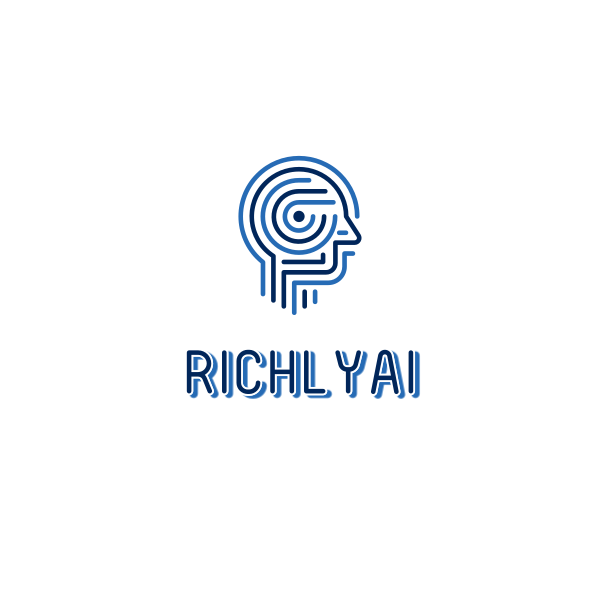

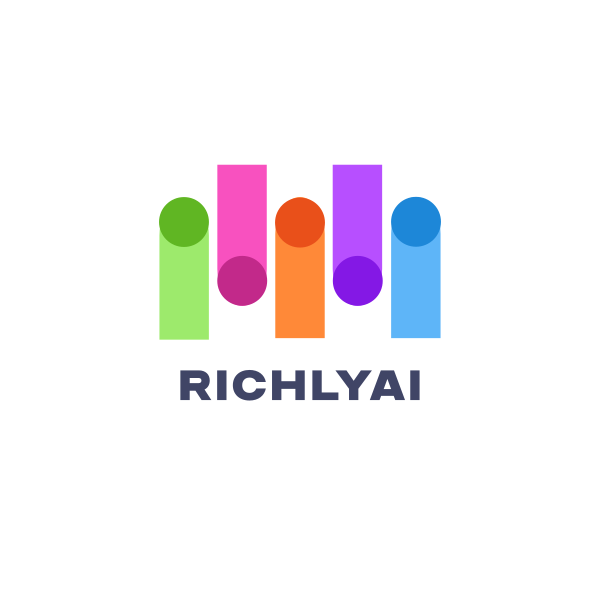
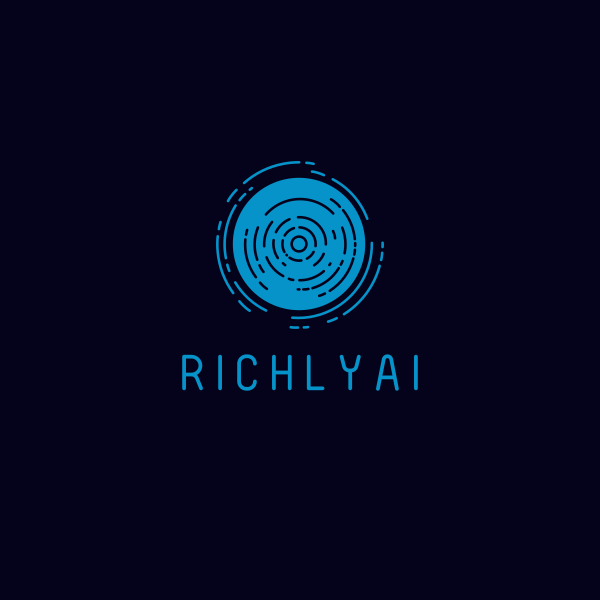
What makes Design.com’s library unique is how the AI works with it. Rather than recycling the same generic clip art, Design.com’s AI draws from this proprietary collection to generate logos that are original and ready to use commercially from the moment you download them.
The volume of choice means you are far more likely to find something that actually fits your business, not just something you can settle for.
2. The AI does not just generate logos. It builds your entire brand.
Most logo makers stop at the logo. Design.com built its AI to run through the entire platform, which means once you have a logo you love, the same intelligence helps you build everything that comes after it.
Here is what the AI can do across the platform:
- AI logo generator — type a prompt, get thousands of on-brand logos in seconds
- AI logo editing — request changes through a simple chat interface, no manual tweaking needed
- AI website builder — a full branded website that already matches your logo colors and style
- AI business card generator — on-brand cards ready to print in minutes
- AI flyer and poster maker — promotional materials without the design headache
- AI presentation maker — pitch decks that actually look like your brand
- AI business name generator — brainstorm names before you commit to anything
- AI background remover — clean up images for any design on the platform
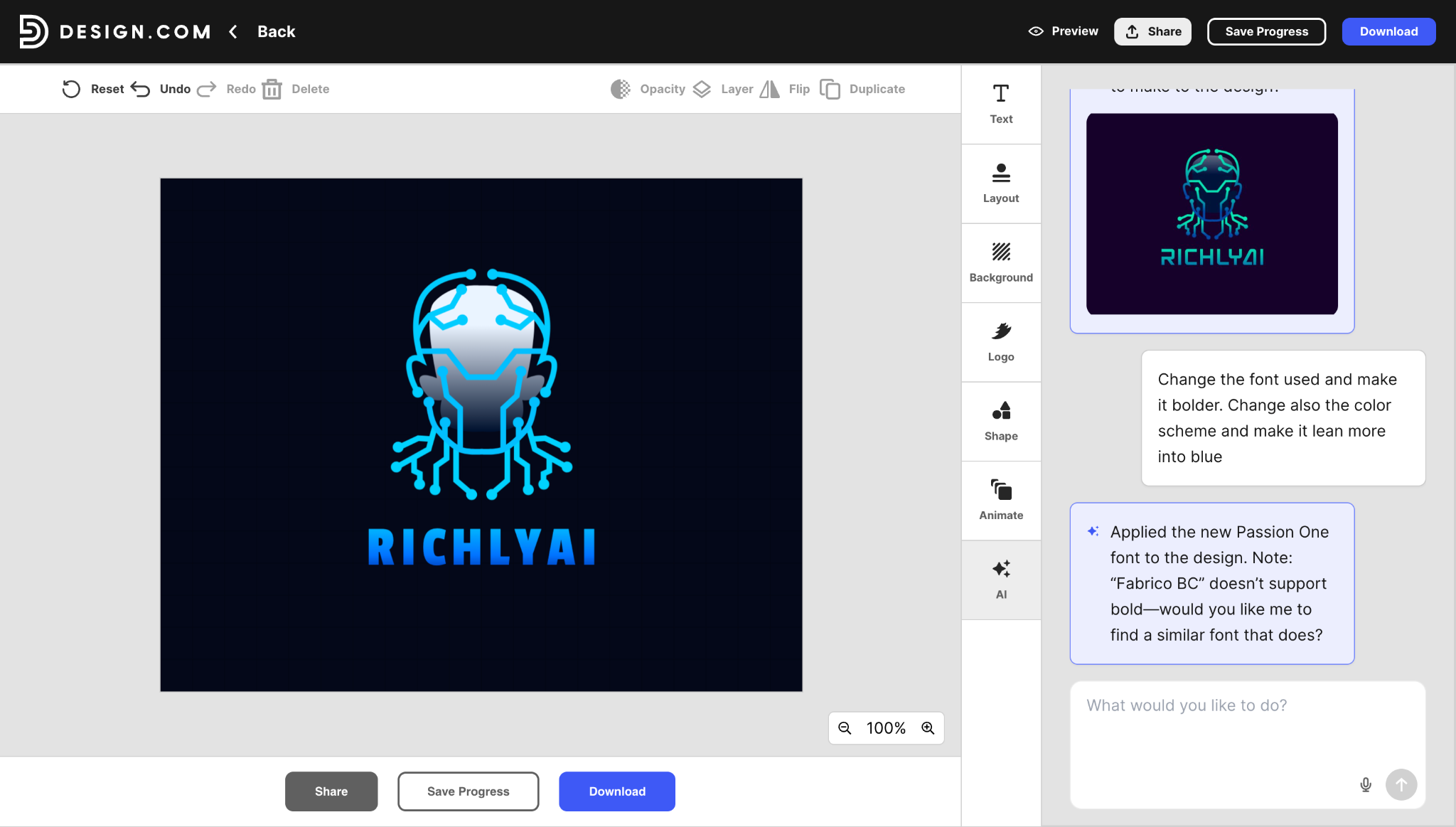
The AI logo editing feature is also worth highlighting. Instead of manually adjusting sliders and second-guessing every choice, you just describe what you want, and the AI handles it. It feels more like giving feedback to a designer than operating a tool.
Here is what it looks like in action, with a before-and-after showing how a single prompt can change a logo.
3. Every part of your brand stays consistent without any extra work.
Getting a logo is only the beginning. What happens after that is where most small businesses start to look inconsistent, because manually matching colors across your website, social posts, business cards, and print materials takes more time than it sounds.
Design.com solves that entirely. When you finalize your logo, your brand colors and style automatically flow through every other design tool on the platform. No hex code hunting. No manual adjustments. It just works.
What you get out of the box:
- Social media posts and stories styled to match your logo the moment you open them
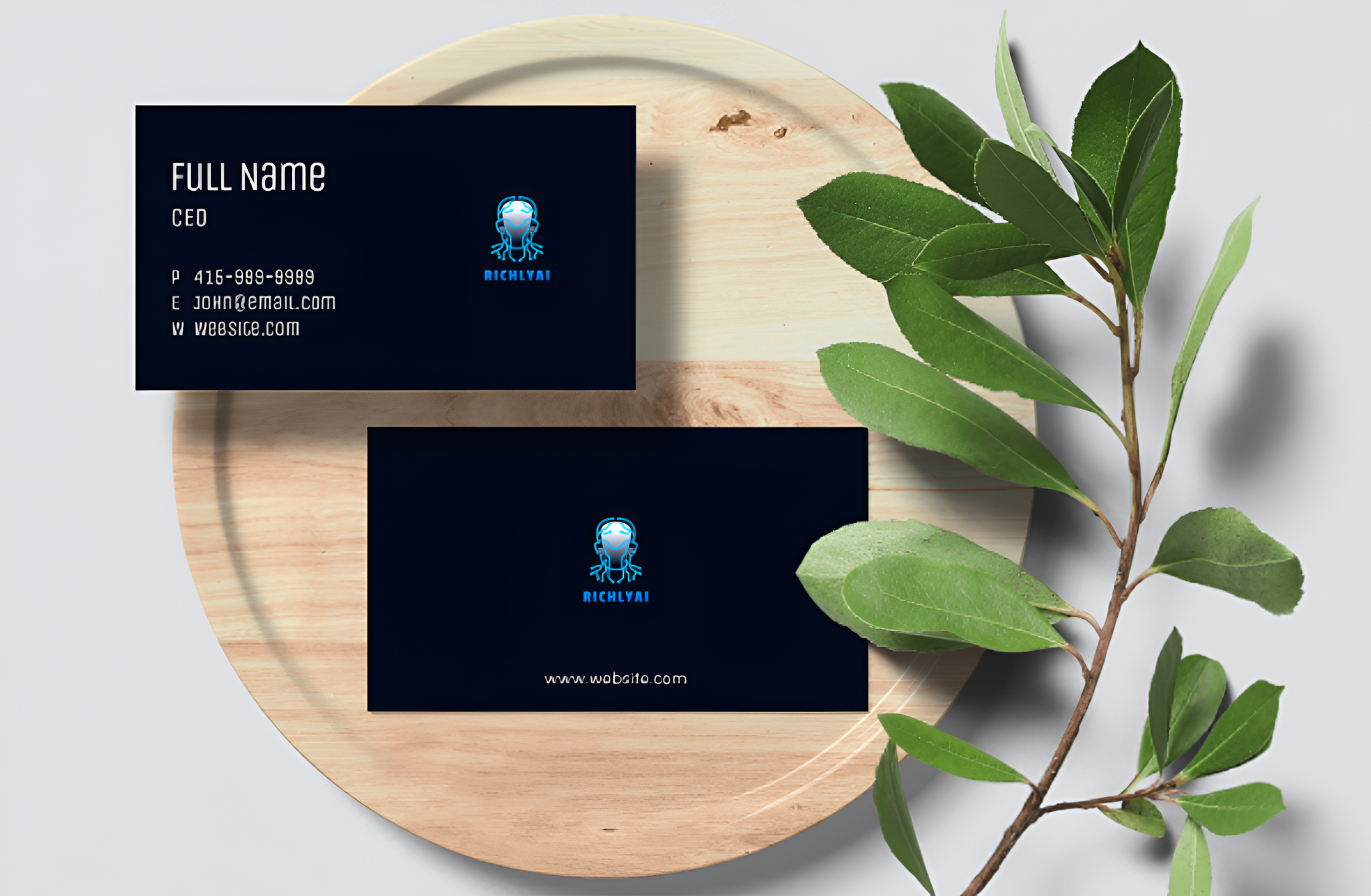
- Business cards pre-loaded with your brand colors and typography
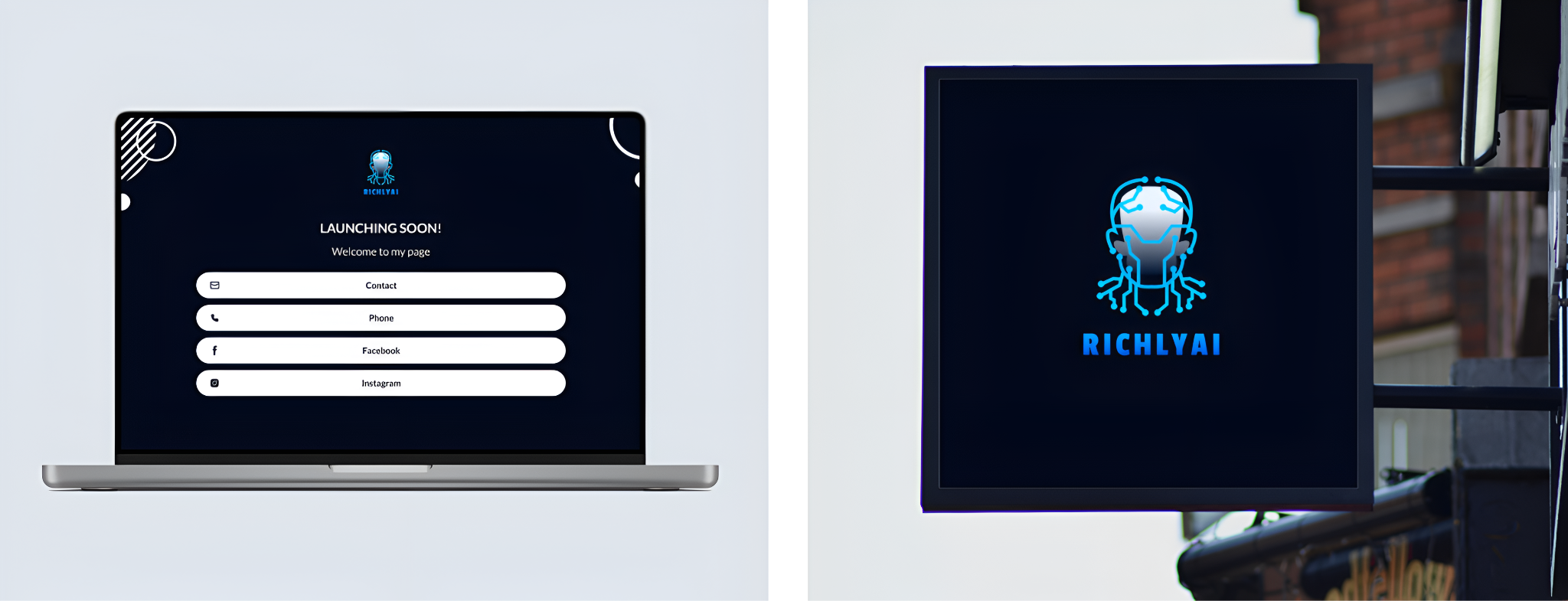
- A website template that opens with your palette already applied
- Email signatures, letterheads, flyers, presentation decks, and menus all on-brand automatically
Beyond digital, Design.com also connects your brand to physical products. You can get your logo printed on business cards, mugs, t-shirts, caps, and mousepads with free delivery included.
Here is a look at a complete brand kit built on Design.com, showing how cohesive everything looks when it all comes together.
Reasons You Might Look Elsewhere
1. Designed for simplicity, not complexity.
Design.com is built to be easy for everyone, and that is genuinely one of its biggest strengths. Seasoned designers who want granular technical controls might find the editor more streamlined than they are used to. For the vast majority of users, though, that simplicity is not a limitation. It is the whole point.
2. It runs in the browser only.
There is no native desktop or mobile app right now. The browser experience is fast and responsive across all devices, so it rarely becomes a real problem. But if a downloadable app is non-negotiable for your workflow, that is worth knowing before you commit.
Pricing Breakdown
Before we get to the paid plans, let’s talk about Design.com’s free tier. It is not a gimmick. You can browse, edit, and download real logos right now with no watermarks, no credit card, and no subscription required. Downloading a free logo also unlocks the free website builder, free digital business card maker, and free link-in-bio tool. Completely free, no strings attached.
When you are ready to go premium, here is how the plans break down:
| Plan | Pay monthly | Pay annually | What you get |
|---|---|---|---|
| Starter | $9 / month | $3 / month | Logo files, unlimited edits, business cards, social posts, email signature, letterheads, 50+ tools |
| Value | $14 / month | $4 / month | Everything in Starter, plus website builder |
| Premium | $19 / month | $5 / month | Everything in Value, plus link in bio and digital business cards |
Based on the prices shown above, annual billing brings the Starter plan to $36 per year, equivalent to $3 per month, saving approximately 66.7% compared with paying $9 monthly for 12 months. That gets you high-resolution vector logo files, unlimited logo edits, business cards, social media templates, email signatures, and letterheads. A full branding toolkit for less than a cup of coffee every month.
A couple of other things worth knowing:
- Your logo is yours to keep forever, even if you cancel
- Design.com accepts payment in nine local currencies, including USD, GBP, EUR, AUD, and PHP.
Best For
Small business owners, startups, freelancers, and entrepreneurs who want a professional logo and a complete brand identity without hiring a designer or spending days figuring out complicated software.
Not For
Enterprise teams that need deep developer integrations or complex multi-user workflows with detailed permission controls.
Is Design.com Worth It?
Yes! At $3 a month on the annual plan, it is hard to find a better value proposition in the logo and branding space. The AI is fast, the library is the largest in the world, the output quality is consistently high, and the brand ecosystem means you are not just getting a logo. You are getting everything you need to look like a credible, professional business from day one.
If you are starting something new, rebranding your business, or just tired of a logo that never felt quite right, the logo maker on Design.com is the most sensible place to start.