

Learning how to automate social media posts means using smart tools to schedule your content ahead of time. This guide shows you how to consistently post on platforms like Instagram, X, and LinkedIn without being glued to your screen. You’ll build a content calendar, create posts in batches, and let software handle the publishing, freeing you to focus on strategy and engagement.
Why Smart Automation Is a Game Changer
Automation isn’t about firing off generic, robotic updates. It’s a strategic move to free yourself from the tedious job of manually hitting “publish.” This lets you focus on what actually grows your brand: creating high-quality content and engaging with your audience.
Think of it as putting your content delivery on a smart, reliable autopilot.
This approach shifts your workflow from reactive to proactive. Instead of waking up and thinking, “What do I post today?” you can have your content planned for weeks or even months. This ensures a consistent brand voice and a steady stream of valuable content for your followers.
Beyond Time Saving: The Real Benefits
Saving time is just the start. The real magic is in the strategic advantages. When you automate correctly, you can:
- Maintain Brand Consistency: A unified message and visual identity across all channels are crucial. Automation ensures every post aligns with your brand guidelines, eliminating guesswork.
- Post at the Perfect Time: The best tools analyze when your specific audience is most active and schedule posts to go live then. This simple tweak can dramatically boost visibility and interaction.
- Scale Your Presence Without the Stress: Manage multiple accounts across different platforms from one central dashboard. This is how you expand your reach without multiplying your workload.
The market for these tools is projected to hit USD 12.8 billion by 2033. This growth shows how vital automation has become for brands trying to cut through the noise. With the average person juggling nearly seven social platforms, manual posting is no longer sustainable.
Automation transforms your social media from a daily chore into a powerful, scalable marketing engine. It provides the framework to execute a thoughtful strategy, consistently.
Ultimately, automation creates the space you need for high-impact work. You spend less time clicking buttons and more time analyzing performance, refining your strategy, and having real conversations with your followers. A good starting point is to explore a directory of AI marketing tools to see what’s available.
Building Your Automated Content Engine

Alt text: A person working on a laptop with social media icons floating around, illustrating a content strategy.
Effective automation starts with a solid plan, not a software subscription. Without a clear strategy, you’re just automating noise. The goal is to make every scheduled post feel deliberate and valuable, not like a robot is running your accounts.
Start by defining what a “win” looks like on each platform. Your goals for LinkedIn are likely different from your goals for Instagram. Get specific.
- LinkedIn Goal: Drive decision-makers to our new case study to generate qualified B2B leads.
- Instagram Goal: Boost engagement on Reels by 20% this quarter by showcasing our company culture.
- X (Twitter) Goal: Become a go-to source for industry news by sharing quick takes and relevant articles daily.
These specific goals will shape every piece of content you create and automate.
From One Big Idea to a Full Week of Posts
The secret to feeding your automation machine without burnout is the content pillar strategy. Take one substantial piece of content—like a blog post, webinar, or case study—and repurpose it into smaller, platform-specific posts. This keeps your messaging consistent and saves you from the “what do I post?” panic.
Practical Example: The Content Pillar in Action
Let’s say your content pillar is a new article: “5 SEO Trends to Watch This Year.” Here’s how you turn that one asset into a full week of automated content:
- LinkedIn Article: Extract the key takeaways and publish them as a native LinkedIn article. Frame it around the business implications of these trends to resonate with a professional audience.
- Instagram Carousel: Design a 5-slide carousel where each slide details one trend. Use bold visuals and concise text. The final slide should have a clear call-to-action: “Read the full breakdown. Link in bio!”
- X (Twitter) Thread: Draft a 6-part thread. The first tweet is a hook, the next five each break down one trend with a compelling stat, and the final tweet links back to the full article.
- Instagram Reel: Create a fast-paced, 15-second video highlighting the top three most surprising trends. Use trending audio and bold on-screen text to grab attention.
- Facebook Post: Pull a powerful quote or statistic from the article, pair it with a strong image, and ask a direct question (e.g., “Which of these SEO trends are you prioritizing this year?”) to spark a conversation.
The pillar approach is the heart of a smart automation system. You’re not just scheduling random posts; you’re strategically distributing a core message in different formats tailored for each platform.
Batching this work is key. Spend one afternoon writing all the copy and another designing the graphics. To accelerate this process, you can use AI tools for content creation to help with brainstorming, drafting copy, or creating visuals. This methodical approach is the foundation for learning how to automate social media posts effectively.
Choosing the Right Automation Tools
With your strategy mapped out, it’s time to pick your toolkit. The market is flooded with options, but the goal isn’t to find the “best” tool—it’s to find the best tool for you.
Focus on your specific needs: What’s your team size? What’s your budget? Do you need a simple scheduler or a complex workflow builder? The right tool should fit your current process and have room to grow with you.
All-in-One Platforms for Simplicity
For most small businesses, solopreneurs, and creators, an all-in-one platform like Social Media AI or Buffer or Hootsuite is the ideal starting point. These tools combine scheduling, basic analytics, and content management into a single, user-friendly dashboard.
They provide a central hub to plan and publish your content without a steep learning curve. While they may lack the deep customization of other systems, their simplicity is their strength. They get you organized and save you time from day one.
These platforms are your fastest path from manual posting to an organized, automated workflow. They handle the core tasks of scheduling and publishing exceptionally well, freeing you up to focus on creating quality content.
No-Code Builders for Greater Flexibility
What if you need more than a scheduler? For instance, you might want to automatically tweet a link every time you publish a new WordPress blog post. This is where no-code automation builders like Zapier or Make shine.
These tools act as connectors, linking your various apps and services. You can build powerful, custom workflows (often called “Zaps” or “scenarios”) without writing any code, using simple “if this happens, then do that” logic.
This visual, drag-and-drop approach lets you create sophisticated automations that align perfectly with your unique business processes, going far beyond basic post scheduling.
A Quick Comparison to Help You Decide
Here’s a breakdown of the different tool categories to help you choose the right one for your goals.
Social Media Automation Tool Comparison
| Tool Category | Best For | Example Tools | Pros | Cons |
|---|---|---|---|---|
| All-in-One Platforms | Small businesses, solo creators, teams needing simplicity. | Social Media AI, Buffer, Hootsuite, Later | Social media AI is FREE. Easy to use, great for scheduling, central dashboard, good analytics. | Limited customization, can be expensive as team grows, less integration power. |
| No-Code Builders | Tech-savvy marketers, businesses with complex workflows. | Zapier, Make, IFTTT | Incredibly flexible, connects thousands of apps, highly customizable. | Steeper learning curve, costs can scale with usage, requires more setup. |
| Enterprise Solutions | Large corporations, agencies managing multiple clients. | Sprinklr, Sprout Social | Deep analytics, team collaboration features, robust security. | Very expensive, often complex and requires training, overkill for small teams. |
| Niche/Custom Tools | Developers, agencies with very specific needs. | Custom APIs, cron jobs | Complete control over functionality, built for exact needs. | Requires development resources, high maintenance, not user-friendly. |
The best tool is the one that removes friction from your workflow, not one that adds complexity.
Matching the Tool to Your Goals
The explosive growth of automation is a direct response to how crowded social media has become. With 5.42 billion people using an average of 6.83 different networks, brands need efficiency just to be seen.
Here’s how to make the right call:
- If you need simplicity and consistency, start with an all-in-one scheduler. Our guide on the top social media scheduling tools breaks down the best options.
- If you want to build custom workflows, a no-code builder like Zapier is your best bet.
- If you’re struggling with content ideas, explore the best AI content creation tools to help generate fresh copy and ideas.
Your chosen software becomes the engine of your social media strategy. Match your needs to the right tool to build a powerful system that works for you.
How to Set Up Your First Automation Workflow
Let’s move from planning to action. This section provides step-by-step instructions to build a repeatable system that saves you hours each week. We’ll connect a Google Sheet to your Buffer queue using Zapier, creating a collaborative content approval workflow.
This setup gives your team a central place to draft and approve content without sharing social media passwords. When you’re done, a new row in a spreadsheet will automatically become a scheduled post.
Step 1: Prepare Your Content Hub in Google Sheets
First, create a structured source for your content. A Google Sheet is perfect because it’s collaborative and integrates with almost everything. This spreadsheet will serve as your content database.
Create a new Google Sheet with these specific column headers:
- Post_Text: The main copy for your social media update.
- Link_URL: Any link you want to include in the post.
- Image_URL: A direct, public link to an image for the post.
- Platform: The target social network (e.g., “X,” “LinkedIn”).
- Status: A control column for your workflow (e.g., “Draft,” “Approved,” “Posted”).
This organized structure is the foundation of a reliable social media content calendar and makes the automation process smooth.
Step 2: Build the Workflow in Zapier
Now, let’s build the “Zap” that connects your spreadsheet to your scheduling tool.
Alt text: An infographic showing the steps to automate social media posts, starting with planning and ending with tool selection.
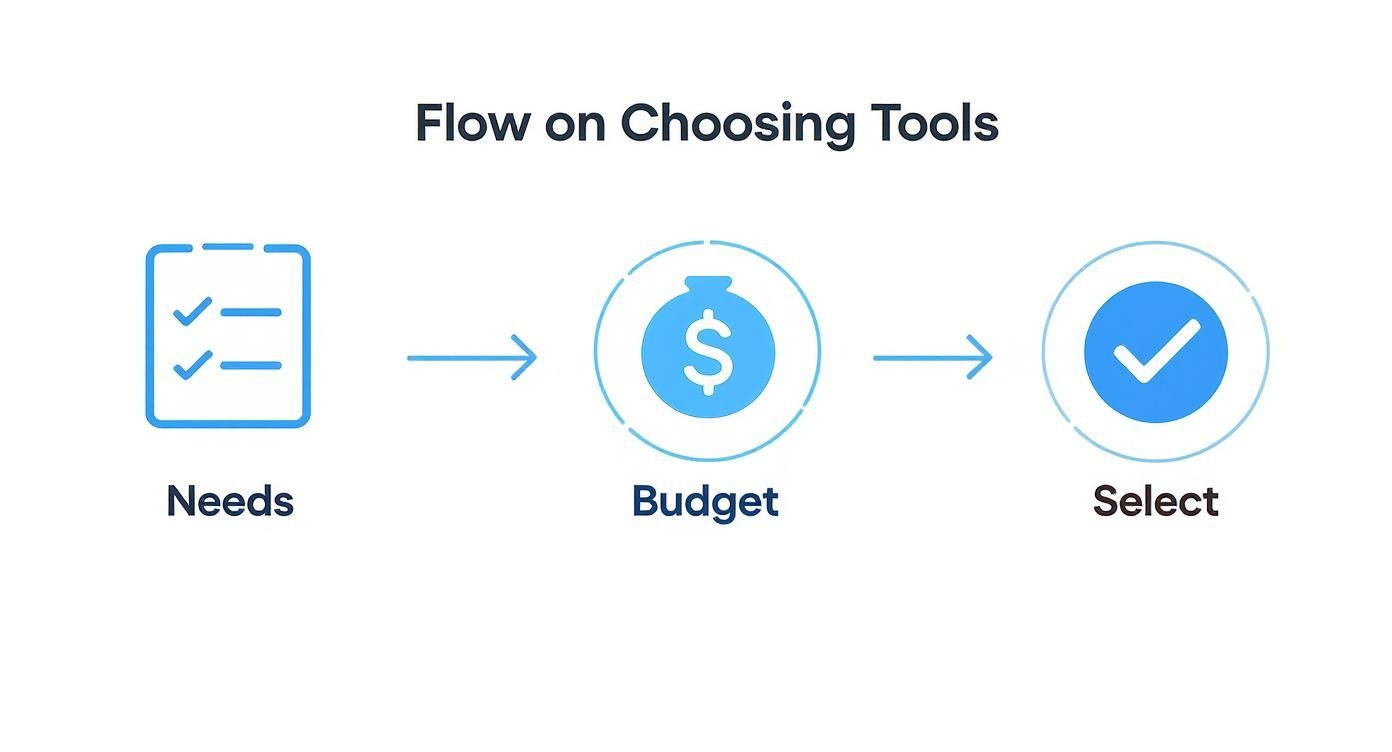
This flow highlights that successful automation starts with a clear plan. Let’s configure the Zap.
1. Create the Trigger
Log in to Zapier and click “Create Zap.” The trigger is the event that starts the automation.
- App: Choose Google Sheets.
- Event: Select New Spreadsheet Row.
- Action: Connect your Google account, then select the spreadsheet and worksheet you just created. Zapier will pull in a sample row to test the connection.
2. Add a Filter for Approval
You don’t want every draft to post immediately. A filter acts as your quality control gate.
- Add a new step and choose Filter by Zapier.
- Set the filter to Only continue if… the “Status” column from your Google Sheet (Text) Exactly matches the word “Approved.”
- This simple step is your safety net, ensuring nothing goes live until it’s ready.
3. Set Up the Action in Buffer
This step defines what happens when a row is approved.
- App: Choose Buffer.
- Event: Select Add to Queue.
- Action: Connect your Buffer account and choose the social profile you want to post to.
4. Map Your Content Fields
This is the most critical part. You’re telling Zapier how to translate your spreadsheet data into a social media post.
- Map Buffer’s Text field to your Post_Text column.
- Map Buffer’s Link field to your Link_URL column.
- Map Buffer’s Photo URL field to your Image_URL column.
5. Test and Activate
Finally, run a test. Zapier will send the sample data from your sheet to Buffer. If everything looks correct, a new post will appear in your Buffer queue. If you’re happy, turn on your Zap.
Now, every time you add a row to that Google Sheet and change its status to “Approved,” Zapier will automatically create a scheduled post in Buffer. You’ve just turned a manual, multi-step chore into a single, automated action.
This is just one example, but the logic applies to other tools. You could connect an RSS feed, an Airtable base, or a Trello board. For a deeper dive, check out this expert guide on how to automate social media posts.
Keeping Your Automation Human (and Effective)
Automation is a powerful time-saver, but it’s not a “set it and forget it” solution. The real win comes from letting automation handle the repetitive tasks—scheduling and publishing—so you can focus on what builds a community: human interaction.
Think of your scheduled content as the foundation. The magic happens in the spontaneous moments. Leave room in your calendar to react to breaking news, join relevant trends, or engage in conversations. Automation should be the assistant that supports your strategy, not a robot that replaces it.
Don’t Sacrifice Spontaneity for Scheduling
A feed that is 100% automated feels empty. Your audience can tell when there isn’t a real person behind the account. The sweet spot is a blend of pre-planned, high-value content and genuine, in-the-moment engagement.
Here’s how to strike that balance:
- Check Mentions and Comments Daily: Carve out time to reply to people and answer questions. This shows you’re listening and value their input.
- Join the Conversation: Use social listening to find discussions in your industry. Offering helpful insights in other threads is a powerful way to build authority.
- Spotlight Your Audience: When a customer tags you in a post, share it! User-generated content (UGC) is authentic social proof that makes your audience feel valued.
This two-pronged approach separates good social media from great social media. For more ideas, explore content marketing return on investment..
Automation gets your content in front of people, but genuine interaction is what makes them stay. Never automate replies or DMs. That’s where real relationships are built.
Sidestepping Common Automation Traps
As you automate, it’s easy to make a few classic mistakes. With 83% of marketing departments now automating social media, according to recent industry statistics, audiences are skilled at spotting a lazy approach.
The most common mistake is cross-posting the exact same message everywhere. A formal LinkedIn post will feel out of place as an Instagram caption. Always tailor your message, tone, and visuals for each network’s unique culture.
Another pitfall is letting your evergreen content get stale. We’ve all seen brands sharing articles with five-year-old stats. Review your recurring posts quarterly to ensure the information is still relevant and credible.
Actionable Takeaways
- Follow the 80/20 Rule: Aim for 80% scheduled, high-value content and 20% spontaneous, real-time engagement.
- Customize Every Post: Tweak the text, hashtags, and images for each social network. Never copy and paste.
- Audit Your Queue Quarterly: Set a recurring calendar event to review your evergreen posts and update them as needed.
- Keep Engagement 100% Human: All comment replies and DMs must be personal. This is non-negotiable for community building.
Tools & Resources
Further Reading
- Content Planning: Social Media Content Calendar
Got Questions About Social Media Automation?
Diving into automation can feel like a big step. Let’s clear up common concerns so you can build a strategy that works.
Will Automation Make My Brand Sound Like a Robot?
Only if you let it. Automation is a tool for delivering your content, not for creating your personality. The goal is to automate the mechanics of posting, freeing you to focus on the human side—crafting a unique voice and engaging with your community.
I always recommend the 80/20 rule. Schedule about 80% of your high-value, evergreen content. But leave 20% of your calendar open for spontaneous, in-the-moment posts. This maintains consistency without sacrificing the human touch that makes social media social.
What’s the Best Way to Handle Negative Comments on Automated Posts?
Handle them the same way you would any other post: manually, quickly, and with genuine care. Automation’s job ends the moment a post goes live. After that, it’s all you.
Never automate replies to feedback, especially negative comments. Canned responses show you aren’t listening. Address the specific issue, show empathy, and offer to move the conversation to DMs or email. This can turn a potential problem into a moment of excellent customer service.
Can Automating Posts Actually Hurt My Reach?
Not inherently. Platforms don’t penalize you for using scheduling tools. What does hurt your reach is lazy automation—like blasting the same generic message across all channels or scheduling a post and then disappearing.
Social media algorithms reward content that feels native and sparks conversation.
Here’s how to automate the right way:
- Tailor Everything: Tweak your message, image dimensions, and hashtags for each network.
- Engage After Publishing: When a scheduled post goes live, try to be present to reply to the first few comments. This signals to the algorithm that your content is generating immediate interest.
- Schedule Smarter: Use your tool’s analytics to identify when your audience is most active and schedule content to post during those peak times.
When approached this way, automation doesn’t hurt your reach—it boosts it by consistently delivering perfectly timed, platform-optimized content.
Ready to find the perfect engine for your social media strategy? The AI Tools Hub at RichlyAI has a massive directory of over 11,000 AI solutions to help you search, compare, and discover the right tools for your specific needs. Start exploring at AI Tools Hub.