

Conducting a comprehensive literature review is a foundational, yet often overwhelming, part of any research project. It requires sifting through vast databases, synthesizing complex papers, and identifying the critical threads of an academic conversation. This process, traditionally manual and time-consuming, can now be streamlined and enhanced using specialized AI tools for literature review. These platforms don’t replace your critical thinking; they augment it, helping you accelerate discovery, uncover connections, and manage information with unprecedented efficiency.
This guide provides a detailed look at the top AI platforms designed for researchers. We move beyond simple descriptions to offer a practical analysis of how each tool fits into your workflow. You’ll find a curated selection covering every stage of the literature review process, from initial search and paper discovery to in-depth analysis, summarization, and citation management.
Inside this resource, you will discover:
- Detailed breakdowns of 12 leading tools like Elicit, SciSpace, and Litmaps.
- Actionable, step-by-step examples showing you exactly how to apply each tool.
- Honest pros and cons to help you make an informed decision based on your specific needs.
- Pricing information and clear identification of the ideal user for each platform.
Each entry includes screenshots for visual reference and direct links to get you started immediately. We focus on actionable insights so you can quickly determine which solution best suits your research style and objectives. If you need to broaden your search beyond literature reviews, consider exploring a broader list of the 12 Best AI Tools for Research to Use in 2025 for a look at platforms that assist with data analysis, writing, and more. Our goal is to equip you with the knowledge to build a powerful, AI-assisted research workflow.
1. Elicit
Elicit acts as a dedicated AI research assistant, moving beyond general-purpose chatbots to offer a suite of tools specifically for academic literature review workflows. Its primary function is to accelerate the process of finding relevant papers, extracting key information, and synthesizing findings. It searches a massive database of over 125 million academic papers to answer your research questions directly with cited sources.
What sets Elicit apart is its structured, table-based approach to data extraction. Instead of just a text summary, you can create a table of relevant papers and add custom columns to extract specific data points like “Intervention,” “Outcome measures,” or “Sample size” directly from the abstracts or full text. This makes it one of the most powerful ai tools for literature review, especially for systematic or scoping reviews. For guidance on structuring your research process, our guide on how to write a literature review provides a foundational framework.
Alt Text: A screenshot of the Elicit interface showing a table of research papers with columns for abstract summary, intervention, and outcomes measured.
How to Use It: A Practical Example
Let’s say you’re researching the impact of mindfulness interventions on student anxiety.
- Ask a Question: In the Elicit search bar, type your research question: “What is the effect of mindfulness interventions on anxiety in university students?”
- Review Initial Results: Elicit will generate a table of the top 8-10 most relevant papers, with a summary of findings at the top.
- Customize Data Extraction: Click “+ Add Column.” A pop-up will appear. Type in a specific data point you need, such as “Sample Size” or “Duration of Intervention.” Elicit will scan the papers and populate the new column with that data.
- Export Your Data: Once you have the data you need, click “Export” and choose CSV. You can now import this structured table directly into Excel or Google Sheets to begin your analysis, saving hours of manual data entry.
- Best For: Researchers, PhD students, and academic teams conducting systematic reviews, scoping reviews, or in-depth evidence synthesis.
- Pricing: Offers a free tier with 5,000 one-time credits. Paid plans start at $12/month ($120 billed annually) for 12,000 monthly credits.
- Pros: Purpose-built for research, excellent data extraction and export features, clear citation tracking.
- Cons: High-volume data extraction and advanced features are locked behind paid tiers; best pricing requires an annual commitment.
For a deeper dive, visit the official website: https://elicit.com/pricing
2. SciSpace Copilot
SciSpace Copilot functions as an all-in-one AI research workspace, designed to consolidate the various stages of academic research. It goes beyond simple search by offering an agent-like assistant that can help with literature discovery, in-depth analysis of multiple papers simultaneously, and data extraction. Its core value is integrating these fragmented tasks into a single, cohesive environment.
What distinguishes SciSpace is its ability to “chat with” multiple PDFs at once. You can upload a collection of sources and ask the AI to synthesize information across all of them, rather than analyzing them one-by-one. This, combined with its capacity to generate structured “literature matrices,” makes it one of the more versatile ai tools for literature review. For those exploring educational technology, you can discover more tools like SciSpace in our AI education and learning category.
Alt Text: A screenshot of the SciSpace Copilot interface showing a user chatting with multiple PDF documents, with a generated summary and literature matrix visible.
How to Use It: A Practical Example
Imagine you have 15 PDFs on “AI in medical diagnostics” and need to compare their methodologies.
- Create a Vault: In SciSpace, create a new “Vault” (their term for a project folder) and upload all 15 PDFs.
- Activate Copilot: Open the Copilot chat interface within the vault.
- Ask for a Synthesis: Prompt the Copilot: “Create a table comparing the methodologies used in these papers. Include columns for Study Design, Data Source, and Key Limitation.”
- Refine and Export: Copilot will generate a structured table. You can ask follow-up questions like, “Which of these studies used a randomized controlled trial design?” Once satisfied, export the table to Excel or CSV for your literature matrix.
- Best For: Graduate students, academics, and R&D teams who need an integrated platform to manage the entire literature review lifecycle, from discovery to synthesis.
- Pricing: Provides a free Basic plan with limited credits. Paid plans start at $20/month ($144 billed annually).
- Pros: Broad, research-focused toolset in a single workspace; excellent export formats for downstream review tools; team controls are available.
- Cons: Some user reviews mention mixed experiences with customer support; credit and parallel task limits vary significantly by tier.
For more details on features and pricing, visit the official website: https://www.scispace.com
3. Consensus
Consensus operates as an AI-powered search engine designed to surface evidence-based answers directly from peer-reviewed research. Instead of returning a list of documents, it synthesizes findings from its database of over 200 million papers to provide direct, cited answers to research questions. This makes it an incredibly efficient tool for quickly gauging the state of research on a particular topic.
What makes Consensus a standout among ai tools for literature review is its focus on synthesizing the scientific consensus. It uses a “Consensus Meter” to visualize whether findings across multiple studies are supportive, contradictory, or inconclusive. This feature is particularly valuable when drafting a research proposal, where establishing the existing evidence base is crucial. For more guidance on this process, our guide on how to write a research proposal can provide a structured approach.
Alt Text: A screenshot of the Consensus search interface, showing a user’s question and an AI-synthesized answer with a list of supporting, cited research papers.
How to Use It: A Practical Example
You want to know if creatine supplementation improves cognitive function.
- Ask a Yes/No or Effect Question: In the search bar, type: “Does creatine improve cognitive function?”
- Analyze the Synthesized Answer: Consensus provides a one-sentence summary at the top, like “The majority of studies suggest that creatine supplementation may improve cognitive function, particularly in tasks related to short-term memory…”
- Check the Consensus Meter: Look at the meter, which might show “Likely” or “Highly Likely,” with percentages of papers showing positive, negative, or neutral effects.
- Explore Key Studies: The summary is followed by a list of the top-ranked papers with their specific findings. You can click on any of them to dig deeper. This gives you a rapid, evidence-based starting point for your review.
- Best For: Students, researchers, and clinicians needing quick, evidence-based answers and an overview of the scientific consensus on a topic.
- Pricing: Offers a generous free tier. Paid plans start at $11.99/month ($107.88 billed annually) for unlimited searches and advanced synthesis features.
- Pros: Excellent for rapid evidence discovery; clear visualization of scientific consensus; direct, citable answers.
- Cons: Not designed for comprehensive systematic review screening; advanced synthesis capabilities are behind a paywall.
For a deeper dive, visit the official website: https://consensus.app
4. scite
scite introduces a critical layer of verification to the research process with its “Smart Citations.” Instead of merely counting citations, it analyzes the context to classify how a publication cites another: by supporting, mentioning, or contrasting its findings. This unique approach helps you quickly gauge the credibility of a claim and understand how a paper has been received by the academic community.
What truly distinguishes scite is this focus on citation context. Rather than taking a citation at face value, you can see the exact text where the citation was made and the author’s sentiment. This makes it one of the most powerful ai tools for literature review for tracing the intellectual lineage of an idea or verifying a controversial claim.
How to Use It: A Practical Example
You find a paper with a surprising claim and want to see if it holds up.
- Search for the Paper: Enter the paper’s title or DOI into scite.
- Review the scite Report: The results page shows a dashboard with counts of supporting, mentioning, and contrasting citations. A high number of contrasting citations is a red flag.
- Investigate the Context: Click on the “Contrasting” tab. scite will show you the exact sentences from other papers that dispute the findings of your original paper. For example, you might see a sentence like, “…in contrast to the findings of Smith et al. (2019), our results show no significant effect.”
- Make an Informed Decision: This allows you to quickly assess the academic debate around the paper’s claims without having to manually find and read every citing article.
- Best For: Researchers, fact-checkers, and students who need to critically evaluate the evidence behind scientific claims and understand the scholarly conversation.
- Pricing: Limited free access. Paid plans with full feature access start at $20/month ($144 billed annually).
- Pros: Unique focus on credibility and citation context; publisher integrations for a seamless workflow; excellent for verifying claims.
- Cons: Full-text access for citation context requires a paid plan; coverage can be less comprehensive for non-English or niche academic fields.
For a deeper dive, visit the official website: https://scite.ai
5. Litmaps
Litmaps offers a highly visual and interactive approach to literature discovery. It generates dynamic citation network maps from one or more “seed papers,” allowing you to visually trace the lineage of research ideas both backward (prior work) and forward (derivative work). This visual exploration helps you quickly identify a research field’s key papers and intellectual connections.
What distinguishes Litmaps is its focus on mapping the academic conversation. Instead of just searching for keywords, you can visualize how papers are connected, making it one of the most intuitive ai tools for literature review for scoping a new topic or ensuring you haven’t missed a critical citation lineage. The platform also enables you to set up alerts for new, relevant papers that connect to your research map.
Alt Text: A screenshot of the Litmaps interface displaying a visual citation network map, with interconnected nodes representing research papers.
How to Use It: A Practical Example
You’re starting a PhD and need to map out your field.
- Select Seed Papers: Find 3-5 seminal papers that are central to your topic.
- Create a Litmap: In Litmaps, click “Create a Map” and input the DOIs or titles of your seed papers.
- Explore the Network: Litmaps generates an interactive visual map. Articles that cite your seed papers appear to the right (newer research), and articles cited by your papers appear to the left (foundational research). The most-cited articles are larger nodes.
- Discover New Avenues: Click on an interesting new paper in the map. A side panel opens with its abstract. With one click, you can add it to your map and generate its connections, allowing you to organically and visually expand your literature search.
- Best For: Graduate students, early-career researchers, and anyone starting a new literature review who needs to quickly map out the key literature in a field.
- Pricing: A free plan is available with limits on map size. Paid plans start at $12/month ($120 billed annually).
- Pros: Highly intuitive visual approach to literature discovery; excellent for scoping a field; affordable academic pricing.
- Cons: The free tier is quite limited; effectiveness depends on the quality of available metadata for the papers.
For more details on features and plans, visit the official website: https://www.litmaps.com/pricing
6. Connected Papers
Connected Papers offers another highly visual and intuitive approach to literature discovery, generating interactive graphs that map out the academic landscape around a specific “seed paper.” This allows you to quickly identify seminal works, major lines of inquiry, and recent developments in a field, revealing connections that might otherwise be missed.
What makes Connected Papers a unique tool is its ability to create “multi-origin” graphs, where you can input several key papers to visualize their collective academic space and find the works that bridge them. This visual methodology is one of the most effective ways to use ai tools for literature review for scoping a new research area or identifying gaps in existing knowledge.
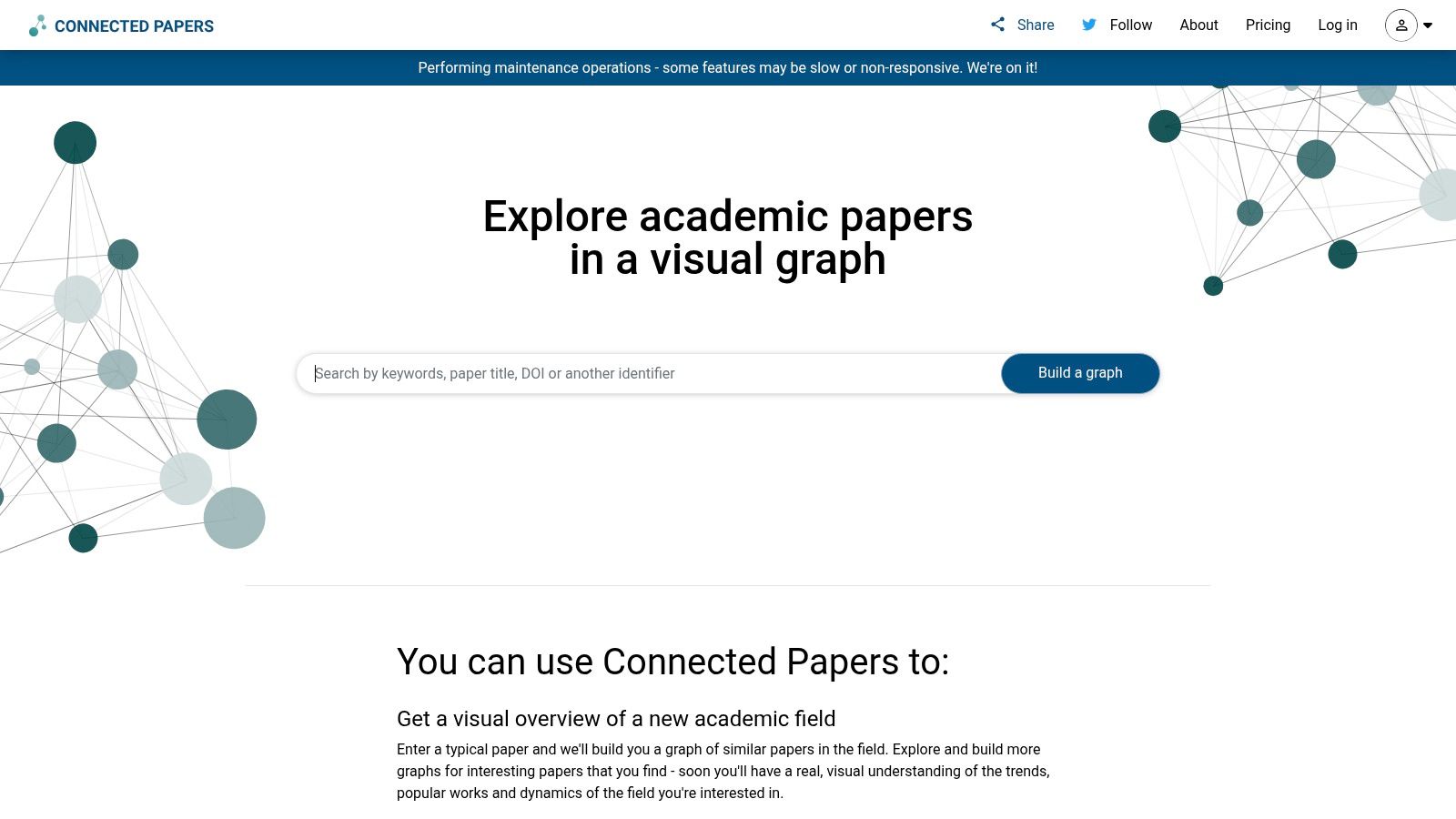
Alt Text: A screenshot of the Connected Papers interface showing a visual graph of interconnected research papers, with a central paper and nodes representing related studies.
How to Use It: A Practical Example
You’ve found one highly relevant paper and want to find more just like it.
- Enter a Seed Paper: Go to Connected Papers and enter the title of your key article.
- Analyze the Graph: A graph appears with your seed paper at the center. Papers that are semantically similar and share citations are clustered together. Nodes are color-coded by publication year (darker is older, lighter is newer).
- Identify Seminal and Derivative Works: Click the “Prior Works” button to see a list of the most-cited papers that laid the foundation for the field. Click “Derivative Works” to see more recent papers that built upon this work. This instantly gives you a list of must-read articles.
- Best For: Students and researchers at the beginning of a project, those looking to quickly understand a new field, or anyone trying to find overlooked connections.
- Pricing: A free plan allows for up to 5 graphs per month. A yearly academic plan is available for $60/year ($5/month).
- Pros: Excellent for visual exploration and discovering relevant papers; multi-origin graphs are great for synthesis; intuitive and easy to use.
- Cons: The free tier is limited; effectiveness depends on the Semantic Scholar database it uses.
For a deeper dive, visit the official website: www.connectedpapers.com
7. ResearchRabbit
ResearchRabbit approaches literature review as an ongoing journey of discovery. It acts as an intelligent recommendation engine, using a “Spotify for papers” model. You start by building collections of seed papers, and the AI then suggests new, highly relevant articles, creating a dynamic and evolving research library designed to help you stay current.
What makes ResearchRabbit a standout among ai tools for literature review is its focus on network visualization and continuous discovery. It excels at answering “What should I read next?” by monitoring your collections and sending email alerts when new, relevant work is published.
Alt Text: A screenshot of the ResearchRabbit interface showing a network visualization of interconnected research papers and authors.
How to Use It: A Practical Example
You want to stay up-to-date on your topic without running manual searches every week.
- Create a Collection: Start a new collection and add 5-10 key papers for your literature review by searching or uploading a BibTeX file.
- Explore Similar Work: For your collection, click the “Similar Work” button. ResearchRabbit will generate a list of recommended papers. You can add any interesting ones to your collection with a single click.
- Visualize the Network: Click on the “Timeline” view to see all the papers in your collection plotted by publication date. This helps you understand the historical development of the topic.
- Set Up Alerts: ResearchRabbit will now automatically monitor for new papers related to your collection and email you a digest, ensuring you never miss a new publication.
- Best For: Graduate students, early-career researchers, and anyone needing to stay on top of a rapidly evolving field.
- Pricing: Offers a powerful free tier for discovery and alerts. An optional premium tier has pricing that varies by region.
- Pros: Excellent free tier for ongoing discovery; intuitive network visualizations; gentle learning curve.
- Cons: Not designed for systematic screening or data extraction; premium tier pricing and availability are still being rolled out.
For a deeper dive, visit the official website: https://www.researchrabbit.ai
8. Rayyan
Rayyan is a specialized platform designed to streamline and accelerate the screening phase of systematic and literature reviews. It leverages AI to assist researchers in the often tedious process of title and abstract screening. Rather than a general discovery engine, Rayyan focuses on managing, screening, and collaborating on a pre-existing set of imported citations.
What distinguishes Rayyan is its deep integration into the systematic review workflow. Its AI-powered features, such as the “Systematic Auto-Resolver,” learn from a user’s inclusion and exclusion decisions to predict and suggest labels for the remaining articles. This makes it one of the most effective ai tools for literature review for teams needing to screen thousands of references efficiently while maintaining a traceable decision-making record.
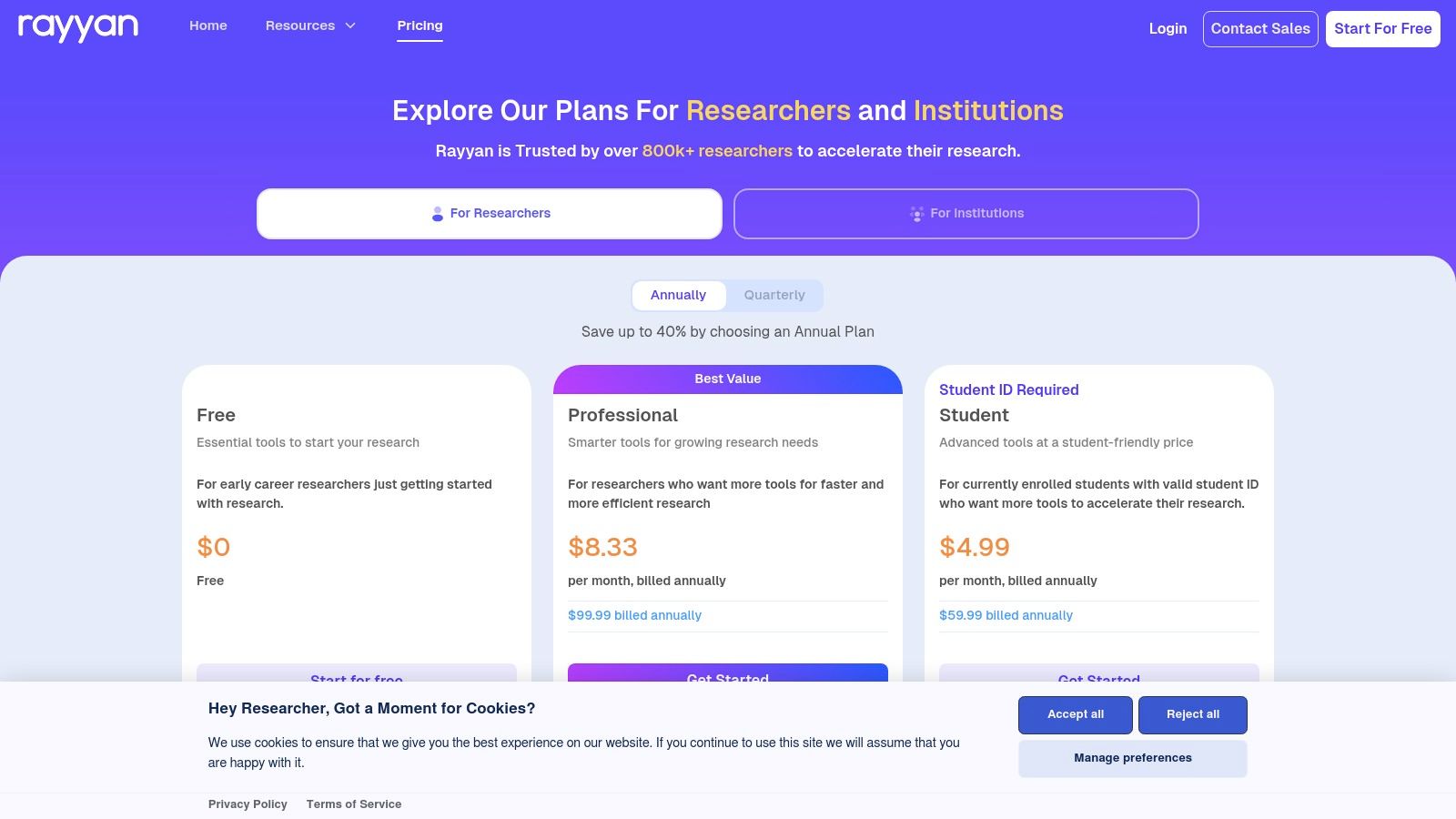
Alt Text: The Rayyan interface showing a list of research papers for screening, with options for include, exclude, and maybe, alongside collaboration features.
How to Use It: A Practical Example
Your team has 5,000 abstracts to screen for a systematic review.
- Import Citations: Export your search results from databases like PubMed or Scopus into a RIS or BibTeX file and upload it to a new review in Rayyan.
- Invite Collaborators: Invite your research team members to the review project.
- Begin Screening: Each reviewer screens abstracts, clicking “Include,” “Exclude,” or “Maybe.” Rayyan’s mobile app allows you to do this on the go.
- Let the AI Assist: After you’ve screened about 50 articles, the AI will start suggesting a 5-star rating for how likely a paper is to be included. You can filter by these ratings to screen the most promising papers first, significantly speeding up the process. Rayyan also highlights keywords to help you decide faster.
- Best For: Academic researchers and systematic review teams needing a collaborative and auditable platform for title/abstract screening.
- Pricing: Offers a free plan for individual use with limits. Paid plans for teams start at $15/user/month.
- Pros: Purpose-built for systematic review screening; excellent collaboration features; strong adherence to research standards (PRISMA); reduces screening time significantly.
- Cons: Primarily focused on screening, not discovery; advanced AI tools require a paid subscription.
For a deeper dive, visit the official website: https://www.rayyan.ai/pricing
9. Scholarcy
Scholarcy is a powerful AI summarizer designed to accelerate the initial screening and comprehension stages of a literature review. It takes research papers or reports and breaks them down into interactive “summary flashcards.” These cards highlight key information like the main findings, limitations, and even extract figures, tables, and references, allowing you to quickly assess a document’s relevance.
This focus on rapid, structured summarization makes Scholarcy one of the most efficient ai tools for literature review, particularly for researchers facing a massive reading list. Instead of spending hours on a first-pass reading, you can get the gist of a paper in minutes. While Scholarcy excels at summarization, those looking for broader AI assistance can find more options in our list of AI tools for content creation.
Alt Text: An AI-generated summary flashcard from Scholarcy, showing sections for Synopsis, Key Findings, and Scholarcy Highlights.
How to Use It: A Practical Example
You have 30 papers to read by the end of the week.
- Install the Extension: Add the Scholarcy Chrome or Edge extension to your browser.
- Generate a Flashcard: Navigate to a PDF of a research paper online. Click the Scholarcy extension icon in your toolbar.
- Triage Quickly: In seconds, a new tab opens with the summary flashcard. Instead of reading the whole paper, scan the “Key Findings” and “Limitations” sections. This helps you decide in under a minute if the paper is relevant enough for a full read.
- Export References: If the paper is useful, click “Export” and download the reference as a .ris file to import it directly into Zotero or Mendeley, complete with the summary notes.
- Best For: Students and researchers who need to quickly screen large volumes of literature and extract core concepts for initial synthesis.
- Pricing: Offers a free browser extension and a 14-day free trial for the web app. Paid plans start at $9.99/month.
- Pros: Excellent for rapid triage of reading lists; useful export features for organizing evidence; simple and affordable pricing.
- Cons: Free usage is very limited; effectiveness depends on clean, text-based PDFs.
For a deeper dive, visit the official website: https://www.scholarcy.com/pricing
10. Inciteful
Inciteful is a unique, free-to-use tool that visualizes the academic literature landscape as a network graph. Instead of relying solely on keyword searches, it starts with a “seed paper” and generates a network of the most relevant connected literature. This makes it an exceptional tool for uncovering seminal works and ensuring you haven’t missed crucial papers.
What makes Inciteful a standout among ai tools for literature review is its focus on citation-based discovery. It helps you answer questions like, “What are the most important prior works for this paper?” or “Which recent papers build on this research?”. Its ‘Literature Connector’ feature is particularly powerful for revealing how research ideas have evolved over time.
Alt Text: A screenshot of the Inciteful interface displaying a network graph of interconnected research papers, showing citation links and clusters.
How to Use It: A Practical Example
You need to write the “background” section of your paper and want to find the most foundational articles.
- Start with a Seed Paper: Go to Inciteful and enter the title of a recent, relevant paper in your field.
- Generate the Graph: Inciteful creates a network visualization.
- Find Foundational Papers: In the side panel, click on “Most Important Papers in the Graph.” This will generate a list of the most cited and influential articles within this network, giving you a perfect reading list for your background section.
- Export to Zotero: Select the papers you want to read and click “Export to…” to download a BibTeX file that you can directly import into your reference manager.
- Best For: Students and researchers looking to broaden their literature search beyond keywords, discover foundational papers, and understand the intellectual structure of a topic.
- Pricing: Completely free to use with no sign-up required.
- Pros: Truly free with no strings attached; excellent for visual exploration and citation chasing; transparent use of open-source data.
- Cons: Does not provide abstract summaries for keyword filtering; integrations are limited compared to commercial suites.
For a deeper dive, visit the official website: https://inciteful.xyz
11. Semantic Scholar
Semantic Scholar, from the Allen Institute for AI, is a free, AI-powered academic search engine. It leverages AI to enhance discovery and comprehension, indexing over 200 million papers and providing features like AI-generated TLDR summaries for quick assessment. This makes it an invaluable starting point for any research project.
What distinguishes Semantic Scholar is its focus on contextual discovery. Features like “Highly Influential Citations” help you prioritize landmark studies, while personalized Research Feeds ensure you stay current. This combination of powerful search and intelligent filtering makes it one of the most effective ai tools for literature review, especially during the initial discovery phase. Its accessibility makes it a globally useful tool, as explored in our look at AI’s impact on education for Nigerian students.
Alt Text: A screenshot of the Semantic Scholar interface showing a research paper’s details, including the AI-generated TLDR summary and citation information.
How to Use It: A Practical Example
You’re searching for papers and want to quickly decide which ones are worth reading.
- Perform a Search: Search for your topic, e.g., “BERT models for sentiment analysis.”
- Use the TLDR: As you scroll through the results, each paper has a one-sentence, AI-generated “TLDR” (Too Long; Didn’t Read) summary. Use this to rapidly triage the list without opening each paper.
- Check Citation Velocity: For a promising paper, look for indicators like “Highly Influential Citations.” This tells you that the paper’s citations have been particularly impactful, marking it as a potentially important read.
- Create a Library: Save relevant papers to your Library and set up a “Research Feed” to get email notifications when new papers matching your interests are published.
- Best For: Students, academics, and researchers looking for a powerful, free tool for initial literature discovery, paper triage, and staying current in their field.
- Pricing: Completely free to use.
- Pros: Robust AI features (TLDRs, influential citations) at no cost; excellent for ongoing research tracking with alerts; massive paper corpus.
- Cons: Not designed as a systematic review screening tool; some advanced AI features are not available for all papers.
For a deeper dive, visit the official website: https://www.semanticscholar.org
12. Perplexity
Perplexity AI operates as a conversational search engine, blending a large language model with real-time web search to deliver cited, summarized answers. While not a dedicated academic platform, it serves as an excellent reconnaissance tool for the initial stages of a literature review. You can ask complex questions and receive concise, synthesized answers with clickable sources, providing a rapid overview of a topic.
What makes Perplexity a valuable addition to the research toolkit is its speed and conversational interface. Its ability to analyze uploaded PDFs and answer questions about them makes it one of the more versatile ai tools for literature review, ideal for quickly assessing a paper’s relevance before a deep read.
Alt Text: A screenshot of the Perplexity interface showing a user query about a research topic with a synthesized answer and a list of numbered sources.
How to Use It: A Practical Example
You’re exploring a new topic and don’t know where to start.
- Set the Focus: Before searching, click the “Focus” button and select “Academic” to ensure results are prioritized from scholarly sources like arXiv and Semantic Scholar.
- Ask an Open-Ended Question: Type your query, such as, “What are the main criticisms of the Fama-French three-factor model in finance?”
- Review the Cited Summary: Perplexity will provide a synthesized paragraph answering your question, with numbered citations pointing to the source papers. This gives you both an immediate answer and a starting list of key literature.
- Ask Follow-up Questions: Use the chat interface to dig deeper: “Explain the momentum factor in more detail” or “Who are the key authors who proposed alternatives?”
- Best For: Undergraduate students, early-stage PhD researchers, and academics looking for a quick way to explore new topics and gather preliminary sources.
- Pricing: A generous free tier is available. Perplexity Pro starts at $20/month, offering higher usage limits and access to more advanced AI models.
- Pros: Extremely fast for initial topic exploration; provides direct citations for all generated answers; useful for quick analysis of uploaded documents.
- Cons: Not a systematic review tool and should be used alongside dedicated academic databases; daily Pro search limits can be a constraint for intensive use.
For a deeper dive, visit the official website: perplexity.ai
Top 12 AI Tools for Literature Review — Feature Comparison
| Tool | Core features | UX / Quality (★) | Value / Pricing (💰) | Target (👥) | Standout (✨/🏆) |
|---|---|---|---|---|---|
| Elicit | 125M+ paper search; table-based extraction; systematic-review workflows; RIS/CSV/BIB export | ★★★★ | 💰 Free tier; paid for high-volume extraction; annual discounts | 👥 Systematic reviewers, evidence syntheses | ✨ Purpose-built review workflows & strong exports |
| SciSpace Copilot | Agent automations; chat with PDFs; multi-paper synthesis; RIS/CSV/BIB/Excel exports | ★★★★ | 💰 Freemium with credits; team & enterprise plans | 👥 Teams needing integrated research workspace | ✨ Agentic automations across review steps |
| Consensus | Evidence-focused AI search; Deep Searches; Ask Paper; bookmarks & teams | ★★★★ | 💰 Free/basic; advanced Deep capacity on paid plans | 👥 Quick evidence scans, clinicians, researchers | 🏆 Fast consensus across studies with cited answers |
| scite | Smart Citations (support/mention/contrast); AI assistant; citation dashboards & alerts | ★★★★ | 💰 Freemium; paid for advanced reports | 👥 Editors, reviewers, claim verifiers | 🏆 Smart citation context & publisher integrations |
| Litmaps | Interactive citation-network maps; discovery from seed papers; configurable alerts | ★★★★ | 💰 Free tier with limits; affordable academic pricing | 👥 Researchers scoping fields & planning reviews | ✨ Visual maps ideal for review planning |
| Connected Papers | Visual related-paper graphs; multi-origin graphs; share/export graphs | ★★★★ | 💰 Low-cost academic plan; free limited graphs | 👥 Exploratory researchers seeking adjacent work | ✨ Very easy visual discovery & gap-finding |
| ResearchRabbit | Collections & recommendations; author/paper networks; alerts & digests | ★★★★ | 💰 Strong free tier; optional premium for deeper search | 👥 Ongoing discovery; grad students & labs | ✨ Excellent free discovery & follow workflows |
| Rayyan | Title/abstract screening; PICO filters; AI auto-resolver; PRISMA exports | ★★★★ | 💰 Free basic; paid tiers for advanced features | 👥 Systematic review teams & institutions | 🏆 Popular, audit-ready screening platform |
| Scholarcy | AI summary flashcards; literature matrices; bulk RIS/CSV export; extension | ★★★ | 💰 Paid plans (7-day trial); limited free use | 👥 Students, analysts doing rapid triage | ✨ Fast paper summaries & bibliography exports |
| Inciteful | Free literature graphs; Connector for citation paths; BibTeX export; OpenAlex data | ★★★★ | 💰 Free (no signup) | 👥 Exploratory researchers & power users | 💰 Truly free, open-data mapping & path-finding |
| Semantic Scholar | 200M+ papers; TLDRs; influential citation indicators; research feeds | ★★★★ | 💰 Free baseline | 👥 Broad researcher audience & staying current | 🏆 Large corpus + AI TLDRs and influential-citation signals |
| Perplexity | Cited answers with sources; model selection; file uploads/analysis; Pro/Enterprise | ★★★★ | 💰 Freemium; Pro/Max & enterprise for higher limits | 👥 Quick reconnaissance; supplemental research | ✨ Very fast cited-answer scout across domains |
Final Thoughts
The academic landscape is rapidly transforming, and the traditional process of conducting a literature review is at the forefront of this change. As we’ve explored, the new generation of AI tools for literature review isn’t just about speeding up a tedious task; it’s about fundamentally enhancing the quality, scope, and depth of your research. These platforms act as intelligent assistants, empowering you to uncover hidden connections, synthesize vast amounts of information, and stay current.
From the question-answering prowess of Elicit and Consensus to the visual mapping of Litmaps and Connected Papers, you can now build a personalized “research stack” that aligns perfectly with your workflow. Combine a tool like SciSpace for deep PDF analysis with ResearchRabbit for continuous discovery. The key is to move from a linear, manual process to a dynamic, AI-assisted one.
Choosing Your AI Research Partner
Selecting the right tool boils down to understanding your specific needs and research stage. Consider this framework:
- For Early-Stage Exploration: To grasp the foundational papers in a new field, tools like Consensus, Elicit, and Semantic Scholar are your best bet.
- For Visualizing Connections: If you need to understand the “shape” of a research area, Litmaps, Connected Papers, and Inciteful are invaluable.
- For Deep Analysis & Synthesis: When you need to extract key findings from a collection of papers, SciSpace Copilot and Scholarcy are powerful allies.
- For Systematic & Scoping Reviews: For highly structured reviews, Rayyan remains critical for its screening and collaboration features.
Remember, these tools augment your critical thinking, they don’t replace it. Always verify the AI’s interpretations and maintain a clear record of your process. Integrating these assistants into your workflow can free up valuable time and mental energy. For those looking to expand their use of AI beyond literature review, exploring a wider array of the best AI productivity tools can offer significant benefits.
Actionable Takeaways
Here’s how you can start today:
- Pick one tool from this list that best matches your immediate need (e.g., use Litmaps for scoping a new project).
- Run a test project on a small, familiar topic to compare its results to your manual methods.
- Combine tools for a powerful workflow. Use Perplexity for initial questions, find papers with Elicit, visualize them with Connected Papers, and summarize them with Scholarcy.
- Set up alerts in ResearchRabbit or Semantic Scholar for your core topics to automate staying current.
- Focus on the workflow, not just the tool. The goal is to build a better research process, with AI as a component.
The era of spending weeks manually sifting through databases is drawing to a close. By embracing these intelligent AI tools for literature review, you position yourself at the cutting edge of academic inquiry, ready to discover more, understand deeper, and contribute more effectively to your field.
Further Reading & Resources
- Tools:
- References:
Ready to find even more AI tools to revolutionize your work? The platforms featured here are just the beginning. Visit the AI Tools Hub to explore a comprehensive, curated directory of the best AI solutions for research, writing, data analysis, and more.