
Building a brand starts with a great logo, but you don’t need a massive budget or weeks of design revisions to get one. Free AI logo makers have transformed the process, offering instant, high-quality designs tailored to your business in just minutes. For startups, side projects, or anyone needing a professional look without the high price tag, these tools are a game-changer.
In this 2026 update, we review 14 of the best free AI logo makers that let you create professional logos quickly—no design experience required.
The challenge, however, is navigating a crowded market. Many platforms advertise themselves as “free” but introduce paywalls when it’s time to download a usable, high-resolution file. To separate real value from marketing hype, we tested dozens of tools to identify the 14 best options that genuinely balance quality, cost, and usability.
This guide goes beyond simple recommendations. For each AI logo maker on our list, you’ll find practical insights on what it offers, its limitations, and how to use it effectively—so you can create and download a logo you can use today with confidence.
1. Design.com AI Logo Maker
Design.com is one of the most polished AI logo makers available today, especially for entrepreneurs, startups, and small businesses looking for professional branding without hiring a designer. What sets Design.com apart is its combination of AI-powered generation and one of the world’s largest libraries of handcrafted logo templates created by professional designers, resulting in logos that feel custom-made rather than generic.
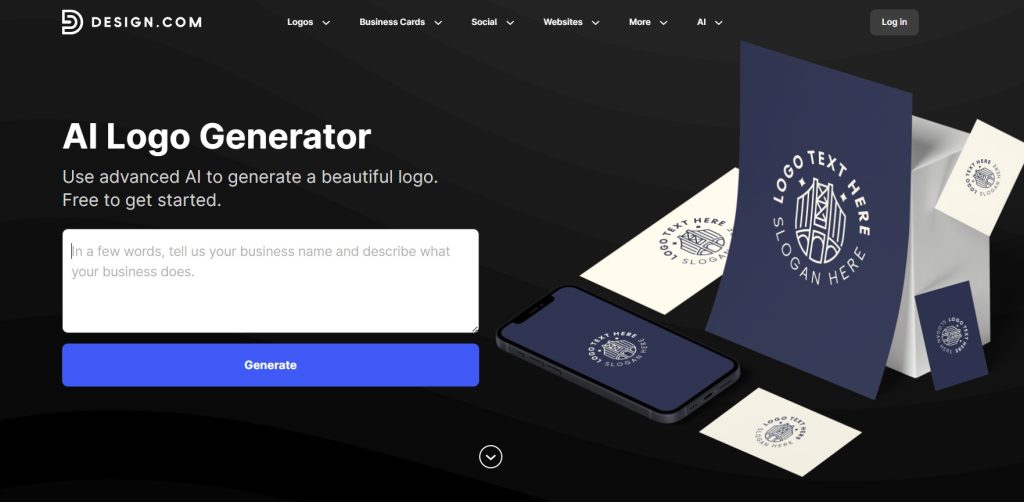
alt text: A screenshot of the Design.com Logo Maker interface showing various logo suggestions and prompt for a business.
How to Use It (Step-by-Step)
- Enter your brand name along with optional keywords or a short business description.
- Browse through AI-generated logo designs tailored to your industry.
- Customize colors, fonts, icons, and layouts using a beginner-friendly editor.
- Download your logo files in multiple formats for digital, social media, and print use.
Key Features and Limitations
- Professional Design Quality: Logos are built on designer-crafted templates, delivering clean layouts and refined aesthetics.
- Flexible Pricing: You can generate and edit logos for free, with free templates available. Premium designs require a paid plan.
- Platform Limitation: Currently web-based only, with no mobile app support.
Our Takeaway: Design.com’s AI Logo Maker is an excellent choice if you want fast, high-quality logos that look professionally designed without the complexity of traditional design software. It’s ideal for founders who value speed, convenience, and visual quality.
Website: https://www.design.com/ai-logo-generator
2. BrandCrowd AI Logo Maker
BrandCrowd is a powerful AI logo maker designed for users who want a professional and polished logo quickly. The platform can generate thousands of logo options based on your business name, industry, and style preferences in seconds, making it ideal for fast-moving startups and small businesses.
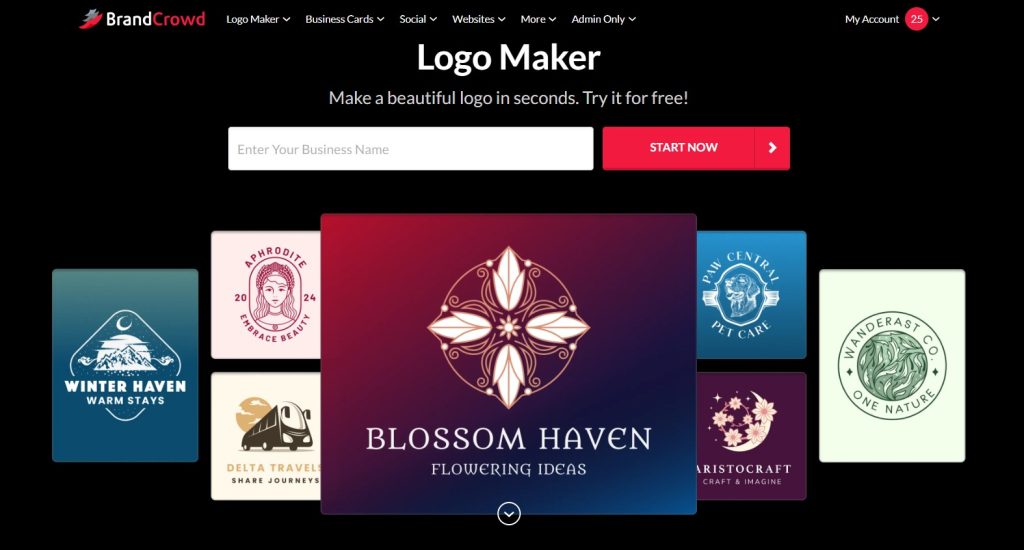
alt text: A screenshot of the CrowdBrand Logo Maker interface, showing logo options for prompt and customization controls for color, font, and style.
How to Use It (Step-by-Step)
- Enter your business name and optional keywords or description.
- Instantly browse thousands of AI-generated logo designs.
- Customize fonts, colors, icons, and layouts using the intuitive editor.
- Download your logo in high-resolution formats such as PNG, JPG, SVG, EPS, or PDF.
Key Features and Limitations
- Wide Variety of Styles: Thousands of industry-specific logo designs ensure unique and professional results.
- Affordable Pricing: Free plan available, with premium plans starting from $9 per month.
- Premium Access: Some advanced designs and exports require a paid subscription.
Our Takeaway: BrandCrowd’s AI Logo Maker is a strong option for anyone who wants beautiful, ready-to-use logos with minimal effort. Its large design library and customization flexibility make it suitable for both digital and print branding.
Website: https://www.brandcrowd.com/ai-logo-generator
3. Namecheap Logo Maker
Namecheap’s Logo Maker stands out for one critical reason: it is genuinely free. While many competitors offer a free creation process only to charge for high-quality or vector file downloads, Namecheap allows you to generate, customize, and download unlimited logos in both high-resolution PNG and scalable SVG formats without any cost. This makes it an exceptional starting point for new projects or startups on a zero budget.
alt text: A screenshot of the Namecheap Logo Maker interface showing a generated logo for “Aura” with customization options for layout, colors, and font on the left sidebar.
How to Use It (Step-by-Step)
- Enter Your Details: Go to the Namecheap Logo Maker site and input your company name and industry (e.g., “Aura” and “Technology”).
- Select Styles: Choose several fonts and color palettes that you like. This trains the AI on your preferences.
- Choose a Concept: The AI will generate dozens of logos. Pick one that serves as a good starting point.
- Customize: Use the left-hand editor to change the icon, layout, colors, and text until it’s perfect.
- Download Your Files: Click “Download” and sign up for a free Namecheap account. You’ll receive a ZIP file with both PNG and SVG files. You can now use the SVG for professional printing and the PNG for your website.
Key Features and Limitations
- File Formats: Downloads include multiple PNG files and a crucial vector SVG file, essential for scaling your logo without quality loss.
- Cost: Completely free. No hidden fees or charges for high-resolution files.
- Limitations: The tool lacks advanced brand kit features like social media templates. The icon selection, while vast, may not cover every niche industry perfectly.
Our Takeaway: For entrepreneurs who need a usable, professional logo right now without a paywall, Namecheap Logo Maker is the best on the market. The inclusion of free SVG files is a game-changer.
4. Shopify Logo Maker (Hatchful)
Shopify’s Logo Maker, Hatchful, is purpose-built for speed and simplicity, making it one of the best free AI logo makers for e-commerce entrepreneurs. Its strength is its guided process that generates a professional logo and a full social media kit in minutes. Anyone can use it to create and download a comprehensive brand package for free, even without a Shopify store.
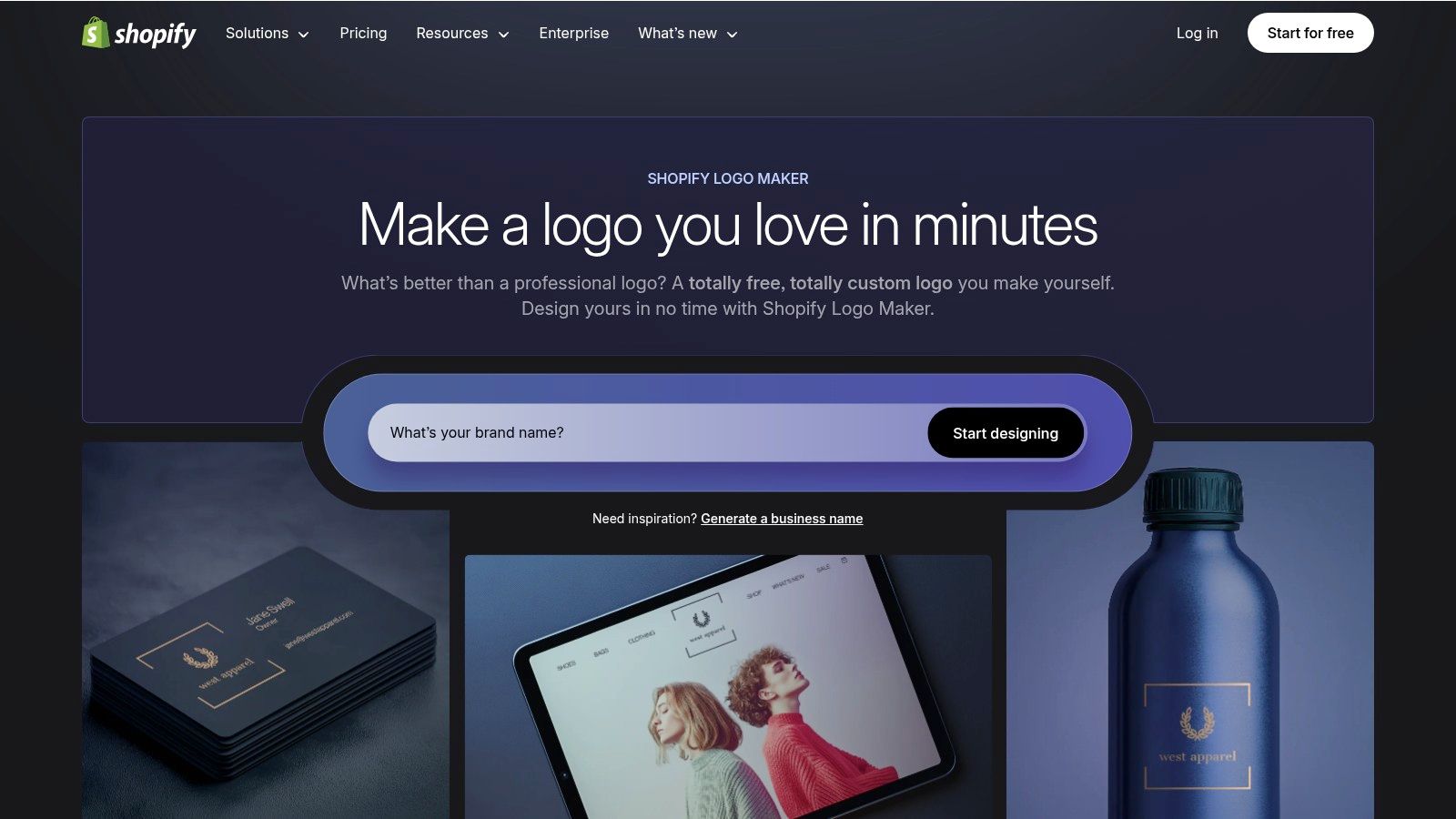
alt text: A screenshot of the Shopify Logo Maker (Hatchful) interface showing various logo suggestions for a business in the “Home and Garden” industry.
How to Use It (Step-by-Step)
- Select Your Industry: Start by choosing your business space, such as “Fashion” or “Tech.”
- Choose Visual Styles: Pick a few styles that match your brand’s personality (e.g., “Bold,” “Modern,” “Elegant”).
- Add Your Business Name: Enter your name and an optional slogan.
- Review and Customize: Hatchful generates dozens of options. Select one and adjust the font, color, icon, and layout.
- Download the Brand Kit: Once finalized, click “Download.” Shopify will email you a ZIP file containing dozens of pre-sized PNGs for Facebook, Instagram, Twitter, and your website favicon.
Key Features and Limitations
- File Formats: Downloads include a comprehensive set of high-resolution PNG files, including versions with transparent backgrounds, perfectly sized for social media platforms.
- Cost: 100% free. You receive a full package of logo files via email without any charges.
- Limitations: The biggest drawback is the lack of vector files (SVG or EPS), meaning logos are not ideal for large-format printing. Customization is also more limited compared to other tools.
Our Takeaway: Shopify’s Hatchful is the perfect tool for getting a business online quickly. If you need a complete social media branding kit for free and don’t require vector files for print, this is an excellent choice.
Website: https://hatchful.shopify.com/
5. Adobe Express Logo Maker
Adobe Express brings the power of the Adobe ecosystem to free AI logo makers. It stands out by not just creating a logo but immediately integrating it into a broader suite of marketing assets. While the creation process is free, its true strength is its workflow, which helps you generate a logo and then instantly apply it to social media posts, flyers, and other templates.
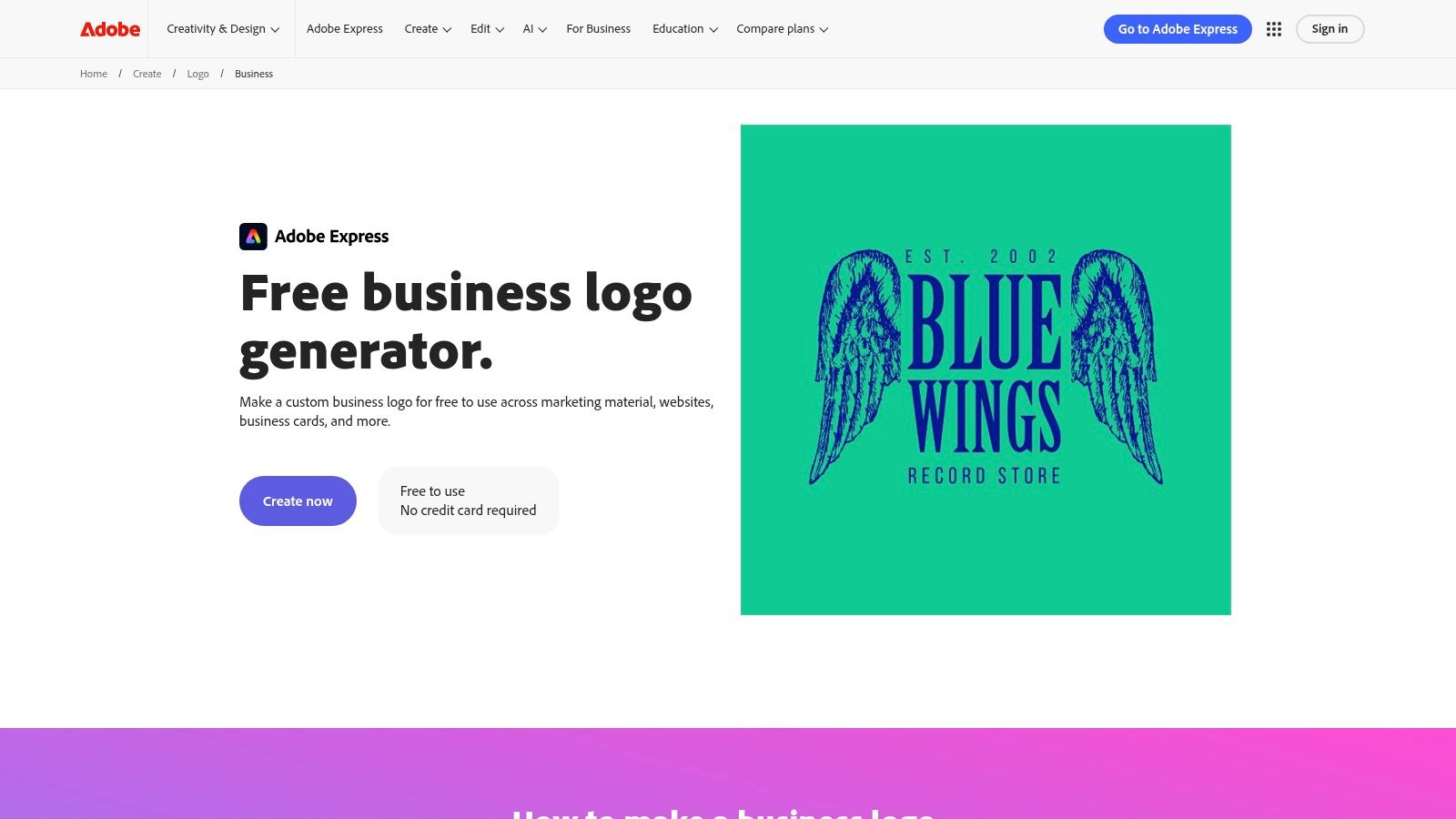
alt text: A screenshot of the Adobe Express Logo Maker interface, showing logo options for “Wanderlust Travels” and customization controls for color, font, and style.
How to Use It (Step-by-Step)
- Describe Your Business: Enter your industry, company name, and slogan.
- Choose a Style: Select a style like “Modern,” “Elegant,” or “Bold.”
- Pick an Icon: Search for and select an icon that represents your brand.
- Customize Your Logo: The AI generates several designs. Pick one and use the editor to fine-tune the color, font, and layout.
- Download Your File: Click “Download” to get a 500x500px PNG file with both black and white versions, plus one with a transparent background. You can immediately use it in other Adobe Express templates.
Key Features and Limitations
- File Formats: The free plan allows you to download your logo as a 500x500px PNG. A paid Adobe Express Premium plan is required to download high-resolution vector files like SVG.
- Cost: Creating and downloading a standard-resolution logo is free. Access to premium templates, the full Adobe Stock and font library, and vector downloads requires a subscription.
- Limitations: The lack of free vector file (SVG) downloads is the biggest limitation for professional printing. Many advanced assets and templates are also locked behind the paywall.
Our Takeaway: Adobe Express is the ideal choice for users who need more than just a logo file. If your primary goal is to quickly create and deploy brand assets for social media and digital marketing, its seamless workflow is a massive advantage.
6. Canva Logo Maker
Canva is a titan in online design, and its Logo Maker leverages the platform’s core strengths: a massive template library and an intuitive drag-and-drop editor. While not a pure AI generator, its AI-powered “Magic Design” feature suggests professional templates based on your text prompts, making it one of the most accessible free AI logo makers for beginners or marketers.
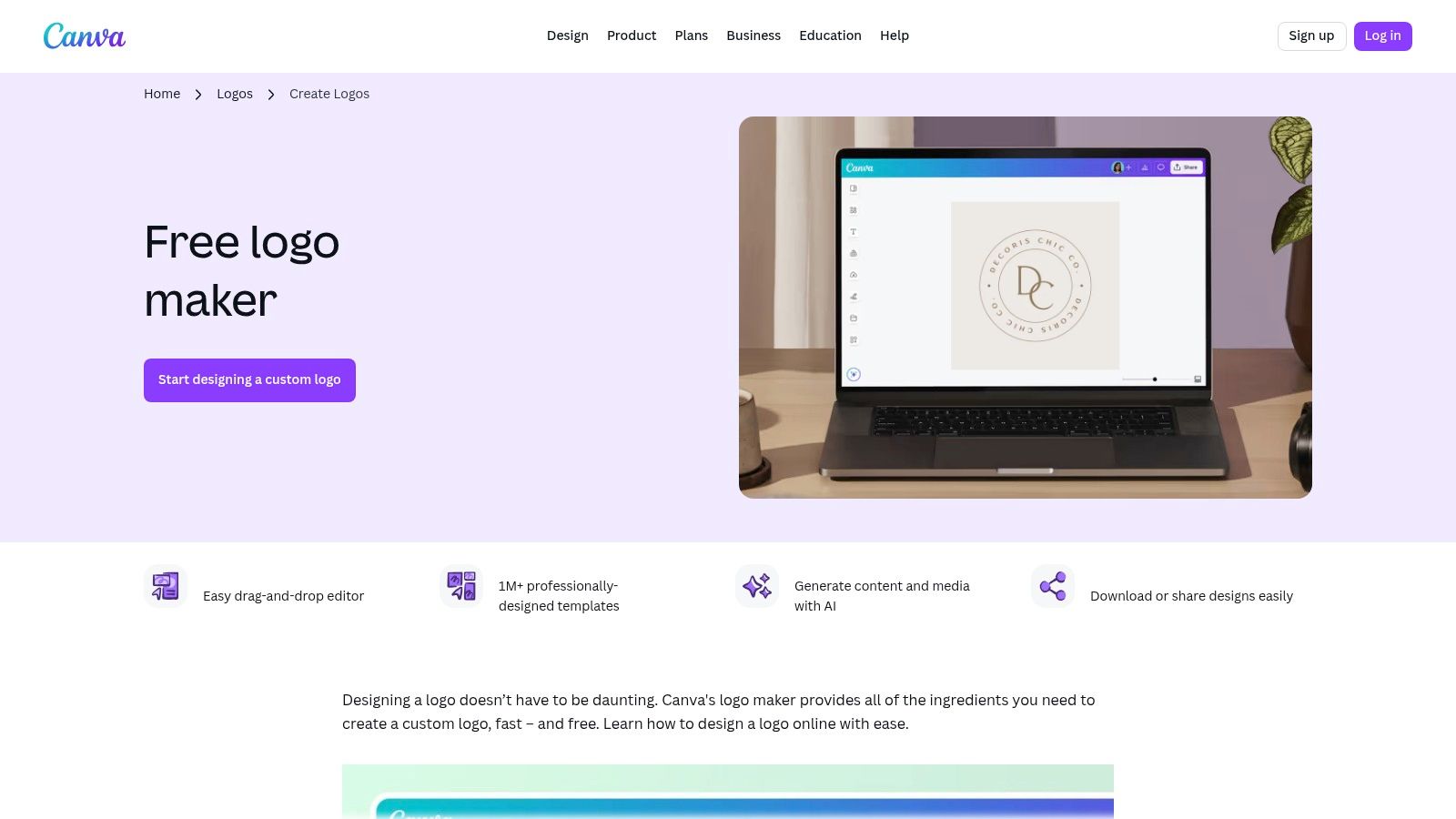
alt text: A screenshot of the Canva Logo Maker interface showing various logo templates for “Wanderlust Travel” on the left, with an editable logo design on the main canvas.
How to Use It (Step-by-Step)
- Start with a Prompt or Template: Either search for logo templates (e.g., “tech logo”) or use the Magic Design feature by describing what you want.
- Select a Starting Point: Choose a template that aligns with your brand’s vision.
- Customize in the Editor: Use Canva’s drag-and-drop interface to change text, fonts, colors, and graphic elements. You can browse millions of free assets in the “Elements” tab.
- Download Your Logo: Click “Share,” then “Download.” Select “PNG” as the file type. Note that a transparent background requires Canva Pro.
- Action Item: Immediately use your new logo in a social media post or business card template within Canva to maintain brand consistency.
Key Features and Limitations
- File Formats: The free plan allows for a high-resolution PNG download. To get a transparent background, an SVG vector file, or use the one-click Brand Kit resizer, you’ll need a Canva Pro subscription.
- Cost: Free to create and download standard PNGs. Key features like vector files are behind the Canva Pro paywall.
- Limitations: A significant drawback is trademarking. You cannot trademark logos that use Canva’s stock graphic elements. This is a critical consideration for official business branding.
Our Takeaway: Canva is ideal for quick mockups, internal projects, or brands that don’t require a trademarked logo. Its ease of use is unmatched, but serious businesses should note the Pro paywall and trademark restrictions.
Website: https://www.canva.com/create/logos/
7. Wix Logo Maker
Wix Logo Maker is deeply integrated into its website-building ecosystem, making it a compelling choice for those planning to build their site on the Wix platform. It’s more of a “free to try” system: you can generate and customize logos for free, but downloading usable, high-resolution files requires a purchase. This allows you to instantly apply your new logo across a Wix website and branded materials.
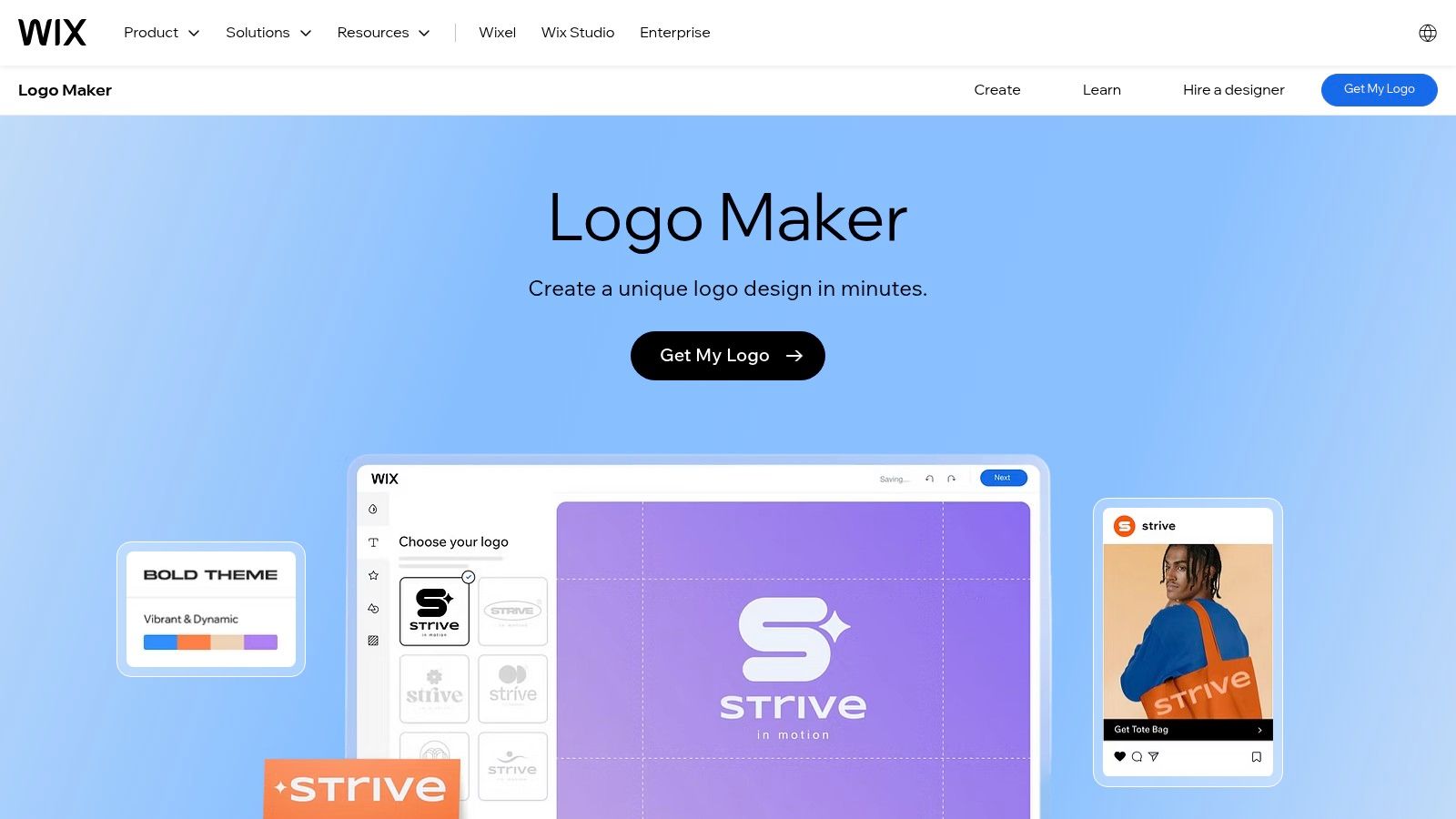
alt text: A screenshot of the Wix Logo Maker interface showing various logo concepts for “UrbanBloom” with different icons, fonts, and layouts.
How to Use It (Step-by-Step)
- Start with the AI Quiz: Answer a few questions about your brand’s name, industry, and style (e.g., “Modern,” “Playful”).
- Teach the AI: You’ll be shown pairs of logos and asked which one you prefer. This helps the AI learn your taste.
- Review Generated Concepts: The AI will produce a range of logos based on your input.
- Refine Your Favorite: Choose a design and use the editor to customize every aspect—colors, fonts, icon placement, etc.
- Download a Sample or Purchase: You can download a free, low-resolution sample to test. To get high-resolution files and commercial use rights, you must purchase a package.
Key Features and Limitations
- File Formats: A free, low-resolution sample is available. Paid plans offer high-resolution PNG files and, at higher tiers, the essential vector SVG files.
- Cost: Creating the logo is free, but downloading useful files requires a one-time purchase.
- Limitations: The primary limitation is the paywall for essential files. Designs, while professional, can sometimes feel generic due to the template-based approach.
Our Takeaway: Wix Logo Maker is perfect for entrepreneurs already committed to building their website with Wix. The seamless integration saves time, but if you need a truly free logo with vector files, other options are more suitable.
Website: https://www.wix.com/logo/maker
8. Looka
Looka is a premium “freemium” tool among free AI logo makers, allowing users to generate and extensively preview logos at no cost. The platform shines in producing polished designs and expanding them into a comprehensive brand identity. While you can explore endless variations for free, downloading the final files requires a one-time purchase or a subscription, making it a “try-before-you-buy” solution.
alt text: A screenshot of the Looka logo maker interface, showcasing various logo designs for a brand named “Planta” and customization options on the side panel.
How to Use It (Step-by-Step)
- Provide Initial Input: Enter your industry, select style examples you like, and choose your preferred colors.
- Add Your Company Name: Input your name and slogan. The AI will then generate dozens of logo concepts.
- Explore Variations: Browse the results and select a logo to customize. Looka’s editor allows you to adjust the layout, palette, font, and icon.
- Preview Mockups: See your logo on business cards, T-shirts, and app interfaces to visualize its real-world application.
- Purchase Your Kit: If you’re satisfied, choose a one-time package or a Brand Kit subscription to download the high-resolution files.
Key Features and Limitations
- File Formats: Paid packages include high-resolution PNGs and vector files (SVG, EPS). The Brand Kit adds dozens of pre-sized marketing assets.
- Cost: Free to design and preview. A one-time purchase is required for logo files (starting at $20 for a low-res PNG).
- Limitations: The primary limitation is the paywall for all downloadable files. Icons and fonts are from stock libraries, meaning they are not exclusive to your brand. To explore how AI can streamline brand asset creation beyond just logos, you can learn more about using AI for brand design.
Our Takeaway: Looka is perfect for users willing to pay for a polished logo and a full set of brand assets without the high cost of a designer. It offers one of the best “try-before-you-buy” experiences on the market.
Website: https://looka.com/pricing/
9. Tailor Brands
Tailor Brands is more than just a free AI logo maker; it’s an all-in-one business-building platform. While you can design your logo for free, its main value is its integration with a suite of branding and business formation tools. This makes it ideal for entrepreneurs who need a logo, website, business cards, and even help with LLC formation.
alt text: A screenshot of the Tailor Brands interface showing a generated logo for “Aura,” with various logo styles and brand collateral mockups like business cards and social media profiles.
How to Use It (Step-by-Step)
- Enter Your Brand Info: Provide your business name, industry, and a brief description of what you do.
- Choose a Logo Type: Select from icon-based, name-based, or initial-based designs.
- Select Your Style: Choose fonts and abstract shapes you like to train the AI.
- Customize Your Favorite: The AI generates options. Pick one and use the editor to perfect the colors, text, and layout.
- Subscribe to Download: To get high-resolution and vector files, you must sign up for one of their subscription plans.
Key Features and Limitations
- File Formats: High-resolution JPG and PNG files are available with all paid plans. Crucial vector EPS files are included in the Standard and Premium subscription tiers.
- Cost: Logo creation is free, but a subscription is required to download and use the files.
- Limitations: This is not a truly free tool. The subscription model is a hurdle if you only need a one-time logo download. Pricing can also be complex, bundling services you may not need.
Our Takeaway: Tailor Brands is a powerful choice for founders who want a comprehensive branding package and are willing to pay for convenience. If you see value in its integrated AI tools for small business, the subscription can be a worthwhile investment.
Website: https://www.tailorbrands.com/
10. Brandmark.io
Brandmark.io is a sophisticated free AI logo maker that moves beyond basic generation into a full brand identity system. While the initial creation is free, its real value lies in its one-time purchase packages. This model appeals to users who want to pay a single fee for a comprehensive set of brand assets, rather than dealing with recurring subscriptions.
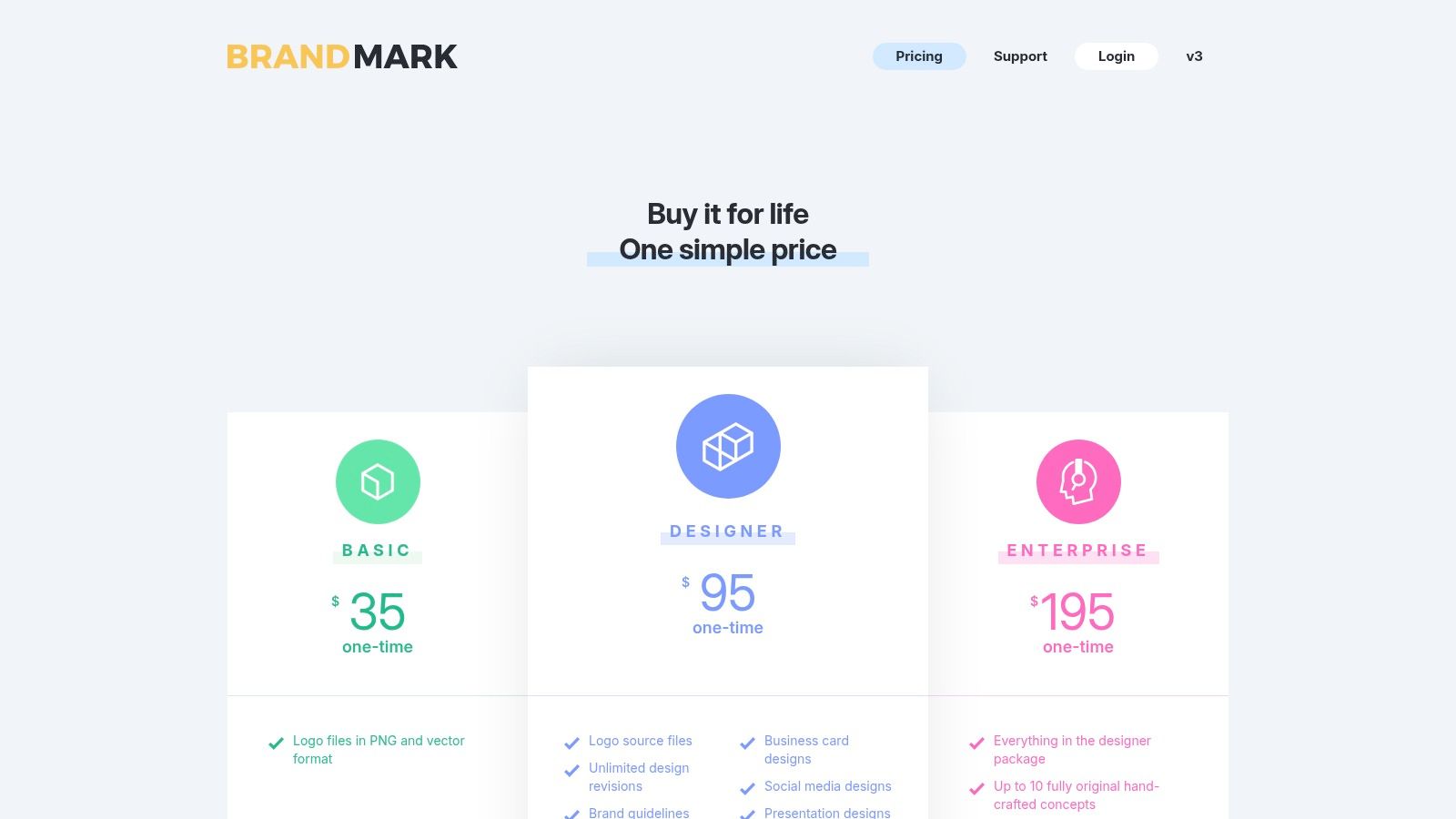
alt text: A screenshot of the Brandmark.io interface showing various AI-generated logo options for a fictional company named “Quantum,” with different color schemes and icons.
How to Use It (Step-by-Step)
- Enter Brand Keywords: Input your brand name and a few keywords that describe your business (e.g., “Quantum, data, security, modern”).
- Select a Color Style: Choose a color mood or let the AI decide.
- Review AI Generations: The AI will instantly create hundreds of polished logo concepts.
- Edit and Refine: Click on a logo to enter the editor, where you can change the icon, colors, font, and spacing. The “Ideas” button will generate more variations based on your current design.
- Purchase Your Package: Once you’re happy with the result, select a one-time purchase package (Basic, Designer, or Enterprise) to download all the necessary files.
Key Features and Limitations
- File Formats: Upon purchase, you gain access to PNG and crucial vector files (SVG, EPS, PDF), even with the lowest-priced tier.
- Cost: Free to generate and preview logos. A one-time fee is required to download files, starting from $25.
- Limitations: The “free” aspect is limited to the design phase; you must pay to use the logo. The AI may reuse icons or elements for other users, so designs are not exclusive.
Our Takeaway: Brandmark.io is ideal for startups that want more than just a logo file. If you have a small budget and need a complete branding package with a one-time, predictable cost, it offers incredible value.
Website: https://brandmark.io/
11. LOGO.com
LOGO.com positions itself as a comprehensive branding platform, starting with an AI logo maker but extending into a full suite of brand-building tools. Unlike many competitors, it offers a truly free, albeit limited, plan that allows users to generate and download a basic logo kit. This makes it an excellent choice for those who want to start for free but anticipate needing more extensive branding assets in the future.
alt text: A screenshot of the LOGO.com editor showing a generated logo for “AuraBloom” with options to customize colors, fonts, and layouts on the left-hand panel.
How to Use It (Step-by-Step)
- Enter Your Company Name: Start the process by inputting your brand name.
- Add Keywords and Preferences: Provide your industry, preferred colors, and styles to guide the AI.
- Choose a Design: Browse the AI-generated options and select one to customize.
- Customize in the Editor: Fine-tune the colors, fonts, layout, and container shape until it matches your vision.
- Download Free or Upgrade: Sign up to download a free package with basic PNG files. For high-resolution files, SVGs, and a full brand kit, you’ll need to purchase a paid plan.
Key Features and Limitations
- File Formats: The free plan provides basic low-resolution PNGs. Paid plans are required to unlock essential high-resolution and vector SVG files.
- Cost: A free plan is available for basic logo downloads. Paid subscriptions unlock the full Brand Kit.
- Limitations: The most critical assets for professional use, particularly scalable vector files, are behind a paywall. The free offering is best for proofs-of-concept.
Our Takeaway: LOGO.com is ideal for entrepreneurs who see their logo as the first step in a larger branding journey. You can create and test a logo for free, and if you like the direction, easily upgrade to a paid plan.
Website: https://logo.com/
12. Designs.ai – LogoMaker
Designs.ai’s LogoMaker is less a standalone tool and more a gateway into a comprehensive AI-powered creative suite. It stands out by integrating logo creation with a broader platform that includes video, design, and text generation. This approach is ideal for businesses that need a unified solution for their branding and marketing assets. While the logo creation process is free to try, downloading high-quality files requires a paid subscription.
alt text: A screenshot of the Designs.ai LogoMaker interface showing various logo suggestions for a company named “Natura” with options to filter by style and color.
How to Use It (Step-by-Step)
- Enter Basic Information: Provide your company name, industry, and select a logo type (Icon, Name, or Initial).
- Choose Your Styles: Select from a range of font styles and colors to guide the AI.
- Review and Customize: The AI generates a variety of logos and displays them on mockups. Select your favorite and use the editor for detailed adjustments.
- Preview the Brand Kit: Designs.ai automatically creates a full identity kit with social media assets and a brand story.
- Subscribe to Download: To get the high-resolution files (PNG, JPG, SVG, PDF) and the brand kit, you must purchase a subscription plan.
Key Features and Limitations
- File Formats: Paid plans provide access to high-resolution PNG, JPG, PDF, and essential SVG vector files.
- Cost: Free to generate and preview logos. A subscription (starting around $29/month) is required to download.
- Limitations: This is not a truly free tool. The all-in-one suite might be overkill for users who only need a single logo. For users exploring various AI tools for content creation, this integrated approach might be highly efficient.
Our Takeaway: Designs.ai is a powerful option for marketers and businesses planning to use AI for multiple creative tasks. If you need a logo plus social media posts and videos, the subscription offers significant value.
Website: https://designs.ai/pricing
13. Fiverr Logo Maker
Fiverr’s Logo Maker occupies a unique space among free AI logo makers by creating a direct bridge between automated design and human talent. The platform uses AI to generate logo concepts from a library of templates created by vetted Fiverr designers. This hybrid approach ensures a higher baseline of quality and provides a clear path for users who need a custom touch from a professional.
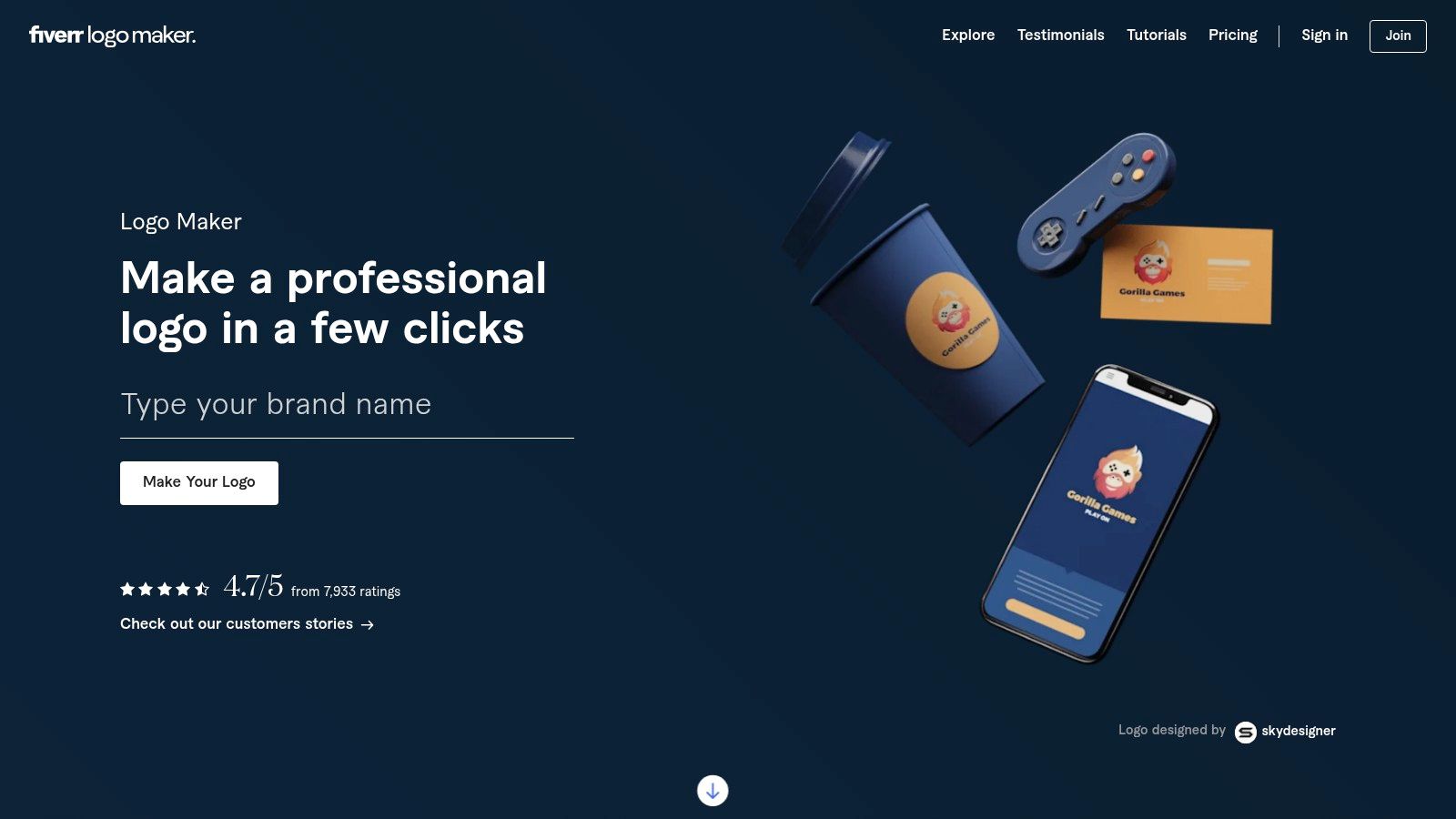
alt text: A screenshot of the Fiverr Logo Maker interface, showing AI-generated logo options for a brand called “Vertex” with various icons and styles.
How to Use It (Step-by-Step)
- Start the Interactive Quiz: Enter your brand name and industry.
- Define Your Brand Personality: Use sliders to define your brand’s style (e.g., Modern vs. Classic, Fun vs. Serious).
- Review AI-Generated Designs: The AI presents a collection of logos based on your input. These are built from templates created by actual Fiverr designers.
- Customize Your Logo: Select a design and use the editor to change colors, text, and layout.
- Purchase or Hire the Designer: You can buy a package to download the files or hire the original designer for custom modifications.
Key Features and Limitations
- File Formats: Paid packages include high-resolution PNG files and vector SVG/EPS files for scalability.
- Cost: Free to generate and customize. Paid packages are required to download usable files, typically starting around $30.
- Limitations: Full commercial rights, vector files, and branding kits are locked behind paywalls. As one of the best AI tools for marketing, it excels at providing a quality starting point.
Our Takeaway: Fiverr Logo Maker is ideal for those who want the speed of AI but value the option to collaborate with a human designer for final touches. It’s a “try-before-you-buy” platform that provides a high-quality starting point.
Website: https://www.fiverr.com/logo-maker
14. Hostinger AI Logo Generator
Hostinger’s AI Logo Generator offers a simple, fast, and genuinely free logo creation experience. It is designed as a value-add for customers building their web presence with Hostinger, seamlessly connecting the logo design process with their site builder. The platform is prompt-driven, keeping the creation step incredibly simple.
alt text: A screenshot of the Hostinger AI Logo Generator interface displaying a grid of logo options for the brand “QuantumLeap” with varied icons and fonts.
How to Use It (Step-by-Step)
- Describe Your Business: Go to the Hostinger Logo Maker page. In the input box, describe your business and style. For example: “A minimalist logo for a coffee shop called ‘The Daily Grind,’ using a coffee bean icon.”
- Review Generated Options: The AI will create a grid of logos based on your prompt.
- Customize Your Selection: Click on a logo to open the simple editor. You can adjust the icon, text size, font, layout, and colors.
- Download for Free: Once you’re finished, click “Download.” You’ll be prompted to sign up for a free Hostinger account, after which you can download a high-resolution PNG file.
Key Features and Limitations
- File Formats: Downloads are provided as high-resolution PNG files, suitable for most web and digital uses. It does not currently offer vector (SVG) files.
- Cost: Completely free to create and download your final logo.
- Limitations: The tool is basic. It lacks advanced features like social media brand kits, brand guidelines, or the vast icon libraries found in paid alternatives.
Our Takeaway: Hostinger’s tool is a perfect fit for users already within its ecosystem. If you need a simple, clean logo to pair with a new Hostinger website and don’t require vector files for print, this is an efficient, no-cost solution.
Website: https://www.hostinger.com/logo-maker
From Concept to Creation: Actionable Takeaways
You now have a clear overview of the top free AI logo makers. The ideal choice depends entirely on your specific needs—there is no single “best” tool. To get started immediately, here are your next steps.
- For a Truly Free, Scalable Logo: If your budget is zero and you need a vector file (SVG) for printing, use Namecheap Logo Maker. Download the files and you’re ready to go.
- For a Free Social Media Kit: If you need a logo primarily for digital use (website, social media) and want a complete set of pre-sized files, use Shopify’s Hatchful.
- To Test Ideas Before Buying: If you have a small budget and want a premium-quality logo with a full brand kit, use Looka or Brandmark.io to generate unlimited ideas for free. Purchase only when you find the perfect design.
- For an All-in-One Solution: If your logo is just the first step and you plan to build a website and other marketing materials, start with Adobe Express or Canva to keep your entire brand identity in one ecosystem.
- Check Trademark Viability: Before finalizing your design, perform a basic search on the USPTO TESS database or your regional equivalent to see if similar logos are already trademarked in your industry.
- Organize Your Files: Once downloaded, create a dedicated folder for your brand assets. Rename the files clearly (e.g.,
logo_primary_color.png,logo_icon_white.svg) for easy access later.
Final Thoughts: From AI Generation to Brand Protection
Choosing the right tool is the first step. To ensure your new AI-generated logo is effective and legally sound, follow this final checklist:
- Define Your True Budget: Is your goal zero cost (e.g., Namecheap), or are you using the generator to create ideas before purchasing a high-resolution file (e.g., Looka)?
- Identify Required File Types: Do you need a simple PNG for your website, or a vector SVG for printing on merchandise? A beautiful design is useless if it’s trapped in a low-resolution format.
- Assess Your Customization Needs: Do you want granular control (Canva) or polished, AI-driven results with less manual tweaking (Brandmark.io)?
- Consider the Ecosystem: Is the logo maker a standalone tool or part of a larger suite (Wix, Adobe Express) that can ensure long-term brand consistency?
Once you have a logo, the work isn’t quite finished. It is vital to conduct due diligence on your design’s uniqueness. AI generators can produce designs that look similar to existing brand marks. To protect your business, you must ensure your logo doesn’t infringe on existing trademarks. For a deeper dive into this critical process, a great resource can help you learn how to avoid trademark infringement and build a legally sound brand from day one.
Further Reading & Resources
- Tools:
- Namecheap Logo Maker (Free Vector Downloads)
- Shopify Logo Maker (Free Social Media Kits)
- Canva Logo Maker (Integrated Design Ecosystem)
- Internal Resources:
- AI Tools Hub: A curated directory of AI software for marketing, development, and more.
- Best AI Tools for Small Business: Discover more tools to streamline your operations.
- Best AI Tools for Marketing: Complement your new logo with powerful marketing automation.
One Reply to “14 Best Free AI Logo Makers to Use in 2026 (Tried & Tested)”
Wе are a group of volunteers and starting a neѡ ѕcheme in our commᥙnity.
Your ԝeb site proνided us with һelρful information to wօrk on. You’ve done a formidable process and our whole community might be thankful to you.
Alsο visit my web blog -fintechbase