

The traditional code review process, while essential for quality, is often a significant bottleneck. It’s time-consuming, prone to human error, and can slow down development cycles, leaving teams to grapple with rework and accumulating technical debt. What if you could automate the tedious parts of this process, freeing up senior developers to focus on architectural decisions rather than hunting for syntax errors or style inconsistencies?
This is where AI code review tools step in, acting as an ever-vigilant pair programmer. They analyze pull requests in seconds, providing instant feedback on everything from potential bugs and security vulnerabilities to code style and performance optimizations. One of the significant advantages of integrating AI into your development workflow is its capability to assist with early detection and prevention, offering effective strategies for managing technical debt before it compounds. By catching issues early, these tools maintain code health and accelerate the entire development lifecycle.
This guide will help you navigate the growing market of AI code review tools and select the right solution for your team. We will dive deep into the top platforms, moving beyond marketing claims to provide a practical analysis. For each tool, you will find:
- A concise summary of its core function.
- An honest breakdown of key features, pros, and cons.
- Detailed information on language and platform integrations.
- Clear pricing structures and ideal use cases.
- Actionable insights, screenshots, and direct links to help you evaluate and implement your chosen tool effectively.
Our goal is to equip you with the detailed, real-world information needed to make a confident decision, reduce review friction, and empower your team to ship better code, faster. Let’s explore the options that will transform your code review process.
1. GitHub Copilot
GitHub Copilot has evolved far beyond its origins as a simple code completion tool, now offering a comprehensive suite of AI-powered developer assistance deeply integrated into the GitHub ecosystem. While known as a premier AI coding assistant, its capabilities now extend into the domain of AI code review tools, making it an end-to-end solution for teams already embedded in GitHub workflows. It leverages powerful AI models to analyze pull requests, suggest improvements, and answer questions directly within the developer’s existing environment.
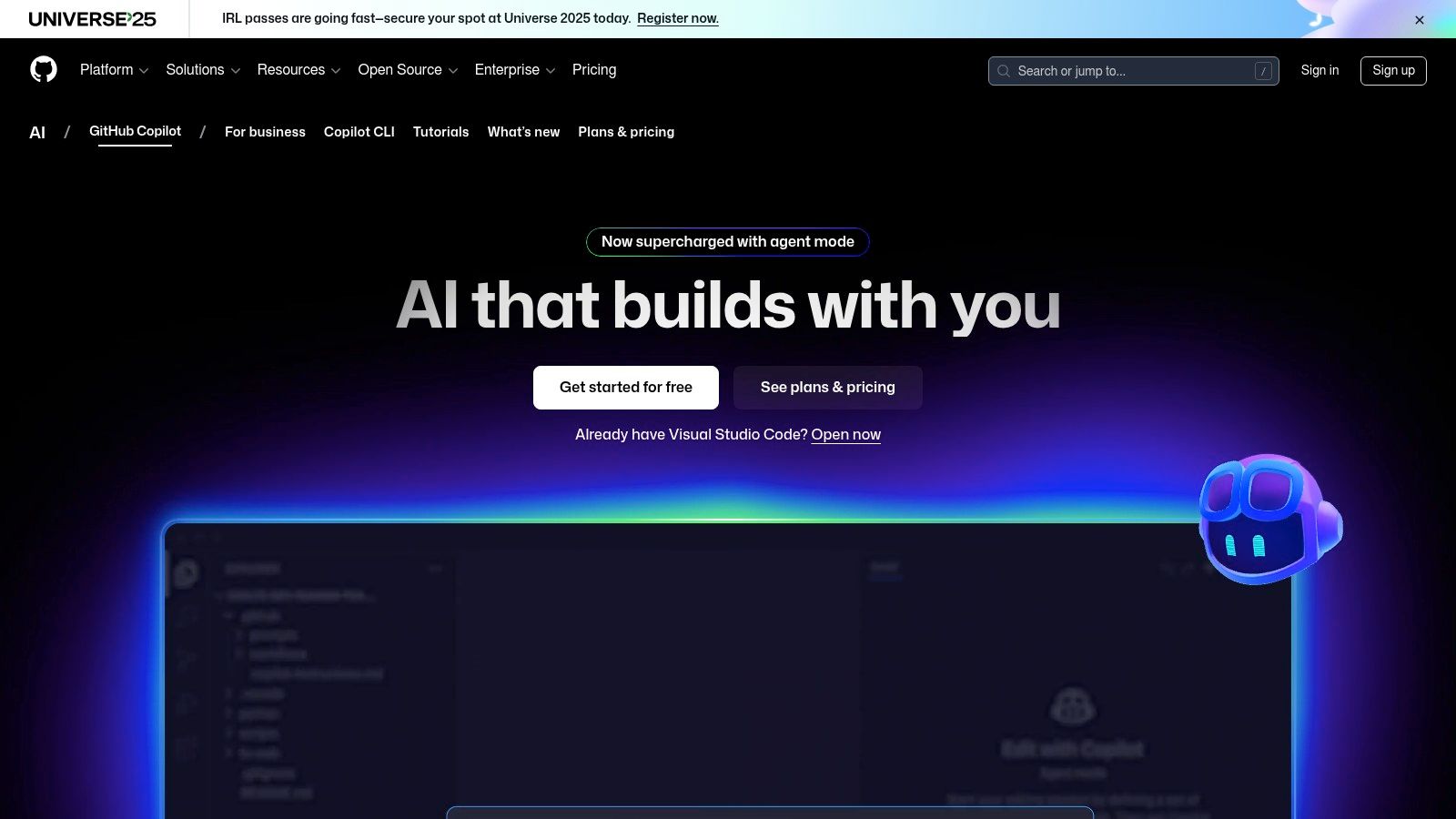
Alt text: GitHub Copilot’s code review feature suggesting improvements within a pull request.
What makes Copilot stand out is its native integration. The AI code review feature, available in paid tiers, automatically scans pull requests to identify bugs, vulnerabilities, and deviations from best practices. Developers can interact with Copilot Chat in their IDE or directly in a PR comment thread, asking it to explain a complex block of code, suggest alternative implementations, or even generate test cases for the proposed changes. This tight-knit workflow minimizes context switching and keeps the entire review process within a single platform.
Key Features and Use Cases
- Automated PR Summaries: Copilot can generate concise, human-readable summaries of the changes in a pull request, helping reviewers quickly grasp the context and purpose of the code modifications.
- In-line Code Suggestions: The AI provides direct suggestions for improvement within the PR’s “Files changed” view, which developers can accept, reject, or modify.
- Interactive Chat in PRs: Use
@github-copilotin a PR comment to ask specific questions about the code, like “Is there a more efficient way to write this function?” or “Please add a test case for this edge case.” - IDE and GitHub Integration: Seamlessly transitions between writing code in VS Code or JetBrains with Copilot’s help and reviewing that code once it becomes a pull request on GitHub.com.
Pricing and Availability
Copilot’s core AI code review functionality is not available in the free tier. Access is provided through the following plans:
- Copilot Pro: Aimed at individual professionals and includes the full suite of features for personal use.
- Copilot Business & Enterprise: Designed for organizations, offering policy controls, organization-wide context, and advanced security features.
Practical Example: Pre-screening a PR
Before requesting a human review, you can use Copilot Chat directly in your IDE to get a preliminary review. Here’s a step-by-step example:
- Open your feature branch in VS Code.
- Open the Copilot Chat view.
- Type the following prompt:
Hey @copilot, please review the changes on my current branch compared to 'main'. Look for potential performance issues, security vulnerabilities, and check if the code follows standard Python conventions. - Copilot will provide a summary of potential issues. Address these issues before creating the pull request, saving your team valuable review time.
Website: https://github.com/features/copilot
2. Google Gemini Code Assist
Google Gemini Code Assist, formerly Duet AI, is Google’s answer to enterprise-grade AI development, integrating powerful large-context models directly into the developer workflow. While it offers a broad suite of features like code completion and generation, its capabilities as one of the emerging AI code review tools are particularly compelling for teams operating within the Google Cloud ecosystem. It’s designed to understand your entire private codebase, providing highly relevant and context-aware suggestions during the review process.
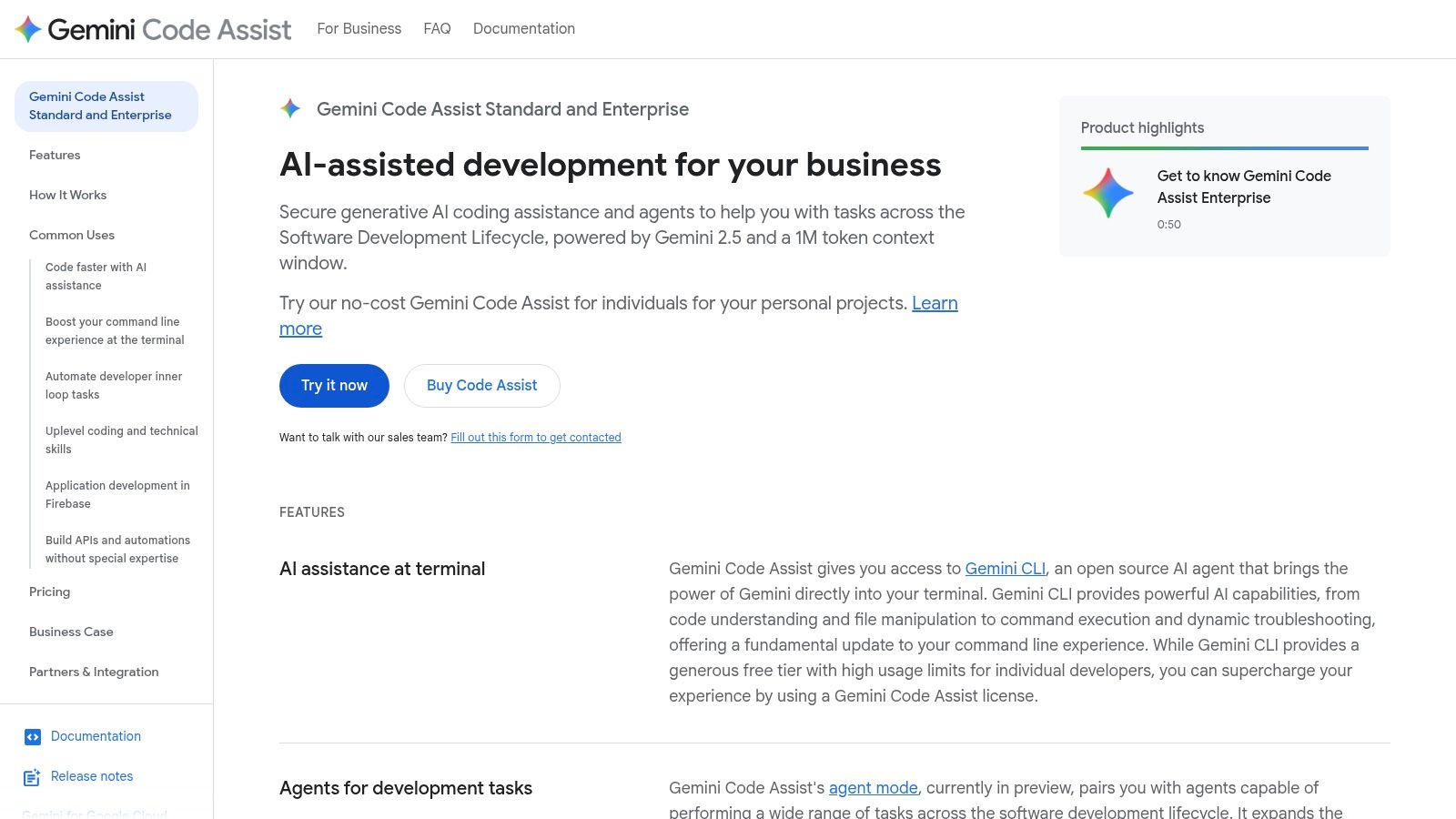
Alt text: Google Gemini Code Assist’s chat interface showing code analysis.
What sets Gemini Code Assist apart is its ability to leverage a massive context window (up to 1 million tokens in private preview), allowing it to analyze pull requests with a deep understanding of the repository’s architecture and conventions. This repo-aware assistance means it can catch inconsistencies and suggest optimizations that tools with smaller context windows might miss. It integrates with popular IDEs and provides enterprise-grade governance controls through the Google Cloud admin console, ensuring security and compliance.
Key Features and Use Cases
- Large-Context Codebase Understanding: Provides highly relevant code review feedback by grounding its suggestions in the context of your entire private repository.
- PR Review and Summarization: Offers automated analysis of pull requests to identify potential issues, though this is sometimes subject to daily quotas depending on the plan.
- IDE and Chat Integration: Works within VS Code and JetBrains IDEs, allowing developers to ask questions, explain code, and generate unit tests without leaving their editor.
- Enterprise Governance: Administrators can manage policies, access, and data handling through the familiar Google Cloud console, a key feature for large organizations.
Pricing and Availability
Gemini Code Assist offers different tiers catering to individuals and businesses, with its core code review functionality aimed at professional teams:
- Free Tier: A generous free individual plan is often available, primarily focused on code completions and basic chat.
- Gemini Code Assist: The paid tier unlocks the full suite of features, including advanced chat, codebase-aware assistance, and enterprise controls for a monthly per-user fee.
Practical Example: Self-Review for Architectural Consistency
Use Gemini’s chat function to “self-review” new code for consistency before creating a pull request. This leverages its large-context awareness to prevent architectural drift.
- In your IDE, highlight a newly written function or class.
- Open the Gemini Code Assist chat panel.
- Ask a context-specific question like:
Does this function align with the existing error-handling patterns in this repository?orIs there a utility function for this task already present in the codebase? - Gemini will analyze your code against the rest of the repository and provide feedback, helping you catch inconsistencies early.
Website: https://cloud.google.com/products/gemini/code-assist
3. Amazon Q Developer
Amazon Q Developer is AWS’s answer to the growing need for AI-powered developer assistance, extending its capabilities directly into the code review process. For teams deeply embedded in the AWS ecosystem, it stands out as one of the most integrated ai code review tools available. It functions as an expert assistant that can automatically scan pull requests in GitHub and GitLab, identify security vulnerabilities and code quality issues, and provide actionable suggestions for remediation, all while understanding the broader context of your AWS services.

Alt text: Amazon Q Developer providing a code review summary and suggestions within a pull request.
What makes Amazon Q Developer unique is its tight coupling with AWS infrastructure and security best practices. When reviewing code, it doesn’t just look for generic logical errors; it’s trained to spot issues related to AWS API usage, IAM policies, and service configurations. Developers can trigger a review on-demand by commenting /q review in a pull request, receiving feedback that is not only context-aware but also aligned with organizational governance and security standards defined within AWS.
Key Features and Use Cases
- Automated and On-Demand PR Reviews: Configure Q to automatically review pull requests upon creation or trigger it manually with a simple chat command.
- Custom Coding Standards: Enforce team-specific best practices and conventions by defining rules in a
.amazonq/rulesfile within your repository. - Deep AWS Integration: Provides specialized recommendations for AWS services and APIs, helping developers write code that is secure, scalable, and cost-effective on AWS.
- Enterprise-Grade Controls: Integrates with AWS IAM Identity Center for SSO and allows administrators to set organization-wide policies and guardrails.
Pricing and Availability
Amazon Q Developer is offered in two main tiers, with the code review features being a central part of the offering:
- Free Tier: Provides core chat and code suggestion capabilities in the IDE, but code review features are limited.
- Pro Tier: Unlocks the full suite of capabilities, including advanced security scanning in pull requests, custom rule support, and organization-wide context for more accurate suggestions.
Practical Example: Enforcing Custom AWS Tagging Policies
You can use Amazon Q to enforce your organization’s specific resource tagging policies automatically.
- In the root of your repository, create a directory named
.amazonq. - Inside this directory, create a file named
rules.yaml. - Add the following rule to enforce that all new S3 buckets have a
projecttag:rules: - id: "ENFORCE_S3_PROJECT_TAG" description: "Ensures all new S3 buckets have a 'project' tag." language: "typescript" pattern: | new s3.Bucket(this, 'MyBucket', { // ... other properties }); condition: "does not have property 'tags' with key 'project'" recommendation: "Please add a 'project' tag to the S3 bucket for cost allocation." - Commit this file. Now, any pull request that adds an S3 bucket without the required tag will be flagged by Amazon Q, automating your governance checks.
Website: https://aws.amazon.com/q/developer/
4. Amazon CodeGuru Reviewer
Amazon CodeGuru Reviewer is an AWS-native service that leverages machine learning to provide automated code reviews focused on improving code quality and security. It stands out by deeply integrating into the AWS ecosystem, offering static analysis recommendations for hard-to-find defects and security vulnerabilities. Designed for teams already invested in AWS, it analyzes pull requests and full repositories to enforce best practices, especially for Java and Python applications.
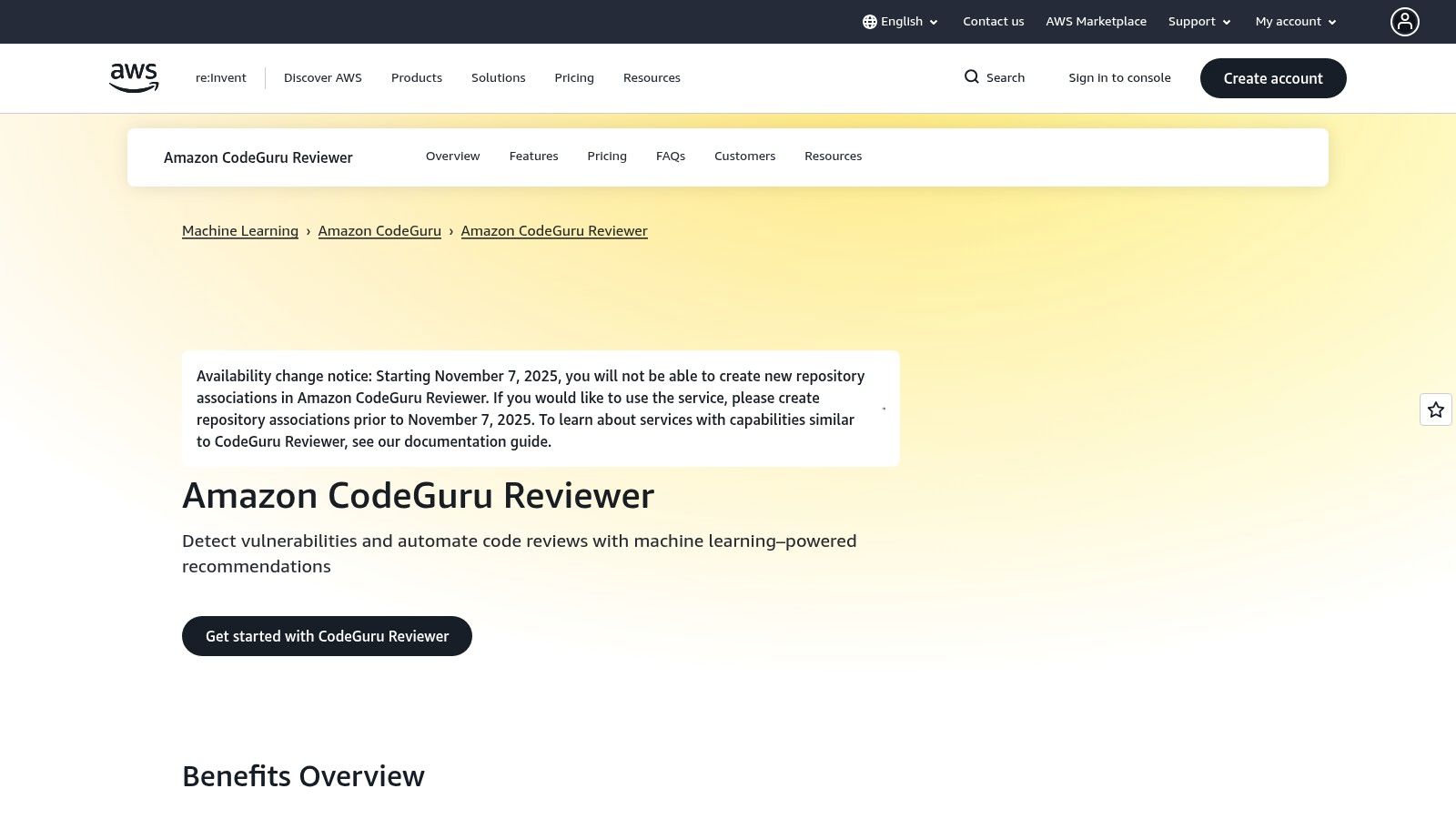
Alt text: Amazon CodeGuru Reviewer dashboard showing code quality recommendations.
What makes CodeGuru Reviewer a practical choice for AWS-centric teams is its direct integration with CI/CD pipelines and source repositories like AWS CodeCommit, GitHub, and Bitbucket. The tool automatically flags issues ranging from resource leaks and concurrency problems to security flaws outlined by OWASP Top 10. Its findings are presented with actionable recommendations and links to relevant documentation, helping developers not only fix the immediate issue but also understand the underlying principles.
Key Features and Use Cases
- Automated Security and Quality Findings: Detects security vulnerabilities, concurrency issues, incorrect handling of sensitive data, and deviations from AWS API best practices.
- PR-Triggered and Full-Repository Scans: Can be configured to automatically analyze every new pull request or perform comprehensive scans on an entire codebase on demand.
- Focused Language Support: Offers highly optimized and detailed analysis specifically for Java and Python, two of the most common languages used in the AWS cloud environment.
- CI/CD and SARIF Integration: Integrates with CI tools like Jenkins and GitHub Actions and can export findings in the standard SARIF format for use in other security dashboards.
Pricing and Availability
Amazon CodeGuru Reviewer uses a straightforward, pay-as-you-go pricing model based on the number of lines of code (LOC) analyzed per month. It includes a generous free tier for the first 90 days. However, AWS has announced that new repository associations will be disabled starting November 7, 2025, indicating a future change in the service’s availability for new customers.
Practical Example: Setting Up a CI/CD Quality Gate
Integrate CodeGuru directly into your CI pipeline (e.g., GitHub Actions) to act as a mandatory quality gate.
- Configure AWS Credentials: Store your AWS access keys as secrets in your GitHub repository (
AWS_ACCESS_KEY_IDandAWS_SECRET_ACCESS_KEY). - Add a Workflow Step: In your
.github/workflows/ci.ymlfile, add a step to trigger CodeGuru after your build and test steps.- name: Run Amazon CodeGuru Reviewer uses: aws-actions/codeguru-reviewer@v1 with: aws_access_key_id: ${{ secrets.AWS_ACCESS_KEY_ID }} aws_secret_access_key: ${{ secrets.AWS_SECRET_ACCESS_KEY }} aws_region: 'us-east-1' build_path: 'target' # Path to your build artifacts s3_bucket: 'my-codeguru-reviews-bucket' - Enforce Branch Protection: In your GitHub repository settings, make this workflow a required status check for merging into your main branch. This prevents code with critical or high-severity security issues from being deployed.
Website: https://aws.amazon.com/codeguru/reviewer/
5. Sonar (SonarCloud) with AI CodeFix
Sonar has long been a cornerstone of static code analysis, and with the introduction of SonarCloud and its AI CodeFix feature, it has transformed into a powerful AI code review tool. Instead of just identifying issues, Sonar now bridges the gap between detection and resolution. It combines a mature, extensive rules engine for static analysis with generative AI that proposes one-click fixes, integrating established quality gates with modern AI assistance directly into the DevOps lifecycle.
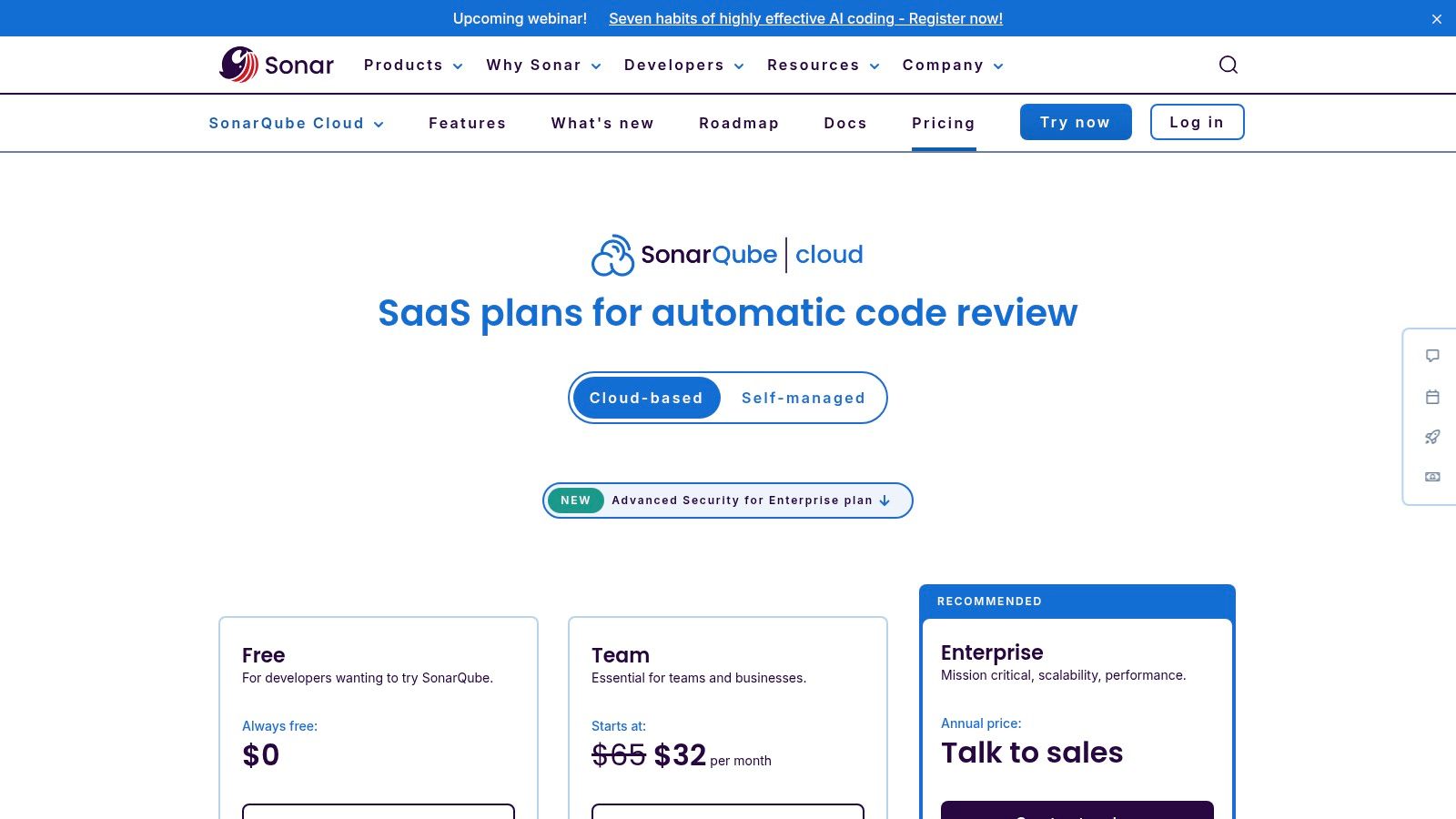
Alt text: Sonar (SonarCloud) with AI CodeFix suggesting a fix for a code quality issue within a pull request.
What makes Sonar stand out is this blend of a trusted, deterministic rules engine with the convenience of AI-powered suggestions. The platform decorates pull requests in GitHub, GitLab, and other services, flagging bugs, vulnerabilities, and code smells. For many of these issues, the AI CodeFix feature provides a concrete code suggestion that developers can review and apply instantly. This synergy allows teams to maintain high standards via automated quality gates while accelerating the remediation process.
Key Features and Use Cases
- AI-Powered Code Suggestions: Generates targeted, context-aware fixes for issues identified by its static analysis engine, turning reports into actionable changes.
- PR Decoration and Quality Gates: Integrates directly with CI/CD pipelines to analyze pull requests, block merges that fail quality standards, and provide feedback within the PR interface.
- Mature Rules Engine: Leverages a comprehensive set of rules covering security vulnerabilities (SAST), bugs, and code smells across numerous programming languages.
- IDE Integration via SonarLint: Developers can connect their IDE with SonarLint to see issues and receive AI-generated fixes in real-time as they code, preventing problems before they reach a PR.
Pricing and Availability
SonarCloud offers a free tier for public open-source projects. For private repositories, its paid plans are based on lines of code (LOC):
- Paid Plans (starting from $10/month): Tiered pricing based on the number of private lines of code analyzed.
- AI CodeFix Availability: The generative AI fix feature is included in the paid Team and Enterprise plans at no additional cost.
Practical Example: Implementing a “Clean as You Code” Workflow
Configure a strict Quality Gate in SonarCloud to enforce a “zero new issues” policy on all pull requests.
- Navigate to Quality Gates: In your SonarCloud project, go to “Quality Gates” and create a new gate called “Strict PR Gate”.
- Set Conditions: Add a condition:
on New Code, 'Bugs' is greater than 0. Repeat forVulnerabilitiesandCode Smells. - Assign to Project: Assign this new Quality Gate to your project.
- Developer Workflow: When a developer pushes a PR that fails this gate, their first action is to look for the AI CodeFix suggestions provided in the SonarCloud PR analysis. This creates a fast feedback loop where the tool not only enforces standards but also provides the quickest path to compliance.
Website: https://www.sonarsource.com/products/sonarcloud/
6. Snyk Code (DeepCode AI)
Snyk Code elevates static application security testing (SAST) by infusing it with powerful AI capabilities, positioning itself as a premier security-focused AI code review tool. Originally built on the technology from DeepCode, Snyk uses a unique hybrid analysis engine that combines symbolic AI (which understands code logic and data flow) with machine learning trained on a massive corpus of open-source security fixes. This dual approach allows it to find complex vulnerabilities with high accuracy and provide actionable, AI-generated fixes.
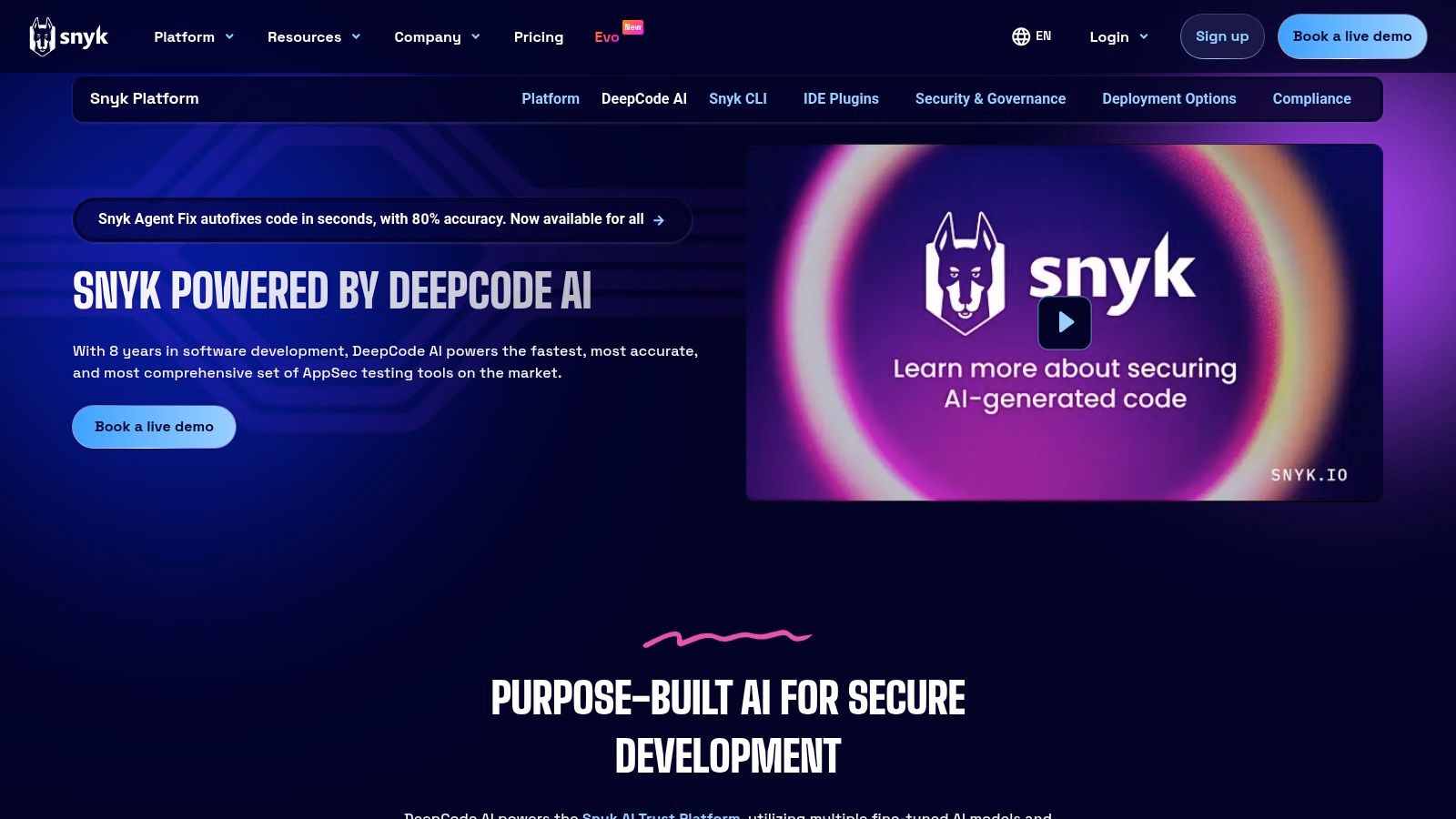
Alt text: Snyk Code’s AI-powered fix suggestions integrated directly into a pull request.
What sets Snyk Code apart is its developer-first, security-centric workflow. Instead of just flagging problems, its DeepCode AI Fix feature generates concrete code patches that developers can apply with a single click, directly within their IDE or pull request. This drastically reduces the time and effort needed to remediate security flaws. The tool integrates seamlessly into the CI/CD pipeline and Git repositories, providing automated scans and feedback that feel like a security-specialist teammate is reviewing every commit.
Key Features and Use Cases
- Hybrid Symbolic & ML Analysis: Combines the strengths of rule-based logic and machine learning to detect a broader range of security vulnerabilities, from SQL injection to more subtle data flow issues.
- AI-Generated Autofixes: Snyk’s DeepCode AI Fix suggests precise code changes to resolve identified vulnerabilities, which can be reviewed and accepted directly in the developer’s workflow.
- IDE and SCM Integration: Provides real-time scanning and feedback within popular IDEs (like VS Code, JetBrains) and as automated checks on pull requests in GitHub, GitLab, and Bitbucket.
- Security Policy & Compliance: Enables teams to enforce security policies, track vulnerability trends, and generate reports for compliance and auditing purposes.
Pricing and Availability
Snyk offers a multi-tiered pricing model that scales with team size and feature requirements.
- Free: A generous free tier for individual developers and small projects, offering a limited number of monthly tests.
- Team & Business: Paid plans that increase test limits, add advanced features like reporting, and offer more robust integrations for commercial use.
- Enterprise: Custom plans for large organizations with needs for advanced security controls, policy management, and dedicated support.
Practical Example: Shifting Security Left with the IDE Plugin
Empower developers to find and fix issues before they even reach a pull request.
- Install the Plugin: Instruct each developer to install the Snyk Vulnerability Scanner extension in their IDE (e.g., VS Code).
- Authenticate: Connect the plugin to their Snyk account.
- Real-time Scanning: As the developer writes code, the plugin will automatically scan for vulnerabilities in real-time. For example, if they write
const unsafeSql = 'SELECT * FROM users WHERE name = "' + userInput + '"';, Snyk will immediately underline the line. - One-Click Fix: Hovering over the issue reveals details about the SQL injection vulnerability and often presents an “AI Fix” button. Clicking it might transform the code into a safer, parameterized query, fixing the problem instantly.
Website: https://snyk.io/platform/deepcode-ai/
7. CodeRabbit
CodeRabbit is a dedicated AI code reviewer for GitHub and GitLab that focuses on providing a seamless and cost-effective review process. It integrates directly into pull/merge requests, offering contextual, line-by-line comments, PR summaries, and continuous, incremental feedback on code changes. What sets it apart is its unique, author-based pricing model, making it an economically efficient choice for teams where not every developer needs a licensed seat.
Alt text: CodeRabbit’s AI providing an inline comment on a pull request, suggesting a code improvement.
The tool is designed for rapid setup and immediate value. Once installed, it automatically begins analyzing new PRs, using code graph analysis to understand the impact of changes across the codebase. This allows it to deliver highly relevant suggestions that go beyond simple linting. CodeRabbit aims to function like an expert human reviewer, catching potential issues early and freeing up senior developers to focus on higher-level architectural decisions, which is a key benefit of using dedicated ai code review tools.
Key Features and Use Cases
- Author-Based Pricing: The unique seat model charges only for developers who are authors of pull requests, which can significantly reduce costs for larger teams.
- PR Summarization: Generates clear summaries of changes in a pull request, helping human reviewers quickly get up to speed on the context and intent.
- Code Graph Analysis: Understands the broader impact of code changes, leading to more insightful and context-aware review comments.
- Integrations: Connects with popular issue trackers like Jira and Linear, and can incorporate feedback from existing SAST and linter tools in its higher-tier plans.
Pricing and Availability
CodeRabbit offers several tiers to fit different team sizes and needs:
- Free: Available for open-source projects on public repositories.
- Lite: A basic paid plan for small teams.
- Pro & Enterprise: Adds advanced features like SAST/linter integration, analytics, and enhanced security for larger organizations.
Practical Example: Customizing Review Depth per PR
You can tailor CodeRabbit’s analysis level for each pull request based on its complexity.
- Create a Pull Request: Open a new PR as usual.
- Trigger a Light Review: If the PR is a minor change (e.g., a typo fix or documentation update), you can trigger a less intensive review by adding
@coderabbitai review --lightas a comment. This provides a quick check without deep analysis. - Trigger a Deep Review: For a complex bug fix or a new feature, you can request a more thorough analysis by commenting
@coderabbitai review --deep. This tells the AI to perform a more exhaustive examination of the code’s logic and potential edge cases. - By using these commands, you direct the AI’s focus where it’s most needed, optimizing review time and cost.
Website: https://www.coderabbit.ai/
8. Qodo (formerly CodiumAI)
Qodo, previously known as CodiumAI, offers a flexible and powerful approach to AI-driven code analysis with its open-source PR-Agent and managed Qodo Merge product. It positions itself as a highly adaptable AI code review tool by giving teams the choice between a free, self-hosted open-source solution or a fully managed platform with enterprise-grade privacy controls. This dual offering makes it a compelling option for a wide range of organizations, from open-source projects to large, security-conscious enterprises.
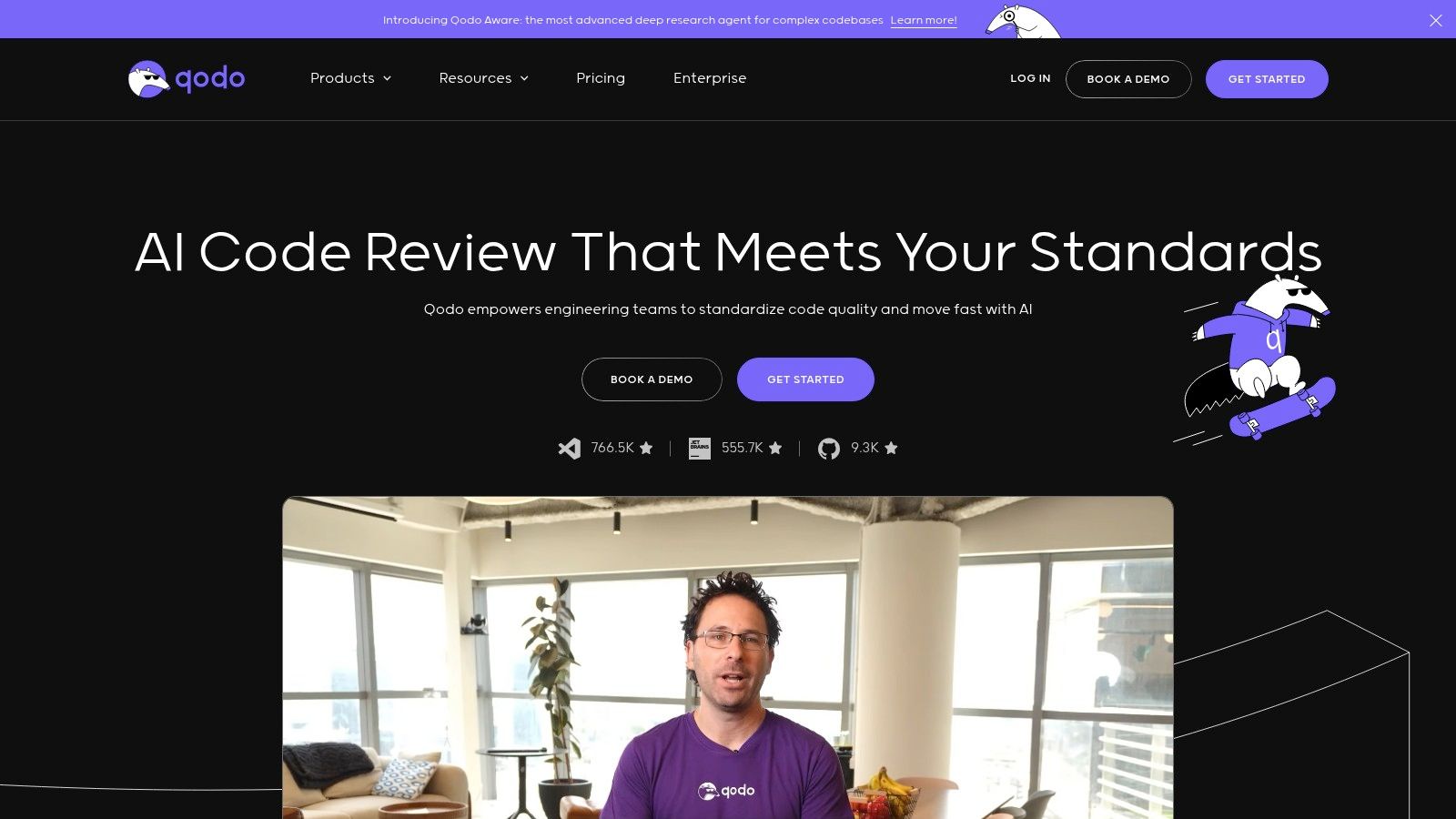
Alt text: Qodo’s AI-powered PR analysis providing a summary and suggestions for improvement.
What sets Qodo apart is its commitment to deployment flexibility. The open-source PR-Agent can be self-hosted, giving teams complete control over their data and infrastructure. For those who prefer a managed service, Qodo Merge provides a hosted solution with options for zero data retention, addressing critical privacy concerns. Both versions use interactive slash commands (e.g., /review, /describe, /improve) directly within pull request comments, creating an intuitive, conversational workflow for developers.
Key Features and Use Cases
- Automated PR Analysis: Generates automatic PR descriptions, suggests code improvements with repository-aware context, and labels PRs based on their content (e.g., “bug fix,” “documentation”).
- Interactive
/commands: Developers can interact with the AI directly in PR comments to request specific actions like explaining a piece of code (/explain), suggesting a better implementation (/improve), or generating documentation (/add_docs). - Flexible Deployment: Choose between the self-hosted, open-source PR-Agent for maximum control or the managed Qodo Merge for a hassle-free, secure experience.
- Enterprise Privacy: The managed offering includes zero data retention policies and CI feedback analysis, making it suitable for companies with strict data handling requirements.
Pricing and Availability
Qodo offers several tiers to accommodate different needs:
- Open Source PR-Agent: Free to use and self-host, offering core review and command functionalities.
- Free Tier (Hosted): A generous free plan for the GitHub App, allowing teams to experiment with the core features.
- Pro & Enterprise Plans: Paid tiers for Qodo Merge that provide more credits, advanced features like CI integration, and enhanced privacy controls.
Practical Example: Using Interactive Commands for Targeted Feedback
Instead of a generic review, use Qodo’s commands to get specific feedback on the parts of your PR you’re unsure about.
- Open a Pull Request: Create your PR on GitHub.
- Request a General Review: Add a comment
@Qodo reviewto get an overall analysis. - Get Targeted Improvement: Navigate to a specific file or line of code in the PR where you implemented a complex algorithm. Add a comment directly on that code:
@Qodo improve. The AI will respond in a thread with a suggested refactoring or optimization for that specific block. - Add Documentation: On a new public function that lacks comments, add another comment:
@Qodo add_docs. Qodo will reply with a suggested docstring for the function.
Website: https://www.qodo.ai/
9. DeepSource
DeepSource distinguishes itself in the landscape of AI code review tools by combining powerful static analysis with an innovative “Autofix” feature that proactively suggests and applies code corrections. It functions as an automated quality gatekeeper, integrating directly into Git workflows to analyze pull requests for bugs, security vulnerabilities, performance issues, and anti-patterns. The platform is designed to help teams maintain high code quality standards with minimal manual intervention.
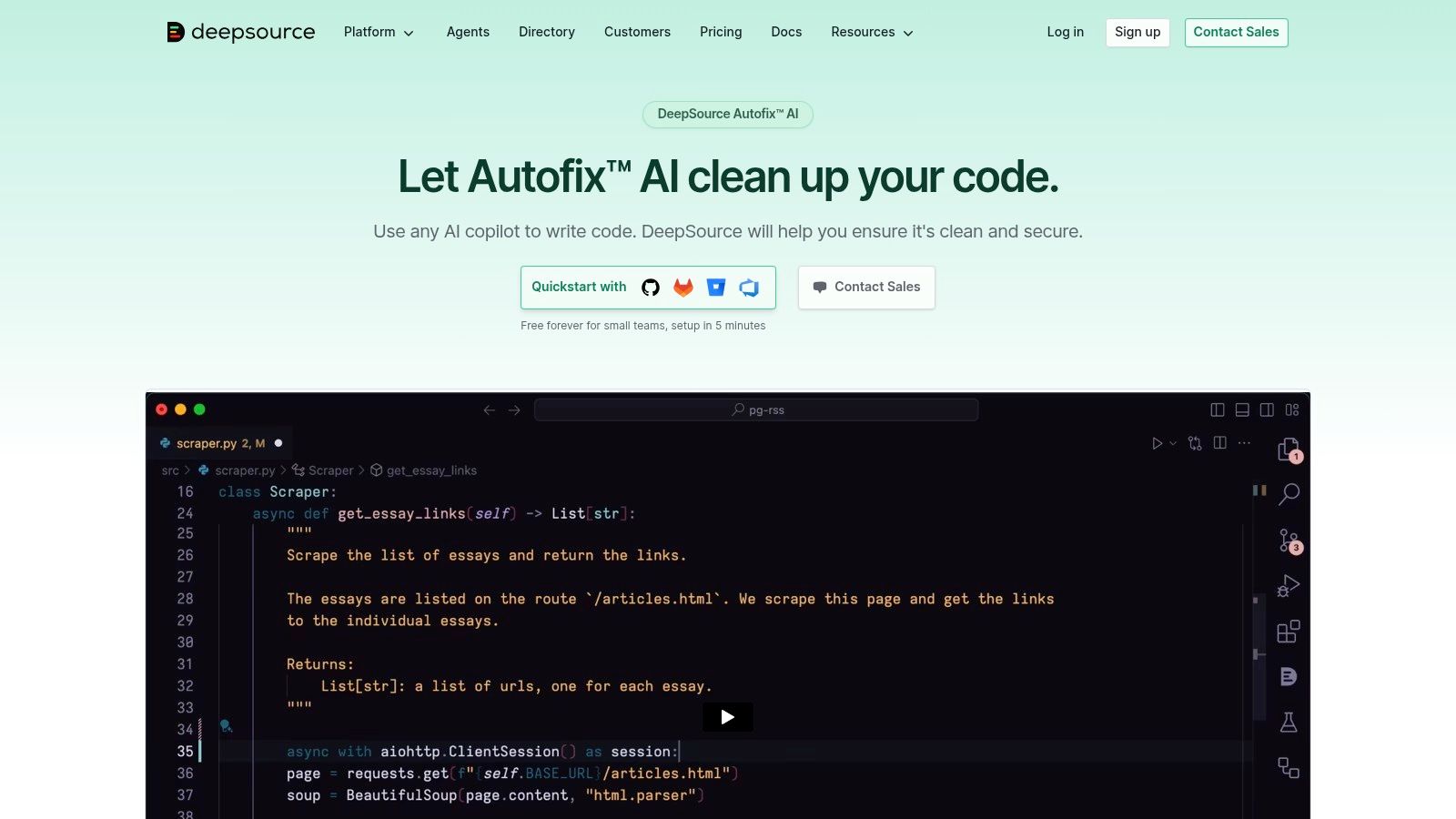
Alt text: DeepSource’s Autofix feature showing a proposed code fix within a pull request.
What sets DeepSource apart is its AI Autofix capability, which goes beyond simple suggestions. When an issue is detected, DeepSource can generate a concrete, multi-file code patch that the developer can apply with a single click. This streamlines the remediation process, turning a multi-step manual task into a quick confirmation. By also offering static application security testing (SAST) and Infrastructure-as-Code (IaC) checks, it provides a comprehensive quality and security solution that fits neatly into existing CI/CD pipelines and issue-tracking systems.
Key Features and Use Cases
- AI-Powered Autofix: Automatically generates and suggests code patches for detected issues, which can be applied directly to the pull request to accelerate remediation.
- Comprehensive Static Analysis: Detects over 2,000 types of code quality issues, security vulnerabilities (SAST), and misconfigurations in IaC files.
- Baseline Analysis: When first activated on a repository, it establishes a baseline and reports only on new issues introduced in subsequent changes, preventing teams from being overwhelmed by legacy debt.
- Workflow Integrations: Connects seamlessly with GitHub, GitLab, Bitbucket, Jira, and Slack, and offers an API and webhooks for custom CI/CD integrations.
Pricing and Availability
DeepSource offers a tiered pricing model suitable for different team sizes, with a free plan for open-source projects.
- Developer Plan: A free tier for individuals and open-source projects.
- Business Plan: A per-seat plan for teams that includes unlimited private repositories and analysis runs.
- Enterprise: A custom-priced solution available as a cloud or self-hosted instance with advanced security and support options.
Practical Example: Creating an Automated Quality Gate
Use DeepSource as a required status check in your repository’s branch protection rules to enforce code quality before merging.
- Install DeepSource: Add the DeepSource app to your GitHub or GitLab repository.
- Configure
.deepsource.toml: Add a configuration file to your repository root to enable analyzers and exclude files.version = 1 [[analyzers]] name = "python" enabled = true [[analyzers]] name = "test-coverage" enabled = true - Set Up Branch Protection: In your repository settings (e.g., GitHub > Settings > Branches), add a branch protection rule for your
mainbranch. - Require Status Check: Check the box for “Require status checks to pass before merging” and select
DeepSourcefrom the list. Now, no pull request can be merged until it passes the DeepSource analysis, effectively automating your code quality standards.
Website: https://deepsource.com/platform/autofix
10. CodeScene
CodeScene moves beyond traditional static analysis by offering a behavioral code analysis platform. It functions as an advanced AI code review tool by connecting code to business outcomes and team dynamics. Instead of just looking at syntax, CodeScene analyzes your version-control history to identify hotspots (complex code that developers work on frequently), manage technical debt, and even map developer knowledge across the organization. This unique approach provides deeper insights into long-term code health.

Alt text: CodeScene’s dashboard showing Code Health metrics and hotspot analysis.
What makes CodeScene stand out is its focus on the temporal and human aspects of software development. Its AI-powered quality gates for pull requests don’t just flag style violations; they assess the impact of changes on code health and highlight if modifications are happening in a critical hotspot. This helps teams prioritize reviews and refactoring efforts where they matter most. It can even analyze AI-generated code to ensure it meets quality standards, making it a powerful safeguard in modern development workflows.
Key Features and Use Cases
- Behavioral Hotspot Detection: Automatically identifies complex, high-change areas in your codebase that are prime candidates for refactoring and targeted reviews.
- AI Quality Gates: Integrates with PRs to provide “Code Health” scores, blocking merges that introduce significant technical debt into critical parts of the system.
- Technical Debt Management: Visualizes and prioritizes technical debt based on how it impacts development velocity, not just on abstract complexity metrics.
- Knowledge and Team Mapping: Analyzes commit history to identify knowledge silos, key developers for specific modules, and potential team onboarding challenges.
Pricing and Availability
CodeScene offers both cloud and on-premise solutions to fit different organizational needs, with pricing based on the number of developers and analysis frequency.
- Cloud: A managed SaaS offering with various tiers suitable for teams of all sizes.
- On-Premise: A self-hosted version for enterprises with strict data privacy or security requirements. It is also available via the AWS Marketplace.
Practical Example: Prioritizing Reviews with Hotspot Analysis
Use CodeScene’s hotspot detection to focus your team’s limited review time on the most critical changes.
- Run an Analysis: After setting up your project in CodeScene, run a full repository analysis.
- Identify Hotspots: Navigate to the “Hotspots” view. This will show a visual map of your codebase where files are color-coded (red for high-risk) and sized based on complexity and change frequency.
- Configure PR Integration: Set up CodeScene’s PR integration and configure it to post a warning comment whenever a change is made to a file with a Code Health score below a certain threshold (e.g., 4.0).
- Prioritize Reviews: In your team’s daily stand-up or review process, prioritize pull requests that CodeScene has flagged as modifying a hotspot. This ensures that your most experienced developers are reviewing the riskiest code.
Website: https://codescene.com/pricing
11. GitLab (with Duo AI)
GitLab has integrated AI across its entire DevSecOps platform with GitLab Duo, positioning it as a powerful, all-in-one solution rather than a standalone tool. For teams already using GitLab for source control, CI/CD, and project management, Duo’s capabilities transform the platform into a comprehensive AI code review tool. It assists developers directly within their existing workflows, from code creation to reviewing merge requests (MRs), aiming to enhance productivity and security without leaving the GitLab ecosystem.
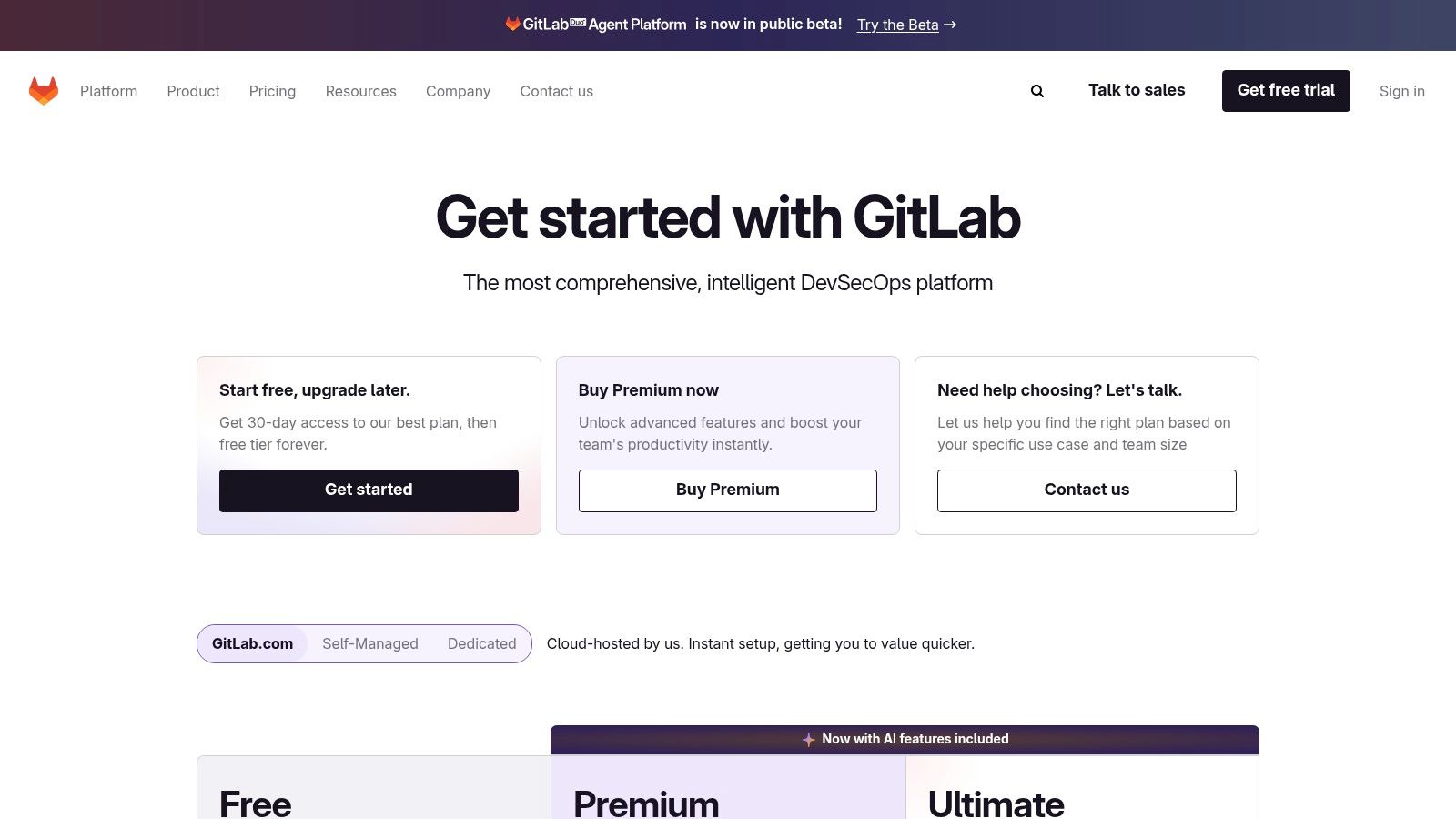
Alt text: GitLab’s Duo AI providing a summary of changes within a merge request.
What sets GitLab Duo apart is its deep integration with the full software development lifecycle. The AI features are not just bolted on; they are woven into merge requests, issue tracking, and security scanning. Reviewers can leverage AI to generate summaries of complex changes, explain unfamiliar code blocks, and even receive suggestions for refactoring. This creates a unified experience where AI assistance is a natural part of the established development and review process, leveraging the context of the entire project stored within GitLab.
Key Features and Use Cases
- Merge Request Summaries: Automatically generates summaries for MRs, helping reviewers quickly understand the purpose and scope of the proposed changes.
- Code Suggestions and Refactoring: Offers suggestions to improve code quality, fix bugs, and refactor code for better performance and readability directly within the MR.
- Integrated DevSecOps: Combines AI code analysis with GitLab’s built-in security scanning to identify vulnerabilities and suggest fixes before code is merged.
- Explain and Generate Code: Users can highlight code within GitLab to get an AI-powered explanation or ask Duo Chat to generate new code snippets and tests.
Pricing and Availability
GitLab Duo is an add-on to existing GitLab subscriptions and is not a standalone product. The key code review features are part of the Pro tier.
- Duo Pro: An add-on available for Premium and Ultimate customers, providing advanced AI features like code suggestions, MR summaries, and code explanation. The full suite of review capabilities is part of this tier.
Practical Example: Accelerating Reviews with Code Explanation
Use the “Explain selected code” feature to empower junior developers and speed up the review process for complex code.
- Open a Merge Request: A reviewer opens an MR containing a complex function they don’t fully understand.
- Highlight Code: They highlight the block of code in the “Changes” tab.
- Click to Explain: A small question mark icon appears. Clicking it reveals the “Explain selected code with Duo” option.
- Get Instant Clarity: GitLab Duo provides a natural language explanation of what the code does, its inputs, and its outputs directly in a side panel. This action prevents the need for a context-switching back-and-forth conversation with the author, allowing the reviewer to provide feedback more quickly and confidently.
Website: https://about.gitlab.com/pricing
12. Atlassian Bitbucket Cloud (with Atlassian Intelligence)
For teams deeply integrated into the Atlassian ecosystem, Bitbucket Cloud has evolved from a Git repository manager into a collaborative development platform with AI enhancements. Through Atlassian Intelligence, Bitbucket now offers features that streamline the pull request process, positioning it as a lightweight AI code review tool for users of Jira and Confluence. It focuses on accelerating reviewer comprehension and reducing the manual effort of writing PR descriptions rather than performing deep semantic code analysis.
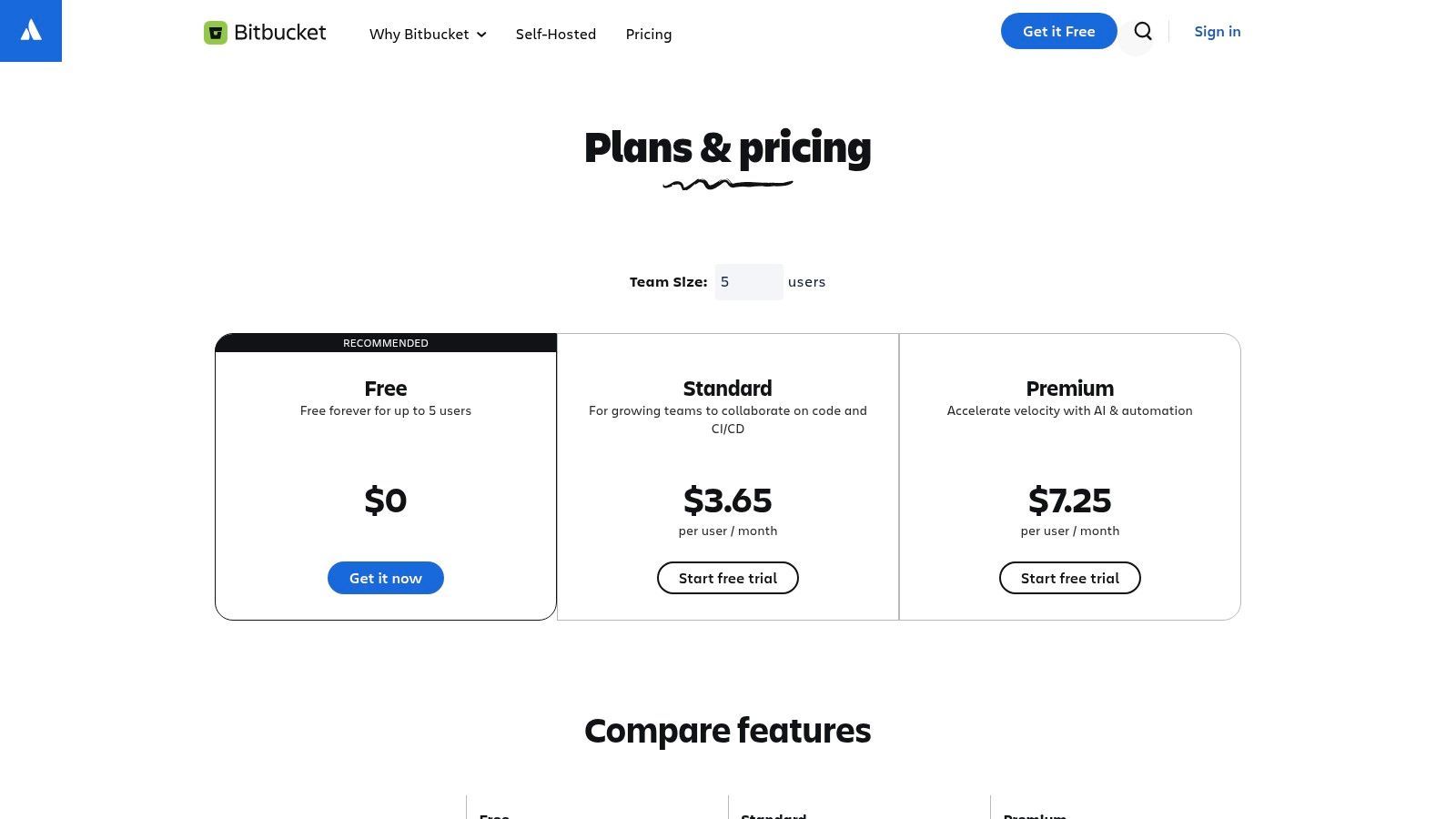
Alt text: Atlassian Intelligence generating a pull request summary in Bitbucket.
What makes Bitbucket’s approach stand out is its seamless workflow integration. Instead of being a separate tool, Atlassian Intelligence is woven directly into the Bitbucket UI. With a single click, developers can generate detailed summaries of their changes, automatically linking to relevant Jira issues. This saves significant time and ensures that every pull request has a consistent, high-quality description, allowing human reviewers to immediately grasp the context and focus on the logic of the code itself.
Key Features and Use Cases
- AI-Generated Pull Request Descriptions: Automatically creates comprehensive summaries of code changes, explaining the ‘what’ and ‘why’ to accelerate the review cycle.
- Editor Commenting Assistance: The AI can help developers refine their comments and feedback within a pull request, ensuring communication is clear and constructive.
- Jira and Confluence Integration: Tightly connects code changes to project management tickets and documentation, providing complete context for reviewers.
- Code Insights: Surfaces reports from integrated static analysis and security scanning tools directly within the pull request view, centralizing feedback.
Pricing and Availability
Atlassian Intelligence features are not available in the Free or Standard Bitbucket Cloud plans. Access is included with the upper-tier plan:
- Premium: Includes all standard features plus Atlassian Intelligence, advanced security scanning, and deployment permissions. It is priced on a per-user, per-month basis.
Practical Example: Standardizing PR Descriptions with AI
Mandate the use of AI-generated descriptions to ensure all pull requests meet a minimum quality standard for context.
- Create a PR Template: In your Bitbucket repository, create a
pull_request_template.mdfile in the.bitbucketdirectory. - Add a Checklist: In the template, include a checklist item:
- [ ] I have used Atlassian Intelligence to generate the PR summary and have reviewed it for accuracy. - Developer Workflow: When a developer creates a new pull request, the template appears. They write their code, push the changes, and then click the “Generate description” button powered by Atlassian Intelligence.
- Review and Submit: The developer reviews the AI-generated text, makes any necessary edits for clarity, checks the box in the template, and then assigns the PR to a reviewer. This simple process guarantees every reviewer has a solid, consistent starting point.
Website: https://www.atlassian.com/software/bitbucket/pricing
Top 12 AI Code Review Tools — Head-to-Head Comparison
| Tool | Core features ✨ | UX / Quality ★ | Pricing & Value 💰 | Target audience & USP 👥 🏆 |
|---|---|---|---|---|
| GitHub Copilot | ✨ Copilot chat, PR code review (paid), multi-model access, IDE + GitHub integration | ★★★★☆ | 💰 Pro/Business tiers; metered premium requests | 👥 GitHub-centric teams — 🏆 Deep PR/workflow integration |
| Google Gemini Code Assist | ✨ PR reviews, large-context repo understanding, VS Code/JetBrains support, admin controls | ★★★★☆ | 💰 Generous free individual usage; GCP enterprise pricing | 👥 Google Cloud teams — 🏆 Large-context repo awareness |
| Amazon Q Developer | ✨ ‘/q review’ commands, repo rules (.amazonq), IDE + AWS console integrations, SSO | ★★★★ | 💰 Free & Pro tiers; AWS-integrated billing | 👥 AWS-centric engineering orgs — 🏆 Command-driven PR automation & governance |
| Amazon CodeGuru Reviewer | ✨ PR & full-repo scans, Java/Python focus, SARIF output, CI integration | ★★★☆☆ | 💰 Per‑LOC pricing; AWS console support | 👥 Teams needing AWS ML reviews & security — 🏆 Security/quality-focused analysis |
| Sonar (SonarCloud) + AI CodeFix | ✨ PR analysis, quality gates, AI CodeFix, SonarLint/CI integrations | ★★★★☆ | 💰 Pricing by private LOC; AI fixes on Team/Enterprise | 👥 Teams needing mature static analysis — 🏆 Established rules engine & quality gates |
| Snyk Code (DeepCode AI) | ✨ Hybrid symbolic+ML SAST, AI fix generation, IDE & PR plugins, policy reporting | ★★★★☆ | 💰 Per-seat/enterprise pricing (contact sales) | 👥 Security-first teams — 🏆 Deep SAST + autofix workflows |
| CodeRabbit | ✨ Unlimited assigned-seat PR reviews, PR summaries, inline comments, code-graph | ★★★★ | 💰 Seat-based billing for PR authors; free for public repos (Pro) | 👥 PR authors / orgs wanting low-cost seats — 🏆 Cost-effective author-seat model |
| Qodo (CodiumAI) | ✨ OSS PR-Agent + hosted Qodo Merge, ‘/commands’, zero-retention options, self-host | ★★★★ | 💰 Free GitHub app + hosted tiers; token limits on low tiers | 👥 Privacy-conscious & OSS teams — 🏆 Flexible self-host or managed privacy |
| DeepSource | ✨ AI Autofix (multi-file), static analysis, SAST, IaC checks, baseline analysis | ★★★★ | 💰 Per-seat pricing; self-host enterprise option | 👥 Teams wanting autofix & IaC scanning — 🏆 Batch autofix to reduce remediation |
| CodeScene | ✨ Behavioral code analysis, CodeHealth, hotspot detection, AI quality gates | ★★★★ | 💰 Cloud or on-prem pricing; varies by plan | 👥 Teams focused on technical debt & knowledge maps — 🏆 Behavioral insights beyond linters |
| GitLab (with Duo AI) | ✨ AI code suggestions, MR summaries, integrated security scanning, SaaS/self-managed | ★★★★ | 💰 Duo add-on increases cost; bundled with GitLab plans | 👥 Teams wanting repo-to-deploy platform — 🏆 Integrated DevSecOps + AI overlay |
| Bitbucket Cloud (Atlassian Intelligence) | ✨ AI-generated PR descriptions, editor prompts, Jira/Confluence integration | ★★★★ | 💰 Bitbucket Premium per-user (AI enabled at Premium) | 👥 Atlassian stack users (Jira/Confluence) — 🏆 Seamless Atlassian workflow integration |
Conclusion: Making AI a Core Part of Your Development Workflow
We’ve journeyed through a comprehensive landscape of modern ai code review tools, each offering a unique approach to augmenting the development lifecycle. From the deeply integrated, generative power of GitHub Copilot and GitLab Duo to the laser-focused security analysis of Snyk Code and the behavioral code analysis of CodeScene, one thing is clear: AI is fundamentally reshaping how we write, review, and maintain software. These tools are no longer futuristic concepts; they are practical, powerful assets for any engineering team.
The central theme emerging from our analysis is not the replacement of human developers but the creation of a powerful human-AI partnership. The goal is to offload the repetitive, time-consuming aspects of code review, such as spotting trivial syntax errors, enforcing style guides, and identifying common security flaws. This frees up your most valuable resource, your engineers, to concentrate on the complex, nuanced challenges that require human intellect: architectural design, business logic, and creative problem-solving.
Selecting the Right AI Assistant for Your Team
Choosing the perfect tool from this diverse list can feel daunting, but it boils down to understanding your team’s specific context and priorities. Your decision-making process should be guided by a few key questions.
- What is your primary development ecosystem? Teams heavily invested in the GitHub, GitLab, or Atlassian ecosystems will find the most seamless experience with their native AI offerings (Copilot, Duo, and Atlassian Intelligence, respectively). The deep integration minimizes context switching and administrative overhead.
- What is your biggest pain point? If your primary concern is application security, a specialized SAST tool like Snyk Code or the security-focused features of Sonar and DeepSource should be at the top of your list. If pull request review cycles are your main bottleneck, a dedicated PR agent like CodeRabbit or Qodo can provide immediate relief.
- What is your budget and team size? Startups and small teams may lean towards tools with generous free tiers or consumption-based pricing, like CodeRabbit or DeepSource. Larger enterprises might prioritize the robust support, security, and scalability offered by platform solutions like Amazon Q Developer or Google Gemini Code Assist.
Practical Steps for Implementation
Once you’ve shortlisted a few candidates, the key is to start small and iterate. Rushing a team-wide rollout without proper evaluation can lead to friction and low adoption. Instead, follow a structured approach to integrate your chosen ai code review tools.
- Start with a Pilot Project: Select a single, non-critical project or a small, enthusiastic team to pilot the tool. This creates a low-risk environment to assess its real-world impact on your specific workflows.
- Define Success Metrics: Before you begin, decide what success looks like. Are you aiming to reduce PR review time, decrease the number of bugs reaching production, or improve security vulnerability detection rates? Track these metrics before and during the pilot.
- Gather Qualitative Feedback: Metrics tell only part of the story. Actively solicit feedback from the pilot team. Does the tool generate useful, actionable suggestions? Is it noisy? Does it integrate smoothly into their daily routine?
- Integrate and Automate: Once you’ve validated the tool’s value, focus on deep integration. Automate its execution within your CI/CD pipeline to ensure every commit and pull request is analyzed consistently. By integrating AI code review, organizations can significantly strengthen their adherence to a robust secure software development policy, making quality and security an automated, foundational part of the development process.
Actionable Takeaways
- Start with your IDE: Before committing, use your AI assistant’s chat (Copilot, Gemini) to “self-review” your code for common issues.
- Automate with Quality Gates: Configure your chosen tool (Sonar, DeepSource) as a required CI check to automatically block PRs with critical issues.
- Focus Reviews on Hotspots: Use a tool like CodeScene to identify high-risk code areas and prioritize human review efforts on those PRs.
- Leverage Interactive Commands: Encourage your team to use PR commands (
/review,/improve) in tools like Qodo or Amazon Q for targeted feedback.
Tools & Resources
- GitHub Copilot: https://github.com/features/copilot
- Snyk Code: https://snyk.io/platform/deepcode-ai/
- Qodo PR-Agent (Open Source): https://github.com/Codium-ai/pr-agent
- SonarCloud: https://www.sonarsource.com/products/sonarcloud/
Further Reading
Ready to explore even more AI-powered solutions to enhance your workflows? Visit the AI Tools Hub, our comprehensive and continually updated directory of cutting-edge AI applications. Find your next favorite tool and stay ahead of the curve by exploring our curated collections at AI Tools Hub.